How to Manage Website
in Odoo 17 Studio App
Enterprise
Introduction
Enterprise
This slide will represent how to Manage Website in Odoo 17
Studio App.
Enterprise
Manage Website
Let's take an example of managing rental car business
where we need to create a new app using studio.
By clicking the toggle studio button we can create a new
modal as follows
Enterprise
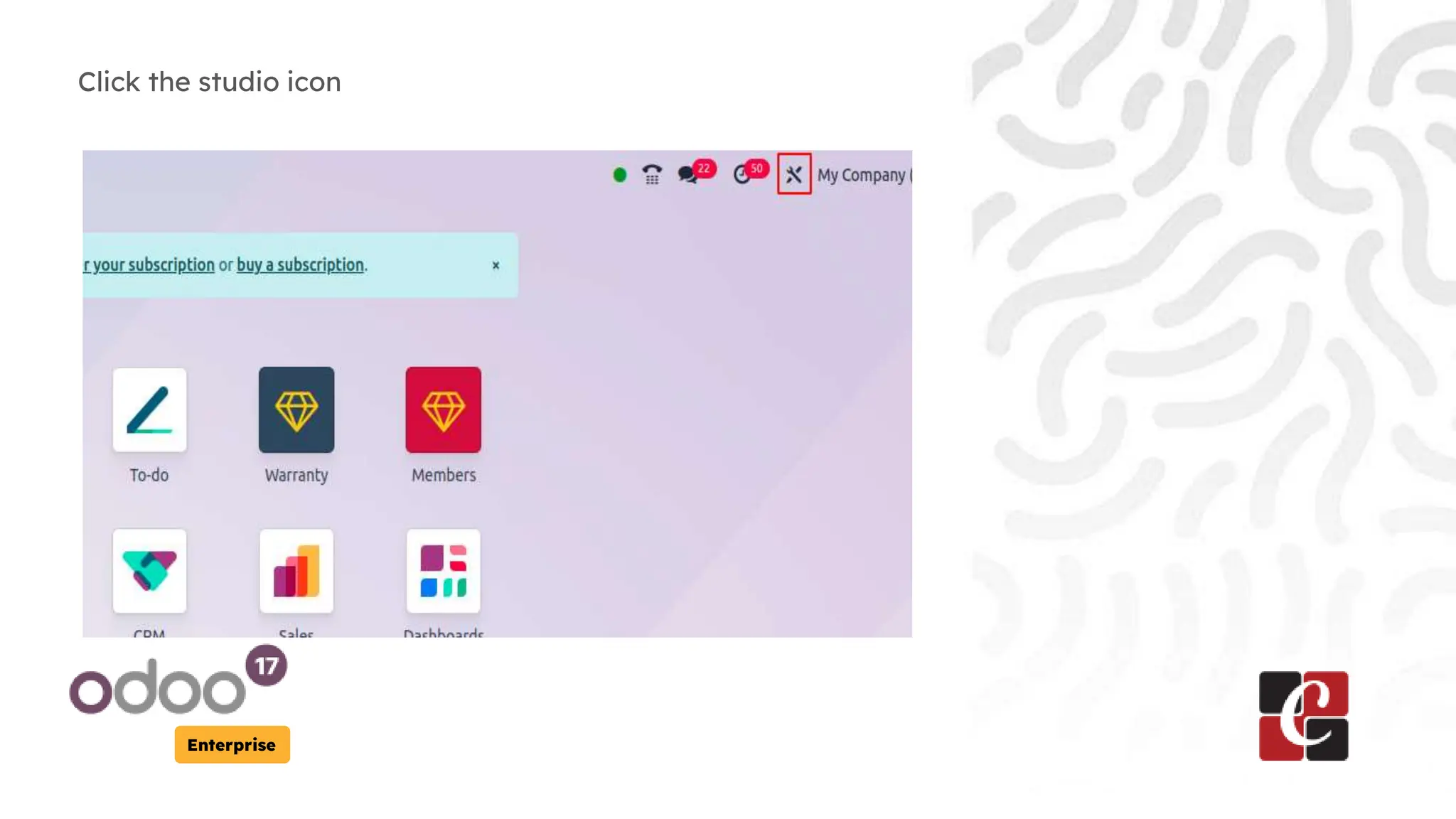
Click the studio icon
Enterprise
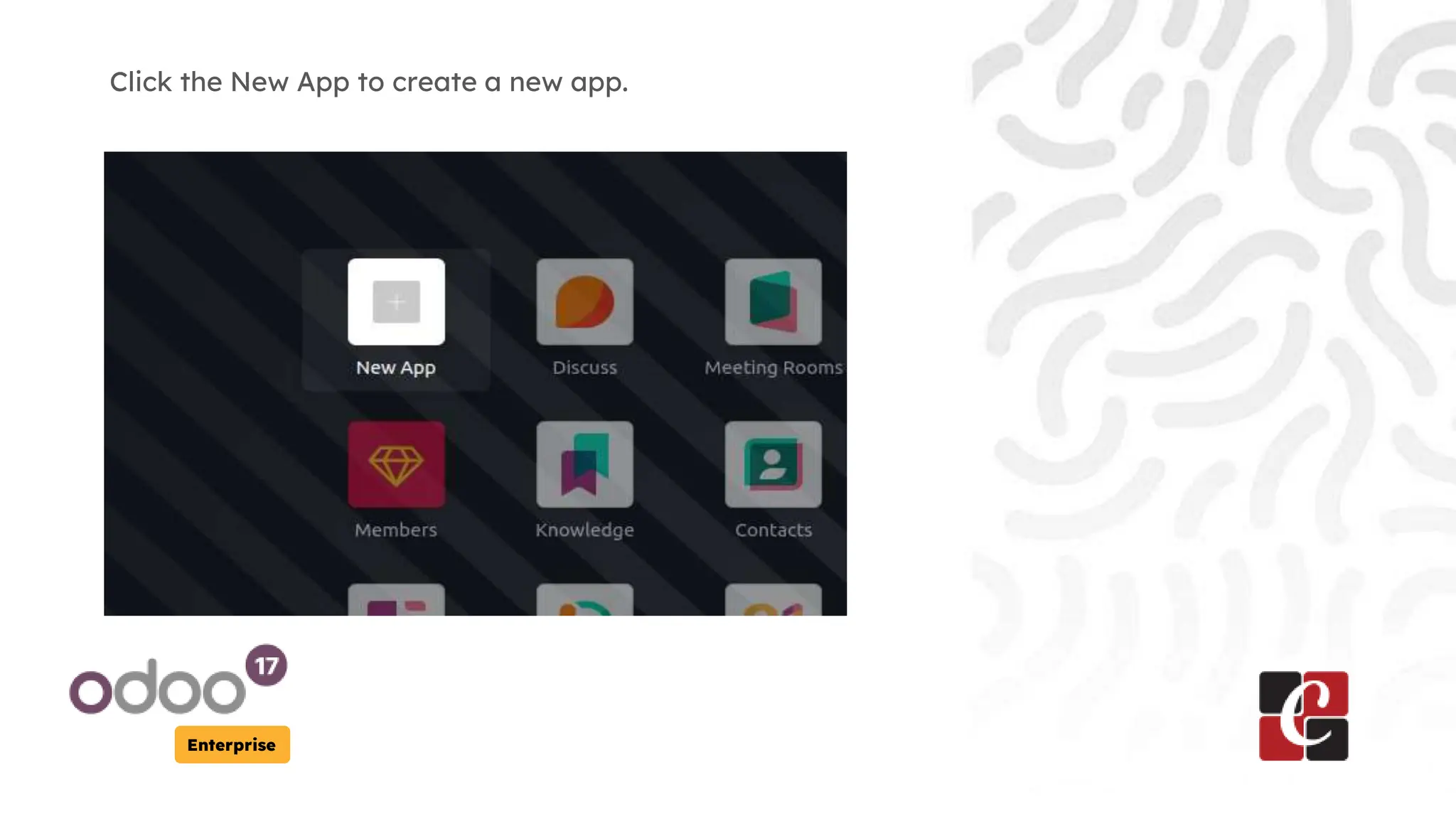
Click the New App to create a new app.
Enterprise
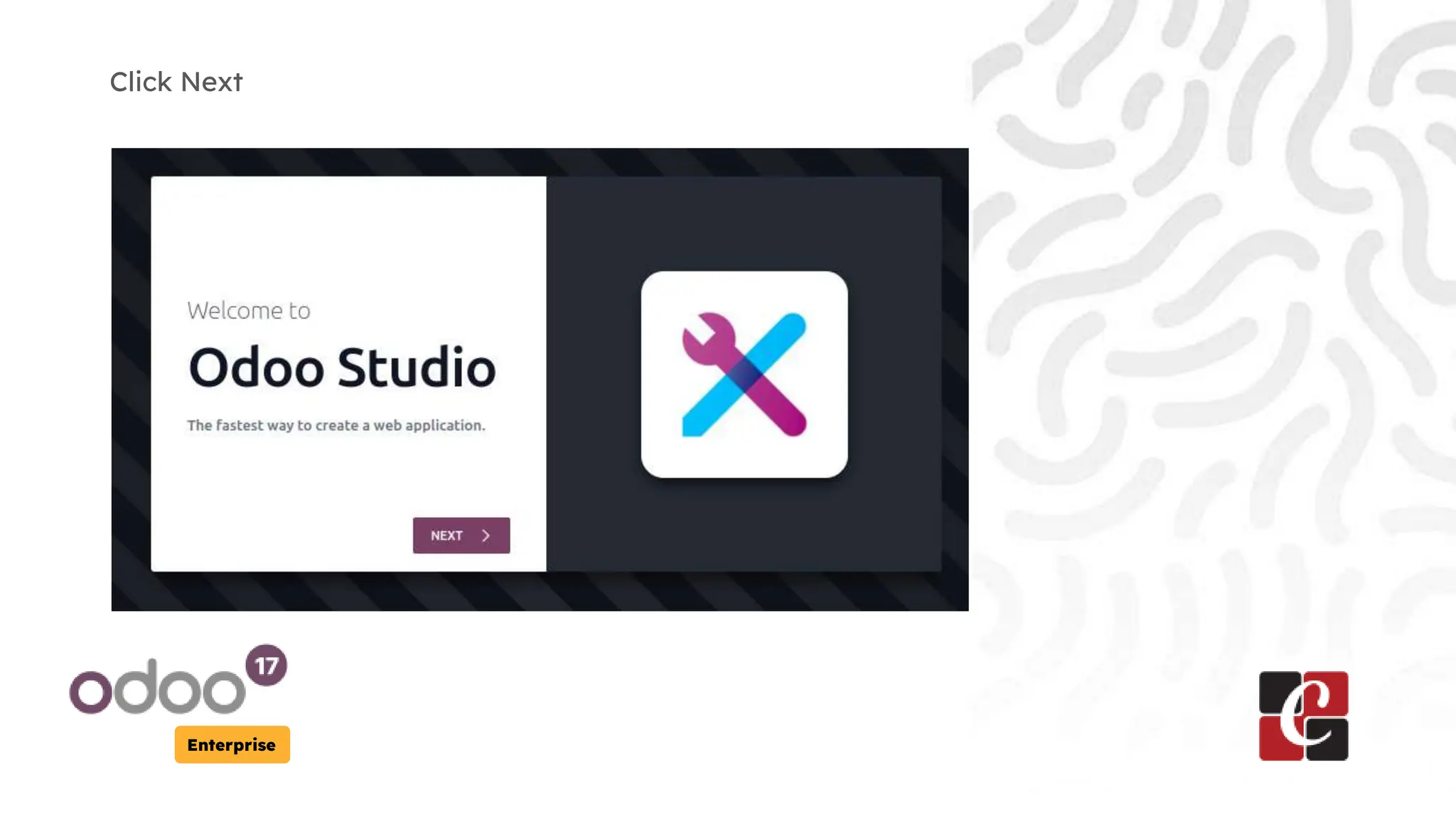
Click Next
Enterprise
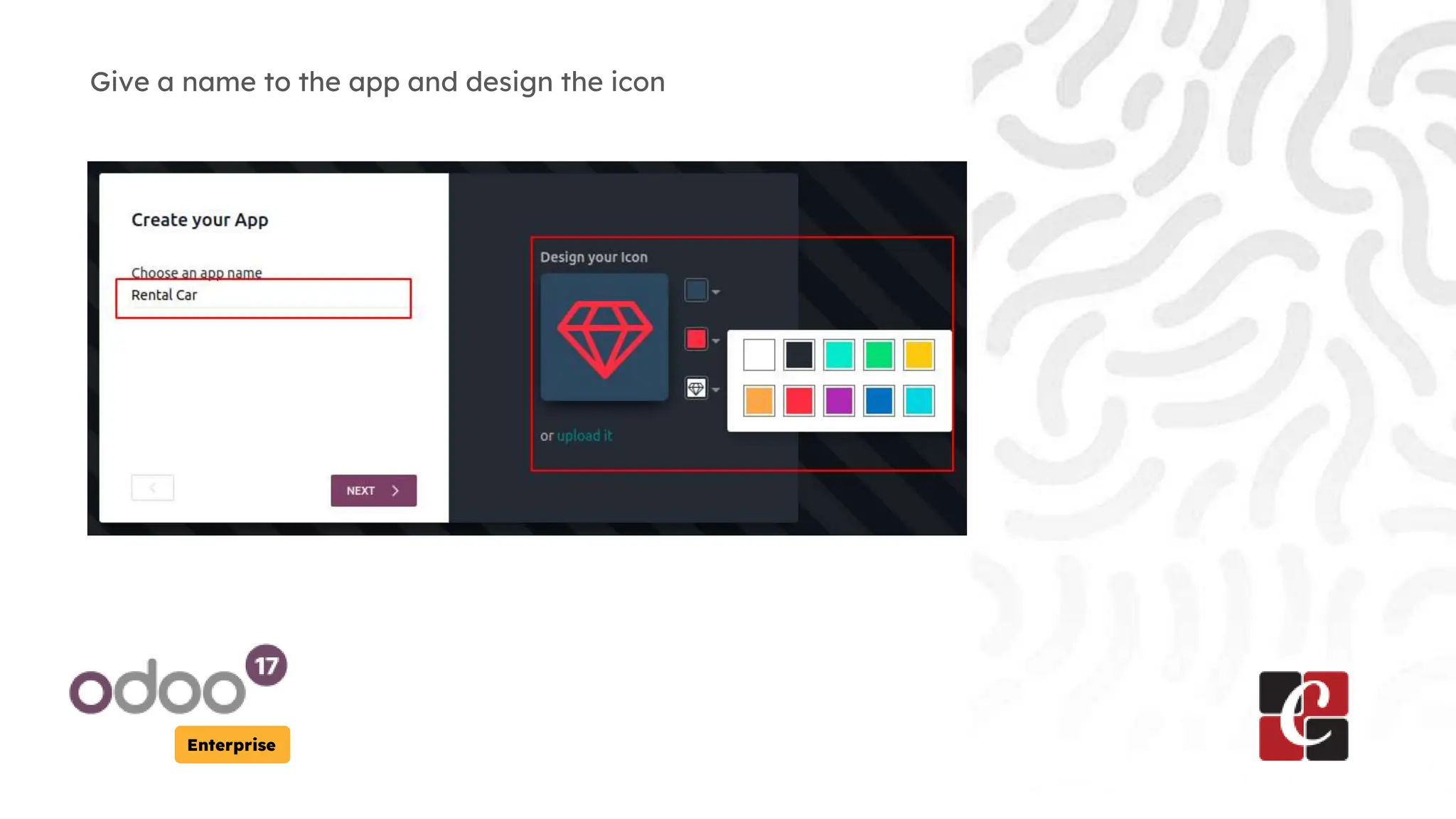
Give a name to the app and design the icon
Enterprise
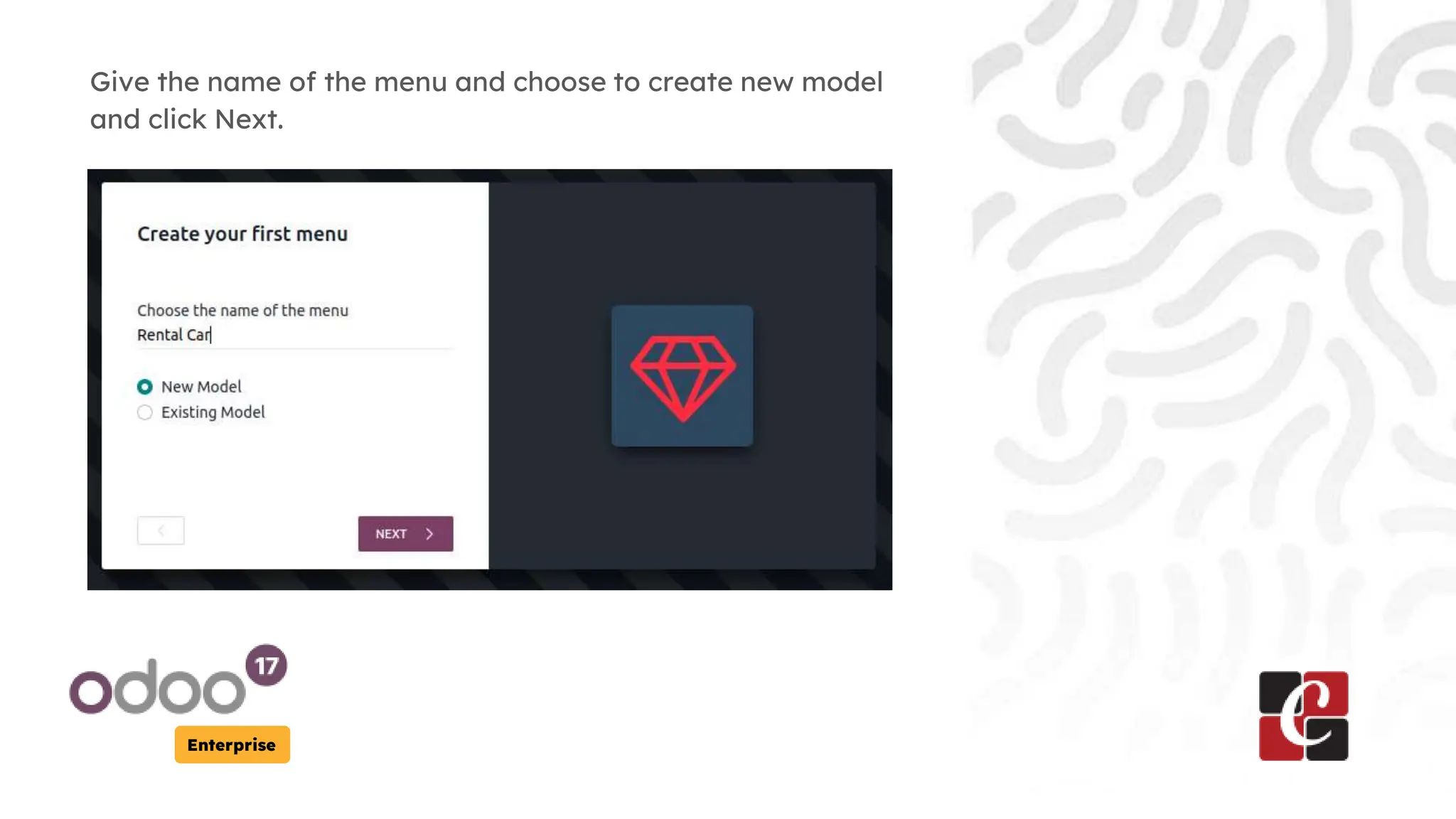
Give the name of the menu and choose to create new model
and click Next.
Enterprise
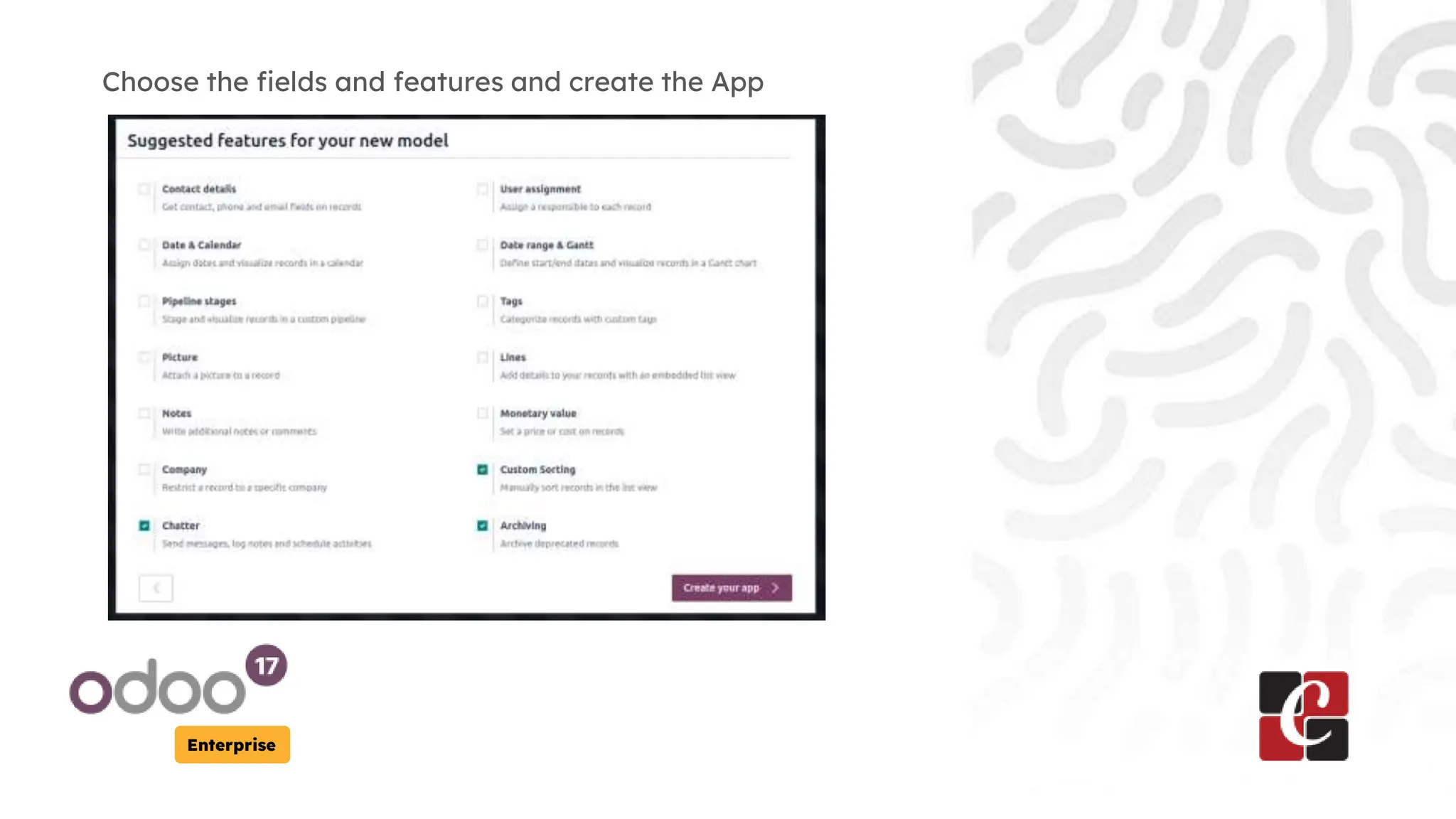
Choose the fields and features and create the App
Enterprise
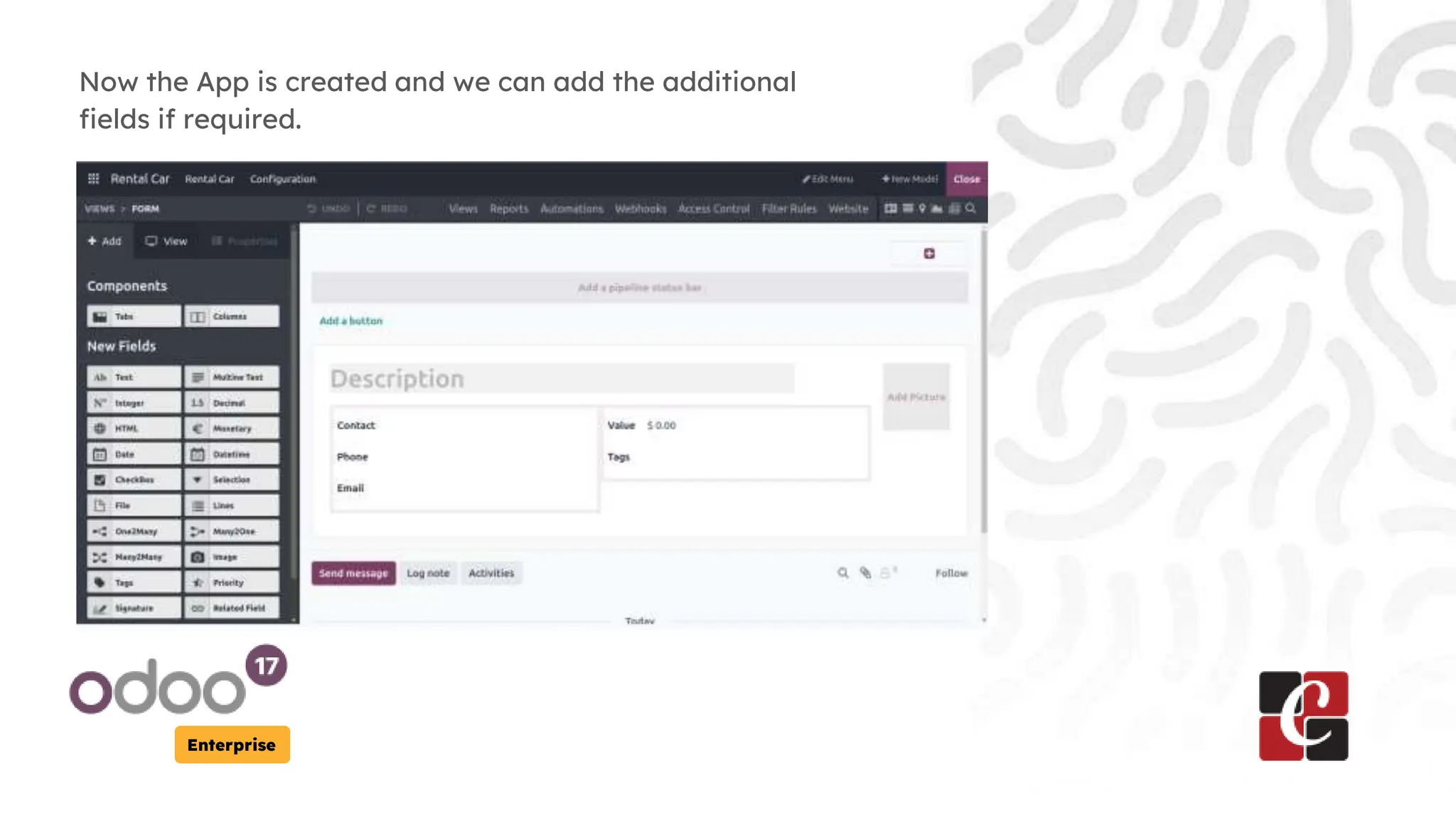
Now the App is created and we can add the additional
fields if required.
Enterprise
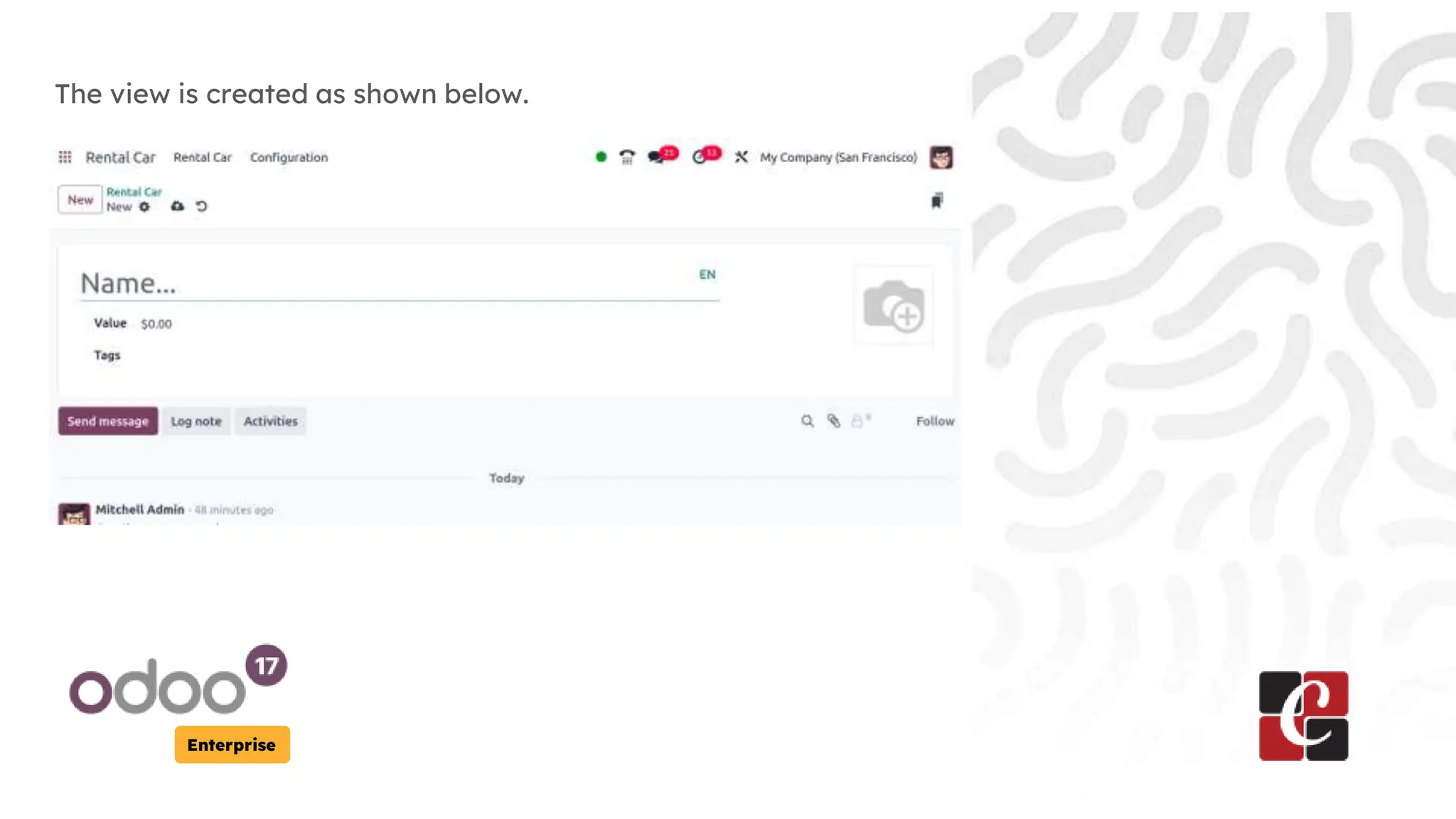
The view is created as shown below.
Enterprise
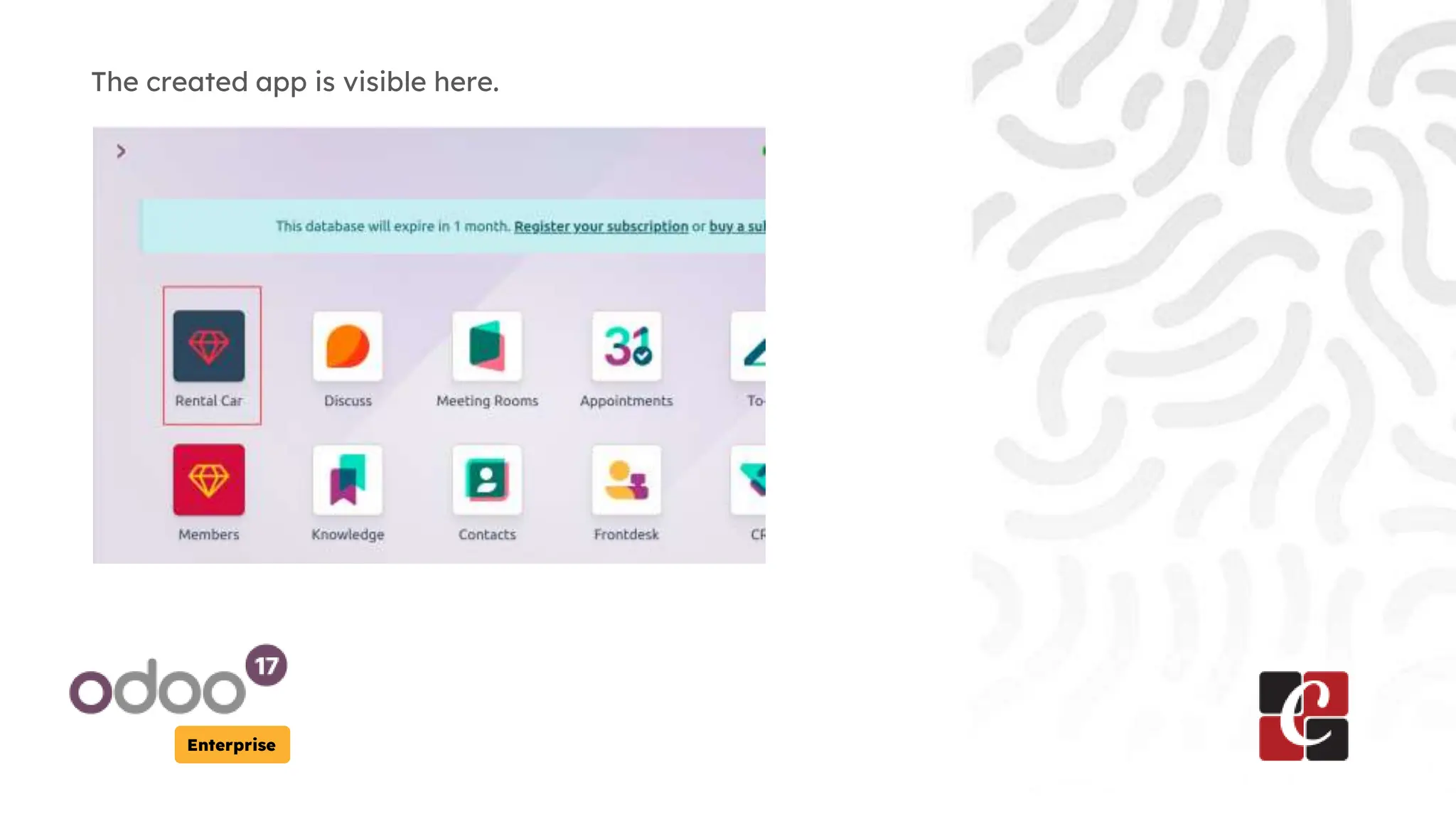
The created app is visible here.
Enterprise
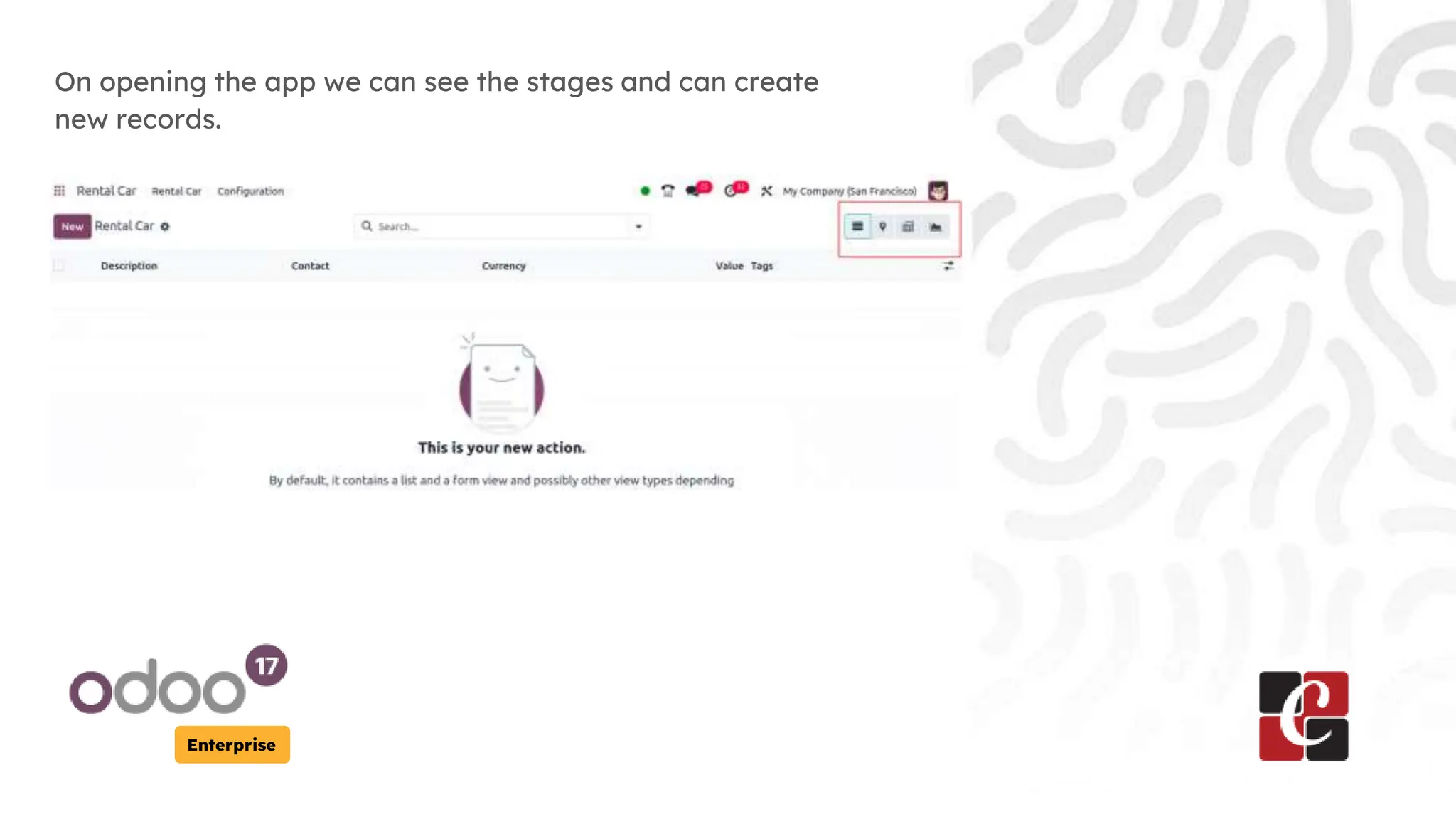
On opening the app we can see the stages and can create
new records.
Enterprise
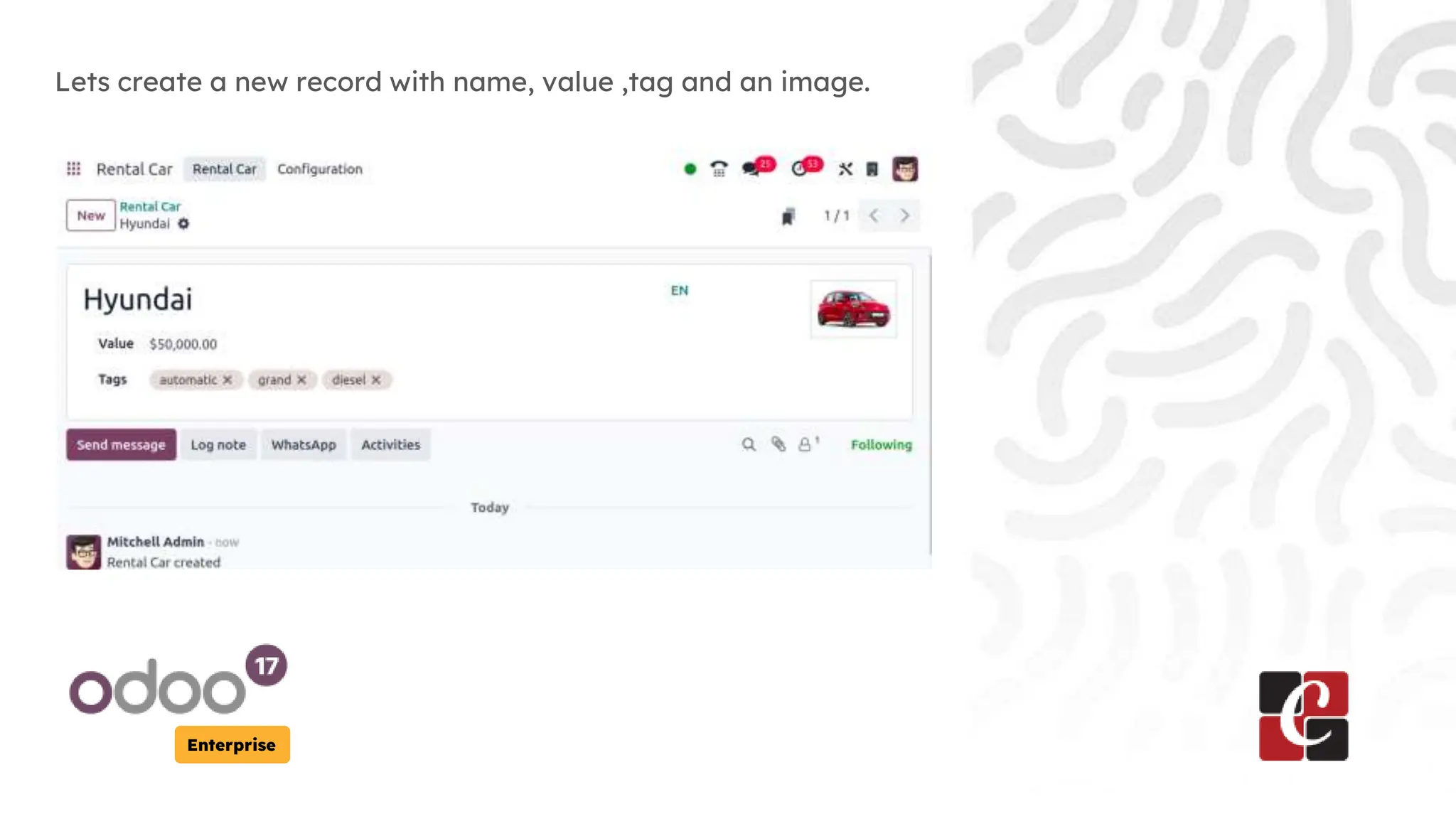
Lets create a new record with name, value ,tag and an image.
Enterprise
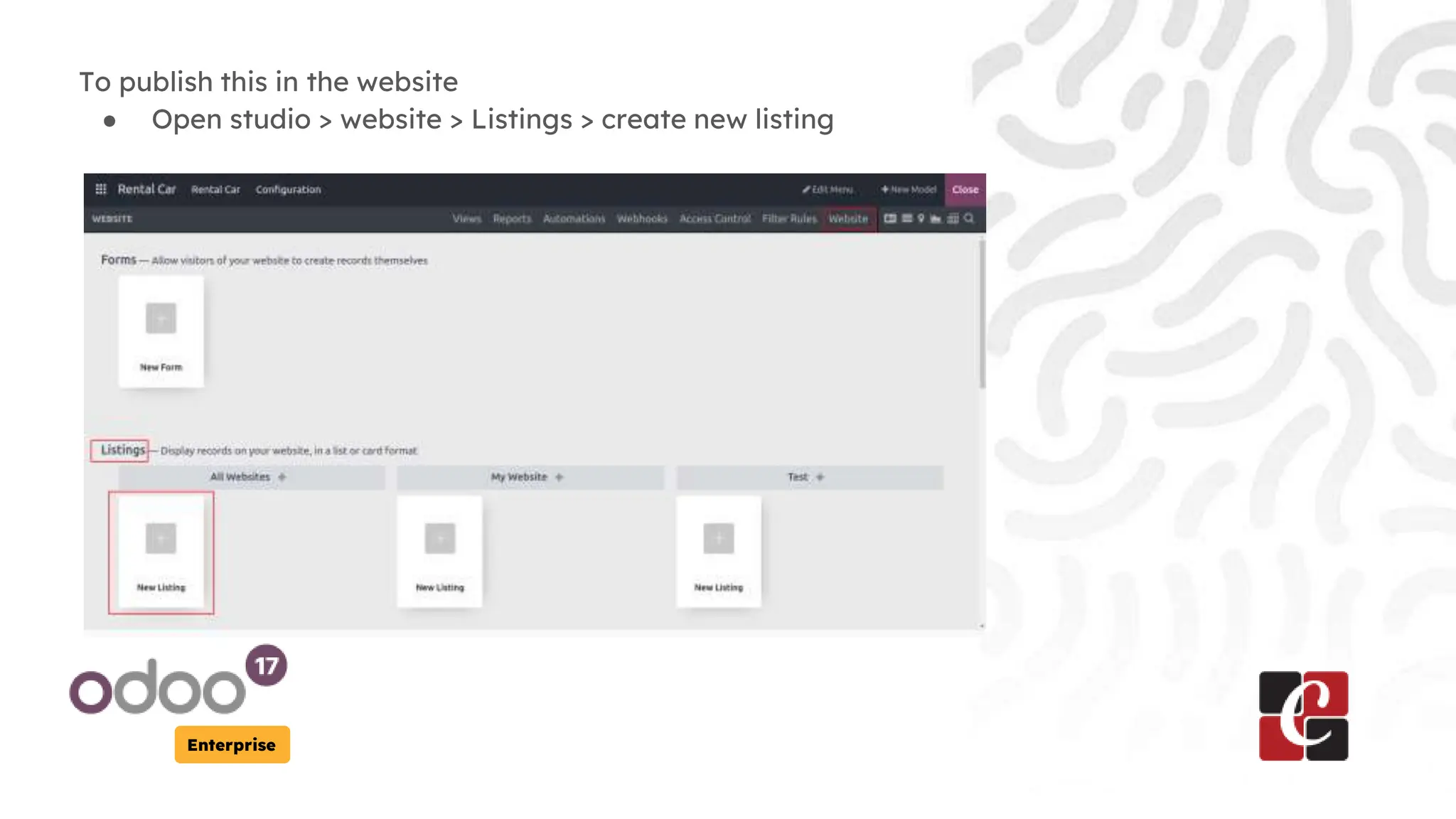
To publish this in the website
● Open studio > website > Listings > create new listing
Enterprise
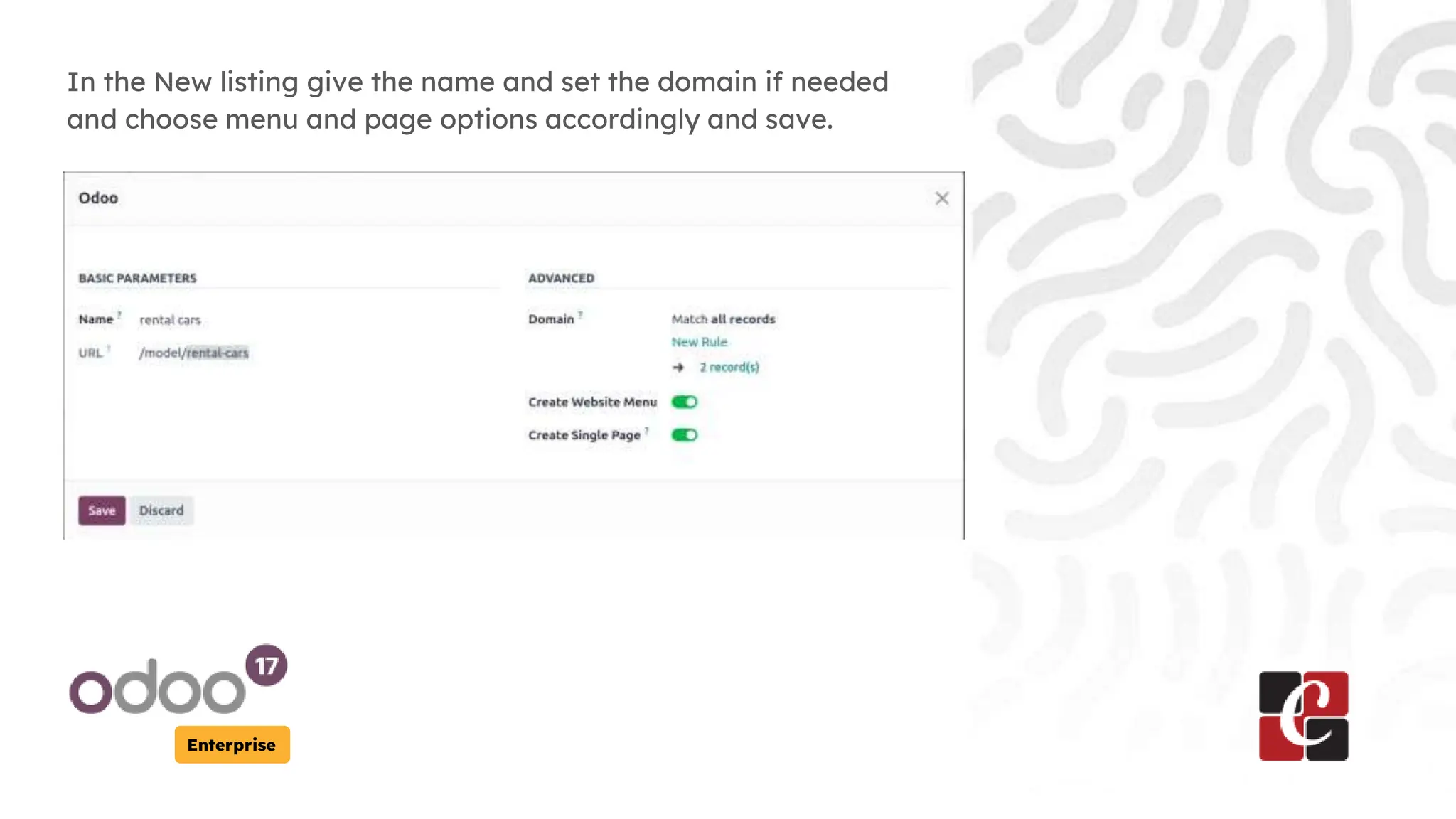
In the New listing give the name and set the domain if needed
and choose menu and page options accordingly and save.
Enterprise
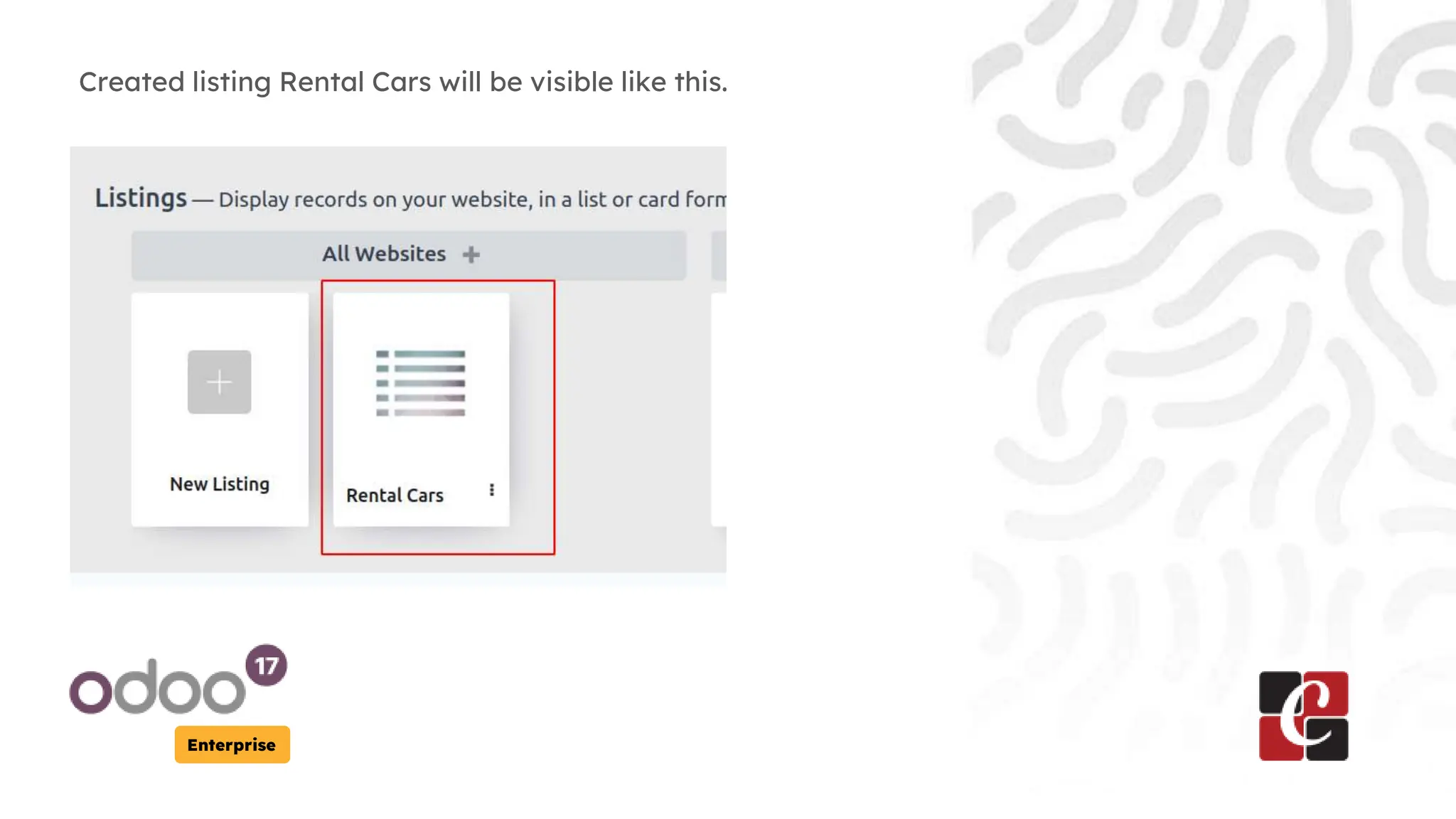
Created listing Rental Cars will be visible like this.
Enterprise
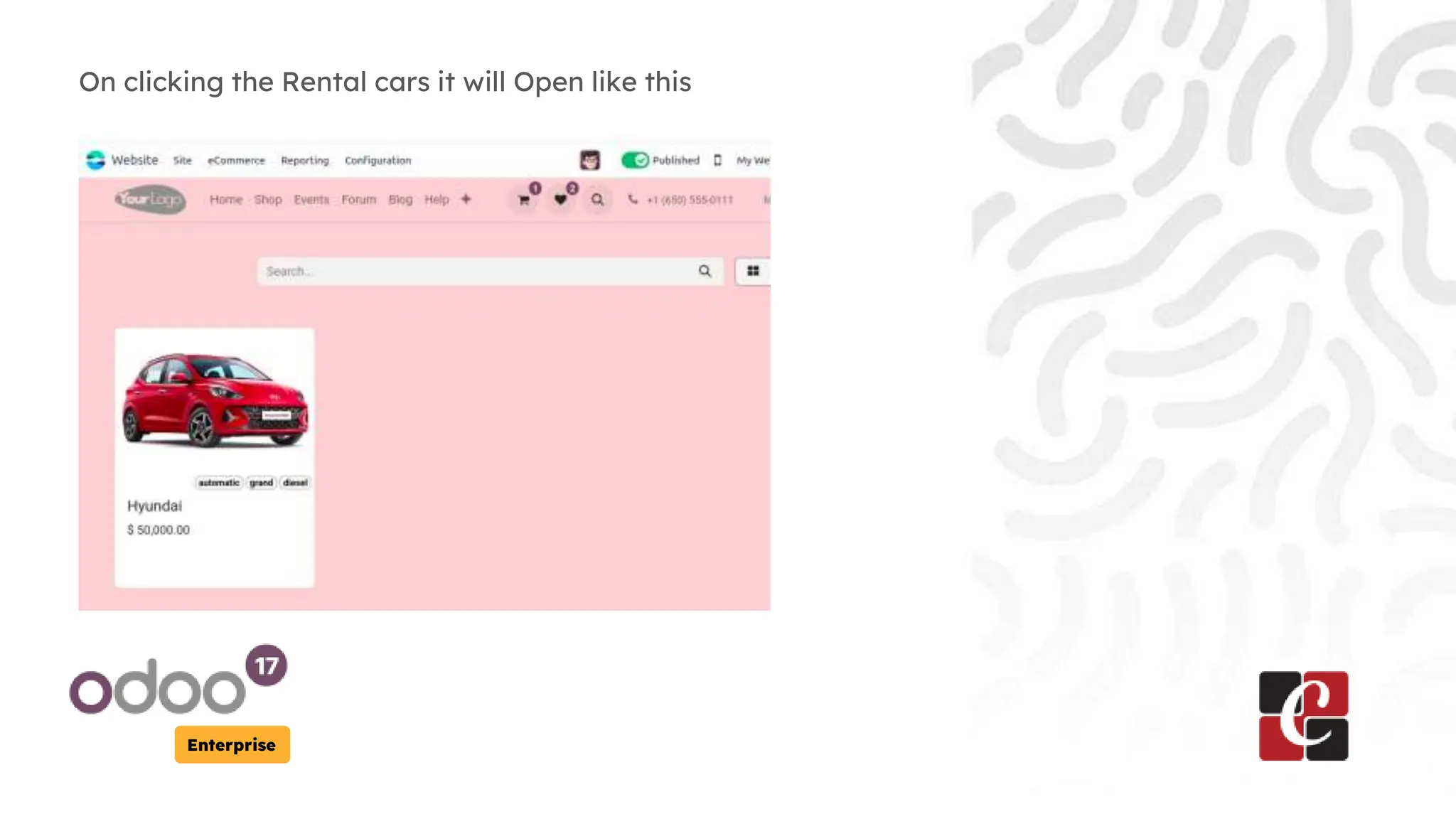
On clicking the Rental cars it will Open like this
Enterprise
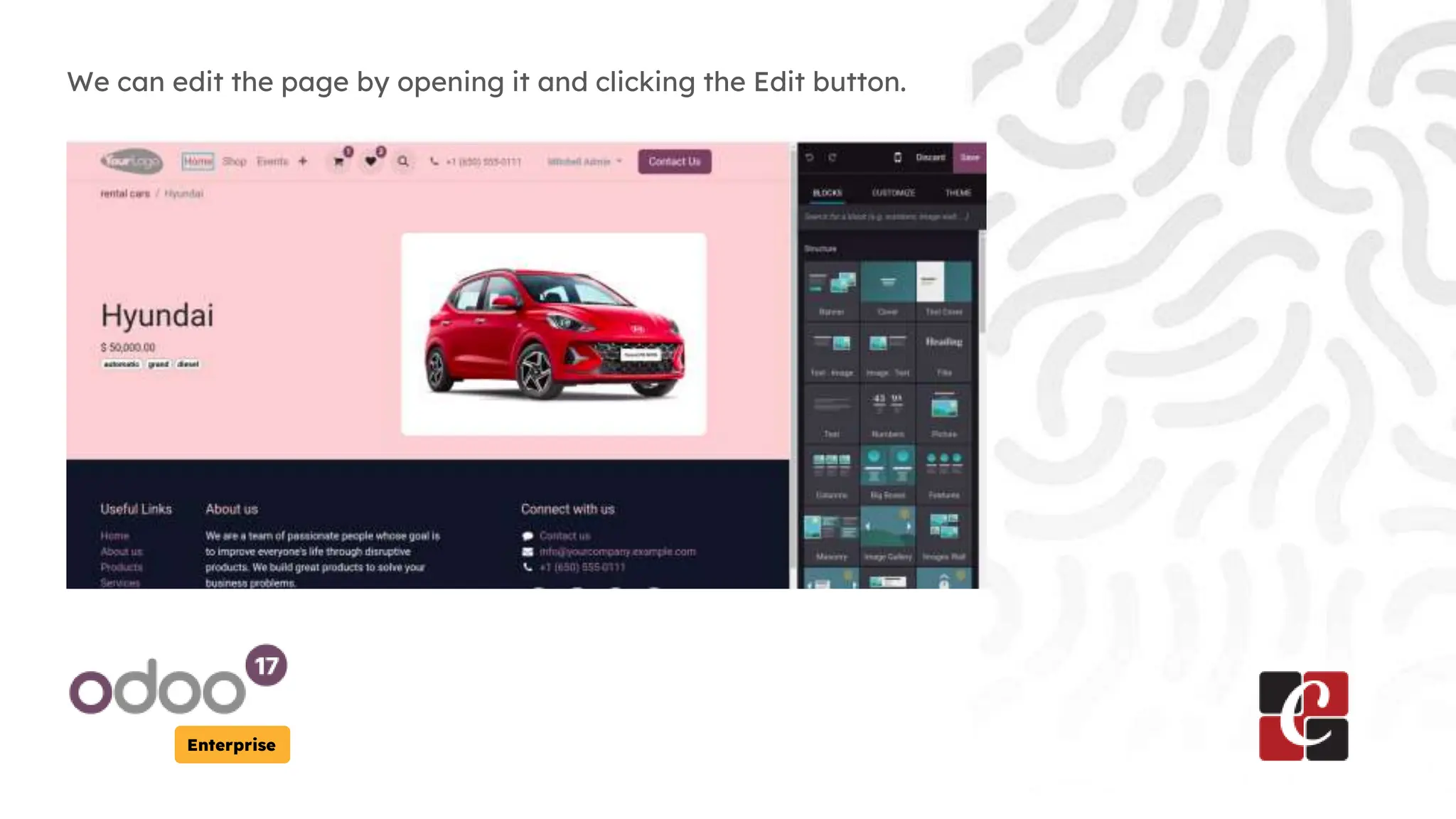
We can edit the page by opening it and clicking the Edit button.
Enterprise
Create Form
Next we need To add a form to allow customers to add rental
cars online, for that follow the steps below.
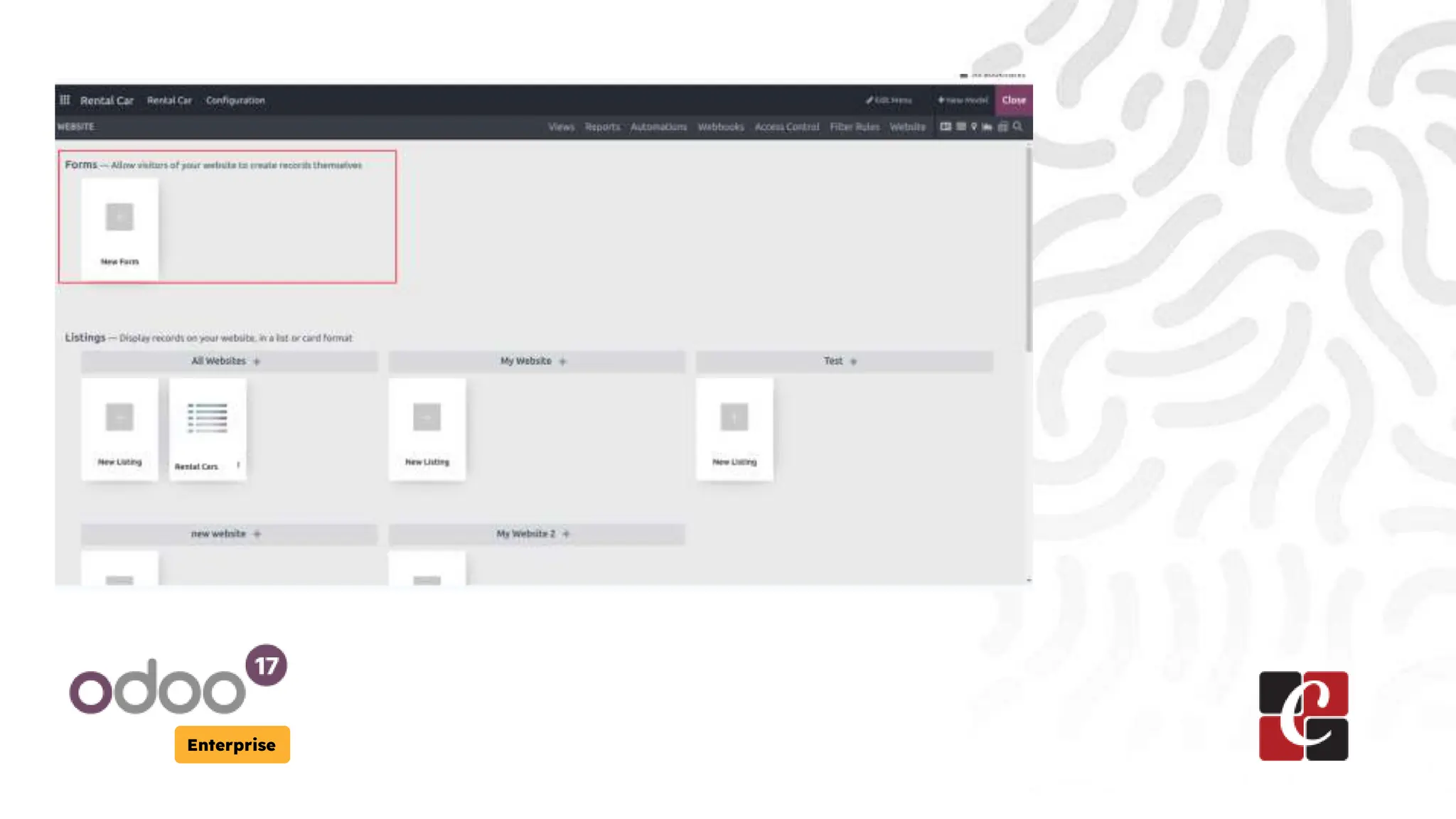
Open the Rental car App > Click the studio > website > forms
Then click on New form as shown in the image below.
Enterprise
Enterprise
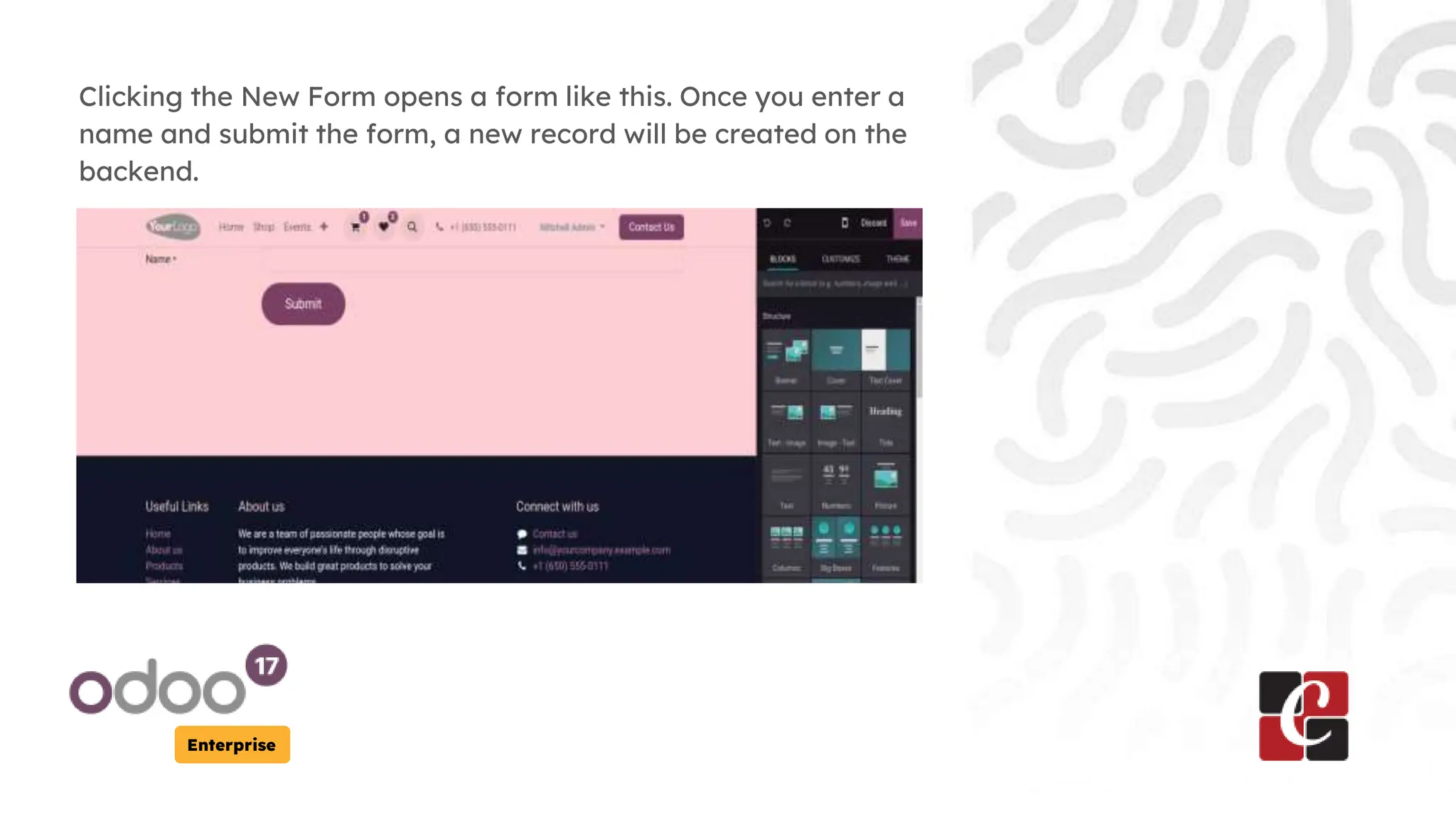
Clicking the New Form opens a form like this. Once you enter a
name and submit the form, a new record will be created on the
backend.
Enterprise
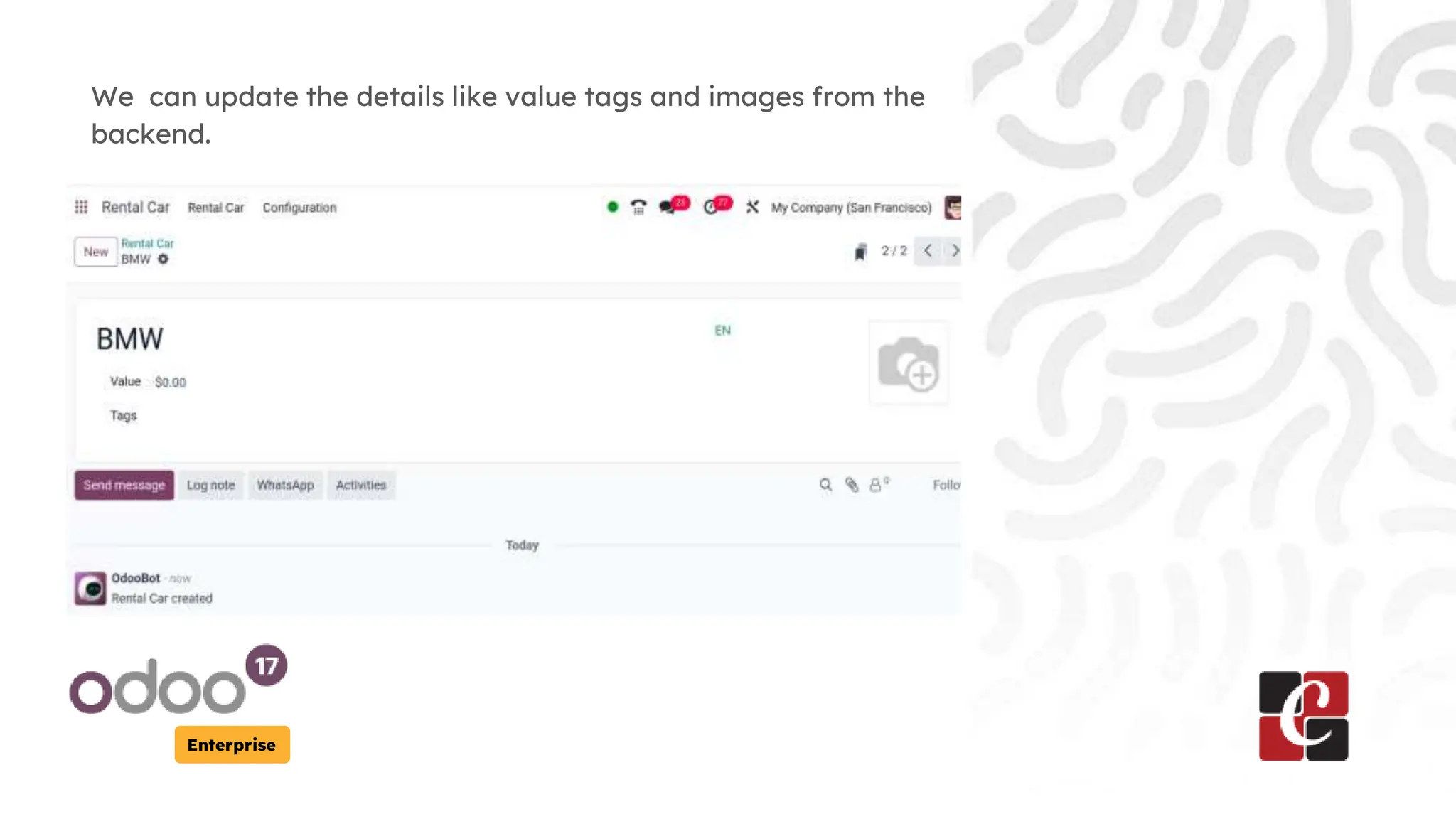
We can update the details like value tags and images from the
backend.
Enterprise
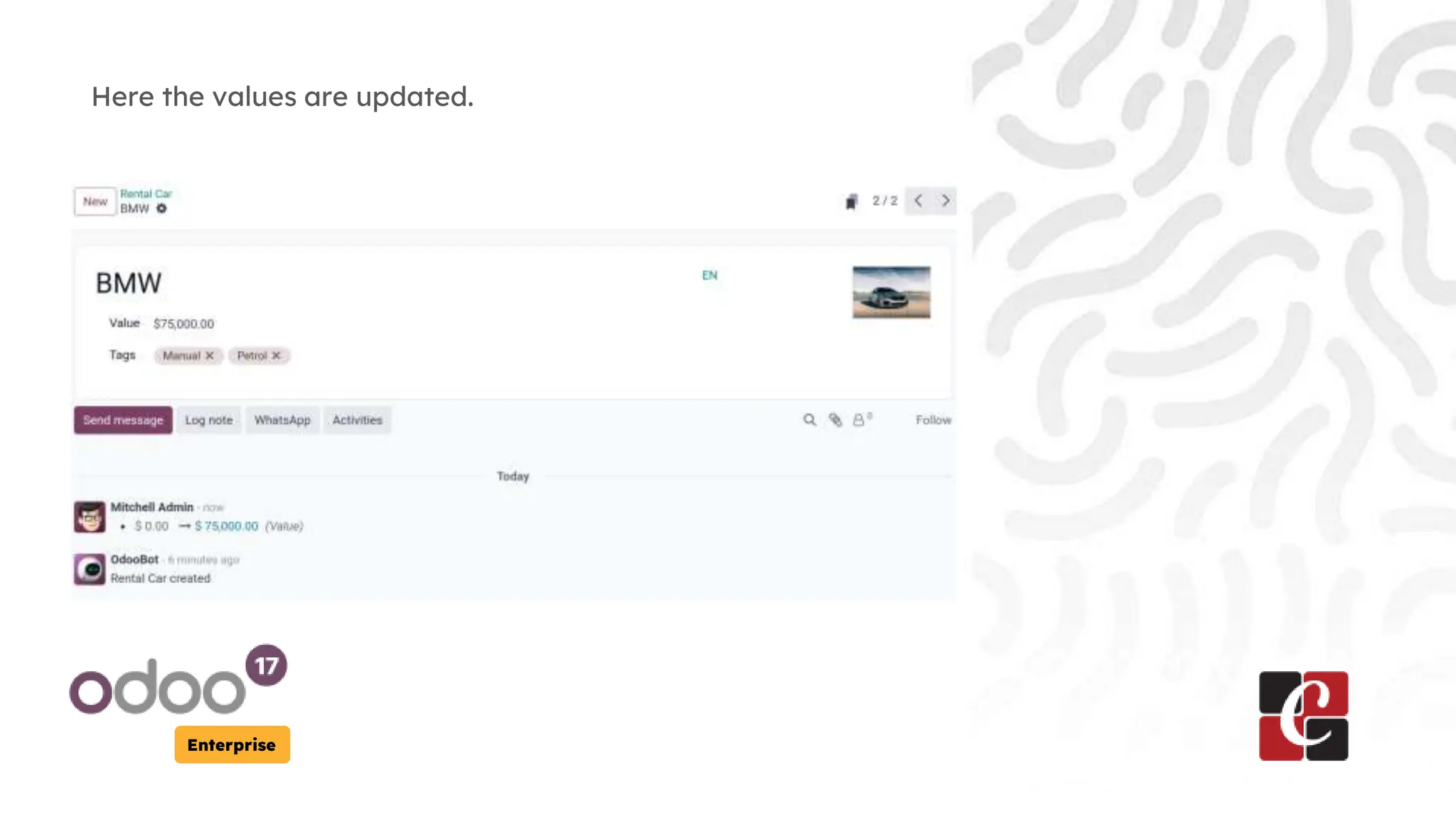
Here the values are updated.
Enterprise
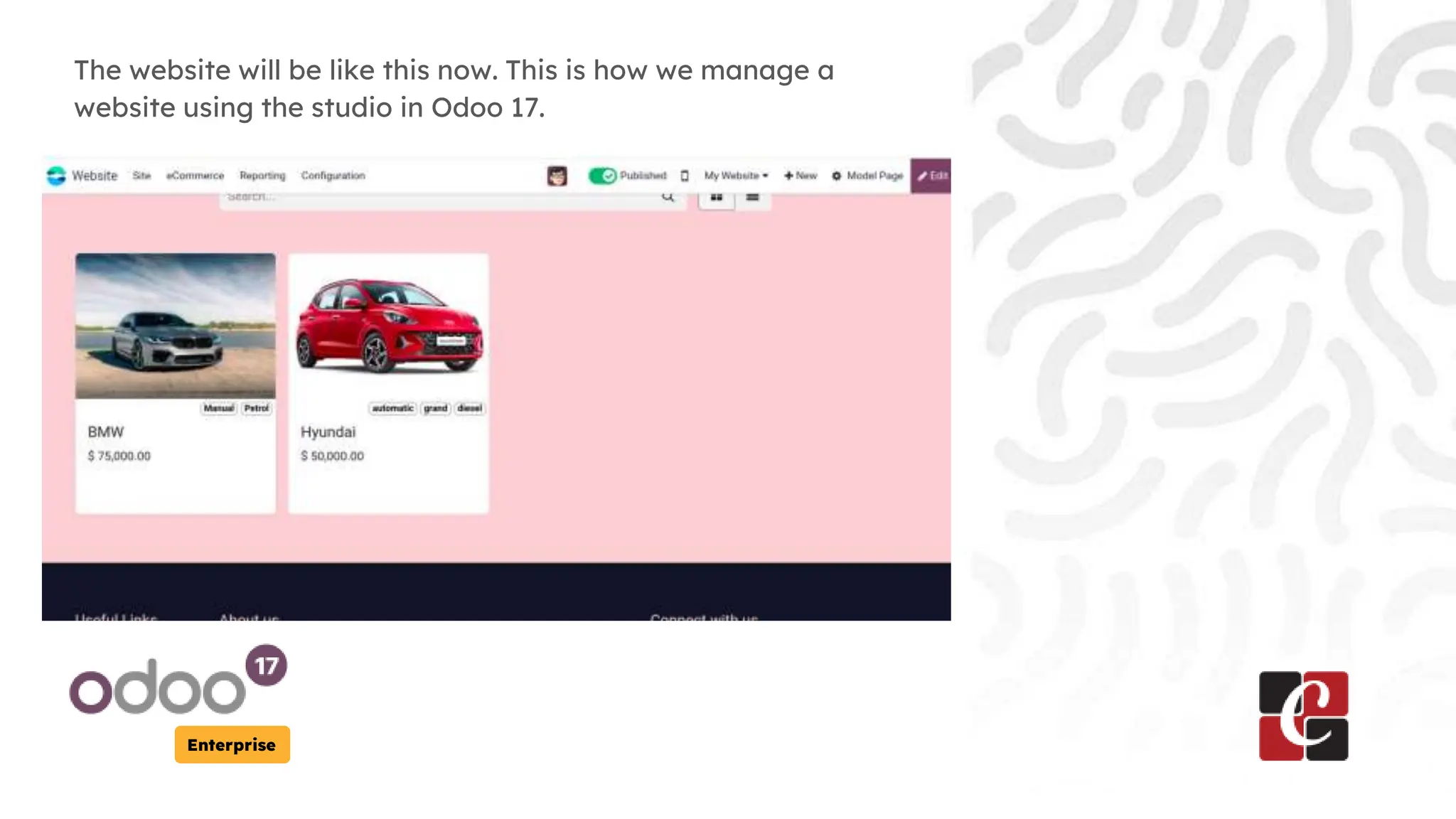
The website will be like this now. This is how we manage a
website using the studio in Odoo 17.
For More Info.
Check our company website for related
blogs and Odoo book.
Check our YouTube channel for
functional and technical videos in Odoo.
Enterprise
www.cybrosys.com

How to Manage Website in Odoo 17 Studio App.pptx