Downloaded 49 times


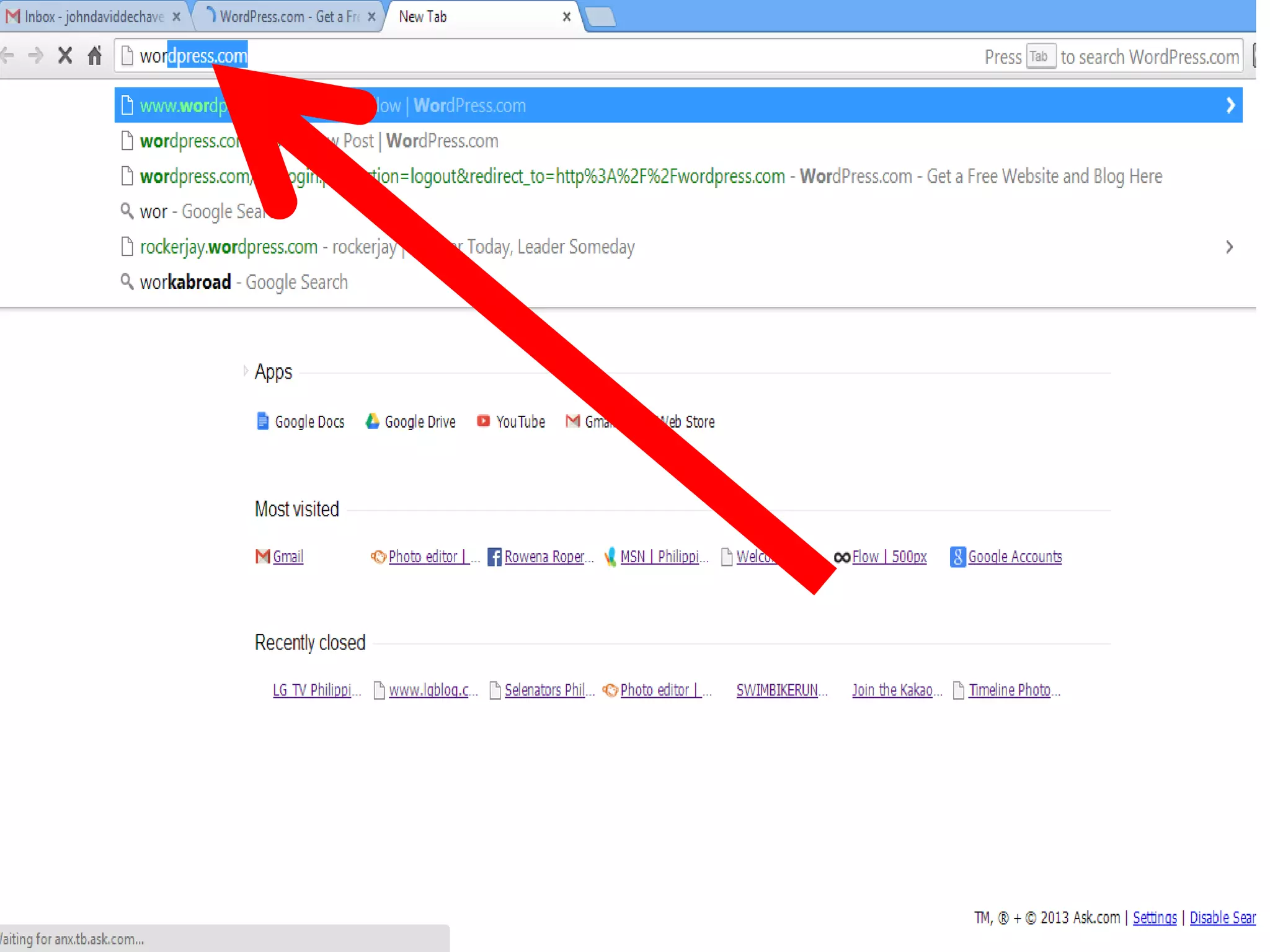
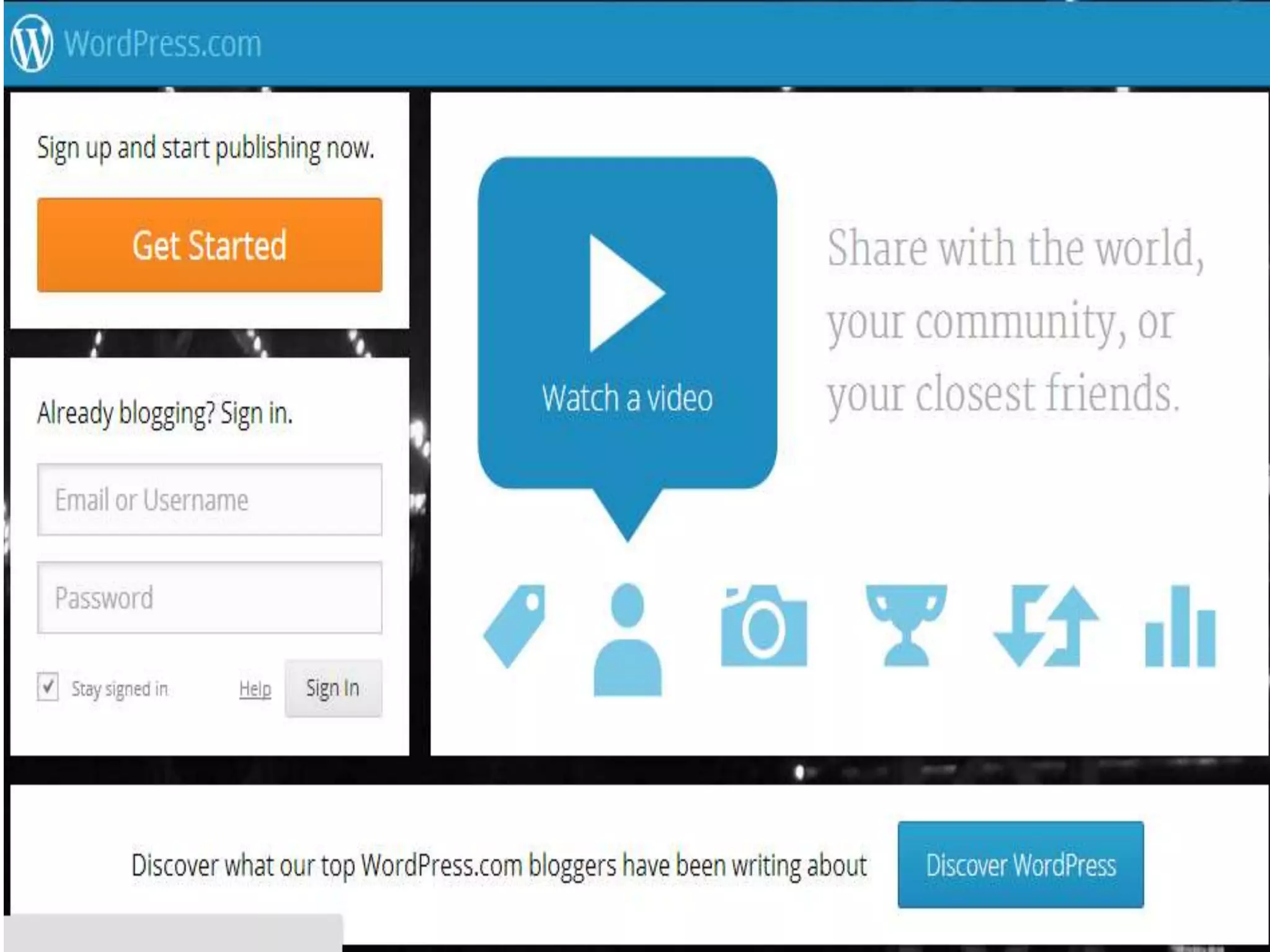

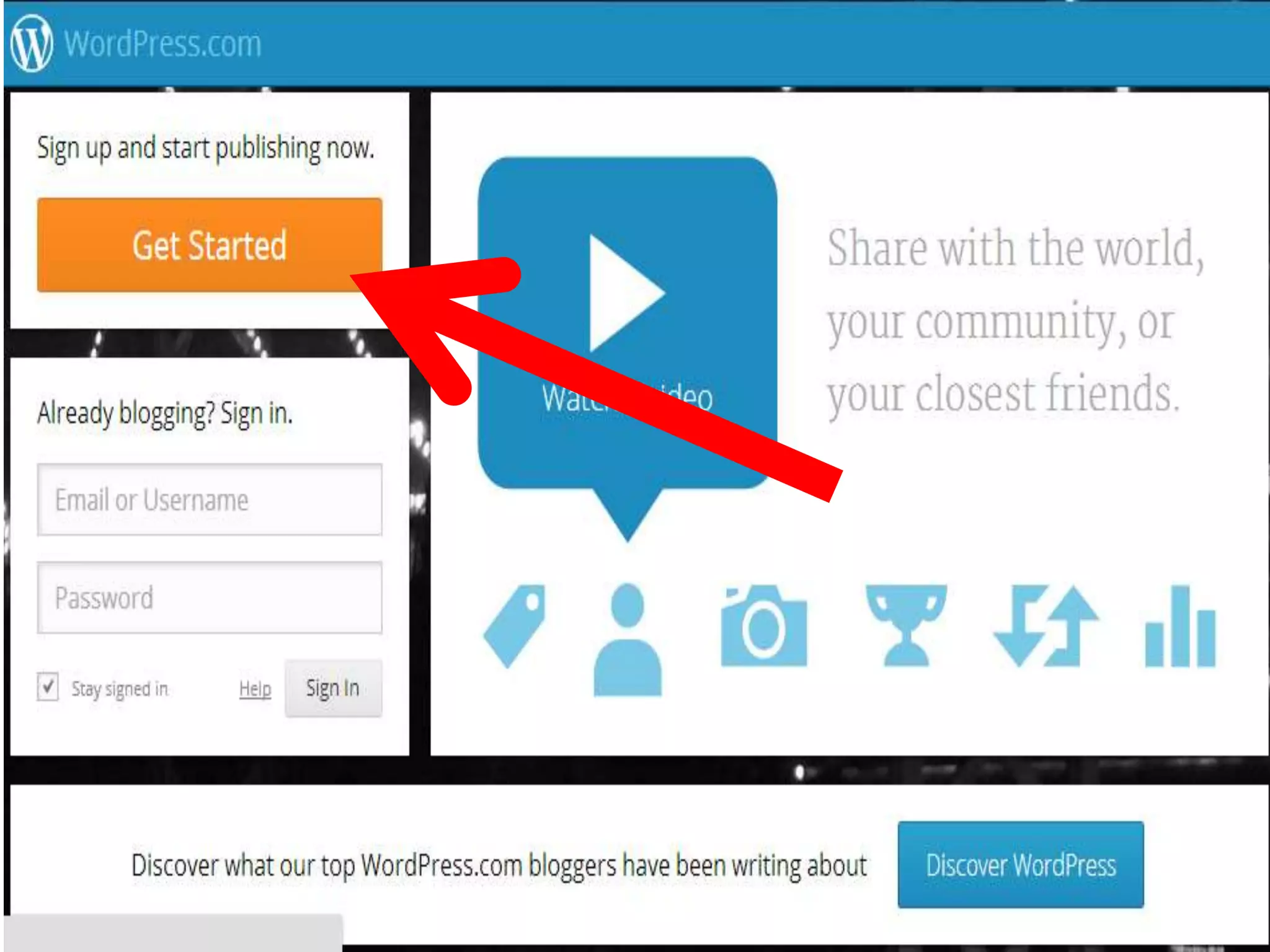
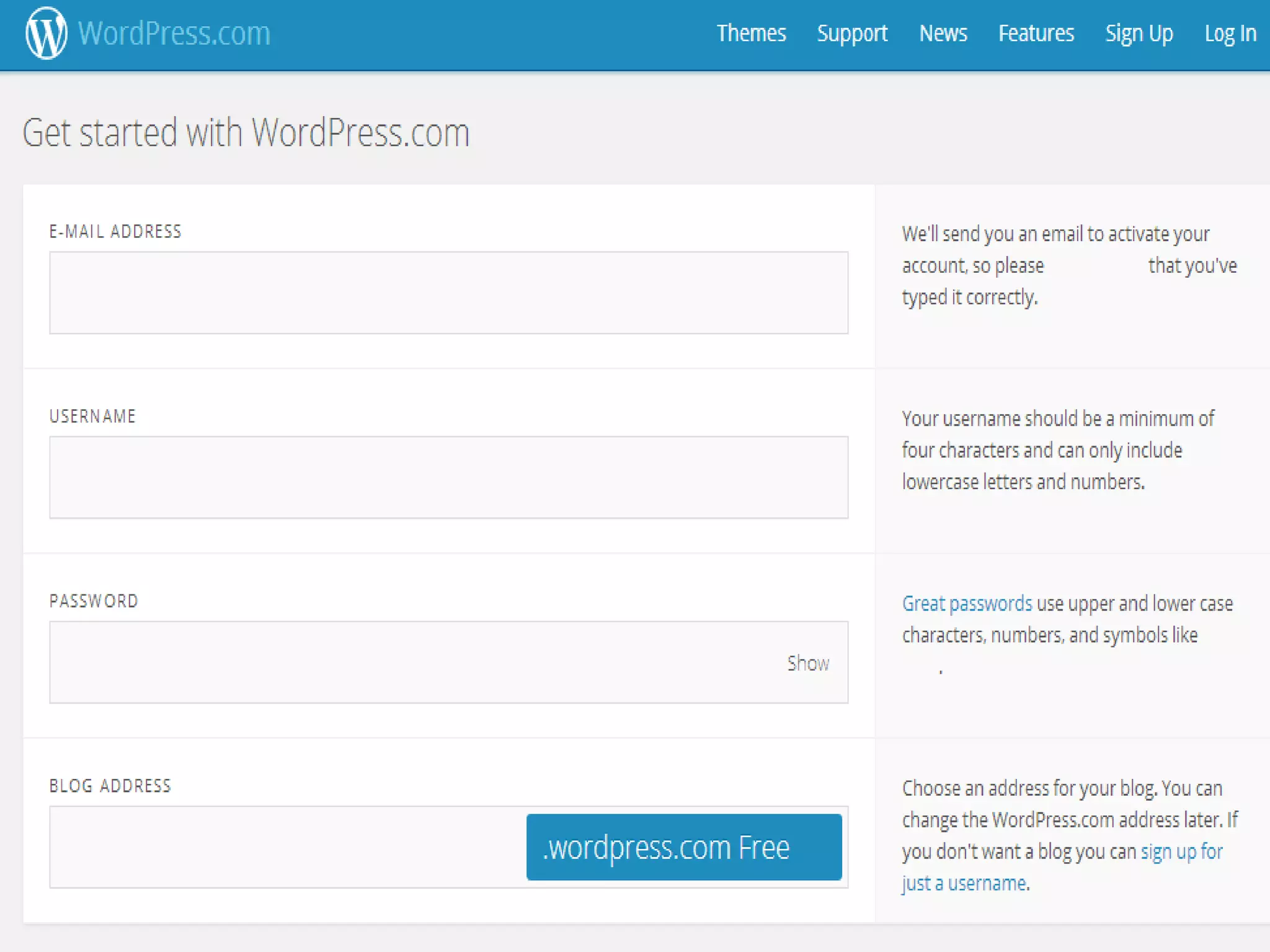
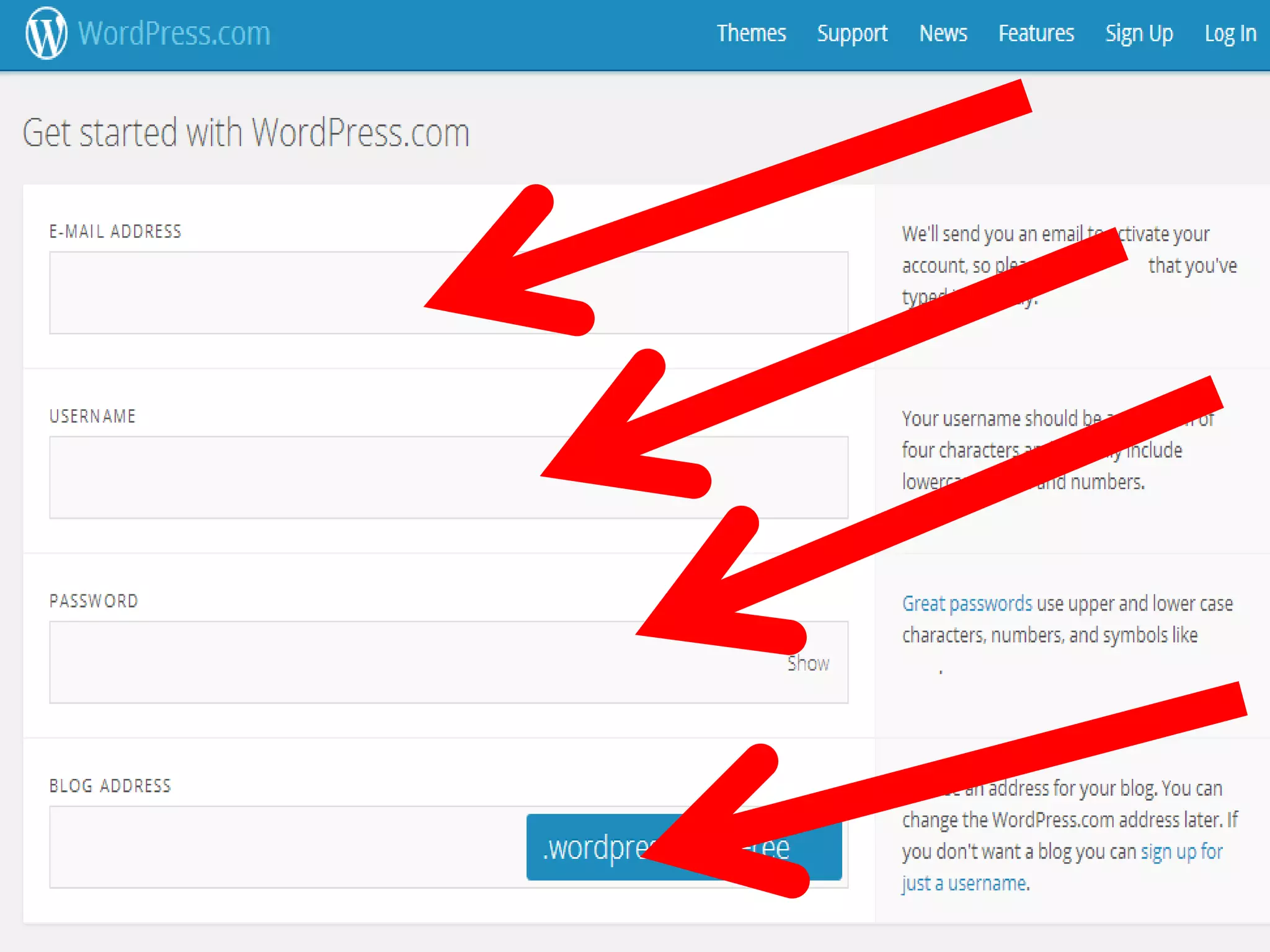
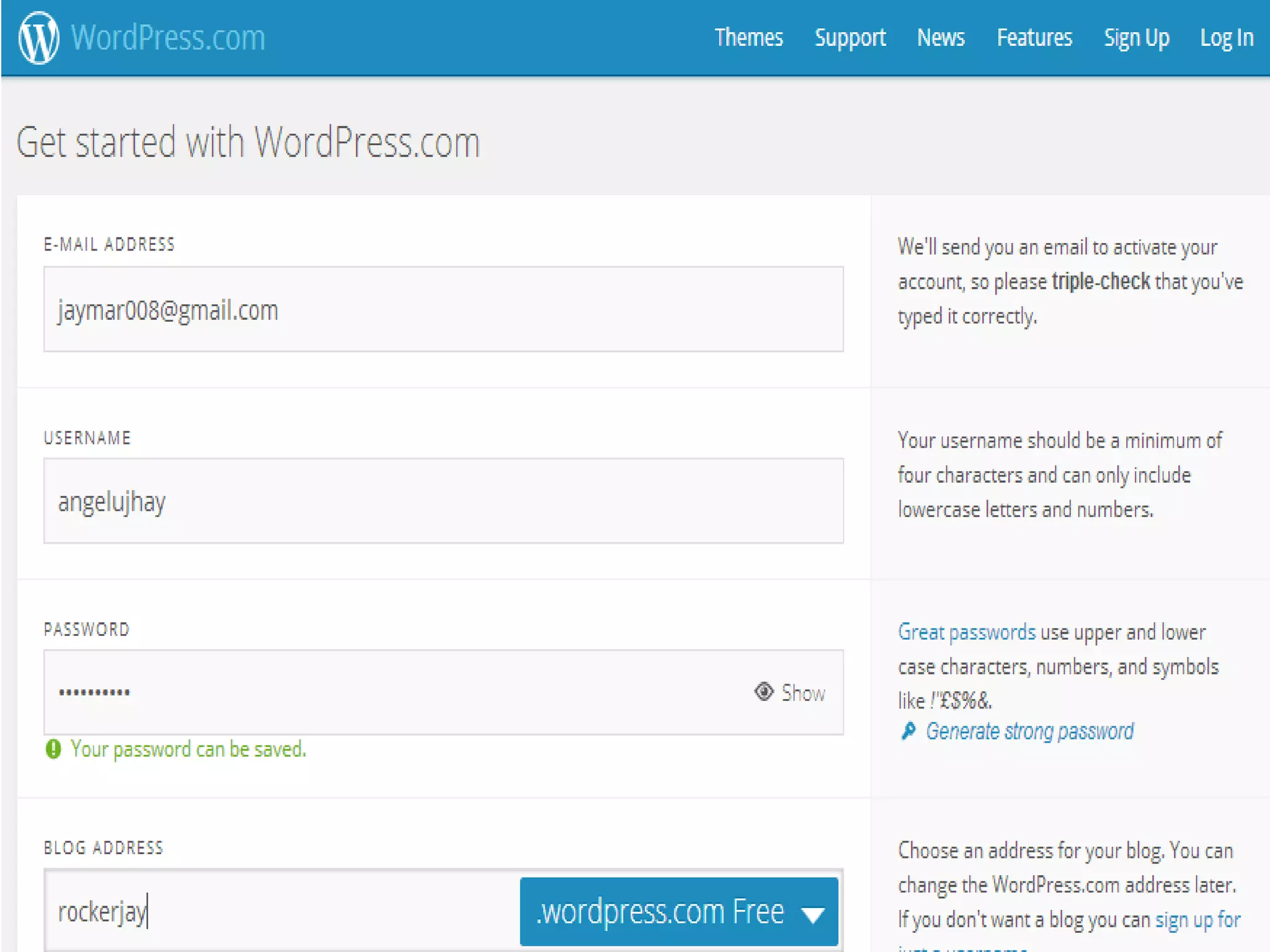

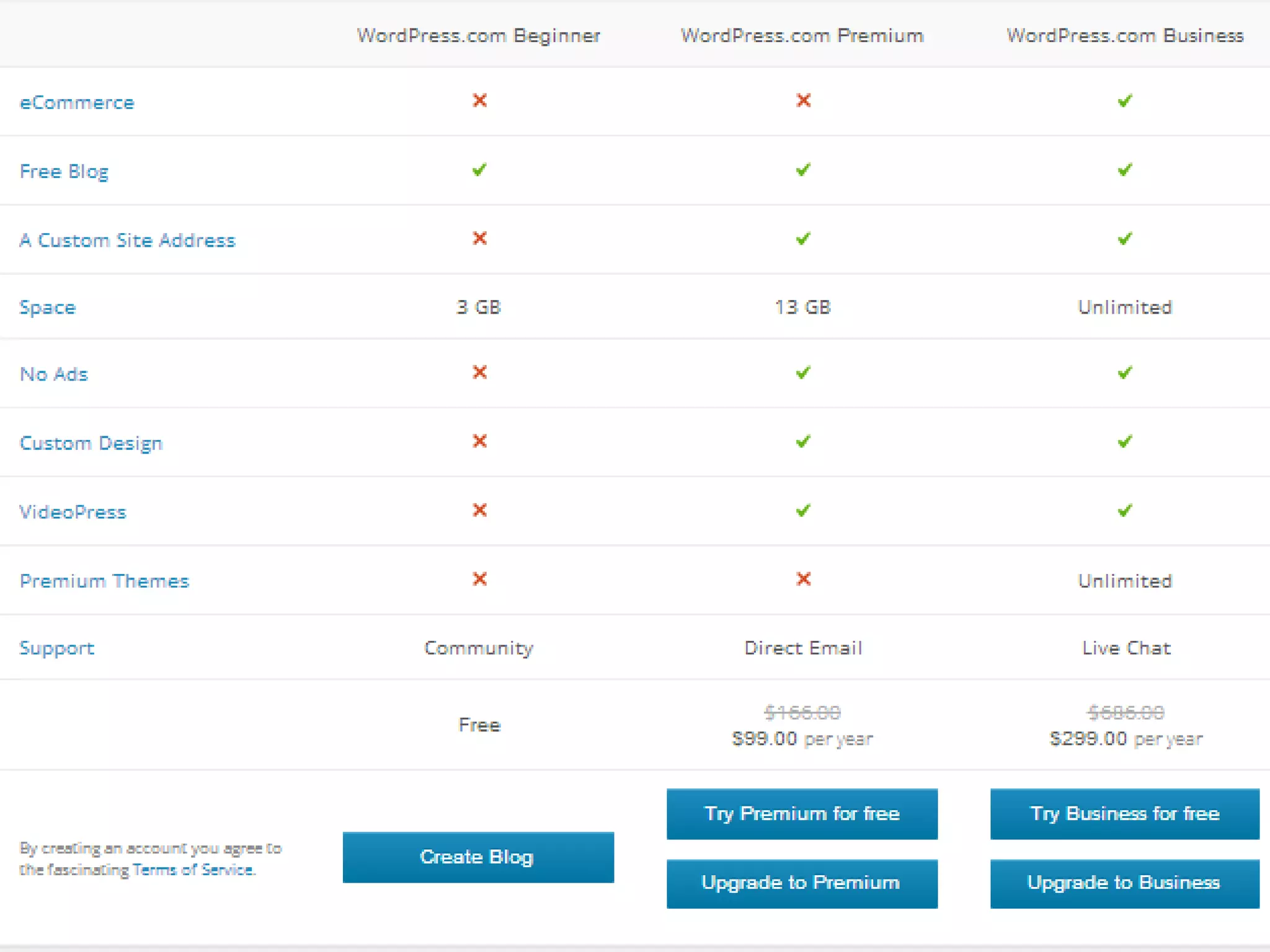

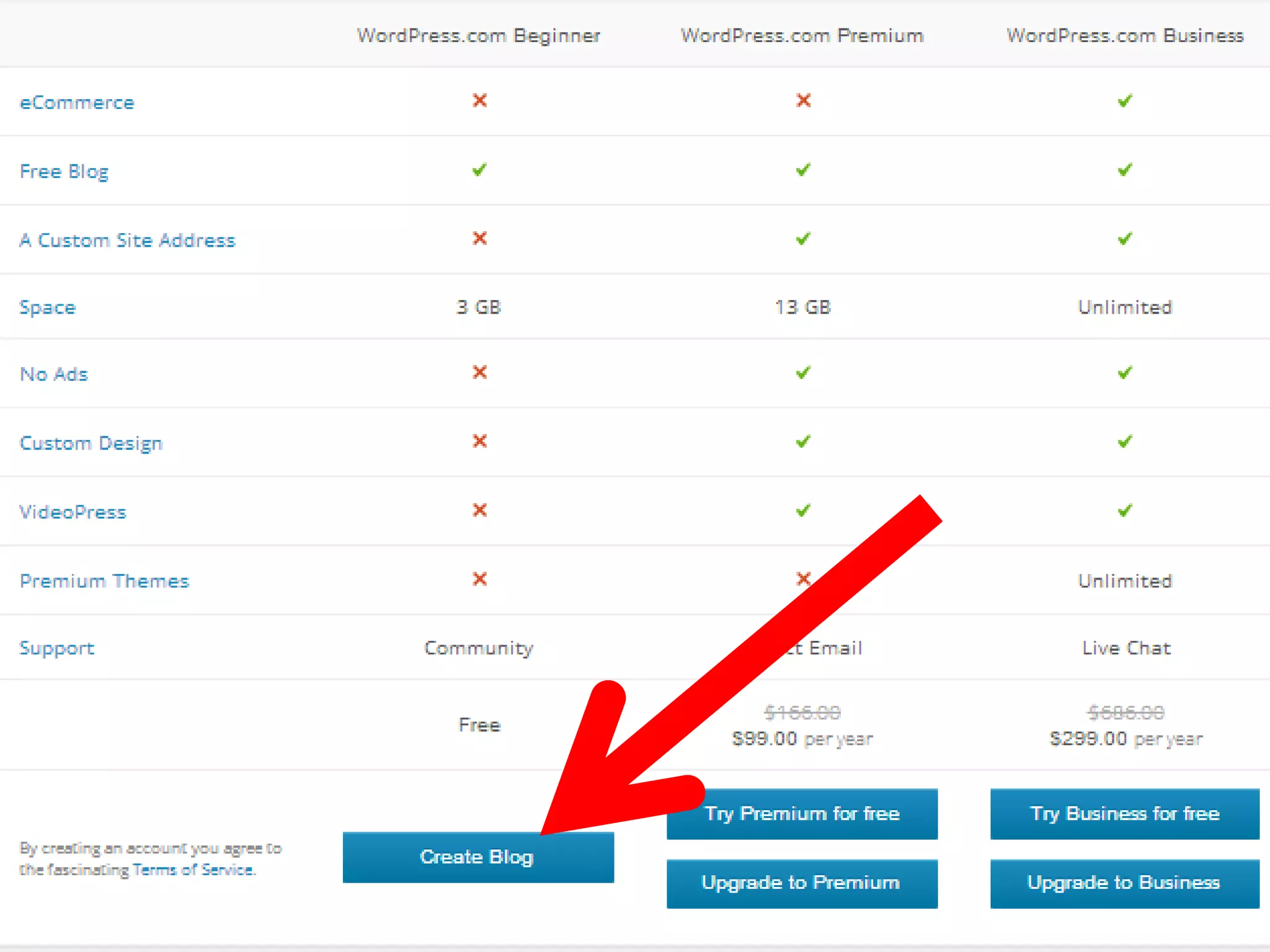

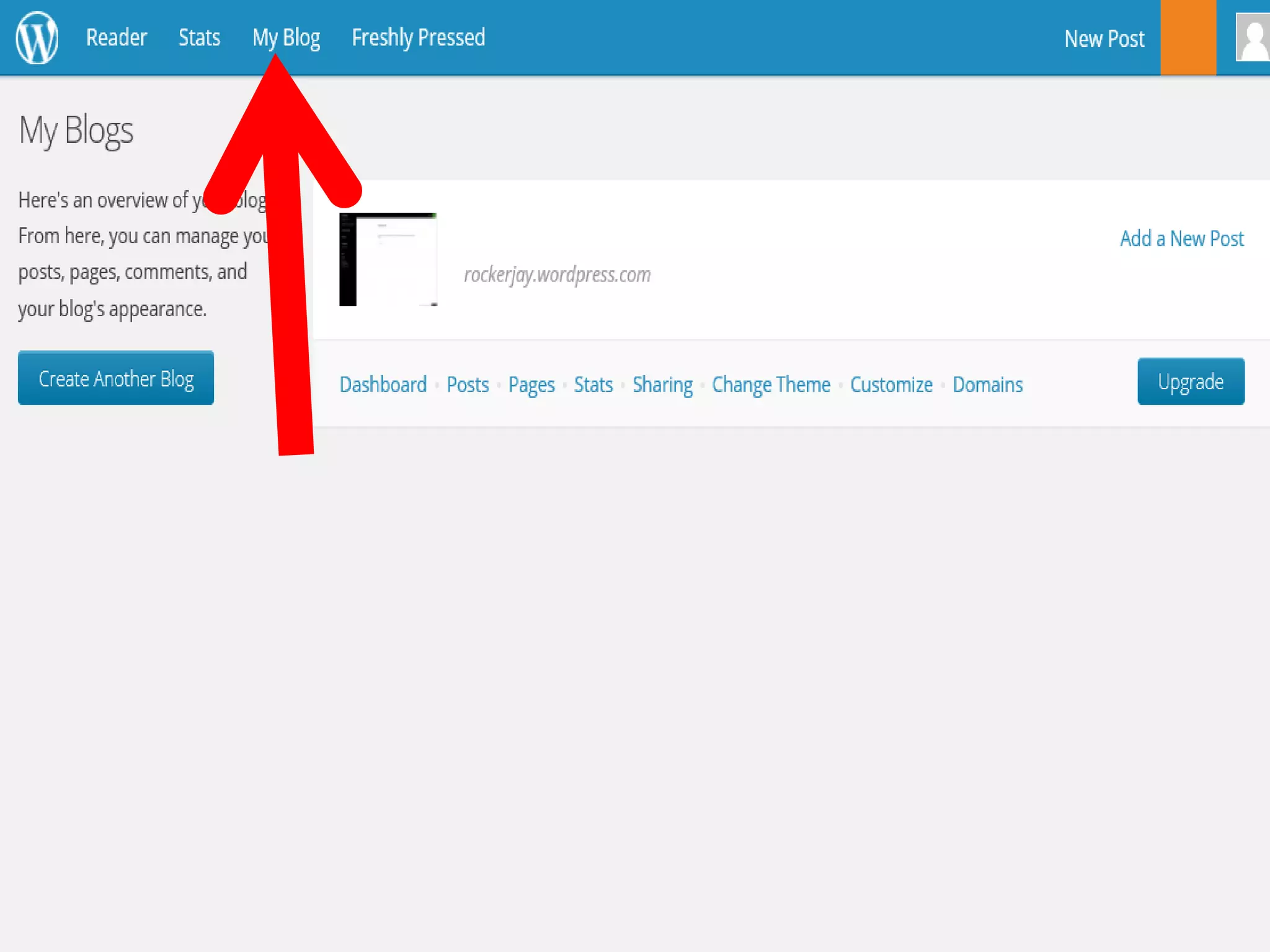

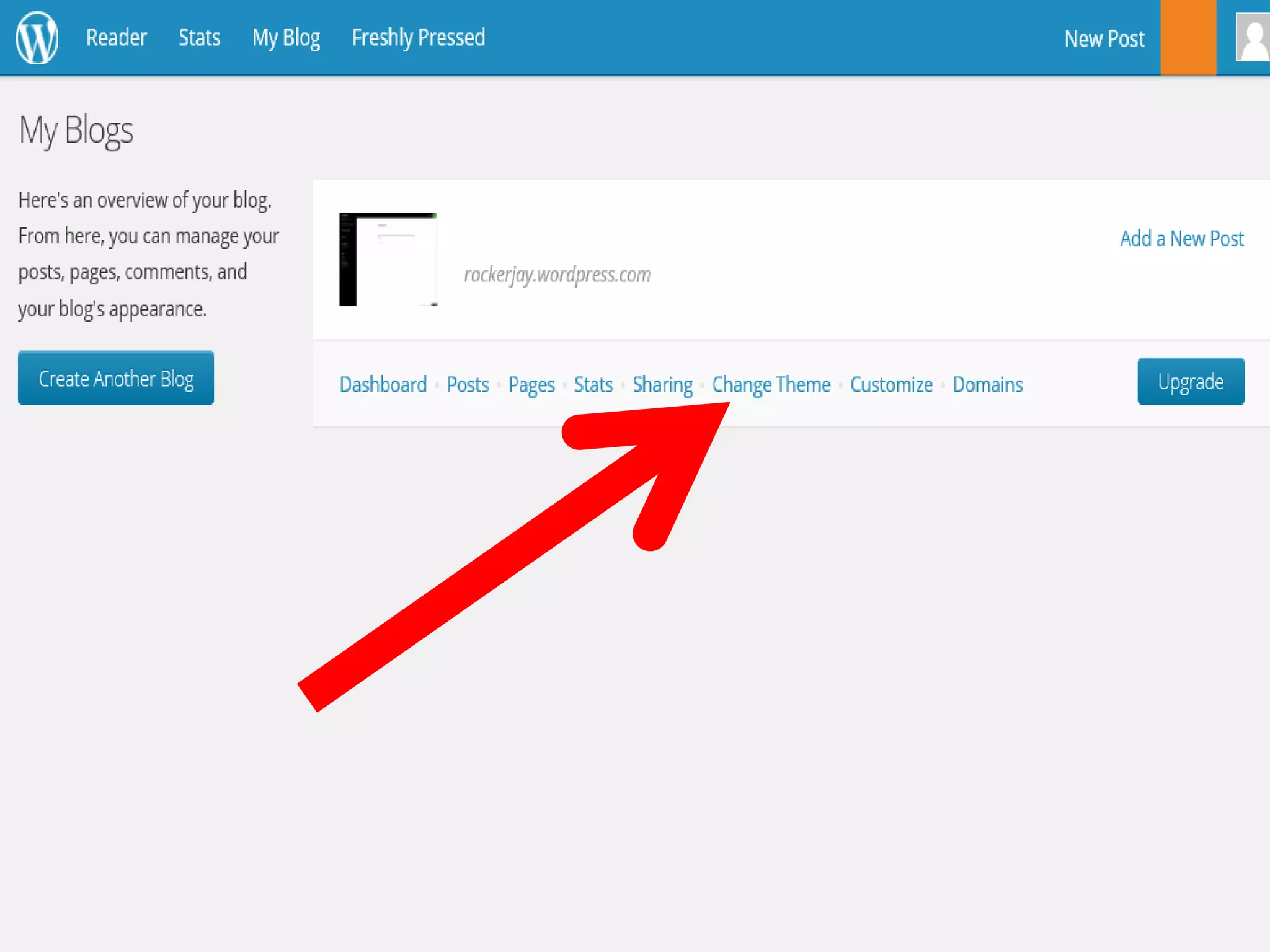

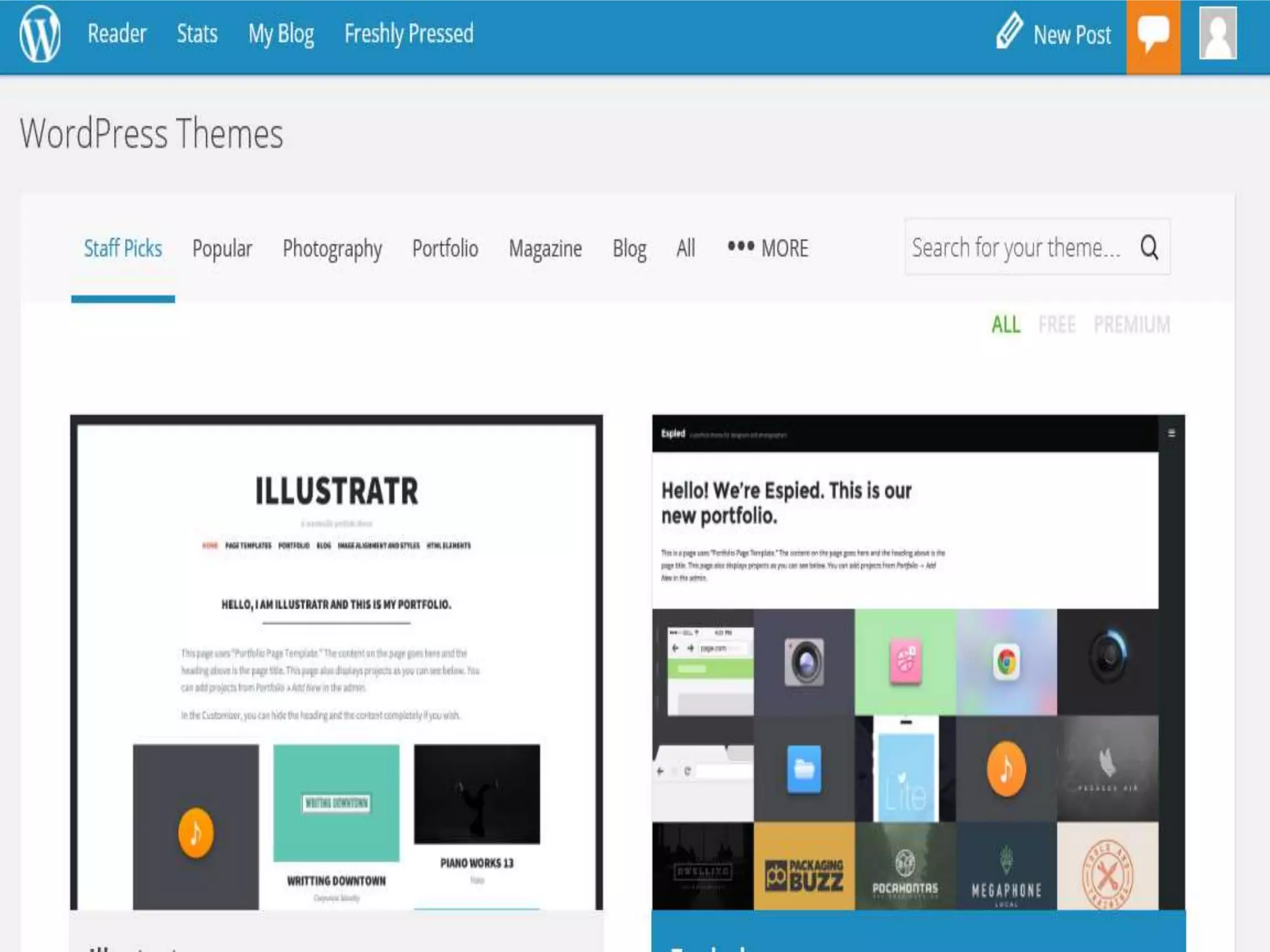

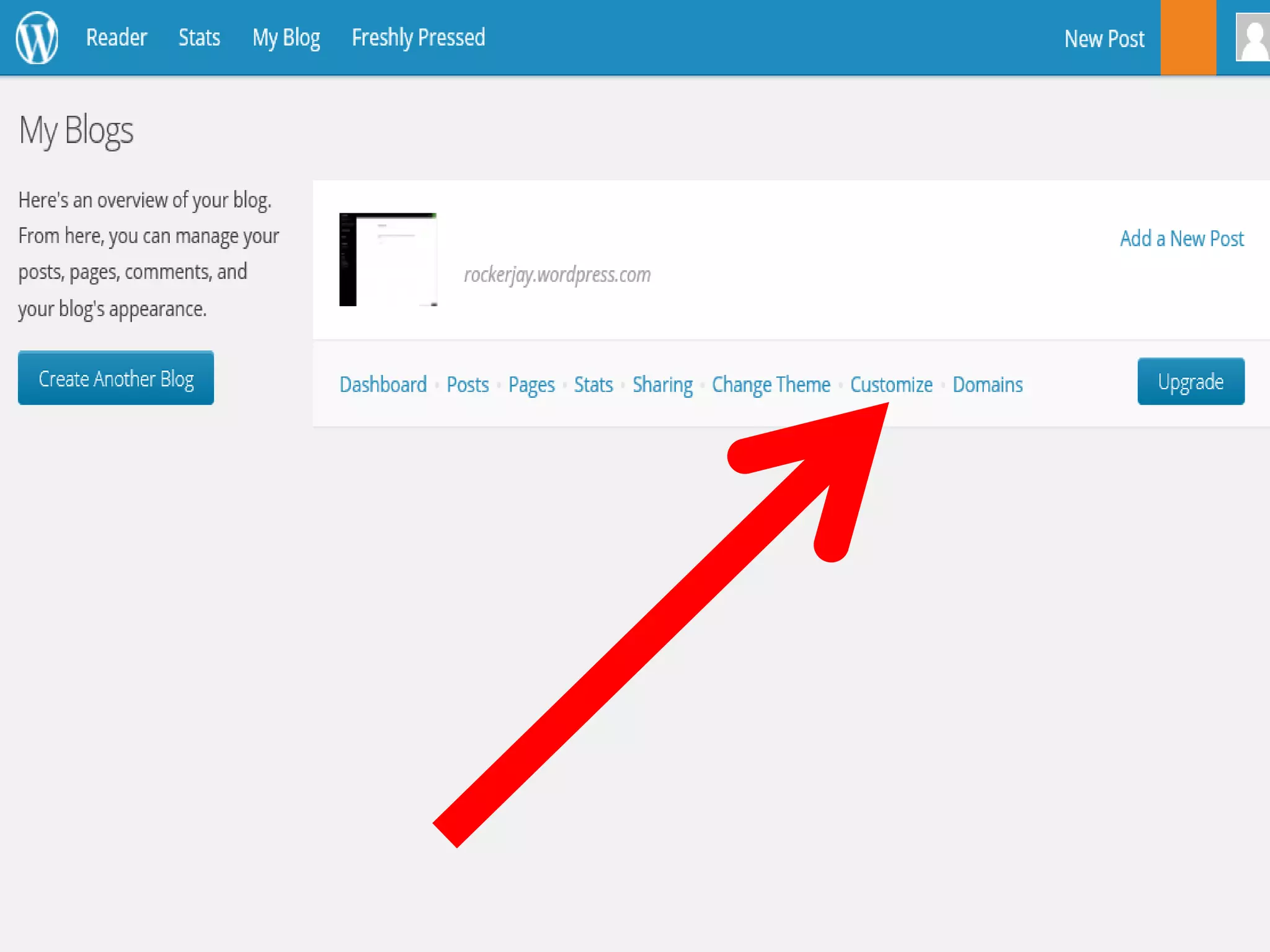

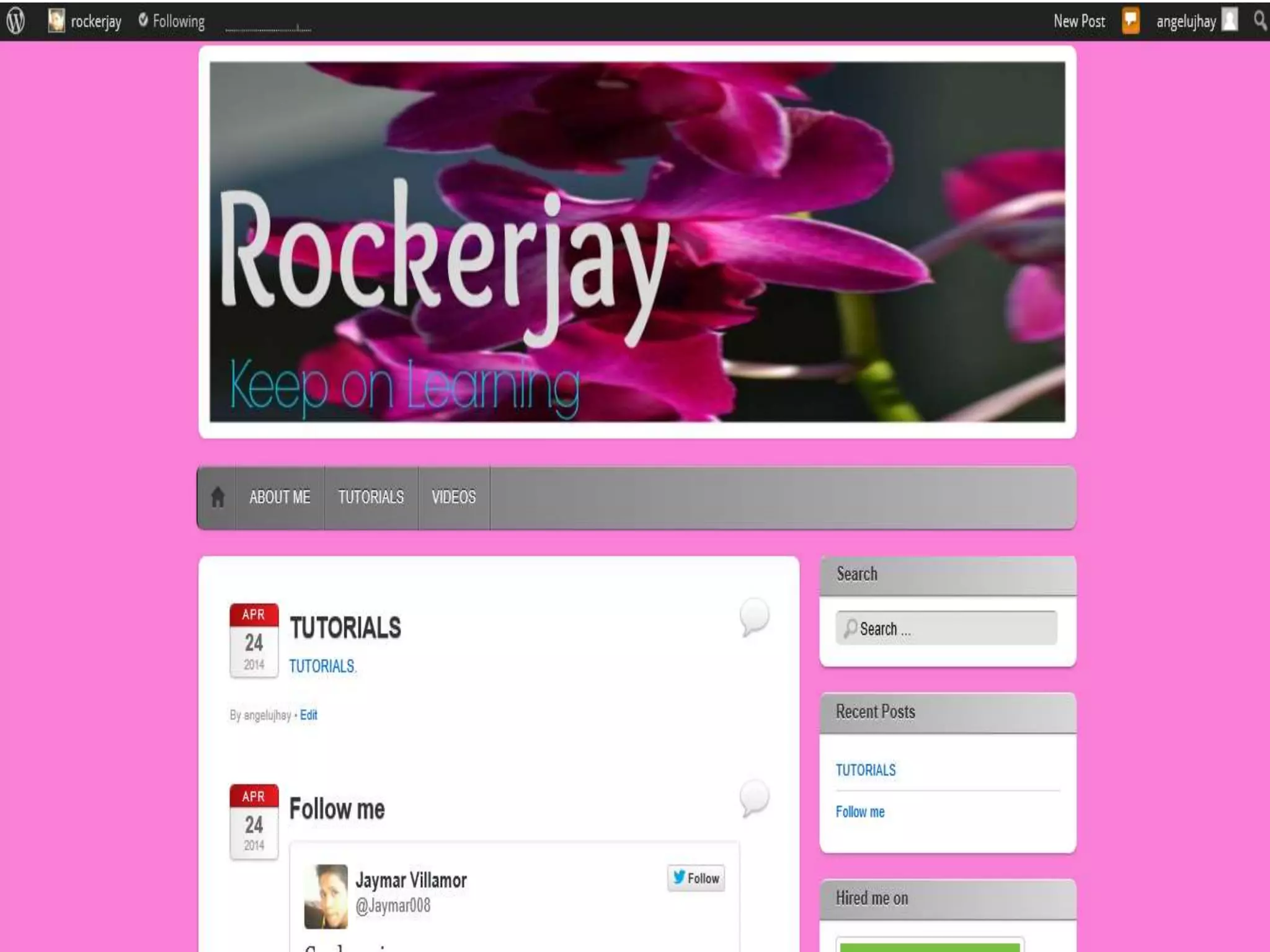

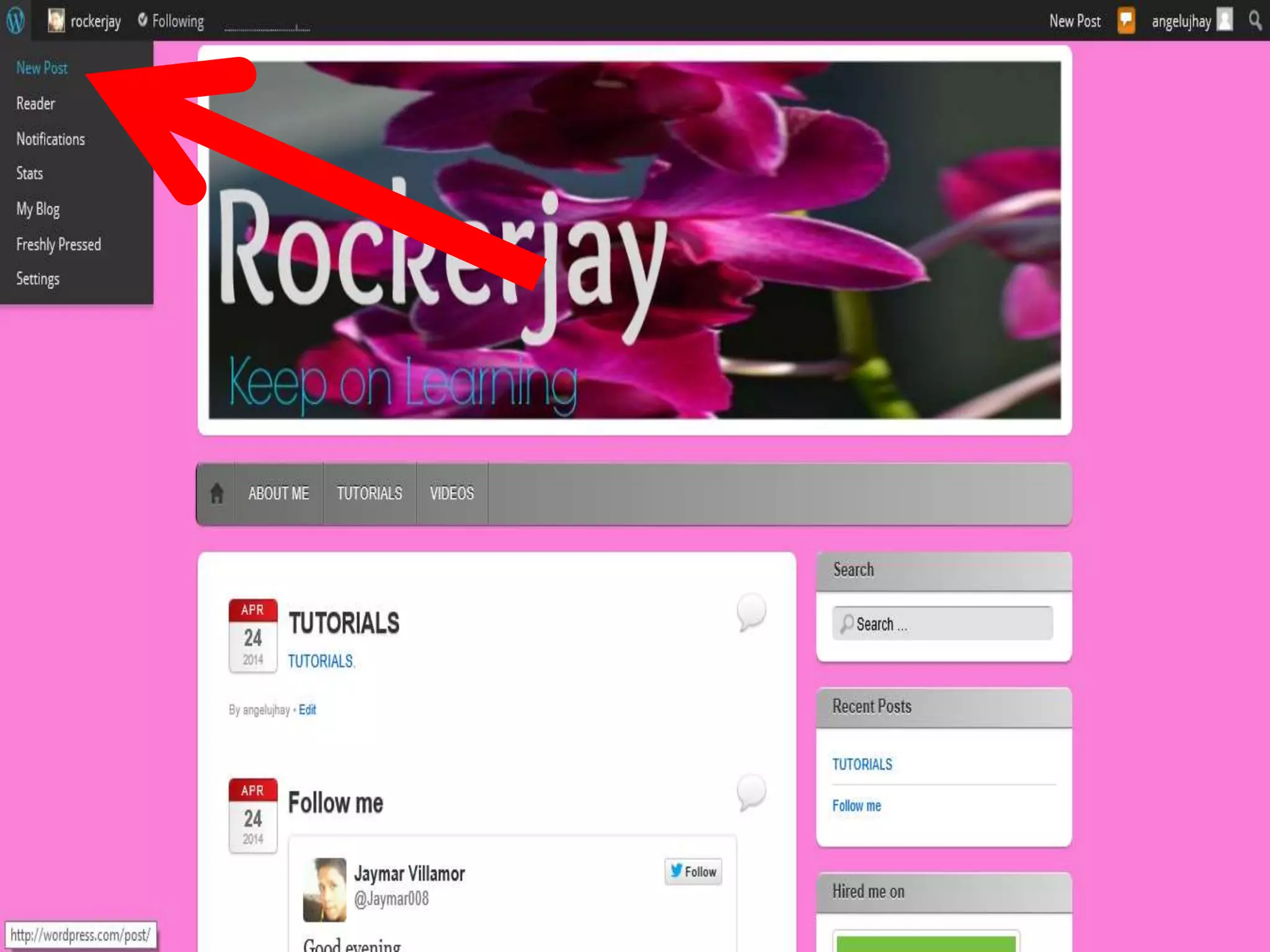

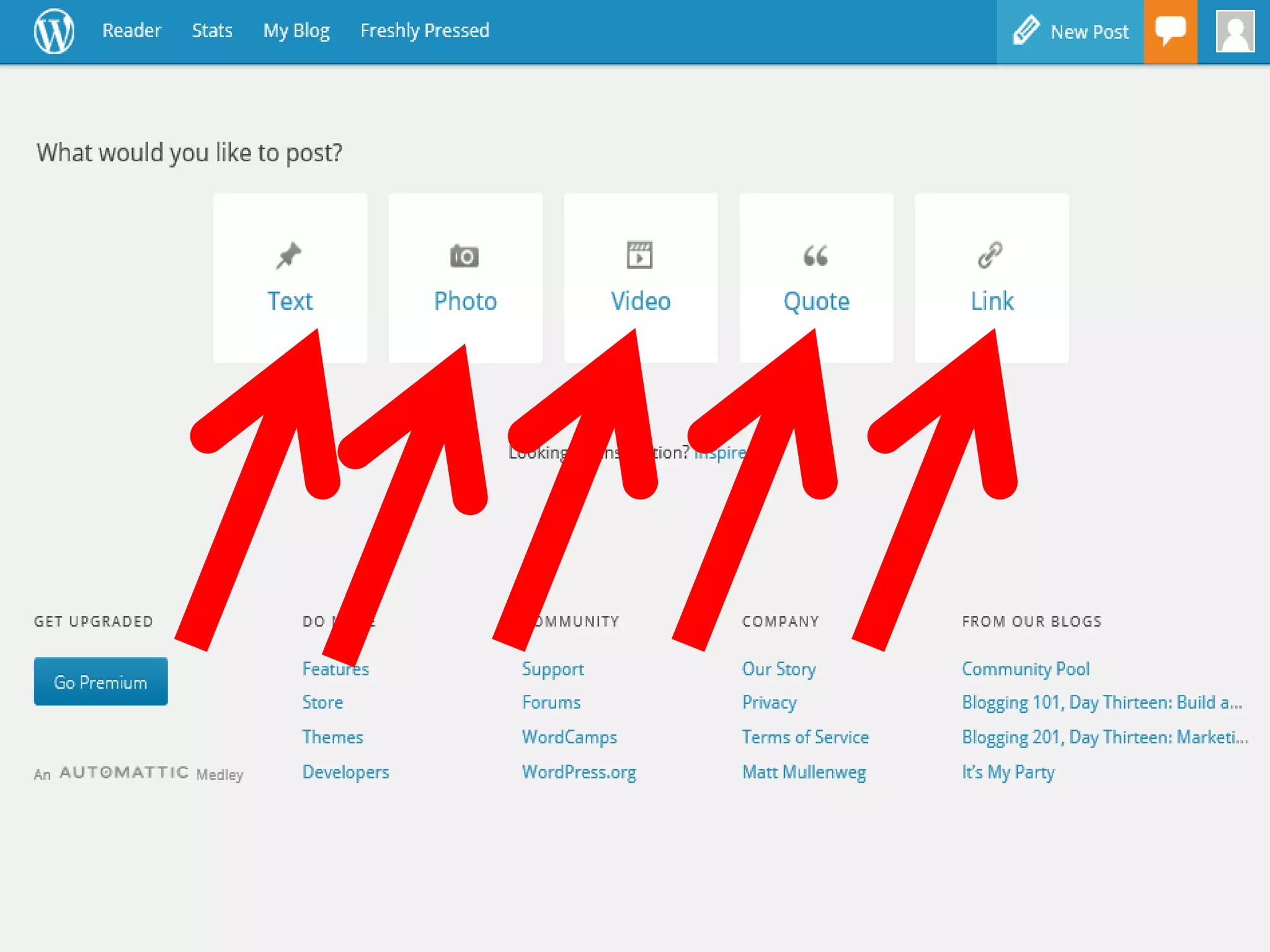



To make a WordPress blog, first type WordPress.com into your browser and click "Get Started" to fill out sign-up information. Next, choose a free blog site theme and customize the design before publishing your first blog post by clicking the WordPress logo and adding text, photos, videos, or links. The process allows beginners to easily set up a free blog site on WordPress.com.


