How To Get Started With
Google Voice
Keitaro Matsuoka – Romeoville/Joliet
• Scenario
• Dilemma
• Solution – Google
Voice
• Getting Started
• Live Demo
• Resources
For Today
August 13, 2016 Copyright Rasmussen, Inc. 2016. Proprietary and Confidential. 2
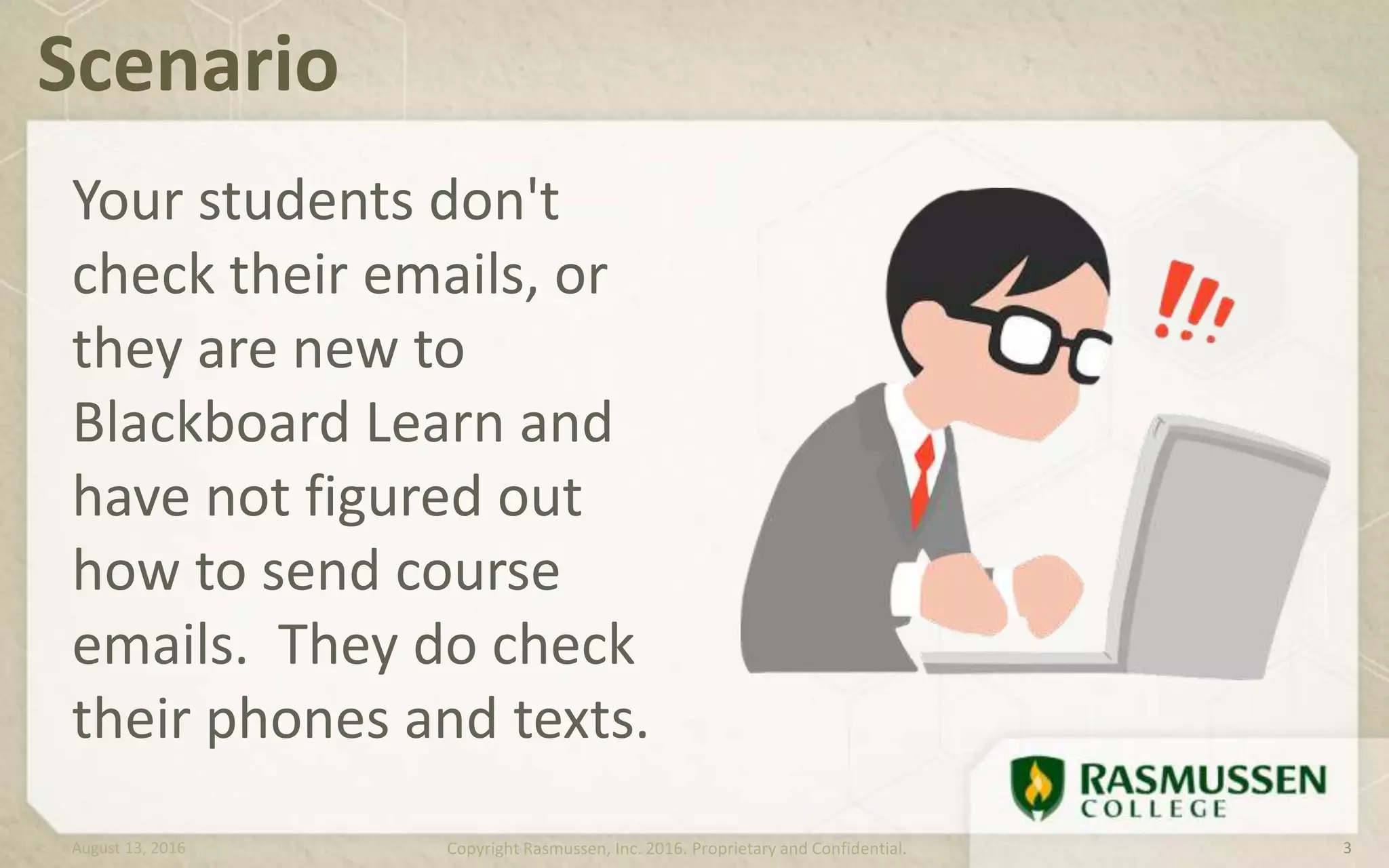
Your students don't
check their emails, or
they are new to
Blackboard Learn and
have not figured out
how to send course
emails. They do check
their phones and texts.
Scenario
August 13, 2016 Copyright Rasmussen, Inc. 2016. Proprietary and Confidential. 3
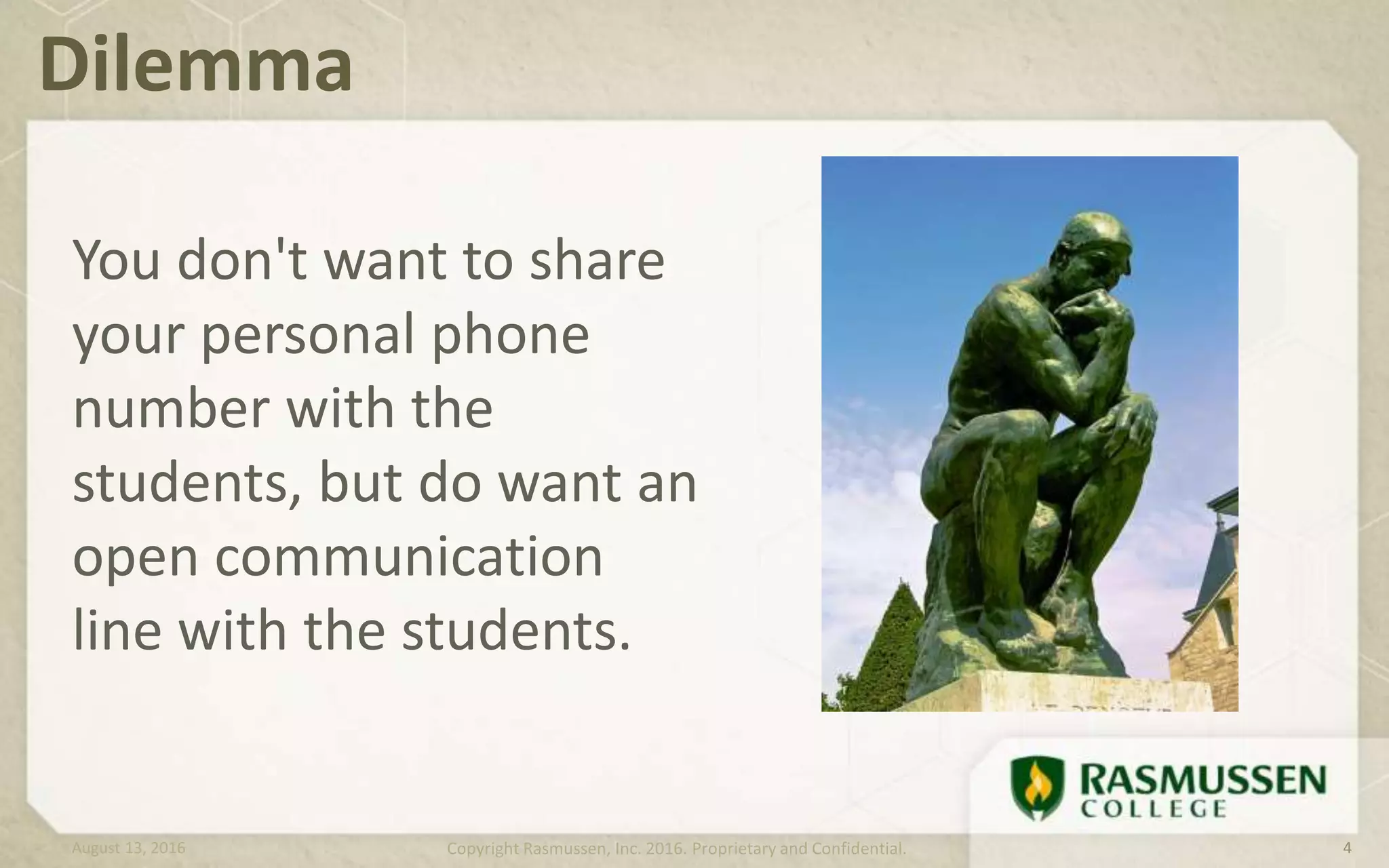
You don't want to share
your personal phone
number with the
students, but do want an
open communication
line with the students.
Dilemma
August 13, 2016 Copyright Rasmussen, Inc. 2016. Proprietary and Confidential. 4
Google Voice gives you
one number for all of your
phones. You can make and
pick up calls, send and get
texts, and read and listen
to voicemails on your
phone, tablet, or
computer.
Solution – Google Voice
August 13, 2016 Copyright Rasmussen, Inc. 2016. Proprietary and Confidential. 5
Let’s Get Started!
Copyright Rasmussen, Inc. 2016. Proprietary and Confidential.
• Get a Gmail account
• Go to www.google.com/voice
• Choose an Account Type (“Full Google Voice
with a Google number” is recommended)
• Set up Call Forwarding
First Steps
August 13, 2016 Copyright Rasmussen, Inc. 2016. Proprietary and Confidential. 7
• Text from your computer: Send text messages straight from
your computer's browser. (free)
• Make voicemail as easy as email: Read transcriptions of your
voicemails, add notes, download, and share voicemails. (free)
• Pick up calls from any phone: Choose to receive calls at
home, work, or on your mobile phone, based on who's calling
or when.
• Talk the way you want to: Make international and
conference calls, block unwanted callers, and listen in on
voicemails.
What Can Google Voice Do?
August 13, 2016 Copyright Rasmussen, Inc. 2016. Proprietary and Confidential. 8
Get The Most Out of Google
Voice
Copyright Rasmussen, Inc. 2016. Proprietary and Confidential.
For best experience:
• A computer and Chrome browser with Google
Voice extension
• Smartphone and/or touch-tone phone
• Google Voice app for iPhone or Android
What You Need
August 13, 2016 Copyright Rasmussen, Inc. 2016. Proprietary and Confidential. 10
Live Demonstration!
Copyright Rasmussen, Inc. 2016. Proprietary and Confidential.
312-772-5882
August 13, 2016 Copyright Rasmussen, Inc. 2016. Proprietary and Confidential. 12
I will show you
• What happens when someone texts me at my
Google Voice number
• How to reply to the text from the browser
and the app
• What happens when someone leaves me a
voice mail
Resources
Copyright Rasmussen, Inc. 2016. Proprietary and Confidential.
Resources
Google Voice Help
What is Google Voice?
Ultimate How-To Guide
Call Forwarding Help
August 13, 2016 Copyright Rasmussen, Inc. 2016. Proprietary and Confidential. 14
Keitaro.Matsuoka@Rasmussen.edu
(815) 306-2657
www.linkedin.com/in/keitaro
Questions?
www.slideshare.net/KeitaroMatsuoka
August 13, 2016 Copyright Rasmussen, Inc. 2016. Proprietary and Confidential. 15

How to Get Started with Google Voice

  • 1.
    How To GetStarted With Google Voice Keitaro Matsuoka – Romeoville/Joliet
  • 2.
    • Scenario • Dilemma •Solution – Google Voice • Getting Started • Live Demo • Resources For Today August 13, 2016 Copyright Rasmussen, Inc. 2016. Proprietary and Confidential. 2
  • 3.
    Your students don't checktheir emails, or they are new to Blackboard Learn and have not figured out how to send course emails. They do check their phones and texts. Scenario August 13, 2016 Copyright Rasmussen, Inc. 2016. Proprietary and Confidential. 3
  • 4.
    You don't wantto share your personal phone number with the students, but do want an open communication line with the students. Dilemma August 13, 2016 Copyright Rasmussen, Inc. 2016. Proprietary and Confidential. 4
  • 5.
    Google Voice givesyou one number for all of your phones. You can make and pick up calls, send and get texts, and read and listen to voicemails on your phone, tablet, or computer. Solution – Google Voice August 13, 2016 Copyright Rasmussen, Inc. 2016. Proprietary and Confidential. 5
  • 6.
    Let’s Get Started! CopyrightRasmussen, Inc. 2016. Proprietary and Confidential.
  • 7.
    • Get aGmail account • Go to www.google.com/voice • Choose an Account Type (“Full Google Voice with a Google number” is recommended) • Set up Call Forwarding First Steps August 13, 2016 Copyright Rasmussen, Inc. 2016. Proprietary and Confidential. 7
  • 8.
    • Text fromyour computer: Send text messages straight from your computer's browser. (free) • Make voicemail as easy as email: Read transcriptions of your voicemails, add notes, download, and share voicemails. (free) • Pick up calls from any phone: Choose to receive calls at home, work, or on your mobile phone, based on who's calling or when. • Talk the way you want to: Make international and conference calls, block unwanted callers, and listen in on voicemails. What Can Google Voice Do? August 13, 2016 Copyright Rasmussen, Inc. 2016. Proprietary and Confidential. 8
  • 9.
    Get The MostOut of Google Voice Copyright Rasmussen, Inc. 2016. Proprietary and Confidential.
  • 10.
    For best experience: •A computer and Chrome browser with Google Voice extension • Smartphone and/or touch-tone phone • Google Voice app for iPhone or Android What You Need August 13, 2016 Copyright Rasmussen, Inc. 2016. Proprietary and Confidential. 10
  • 11.
    Live Demonstration! Copyright Rasmussen,Inc. 2016. Proprietary and Confidential.
  • 12.
    312-772-5882 August 13, 2016Copyright Rasmussen, Inc. 2016. Proprietary and Confidential. 12 I will show you • What happens when someone texts me at my Google Voice number • How to reply to the text from the browser and the app • What happens when someone leaves me a voice mail
  • 13.
    Resources Copyright Rasmussen, Inc.2016. Proprietary and Confidential.
  • 14.
    Resources Google Voice Help Whatis Google Voice? Ultimate How-To Guide Call Forwarding Help August 13, 2016 Copyright Rasmussen, Inc. 2016. Proprietary and Confidential. 14
  • 15.

Editor's Notes

  • #11 https://www.edb.utexas.edu/petrosino/Legacy_Cycle/mf_jm/Challenge%201/website%20reliable.pdf