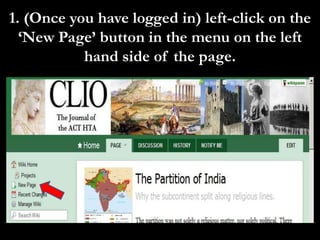
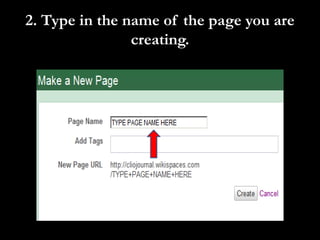
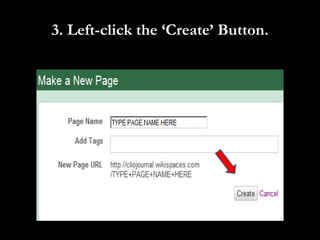
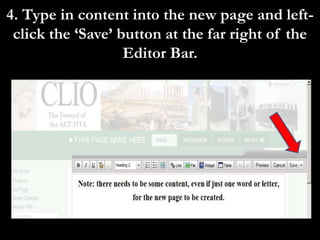
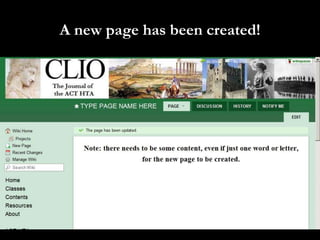
To create a new page, click the New Page button on the left menu, type a name for the page, then click Create. Add content and click Save to save the new page that has been created.



![Instrucciones en ingles[1]](https://cdn.slidesharecdn.com/ss_thumbnails/instruccioneseningles1-100913084239-phpapp02-thumbnail.jpg?width=640&height=640&fit=bounds)


![Magazines[2]](https://cdn.slidesharecdn.com/ss_thumbnails/magazines2-110210225748-phpapp02-thumbnail.jpg?width=640&height=640&fit=bounds)


