In the past decade blogging had vastly attracted the publishing world. But
today, a blog post is just a writing, which is written using a particular
style. It only interests the reader till the time they find it interesting
enough to read.
So, what you should do to keep your readers engaged with your blog post ?
As a blog post is written so that the writers can communicate with the
readers, so, to make your blog post more engaging and interesting, why not
you convert your blog posts into videos.
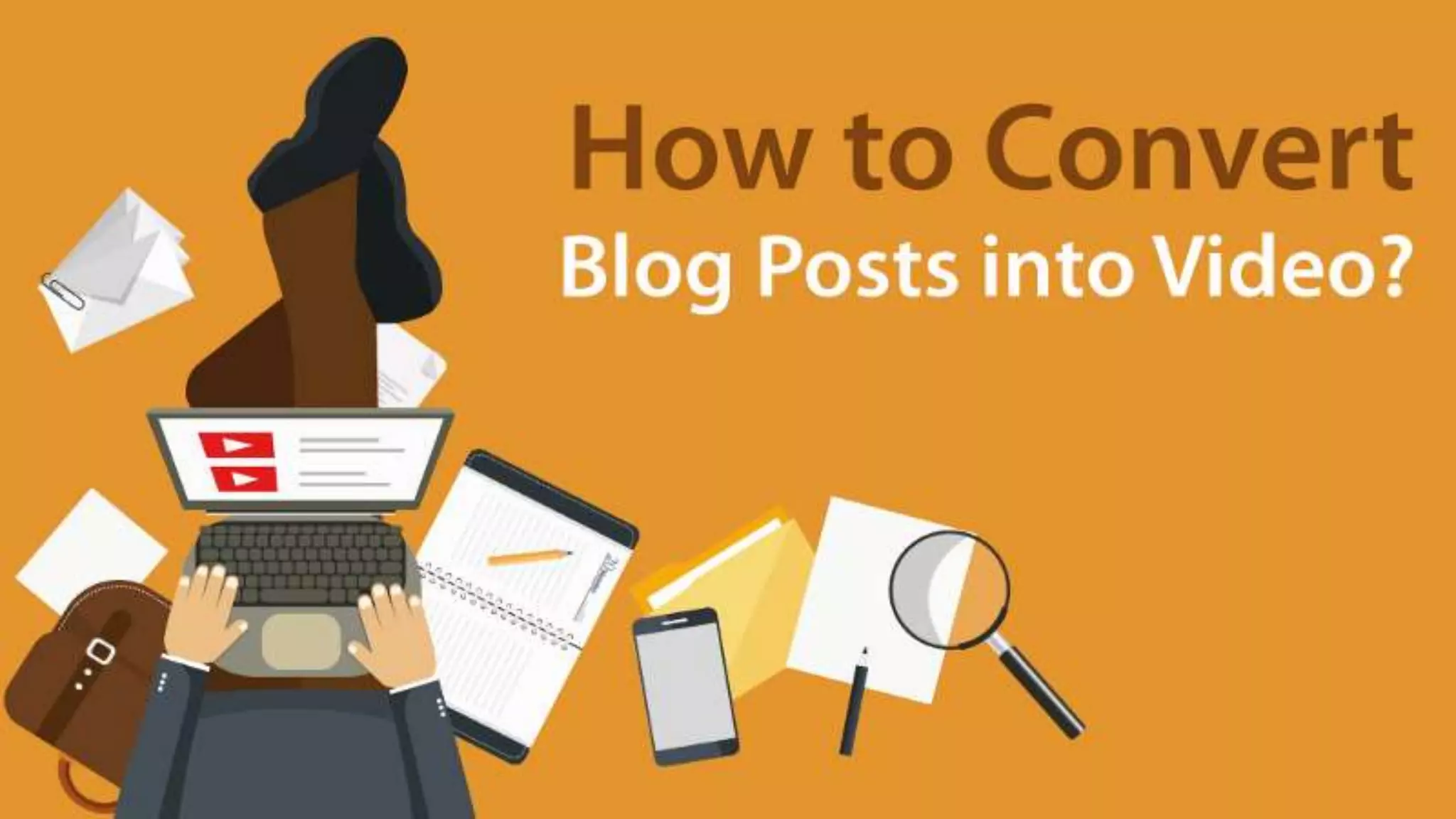
In this article we will tell you about some easy methods through which
you can convert your blog posts into videos.
But, before the process, you should know the importance of converting
your blog posts into videos.
Videos boost your blogs
Videos influence the users to read more of your blog posts. If the video is
engaging and interesting, then they will be drawn to the blog as well. It
will eventually increase your following and make your blogs popular.
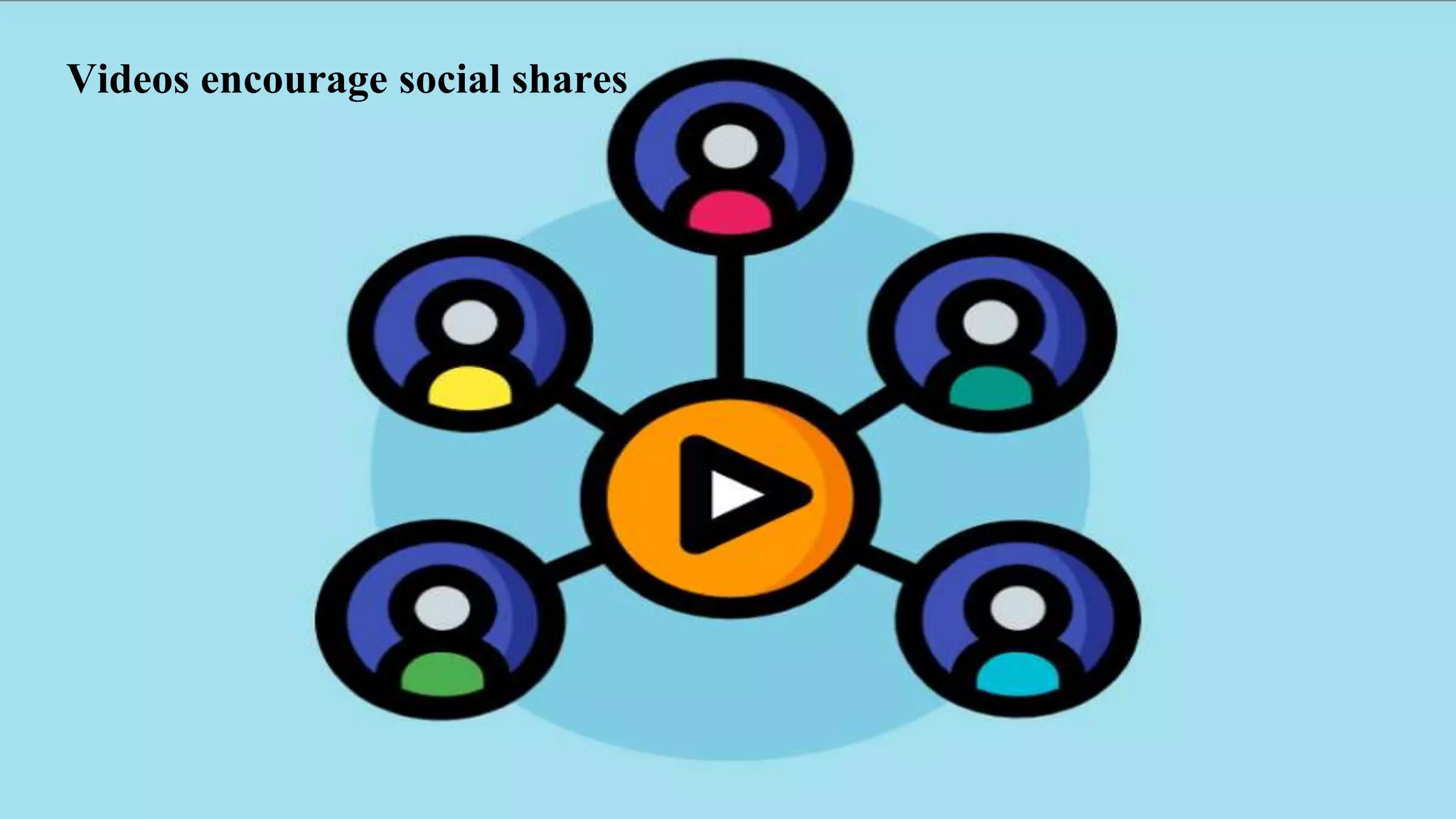
Videos encourage social shares
Today is the age of social media. People are nowadays socially active
and search for new things on social platforms that are eye catching. So, if
you make a video of your blog post, then it has more chances of being
shared by the readers because of its attraction factor.
Social media marketing is growing in scope, so you just need to make it a
part of your marketing strategy and videos will help you get better results
as compared to a plain blog post.
INCREASED
Building brand awareness is one of the highest priorities of bloggers. It
will tell your readers who you are and what your interests are. To
increase your brand awareness you should be clear with the message that
goes out from your content.
And through consistent use of templates and video graphics, this will be
made more readable and clear to your audience. So, now lets see how
you can easily convert your blog posts into videos.
There are many software that are available, which let you create videos
from your blog post and also customise them according to your theme.
Here is the list of softwares that you can use :
1. Lumen5
It is a video creation platform that lets you create socially engaging
videos. You just have to enter your blog post url, and it will create the
video for you in just few minutes. Alternatively you can also copy-paste
your text.
This software is designed for marketing and business professionals, who
don’t have a technical background. It provides you with built in templates
and media library which they can use to make interesting videos.
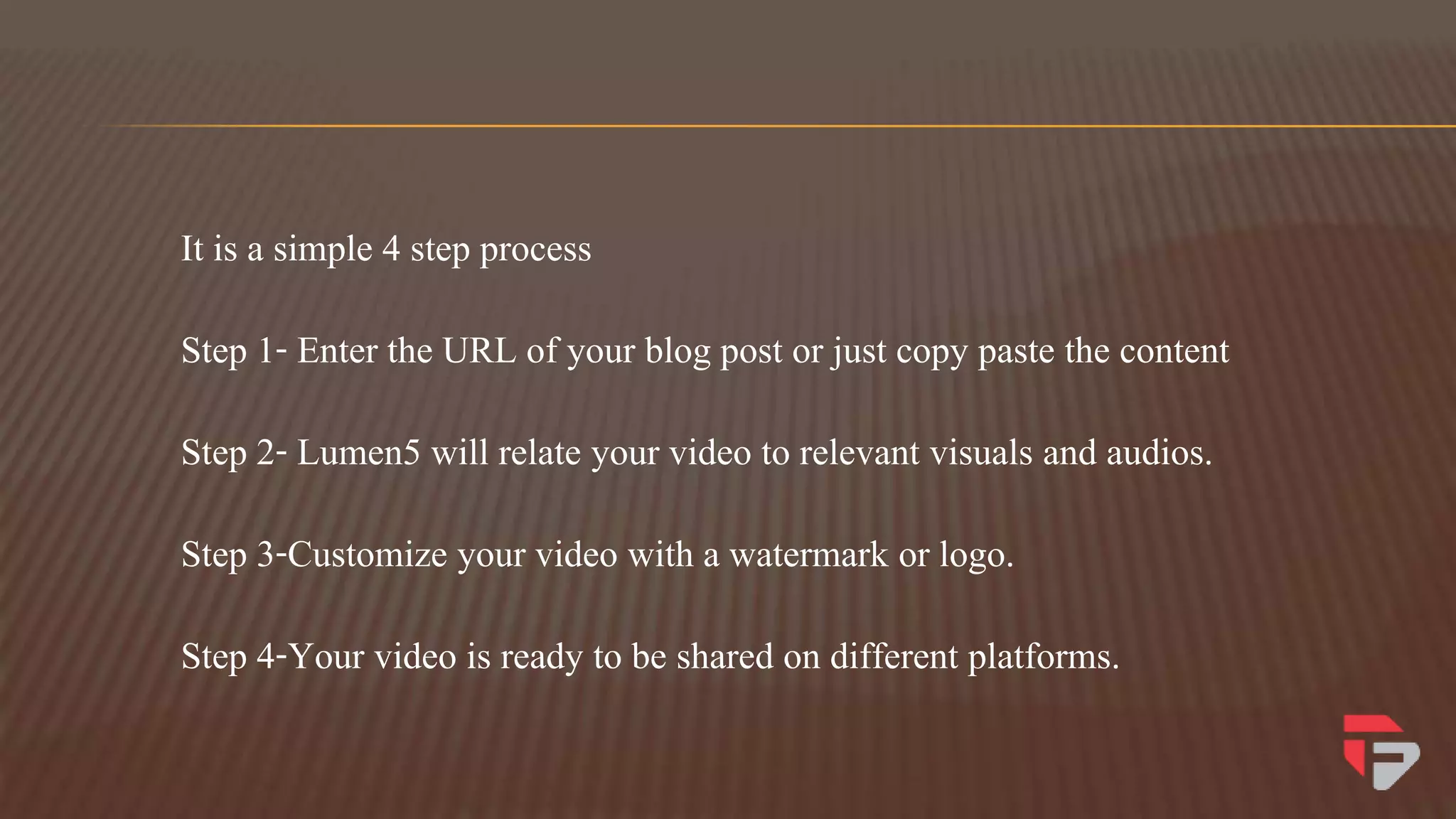
It is a simple 4 step process
Step 1- Enter the URL of your blog post or just copy paste the content
Step 2- Lumen5 will relate your video to relevant visuals and audios.
Step 3-Customize your video with a watermark or logo.
Step 4-Your video is ready to be shared on different platforms.
The benefits of using this product are as follows -
 Easy and quick
 Provides you with an inbuilt library of images and templates.
 You can add your own watermark or logo.
Just use this user-friendly software to create some of the best videos for
your blog posts in just few minutes.
2. Wibbitz
It is an online text- to- video platform, that automatically analyzes and
converts text and blog posts into videos. It has smart editing tools that
makes video creation quick and easy. All you need is a story to tell and
few minutes.
This tool transforms your story in any format that you want. It allows to
use text, photos, videos and music to create square or vertical videos
within seconds. It helps you in making a dynamic social video strategy
that will have an impact on the popularity of your blog post.
This tool has some amazing features like-
It gives you free access to millions of videos, photos and soundtracks.
It has beautiful graphics and templates that can be easily customised
according to your brand.
You can highlight keywords in the text.
3. ActivePresenter
ActivePresenter is a desktop application, that lets you make creative
videos in just few minutes. It allows you to edit audio/videos and also
customize the feel of the video according to your needs.
This software is designed functionally, so that users can easily work on
it, and not with an attractive interface. It can easily convert old posts into
videos, record your screen and lets you create impressive videos. It also
has an elearning interface, that is helpful for elearning designers.
ActivePresenter comes with some amazing features like,
 Ability to export videos in a number of different formats.
 It has plenty of options for creating impressive presentations.
 It offers high quality screen recordings.
Conclusion
There are many tools available in the market that can convert your blog
posts into videos and the above list tells you some of the best ones. You
can take them on a test drive and explore how they will help you in
creating interesting videos. And some lasting impressions too.
Presentation by Teknikforce Ventires LLC
https://teknikforce.com/
Cutting edge Internet marketing tools

How to convert blog posts into video

  • 2.
    In the pastdecade blogging had vastly attracted the publishing world. But today, a blog post is just a writing, which is written using a particular style. It only interests the reader till the time they find it interesting enough to read.
  • 3.
    So, what youshould do to keep your readers engaged with your blog post ? As a blog post is written so that the writers can communicate with the readers, so, to make your blog post more engaging and interesting, why not you convert your blog posts into videos.
  • 4.
    In this articlewe will tell you about some easy methods through which you can convert your blog posts into videos.
  • 5.
    But, before theprocess, you should know the importance of converting your blog posts into videos.
  • 6.
  • 7.
    Videos influence theusers to read more of your blog posts. If the video is engaging and interesting, then they will be drawn to the blog as well. It will eventually increase your following and make your blogs popular.
  • 8.
  • 9.
    Today is theage of social media. People are nowadays socially active and search for new things on social platforms that are eye catching. So, if you make a video of your blog post, then it has more chances of being shared by the readers because of its attraction factor.
  • 10.
    Social media marketingis growing in scope, so you just need to make it a part of your marketing strategy and videos will help you get better results as compared to a plain blog post.
  • 11.
  • 12.
    Building brand awarenessis one of the highest priorities of bloggers. It will tell your readers who you are and what your interests are. To increase your brand awareness you should be clear with the message that goes out from your content.
  • 13.
    And through consistentuse of templates and video graphics, this will be made more readable and clear to your audience. So, now lets see how you can easily convert your blog posts into videos.
  • 14.
    There are manysoftware that are available, which let you create videos from your blog post and also customise them according to your theme. Here is the list of softwares that you can use :
  • 15.
  • 16.
    It is avideo creation platform that lets you create socially engaging videos. You just have to enter your blog post url, and it will create the video for you in just few minutes. Alternatively you can also copy-paste your text.
  • 17.
    This software isdesigned for marketing and business professionals, who don’t have a technical background. It provides you with built in templates and media library which they can use to make interesting videos.
  • 18.
    It is asimple 4 step process Step 1- Enter the URL of your blog post or just copy paste the content Step 2- Lumen5 will relate your video to relevant visuals and audios. Step 3-Customize your video with a watermark or logo. Step 4-Your video is ready to be shared on different platforms.
  • 19.
    The benefits ofusing this product are as follows -  Easy and quick  Provides you with an inbuilt library of images and templates.  You can add your own watermark or logo.
  • 20.
    Just use thisuser-friendly software to create some of the best videos for your blog posts in just few minutes.
  • 21.
  • 22.
    It is anonline text- to- video platform, that automatically analyzes and converts text and blog posts into videos. It has smart editing tools that makes video creation quick and easy. All you need is a story to tell and few minutes.
  • 23.
    This tool transformsyour story in any format that you want. It allows to use text, photos, videos and music to create square or vertical videos within seconds. It helps you in making a dynamic social video strategy that will have an impact on the popularity of your blog post.
  • 24.
    This tool hassome amazing features like- It gives you free access to millions of videos, photos and soundtracks. It has beautiful graphics and templates that can be easily customised according to your brand. You can highlight keywords in the text.
  • 25.
  • 26.
    ActivePresenter is adesktop application, that lets you make creative videos in just few minutes. It allows you to edit audio/videos and also customize the feel of the video according to your needs.
  • 27.
    This software isdesigned functionally, so that users can easily work on it, and not with an attractive interface. It can easily convert old posts into videos, record your screen and lets you create impressive videos. It also has an elearning interface, that is helpful for elearning designers.
  • 28.
    ActivePresenter comes withsome amazing features like,  Ability to export videos in a number of different formats.  It has plenty of options for creating impressive presentations.  It offers high quality screen recordings.
  • 29.
  • 30.
    There are manytools available in the market that can convert your blog posts into videos and the above list tells you some of the best ones. You can take them on a test drive and explore how they will help you in creating interesting videos. And some lasting impressions too.
  • 31.
    Presentation by TeknikforceVentires LLC https://teknikforce.com/ Cutting edge Internet marketing tools