How sell product in bulk
Enterprise
Introduction
Enterprise
Odoo Sales is the best tool to manage all of your quotations, sales
orders, targets. We'll go over how to use the features and
functionalities of the Odoo 17 platform to sell a product in this
slide. The processes involved in selling a product are somewhat
similar to those found in the Events, Sales, and Purchase Modules.
Furthermore, the form arrangement is similar to the basic Odoo
forms.
Enterprise
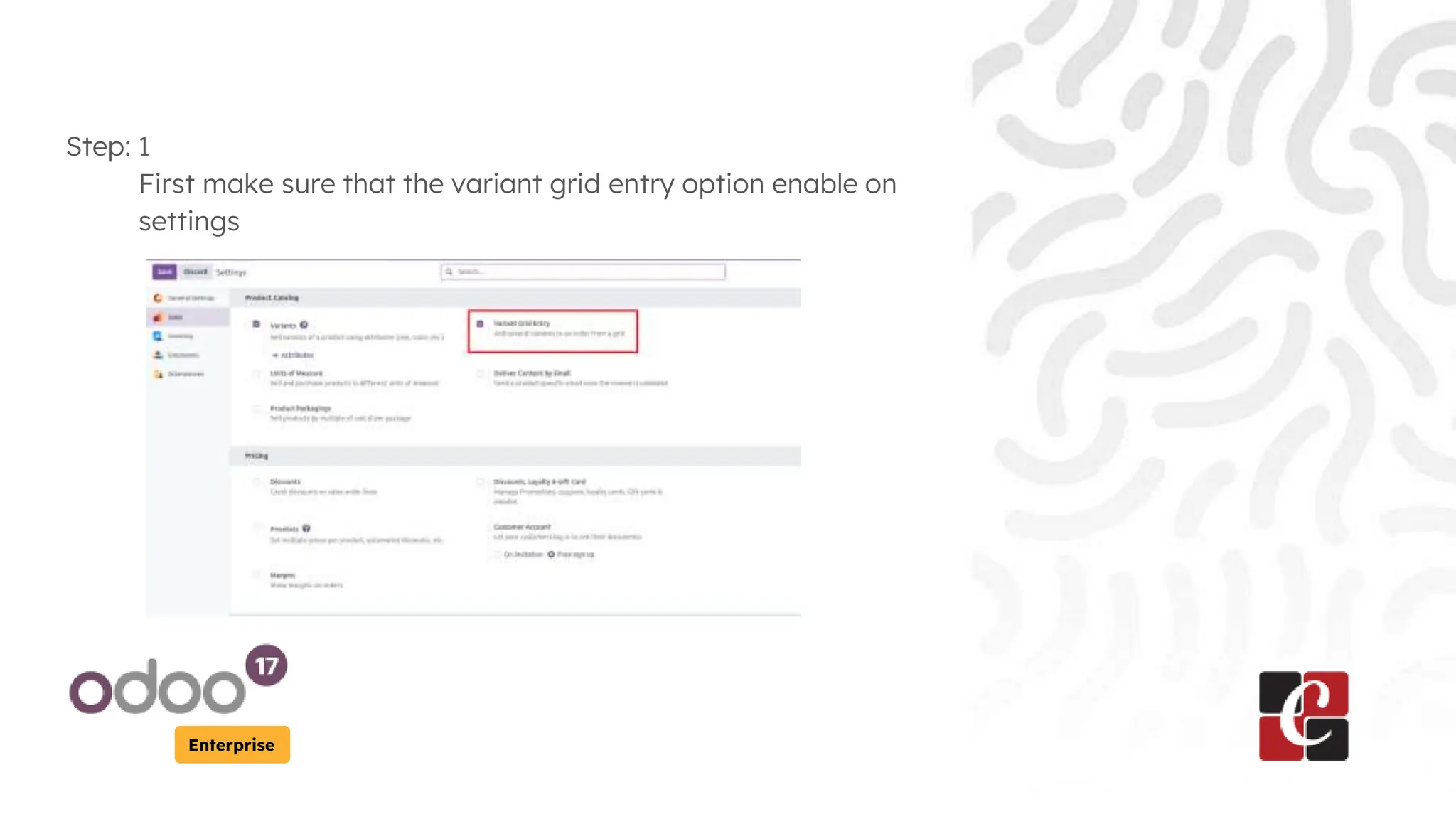
Step: 1
First make sure that the variant grid entry option enable on
settings
Enterprise
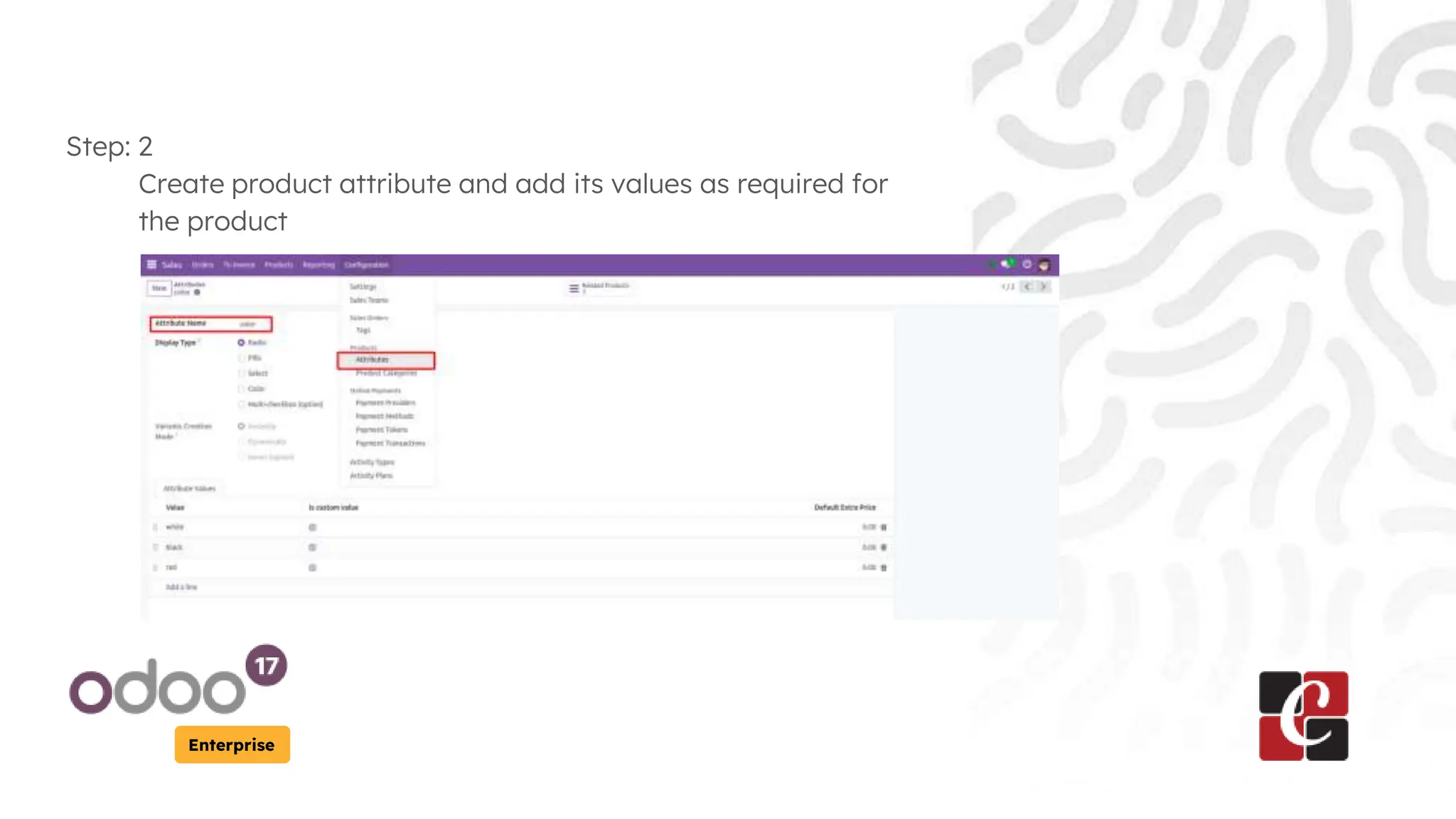
Step: 2
Create product attribute and add its values as required for
the product
Enterprise
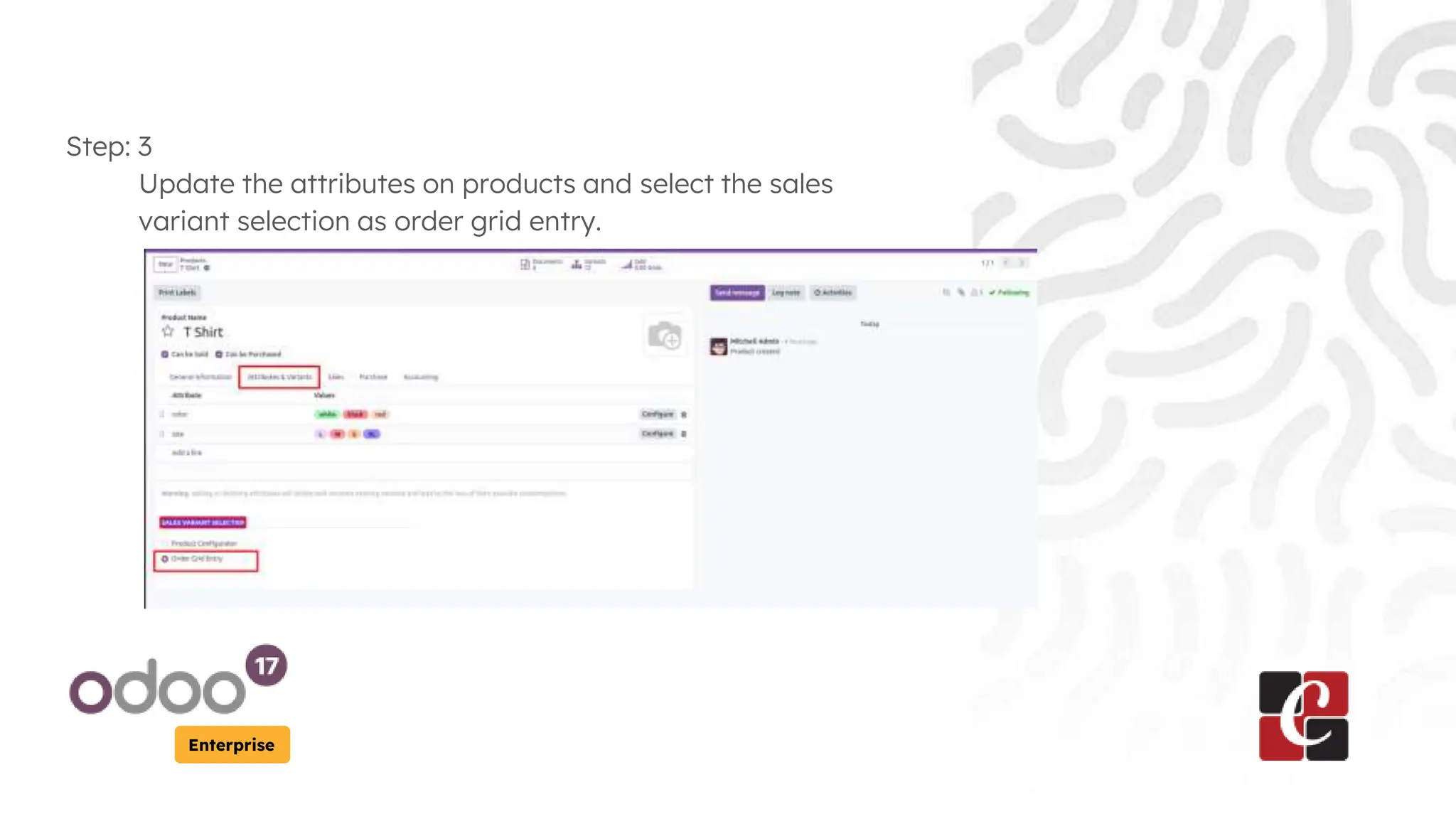
Step: 3
Update the attributes on products and select the sales
variant selection as order grid entry.
Enterprise
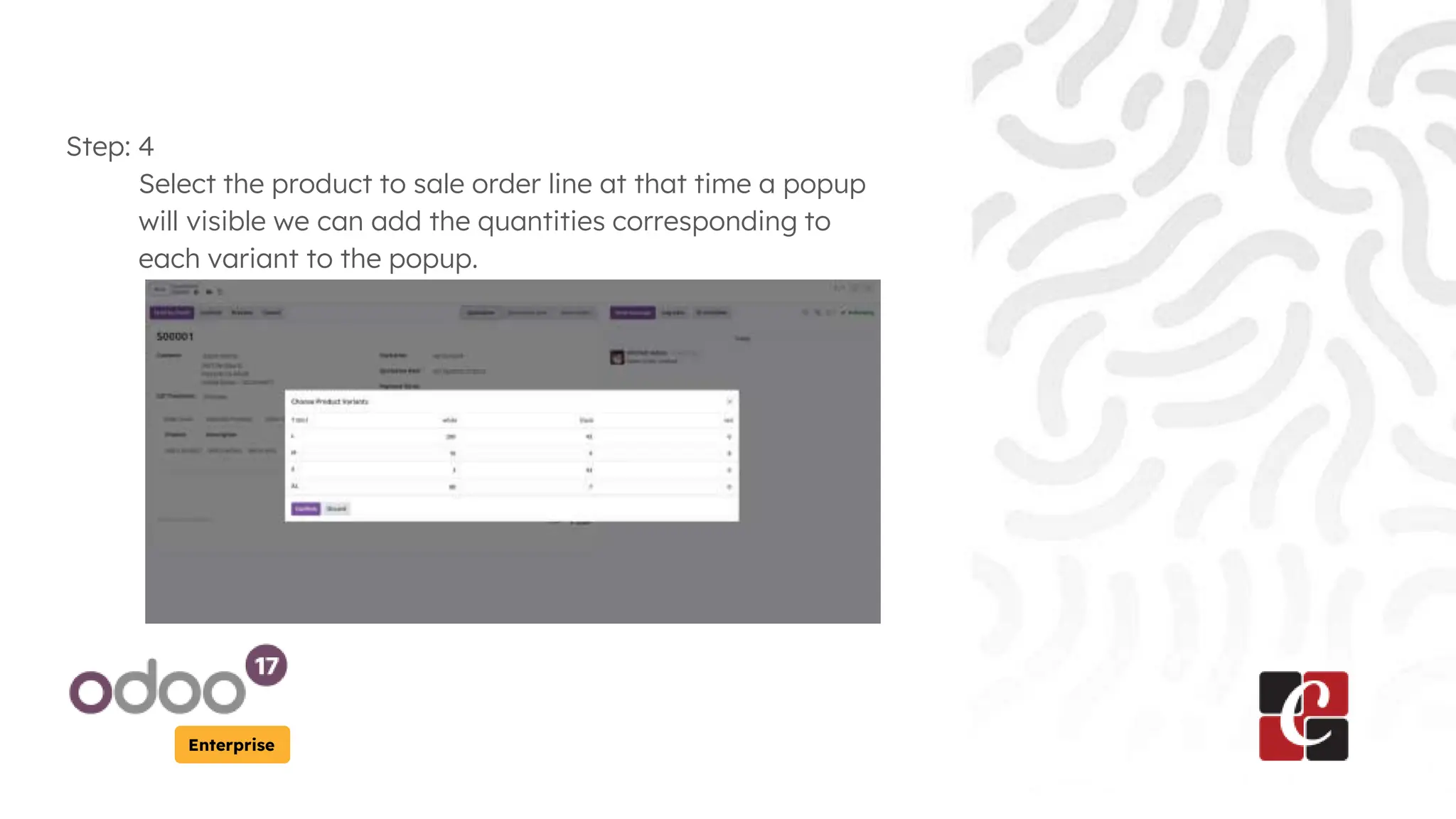
Step: 4
Select the product to sale order line at that time a popup
will visible we can add the quantities corresponding to
each variant to the popup.
Enterprise
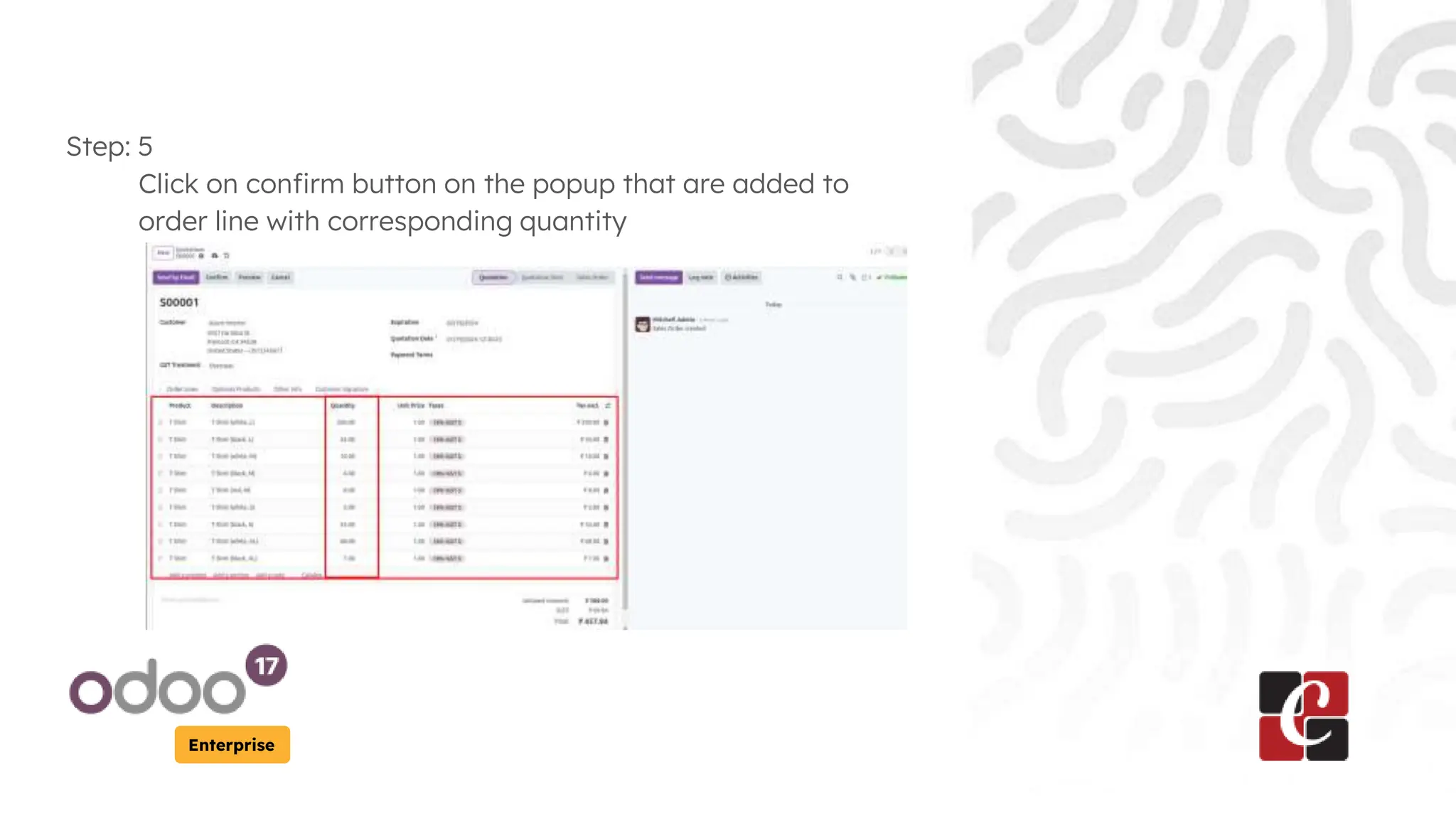
Step: 5
Click on confirm button on the popup that are added to
order line with corresponding quantity
For More Info.
Check our company website for related
blogs and Odoo book.
Check our YouTube channel for
functional and technical videos in Odoo.
Enterprise
www.cybrosys.com

How Sell Product in Bulk in Odoo 17 Platform

  • 1.
    How sell productin bulk Enterprise
  • 2.
    Introduction Enterprise Odoo Sales isthe best tool to manage all of your quotations, sales orders, targets. We'll go over how to use the features and functionalities of the Odoo 17 platform to sell a product in this slide. The processes involved in selling a product are somewhat similar to those found in the Events, Sales, and Purchase Modules. Furthermore, the form arrangement is similar to the basic Odoo forms.
  • 3.
    Enterprise Step: 1 First makesure that the variant grid entry option enable on settings
  • 4.
    Enterprise Step: 2 Create productattribute and add its values as required for the product
  • 5.
    Enterprise Step: 3 Update theattributes on products and select the sales variant selection as order grid entry.
  • 6.
    Enterprise Step: 4 Select theproduct to sale order line at that time a popup will visible we can add the quantities corresponding to each variant to the popup.
  • 7.
    Enterprise Step: 5 Click onconfirm button on the popup that are added to order line with corresponding quantity
  • 8.
    For More Info. Checkour company website for related blogs and Odoo book. Check our YouTube channel for functional and technical videos in Odoo. Enterprise www.cybrosys.com