Downloaded 10 times
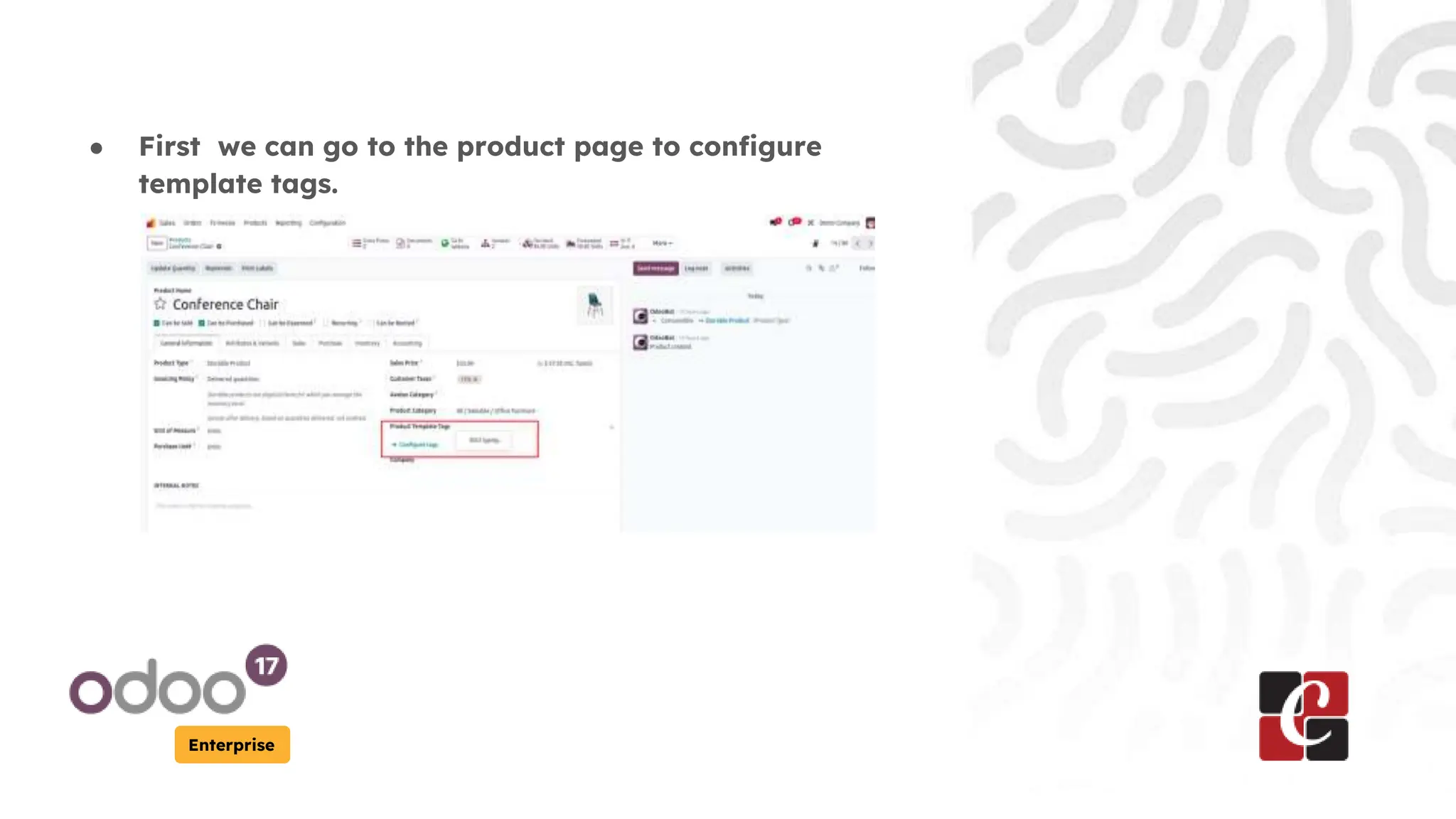
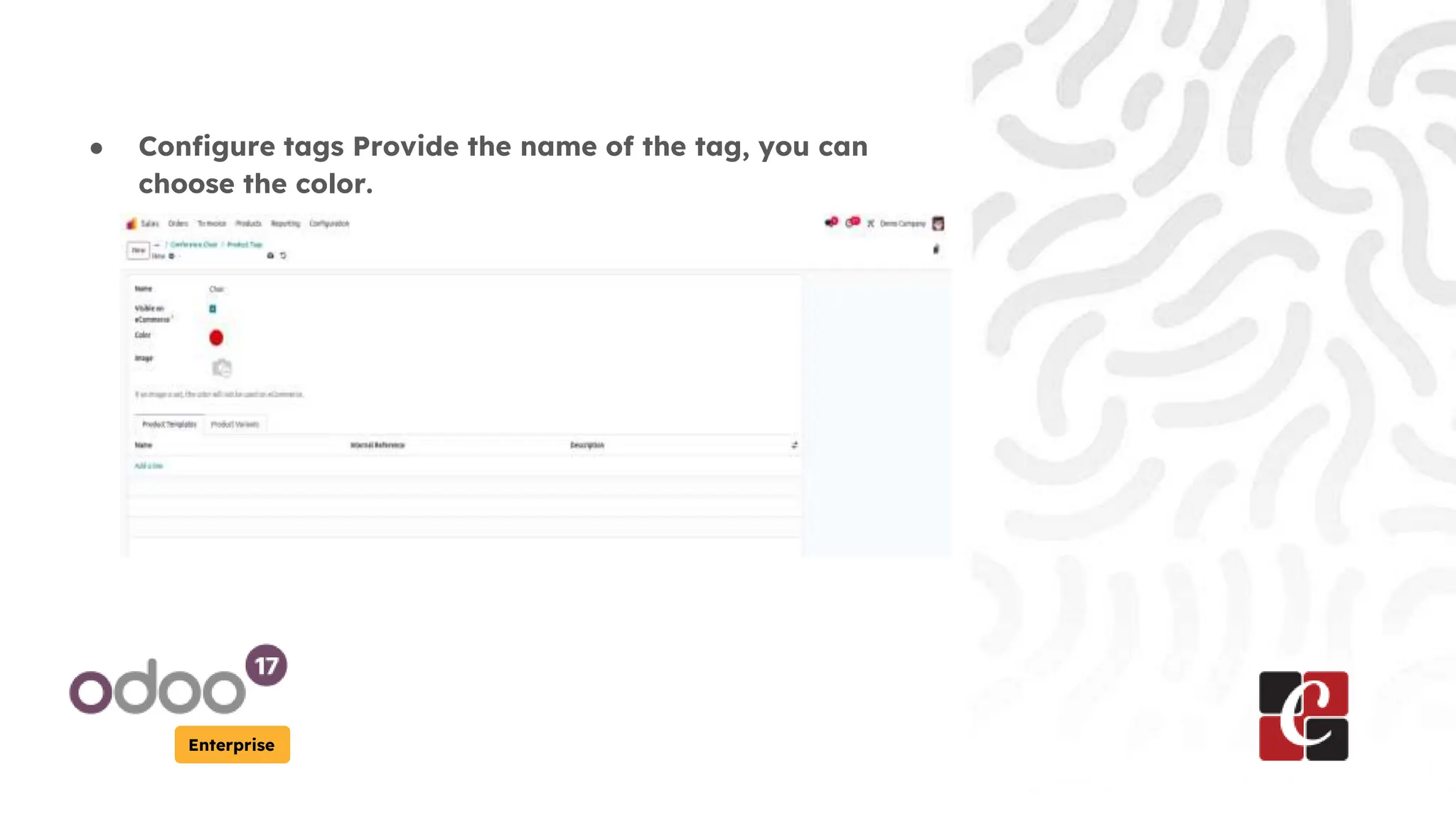
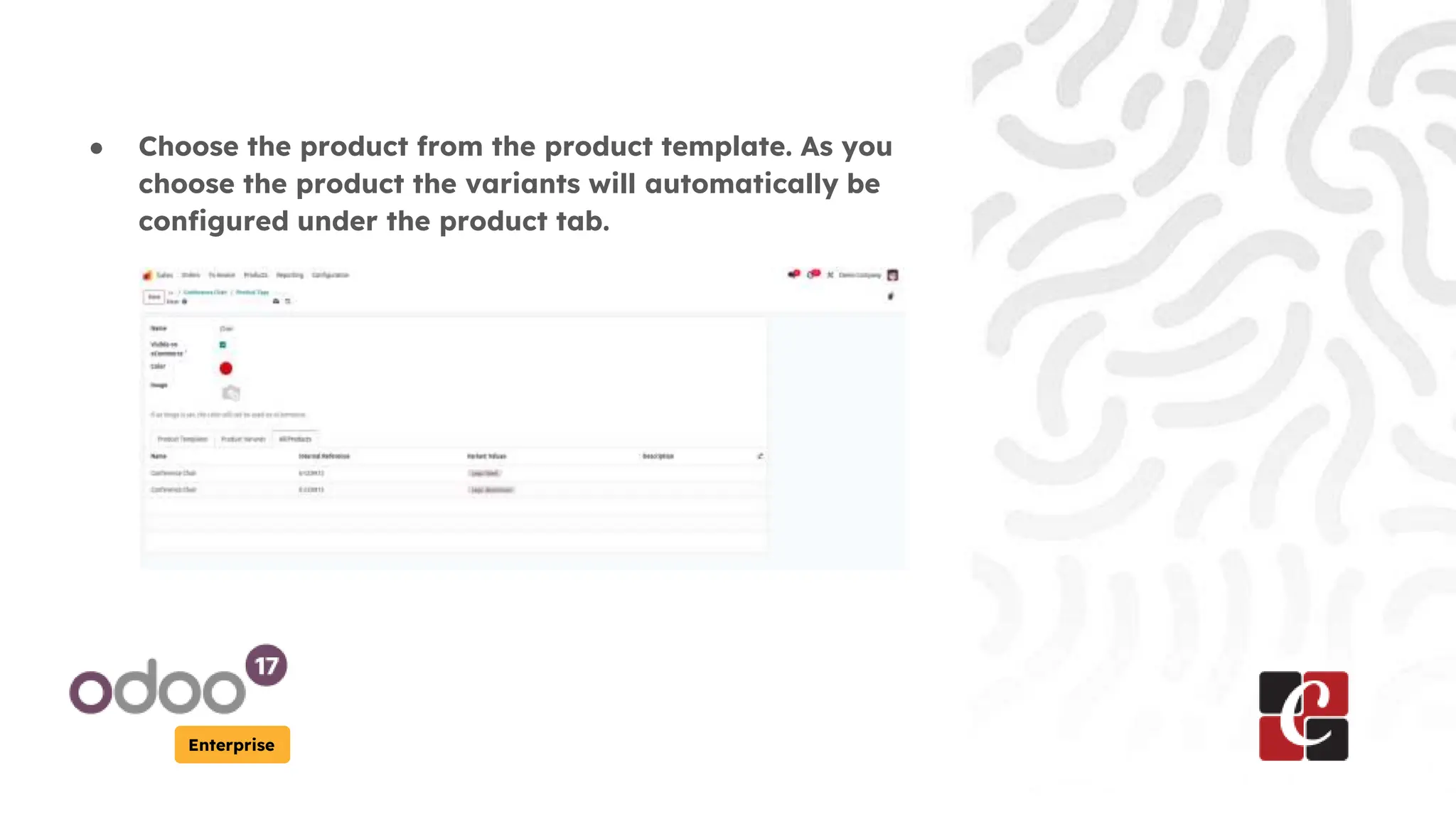
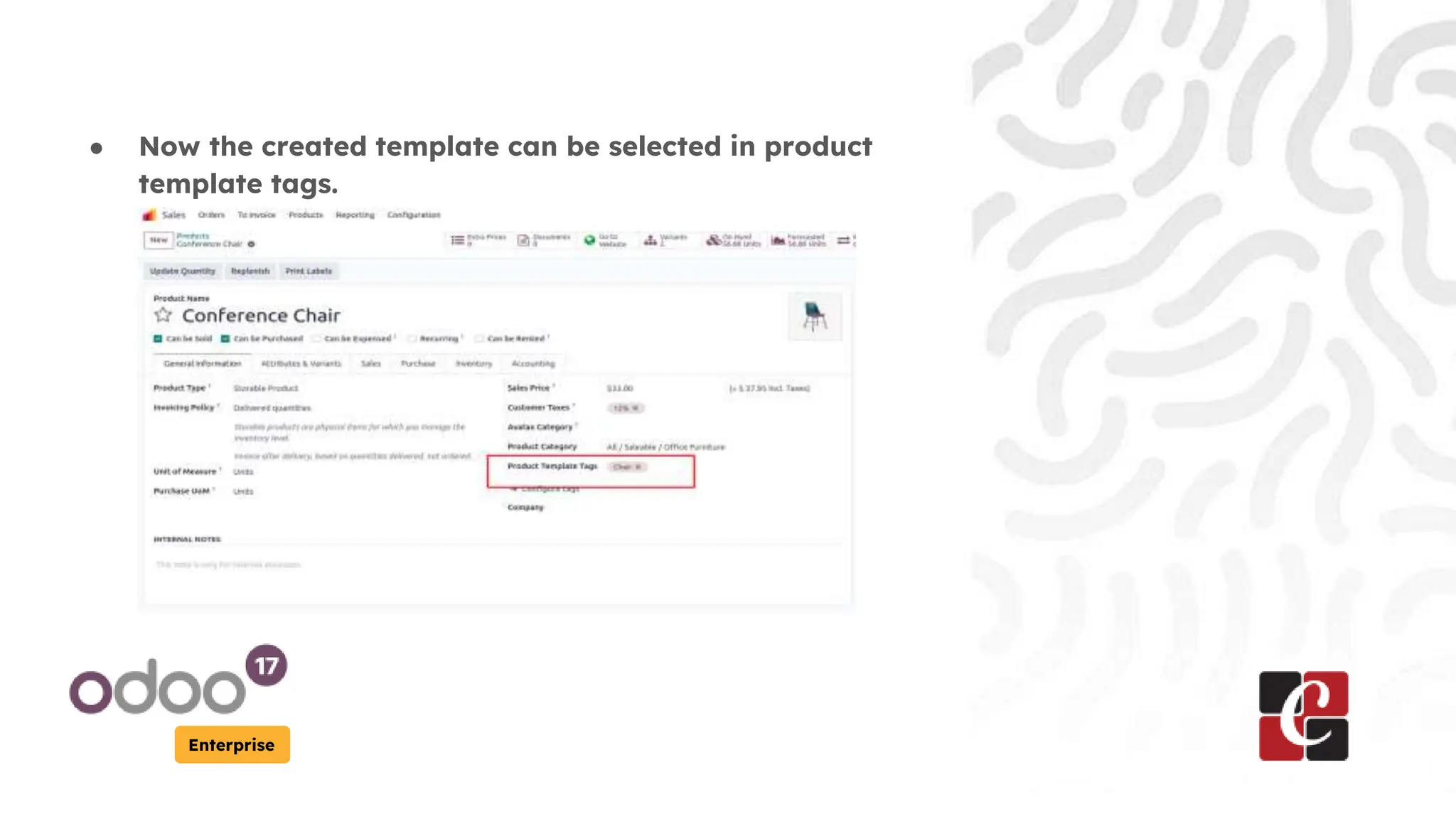
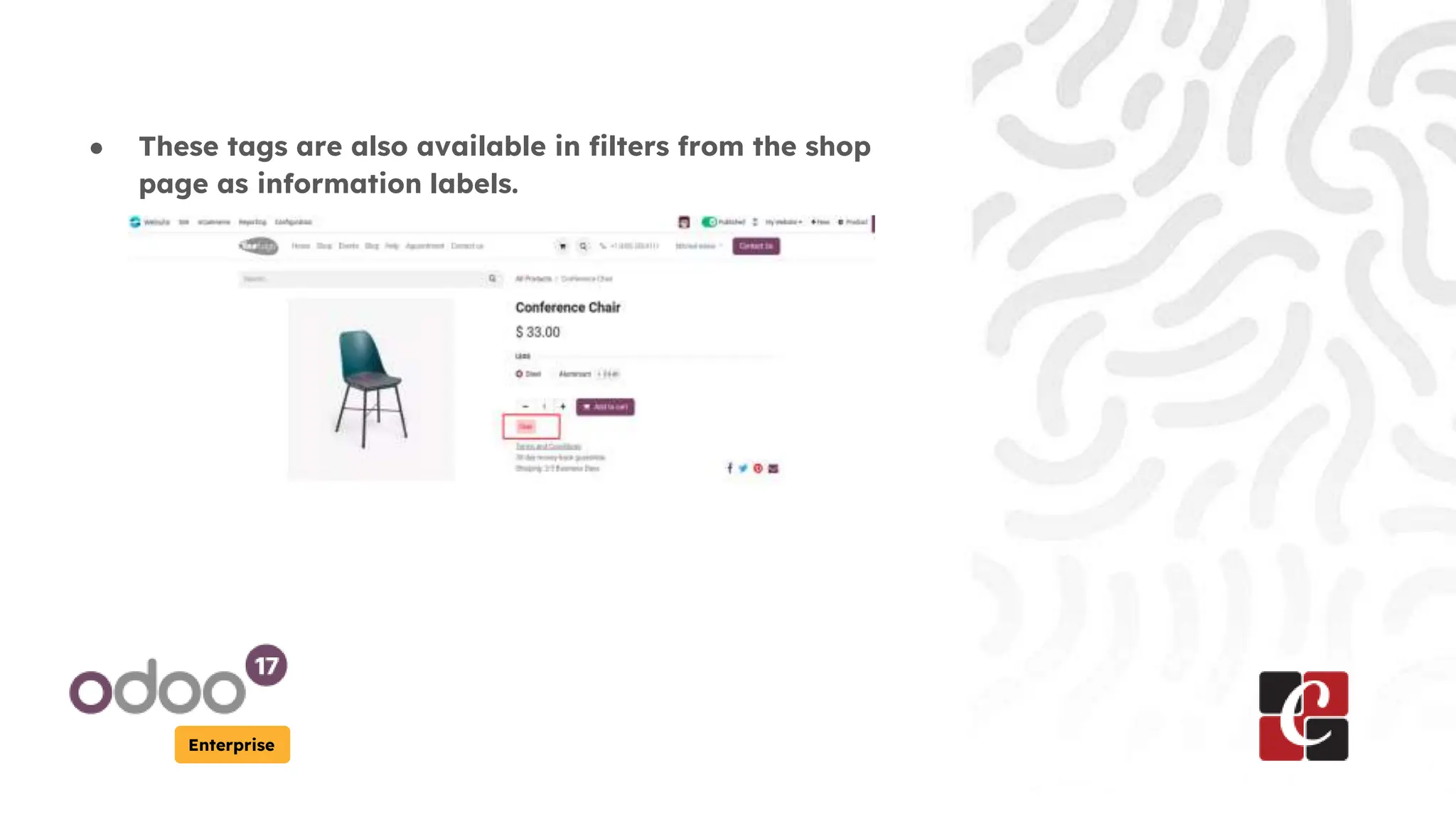

This presentation outlines how to configure product template tags in Odoo 17 Enterprise to enhance e-commerce functionality. Users can set tag names and colors on the product page, and selected templates will automatically associate with product variants. The configured tags are also accessible as filters on the shop page, with additional resources available on the company's website and YouTube channel.


