<header> Element
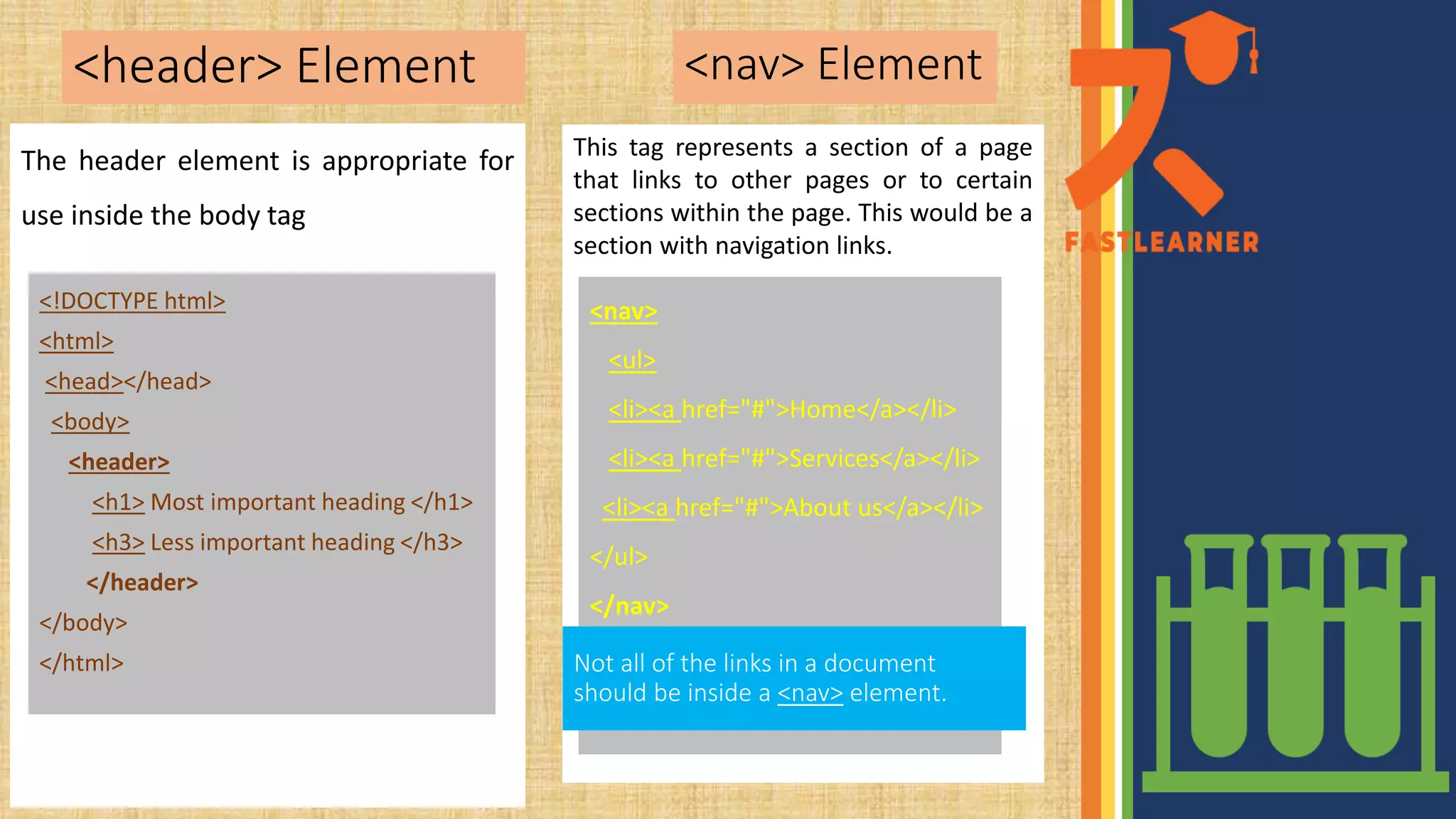
This tag represents a section of a page
that links to other pages or to certain
sections within the page. This would be a
section with navigation links.
.
<nav> Element
The header element is appropriate for
use inside the body tag
<!DOCTYPE html>
<html>
<head></head>
<body>
<header>
<h1> Most important heading </h1>
<h3> Less important heading </h3>
</header>
</body>
</html>
<nav>
<ul>
<li><a href="#">Home</a></li>
<li><a href="#">Services</a></li>
<li><a href="#">About us</a></li>
</ul>
</nav>
Not all of the links in a document
should be inside a <nav> element.
The <footer> Element
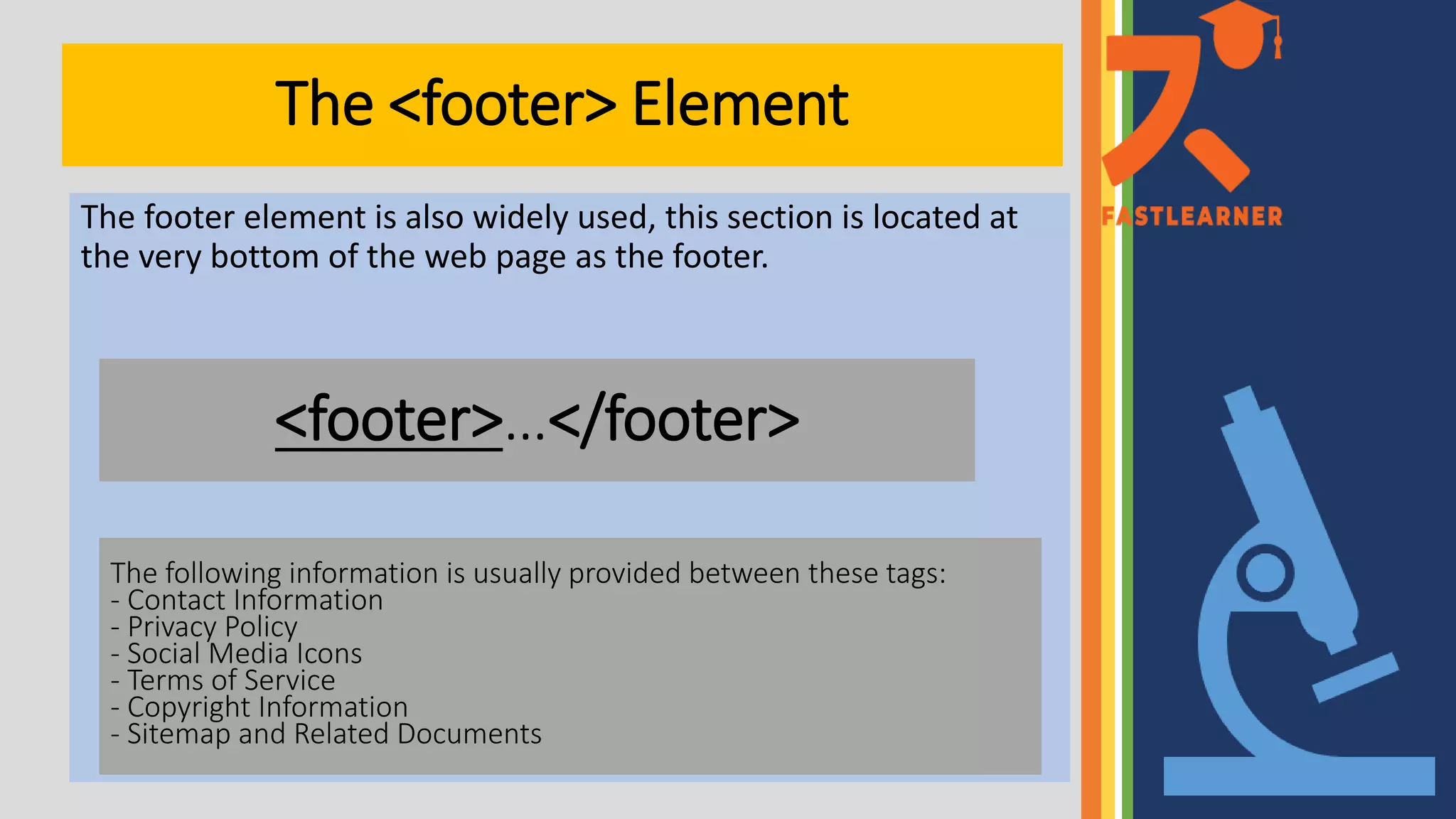
The footer element is also widely used, this section is located at
the very bottom of the web page as the footer.
<footer>…</footer>
The following information is usually provided between these tags:
- Contact Information
- Privacy Policy
- Social Media Icons
- Terms of Service
- Copyright Information
- Sitemap and Related Documents

Header,nav,footer

  • 1.
    <header> Element This tagrepresents a section of a page that links to other pages or to certain sections within the page. This would be a section with navigation links. . <nav> Element The header element is appropriate for use inside the body tag <!DOCTYPE html> <html> <head></head> <body> <header> <h1> Most important heading </h1> <h3> Less important heading </h3> </header> </body> </html> <nav> <ul> <li><a href="#">Home</a></li> <li><a href="#">Services</a></li> <li><a href="#">About us</a></li> </ul> </nav> Not all of the links in a document should be inside a <nav> element.
  • 2.
    The <footer> Element Thefooter element is also widely used, this section is located at the very bottom of the web page as the footer. <footer>…</footer> The following information is usually provided between these tags: - Contact Information - Privacy Policy - Social Media Icons - Terms of Service - Copyright Information - Sitemap and Related Documents