HCI user interface & characterstics of interfaces.pptx
5.
HCI Benefits
1. GainingMarket Share.
2. Improving Productivity.
3. Lowering Support Cost.
4. Reducing Development Cost.
5. Reduces the costs of training and support.
6. Helps mitigate risks.
7. Improve User Experience(UX)
6.
Gaining Market Share:
•People intend to buy/use products with higher usability.
• For e.g., Google Search Engine has the largest market share because it is easy to
use with higher efficiency.
• Improving Productivity:
• Well designed HCI interfaces minimize the potential for mistakes and errors,
leading to faster task completion and increased efficiency.
7.
• Lowering SupportCosts:
• If the product is not usable, calls to customer support every
time can be enormous.
• E.g., If a washing machine is difficult to use even after reading
the instruction manual, many users will call the customer
service and cost per call can be over $50.
• Reducing Development Cost:
• Avoid implementing features users don’t want creating new
features that are annoying or efficient.
• Eg; If there are too many unnecessary confirmation dialog
boxes in using a word processor, it is likely this product needs
to be redeveloped.
8.
• Reduces thecosts of training and support.
• If UI interface working well then no need of trained the users for using the
devices.
• Helps mitigate risks: If HCI systems having high usability and design then risks
are easily migitated if happens.
• Improve User Experience(UX) : If User interface is good then automatically
UX has better performance.
9.
• Extranets:
• Anextranet is similar to the intranet which is partially accessed
by the authorized users.
• The main server is placed behind a firewall, which helps in
providing a controlled access between the intranet and
internet.
• Only the authorized people are allowed to access intranet.
• Various levels of access are provided to individuals and outside
users.
• Depending upon the username password the access can be
made.
11.
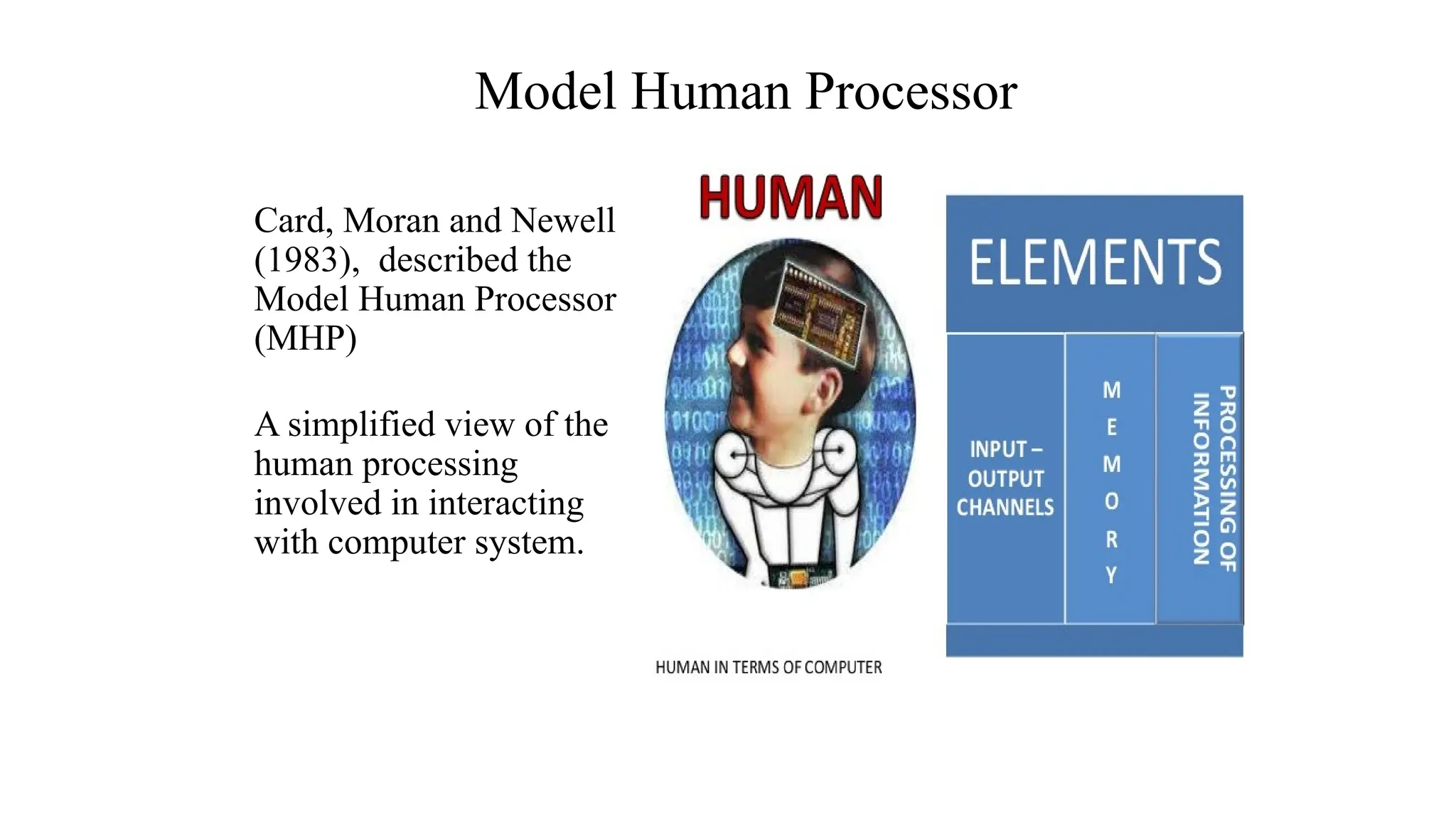
Card, Moran andNewell
(1983), described the
Model Human Processor
(MHP)
A simplified view of the
human processing
involved in interacting
with computer system.
Model Human Processor
12.
Why do weneed to understand Humans?
Interacting with technology is cognitive.
Human information processing referred to as cognition
Human cognition process is involved when interacting with system, like attention,
perception and recognition, memory, learning, reasoning, problem solving and
decision making.
Need to take into account cognitive processes involved and cognitive limitations of
users.
Provides knowledge about what users can and cannot be expected to do.
Identifies and explains the nature and causes of problems users encounter.
Supply theories, modelling tools, guidance and methods that can lead to the design of
better interactive products.
Must consider what are users good and bad at?
13.
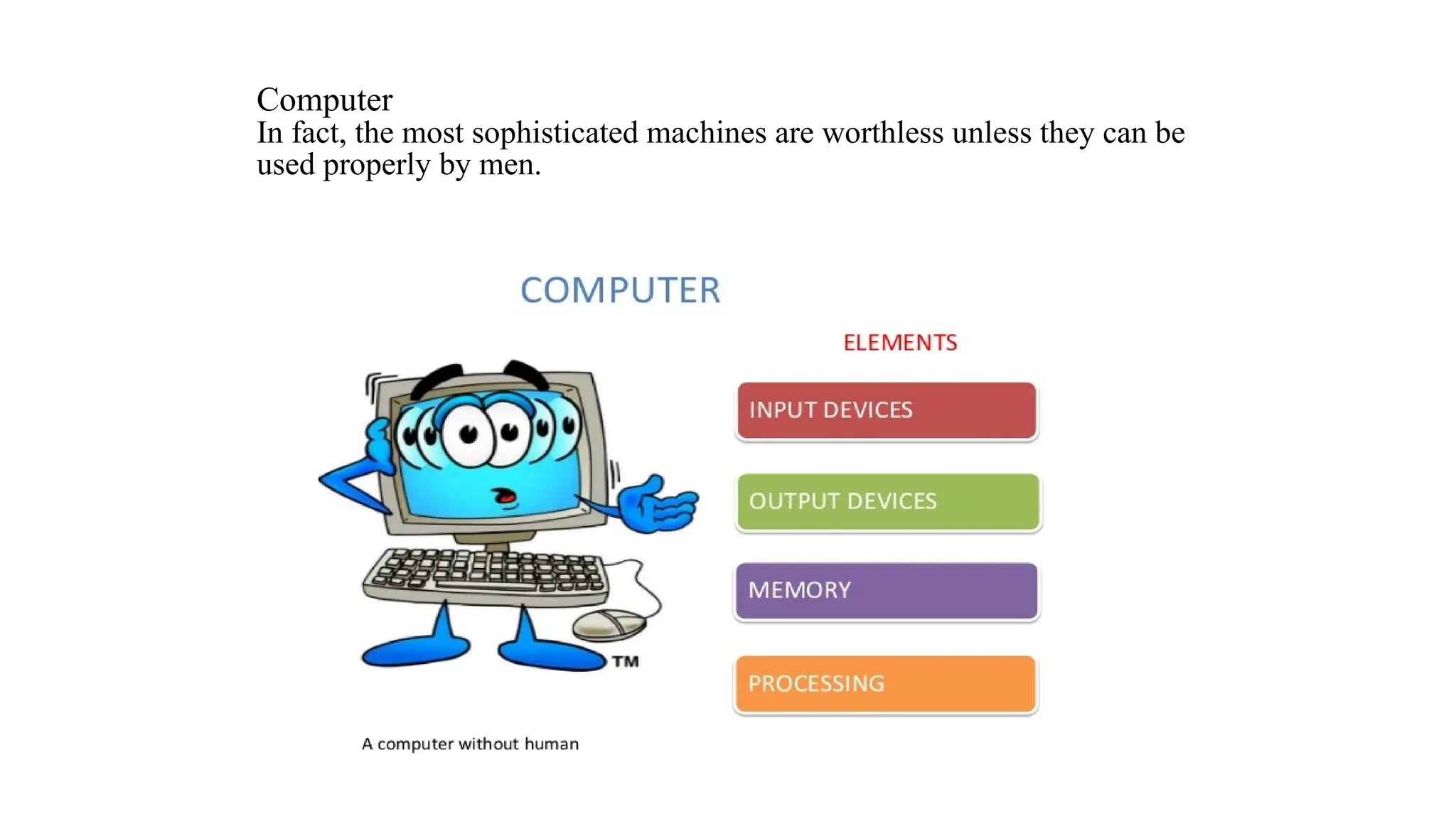
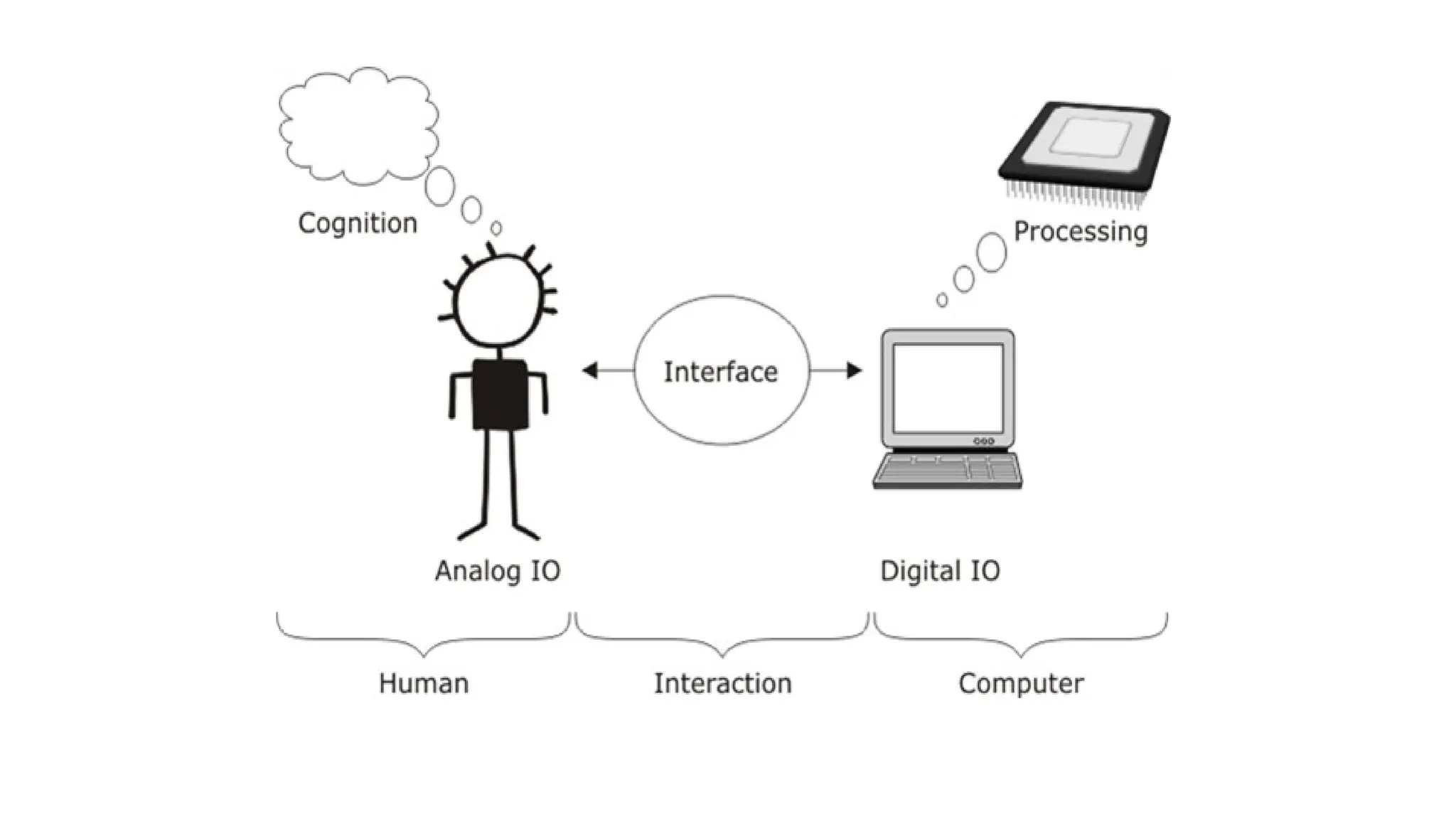
Computer
In fact, themost sophisticated machines are worthless unless they can be
used properly by men.
14.
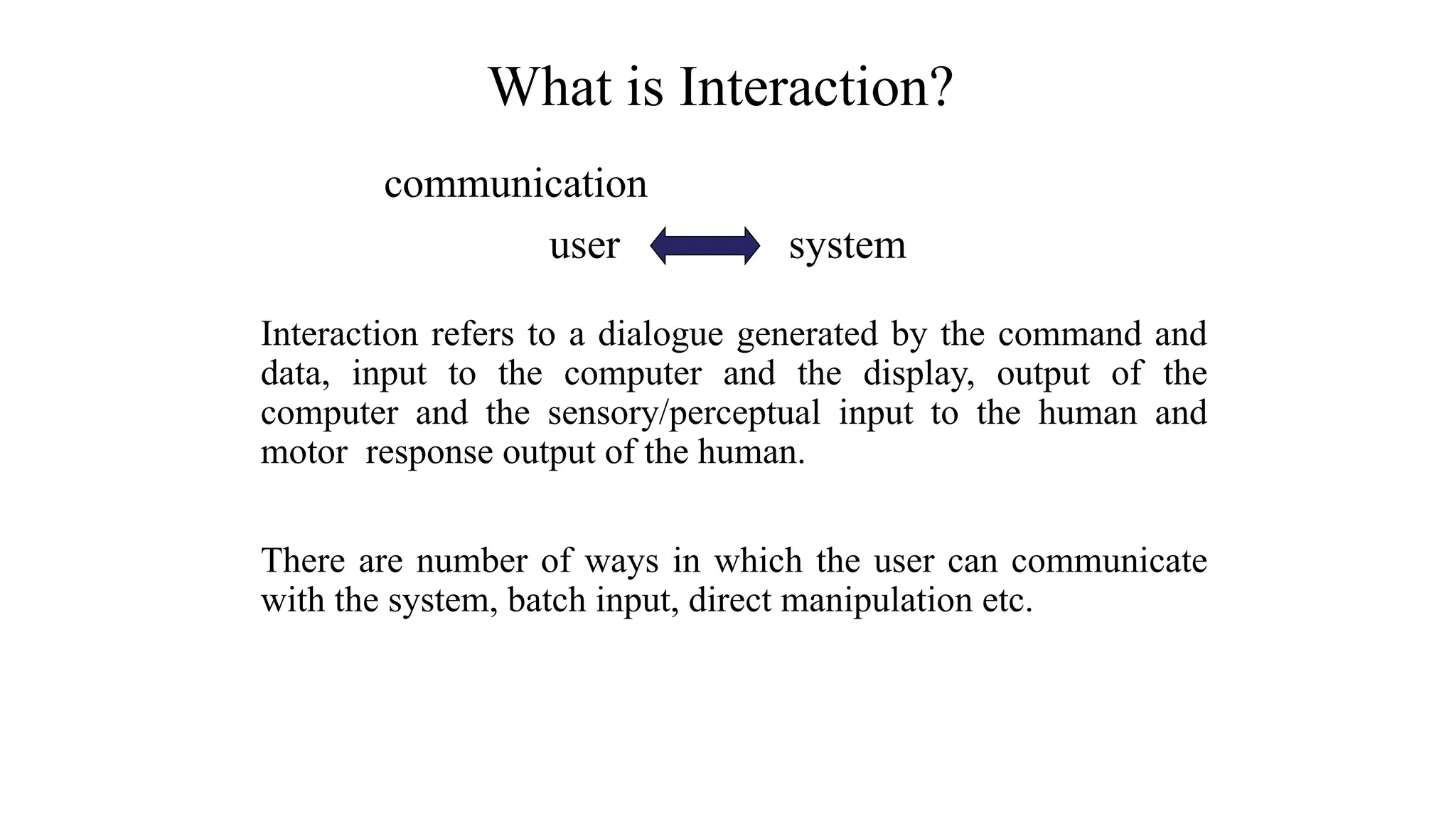
communication
user system
Interaction refersto a dialogue generated by the command and
data, input to the computer and the display, output of the
computer and the sensory/perceptual input to the human and
motor response output of the human.
There are number of ways in which the user can communicate
with the system, batch input, direct manipulation etc.
What is Interaction?
15.
Interface is madeup of a set of hardware devices and
software tools from the computer side and a system of
sensory, motor and cognitive processes from the human
side.
Interaction takes place at the Interface,
What is Interface?
16.
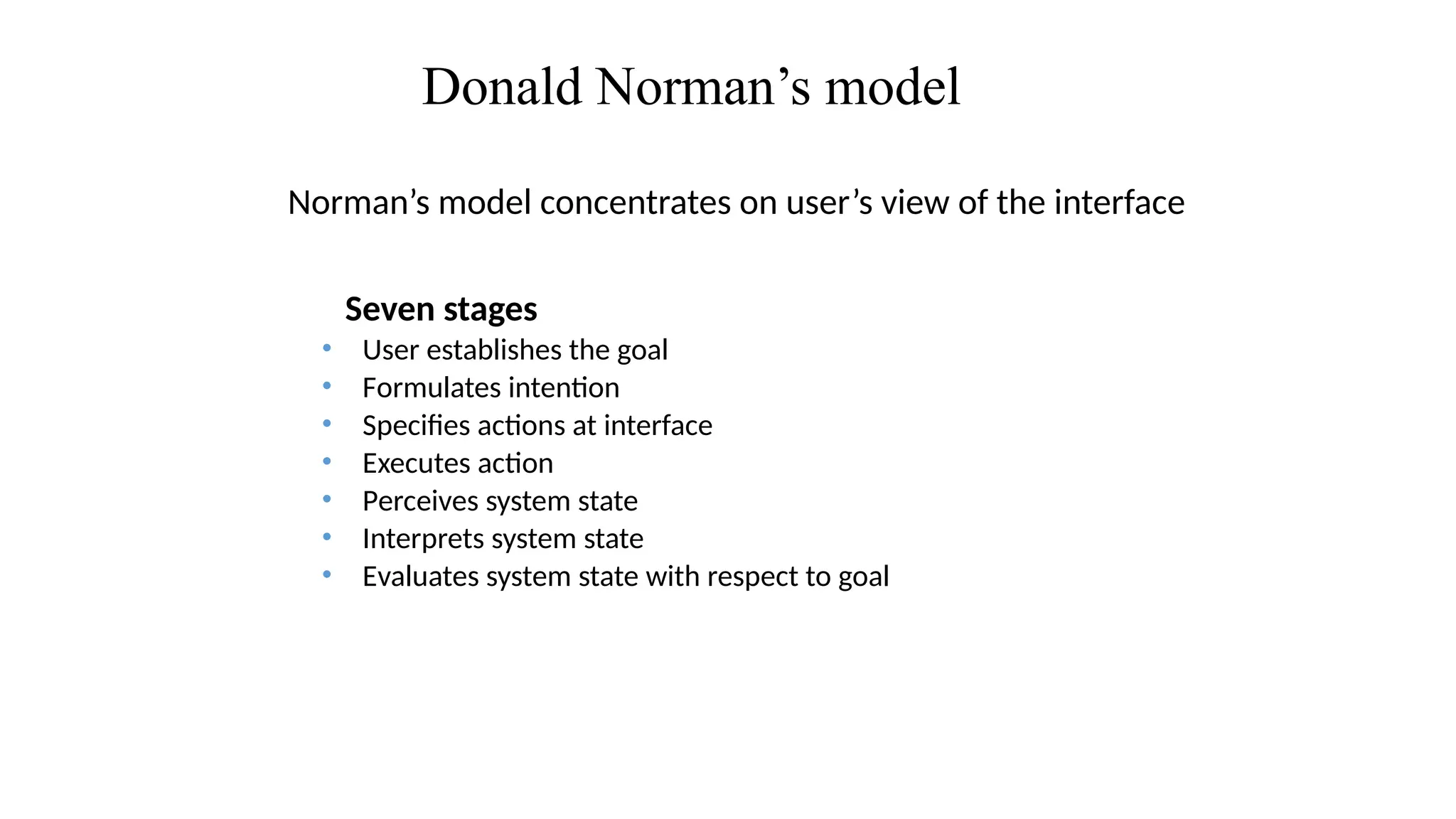
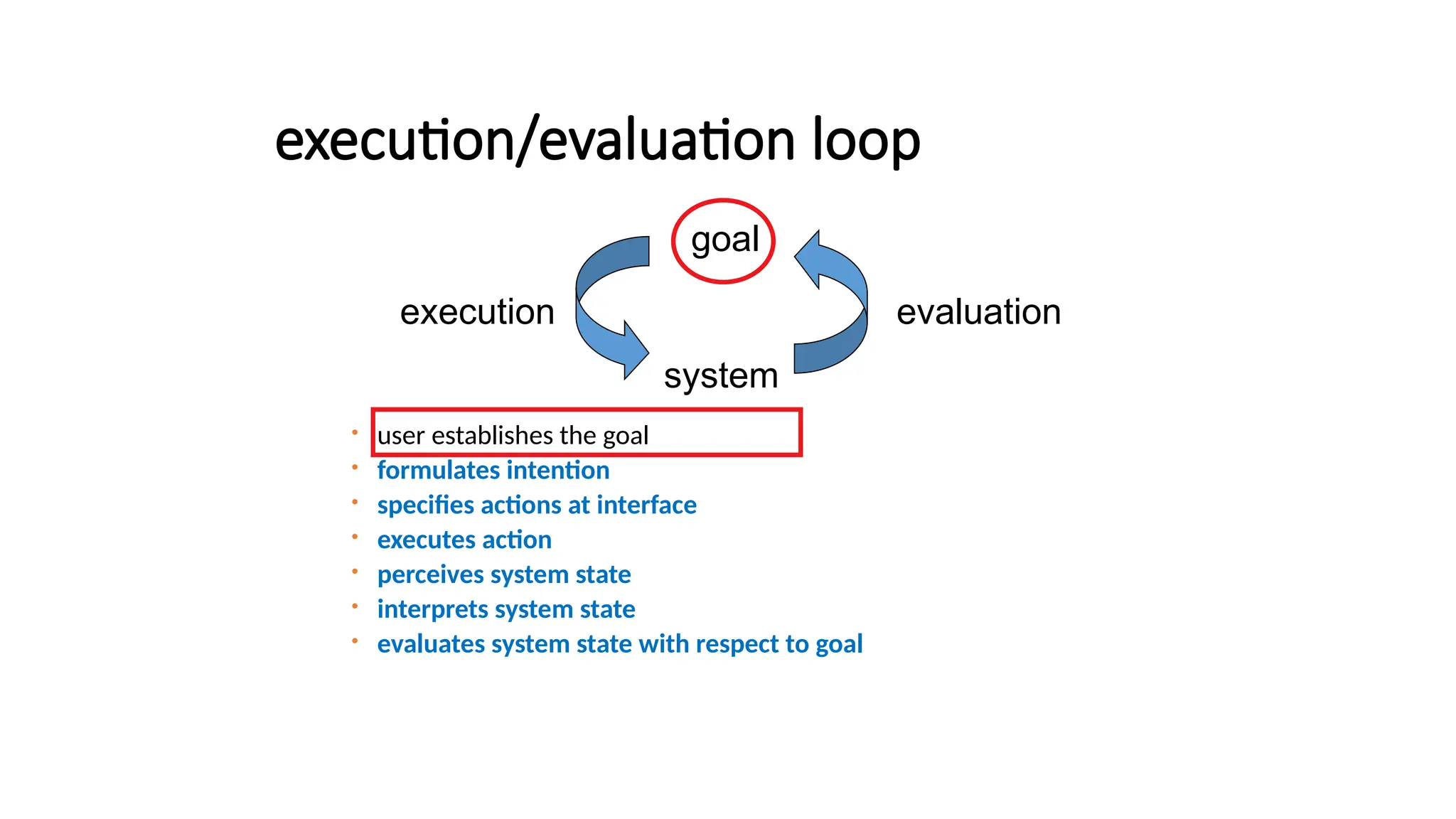
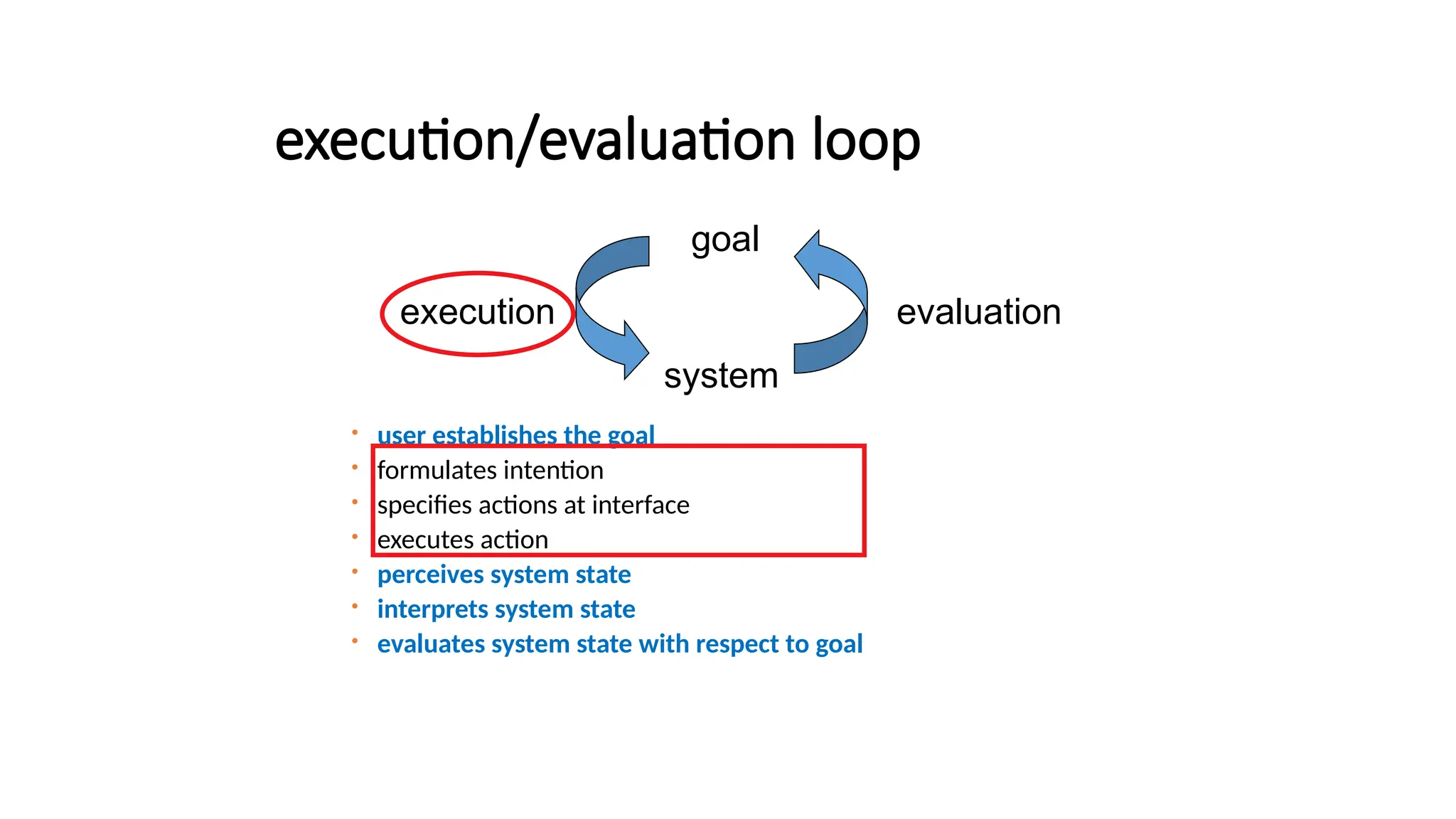
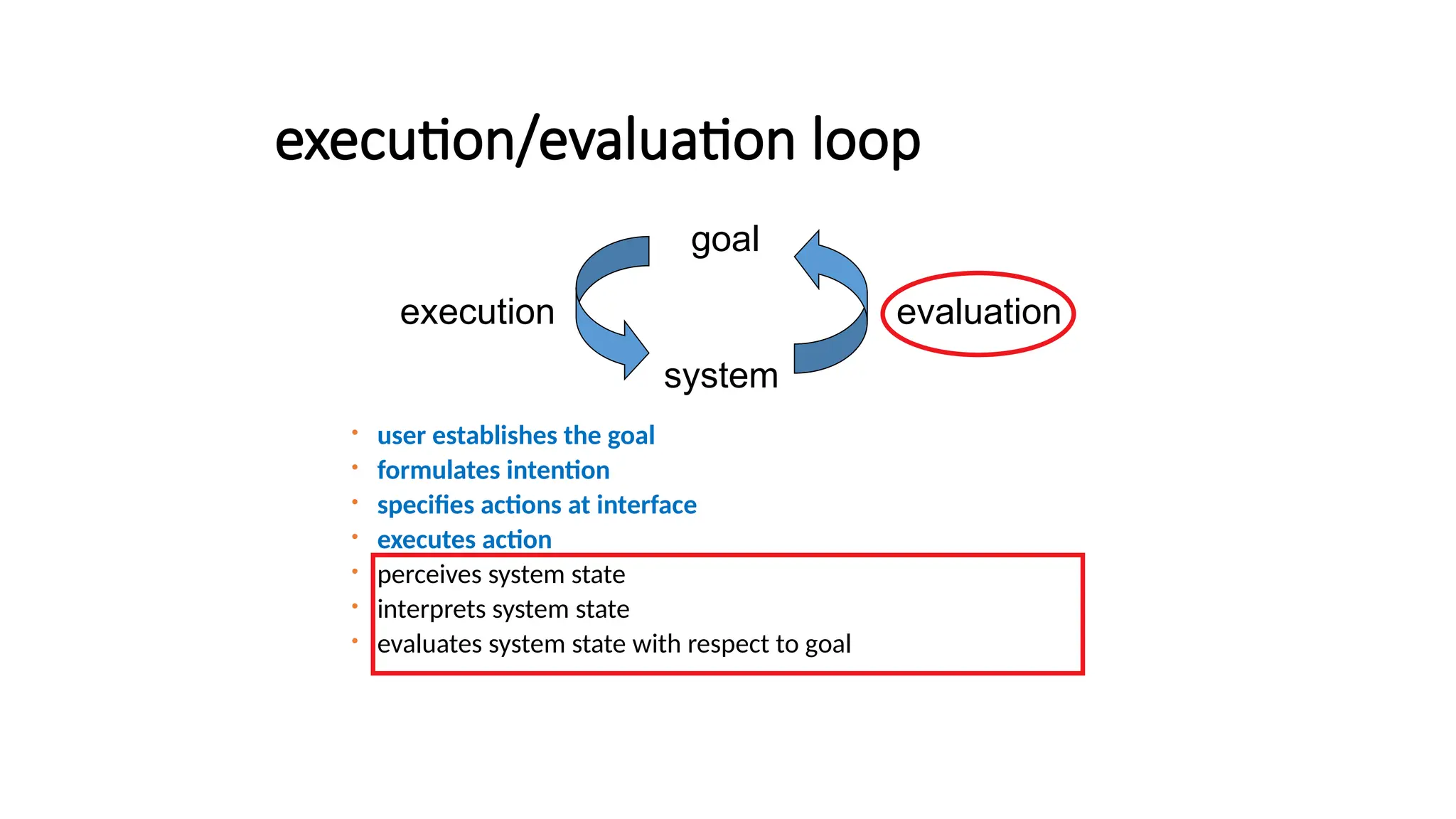
Donald Norman’s model
Norman’smodel concentrates on user’s view of the interface
Seven stages
• User establishes the goal
• Formulates intention
• Specifies actions at interface
• Executes action
• Perceives system state
• Interprets system state
• Evaluates system state with respect to goal
17.
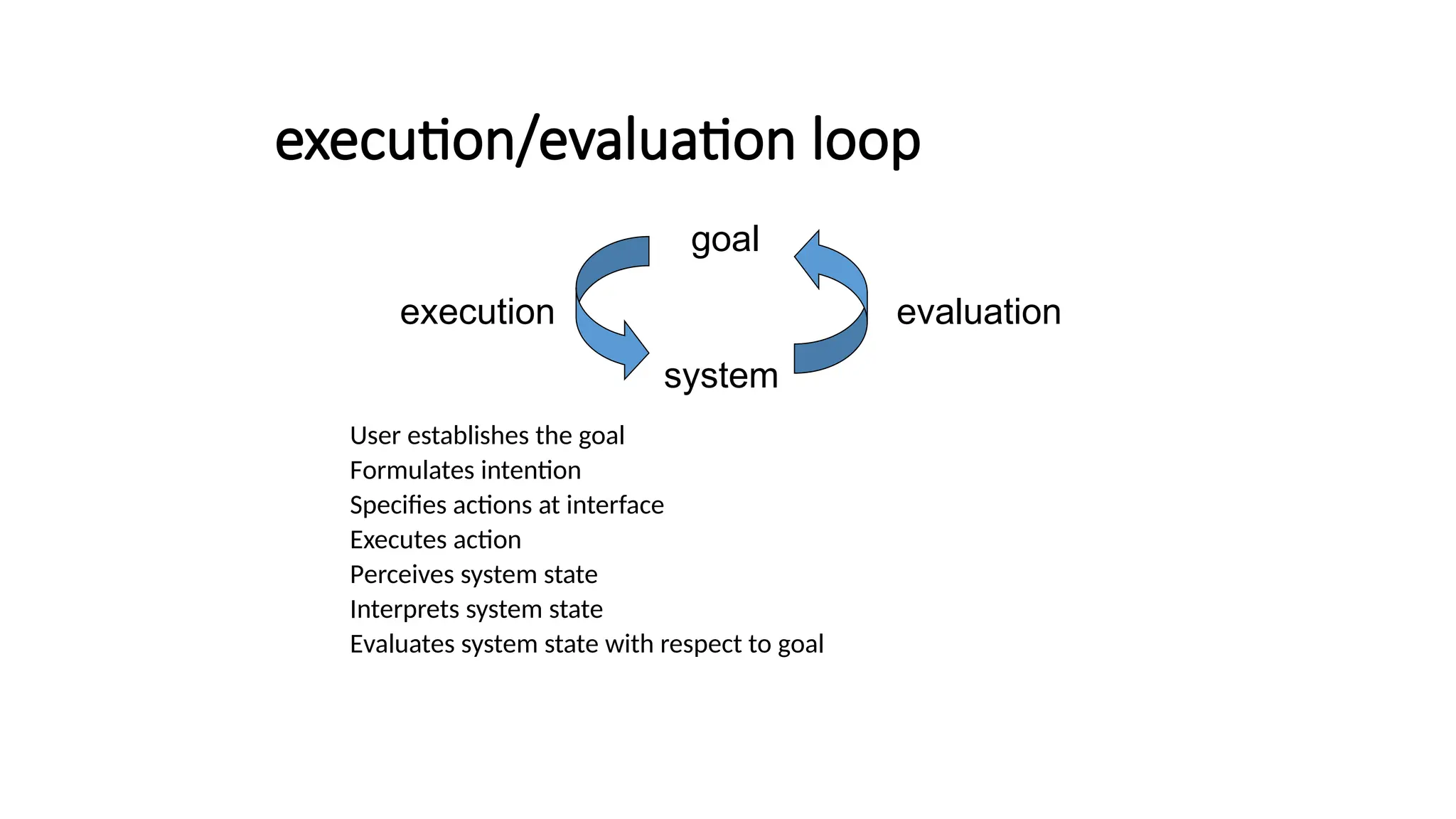
execution/evaluation loop
User establishesthe goal
Formulates intention
Specifies actions at interface
Executes action
Perceives system state
Interprets system state
Evaluates system state with respect to goal
system
evaluation
execution
goal
18.
execution/evaluation loop
userestablishes the goal
formulates intention
specifies actions at interface
executes action
perceives system state
interprets system state
evaluates system state with respect to goal
system
evaluation
execution
goal
19.
execution/evaluation loop
userestablishes the goal
formulates intention
specifies actions at interface
executes action
perceives system state
interprets system state
evaluates system state with respect to goal
system
evaluation
execution
goal
20.
execution/evaluation loop
userestablishes the goal
formulates intention
specifies actions at interface
executes action
perceives system state
interprets system state
evaluates system state with respect to goal
system
evaluation
execution
goal
21.
User interface: Userinterfaces mediate the interaction (dialog)
between humans and computers.
The User Interface today is often one of the most critical factors regarding the
success or failure of a computer system
• [[
Good UI design:
Increases efficiency
Improves productivity
Reduces errors
Reduces training
Improves acceptance
User interface (UI)
23.
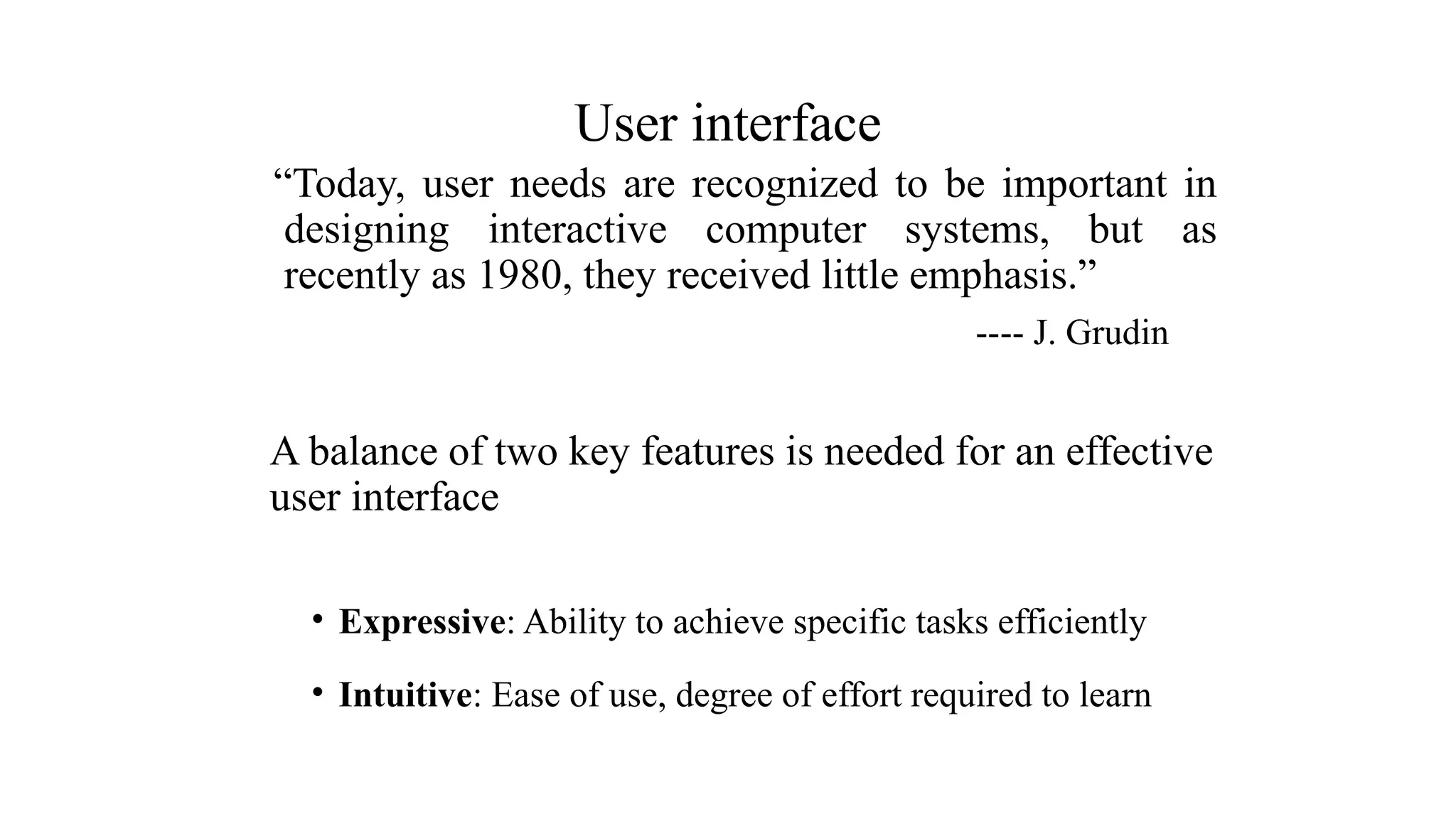
“Today, user needsare recognized to be important in
designing interactive computer systems, but as
recently as 1980, they received little emphasis.”
---- J. Grudin
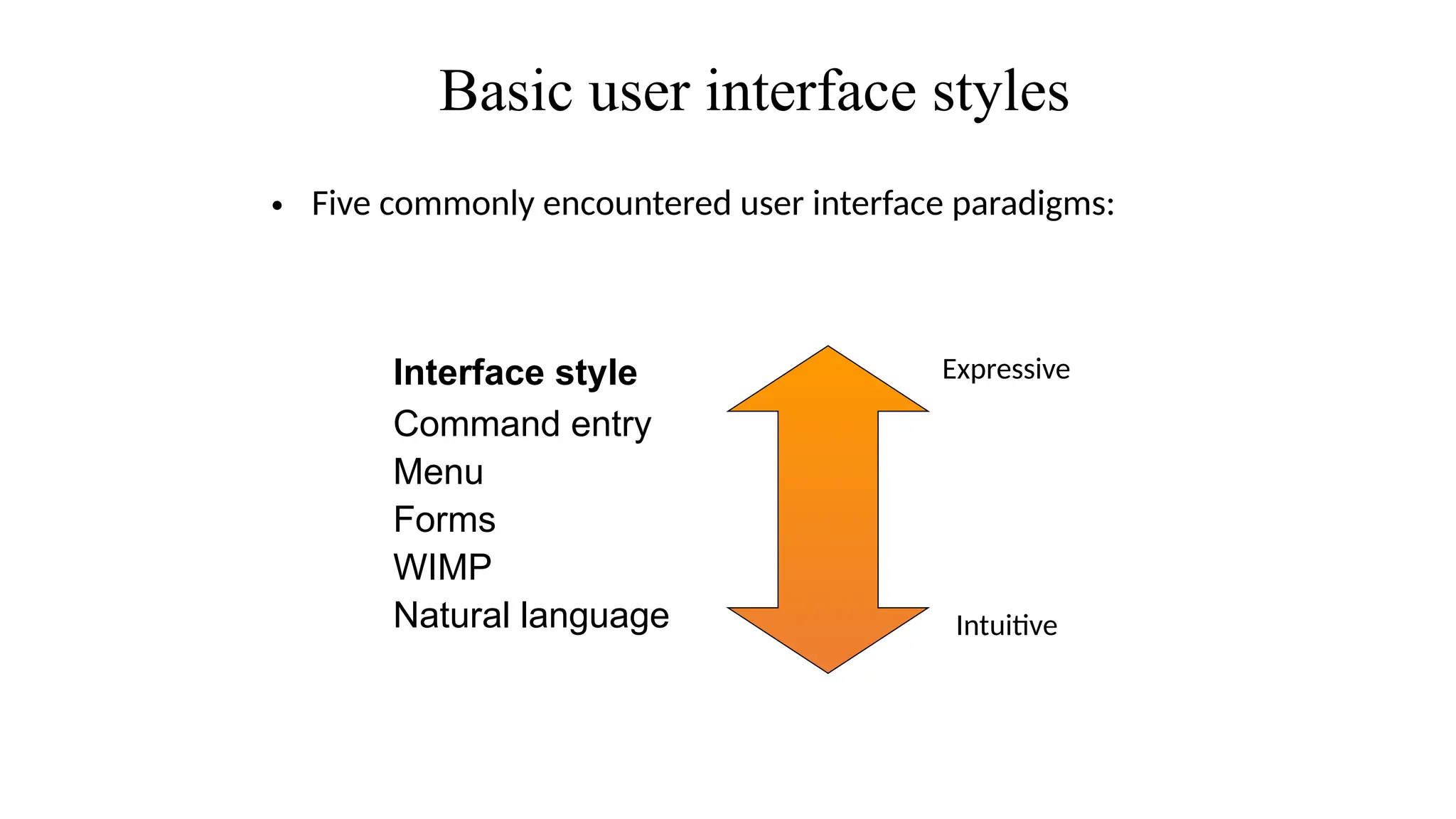
A balance of two key features is needed for an effective
user interface
• Expressive: Ability to achieve specific tasks efficiently
• Intuitive: Ease of use, degree of effort required to learn
User interface
Command line interface
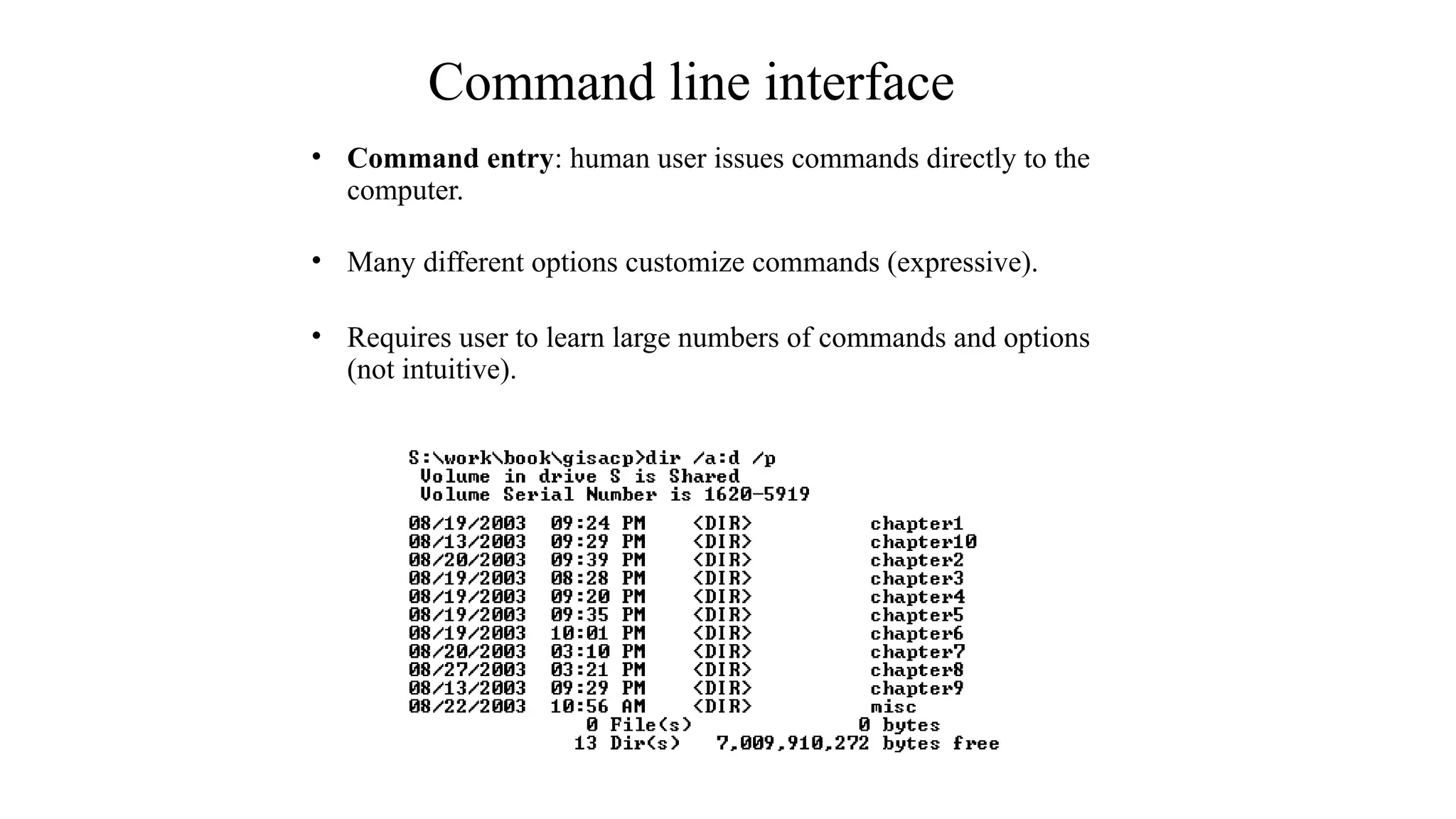
•Command entry: human user issues commands directly to the
computer.
• Many different options customize commands (expressive).
• Requires user to learn large numbers of commands and options
(not intuitive).
26.
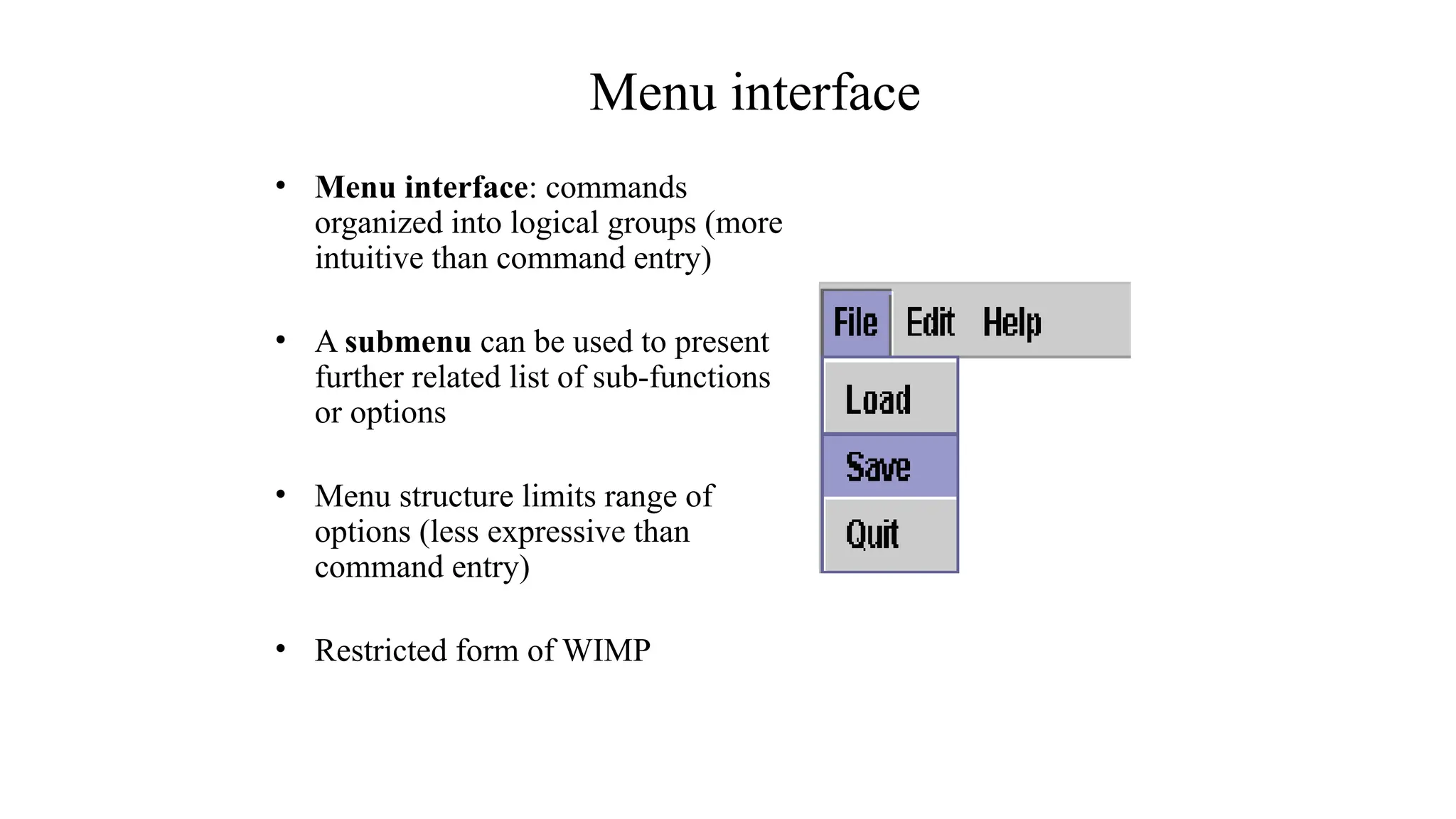
Menu interface
• Menuinterface: commands
organized into logical groups (more
intuitive than command entry)
• A submenu can be used to present
further related list of sub-functions
or options
• Menu structure limits range of
options (less expressive than
command entry)
• Restricted form of WIMP
27.
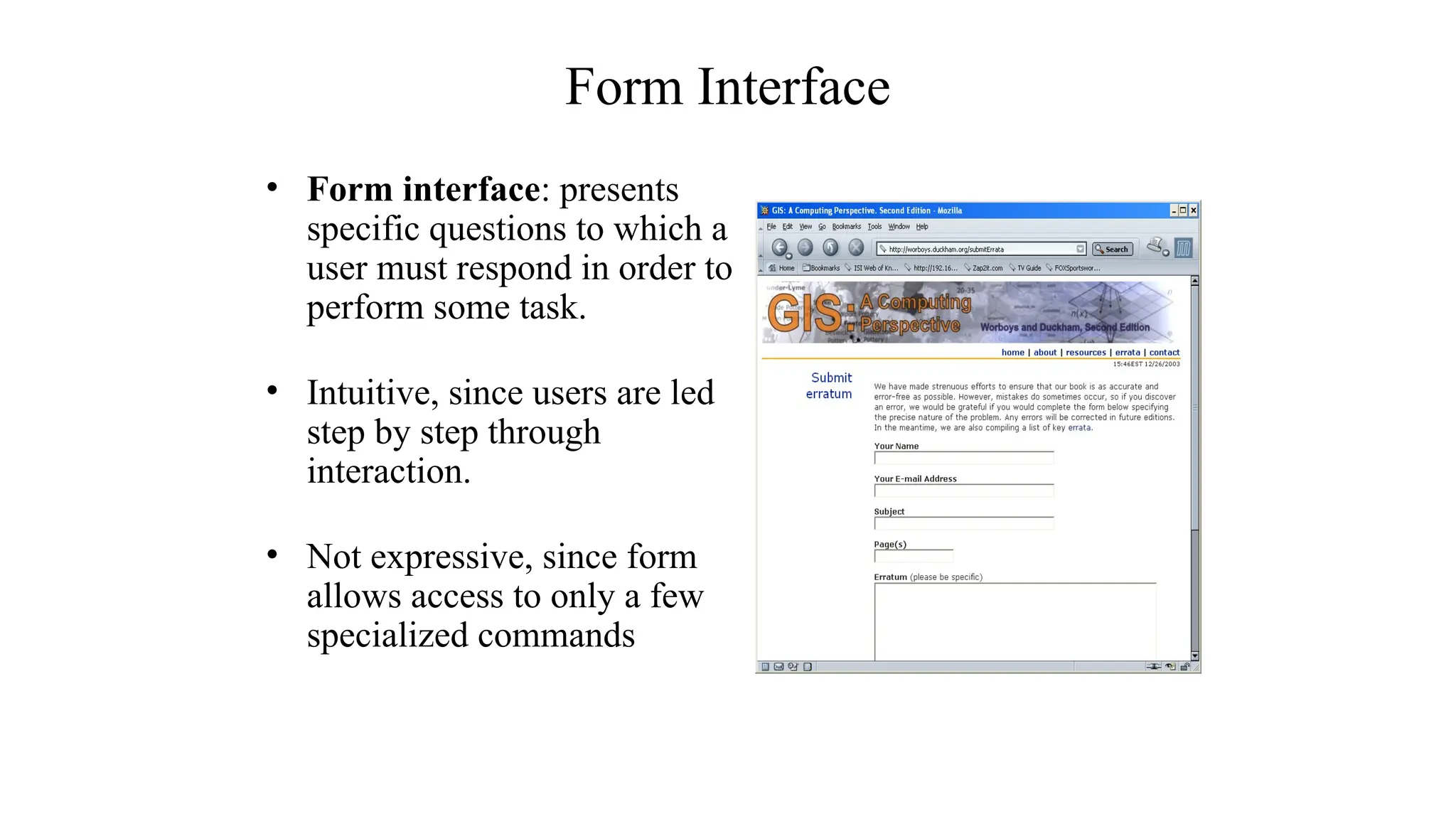
Form Interface
• Forminterface: presents
specific questions to which a
user must respond in order to
perform some task.
• Intuitive, since users are led
step by step through
interaction.
• Not expressive, since form
allows access to only a few
specialized commands
28.
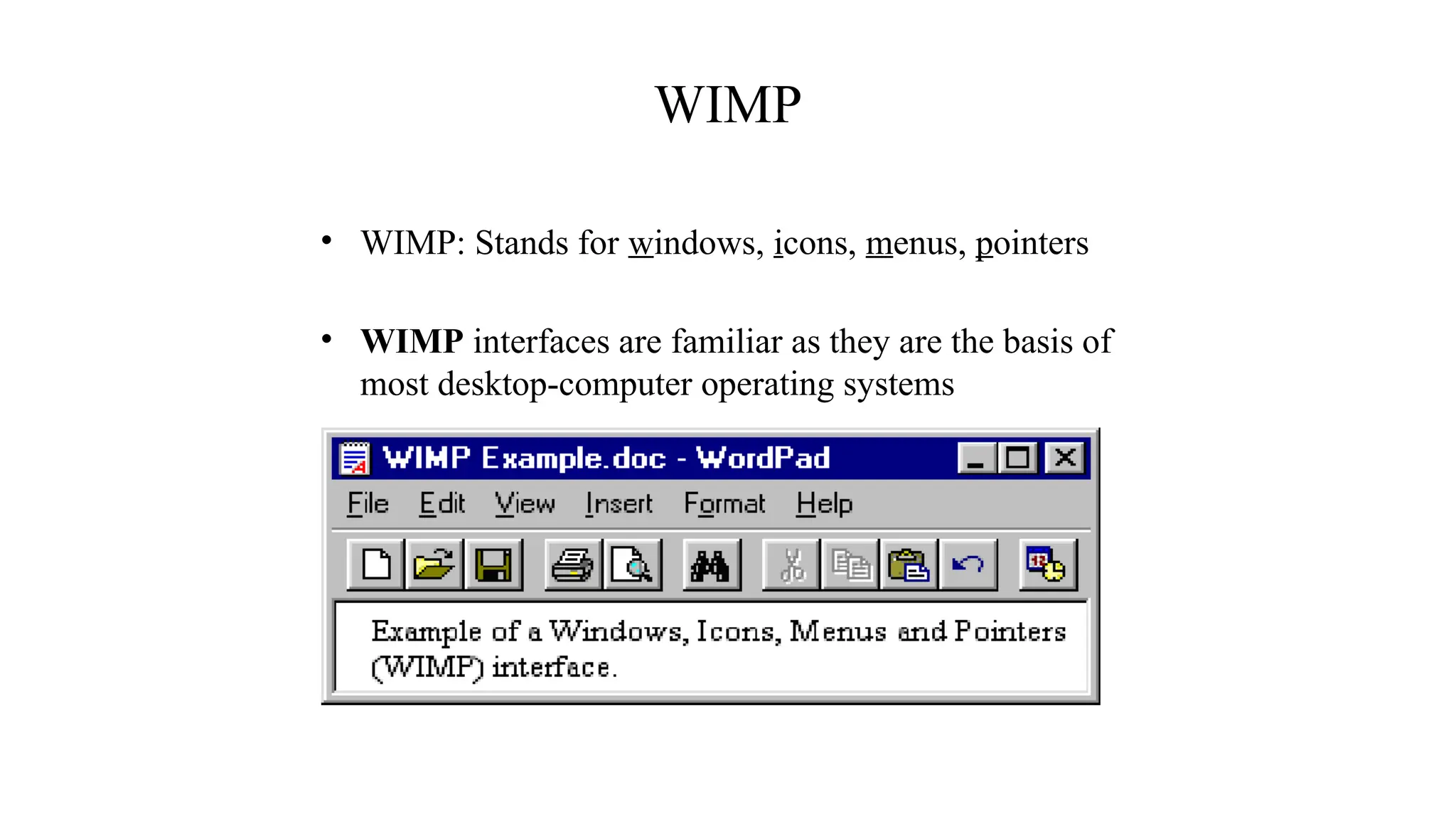
WIMP
• WIMP: Standsfor windows, icons, menus, pointers
• WIMP interfaces are familiar as they are the basis of
most desktop-computer operating systems
29.
Question/answer and querydialogue
Point and click
Direct Manipulation
Three–dimensional interfaces
Gesture Recognition
Gaze Detection
Speech and Speaker Recognition
Pen based Interaction
Motion Tracking sensors and Digitizers
Taste and smell sensors
Some other Interaction styles
30.
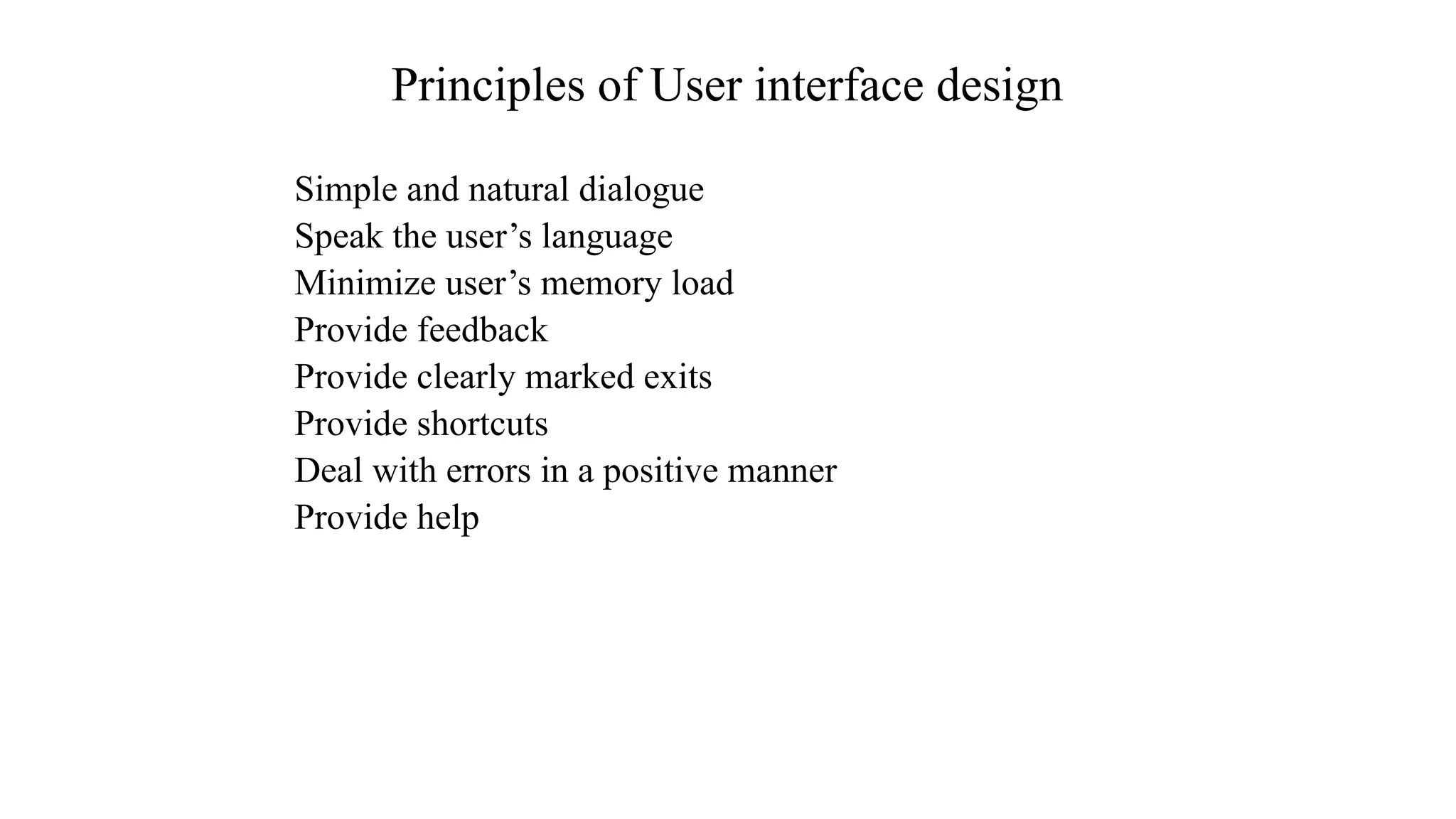
Simple and naturaldialogue
Speak the user’s language
Minimize user’s memory load
Provide feedback
Provide clearly marked exits
Provide shortcuts
Deal with errors in a positive manner
Provide help
Principles of User interface design
31.
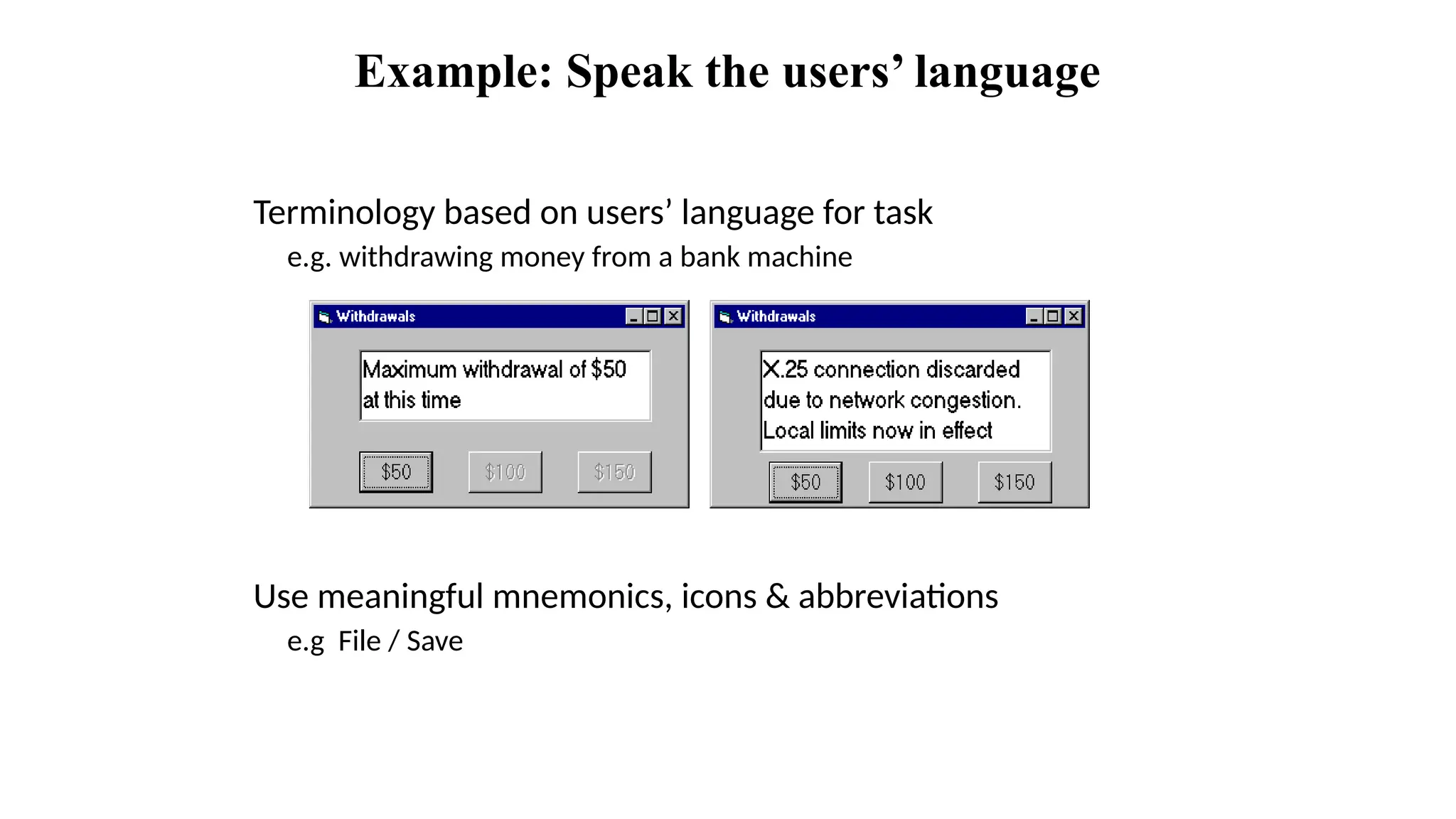
Example: Speak theusers’ language
Terminology based on users’ language for task
e.g. withdrawing money from a bank machine
Use meaningful mnemonics, icons & abbreviations
e.g File / Save
32.
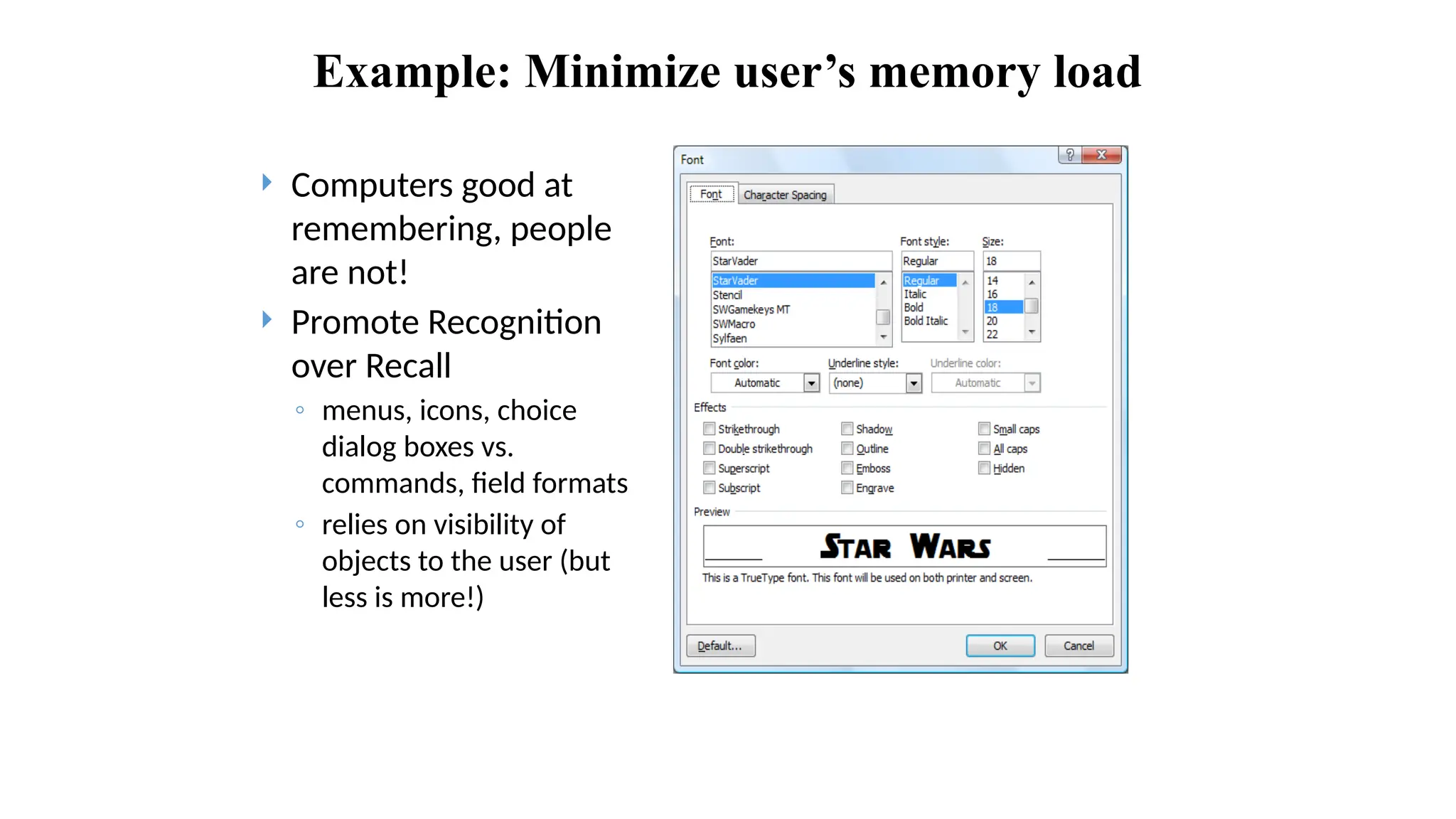
Example: Minimize user’smemory load
Computers good at
remembering, people
are not!
Promote Recognition
over Recall
◦ menus, icons, choice
dialog boxes vs.
commands, field formats
◦ relies on visibility of
objects to the user (but
less is more!)
33.
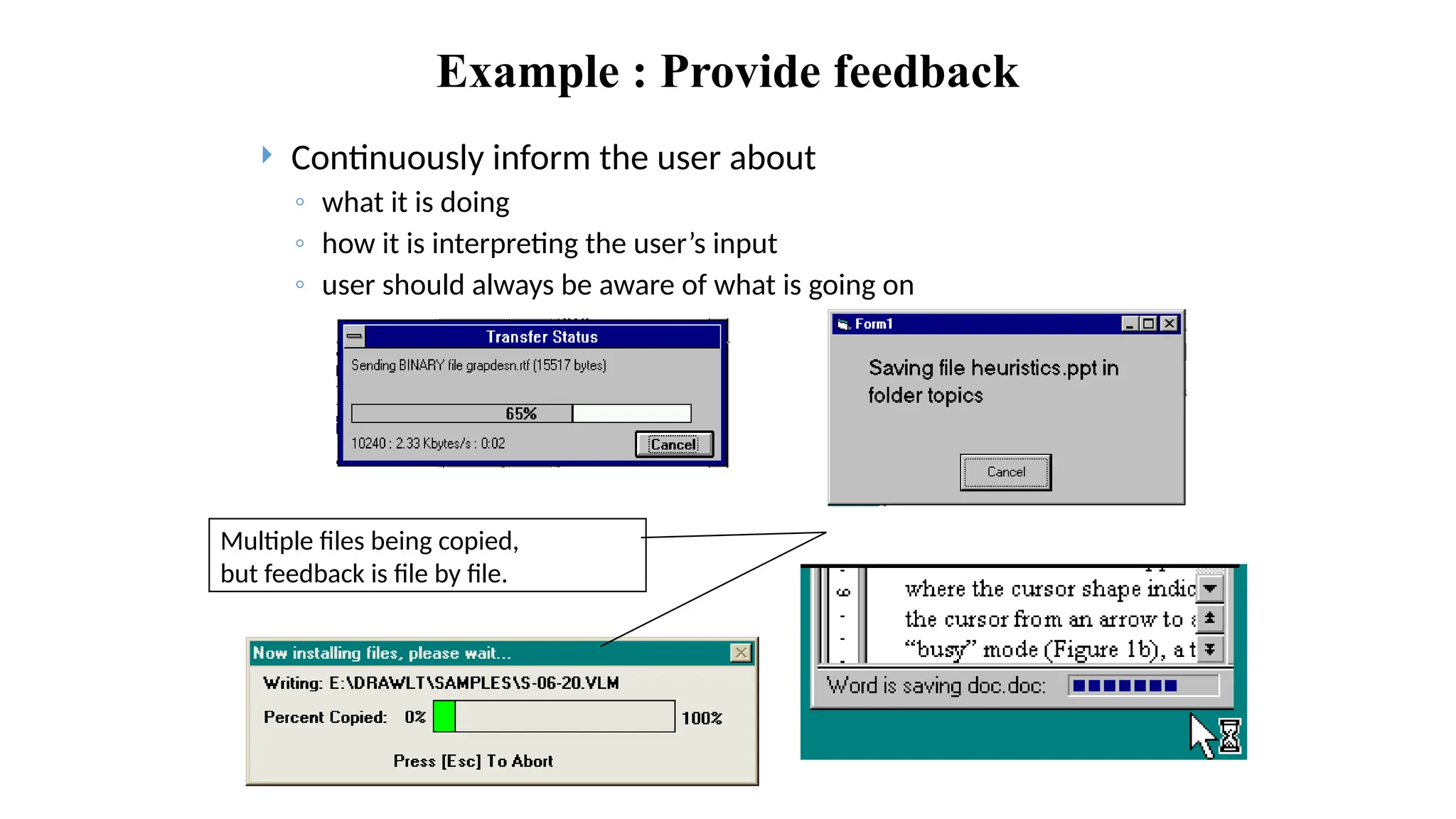
Example : Providefeedback
Continuously inform the user about
◦ what it is doing
◦ how it is interpreting the user’s input
◦ user should always be aware of what is going on
Multiple files being copied,
but feedback is file by file.
34.
• HCI hastraditionally been about designing efficient and effective systems.
• Well-designed interfaces can elicit good feelings in users.
• Expressive interfaces can provide comforting feedback.
• Badly designed interfaces make people angry and frustrated.
• Emotional interaction is concerned with how we feel and react when interacting
with technologies.
• Emotional interaction is concerned with how interactive systems make people
respond in emotional ways.
• Relaxed users will be more forgiving of shortcomings in design.
• Aesthetically pleasing and rewarding interfaces will increase positive affect.
Suggestions for Interface Designs
35.
• User interfacesshould be designed to match the skills, experience and
expectations of its anticipated users.
• System users often judge a system by its interface rather than its
functionality.
• A poorly designed interface can cause a user to make terrible errors.
• Poor user interface design is the reason why so many software systems are
never used.
• Designers should be aware of people’s physical and mental limitations (e.g.
limited short-term memory) and should recognise that people make mistakes.
Suggestions for Interface Designs cont..
36.
Why is usabilityimportant?
Poor usability results in
◦ anger and frustration
◦ decreased productivity in the workplace
◦ higher error rates
◦ physical and emotional injury
◦ equipment damage
◦ loss of customer loyalty
◦ costs money
The technology shouldbe invisible, hidden from sight. To
develop information appliances that fit people's needs and lives.
To do this companies must change the way they develop
products.
They need to start with an understanding of people: user needs
first, technology last-- the opposite of how things are done now.
Now, computers become pervasive. They are embedded in
everyday objects.
Users do not care about what is inside the box, as long as the
box does what they need.
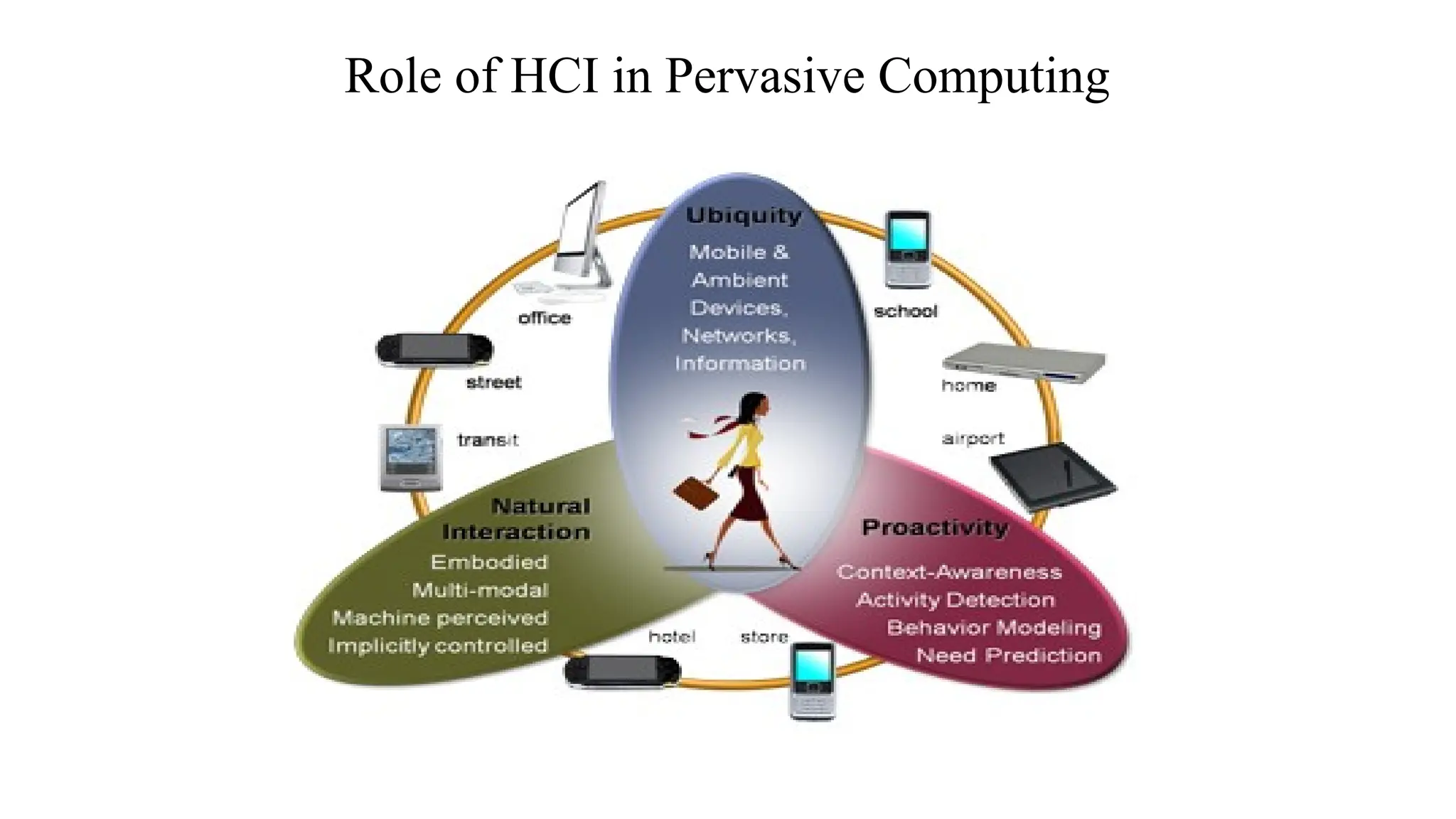
Role of HCI in Pervasive Computing
39.
Pervasive Computing
• PervasiveComputing is a post-desktop model of human-computer
interaction in which information processing has been thoroughly
integrated into everyday objects and activities.
• In the course of ordinary activities, someone “using” pervasive
computing engages many computational devices and systems
simultaneously, and may not necessarily even be aware that they are
doing so… More formally, pervasive computing is defined as “machines
that fit the human environment instead of forcing humans to enter
theirs”.
40.
• The latestresearch in HCI field is unmistakably Pervasive
Computing.
• The term which often used interchangeably by ambient
intelligence refers to the ultimate methods of Human Computer
Interaction that is the deletion of a desktop and embedding of the
computer in the environment so that it becomes invisible to
humans while surrounding them everywhere hence the term
ambient.
Pervasive Computing Cont..
41.
Pervasive Computing
• singleuser ---> groups and larger organizations
• traditional desk top ---> computational power in
the environment
• user search out computer ---> interface locates
and serves user.
42.
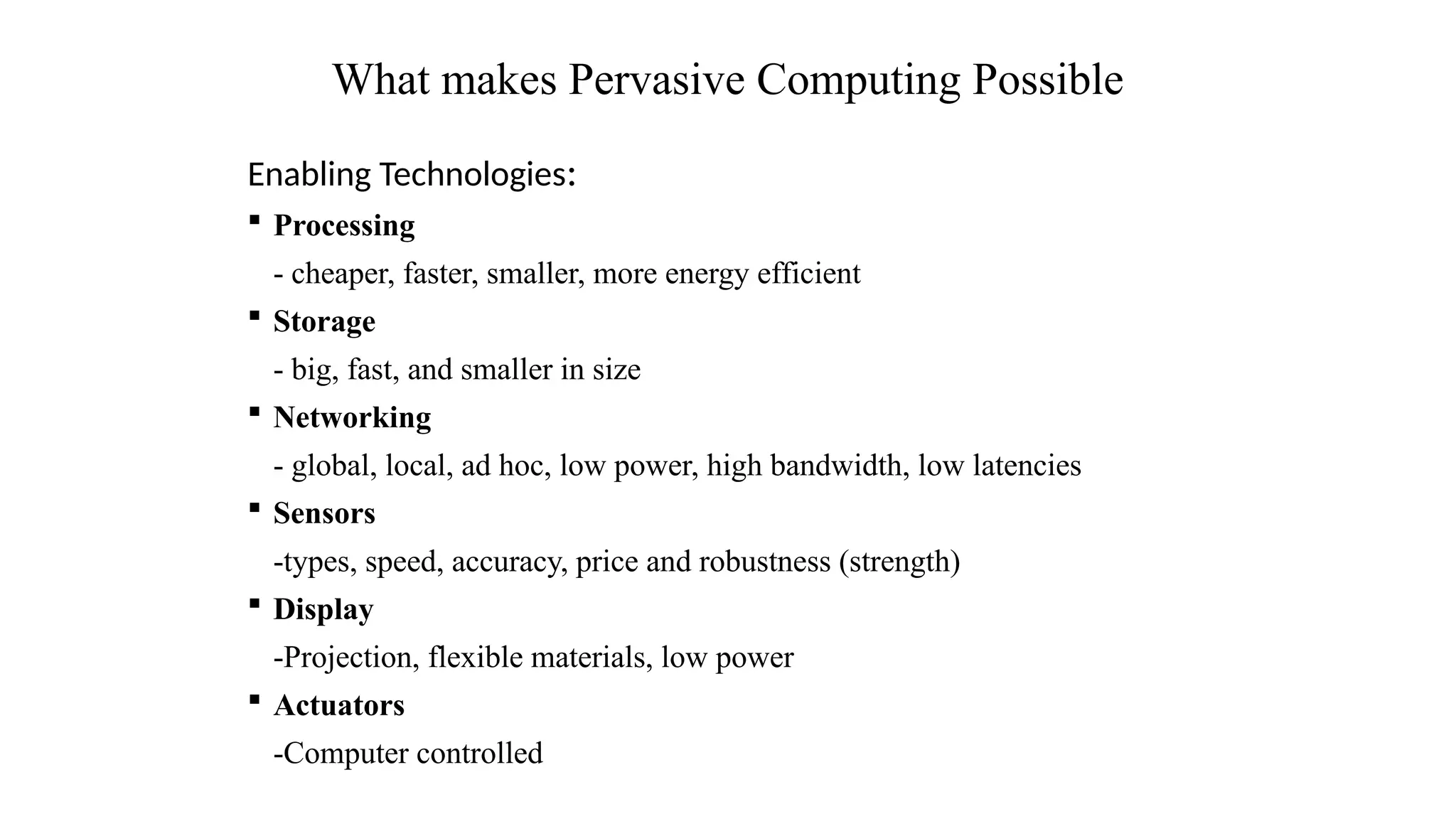
Enabling Technologies:
Processing
-cheaper, faster, smaller, more energy efficient
Storage
- big, fast, and smaller in size
Networking
- global, local, ad hoc, low power, high bandwidth, low latencies
Sensors
-types, speed, accuracy, price and robustness (strength)
Display
-Projection, flexible materials, low power
Actuators
-Computer controlled
What makes Pervasive Computing Possible
43.
“We already havea critical mass of devices and
wireless networks. The next step is to make those
devices aware of how humans work and to get them to
adapt to their habits.”
Bo Begole, a ubicomp expert at Xerox PARC
44.
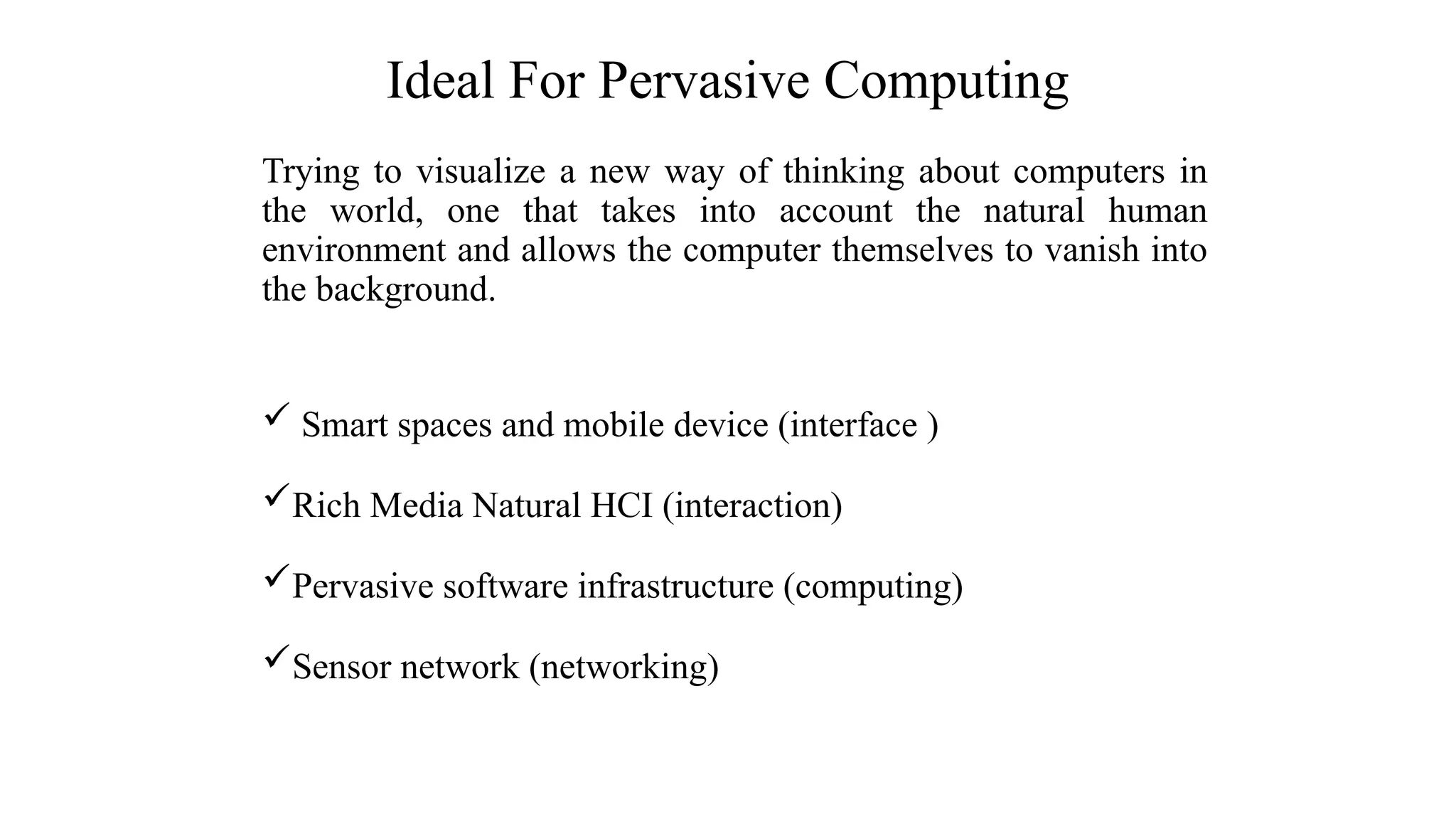
Trying to visualizea new way of thinking about computers in
the world, one that takes into account the natural human
environment and allows the computer themselves to vanish into
the background.
Smart spaces and mobile device (interface )
Rich Media Natural HCI (interaction)
Pervasive software infrastructure (computing)
Sensor network (networking)
Ideal For Pervasive Computing
45.
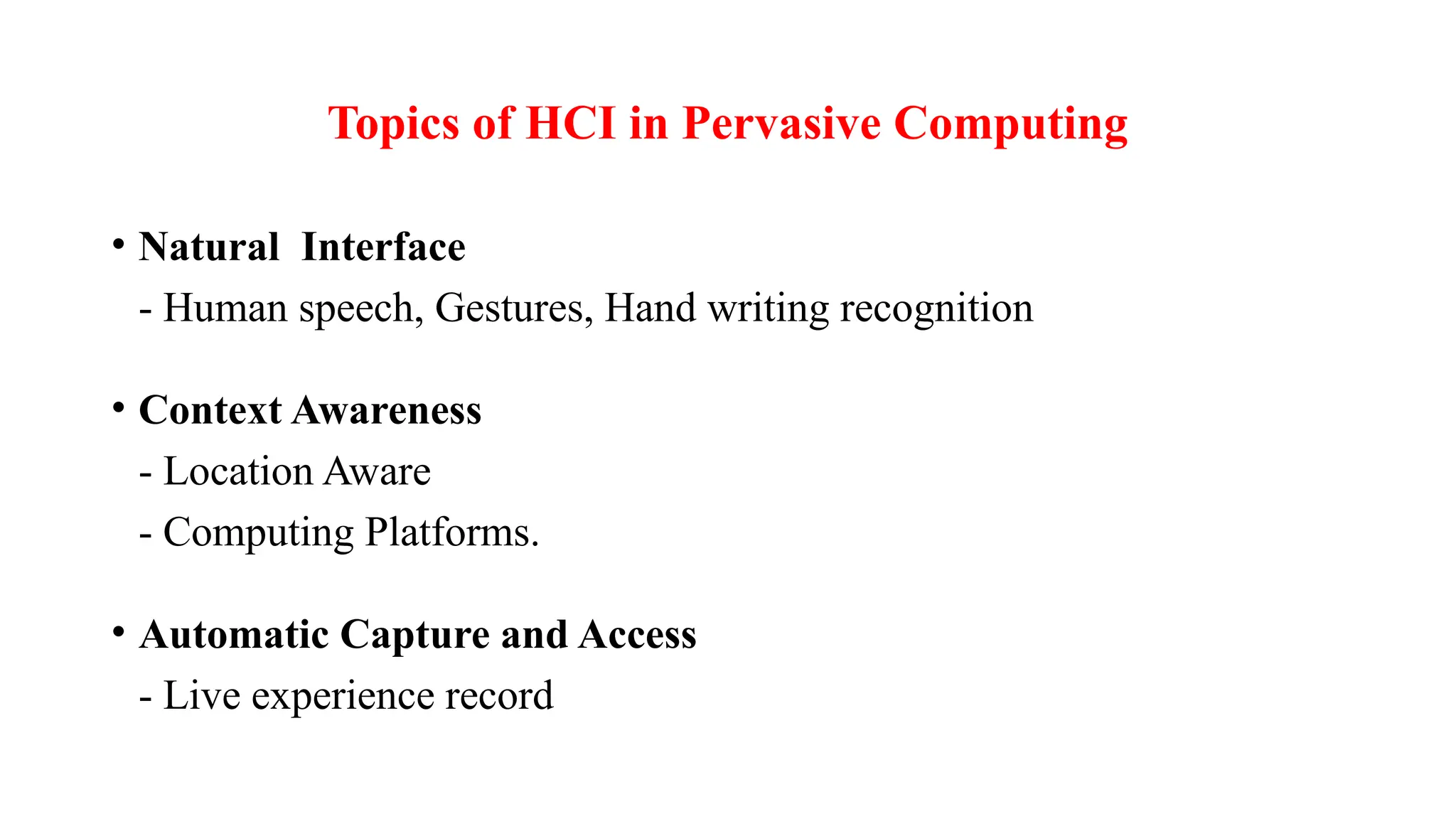
• Natural Interface
-Human speech, Gestures, Hand writing recognition
• Context Awareness
- Location Aware
- Computing Platforms.
• Automatic Capture and Access
- Live experience record
Topics of HCI in Pervasive Computing
Editor's Notes
#16 Note: Donald Norman; a professor emeritus of cognitive science at University of California, San Diego and a Professor of Computer Science at Northwestern University. Donald Norman is an academic in the field of cognitive science, design and usability engineering and a co-founder and consultant with the Nielsen Norman Group.








![Hci [4]interaction](https://cdn.slidesharecdn.com/ss_thumbnails/hci-4interaction-140116110608-phpapp01-thumbnail.jpg?width=640&height=640&fit=bounds)


