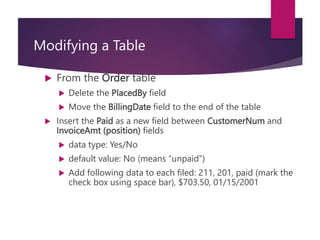
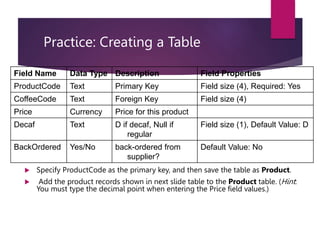
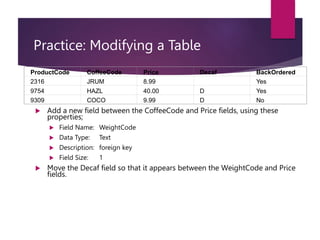
Here are the steps to modify the Order table:
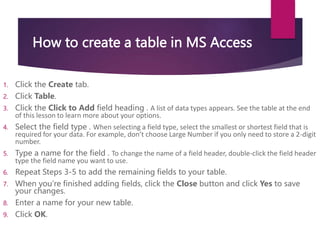
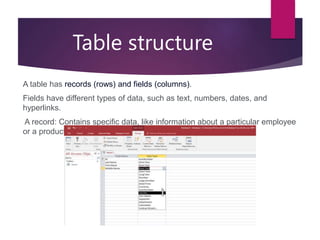
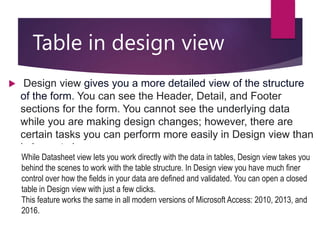
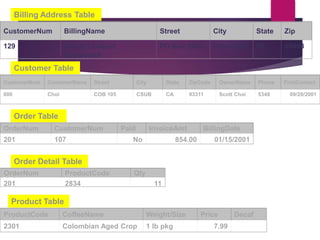
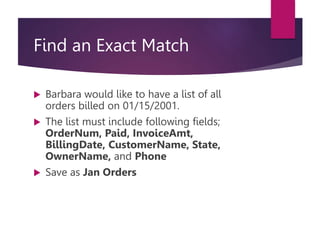
1. Open the Order table in Design view.
2. Select the PlacedBy field and press Delete.
3. Select the BillingDate field and drag it to the end of the table.
4. Click in the field list between CustomerNum and InvoiceAmt.
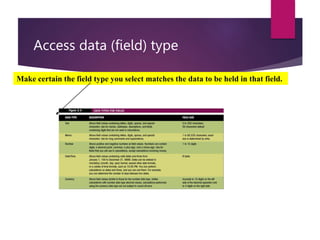
5. Select Yes/No from the data type dropdown and set the default value to No. Click OK.
6. Enter the new field name as Paid.
7. Add any test records in Datasheet view.