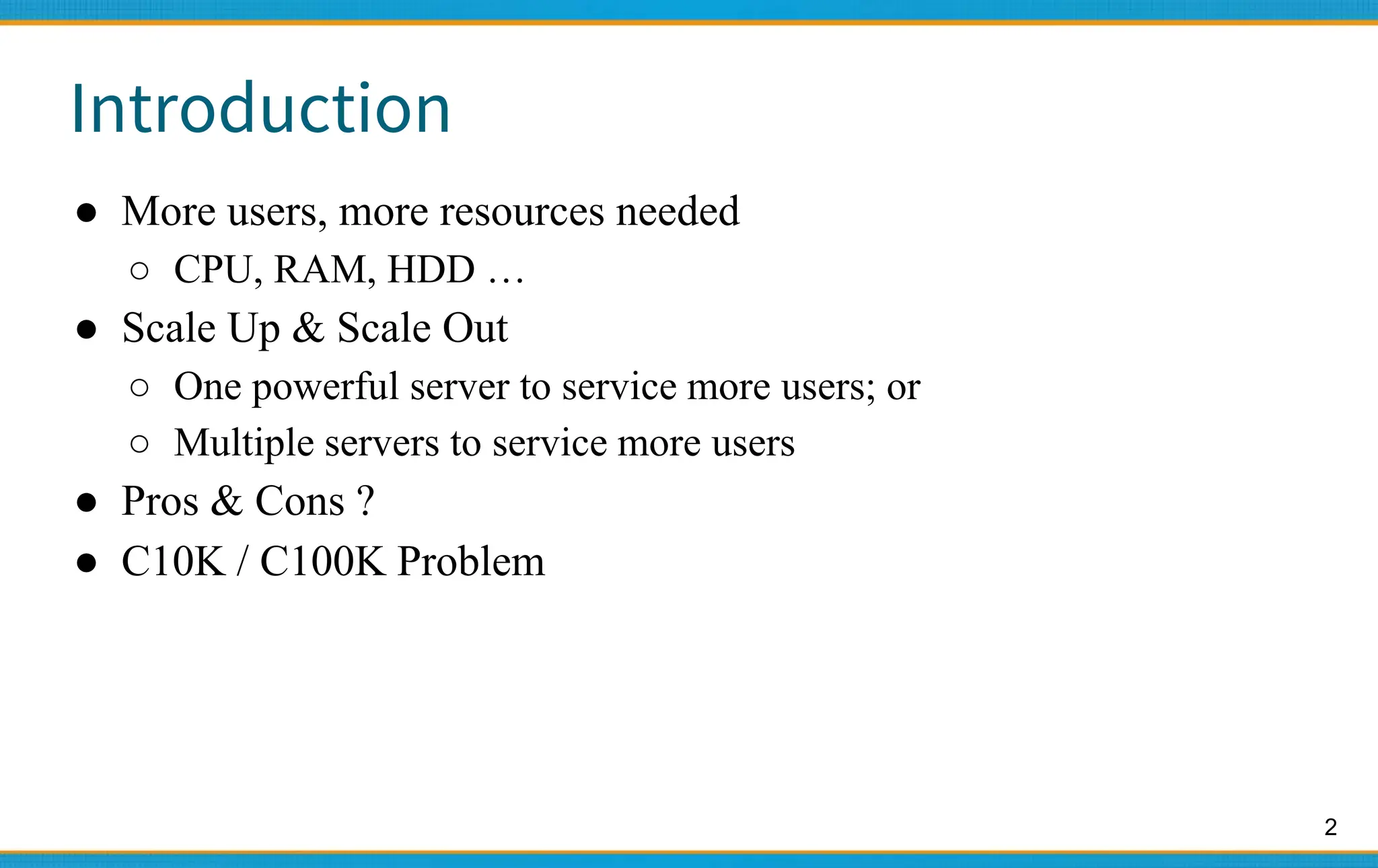
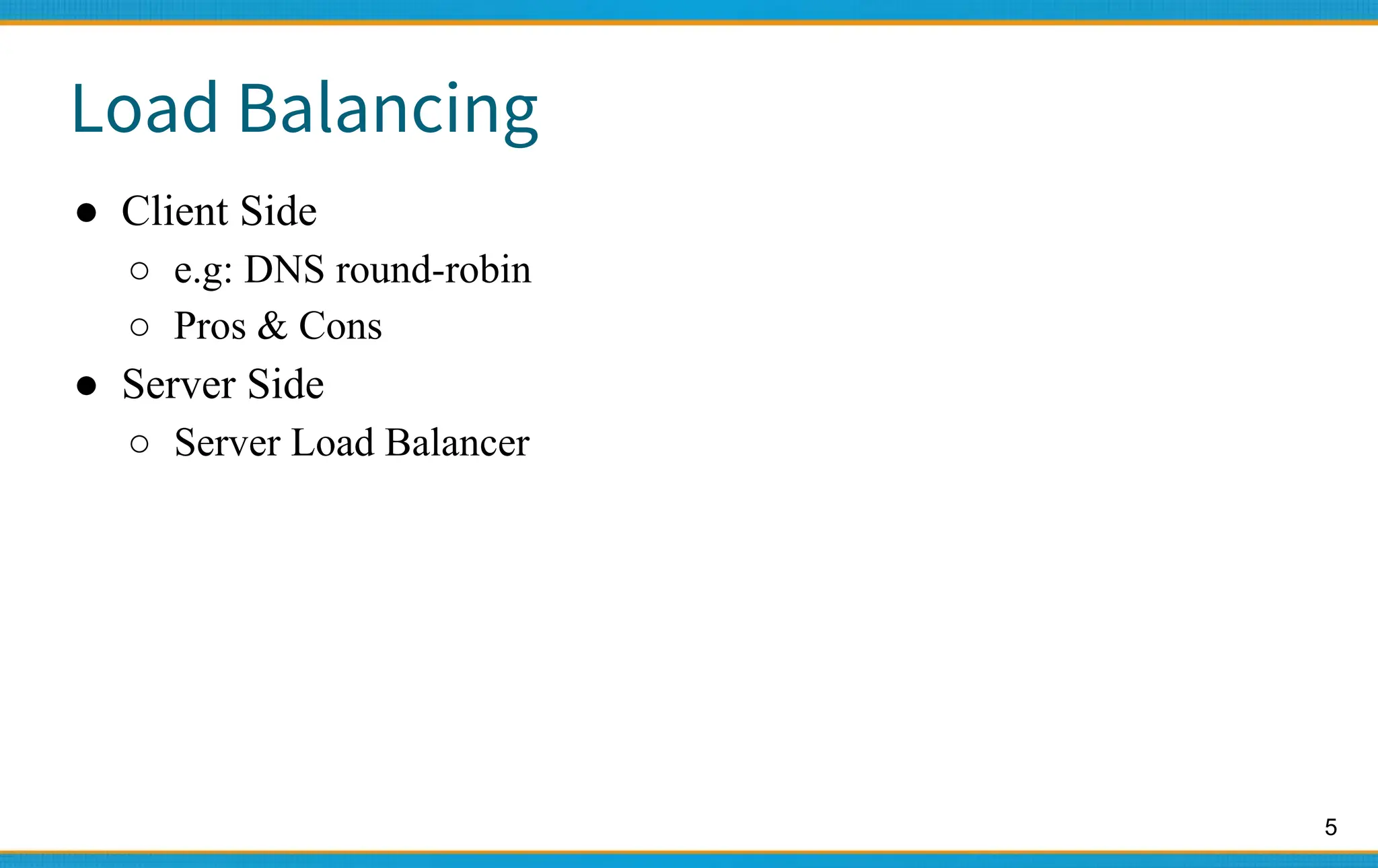
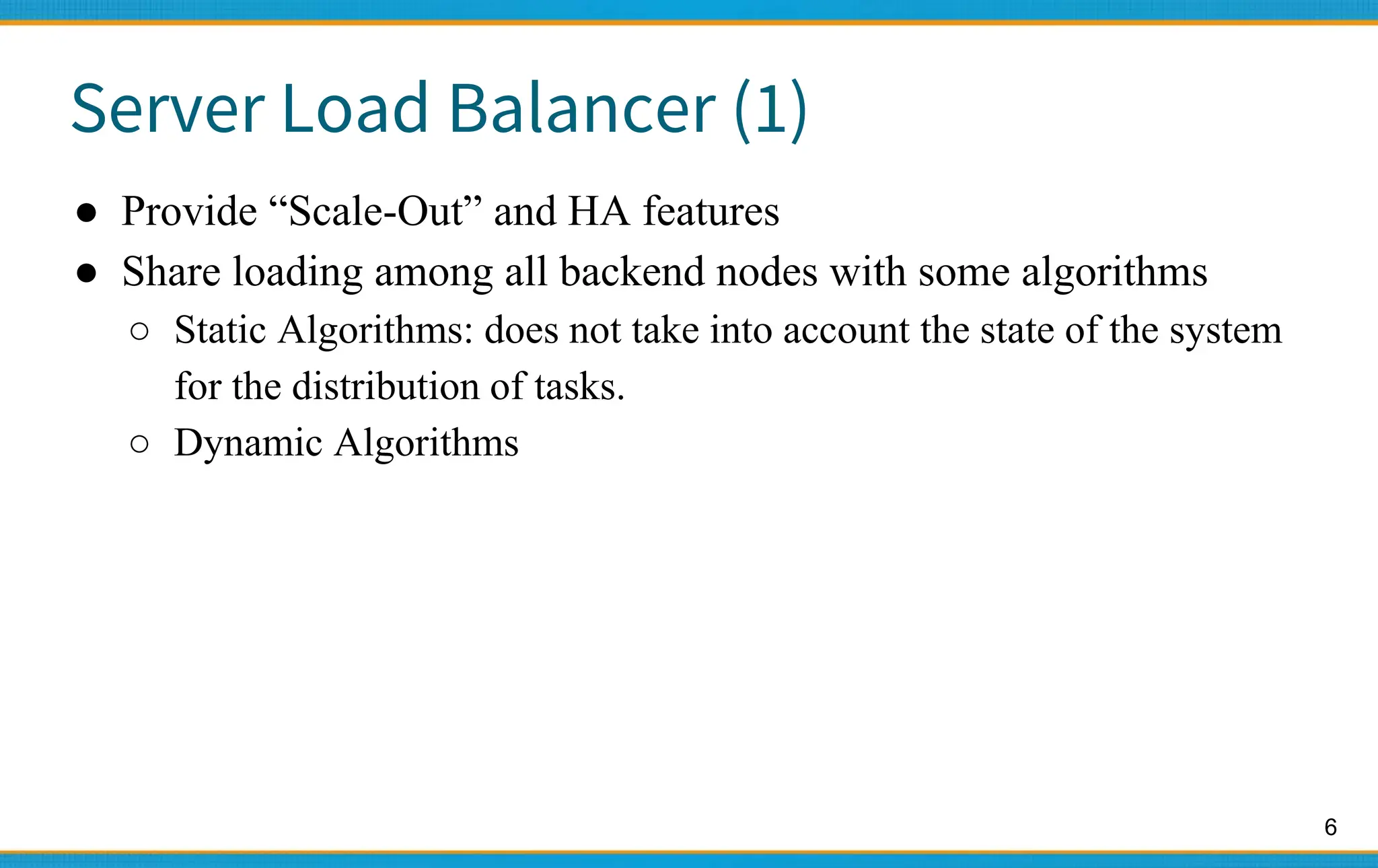
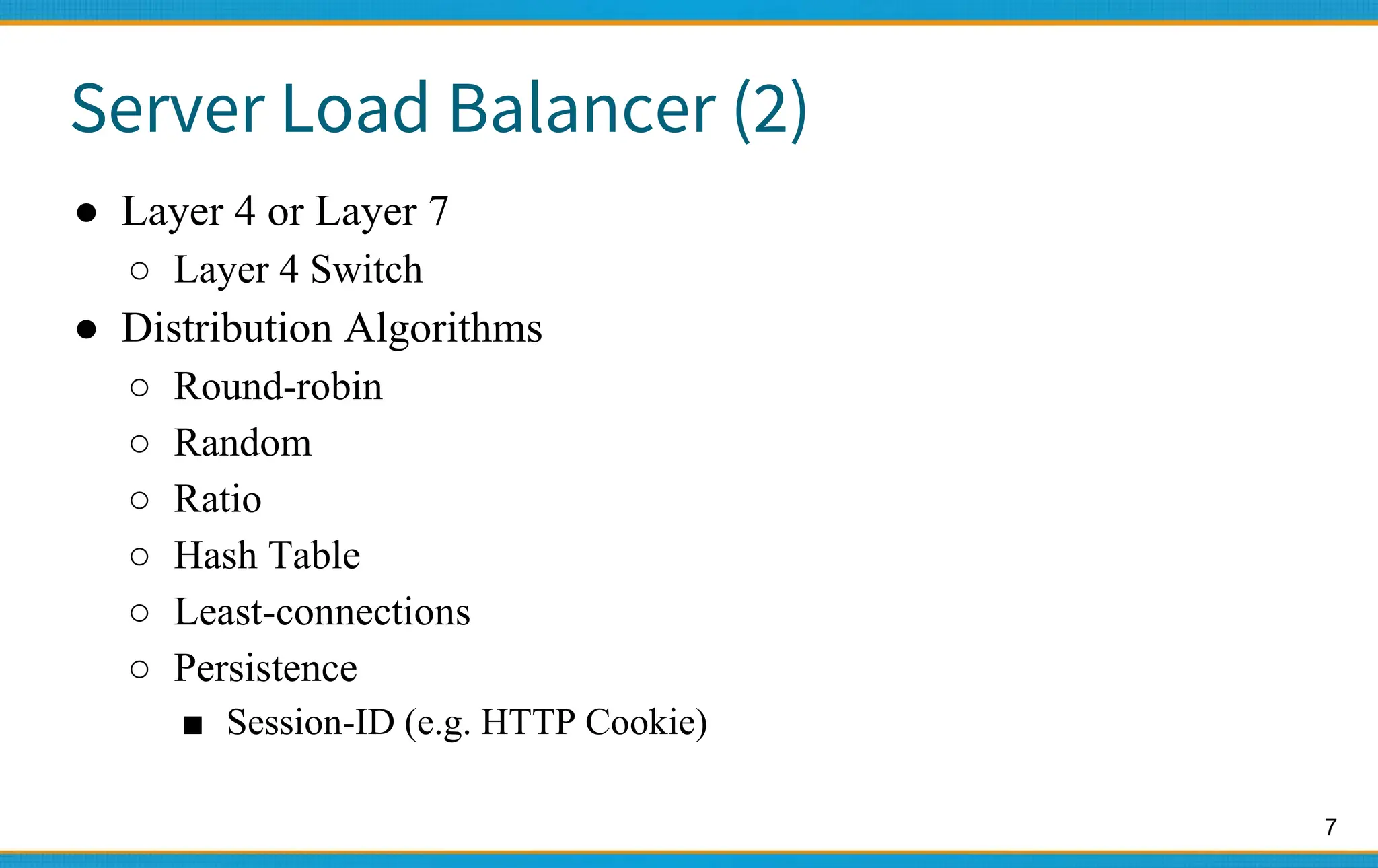
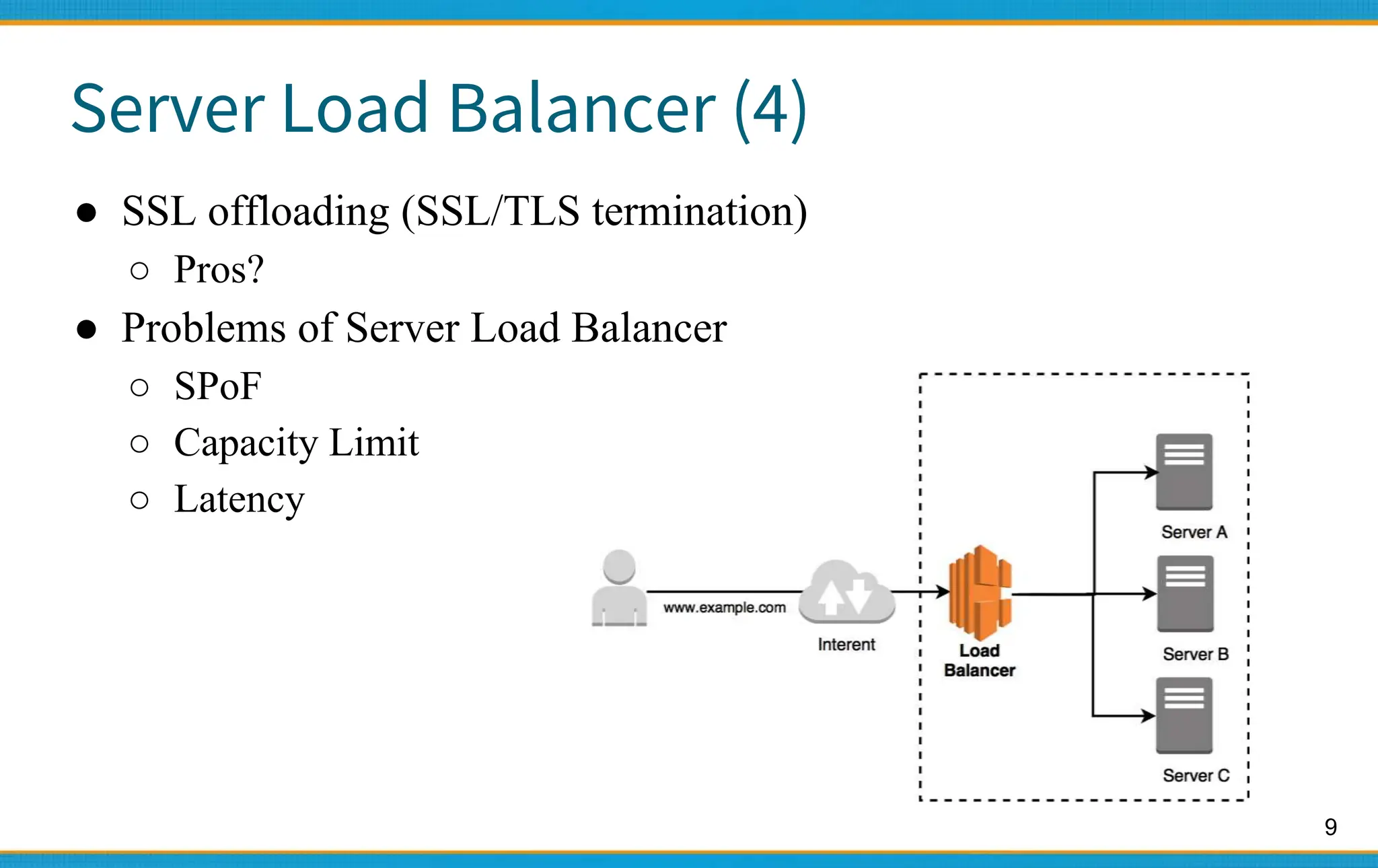
1. Server load balancers distribute traffic across multiple servers to improve availability and scalability. They use algorithms like round-robin to distribute client requests.
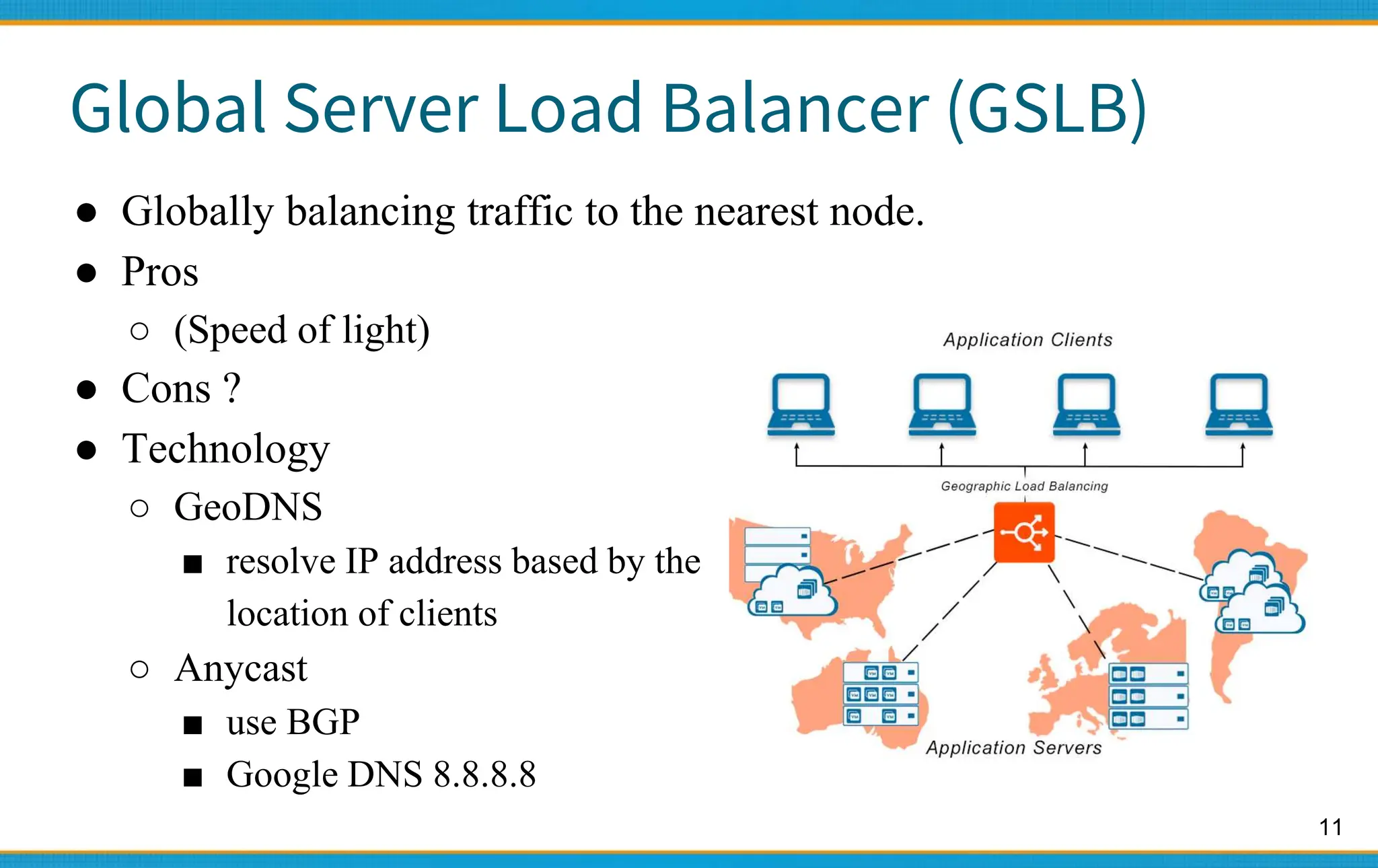
2. High availability aims for near 100% uptime by eliminating single points of failure and allowing for graceful degradation. Availability levels like 99.9% mean less than 9 hours of downtime per year.
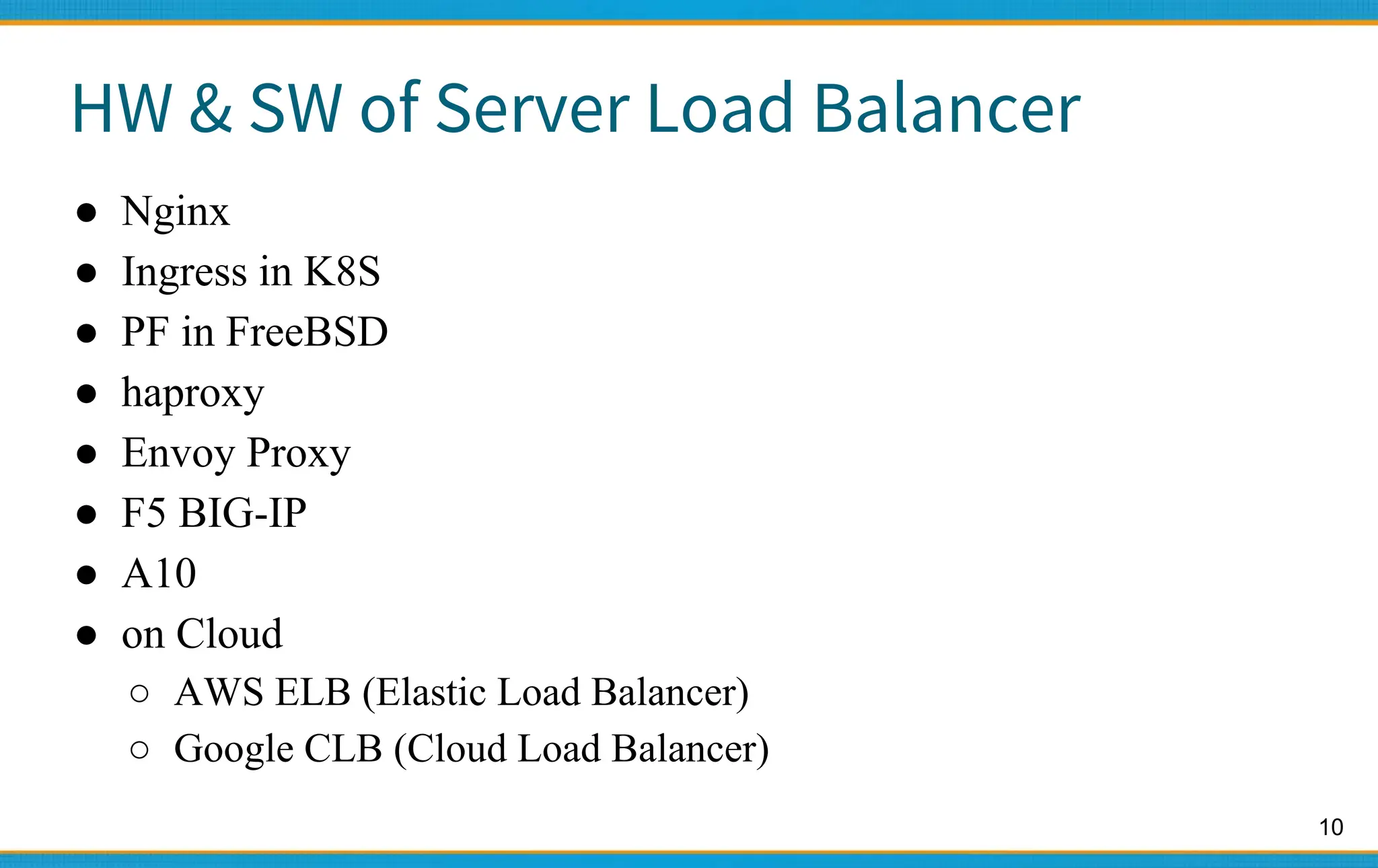
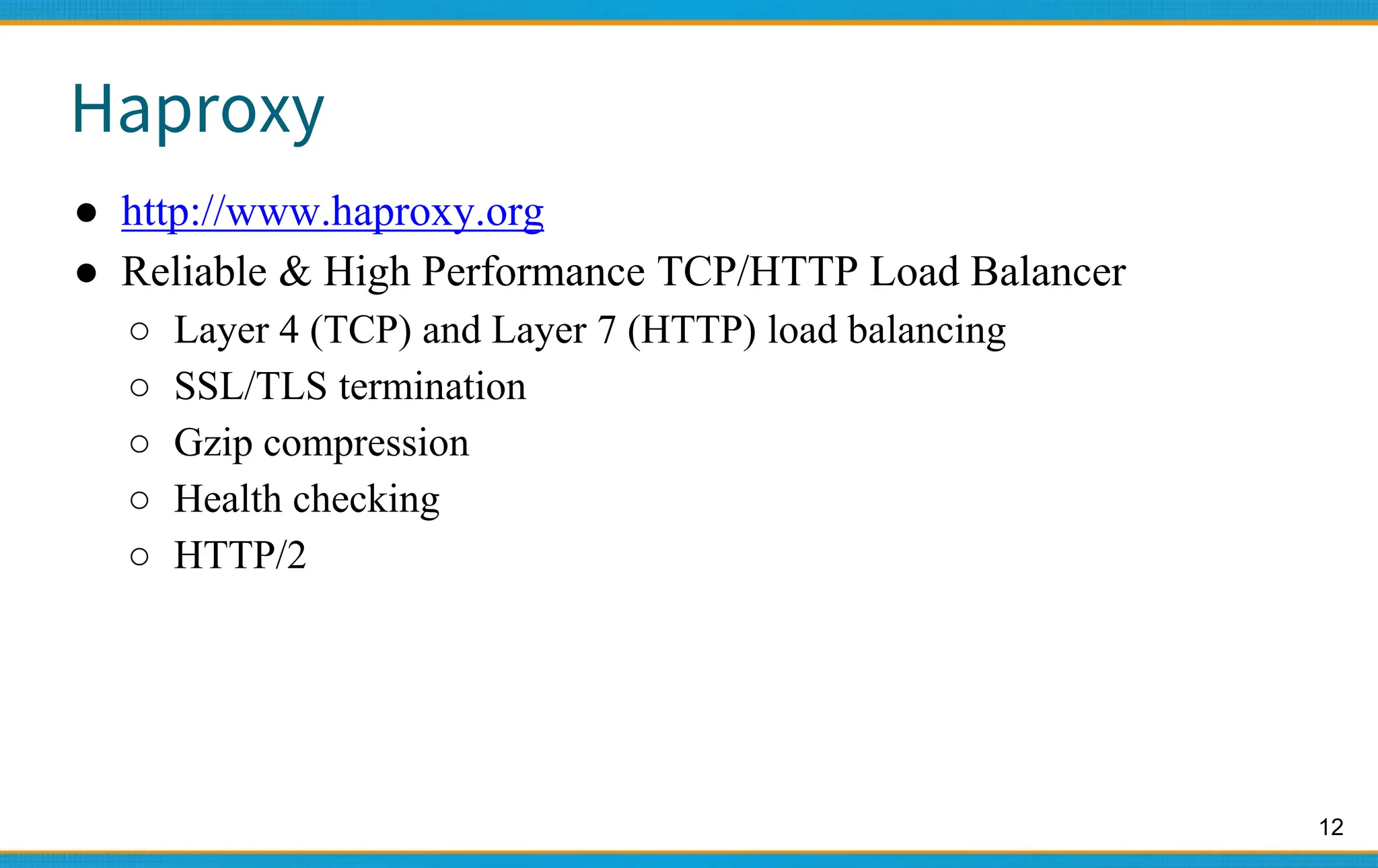
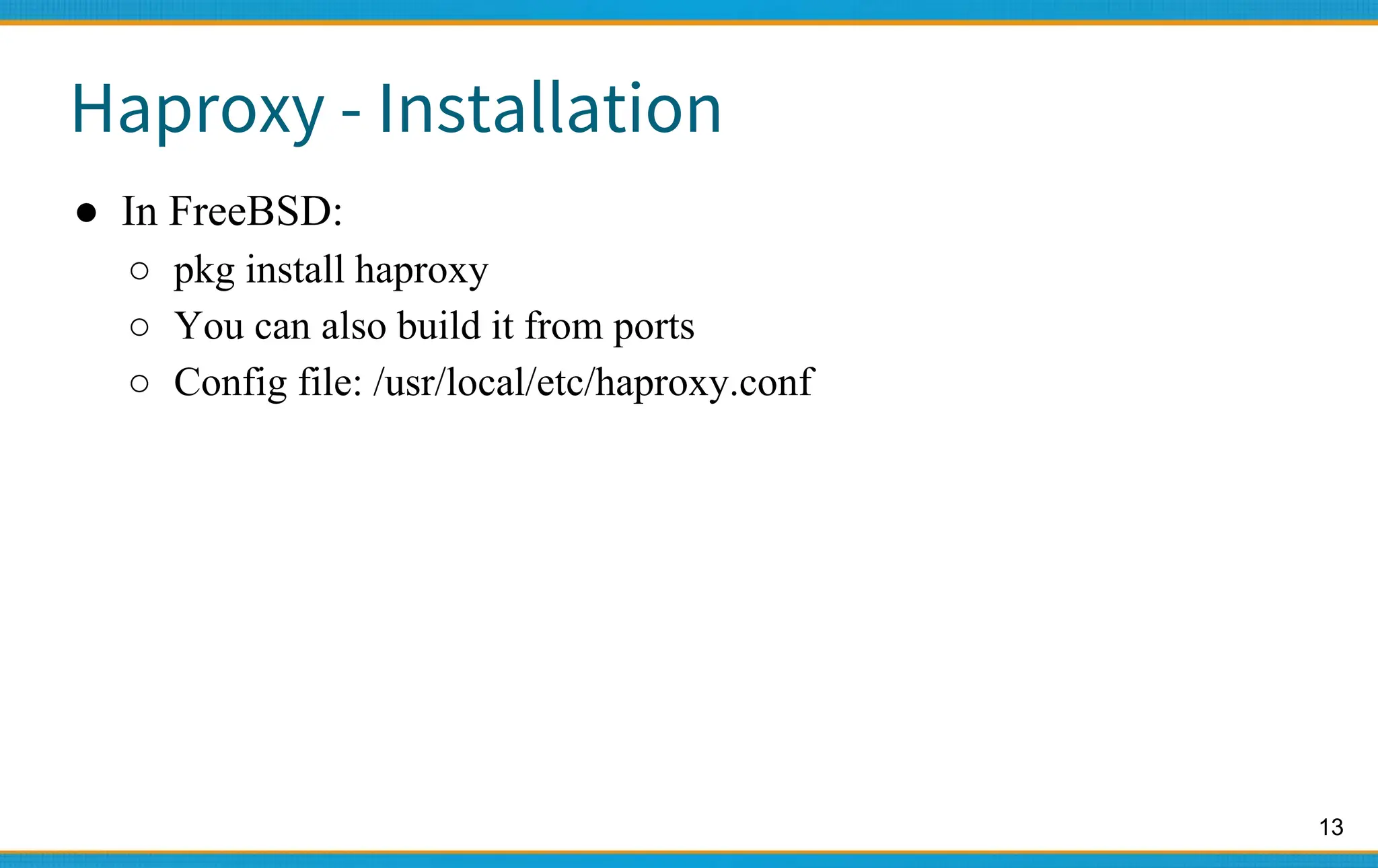
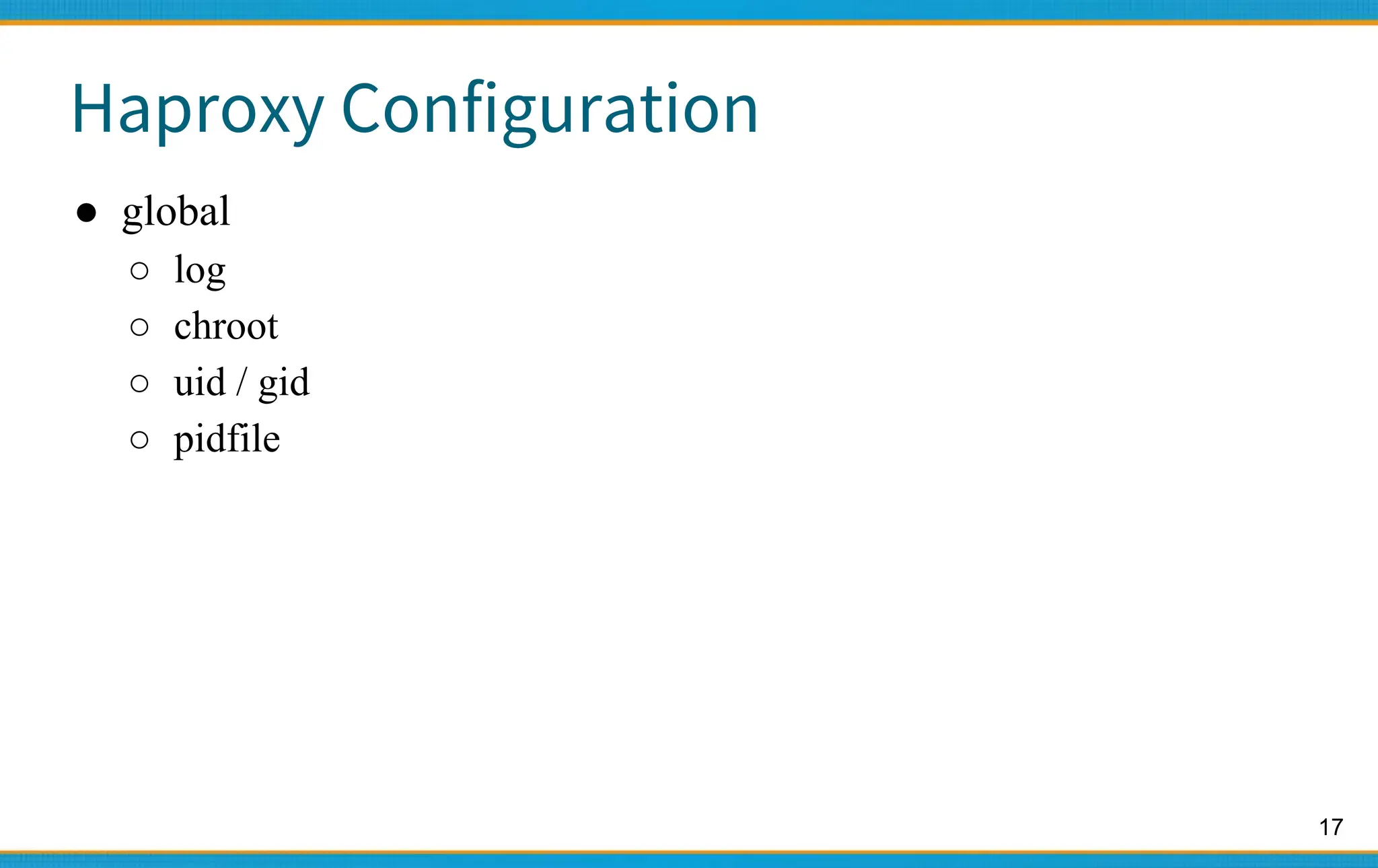
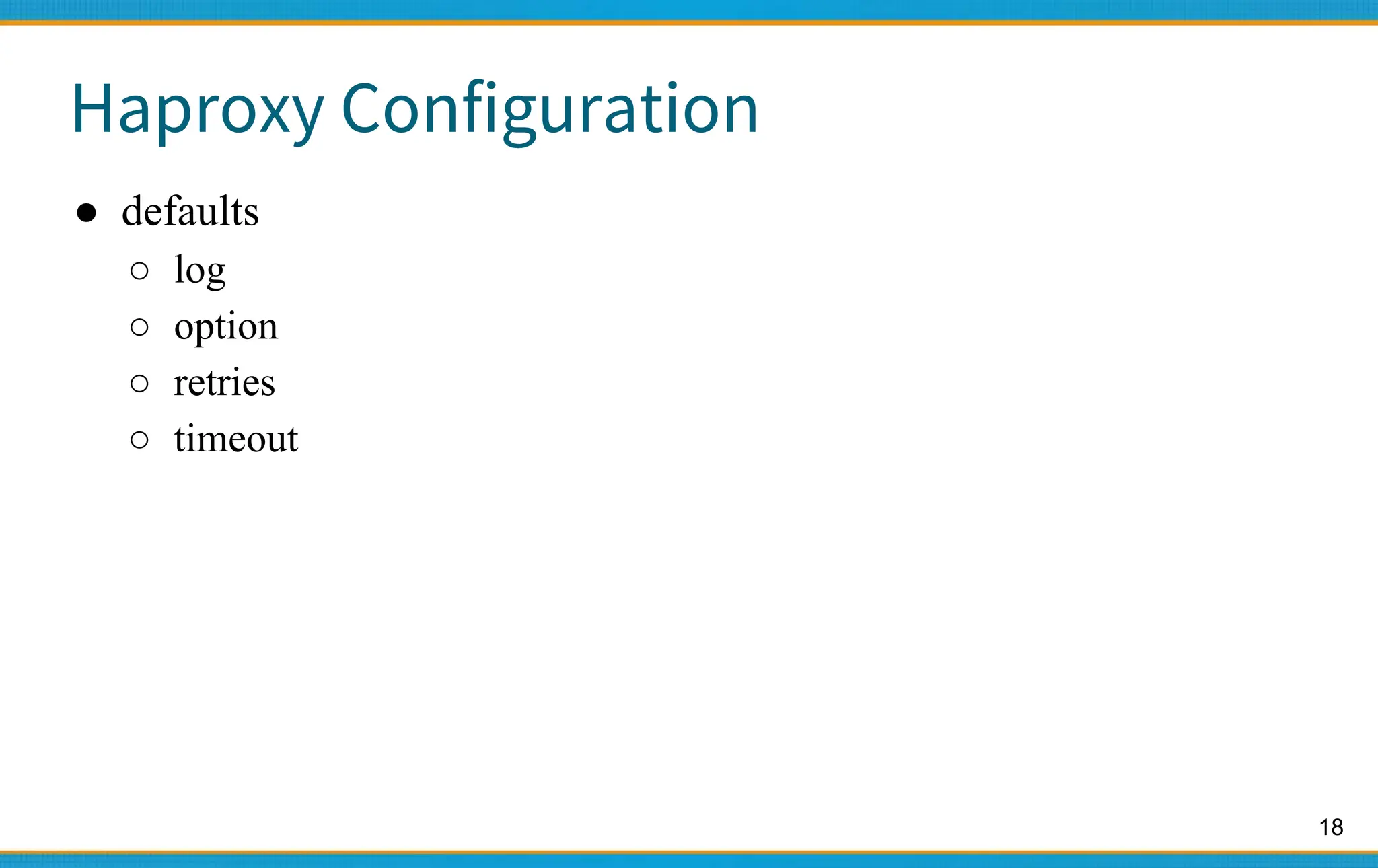
3. Popular open source load balancers include Nginx, HAProxy, and Envoy. They support layer 4/7 load balancing and algorithms like round-robin, persistence, and health checking of backend servers.




![15
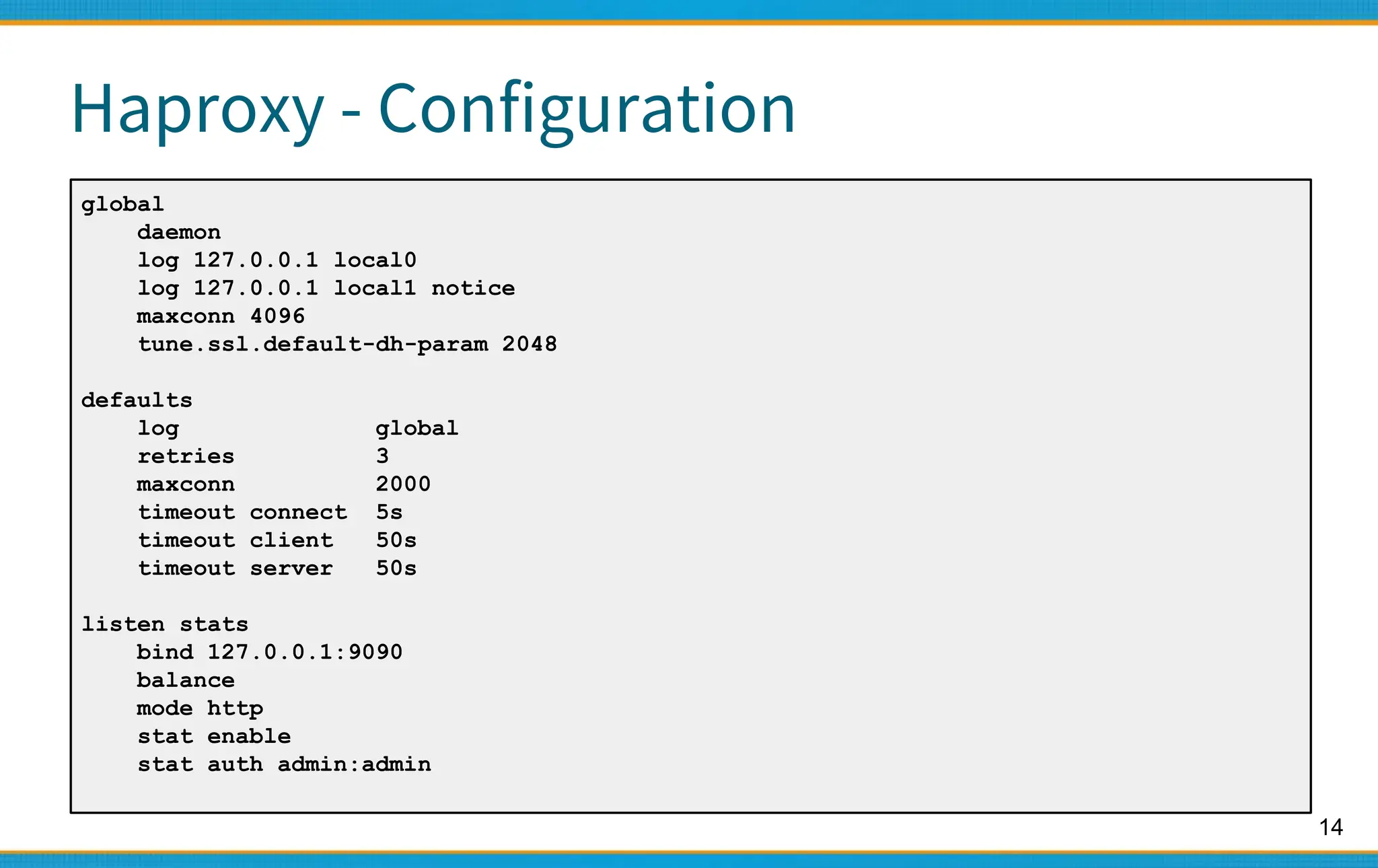
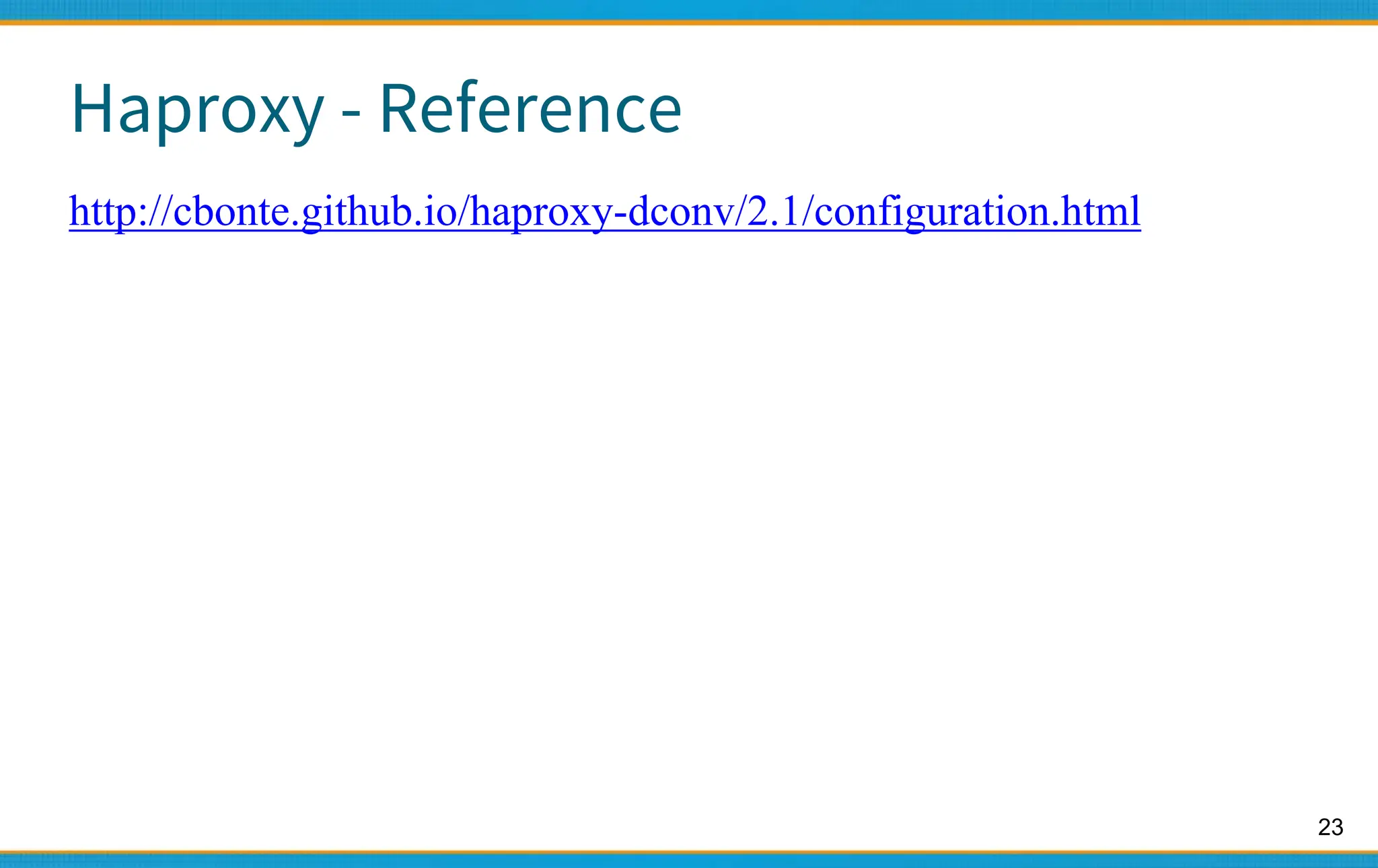
Haproxy - Configuration
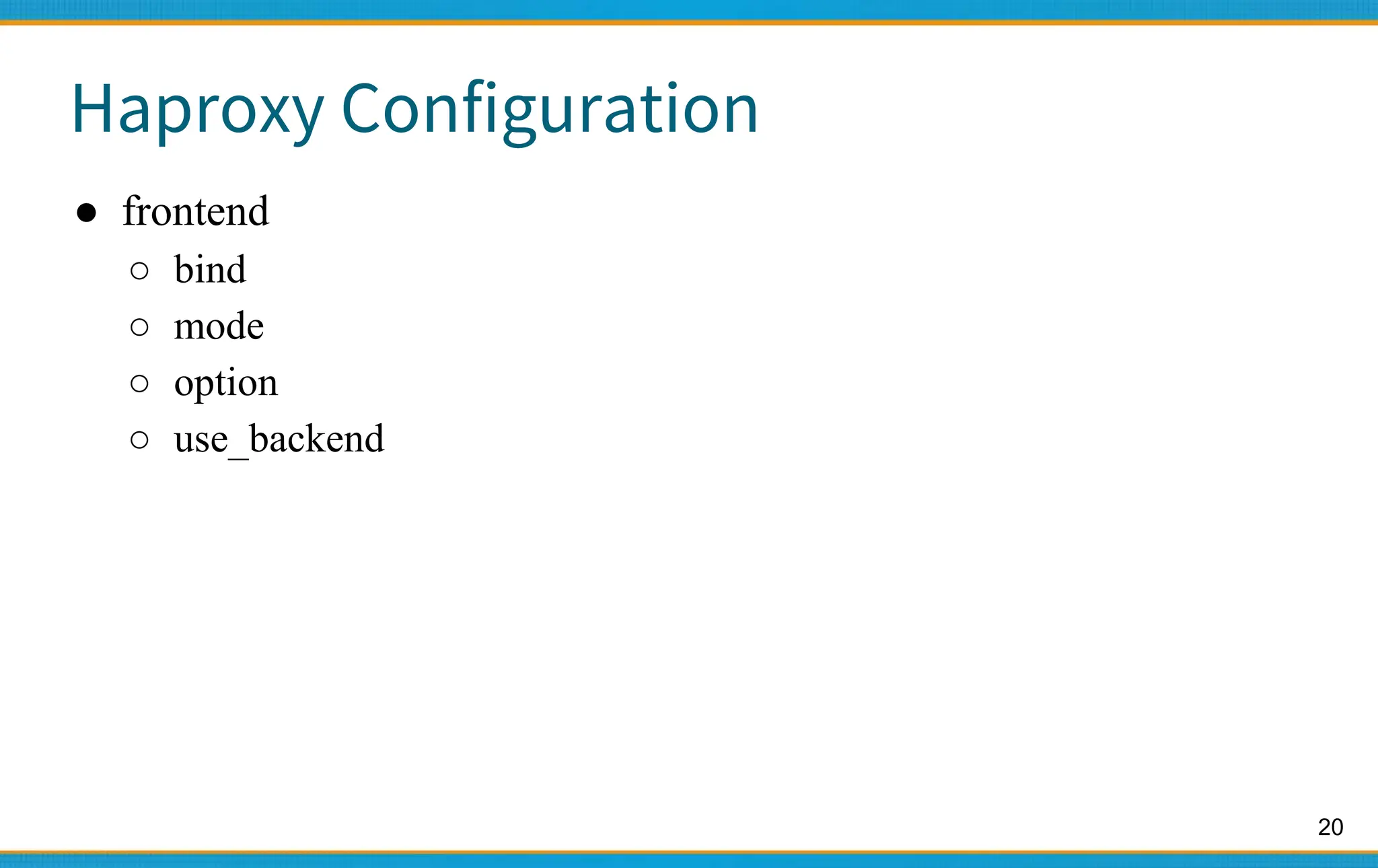
frontend www_csie_nctu
bind 140.113.208.102:80
mode http
use_backend www_csie_nctu_server
frontend cscc_csie_nctu
bind 140.113.208.103:80
mode http
use_backend www_csie_nctu_server
frontend game_server
bind 140.113.208.104:9876
mode tcp
backend www_csie_nctu_server
balance roundrobin
mode http
http-request set-header X-forwarded-Port %[dst_port]
http-request set-header X-forwarded-Proto https if { ssl_fc }
server www1 192.168.99.1:80
server www1 192.168.99.2:80](https://image.slidesharecdn.com/haproxyloadbalancer-231113124128-8b361f26/75/haproxy_Load_Balancer-pptx-15-2048.jpg)
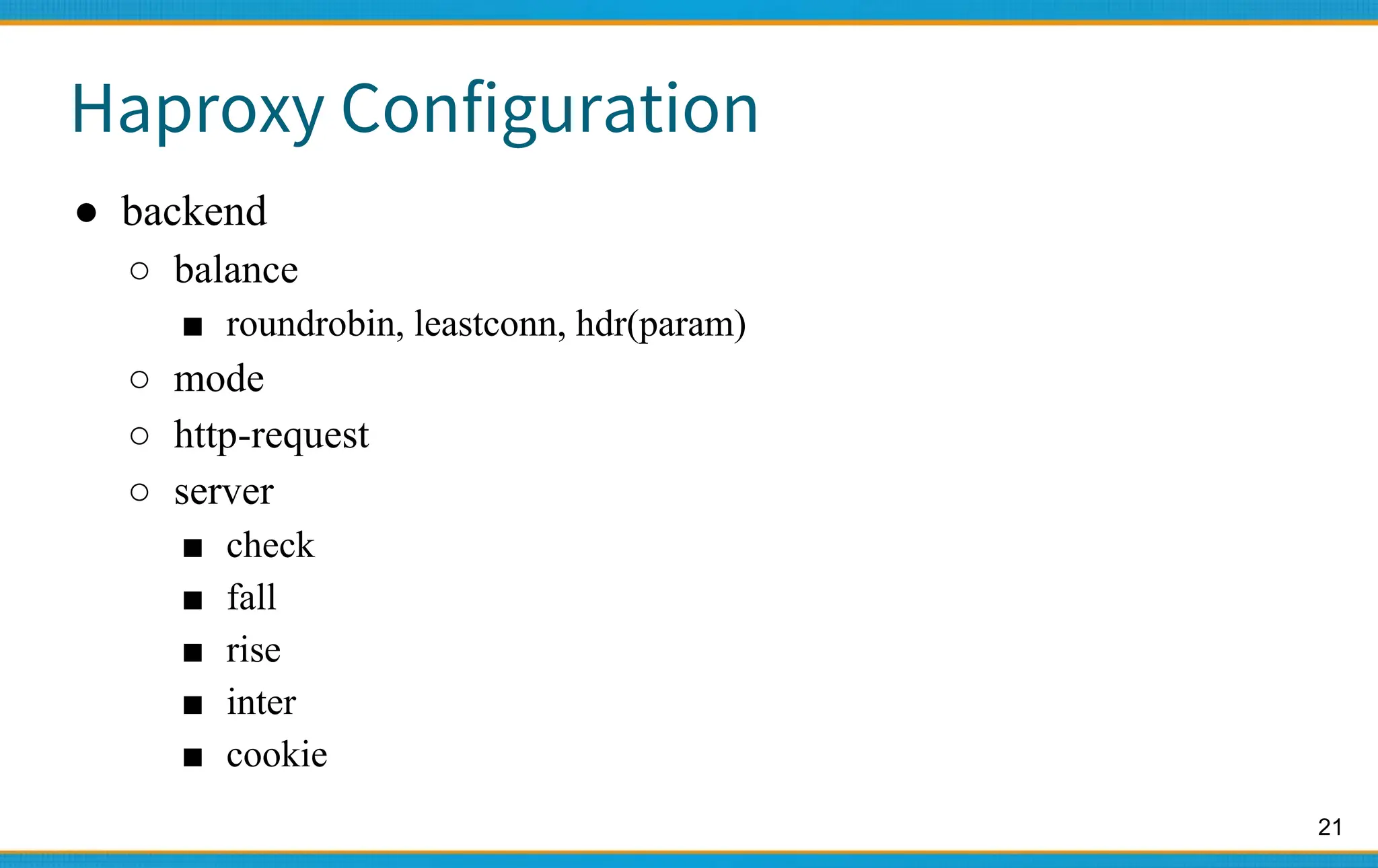
![16
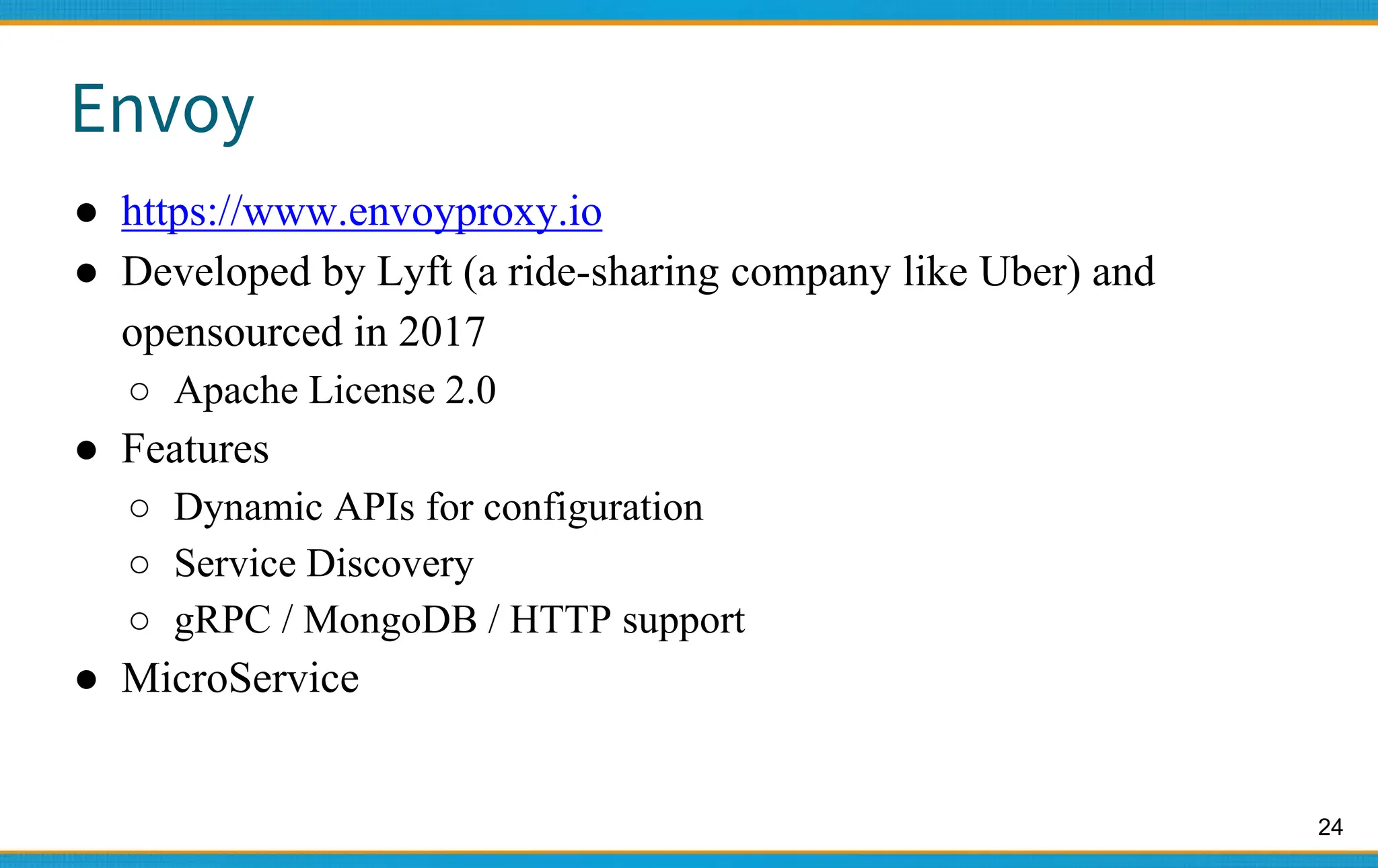
Haproxy - Configuration
backend cscc_csie_nctu_server
balance roundrobin
mode http
option httpchk HEAD /health_check.php HTTP/1.1rnHost: cscc.cs.nctu.edu.tw
option forwardfor
http-request set-header X-forwarded-Port %[dst_port]
http-request set-header X-forwarded-Proto https if { ssl_fc }
server www1 192.168.99.101:80 check fall 3 rise 2
server www1 192.168.99.102:80 check fall 3 rise 2](https://image.slidesharecdn.com/haproxyloadbalancer-231113124128-8b361f26/75/haproxy_Load_Balancer-pptx-16-2048.jpg)
![26
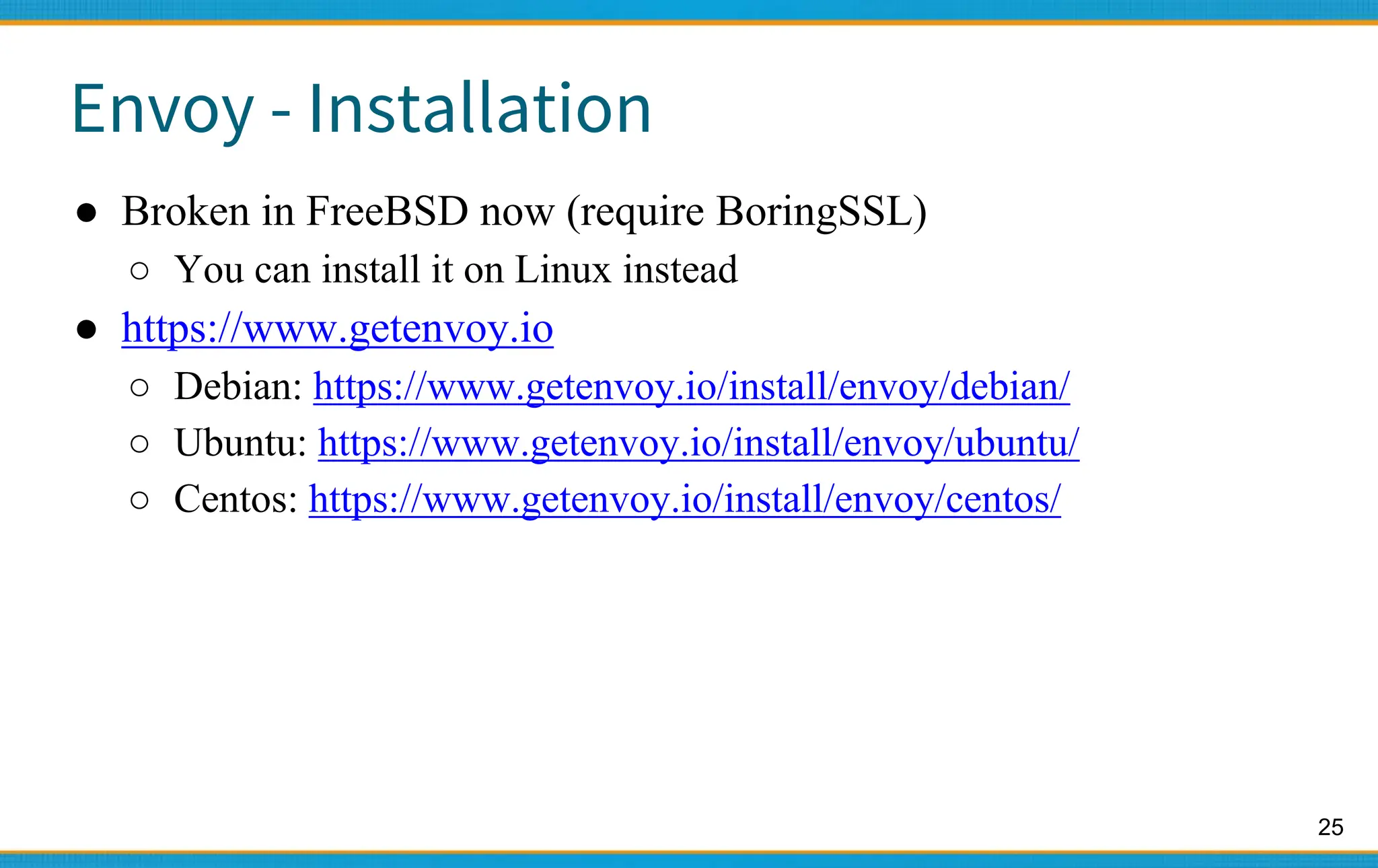
Envoy - Configuration
static_resources:
listeners:
- name: listener_0
address:
socket_address: { address: 127.0.0.1, port_value: 10000 }
filter_chains:
- filters:
- name: envoy.filters.network.http_connection_manager
typed_config:
"@type":
type.googleapis.com/envoy.extensions.filters.network.http_connection_manager.v3.HttpConnectionManag
er
stat_prefix: ingress_http
codec_type: AUTO
route_config:
name: local_route
virtual_hosts:
- name: local_service
domains: ["*"]
routes:
- match: { prefix: "/" }
route: { cluster: some_service }
http_filters:
- name: envoy.filters.http.router
Examples — envoy 1.18.0-dev-fce386 documentation (envoyproxy.io)](https://image.slidesharecdn.com/haproxyloadbalancer-231113124128-8b361f26/75/haproxy_Load_Balancer-pptx-26-2048.jpg)



![Number_Guessing_Game_Dsbsbssbzboc[1].pptx](https://cdn.slidesharecdn.com/ss_thumbnails/numberguessinggamedoc1-251206215042-a076fc05-thumbnail.jpg?width=640&height=640&fit=bounds)


