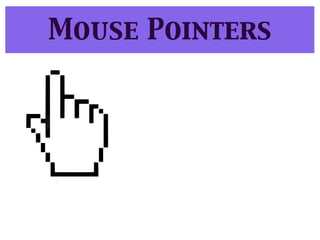
The document provides instructions for students on how to create a background drawing in Tuxpaint and save it to their folders. It then discusses exploring the help menu in Ubuntu in pairs and discovering how to move and resize windows using different mouse actions and pointers. The challenges are to move a window to the center of the screen and resize a window to take up one quarter of the screen. It concludes by asking students to reflect on whether the help menu is useful and what they learned from the lesson.




![In design tutorial[3]](https://cdn.slidesharecdn.com/ss_thumbnails/indesigntutorial3-130118064621-phpapp01-thumbnail.jpg?width=640&height=640&fit=bounds)


