capybara
overview
       automated user interaction

automatically waits for asynchronous tasks

             driver agnostic

     high level access to ui elements
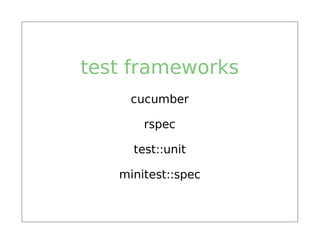
test frameworks
    cucumber

       rspec

     test::unit

   minitest::spec
drivers
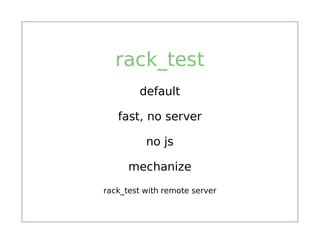
rack_test
        default

   fast, no server

          no js

      mechanize
rack_test with remote server
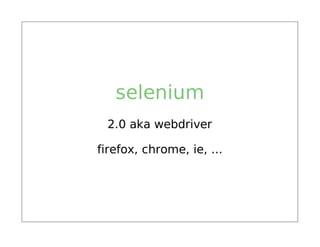
selenium
 2.0 aka webdriver

firefox, chrome, ie, ...
webkit
     headless

    QtWebKitk

logging / messages

   screenshots

     cookies

resizing the window
poltergeist
           headless

           phantomjs

          screenshots

      resizing the window

remote debugging (web inspector)

      no X (CI integration)
dsl
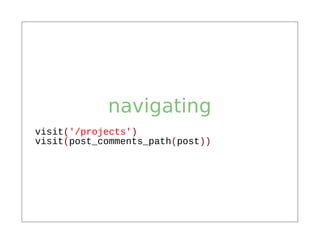
navigating
visit('/projects')
visit(post_comments_path(post))
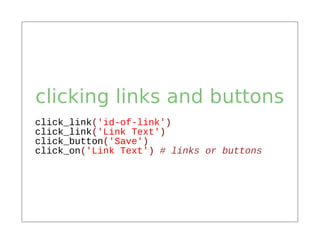
clicking links and buttons
click_link('id-of-link')
click_link('Link Text')
click_button('Save')
click_on('Link Text') # links or buttons
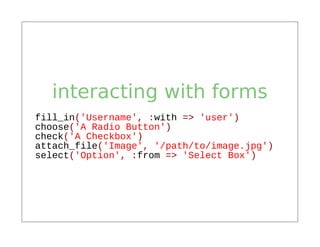
interacting with forms
fill_in('Username', :with => 'user')
choose('A Radio Button')
check('A Checkbox')
attach_file('Image', '/path/to/image.jpg')
select('Option', :from => 'Select Box')
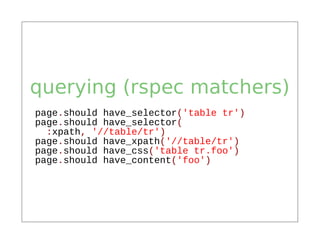
querying (rspec matchers)
page.should have_selector('table tr')
page.should have_selector(
  :xpath, '//table/tr')
page.should have_xpath('//table/tr')
page.should have_css('table tr.foo')
page.should have_content('foo')
finding
find_field('First Name').value
find_link('Hello').visible?
find_button('Send').click
find("#overlay").find("h1").click
all('a').each { |a| a[:href] }
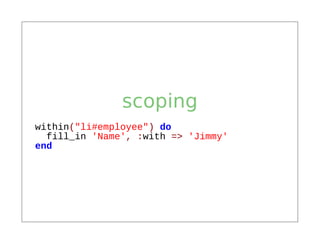
scoping
within("li#employee") do
  fill_in 'Name', :with => 'Jimmy'
end
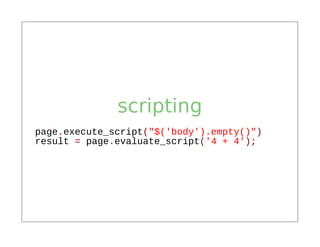
scripting
page.execute_script("$('body').empty()")
result = page.evaluate_script('4 + 4');
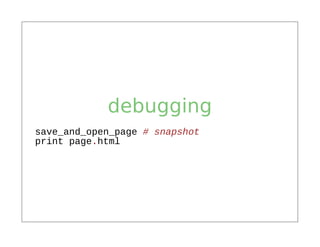
debugging
save_and_open_page # snapshot
print page.html
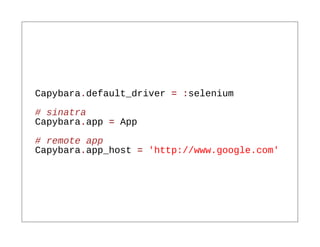
setup
Capybara.default_driver = :selenium
# sinatra
Capybara.app = App
# remote app
Capybara.app_host = 'http://www.google.com'
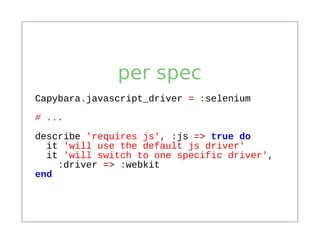
per spec
Capybara.javascript_driver = :selenium

# ...
describe 'requires js', :js => true do
  it 'will use the default js driver'
  it 'will switch to one specific driver',
    :driver => :webkit
end
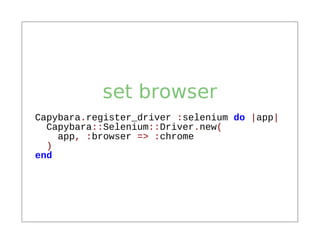
set browser
Capybara.register_driver :selenium do |app|
  Capybara::Selenium::Driver.new(
    app, :browser => :chrome
  )
end
in the wild
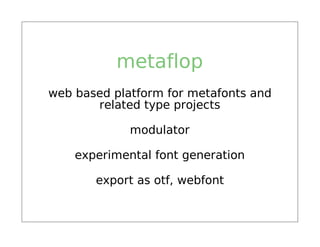
metaflop
web based platform for metafonts and
       related type projects

             modulator

    experimental font generation

       export as otf, webfont
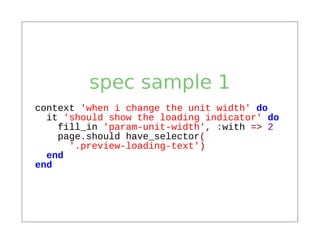
spec sample 1
context 'when i change the unit width' do
  it 'should show the loading indicator' do
    fill_in 'param-unit-width', :with => 2
    page.should have_selector(
      '.preview-loading-text')
  end
end
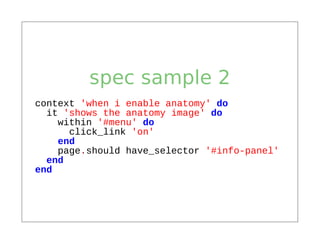
spec sample 2
context 'when i enable anatomy' do
  it 'shows the anatomy image' do
    within '#menu' do
      click_link 'on'
    end
    page.should have_selector '#info-panel'
  end
end
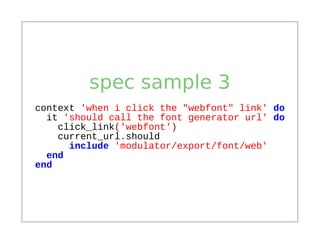
spec sample 3
context 'when i click the "webfont" link' do
  it 'should call the font generator url' do
    click_link('webfont')
    current_url.should
      include 'modulator/export/font/web'
  end
end
problems
general
 dialogs (downloads)

new openend windows

  driver specialties
selenium
        slow, startup

     slow, random errors

      no http response

no .trigger() (e.g. mouse over)

         installation
solution
       avoid selenium

        use headless

test visual concerns manually
links
 capybara homepage

        webkit

      poltergeist

selenium chrome driver

      metaflop
@alexisreigel

  koffeinfrei

koffeinfrei.org

Functional testing with capybara