Tips & Trick with Selenium

       Dima Kovalenko
         @dimacus
Resume
●   Worked with Selenium for 5 years
●   Currently working at Groupon
●   Blog: www.agilesoftwaretesting.com
Why I am here?
●   I enjoy finding new ways to test
    complicated things with Selenium
●   I want to share somethings I had to learn
    the hard way myself
●   I want to start a small "Selenium
    Examples" project
Source Code


github.com/dimacus/SeleniumTipsAndTricks
Wait For AJAX
Wait For AJAX
●   More web applications use AJAX to load
    content
●   Selenium is not very smart about AJAX
●   You need to add your own wait for AJAX
    method
Methods used
●   Selenium 1
    ●   Ruby
        ●   wait_for_condition
    ●   Java
        ●   waitForCondition
●   Selenium 2
    ●   Ruby
        ●   execute_script
    ●   Java
        ●   executeScript
Selenium 1
●   wait_for_condition method waits for
    JS condition to be true

●   To get to current window DOM
    ●   selenium.browserbot.getCurrentWindow()

●   Condition example for jQuery
    ●   selenium.browserbot.getCurrentWindow().
        jQuery.active == 0
Selenium 2
●   execute_script method executes JS
    method

●   Example
    ●   selenium.execute_script("return jQuery.
        active”)
    ●   Returns integer
    ●   0 no longer active
Non jQuery examples to check
●   jQuery
    ●   jQuery.active
●   Prototype
    ●   Ajax.activeRequestCount
●   Dojo
    ●   dojo.io.XMLHTTPTransport.inFlight.length
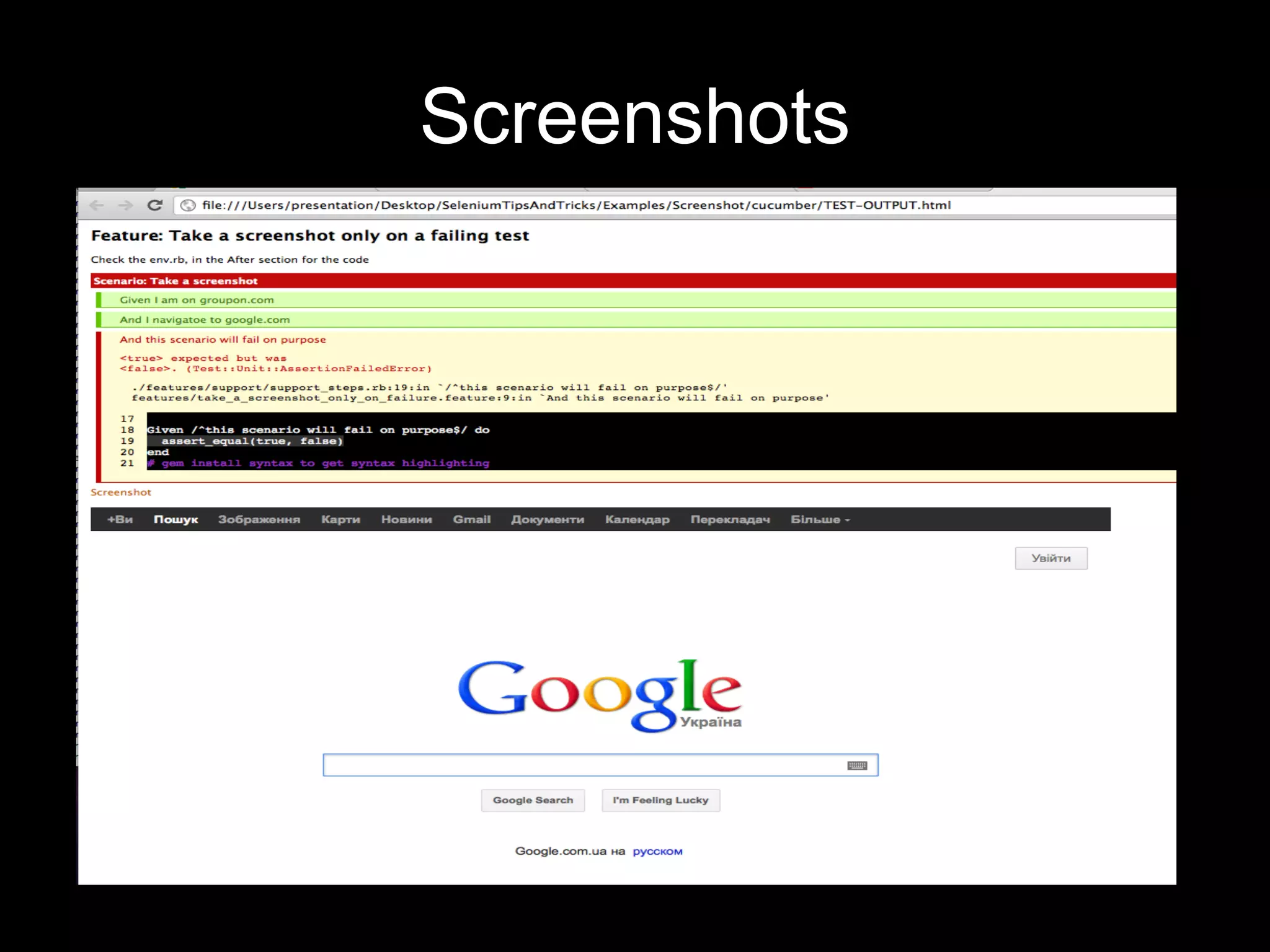
Screenshots
Screenshot
●   Selenium allows you to take screenshots
    of the whole web-page

●   Does not care if multiple windows are
    open

●   Ruby
    ●   save_screenshot
●   Java
    ●   getScreenshotAs
Take a screenshot on failure in
                  Cucumber
●   Cucumber has HTML reports

●   You can attach screenshots into report

●   Example
    ●   embed(“screenshot.png”, "image/png")
Video capture of tests
Video capture of test
●   Only on Linux for now

●   Working on windows/mac
    ●   I’m looking for a good free screen capture
        program.
    ●   Possibly VLC
Video capture of test

●   Record the test

●   If test passes, delete the video

●   If test fails, publish video into CI
Video capture of test
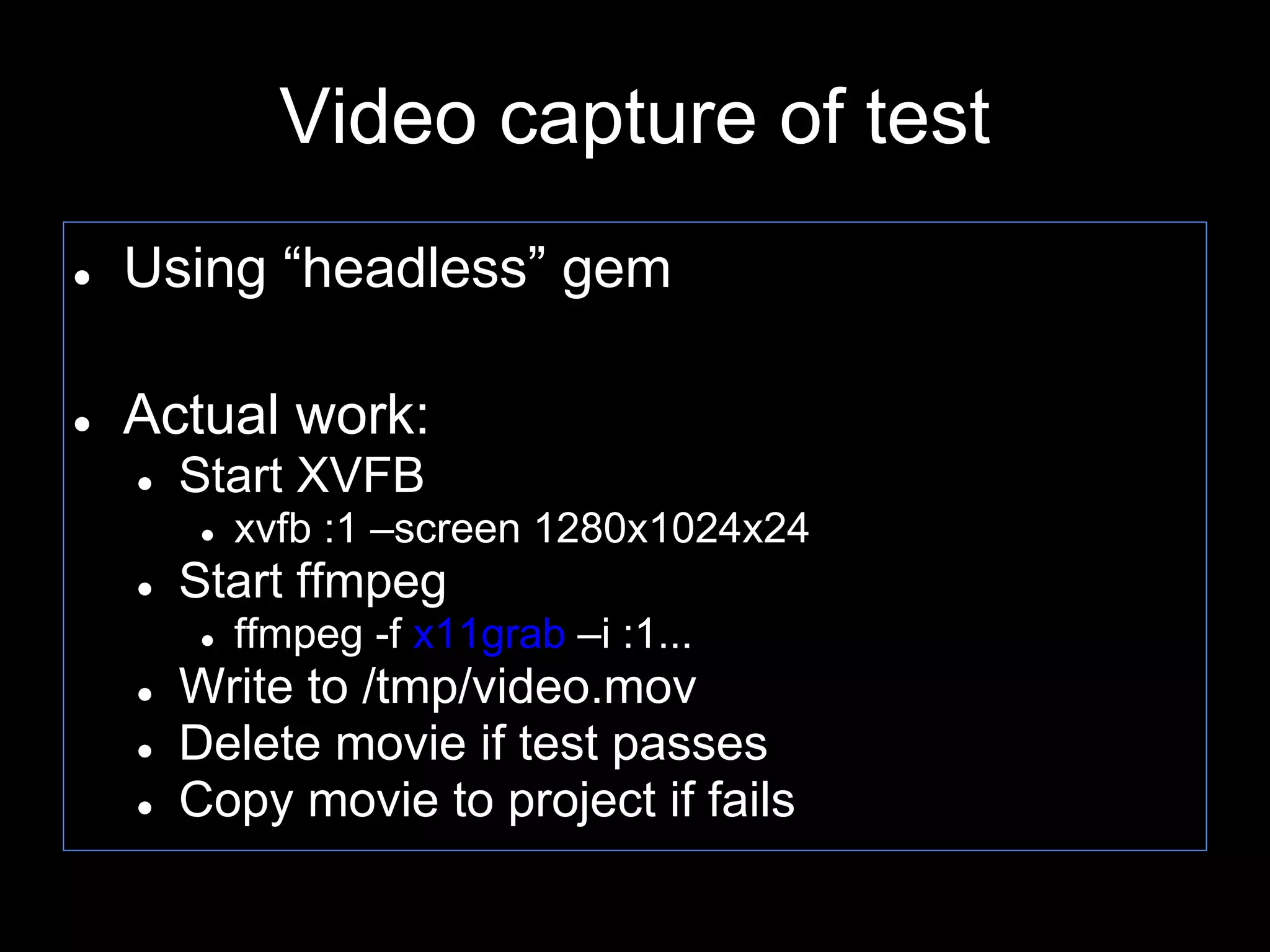
●   Using “headless” gem

●   Actual work:
    ●   Start XVFB
         ●   xvfb :1 –screen 1280x1024x24
    ●   Start ffmpeg
         ●   ffmpeg -f x11grab –i :1...
    ●   Write to /tmp/video.mov
    ●   Delete movie if test passes
    ●   Copy movie to project if fails
Video capture of parallel tests


●   Use different DISPLAY

●   Start XVFB for every test instance
Firefox profiles Selenium 1
●   Can use existing firefox profile

●   Set everything up once, and have it in the
    test
    ●   Extensions
    ●   SSL certificates
    ●   Passwords
Firefox profiles Selenium 2


●   Setup profile on the fly in code
    ●   Settings
    ●   Extensions
Selenium 2 profile
profile = Selenium::WebDriver::Firefox::Profile.new

profile[“some_setting“] = 1

selenium = Selenium::WebDriver.for :firefox, {:profile => profile}
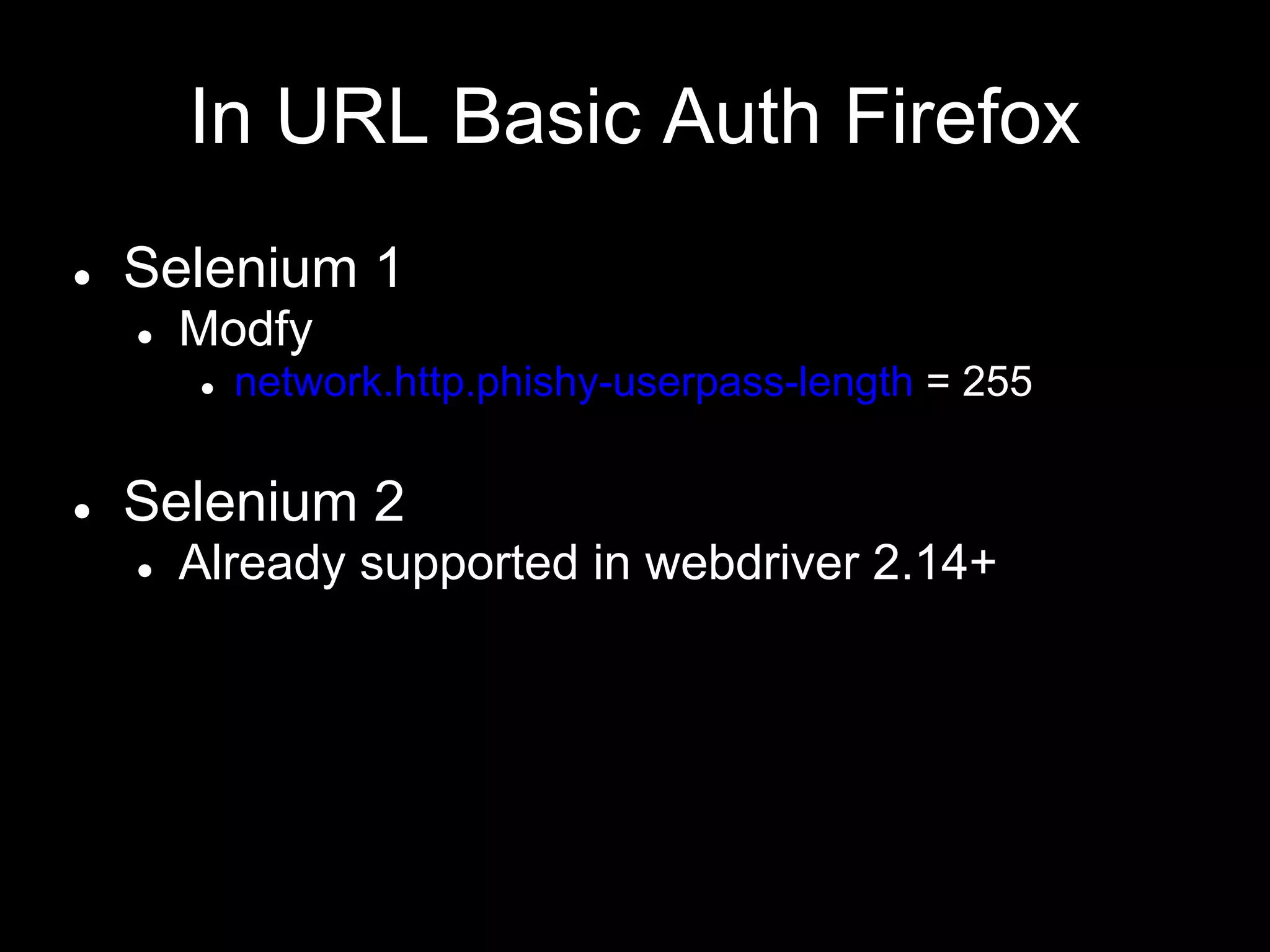
In URL Basic Auth Firefox
●   Selenium 1
    ●   Modfy
        ●   network.http.phishy-userpass-length = 255

●   Selenium 2
    ●   Already supported in webdriver 2.14+
Auto download files
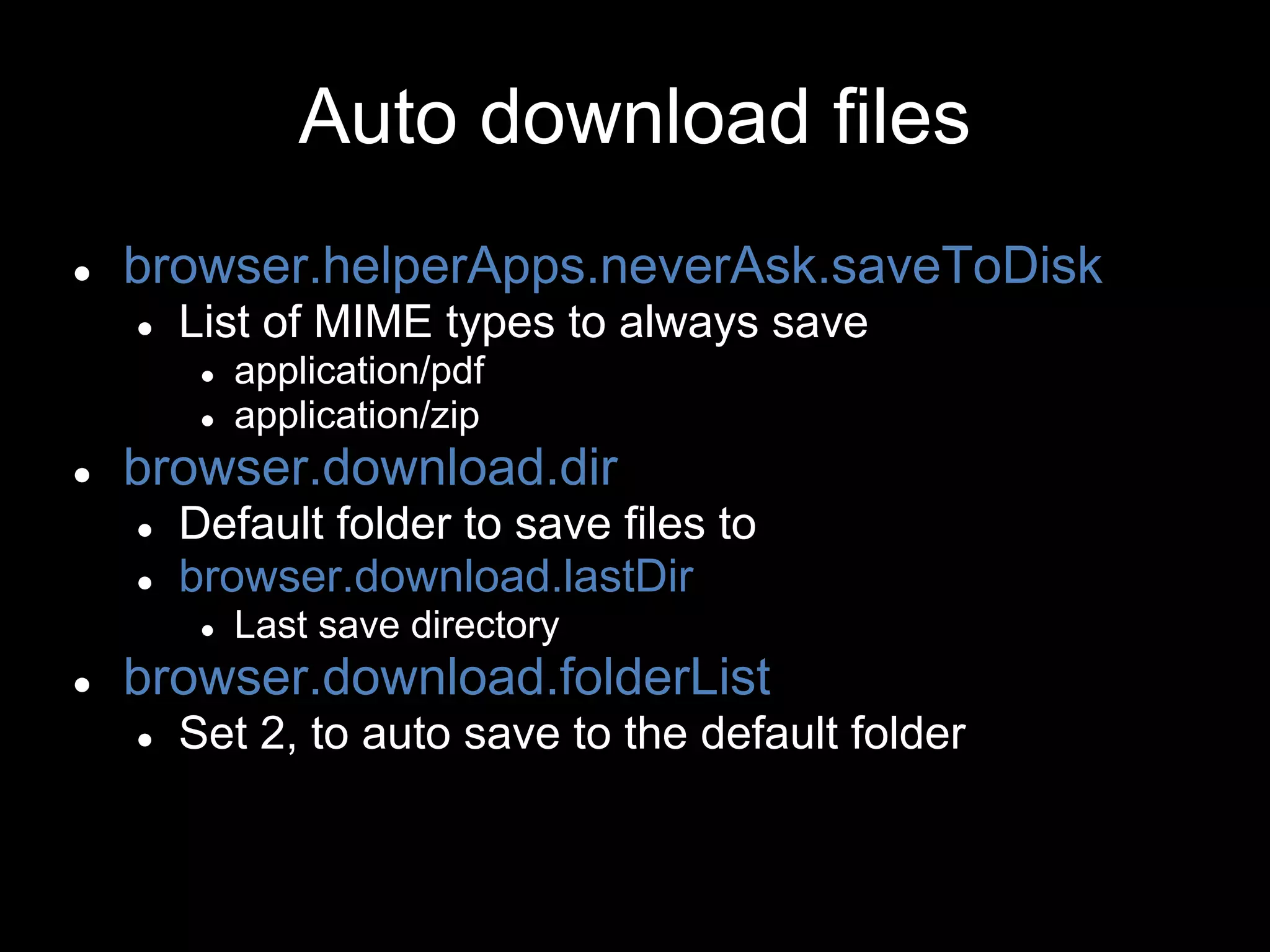
Auto download files
●   browser.helperApps.neverAsk.saveToDisk
    ●   List of MIME types to always save
         ●   application/pdf
         ●   application/zip
●   browser.download.dir
    ●   Default folder to save files to
    ●   browser.download.lastDir
         ●   Last save directory
●   browser.download.folderList
    ●   Set 2, to auto save to the default folder
Parsing PDF

●   Ruby
    ●   pdf-reader gem

●   Java
    ●   Apache PDFBox
Headless Tests
Headless Tests
●   HTMLUnit
    ●   Built into Selenium2 stand alone jar
    ●   Runs 2x faster for simple page loads
    ●   Emulates browsers
        ●   IE
        ●   Firefox
        ●   etc..

●   capybara-webkit gem
    ● Uses Nokia's QT framework
    ●   https://github.com/thoughtbot/capybara-webkit
Tests in parallel
Tests in parallel

●   Using fork in linux based systems

●   Windows does not have fork support ☹

●   Ruby
    ●   parallel_tests gem
    ●   or parallel gem
    ●   or Unix fork
Parallel Tips

●   Use separate databases for each test run

●   Tests SHOULD NOT depend on each
    other

●   Run in separate DISPLAYs on linux boxes
Sauce
●   Run selenium on
    ●   Multiple browsers
    ●   Operating systems
    ●   In parallel
    ●   EC2 cloud

●   Selenium 1 & 2 support
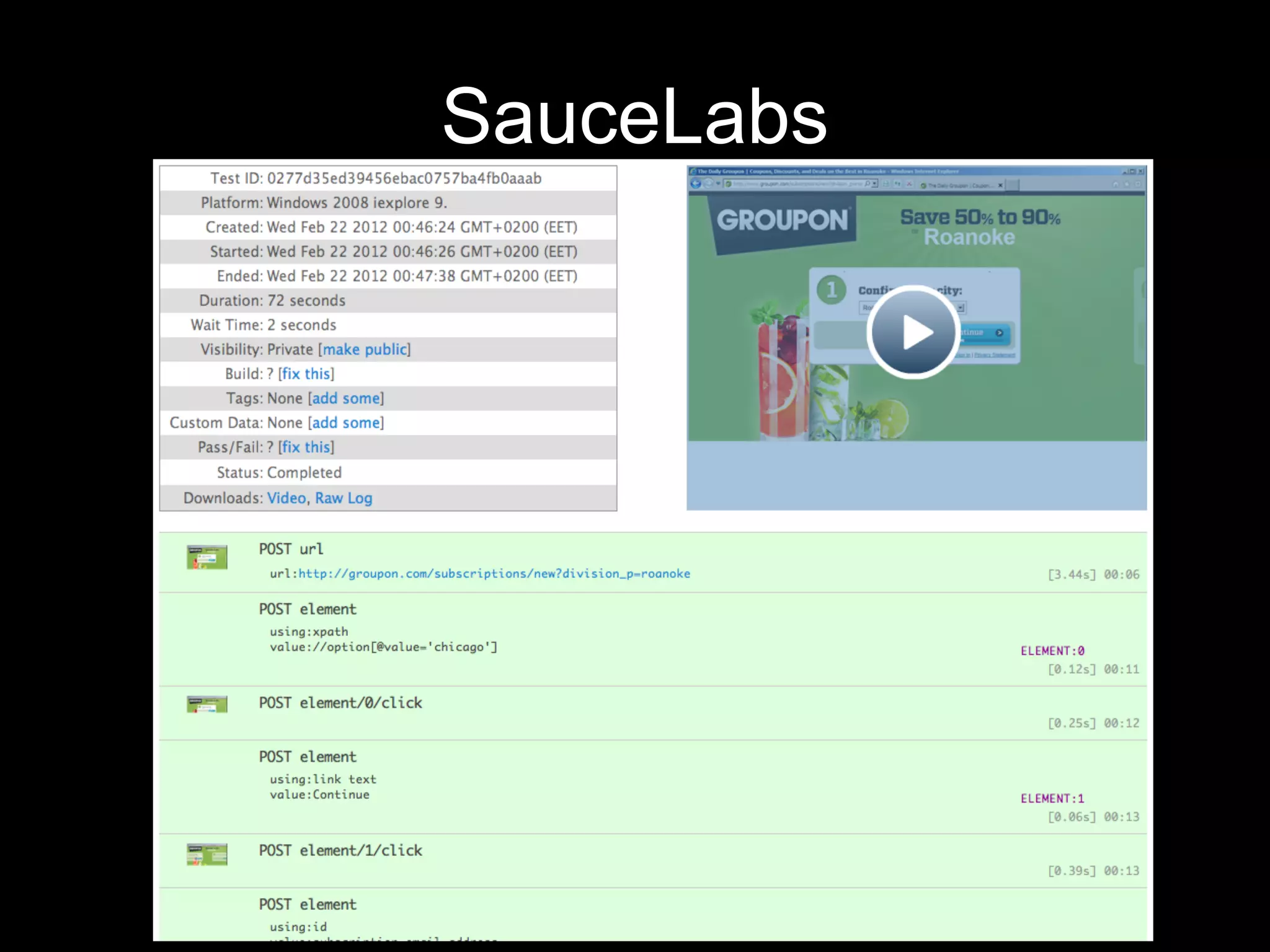
●   Screenshots of every step
●   Movie of every test
●   www.saucelabs.com
SauceLabs
Sauce connect
●   Small Java application

●   Sets up SSH tunnel between local
    computer and EC2

●   Allows Selenium tests to run against
    internal “Staging” servers
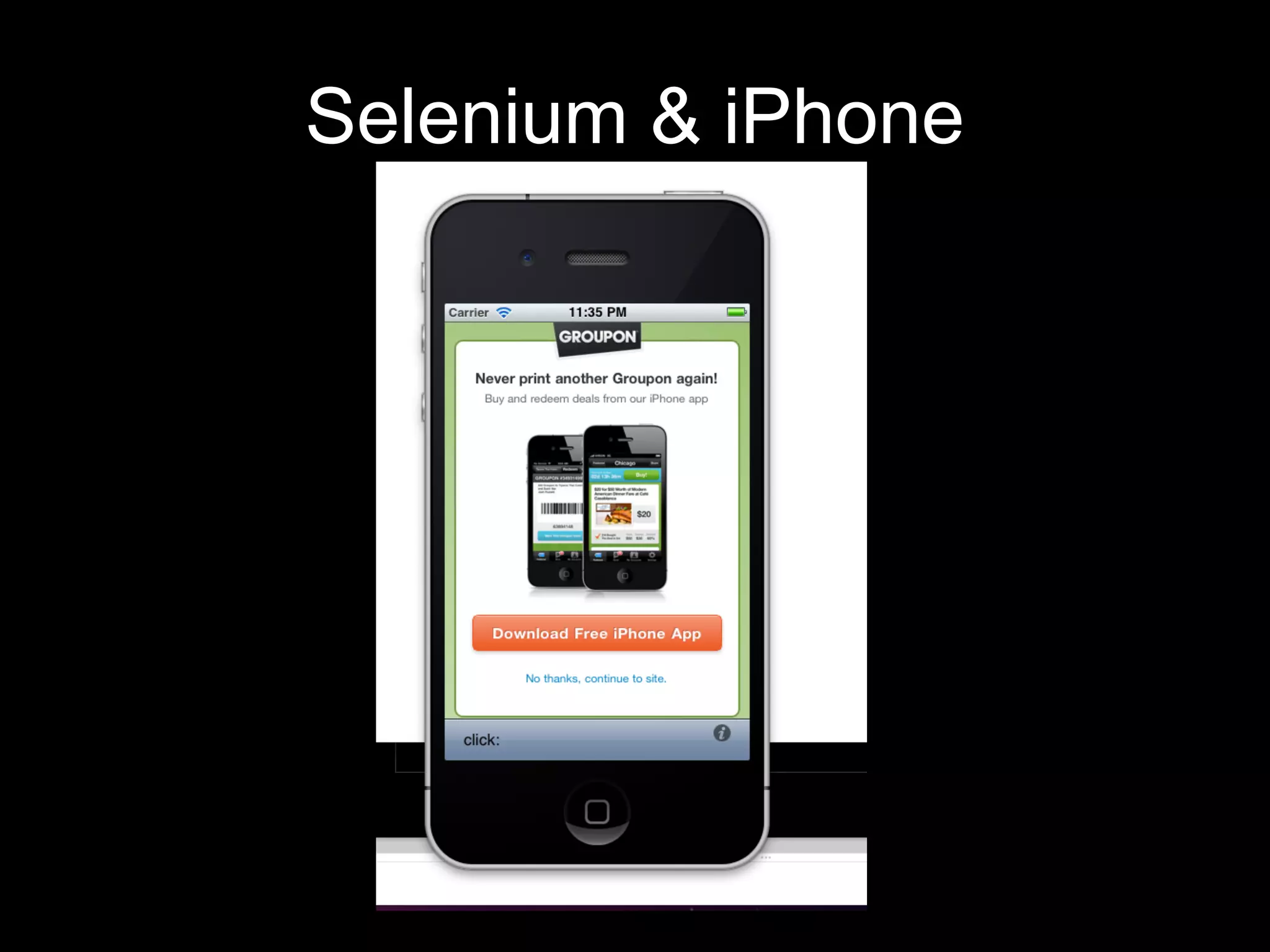
Selenium & iPhone
iPhone
●   Use iPhone Simulator’s Safari Browser

●   Need Xcode, developer account to
    compile app for simulator

●   No parallel support ☹

●   JS alert support is not always good ☹
iPhone application testing
●   Not selenium per se…
●   You can test applications using Frank
    project
    ●   http://www.testingwithfrank.com/
    ●   http://vimeo.com/21860134

Selenium camp v1

  • 1.
    Tips & Trickwith Selenium Dima Kovalenko @dimacus
  • 3.
    Resume ● Worked with Selenium for 5 years ● Currently working at Groupon ● Blog: www.agilesoftwaretesting.com
  • 4.
    Why I amhere? ● I enjoy finding new ways to test complicated things with Selenium ● I want to share somethings I had to learn the hard way myself ● I want to start a small "Selenium Examples" project
  • 5.
  • 6.
  • 7.
    Wait For AJAX ● More web applications use AJAX to load content ● Selenium is not very smart about AJAX ● You need to add your own wait for AJAX method
  • 8.
    Methods used ● Selenium 1 ● Ruby ● wait_for_condition ● Java ● waitForCondition ● Selenium 2 ● Ruby ● execute_script ● Java ● executeScript
  • 9.
    Selenium 1 ● wait_for_condition method waits for JS condition to be true ● To get to current window DOM ● selenium.browserbot.getCurrentWindow() ● Condition example for jQuery ● selenium.browserbot.getCurrentWindow(). jQuery.active == 0
  • 10.
    Selenium 2 ● execute_script method executes JS method ● Example ● selenium.execute_script("return jQuery. active”) ● Returns integer ● 0 no longer active
  • 11.
    Non jQuery examplesto check ● jQuery ● jQuery.active ● Prototype ● Ajax.activeRequestCount ● Dojo ● dojo.io.XMLHTTPTransport.inFlight.length
  • 12.
  • 13.
    Screenshot ● Selenium allows you to take screenshots of the whole web-page ● Does not care if multiple windows are open ● Ruby ● save_screenshot ● Java ● getScreenshotAs
  • 14.
    Take a screenshoton failure in Cucumber ● Cucumber has HTML reports ● You can attach screenshots into report ● Example ● embed(“screenshot.png”, "image/png")
  • 15.
  • 16.
    Video capture oftest ● Only on Linux for now ● Working on windows/mac ● I’m looking for a good free screen capture program. ● Possibly VLC
  • 17.
    Video capture oftest ● Record the test ● If test passes, delete the video ● If test fails, publish video into CI
  • 18.
    Video capture oftest ● Using “headless” gem ● Actual work: ● Start XVFB ● xvfb :1 –screen 1280x1024x24 ● Start ffmpeg ● ffmpeg -f x11grab –i :1... ● Write to /tmp/video.mov ● Delete movie if test passes ● Copy movie to project if fails
  • 19.
    Video capture ofparallel tests ● Use different DISPLAY ● Start XVFB for every test instance
  • 20.
    Firefox profiles Selenium1 ● Can use existing firefox profile ● Set everything up once, and have it in the test ● Extensions ● SSL certificates ● Passwords
  • 21.
    Firefox profiles Selenium2 ● Setup profile on the fly in code ● Settings ● Extensions
  • 22.
    Selenium 2 profile profile= Selenium::WebDriver::Firefox::Profile.new profile[“some_setting“] = 1 selenium = Selenium::WebDriver.for :firefox, {:profile => profile}
  • 23.
    In URL BasicAuth Firefox ● Selenium 1 ● Modfy ● network.http.phishy-userpass-length = 255 ● Selenium 2 ● Already supported in webdriver 2.14+
  • 24.
  • 25.
    Auto download files ● browser.helperApps.neverAsk.saveToDisk ● List of MIME types to always save ● application/pdf ● application/zip ● browser.download.dir ● Default folder to save files to ● browser.download.lastDir ● Last save directory ● browser.download.folderList ● Set 2, to auto save to the default folder
  • 26.
    Parsing PDF ● Ruby ● pdf-reader gem ● Java ● Apache PDFBox
  • 27.
  • 28.
    Headless Tests ● HTMLUnit ● Built into Selenium2 stand alone jar ● Runs 2x faster for simple page loads ● Emulates browsers ● IE ● Firefox ● etc.. ● capybara-webkit gem ● Uses Nokia's QT framework ● https://github.com/thoughtbot/capybara-webkit
  • 29.
  • 30.
    Tests in parallel ● Using fork in linux based systems ● Windows does not have fork support ☹ ● Ruby ● parallel_tests gem ● or parallel gem ● or Unix fork
  • 31.
    Parallel Tips ● Use separate databases for each test run ● Tests SHOULD NOT depend on each other ● Run in separate DISPLAYs on linux boxes
  • 32.
    Sauce ● Run selenium on ● Multiple browsers ● Operating systems ● In parallel ● EC2 cloud ● Selenium 1 & 2 support ● Screenshots of every step ● Movie of every test ● www.saucelabs.com
  • 33.
  • 34.
    Sauce connect ● Small Java application ● Sets up SSH tunnel between local computer and EC2 ● Allows Selenium tests to run against internal “Staging” servers
  • 35.
  • 36.
    iPhone ● Use iPhone Simulator’s Safari Browser ● Need Xcode, developer account to compile app for simulator ● No parallel support ☹ ● JS alert support is not always good ☹
  • 37.
    iPhone application testing ● Not selenium per se… ● You can test applications using Frank project ● http://www.testingwithfrank.com/ ● http://vimeo.com/21860134