© 2018 Sencha Inc.
Adding Rich Text Editing to Your Web Apps
with Froala
Sandeep Adwankar
Sr. Product Manager
@adwankar
© 2018 Sencha Inc.
What will be covered
• Rich Text Editing Use Cases
• Froala Editor Capabilities
• Latest Release - Froala 2.9.0
• Comparison with Ext JS HTML Editor
• Using Froala in Ext JS Apps
• Demo
• Roadmap
© 2018 Sencha Inc.
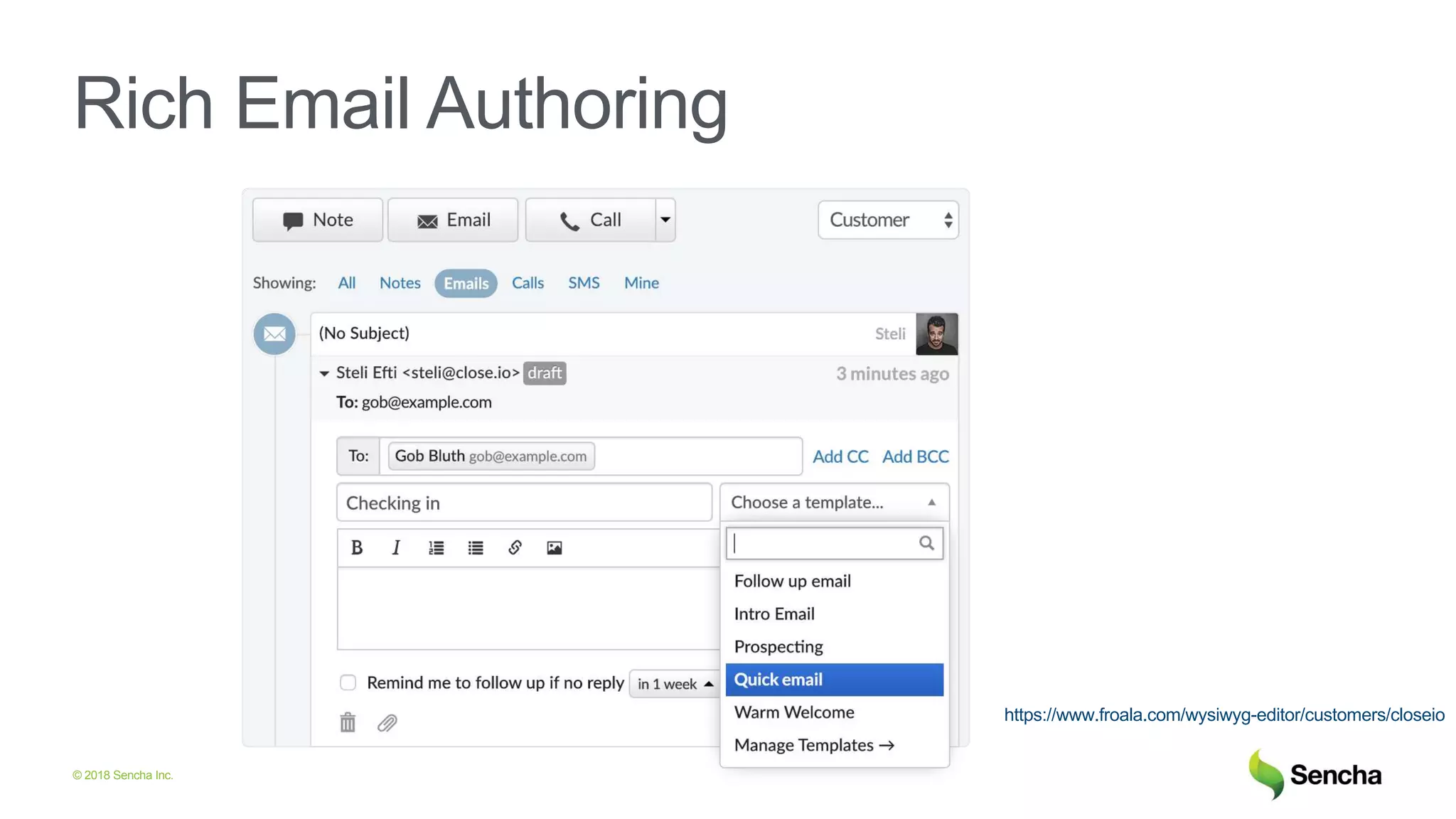
Rich Email Authoring
https://www.froala.com/wysiwyg-editor/customers/closeio
© 2018 Sencha Inc.
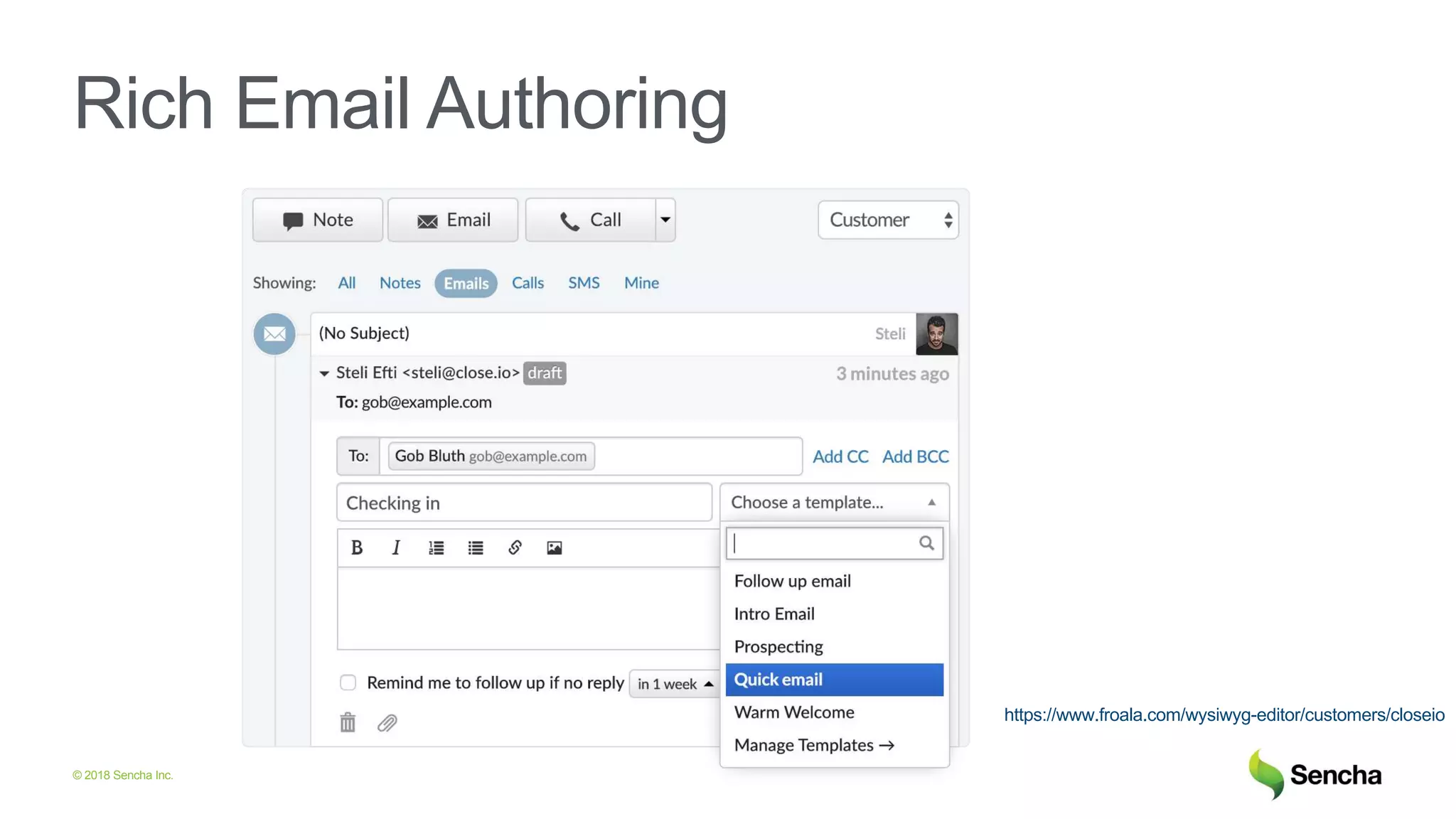
Rich Email Authoring
https://www.froala.com/wysiwyg-editor/customers/closeio
© 2018 Sencha Inc.
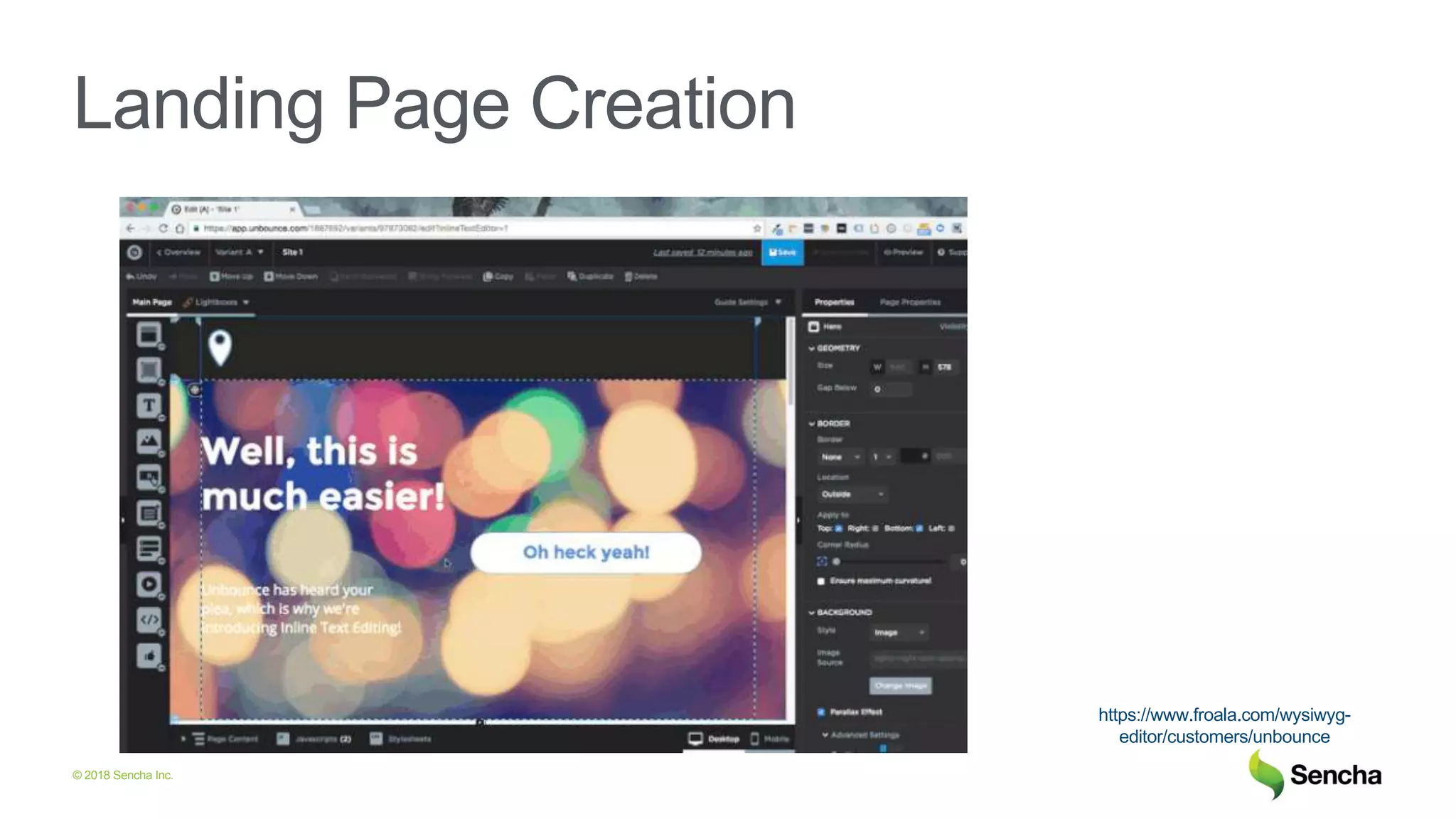
Landing Page Creation
https://www.froala.com/wysiwyg-
editor/customers/unbounce
© 2018 Sencha Inc.
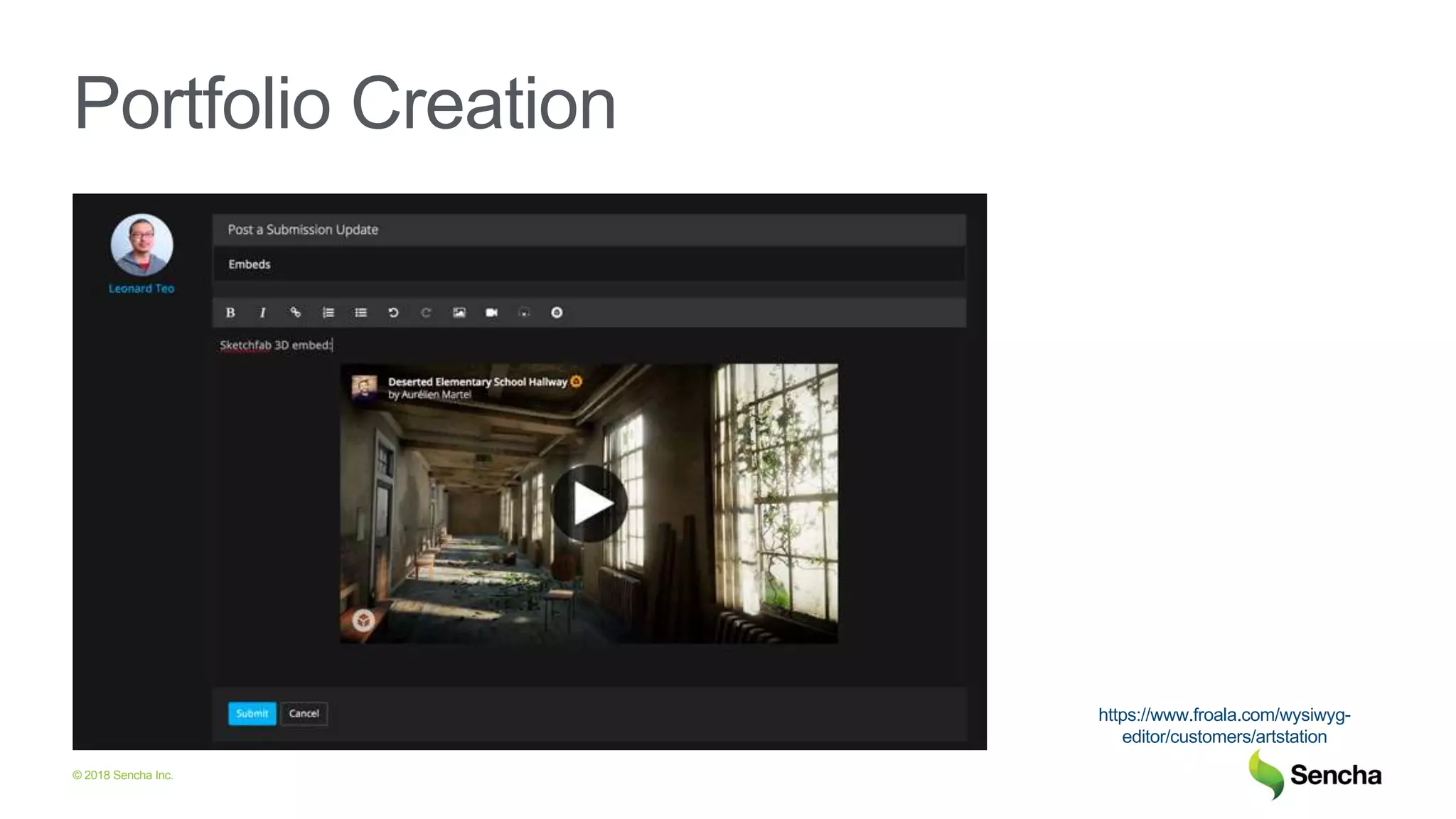
Portfolio Creation
https://www.froala.com/wysiwyg-
editor/customers/artstation
© 2018 Sencha Inc.
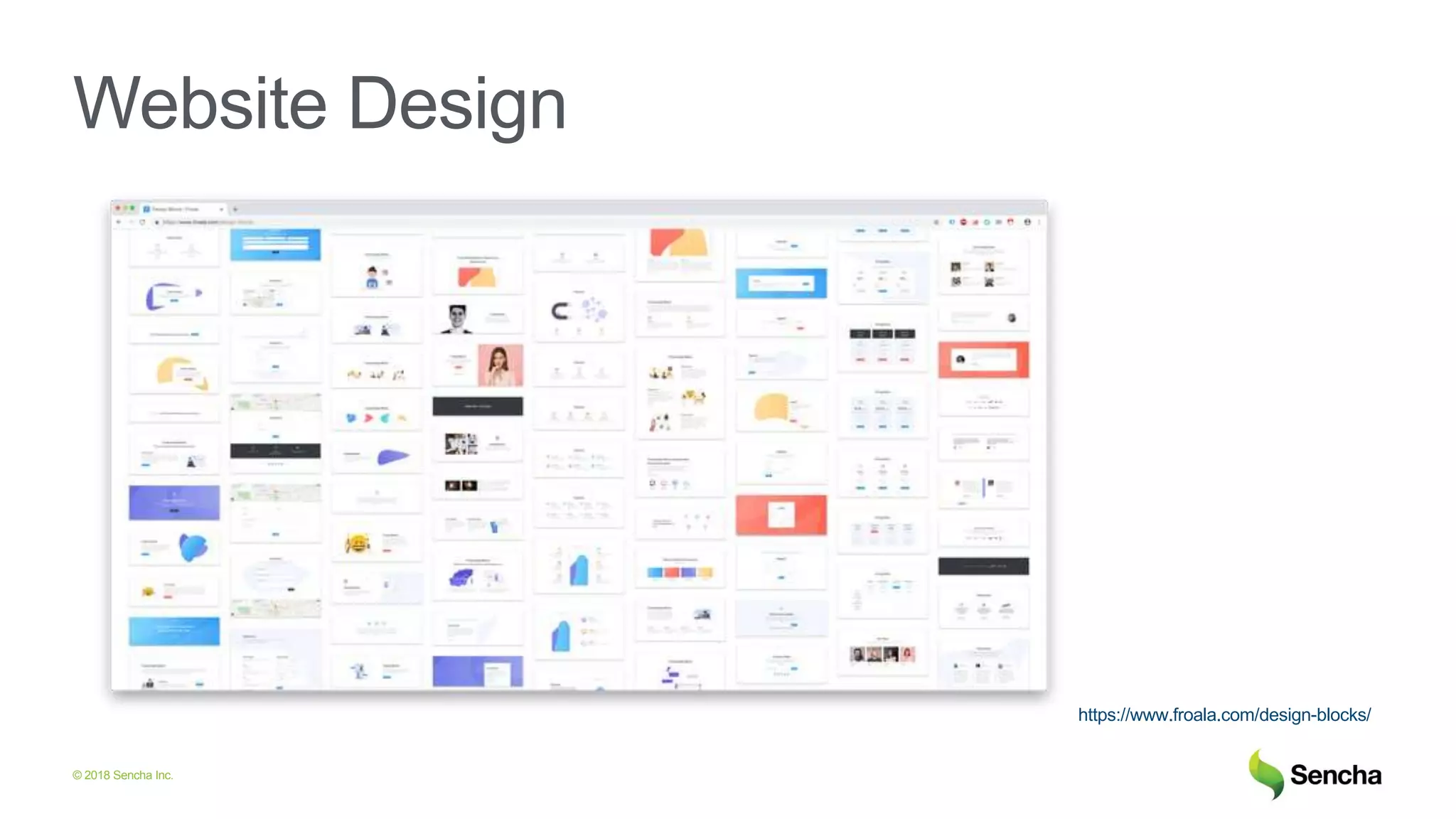
Website Design
https://www.froala.com/design-blocks/
© 2018 Sencha Inc.
Froala Editor Capabilities
© 2018 Sencha Inc.
Froala Editor
• Advanced feature set
• Powerful API
• Detailed documentation
• Easy customization
• Easy theming
9
© 2018 Sencha Inc.
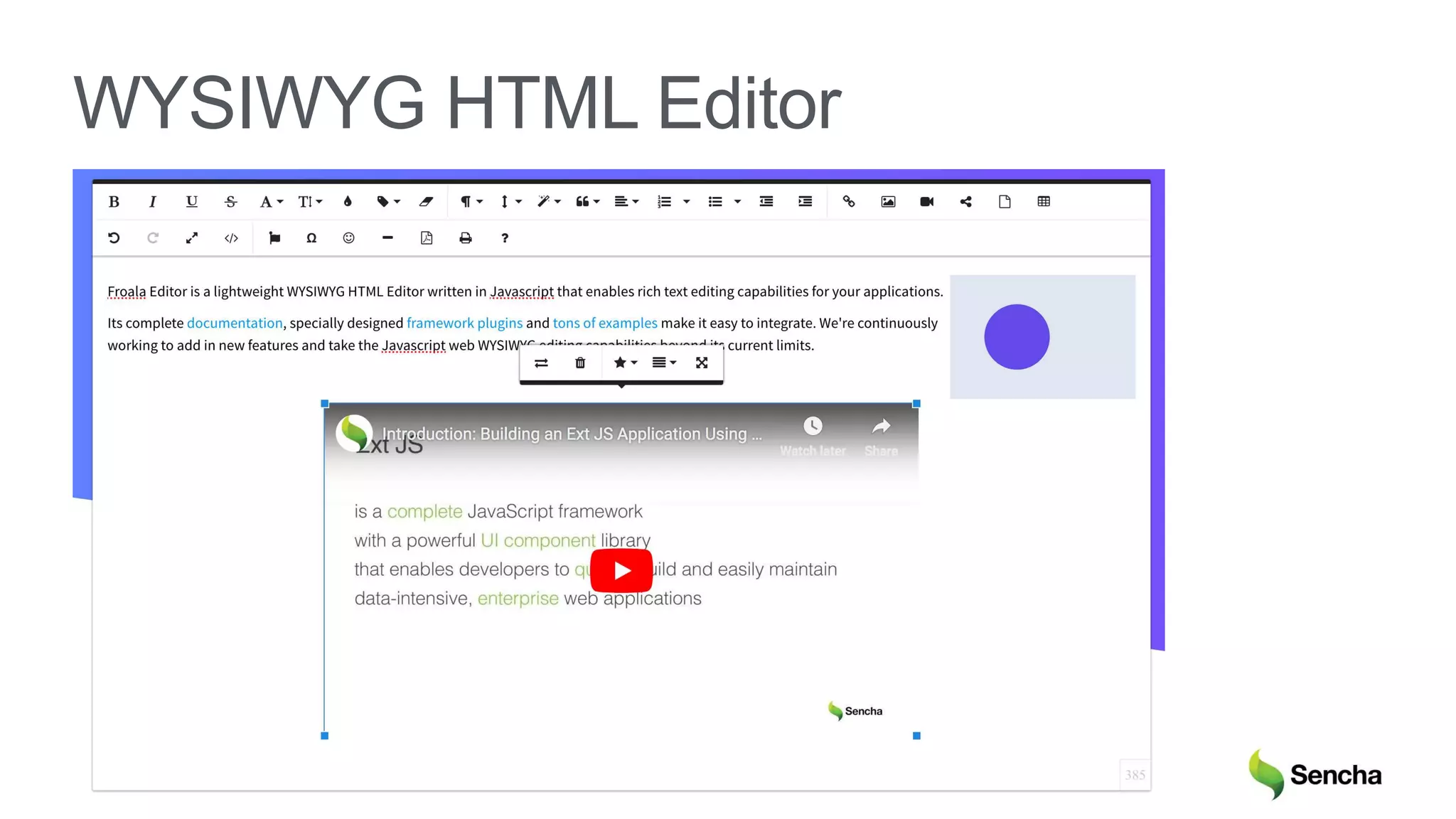
WYSIWYG HTML Editor
© 2018 Sencha Inc.
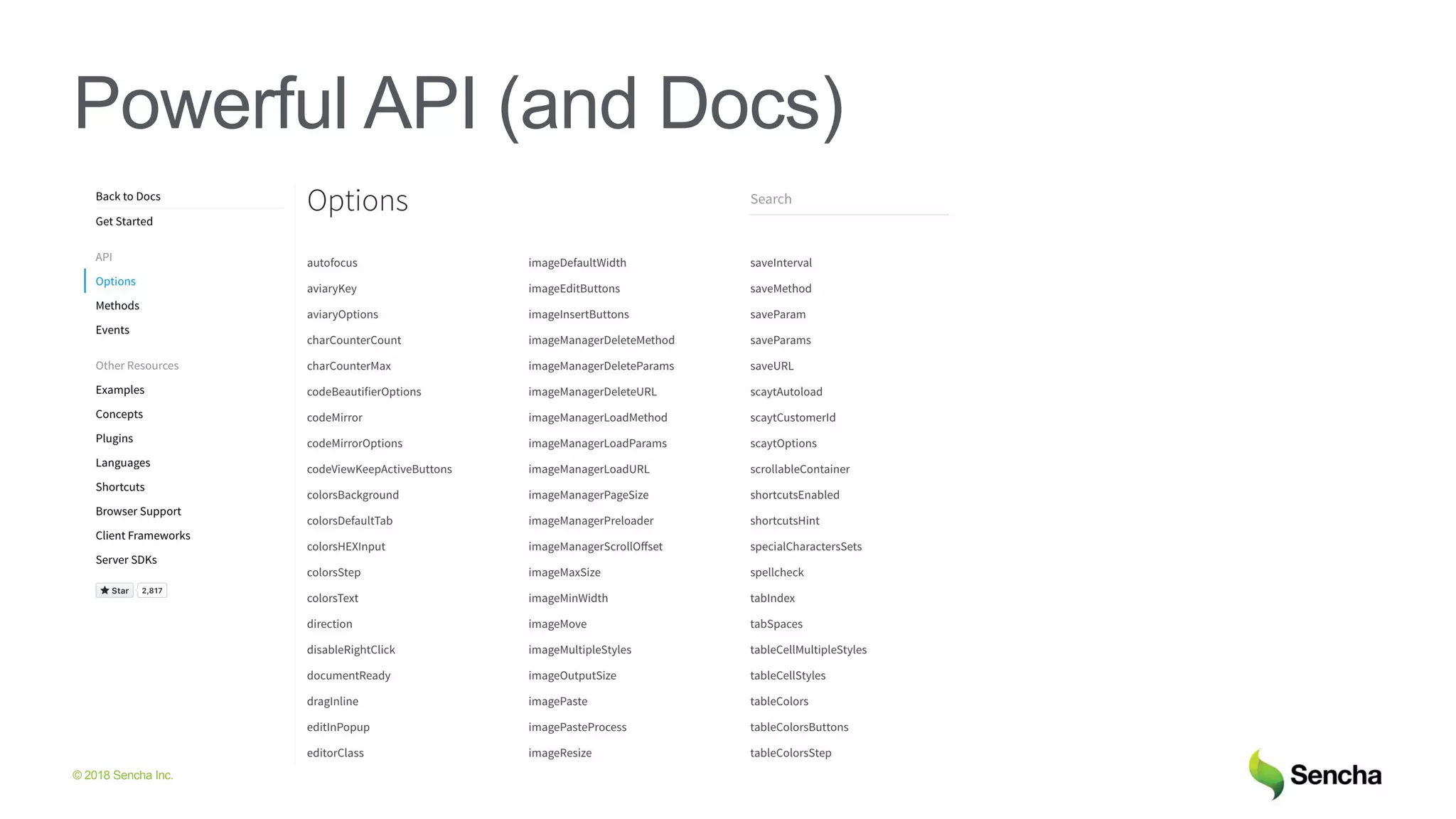
Powerful API (and Docs)
© 2018 Sencha Inc.
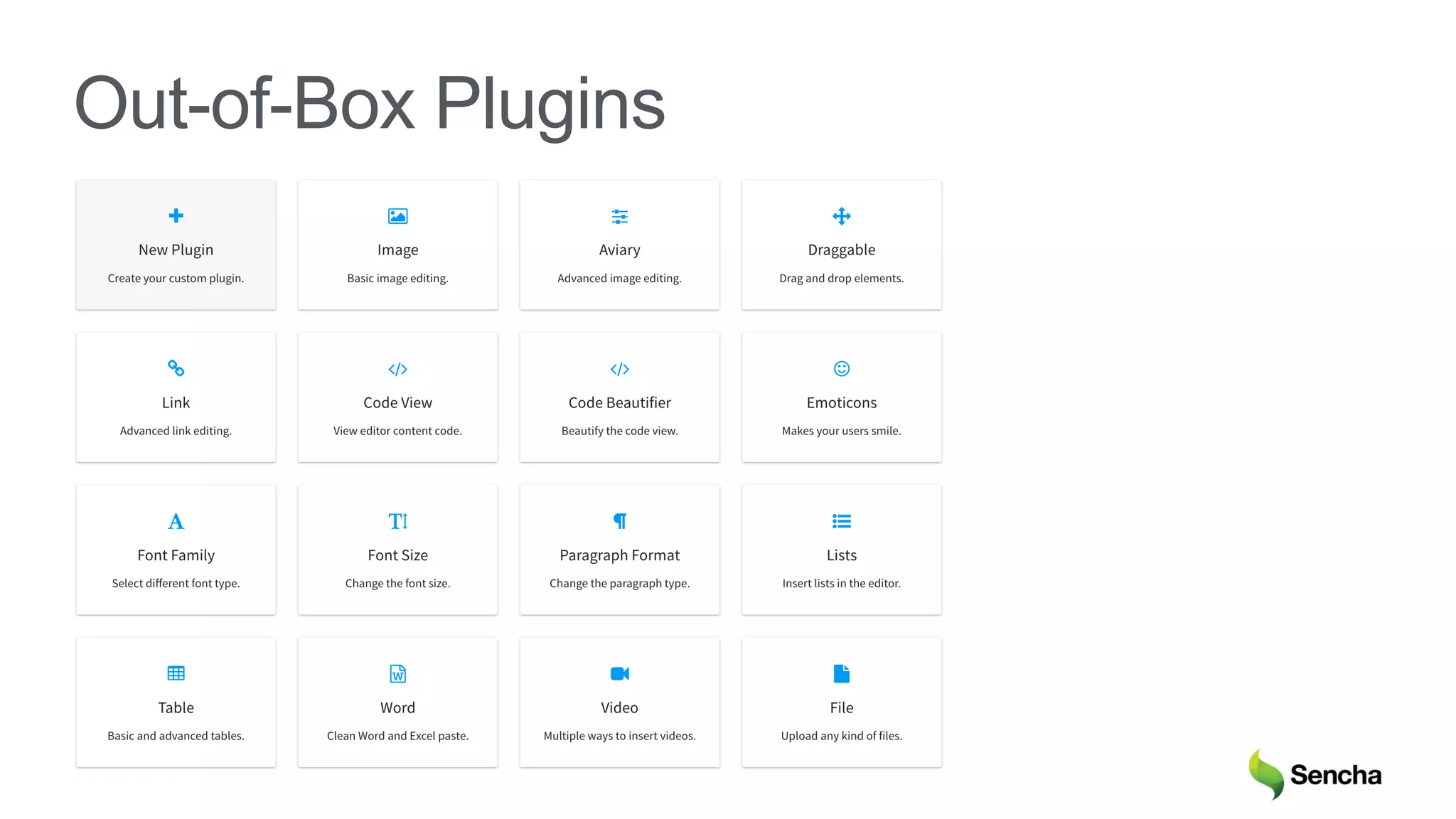
Out-of-Box Plugins
© 2018 Sencha Inc.
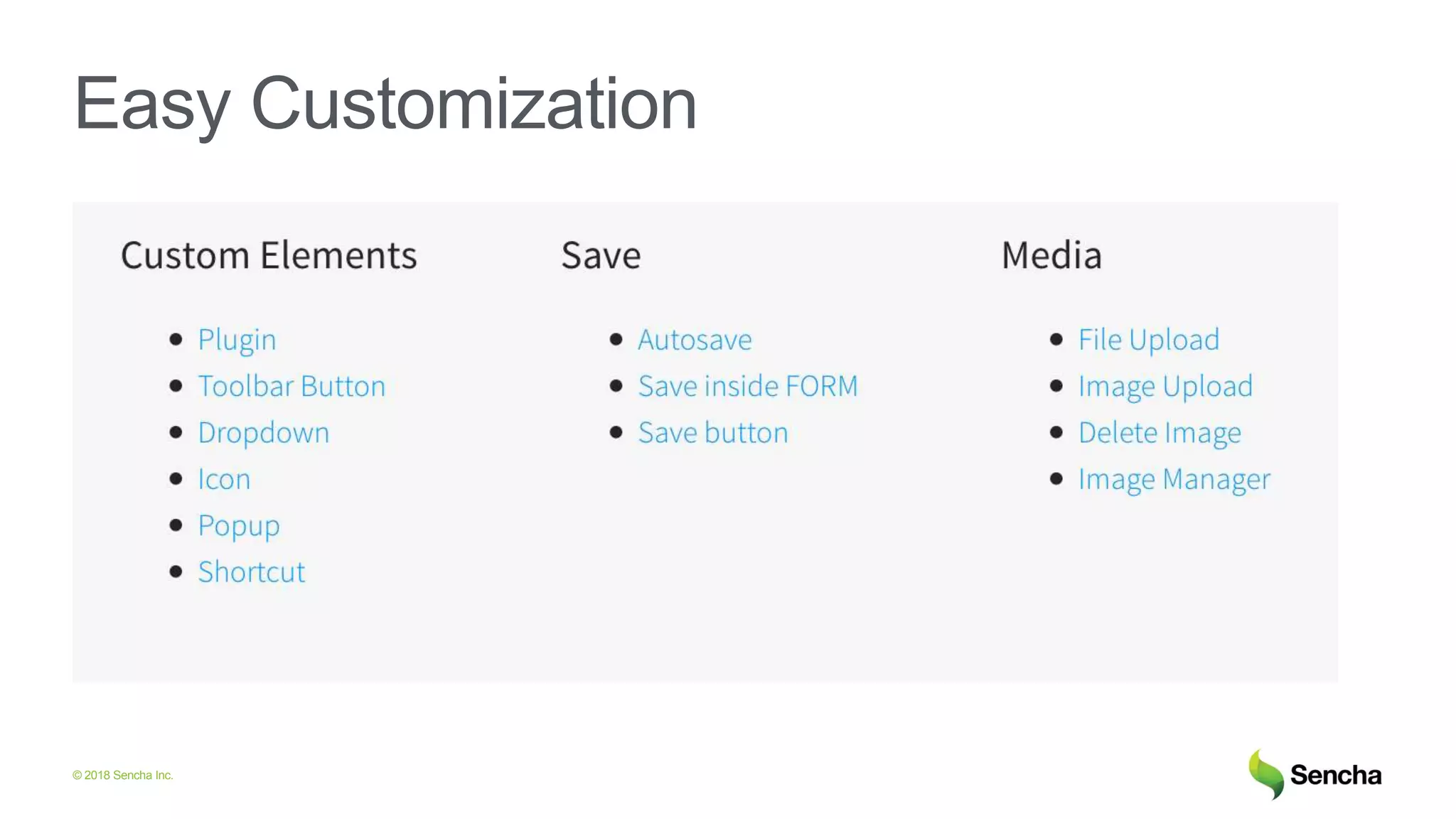
Easy Customization
© 2018 Sencha Inc.
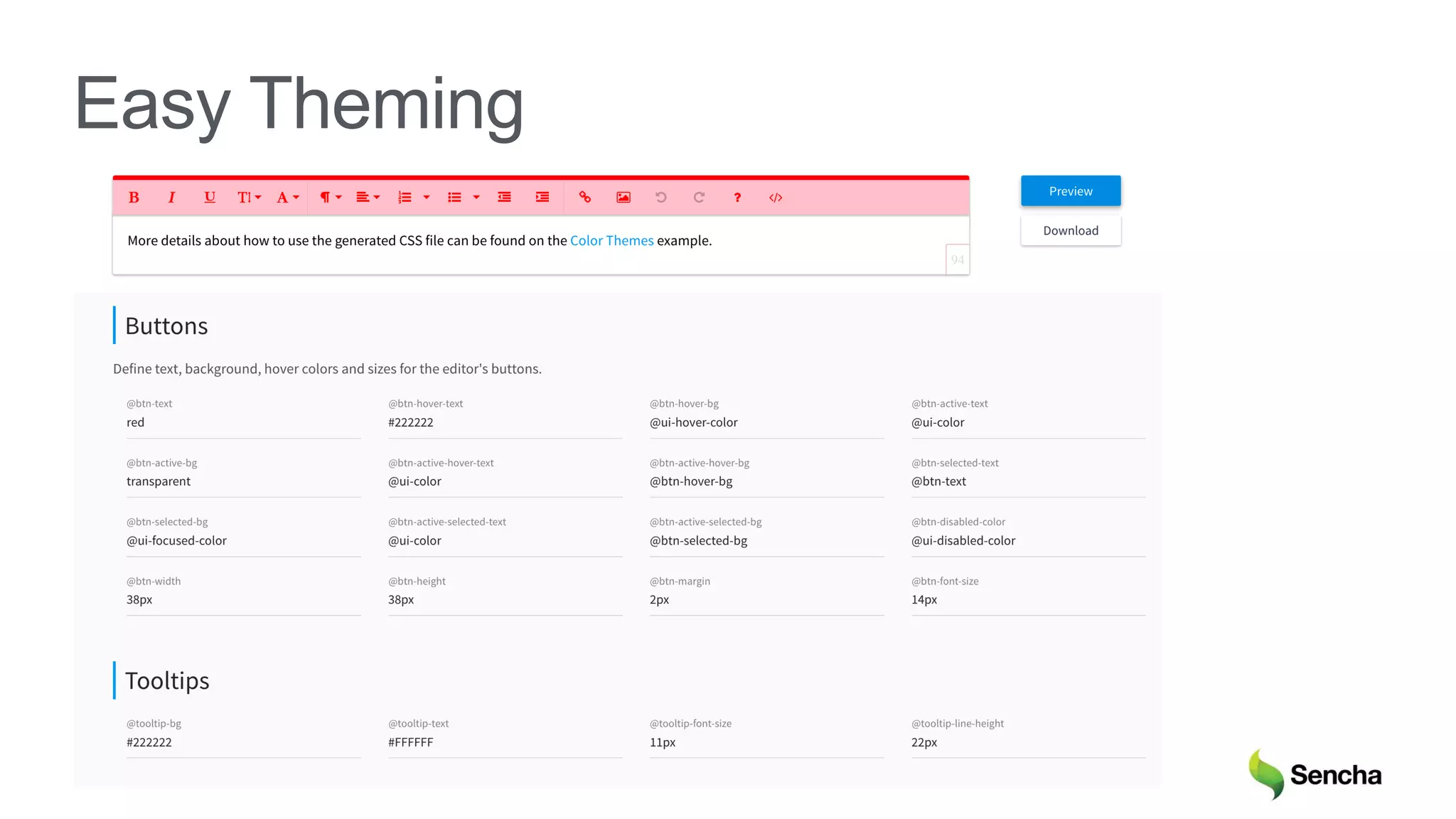
Easy Theming
© 2018 Sencha Inc.
Froala 2.9.0
© 2018 Sencha Inc.
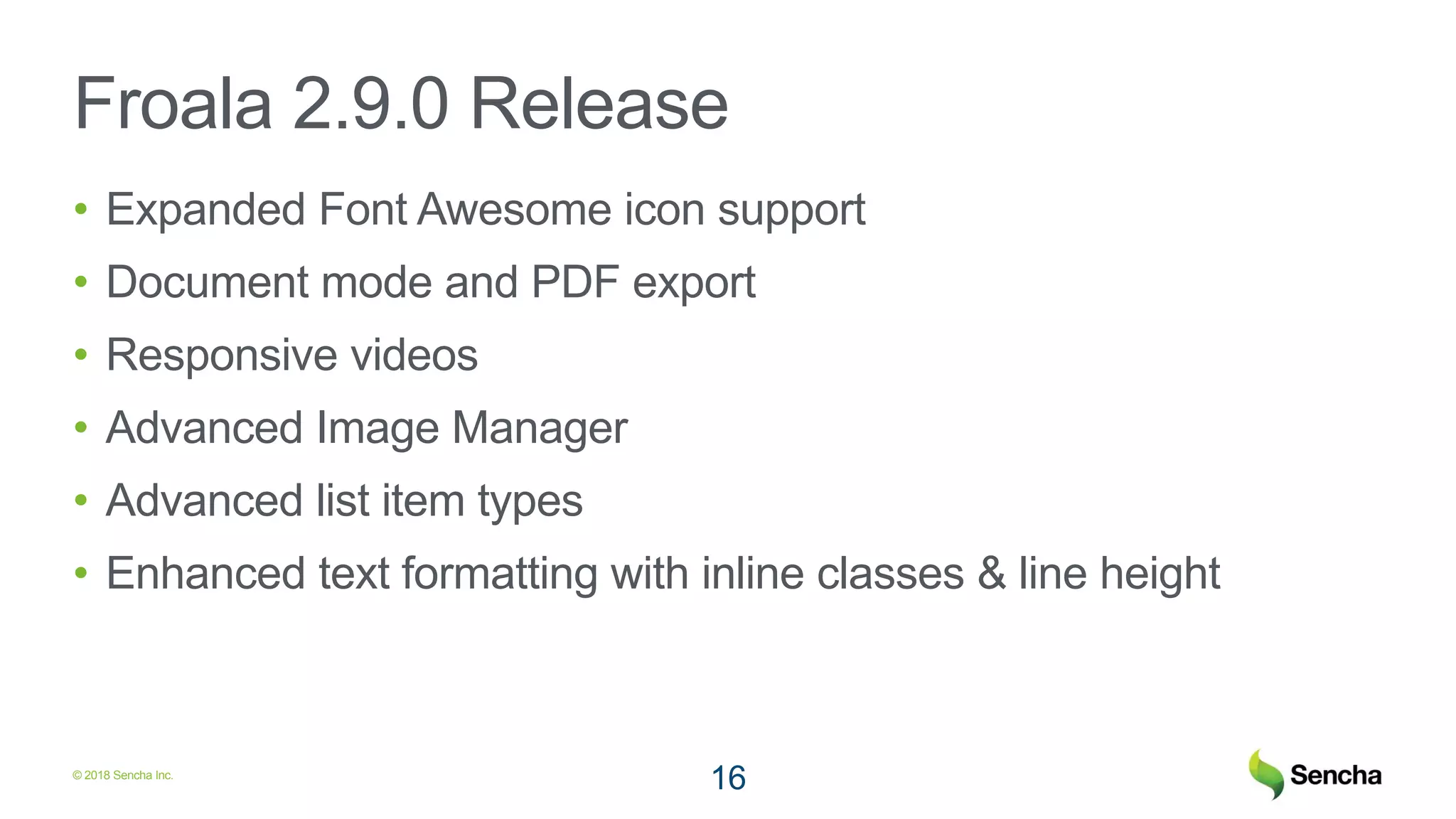
Froala 2.9.0 Release
• Expanded Font Awesome icon support
• Document mode and PDF export
• Responsive videos
• Advanced Image Manager
• Advanced list item types
• Enhanced text formatting with inline classes & line height
16
© 2018 Sencha Inc.
Comparison with Ext JS HTML Editor
© 2018 Sencha Inc.
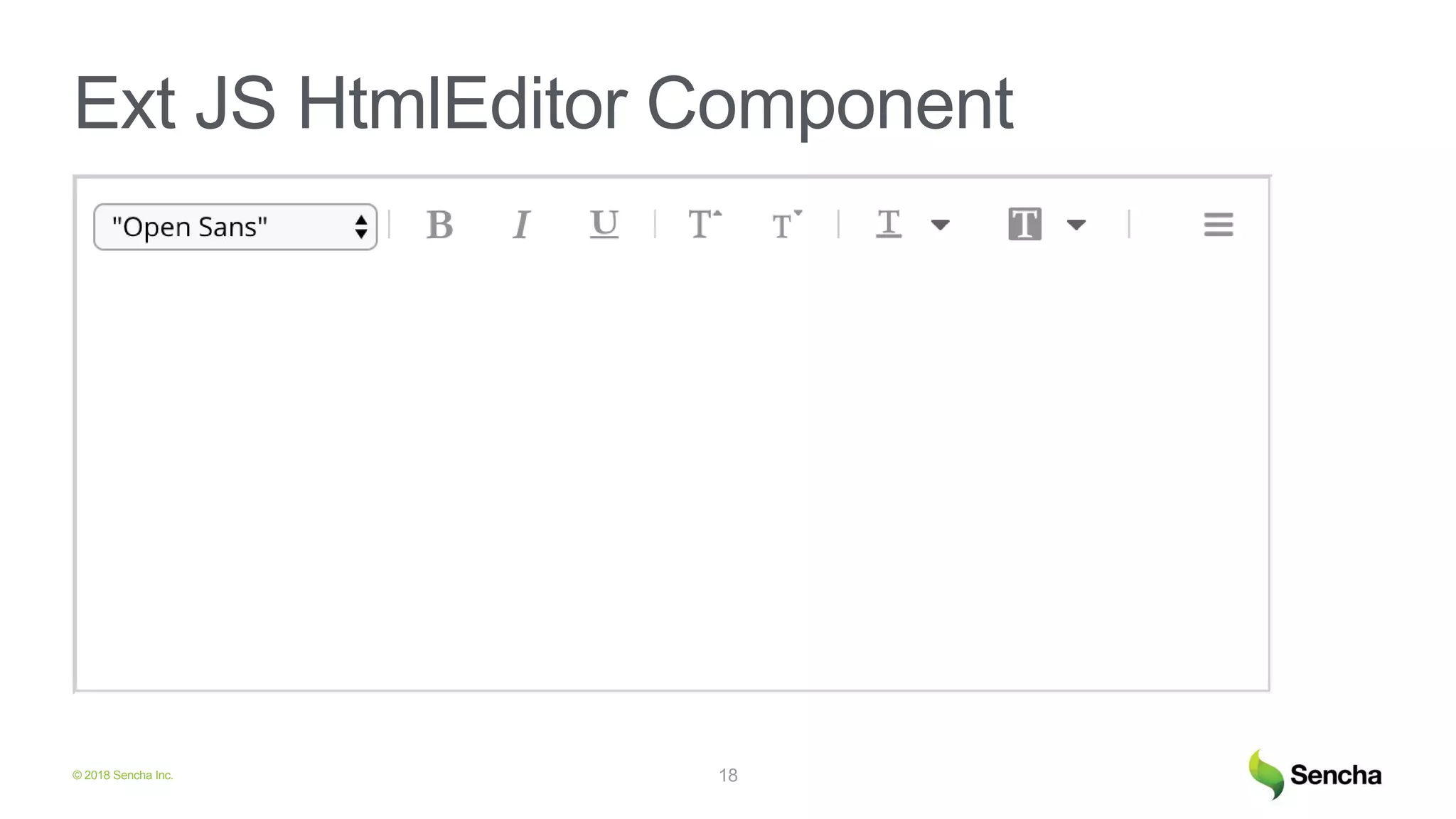
Ext JS HtmlEditor Component
18
© 2018 Sencha Inc.
Using Froala in Ext JS Apps
© 2018 Sencha Inc.
Install Froala
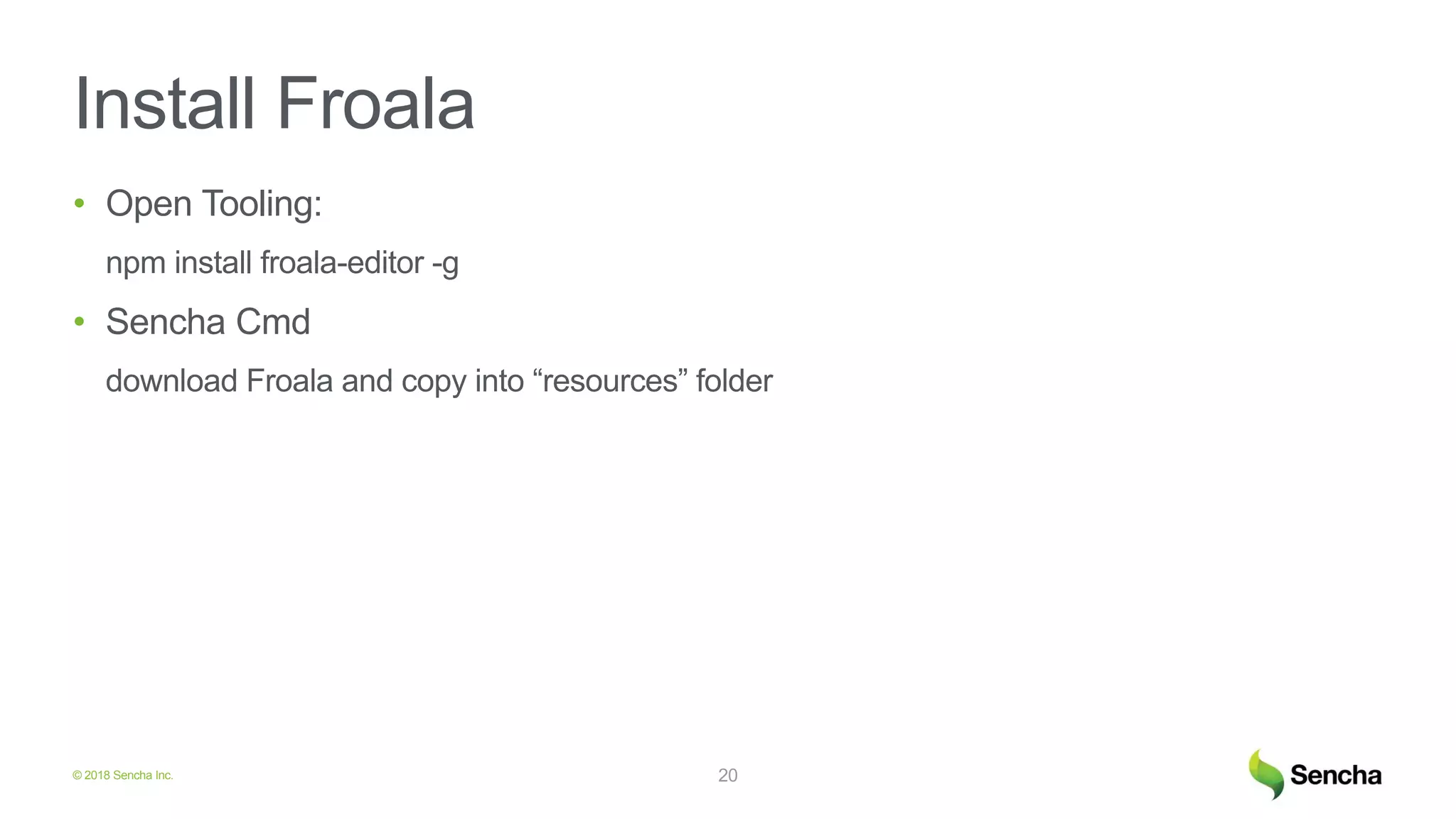
• Open Tooling:
npm install froala-editor -g
• Sencha Cmd
download Froala and copy into “resources” folder
20
© 2018 Sencha Inc.
app.json
21
"js": [
...
{
"path": "node_modules/jquery/dist/jquery.min.js"
},
{
"path": "node_modules/froala-editor/js/froala_editor.pkgd.min.js"
},
{
"path": "node_modules/froala-editor/js/plugins/video.min.js“
}
],
© 2018 Sencha Inc.
app.json
22
"css": [
...
{
"path": "node_modules/froala-editor/css/froala_style.min.css"
},
{
"path": "node_modules/froala-editor/css/froala_editor.pkgd.min.css"
},
{
"path": "node_modules/froala-editor/css/plugins/video.min.css"
}
],
© 2018 Sencha Inc.
Application Code: View
23
items: [{
xtype: 'textareafield',
id: 'mytextareaid
}],
listeners: {
//boxready event for classic toolkit
painted: 'renderEditor'
}
© 2018 Sencha Inc.
Application Code: Controller
24
renderEditor: function () {
$('#mytextareaid textarea').froalaEditor({
pluginsEnabled: ['video']
});
}
© 2018 Sencha Inc.
Ext JS with Froala Demo
© 2018 Sencha Inc.
Roadmap
• Froala V3
• Ext JS 7.0 - Froala Editor Component
26
© 2018 Sencha Inc.
Froala Download
https://www.froala.com/wysiwyg-
editor/download
© 2018 Sencha Inc.
Froala Download
https://www.froala.com/wysiwyg-
editor/download
© 2018 Sencha Inc.
Q &A
© 2018 Sencha Inc.
Sandeep Adwankar
Sr. Product Manager
Sandeep.adwankar@sencha.com
@adwankar

Froala - Code Rage Webinar

  • 1.
    © 2018 SenchaInc. Adding Rich Text Editing to Your Web Apps with Froala Sandeep Adwankar Sr. Product Manager @adwankar
  • 2.
    © 2018 SenchaInc. What will be covered • Rich Text Editing Use Cases • Froala Editor Capabilities • Latest Release - Froala 2.9.0 • Comparison with Ext JS HTML Editor • Using Froala in Ext JS Apps • Demo • Roadmap
  • 3.
    © 2018 SenchaInc. Rich Email Authoring https://www.froala.com/wysiwyg-editor/customers/closeio
  • 4.
    © 2018 SenchaInc. Rich Email Authoring https://www.froala.com/wysiwyg-editor/customers/closeio
  • 5.
    © 2018 SenchaInc. Landing Page Creation https://www.froala.com/wysiwyg- editor/customers/unbounce
  • 6.
    © 2018 SenchaInc. Portfolio Creation https://www.froala.com/wysiwyg- editor/customers/artstation
  • 7.
    © 2018 SenchaInc. Website Design https://www.froala.com/design-blocks/
  • 8.
    © 2018 SenchaInc. Froala Editor Capabilities
  • 9.
    © 2018 SenchaInc. Froala Editor • Advanced feature set • Powerful API • Detailed documentation • Easy customization • Easy theming 9
  • 10.
    © 2018 SenchaInc. WYSIWYG HTML Editor
  • 11.
    © 2018 SenchaInc. Powerful API (and Docs)
  • 12.
    © 2018 SenchaInc. Out-of-Box Plugins
  • 13.
    © 2018 SenchaInc. Easy Customization
  • 14.
    © 2018 SenchaInc. Easy Theming
  • 15.
    © 2018 SenchaInc. Froala 2.9.0
  • 16.
    © 2018 SenchaInc. Froala 2.9.0 Release • Expanded Font Awesome icon support • Document mode and PDF export • Responsive videos • Advanced Image Manager • Advanced list item types • Enhanced text formatting with inline classes & line height 16
  • 17.
    © 2018 SenchaInc. Comparison with Ext JS HTML Editor
  • 18.
    © 2018 SenchaInc. Ext JS HtmlEditor Component 18
  • 19.
    © 2018 SenchaInc. Using Froala in Ext JS Apps
  • 20.
    © 2018 SenchaInc. Install Froala • Open Tooling: npm install froala-editor -g • Sencha Cmd download Froala and copy into “resources” folder 20
  • 21.
    © 2018 SenchaInc. app.json 21 "js": [ ... { "path": "node_modules/jquery/dist/jquery.min.js" }, { "path": "node_modules/froala-editor/js/froala_editor.pkgd.min.js" }, { "path": "node_modules/froala-editor/js/plugins/video.min.js“ } ],
  • 22.
    © 2018 SenchaInc. app.json 22 "css": [ ... { "path": "node_modules/froala-editor/css/froala_style.min.css" }, { "path": "node_modules/froala-editor/css/froala_editor.pkgd.min.css" }, { "path": "node_modules/froala-editor/css/plugins/video.min.css" } ],
  • 23.
    © 2018 SenchaInc. Application Code: View 23 items: [{ xtype: 'textareafield', id: 'mytextareaid }], listeners: { //boxready event for classic toolkit painted: 'renderEditor' }
  • 24.
    © 2018 SenchaInc. Application Code: Controller 24 renderEditor: function () { $('#mytextareaid textarea').froalaEditor({ pluginsEnabled: ['video'] }); }
  • 25.
    © 2018 SenchaInc. Ext JS with Froala Demo
  • 26.
    © 2018 SenchaInc. Roadmap • Froala V3 • Ext JS 7.0 - Froala Editor Component 26
  • 27.
    © 2018 SenchaInc. Froala Download https://www.froala.com/wysiwyg- editor/download
  • 28.
    © 2018 SenchaInc. Froala Download https://www.froala.com/wysiwyg- editor/download
  • 29.
    © 2018 SenchaInc. Q &A
  • 30.
    © 2018 SenchaInc. Sandeep Adwankar Sr. Product Manager Sandeep.adwankar@sencha.com @adwankar

Editor's Notes

  • #2 Today I would like to talk about the current state of Sencha products, features and improvements introduced into the last releases. I would also like to share some details of our future plans, Sencha‘s product roadmap.
  • #4 What means fast? It means that to be competitive enterprices have to shorten time-to-market and release time.
  • #5 What means fast? It means that to be competitive enterprices have to shorten time-to-market and release time.
  • #6 What means fast? It means that to be competitive enterprices have to shorten time-to-market and release time.
  • #7 What means fast? It means that to be competitive enterprices have to shorten time-to-market and release time.
  • #8 What means fast? It means that to be competitive enterprices have to shorten time-to-market and release time.
  • #10 Custom Elements Plugin Toolbar Button Dropdown Icon Popup Shortcut
  • #11 What means fast? It means that to be competitive enterprices have to shorten time-to-market and release time.
  • #12 What means fast? It means that to be competitive enterprices have to shorten time-to-market and release time.
  • #13 What means fast? It means that to be competitive enterprices have to shorten time-to-market and release time.
  • #14 What means fast? It means that to be competitive enterprices have to shorten time-to-market and release time.
  • #15 What means fast? It means that to be competitive enterprices have to shorten time-to-market and release time.
  • #21 Custom Elements Plugin Toolbar Button Dropdown Icon Popup Shortcut
  • #22 Custom Elements Plugin Toolbar Button Dropdown Icon Popup Shortcut
  • #23 Custom Elements Plugin Toolbar Button Dropdown Icon Popup Shortcut
  • #24 Custom Elements Plugin Toolbar Button Dropdown Icon Popup Shortcut
  • #25 Custom Elements Plugin Toolbar Button Dropdown Icon Popup Shortcut
  • #27 Custom Elements Plugin Toolbar Button Dropdown Icon Popup Shortcut
  • #28 So Ext React is not only components, It includes a themer tool that allows you to theme your component in a special UI by changing variables: fonts, sizes, colors, a babel plugin and a webpack extention that utilize a tool called Sencha Cmd to build a production version of your app.
  • #29 So Ext React is not only components, It includes a themer tool that allows you to theme your component in a special UI by changing variables: fonts, sizes, colors, a babel plugin and a webpack extention that utilize a tool called Sencha Cmd to build a production version of your app.
  • #31 Thank you! If you want to know more details about ExtReact, would like to see more examples please let me know, I am happy to talk.