Using Web 2.0 to Find Your Next Adventure
Transition and Career Search is Similar to Running a BusinessWhat are your goals?What is your strategy?What are your tools?
Goals and StrategyDiscussing your aspirations with friends and familyFinding a mentor who has transitioned before youUse career strategy tools found on the Internet: About .com, SHRinsight.com and ClearedJobs.Net
One Tool: The InternetCareer AdviceResearching Industries, CompaniesJob Boards: Generic and Niche Industry and Trade AssociationsBusiness and Social Networking
Setting Up Your “Office”Professional email address: KSmith@Yahoo.com, not huggybear@Yahoo.comProfessional Outgoing Message on Cell PhoneBusiness Cards with Name, Skills & Availability DateSetting Up Time Each Day to Work Your Strategy
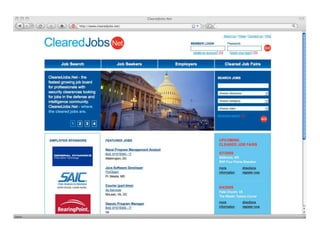
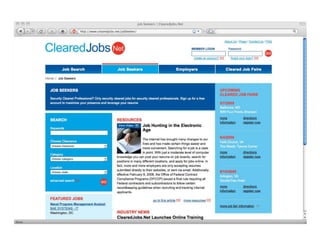
How to Navigate a Job BoardSearching for PositionsRegistering for the SiteRegistering for individual services such as newsletters or job fairs
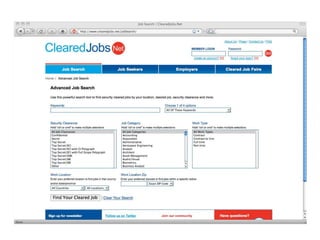
Searching for a PositionStart with a wide search and then narrow downUse exact phrases within quotes to provide you with a more exact resultRealize that postings are based on computer feeds from the company
Register as a Job SeekerRegistering allows employers to search your resume within the database It allows you to see how many times it has been viewedAllows you to apply for jobsYou have options of making your resume public or privateSetting up a job agent
Registering on a Company WebsiteFirst place where a recruiter will look is their own company website database OFCCP – all applicants must be trackedRefresh your resume frequentlyOther uses for the website then searching for a job: Press releases, benefits, reviewing the overall corporate culture
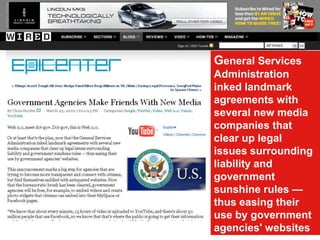
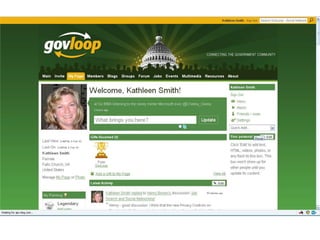
General Services Administration inked landmark agreements with several new media companies that clear up legal issues surrounding liability and government sunshine rules — thus easing their use by government agencies' websites
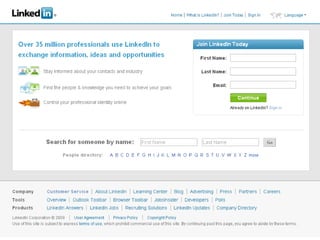
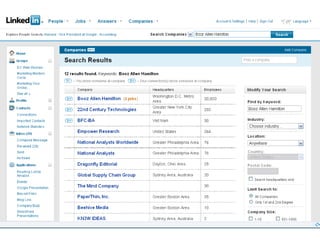
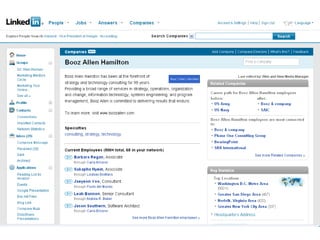
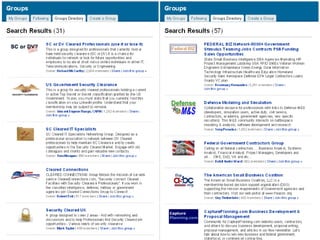
professional networkingand job searching onlinkedin
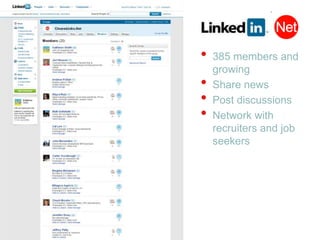
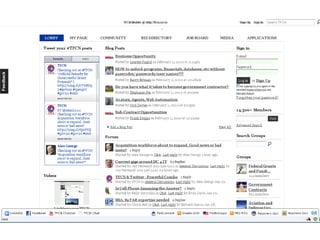
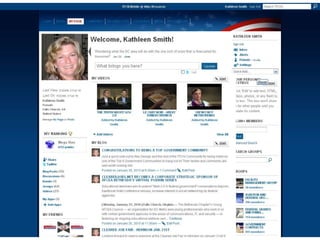
385 members and growingShare newsPost discussionsNetwork with recruiters and job seekers
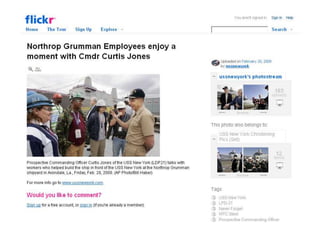
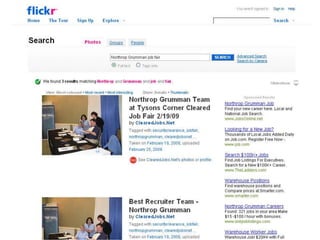
photo sharing for job search and career positioning
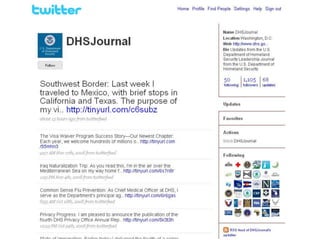
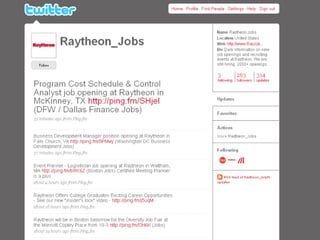
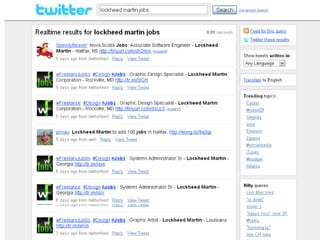
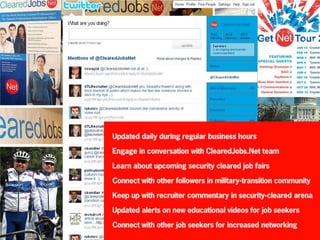
microbloggingand job searching ontwitter
photo sharing for job search and career positioning
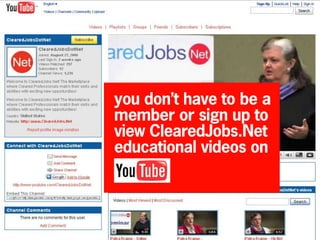
educational videosfor job seekers on
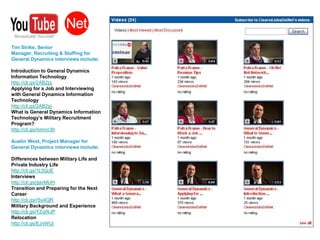
Tim Strike, Senior Manager, Recruiting & Staffing for General Dynamics interviews include:Introduction to General Dynamics Information Technology http://cli.gs/2AB2pjApplying for a Job and Interviewing with General Dynamics Information Technology http://cli.gs/2AB2pjWhat is General Dynamics Information Technology’s Military Recruitment Program?  http://cli.gs/mmnn3hAustin West, Project Manager for General Dynamics interviews include:Differences between Military Life and Private Industry Lifehttp://cli.gs/1L5QJEInterviews http://cli.gs/gavMUHTransition and Preparing for the Next Career http://cli.gs/rSy4QRMilitary Background and Experience http://cli.gs/YZqWJPRelocationhttp://cli.gs/EJnWUj
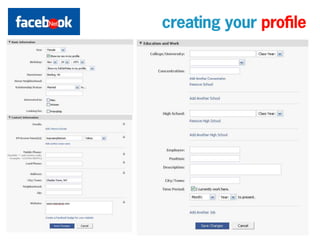
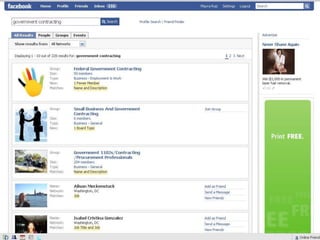
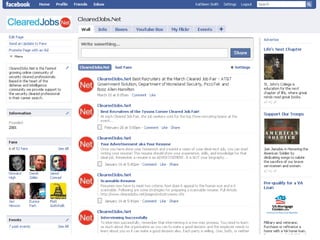
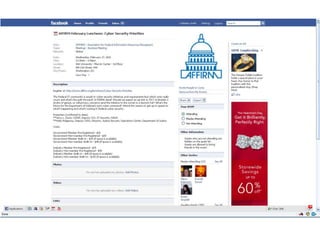
LinkedIn:Fill in as much as you are comfortable with on your profileFind and join groups that interest youPersonalize your invitations to connectAcknowledge those who want to connect with youTwitter:Pace yourself Try getting into a routine of updating at least once 2x a weekSearch for and join in on relevant convos of interest to youFacebook:Search for industry events and find 1-2 you can attendIf comfortable, a good profile photo helps to humanize youWhen you join a group, leave a small note to introduce yourself
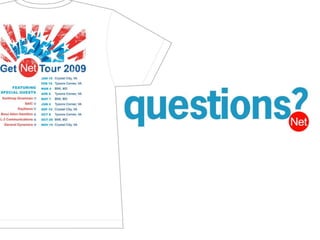
Thank you and Good Luck!ksmith@ClearedJobs.NetCustomerService@ClearedJobs.Netwww.SlideShare.comCleared Job FairsFebruary 25th – Tysons CornerMarch 18th - BWI

Fort Meade TAP Class

  • 1.
    Using Web 2.0to Find Your Next Adventure
  • 2.
    Transition and CareerSearch is Similar to Running a BusinessWhat are your goals?What is your strategy?What are your tools?
  • 3.
    Goals and StrategyDiscussingyour aspirations with friends and familyFinding a mentor who has transitioned before youUse career strategy tools found on the Internet: About .com, SHRinsight.com and ClearedJobs.Net
  • 4.
    One Tool: TheInternetCareer AdviceResearching Industries, CompaniesJob Boards: Generic and Niche Industry and Trade AssociationsBusiness and Social Networking
  • 5.
    Setting Up Your“Office”Professional email address: KSmith@Yahoo.com, not huggybear@Yahoo.comProfessional Outgoing Message on Cell PhoneBusiness Cards with Name, Skills & Availability DateSetting Up Time Each Day to Work Your Strategy
  • 6.
    How to Navigatea Job BoardSearching for PositionsRegistering for the SiteRegistering for individual services such as newsletters or job fairs
  • 8.
    Searching for aPositionStart with a wide search and then narrow downUse exact phrases within quotes to provide you with a more exact resultRealize that postings are based on computer feeds from the company
  • 10.
    Register as aJob SeekerRegistering allows employers to search your resume within the database It allows you to see how many times it has been viewedAllows you to apply for jobsYou have options of making your resume public or privateSetting up a job agent
  • 12.
    Registering on aCompany WebsiteFirst place where a recruiter will look is their own company website database OFCCP – all applicants must be trackedRefresh your resume frequentlyOther uses for the website then searching for a job: Press releases, benefits, reviewing the overall corporate culture
  • 14.
    General Services Administrationinked landmark agreements with several new media companies that clear up legal issues surrounding liability and government sunshine rules — thus easing their use by government agencies' websites
  • 15.
    professional networkingand jobsearching onlinkedin
  • 20.
    385 members andgrowingShare newsPost discussionsNetwork with recruiters and job seekers
  • 21.
    photo sharing forjob search and career positioning
  • 33.
  • 40.
    photo sharing forjob search and career positioning
  • 43.
  • 45.
    Tim Strike, SeniorManager, Recruiting & Staffing for General Dynamics interviews include:Introduction to General Dynamics Information Technology http://cli.gs/2AB2pjApplying for a Job and Interviewing with General Dynamics Information Technology http://cli.gs/2AB2pjWhat is General Dynamics Information Technology’s Military Recruitment Program? http://cli.gs/mmnn3hAustin West, Project Manager for General Dynamics interviews include:Differences between Military Life and Private Industry Lifehttp://cli.gs/1L5QJEInterviews http://cli.gs/gavMUHTransition and Preparing for the Next Career http://cli.gs/rSy4QRMilitary Background and Experience http://cli.gs/YZqWJPRelocationhttp://cli.gs/EJnWUj
  • 46.
    LinkedIn:Fill in asmuch as you are comfortable with on your profileFind and join groups that interest youPersonalize your invitations to connectAcknowledge those who want to connect with youTwitter:Pace yourself Try getting into a routine of updating at least once 2x a weekSearch for and join in on relevant convos of interest to youFacebook:Search for industry events and find 1-2 you can attendIf comfortable, a good profile photo helps to humanize youWhen you join a group, leave a small note to introduce yourself
  • 48.
    Thank you andGood Luck!ksmith@ClearedJobs.NetCustomerService@ClearedJobs.Netwww.SlideShare.comCleared Job FairsFebruary 25th – Tysons CornerMarch 18th - BWI