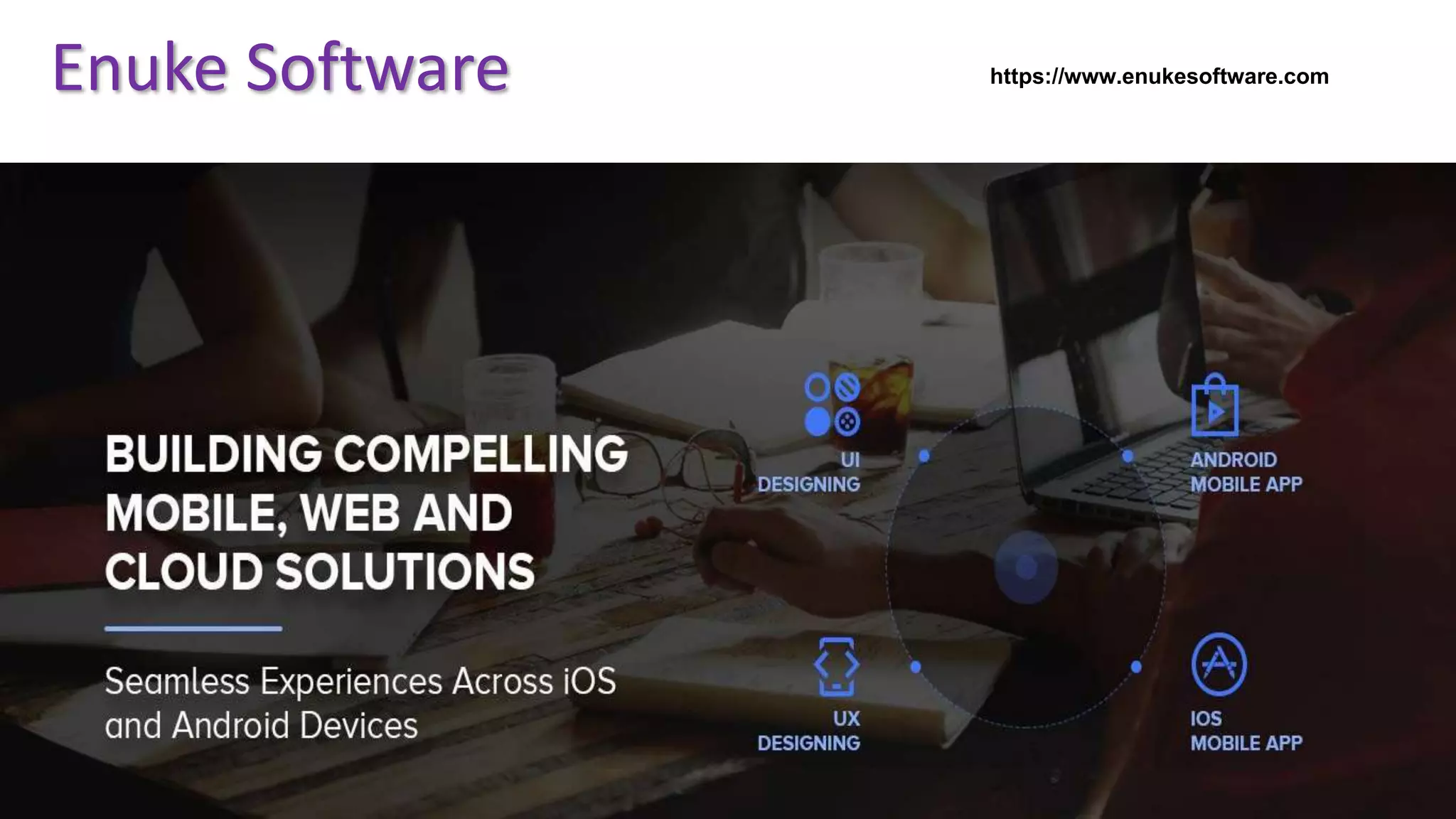
Food Delivery Application Development for
Multi- Restaurants
Enuke Software https://www.enukesoftware.com/
Introduction
 On–Demand Economy is disrupting every business vertical. Modern
consumers prefer service providers who can deliver goods at their
doorsteps with utmost convenience.
 Online Multi-restaurant food business enables consumers to order food
from their preferred restaurant through web portals or mobile apps.
 With people now wanting each and everything to be delivered at
doorstep, delivery has become the major segment in food industry.
Tostay ahead of competitors, you need to be
loaded with technology, demanding a strong
presence on
mobiles and web.
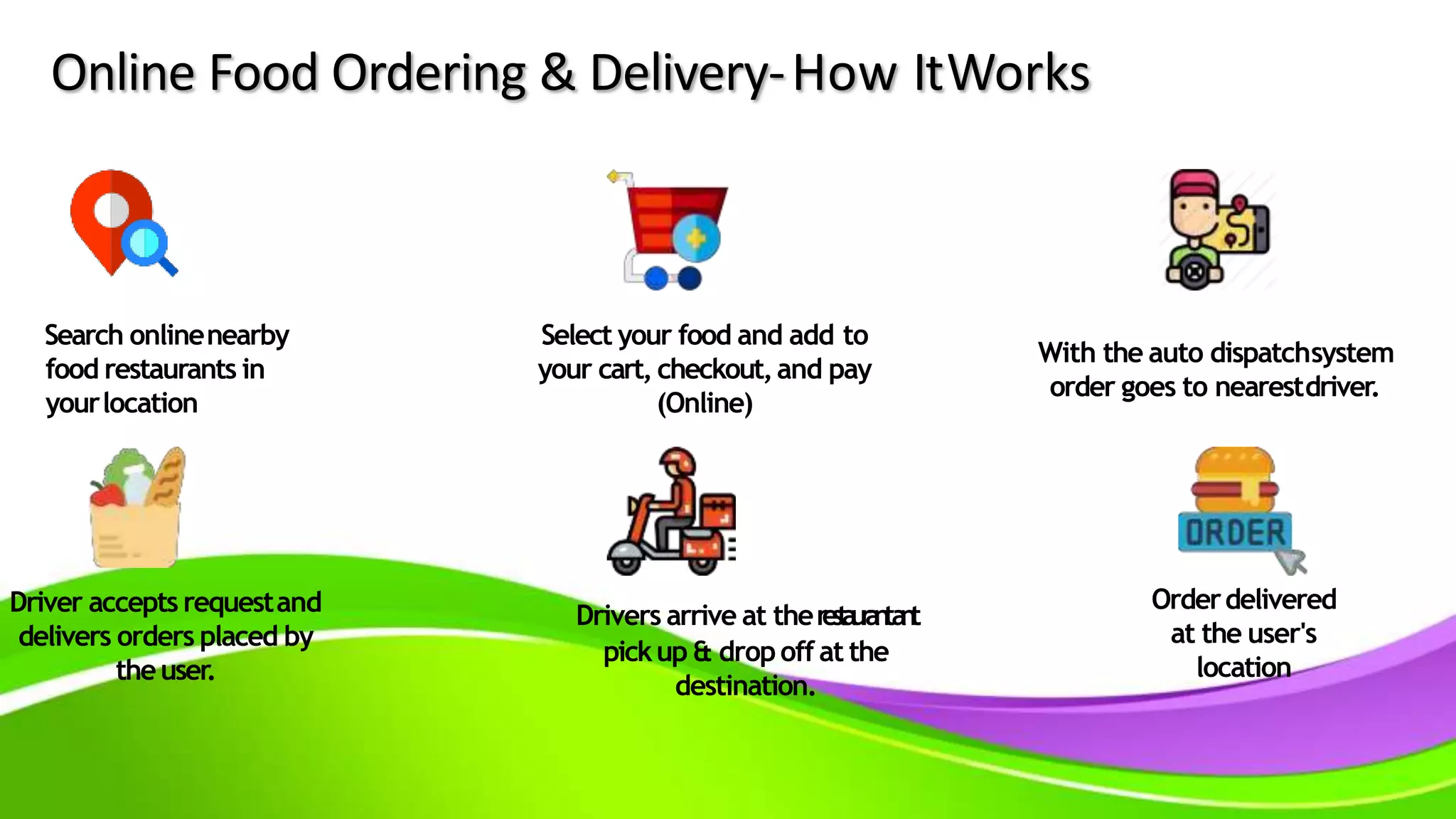
Online Food Ordering & Delivery-How ItWorks
Search onlinenearby
food restaurants in
yourlocation
Select your food and add to
your cart, checkout,and pay
(Online)
With the auto dispatchsystem
order goes to nearestdriver.
Driver accepts requestand
delivers orders placed by
theuser.
Drivers arrive at therestaurantant
pickup & dropoff at the
destination.
Orderdelivered
at the user's
location
Food Box
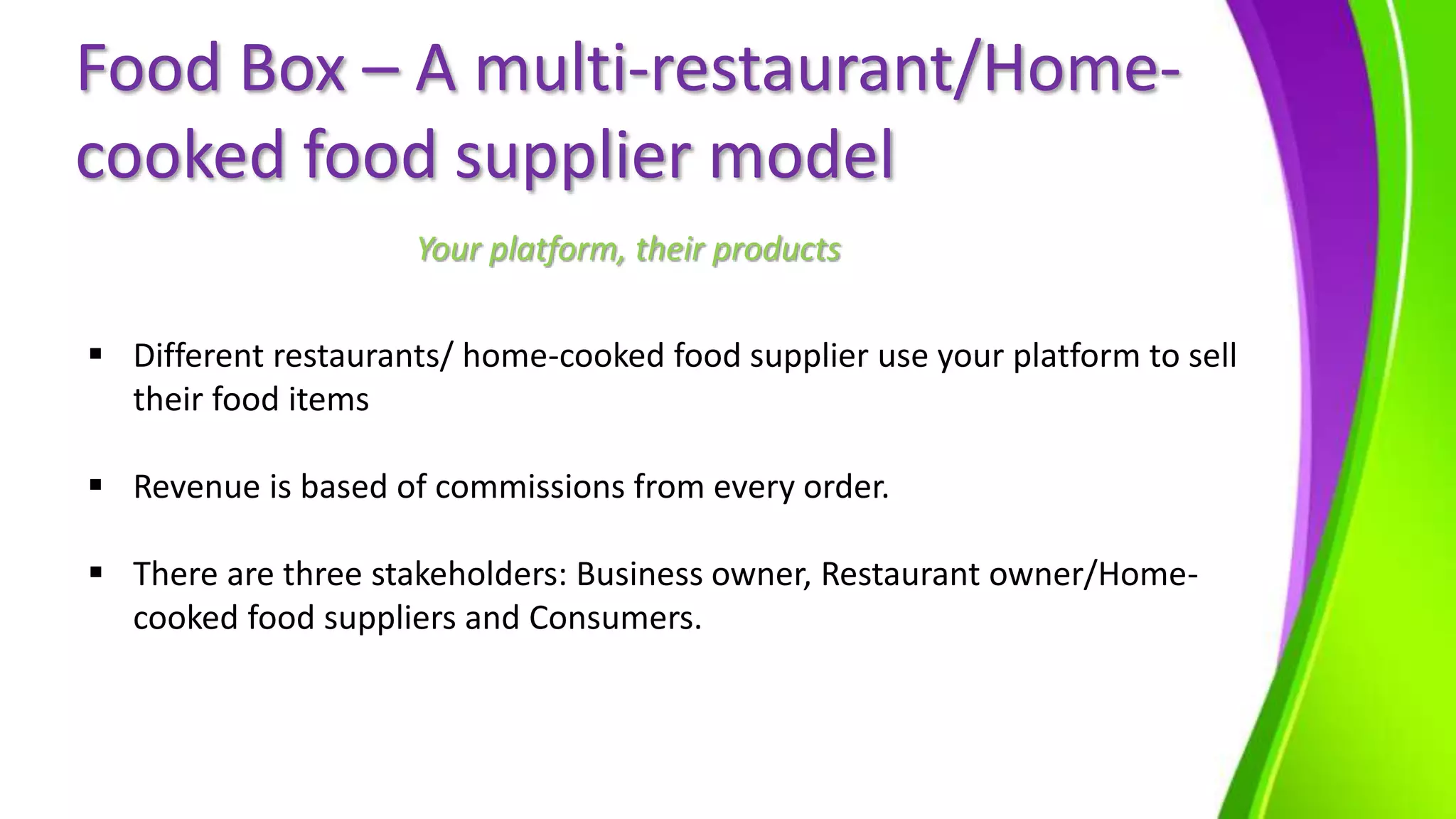
Food Box is our in-house ready-made SaaS based solution to allow
restaurants/Home cooked food suppliers to be able to incorporates the
overall item exploration, Ordering and Delivery services.
Vendors &
Customer
Management
Product catalogue
and Pricing
Order and Delivery
Management
Dashboard and
Sales Insight
Coupons and
Payments
Get Own Food delivery
app
Food Box – A multi-restaurant/Home-
cooked food supplier model
 Different restaurants/ home-cooked food supplier use your platform to sell
their food items
 Revenue is based of commissions from every order.
 There are three stakeholders: Business owner, Restaurant owner/Home-
cooked food suppliers and Consumers.
Your platform, their products
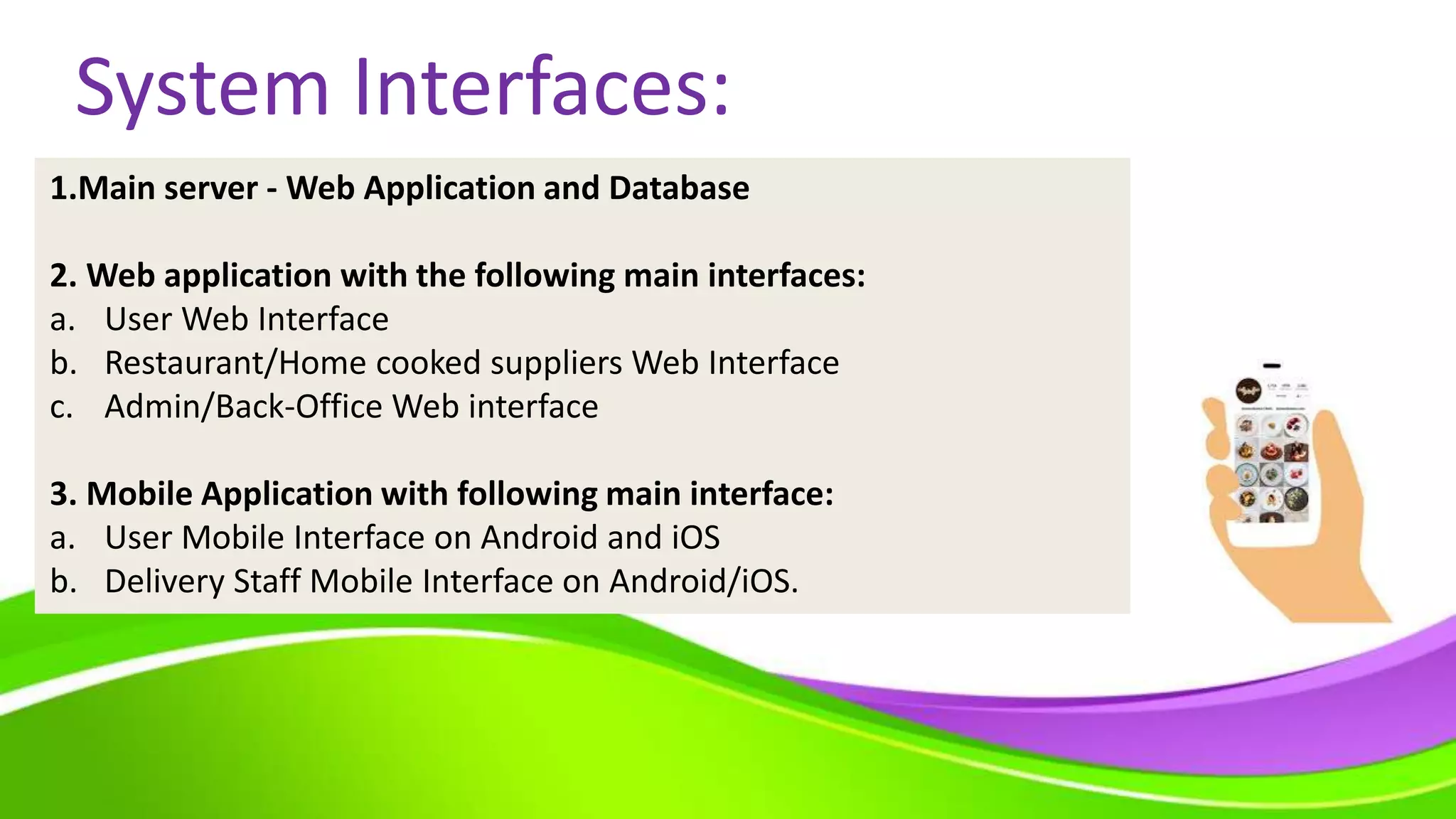
System Interfaces:
1.Main server - Web Application and Database
2. Web application with the following main interfaces:
a. User Web Interface
b. Restaurant/Home cooked suppliers Web Interface
c. Admin/Back-Office Web interface
3. Mobile Application with following main interface:
a. User Mobile Interface on Android and iOS
b. Delivery Staff Mobile Interface on Android/iOS.
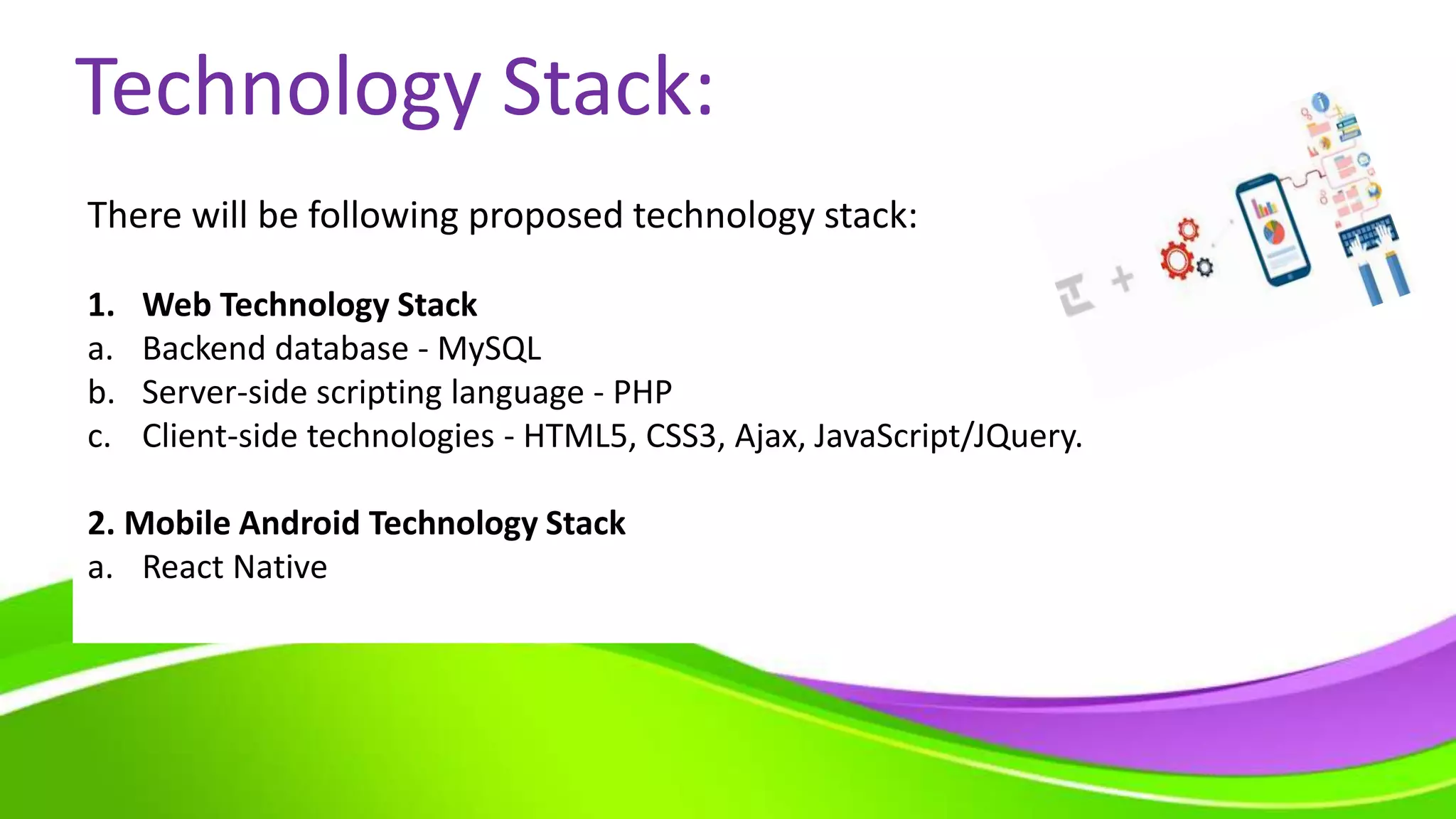
Technology Stack:
There will be following proposed technology stack:
1. Web Technology Stack
a. Backend database - MySQL
b. Server-side scripting language - PHP
c. Client-side technologies - HTML5, CSS3, Ajax, JavaScript/JQuery.
2. Mobile Android Technology Stack
a. React Native
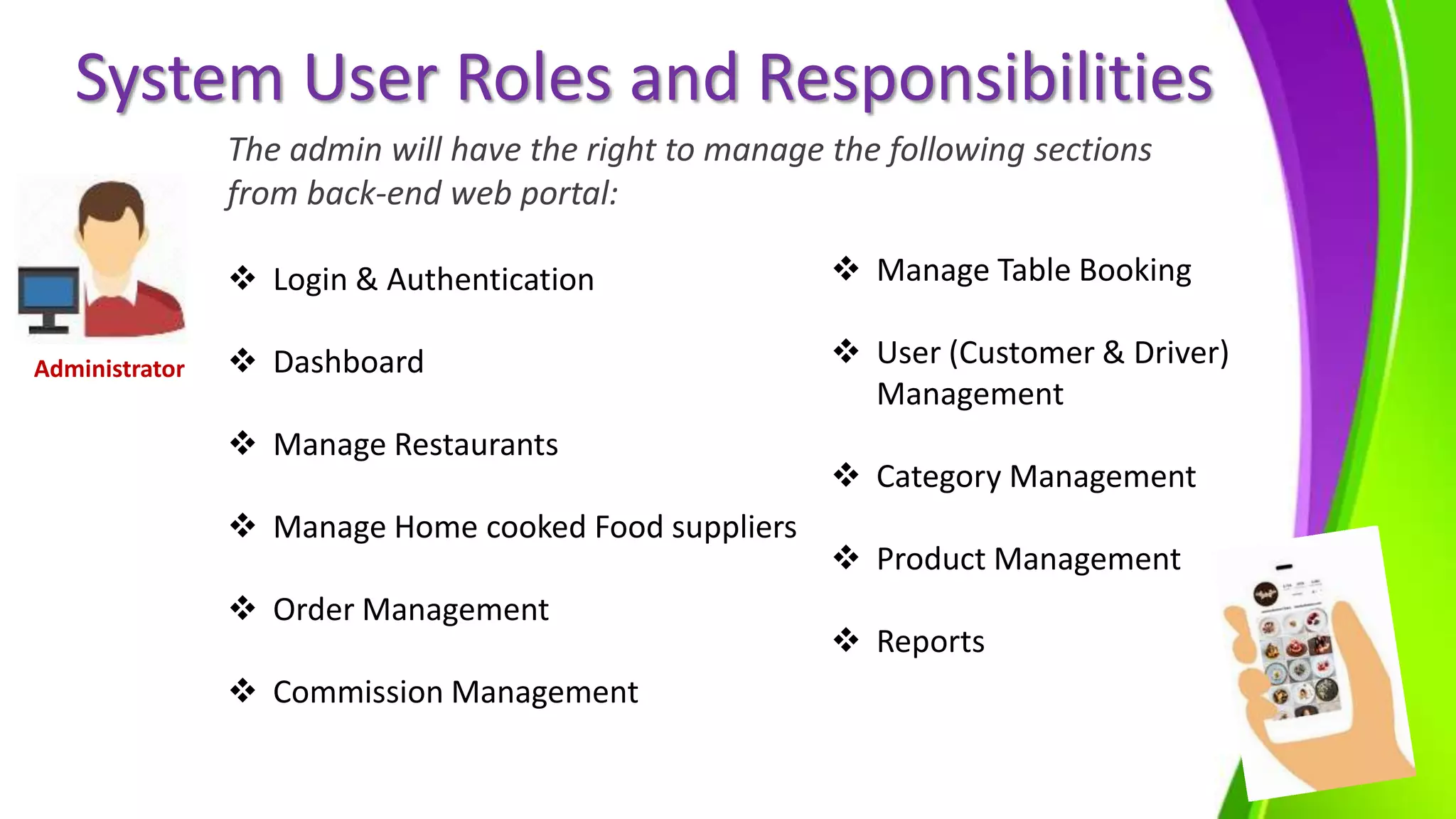
System User Roles and Responsibilities
The admin will have the right to manage the following sections
from back-end web portal:
 Login & Authentication
 Dashboard
 Manage Restaurants
 Manage Home cooked Food suppliers
 Order Management
 Commission Management
 Manage Table Booking
 User (Customer & Driver)
Management
 Category Management
 Product Management
 Reports
Administrator
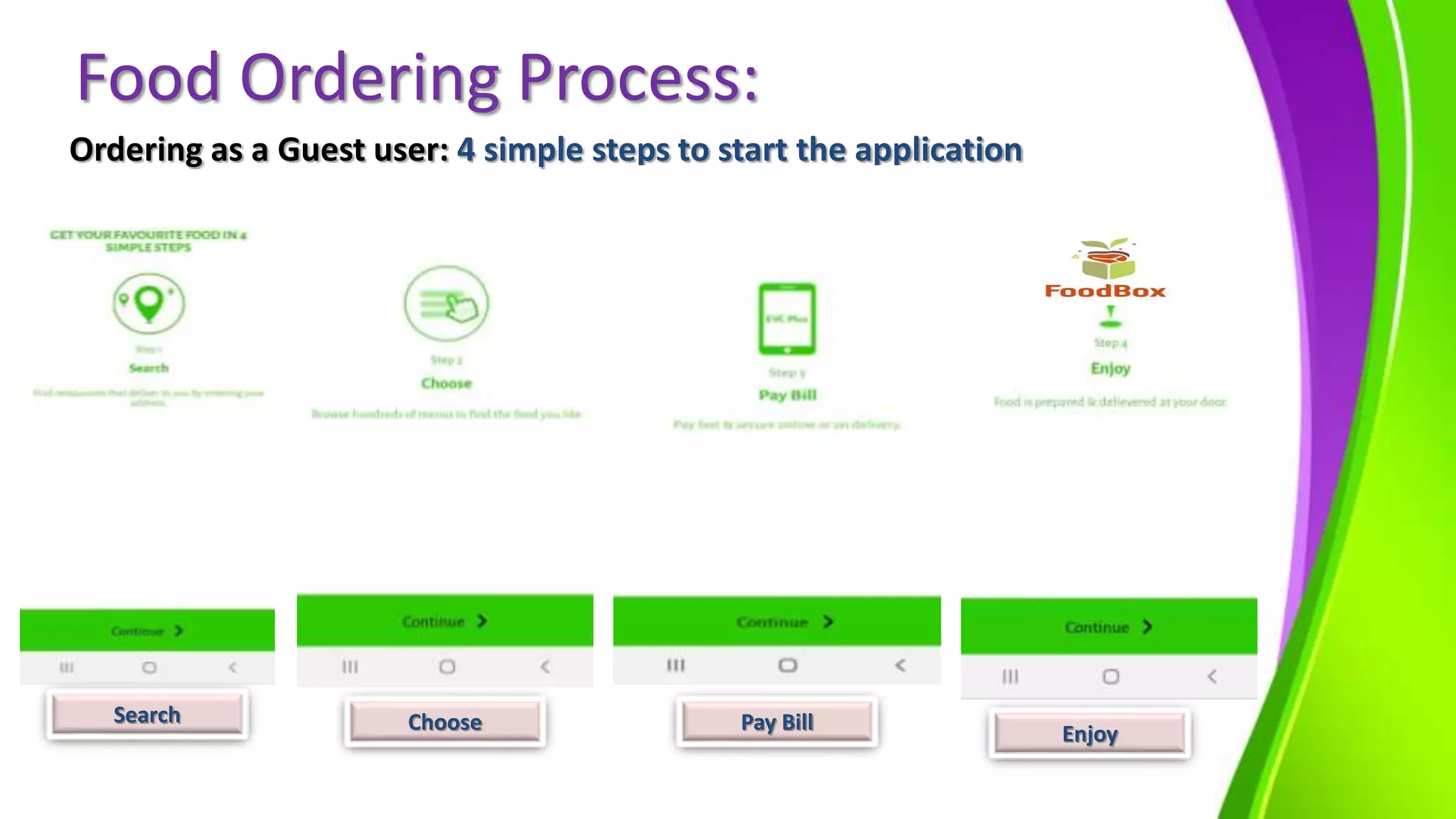
Food Ordering Process:
Ordering as a Guest user: 4 simple steps to start the application
Search Choose Pay Bill Enjoy
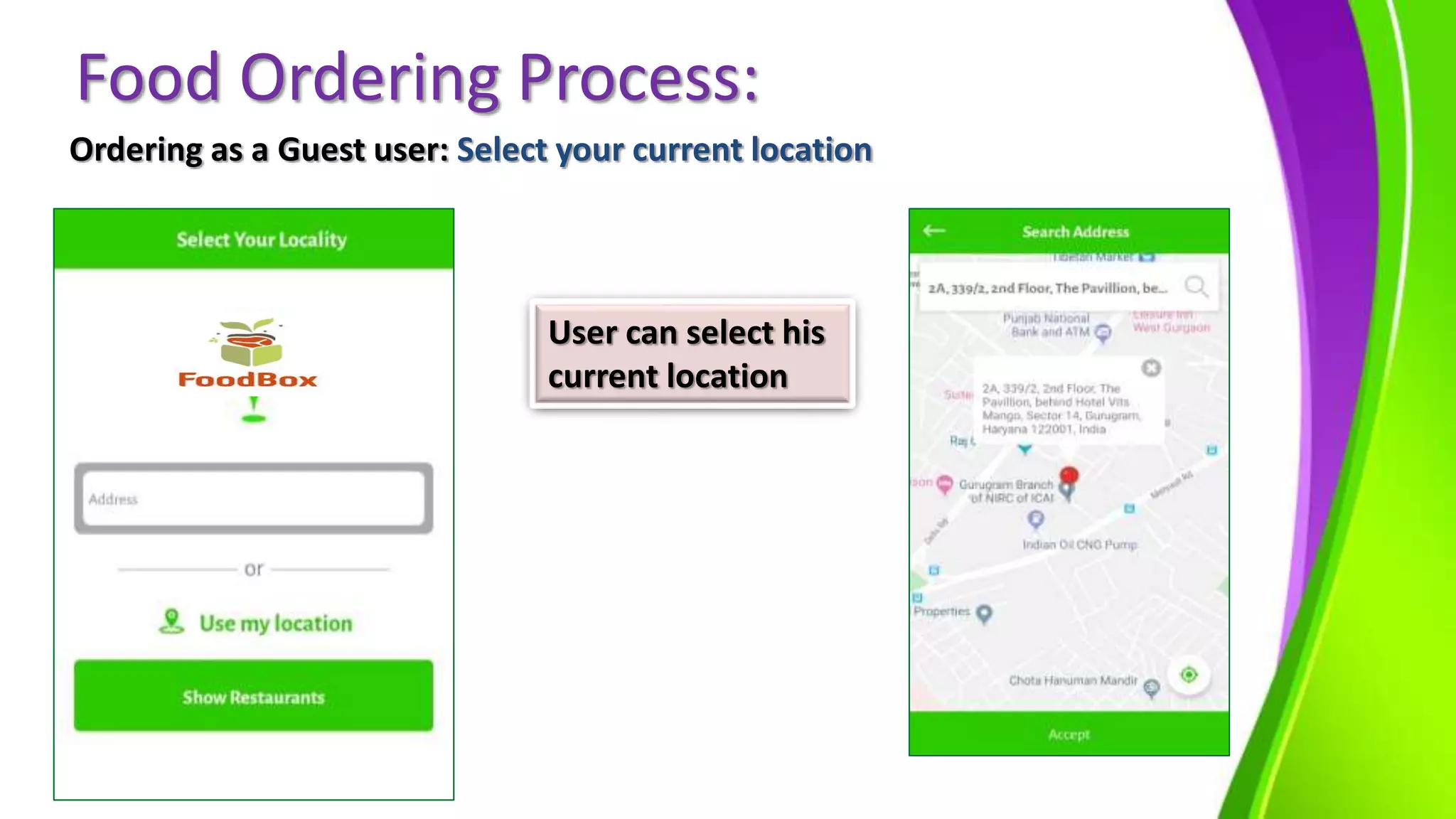
Food Ordering Process:
Ordering as a Guest user: Select your current location
User can select his
current location
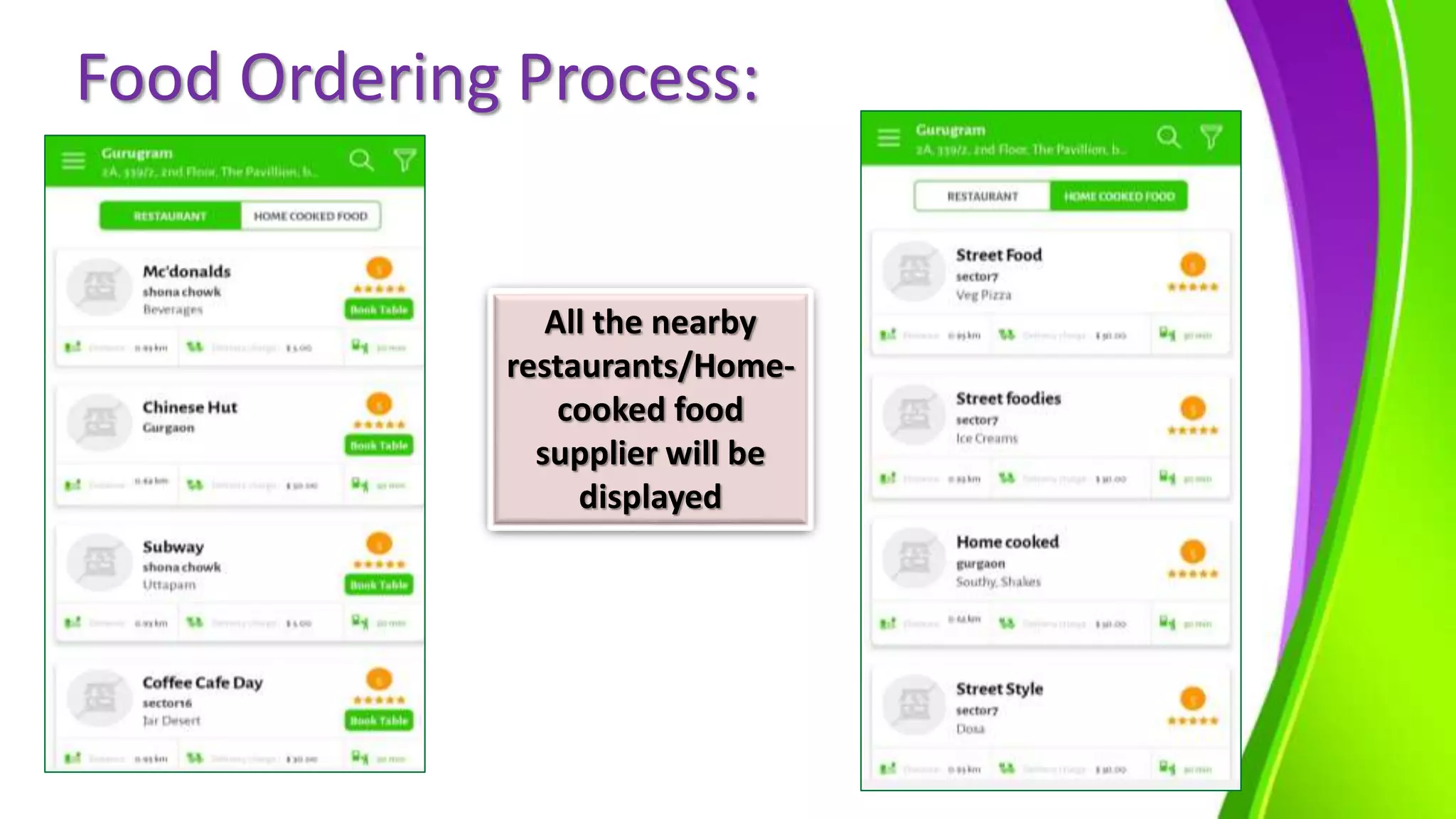
Food Ordering Process:
All the nearby
restaurants/Home-
cooked food
supplier will be
displayed
Food Ordering Process:
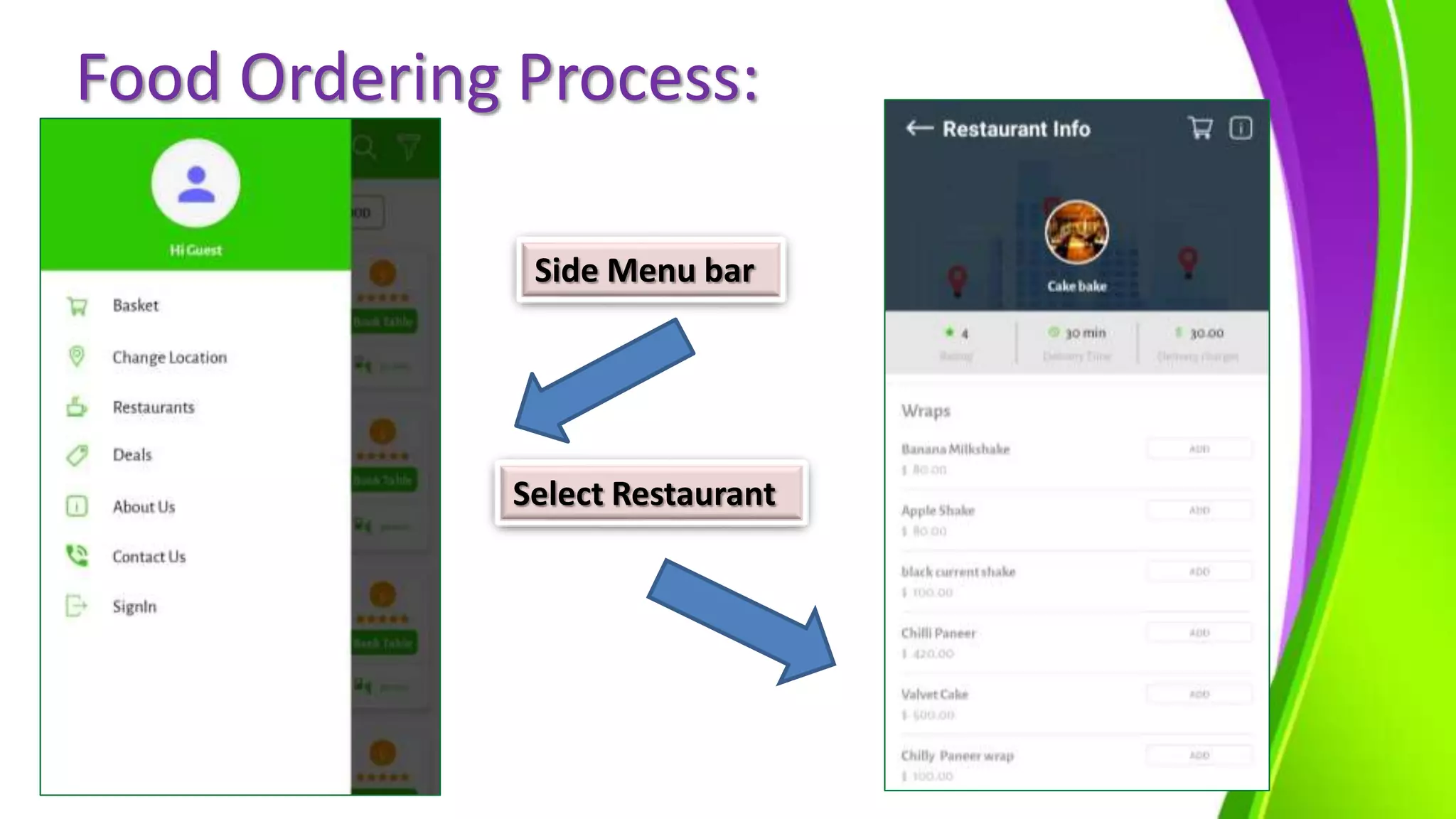
Side Menu bar
Select Restaurant
Food Ordering Process:
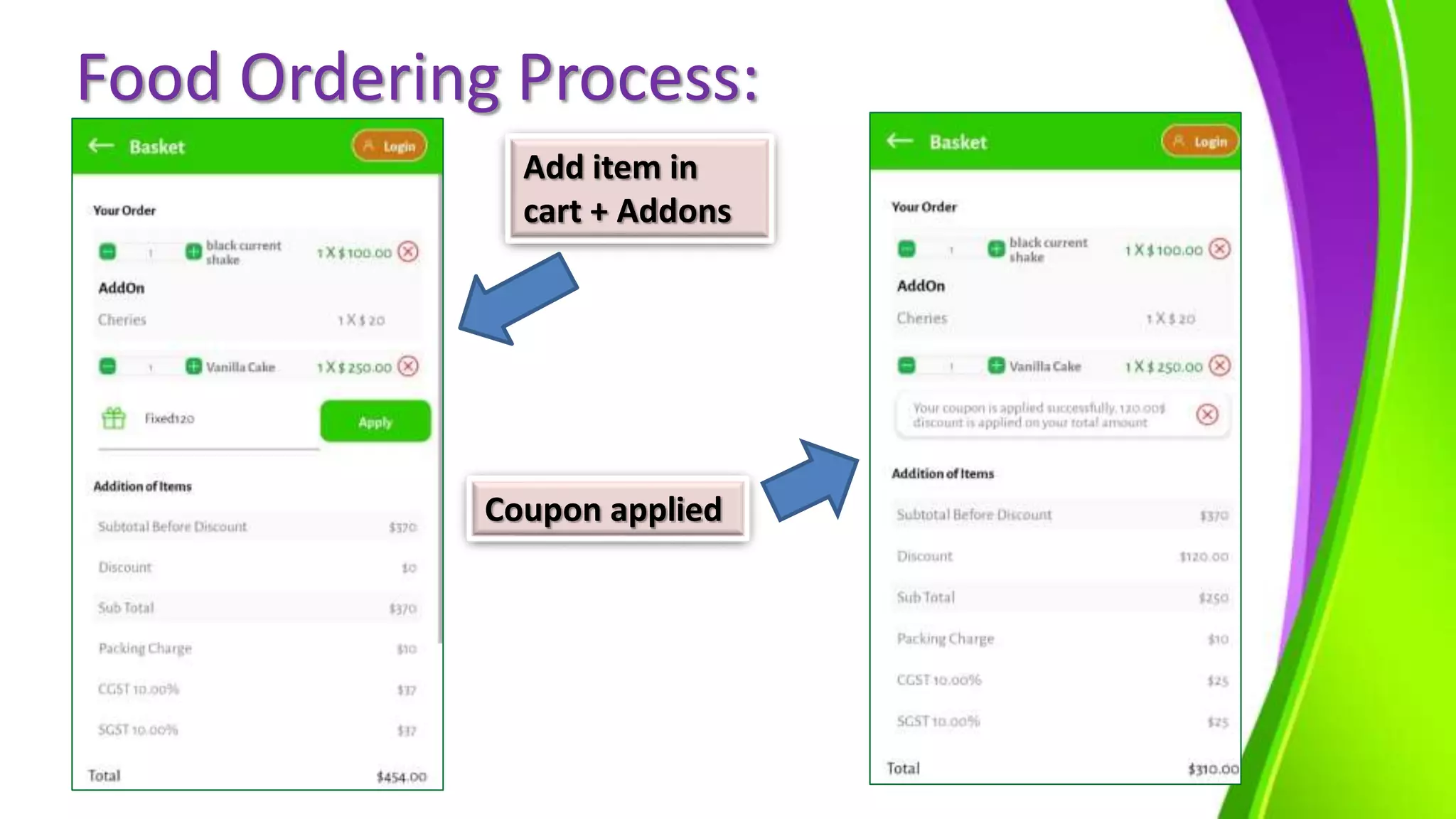
Add item in
cart + Addons
Coupon applied
Food Ordering Process:
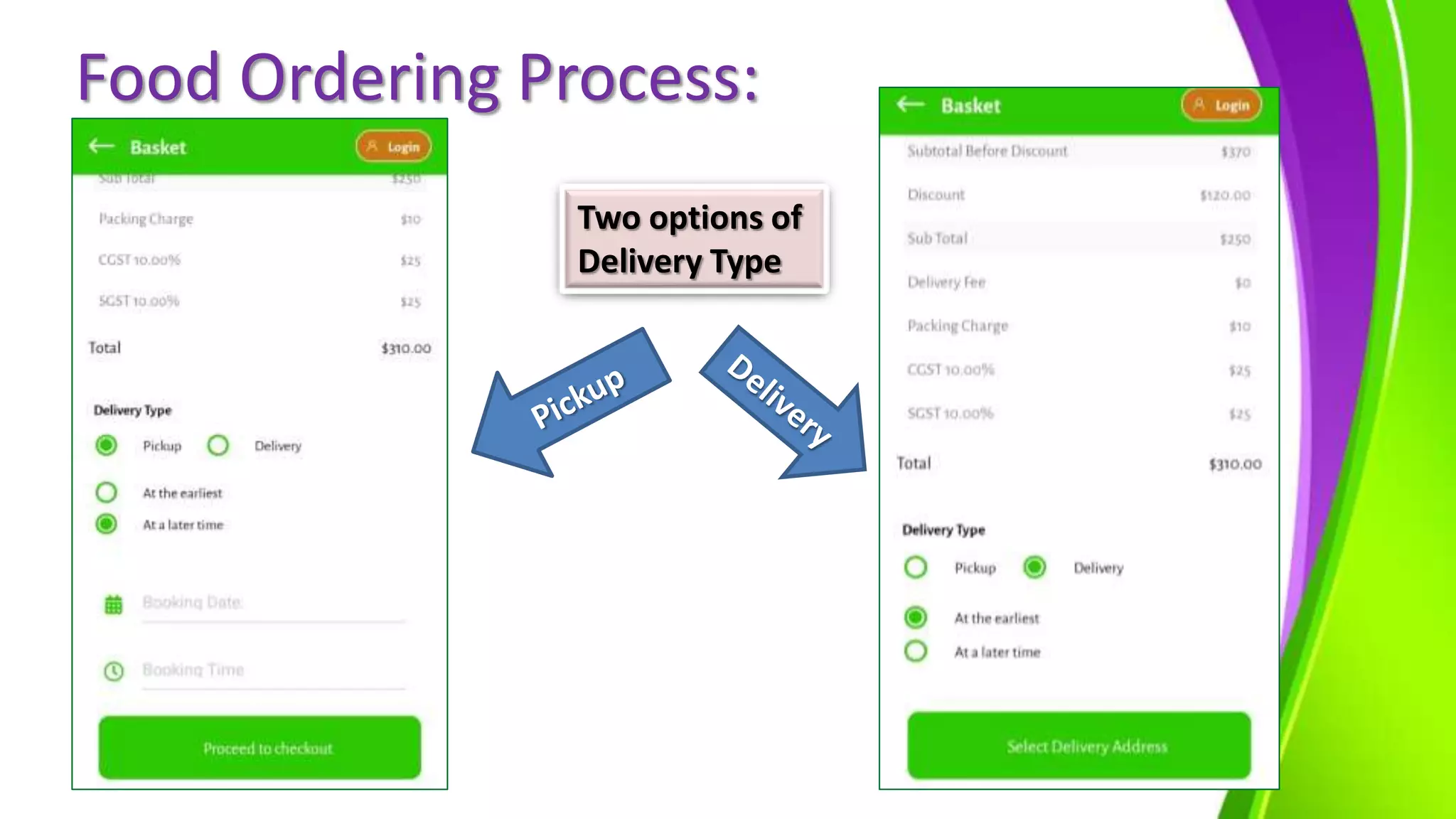
Two options of
Delivery Type
Food Ordering Process:
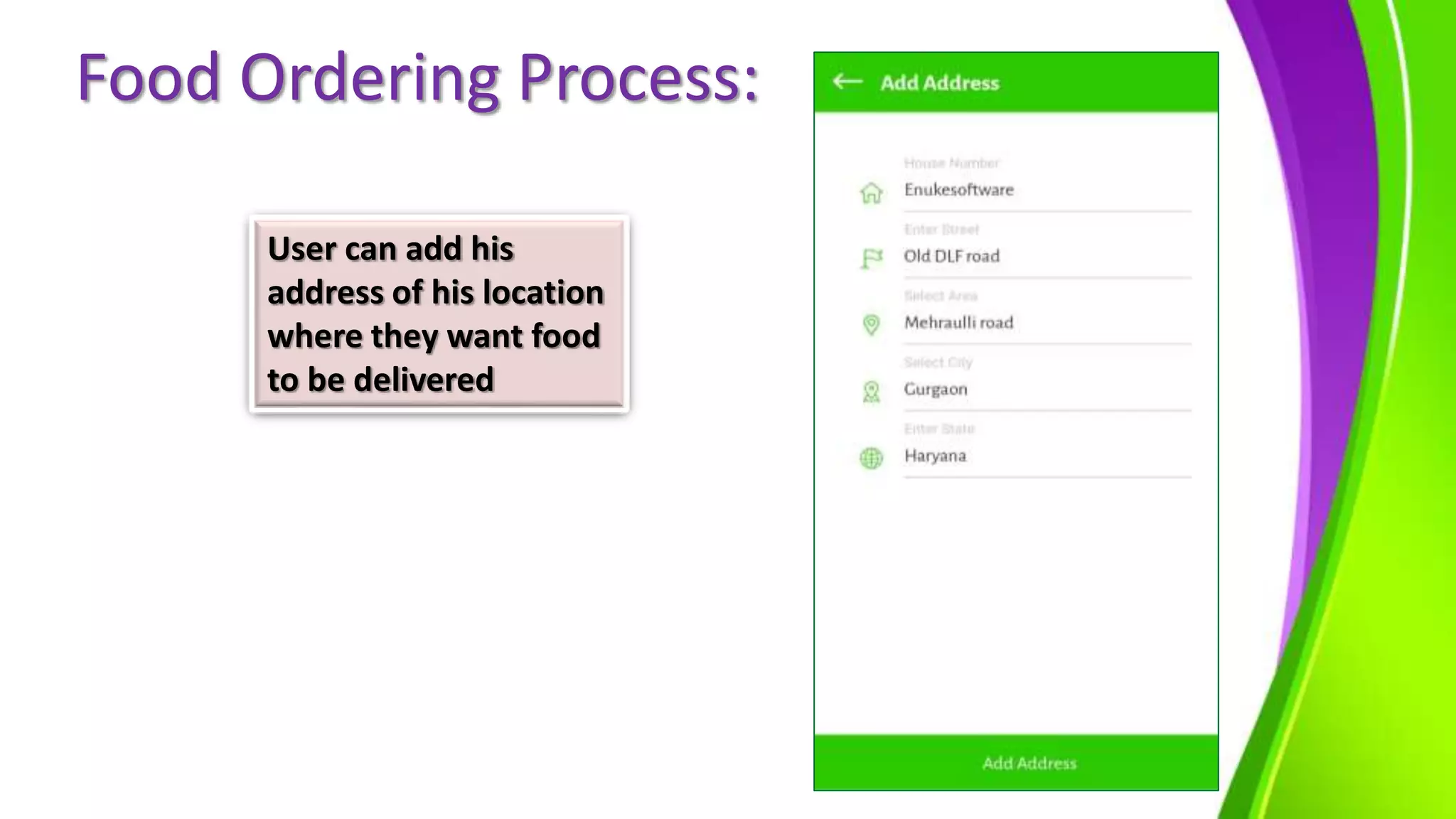
User can add his
address of his location
where they want food
to be delivered
Food Ordering Process:
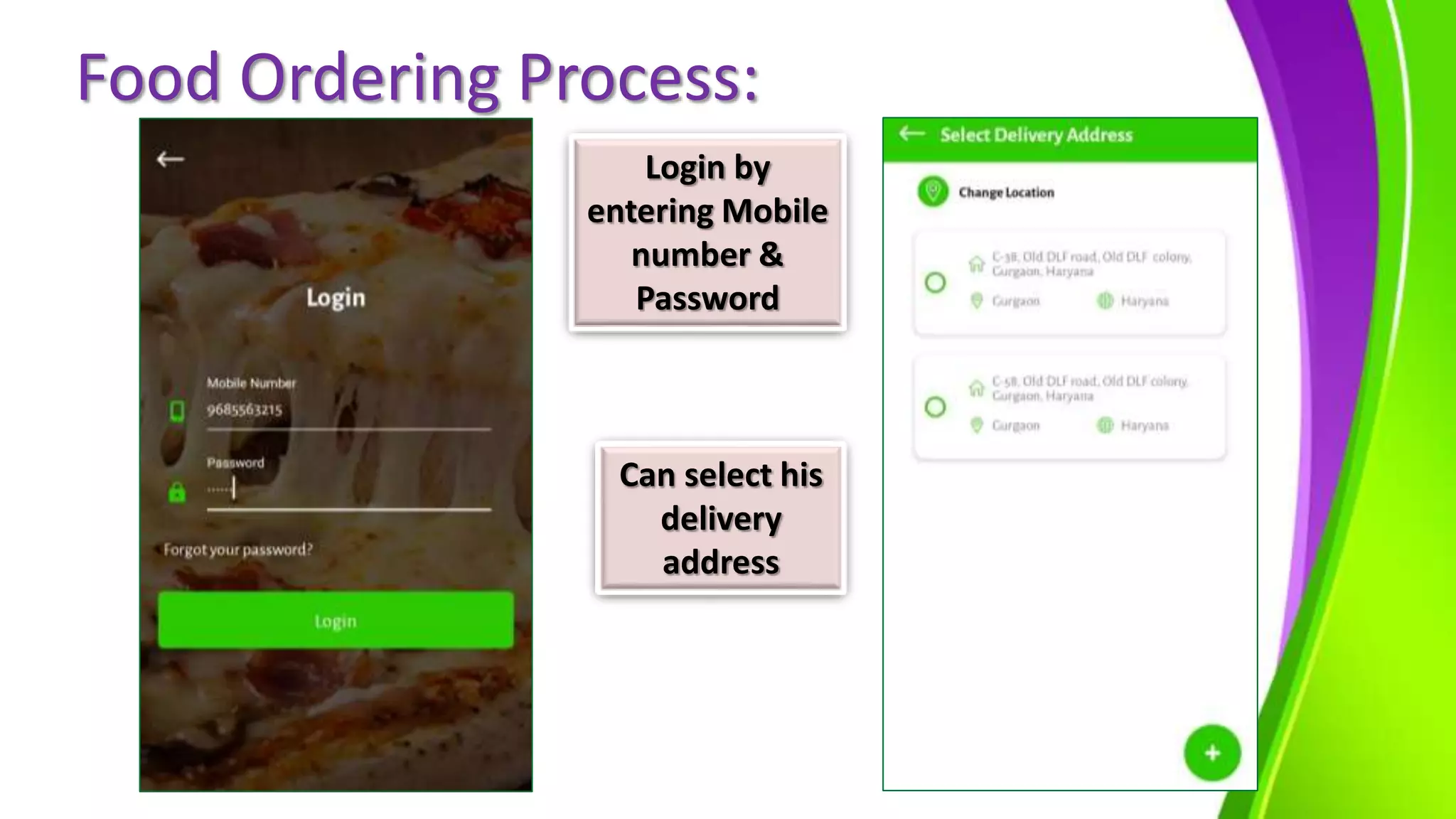
Login by
entering Mobile
number &
Password
Can select his
delivery
address
Food Ordering Process:
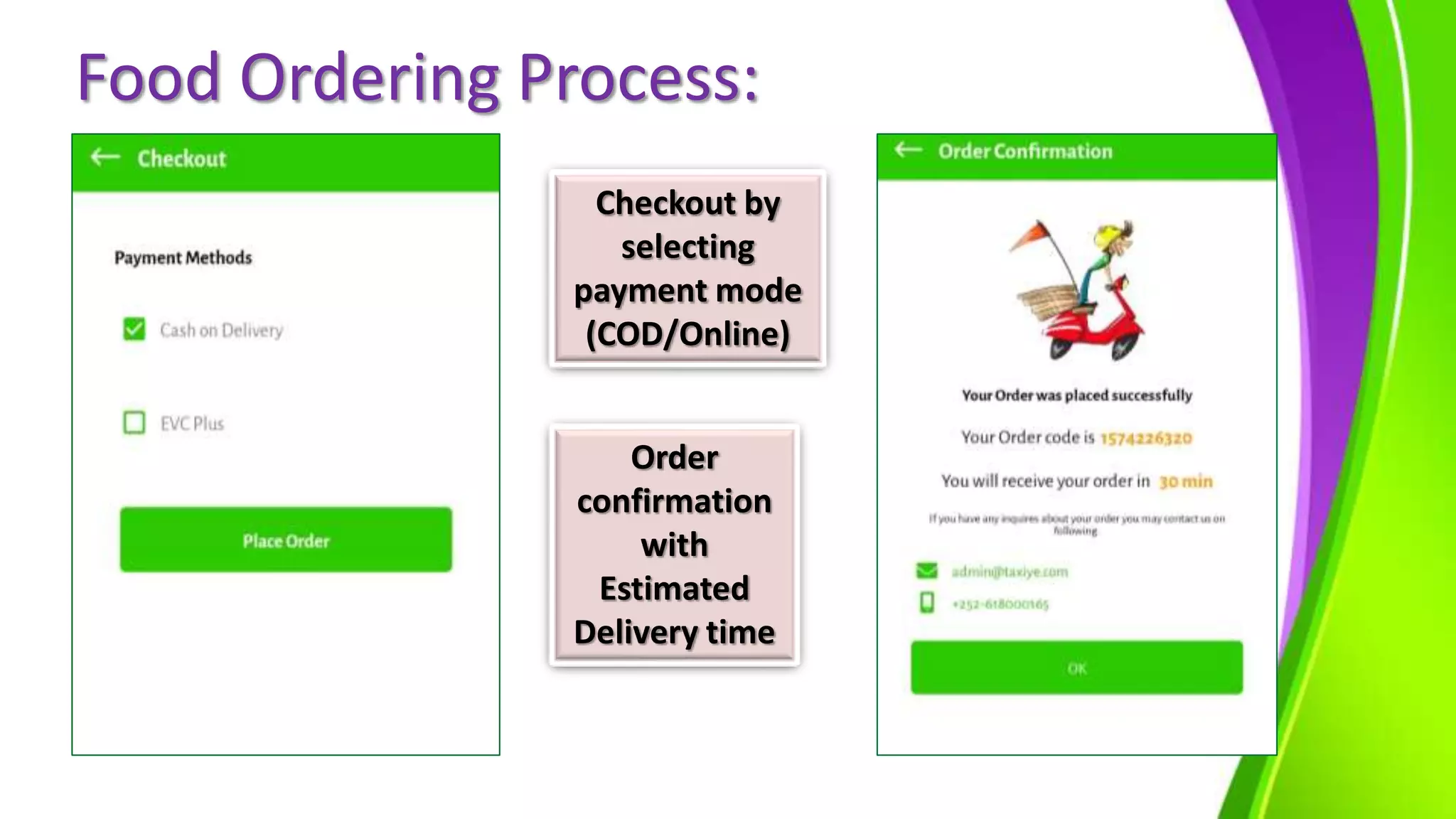
Checkout by
selecting
payment mode
(COD/Online)
Order
confirmation
with
Estimated
Delivery time
Food Ordering Process:
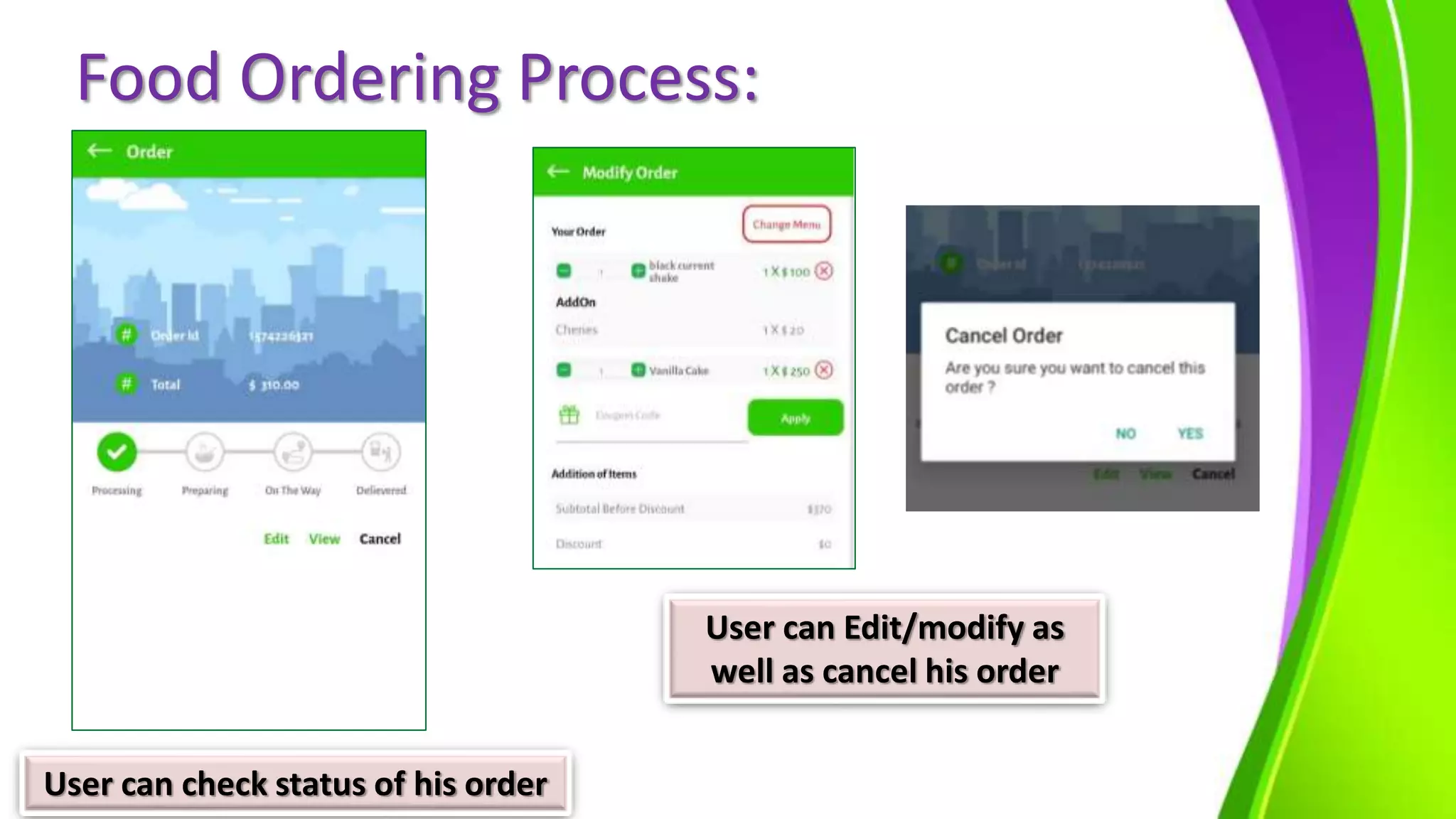
User can check status of his order
User can Edit/modify as
well as cancel his order
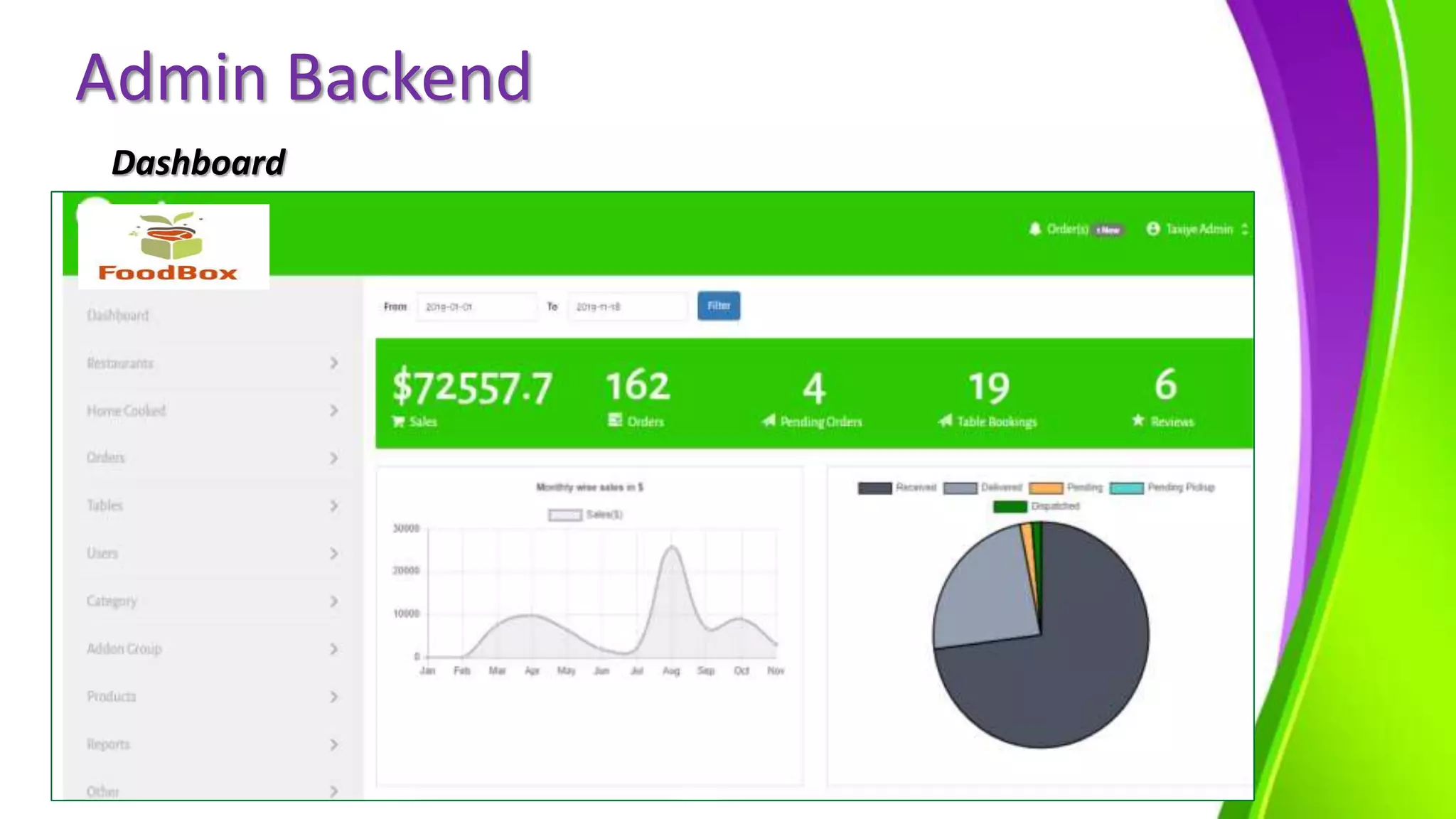
Admin Backend
Dashboard
Food Ordering Process:
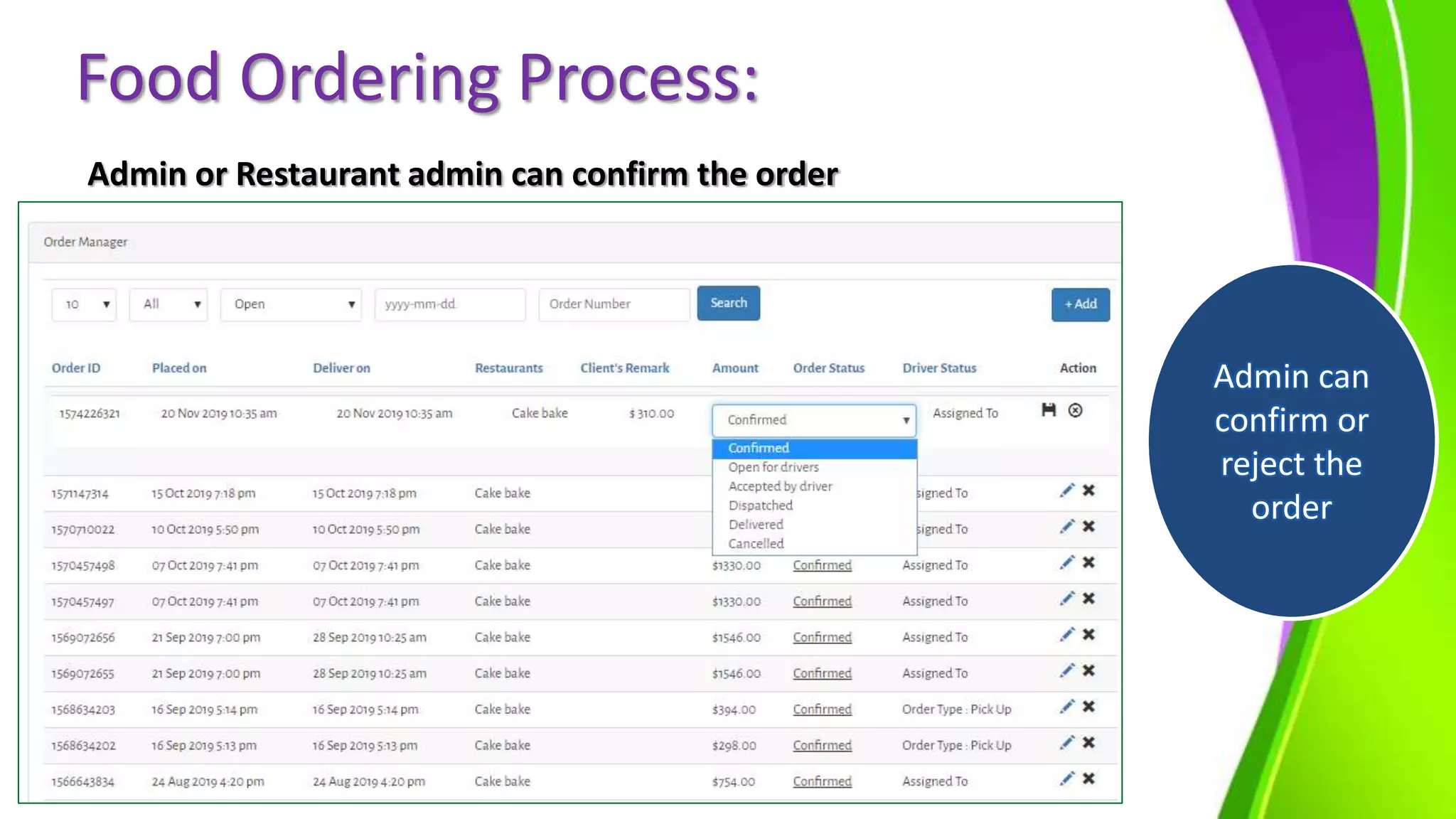
Admin or Restaurant admin can confirm the order
Admin can
confirm or
reject the
order
Food Ordering Process:
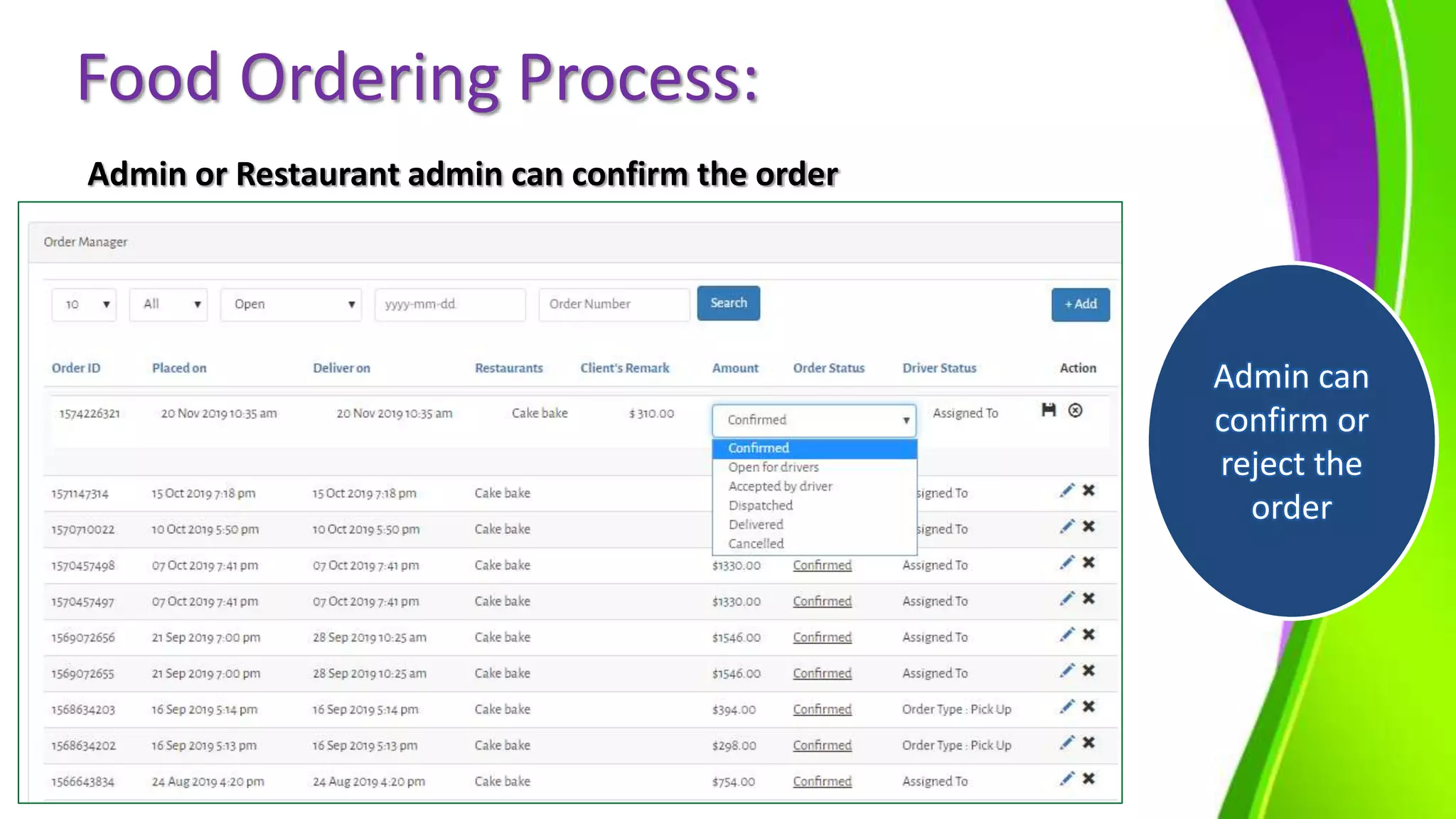
Admin or Restaurant admin can confirm the order
Admin can
confirm or
reject the
order
Food Ordering Process:
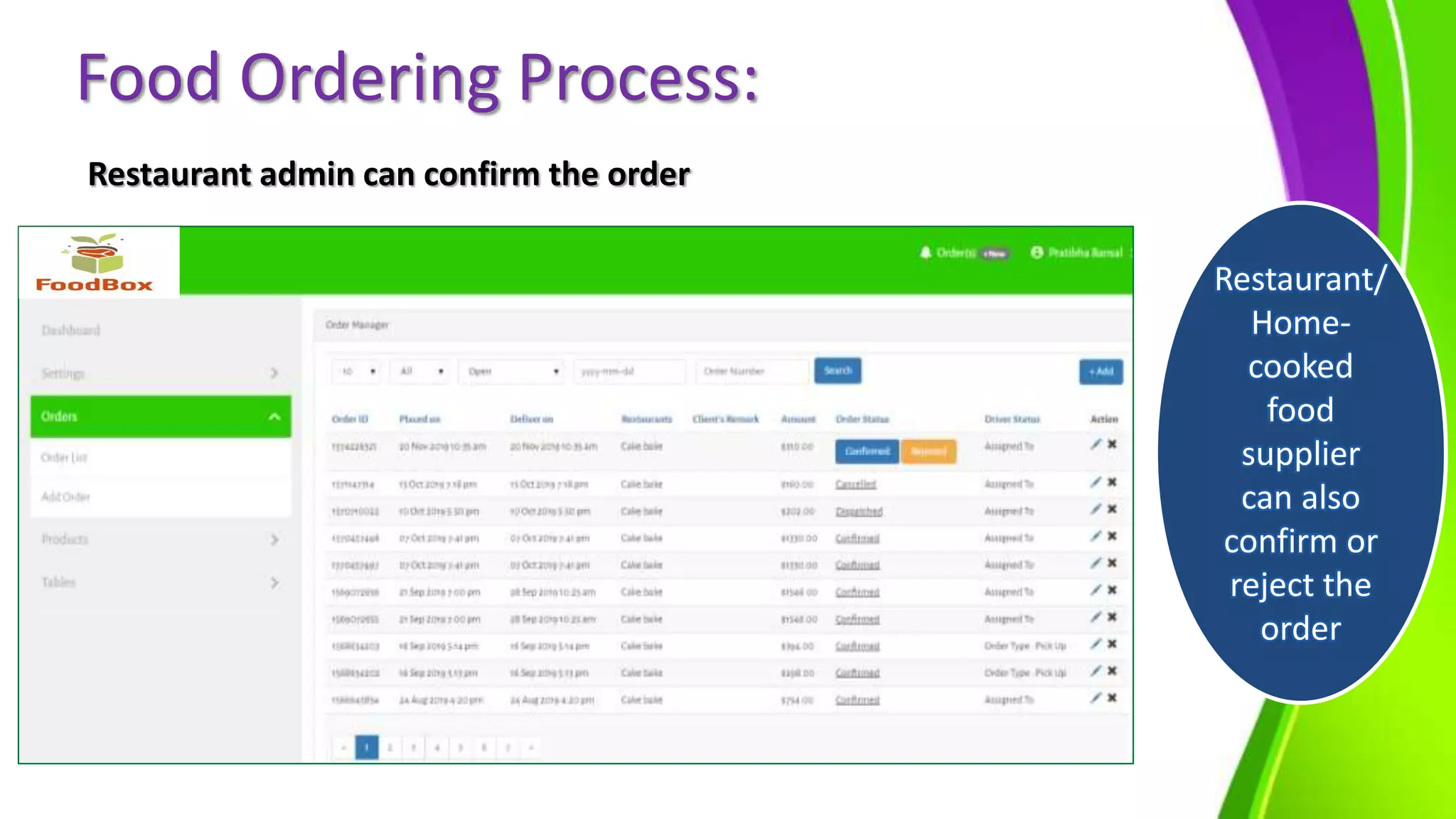
Restaurant admin can confirm the order
Restaurant/
Home-
cooked
food
supplier
can also
confirm or
reject the
order
Food Ordering Process:
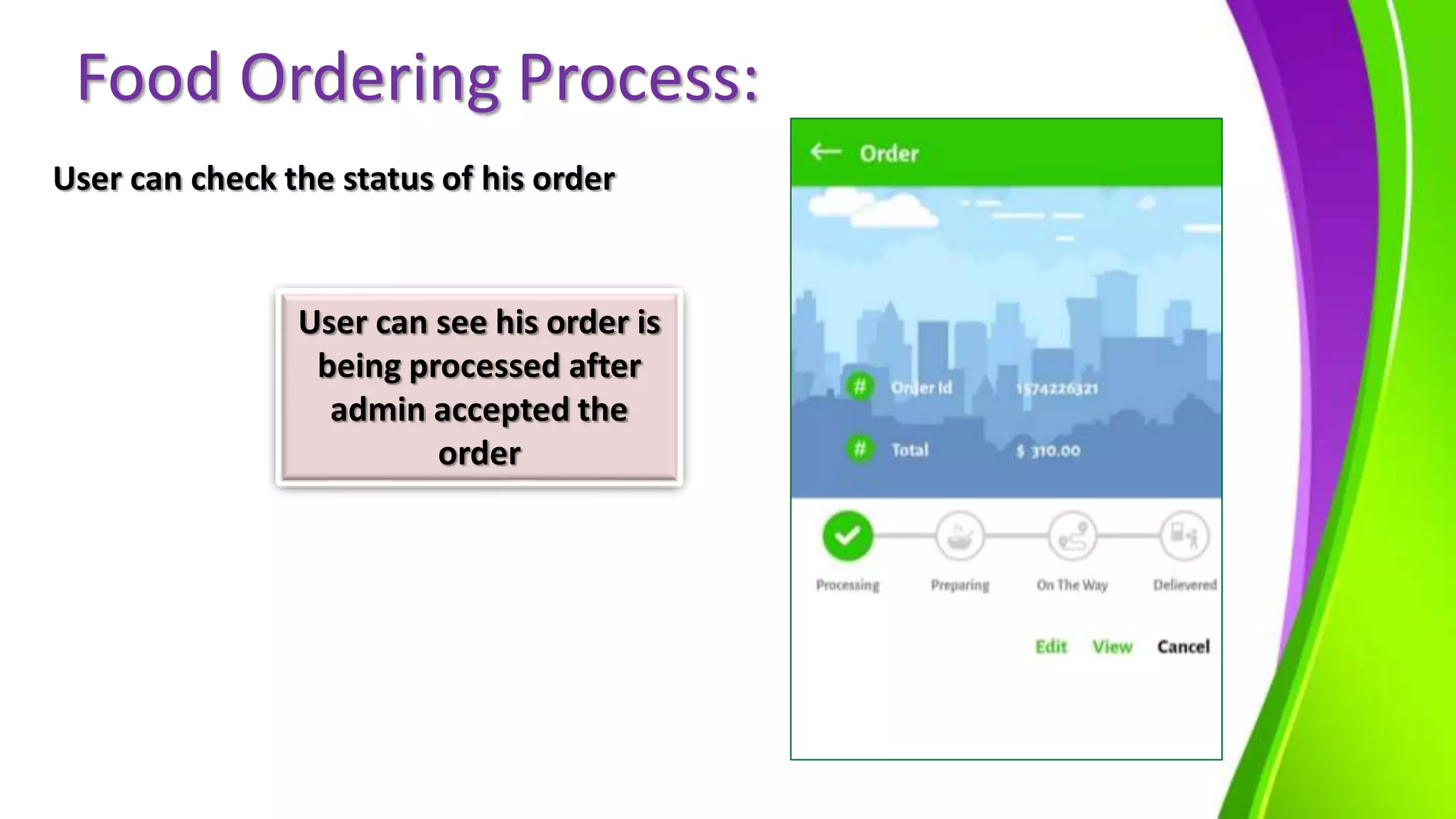
User can check the status of his order
User can see his order is
being processed after
admin accepted the
order
Food Ordering Process:
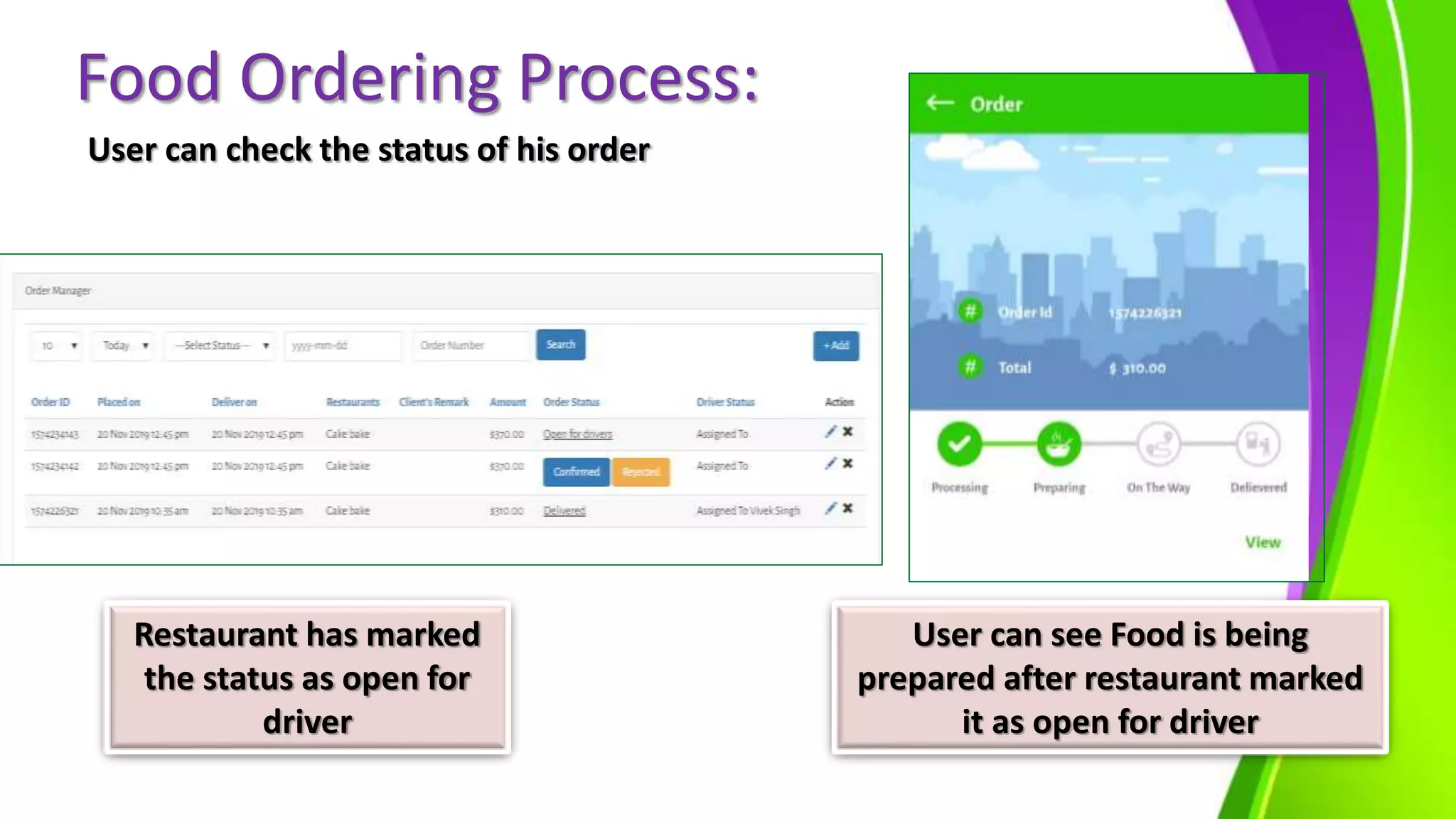
User can check the status of his order
Restaurant has marked
the status as open for
driver
User can see Food is being
prepared after restaurant marked
it as open for driver
Food Ordering Process:
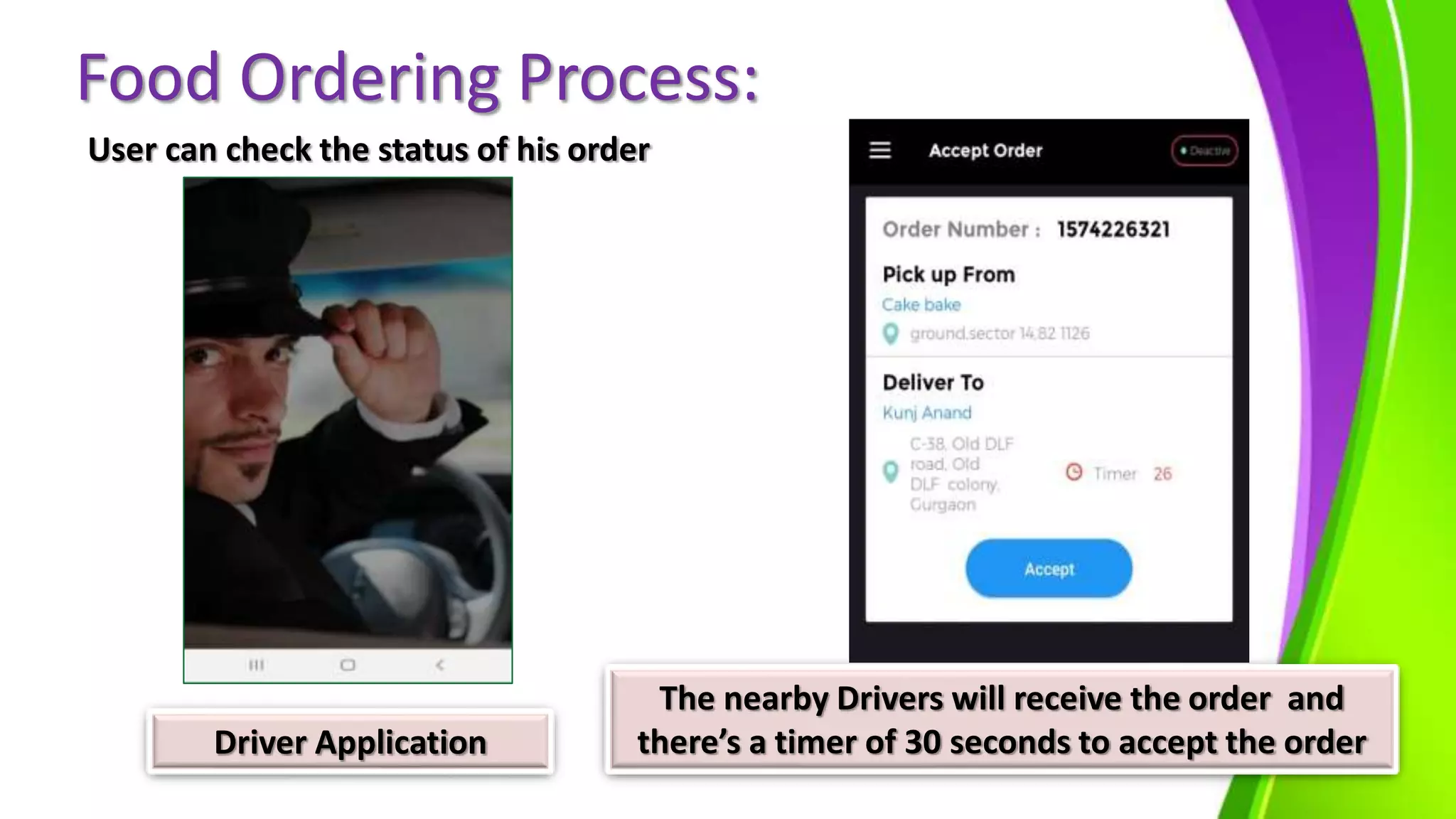
User can check the status of his order
Driver Application
The nearby Drivers will receive the order and
there’s a timer of 30 seconds to accept the order
Food Ordering Process:
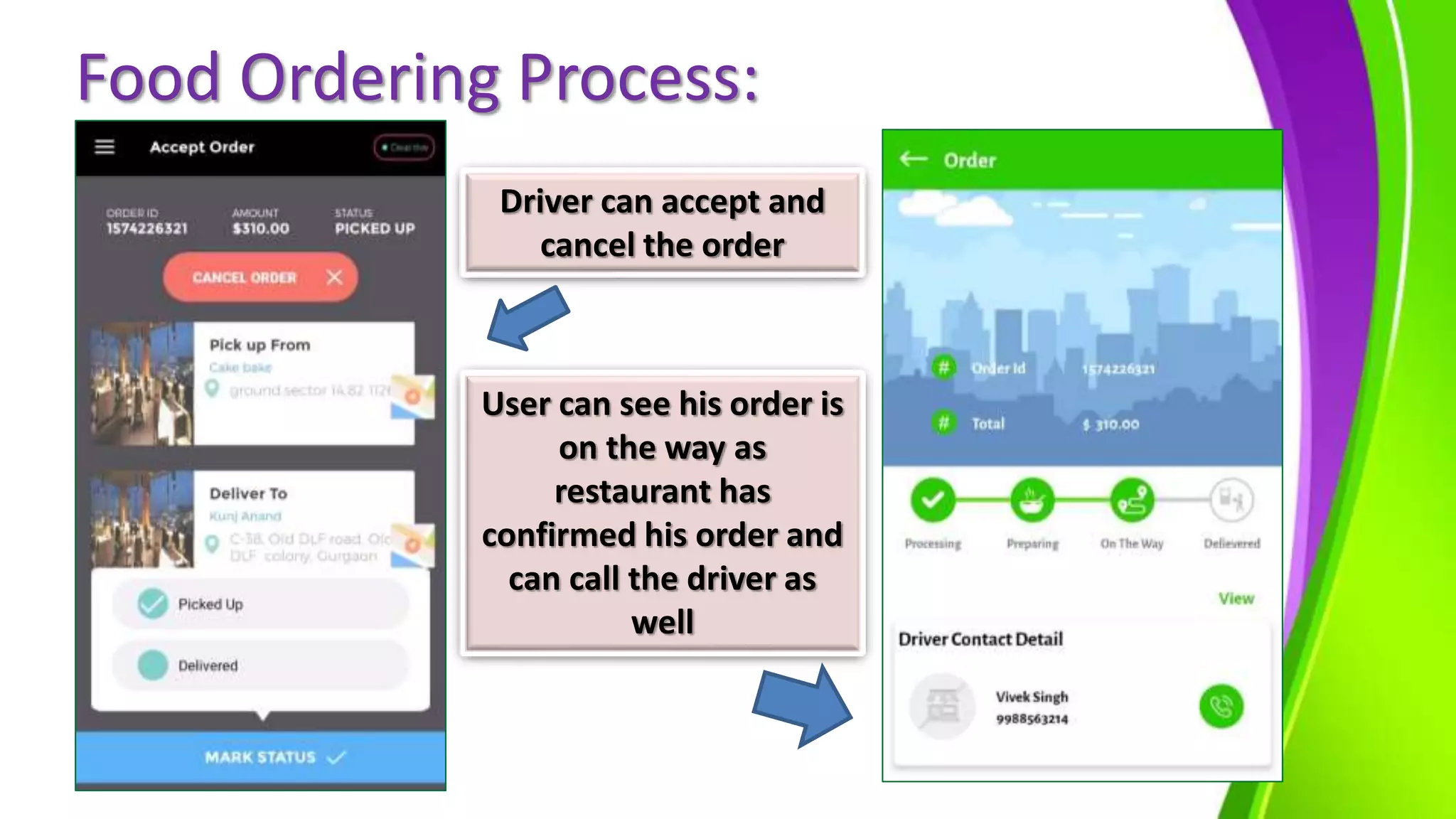
Driver can accept and
cancel the order
User can see his order is
on the way as
restaurant has
confirmed his order and
can call the driver as
well
Food Ordering Process:
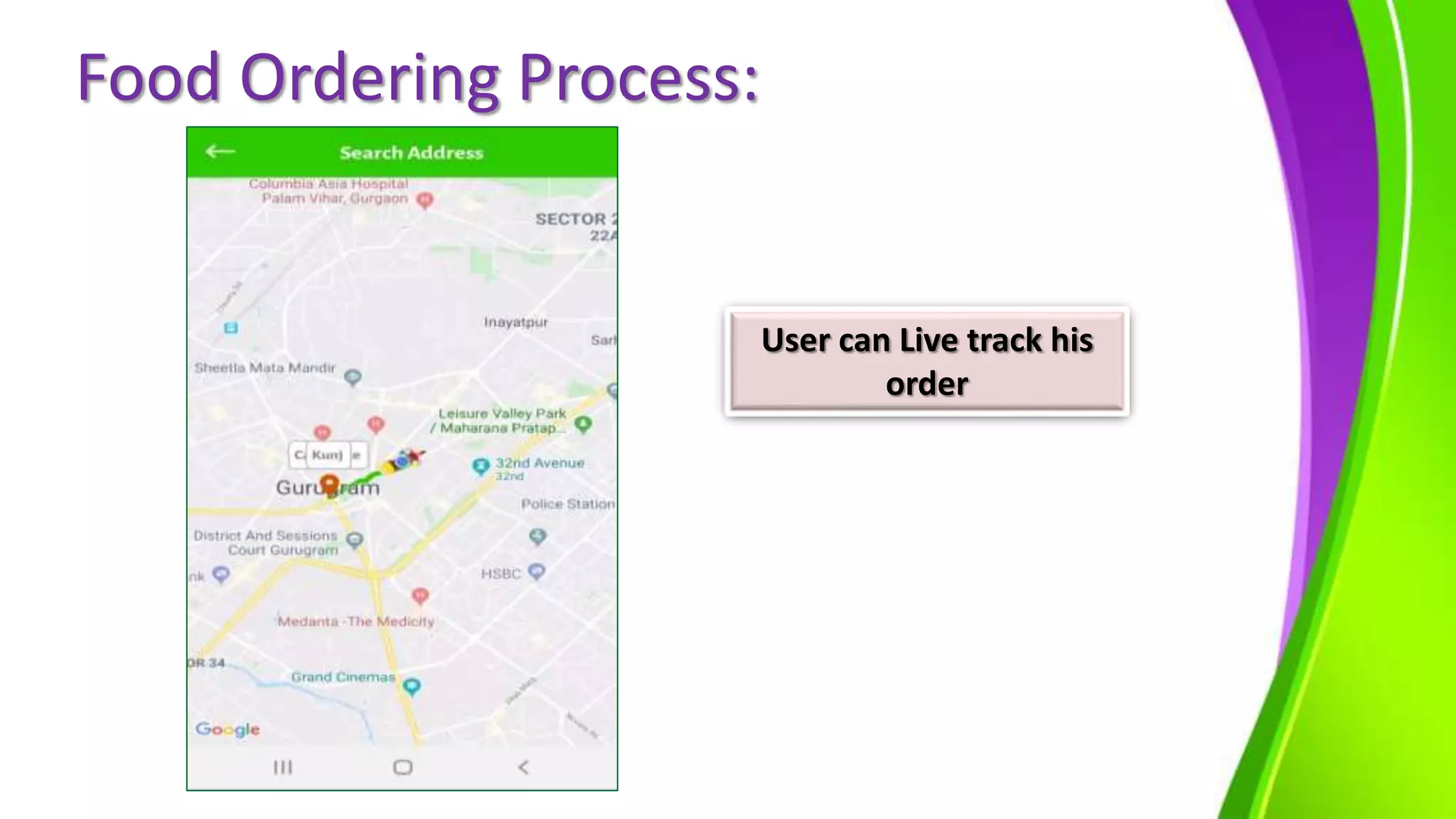
User can Live track his
order
Food Ordering Process:
Once the driver
delivered the food,
there will be a pop-up
of amount collected
User can see the change
in status to delivered
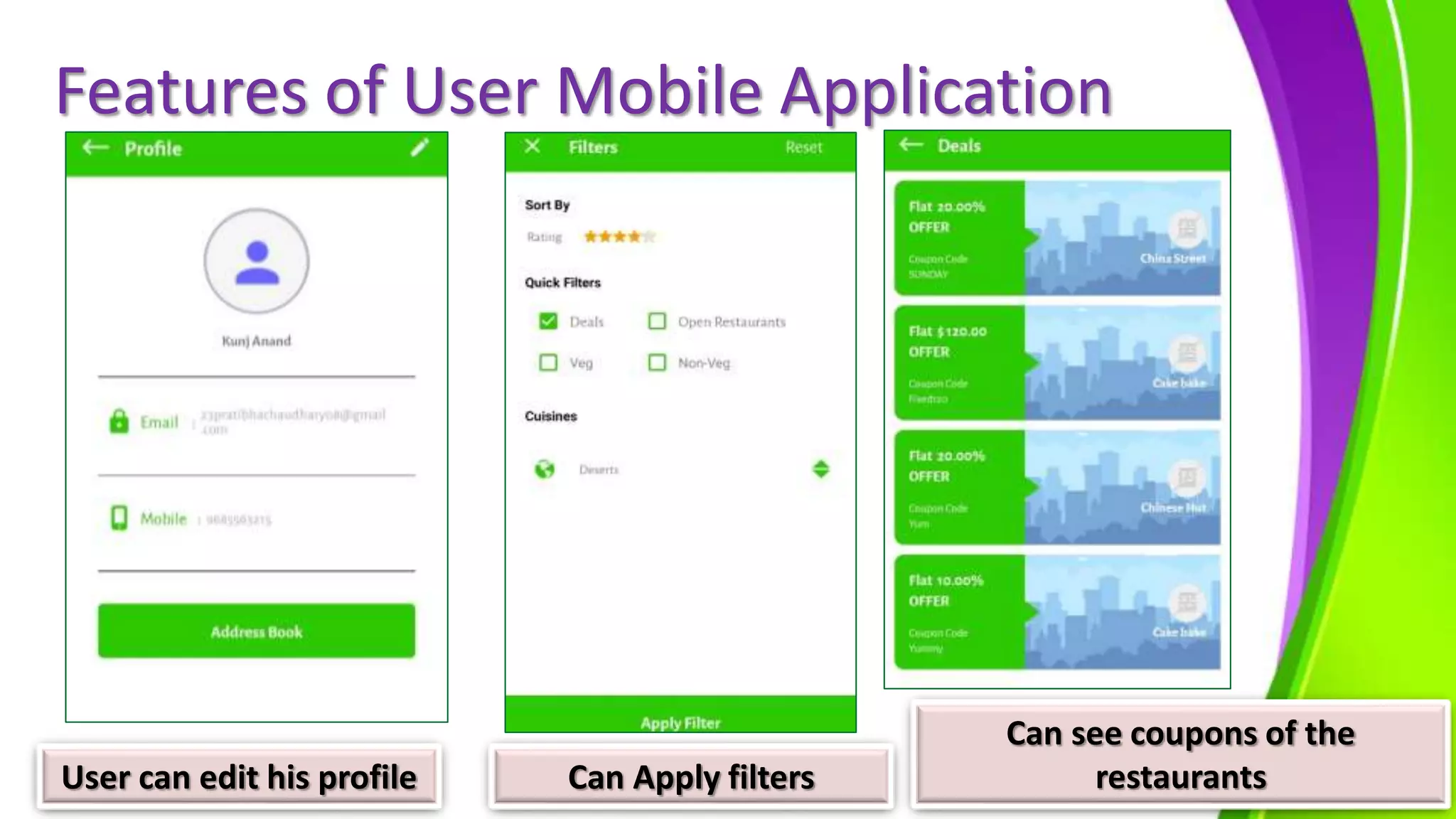
Features of User Mobile Application
User can edit his profile Can Apply filters
Can see coupons of the
restaurants
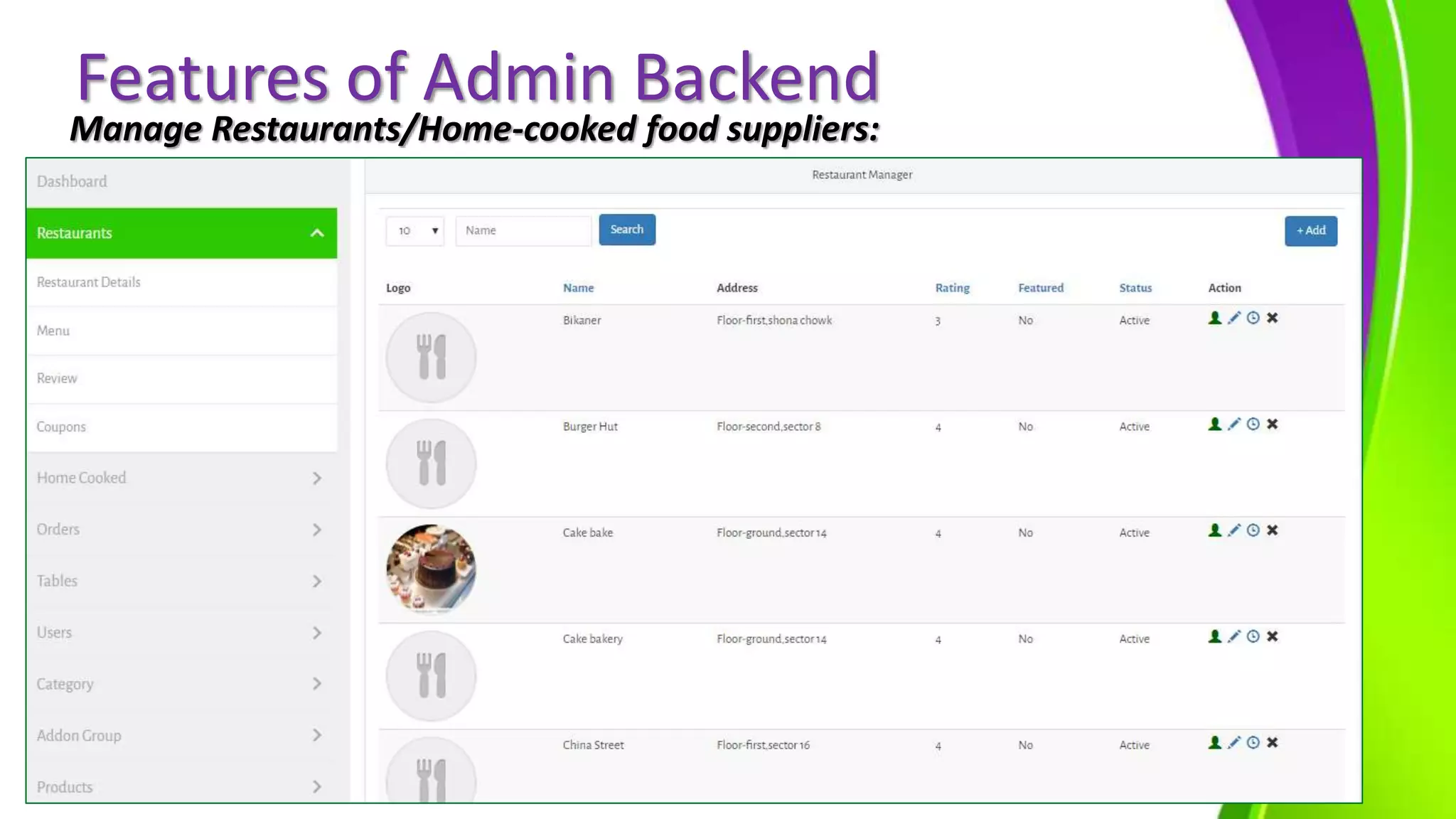
Features of Admin Backend
Manage Restaurants/Home-cooked food suppliers:
Admin Backend
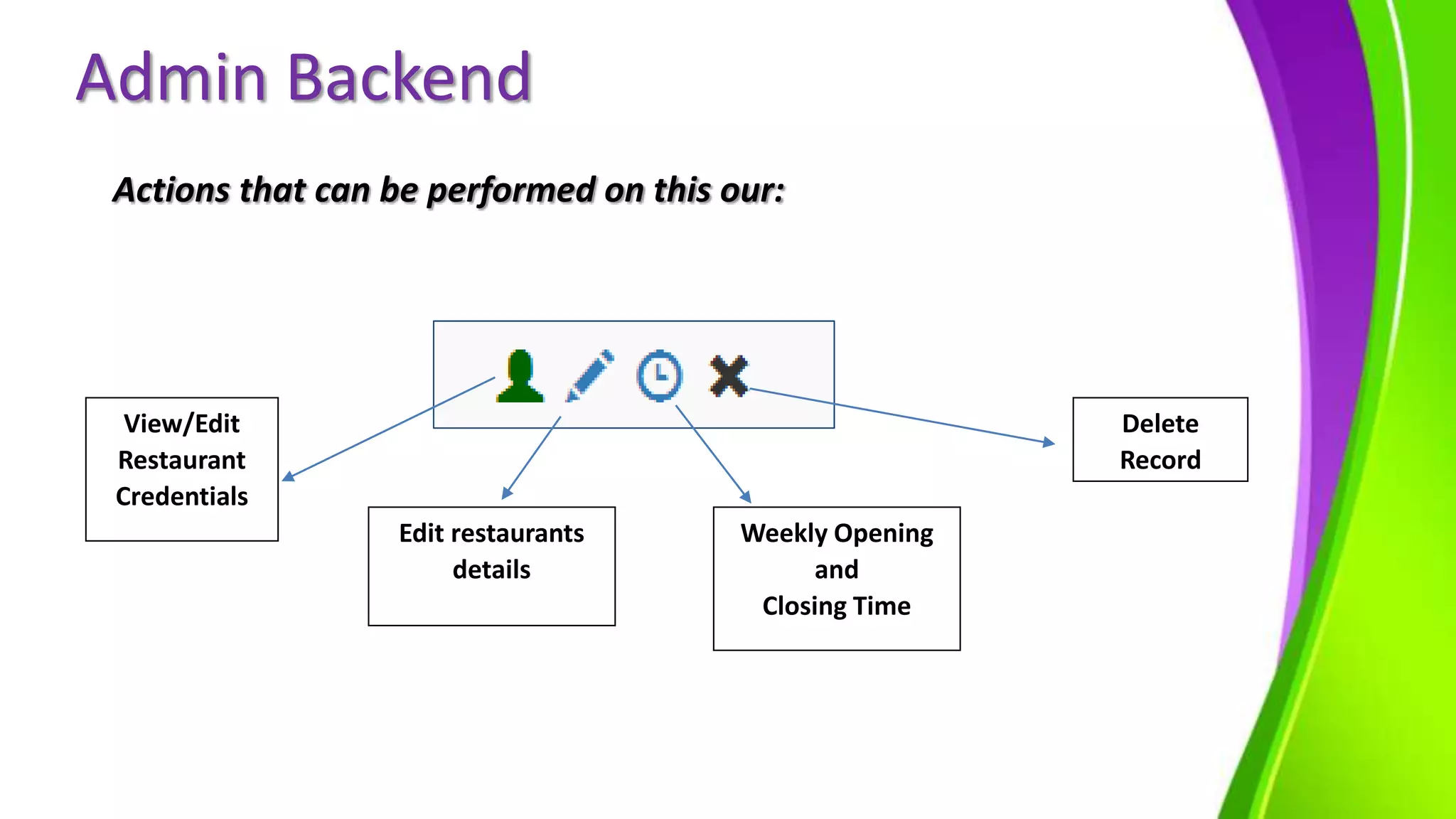
Actions that can be performed on this our:
View/Edit
Restaurant
Credentials
Edit restaurants
details
Weekly Opening
and
Closing Time
Delete
Record
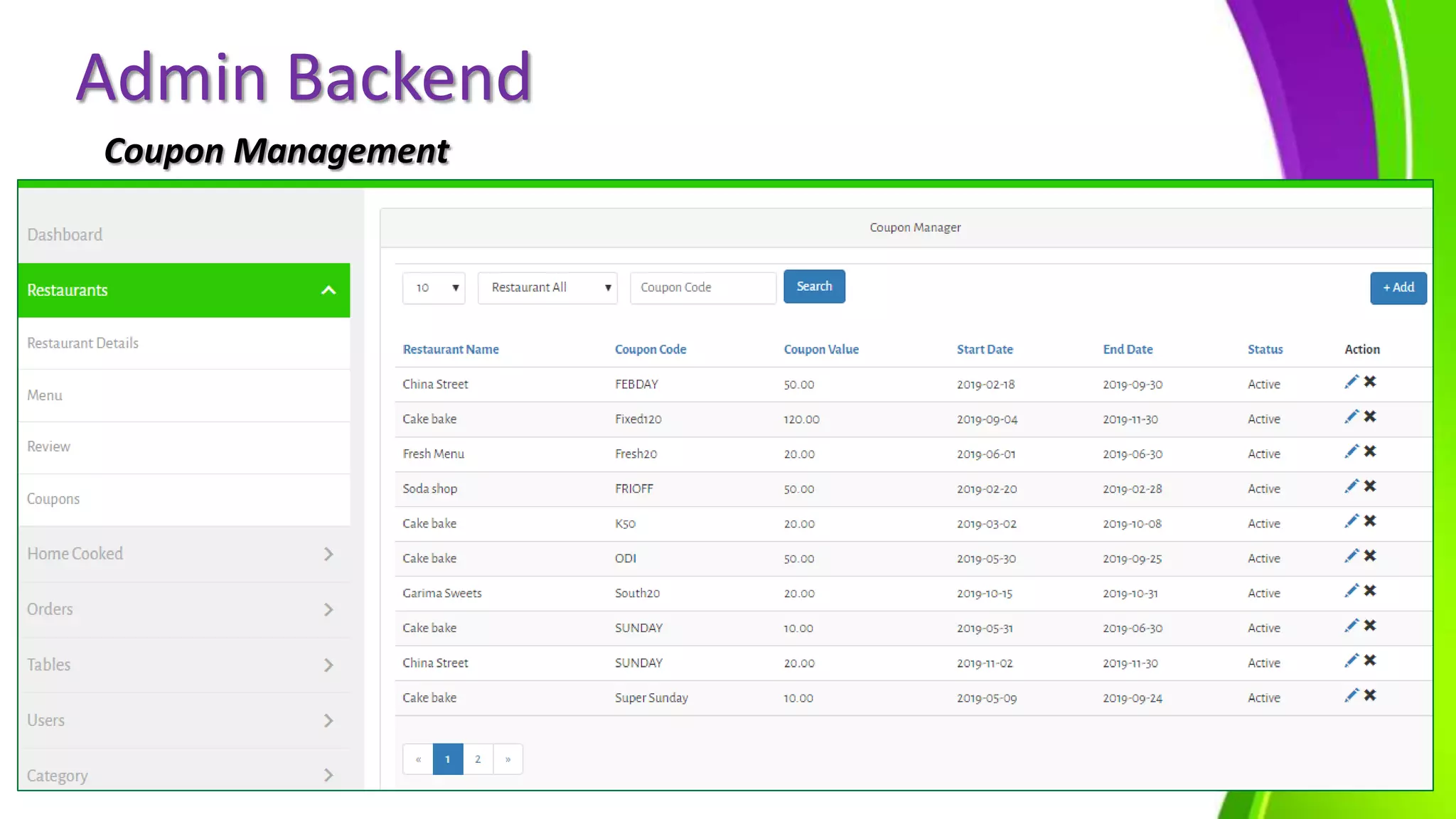
Admin Backend
Coupon Management
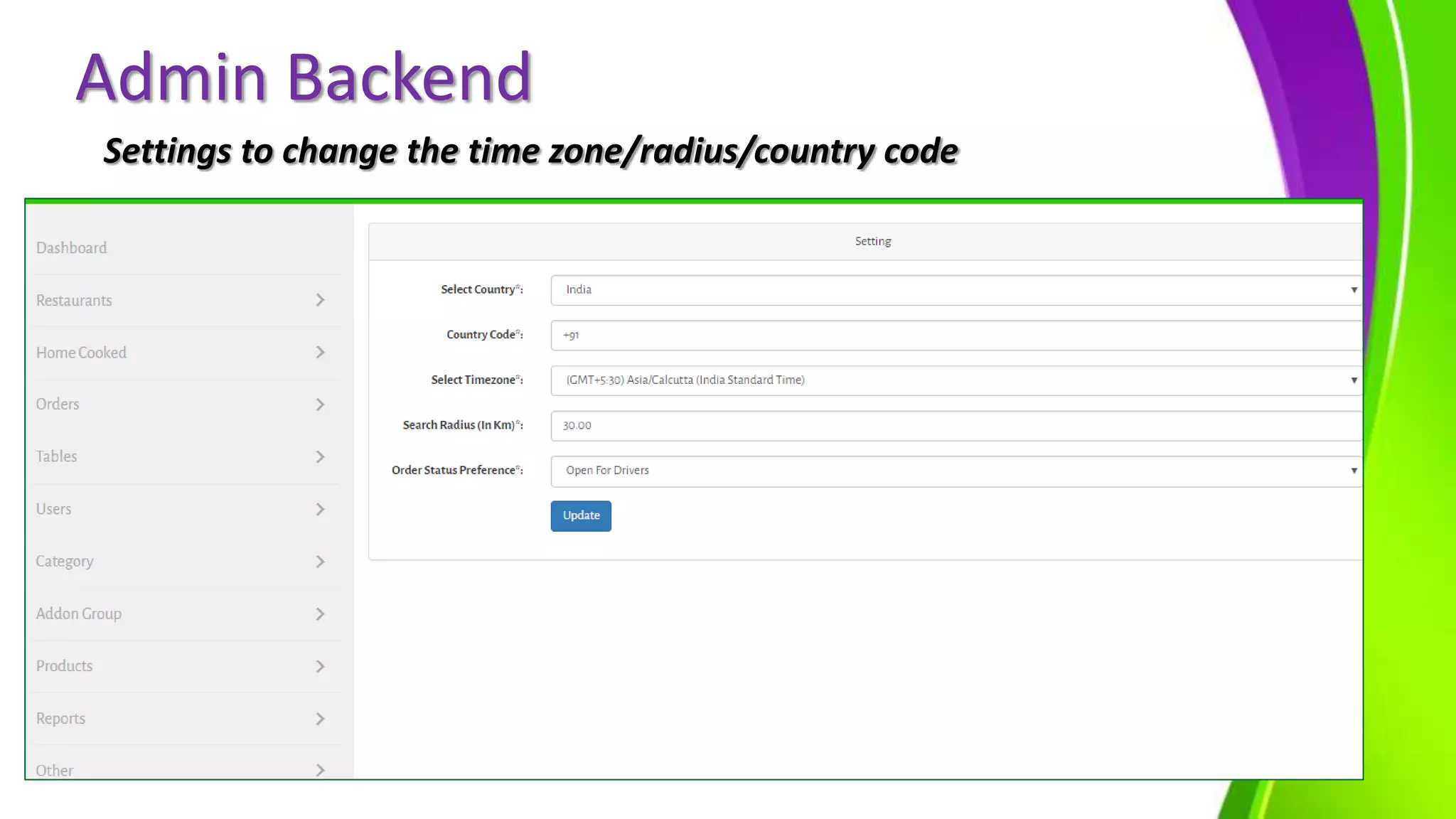
Settings to change the time zone/radius/country code
Admin Backend
Admin Backend
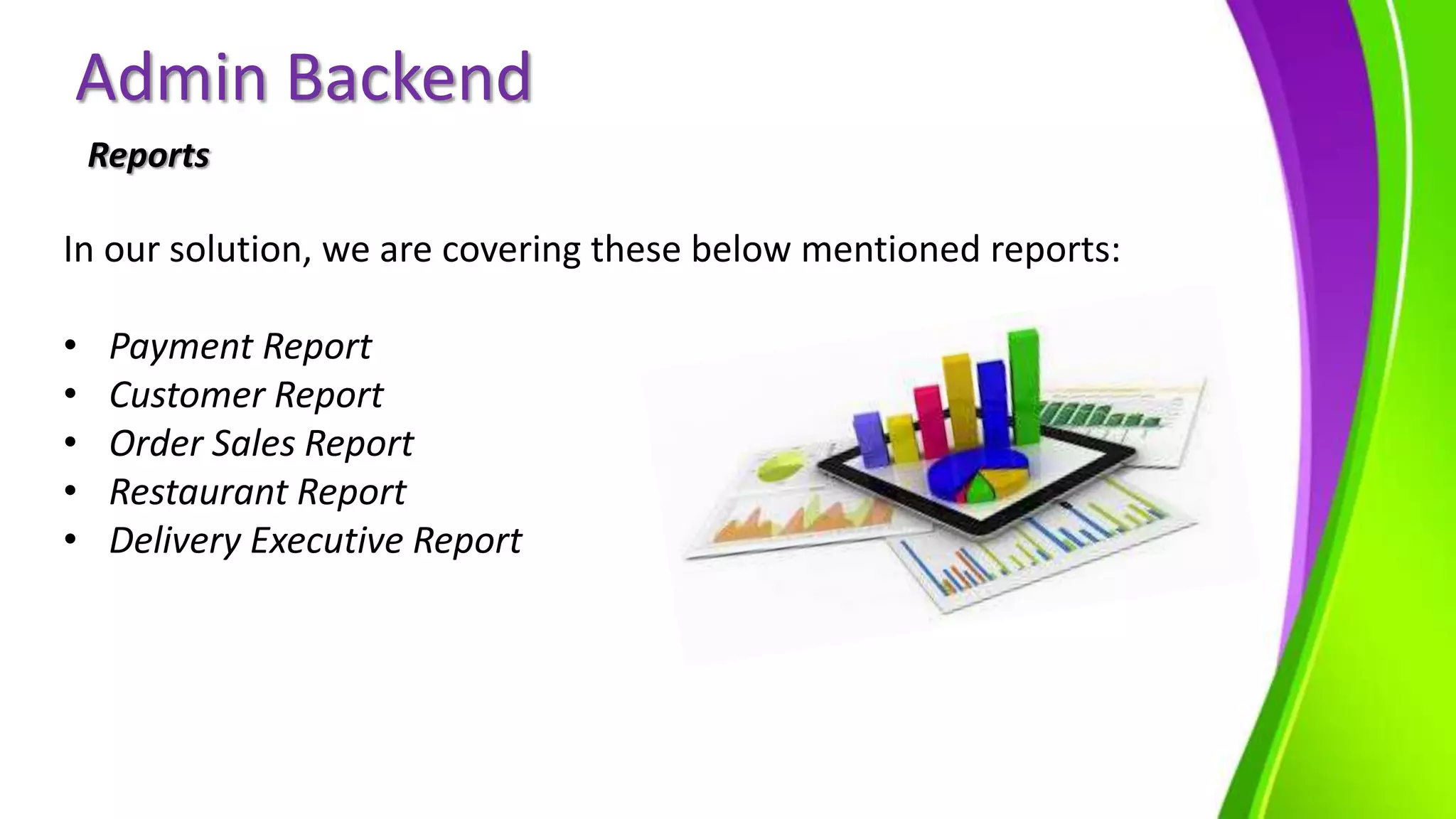
Reports
In our solution, we are covering these below mentioned reports:
• Payment Report
• Customer Report
• Order Sales Report
• Restaurant Report
• Delivery Executive Report
Admin Backend
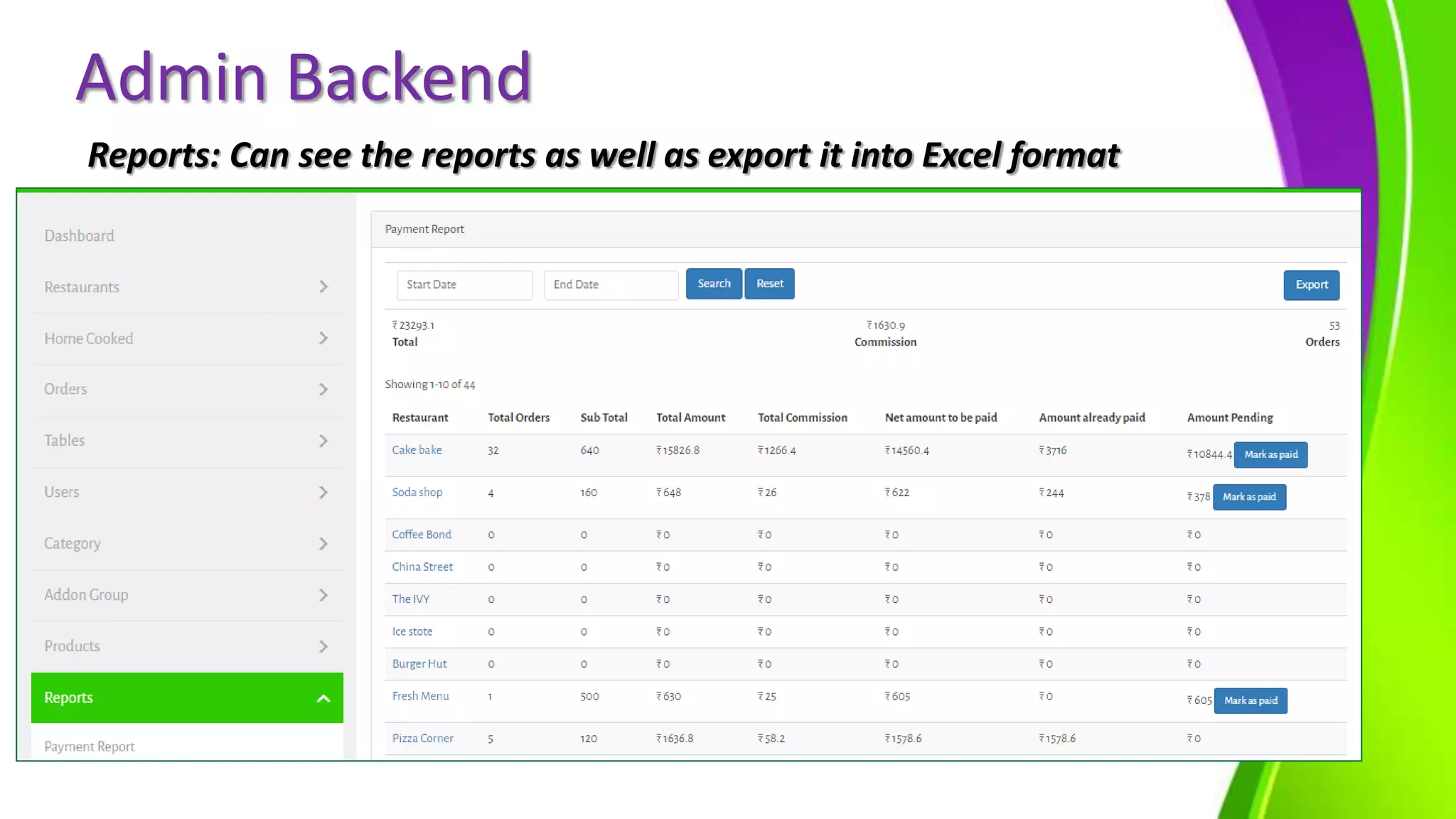
Reports: Can see the reports as well as export it into Excel format
Features of Restaurant/Home-kitchen
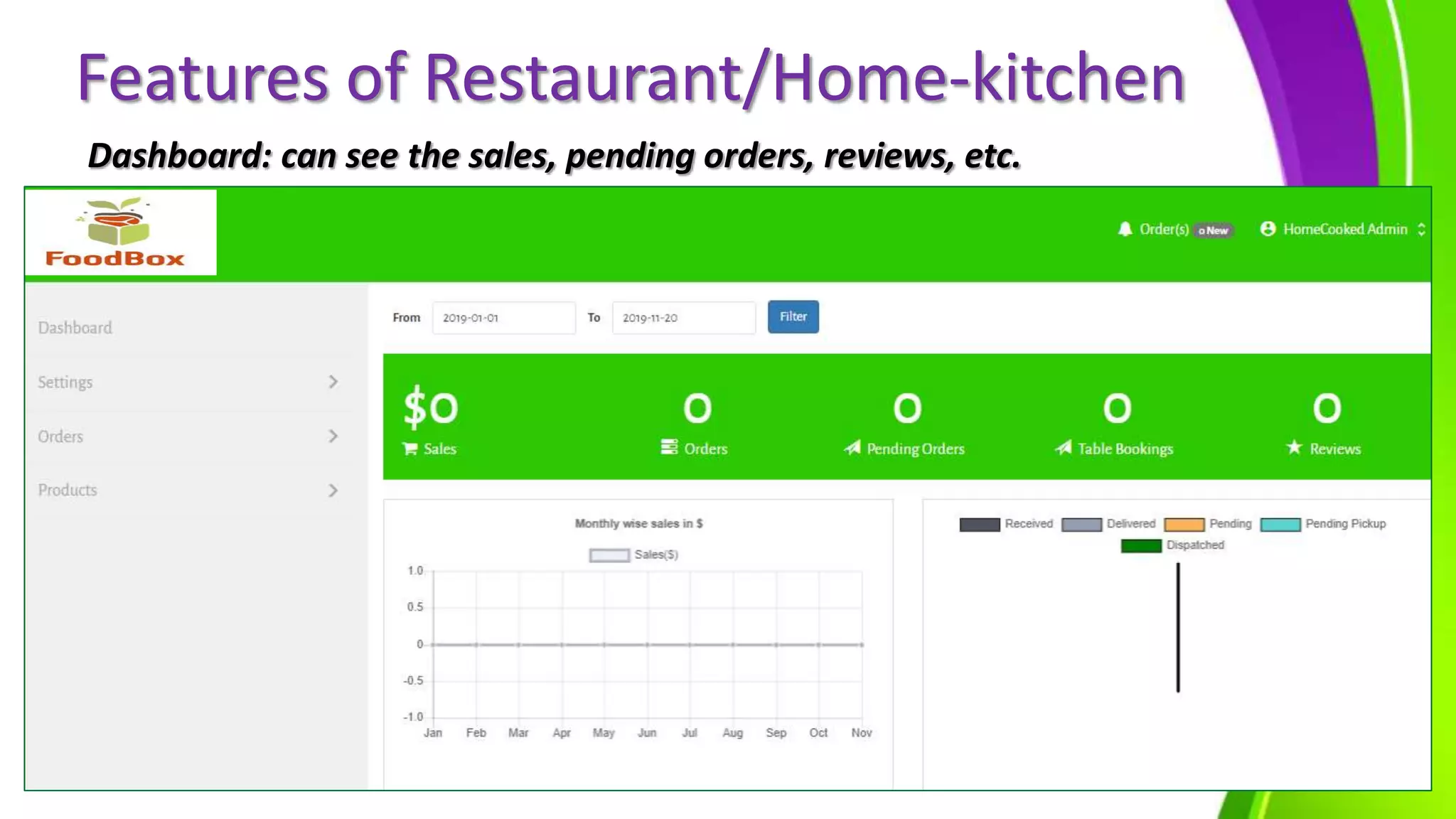
Dashboard: can see the sales, pending orders, reviews, etc.
Features of Restaurant/Home-kitchen
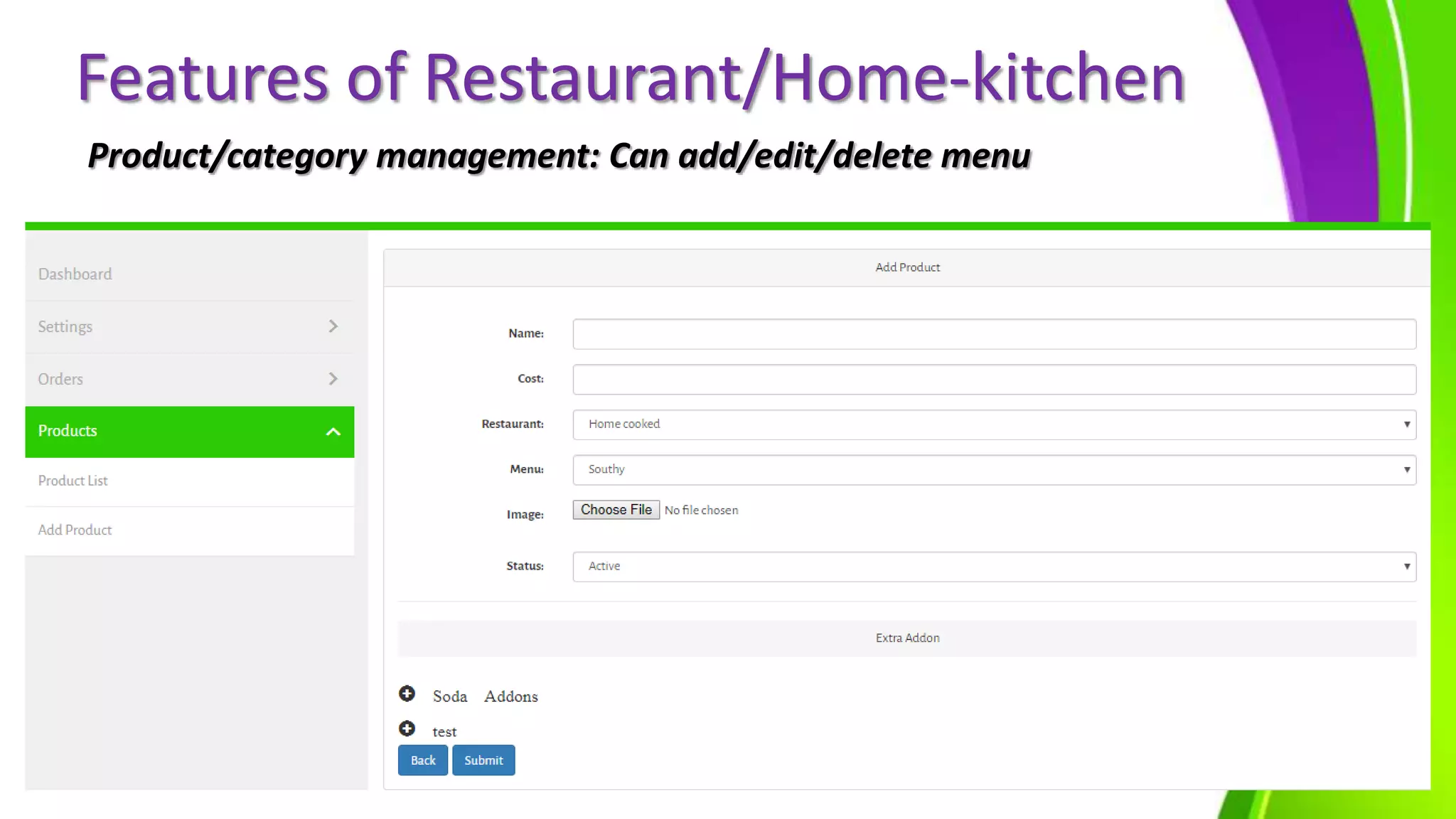
Product/category management: Can add/edit/delete menu
Features of Driver Application
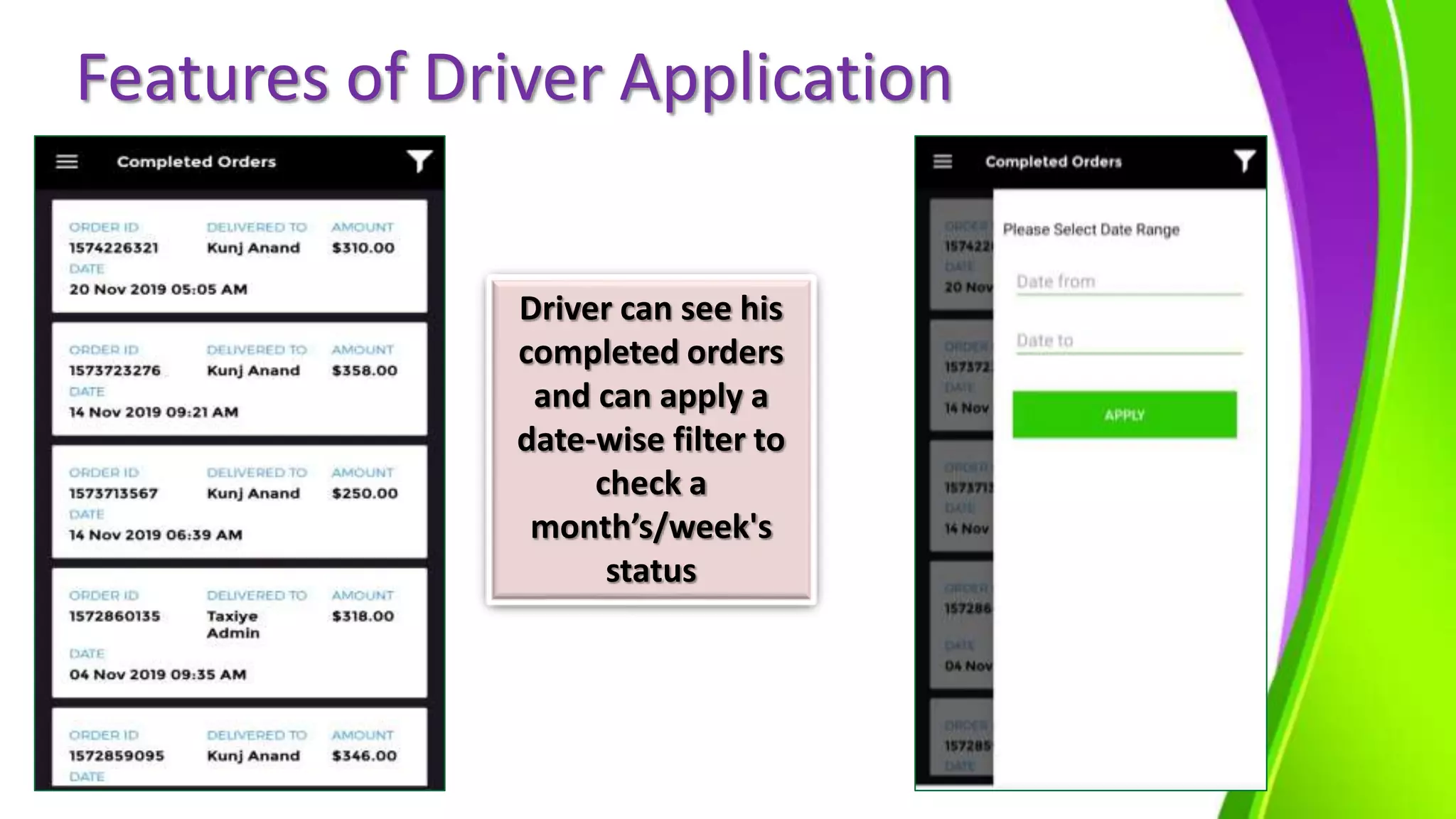
Driver can see his
completed orders
and can apply a
date-wise filter to
check a
month’s/week's
status
Thank You
We Look Forward For Long Term Relationship…
Contact Enuke Software-
https://www.enukesoftware.com/food-delivery-application-
development-company.html

Food Delivery app development for Multi Restaurant by Enuke

  • 1.
    Food Delivery ApplicationDevelopment for Multi- Restaurants
  • 2.
  • 3.
    Introduction  On–Demand Economyis disrupting every business vertical. Modern consumers prefer service providers who can deliver goods at their doorsteps with utmost convenience.  Online Multi-restaurant food business enables consumers to order food from their preferred restaurant through web portals or mobile apps.  With people now wanting each and everything to be delivered at doorstep, delivery has become the major segment in food industry. Tostay ahead of competitors, you need to be loaded with technology, demanding a strong presence on mobiles and web.
  • 4.
    Online Food Ordering& Delivery-How ItWorks Search onlinenearby food restaurants in yourlocation Select your food and add to your cart, checkout,and pay (Online) With the auto dispatchsystem order goes to nearestdriver. Driver accepts requestand delivers orders placed by theuser. Drivers arrive at therestaurantant pickup & dropoff at the destination. Orderdelivered at the user's location
  • 5.
    Food Box Food Boxis our in-house ready-made SaaS based solution to allow restaurants/Home cooked food suppliers to be able to incorporates the overall item exploration, Ordering and Delivery services. Vendors & Customer Management Product catalogue and Pricing Order and Delivery Management Dashboard and Sales Insight Coupons and Payments Get Own Food delivery app
  • 6.
    Food Box –A multi-restaurant/Home- cooked food supplier model  Different restaurants/ home-cooked food supplier use your platform to sell their food items  Revenue is based of commissions from every order.  There are three stakeholders: Business owner, Restaurant owner/Home- cooked food suppliers and Consumers. Your platform, their products
  • 7.
    System Interfaces: 1.Main server- Web Application and Database 2. Web application with the following main interfaces: a. User Web Interface b. Restaurant/Home cooked suppliers Web Interface c. Admin/Back-Office Web interface 3. Mobile Application with following main interface: a. User Mobile Interface on Android and iOS b. Delivery Staff Mobile Interface on Android/iOS.
  • 8.
    Technology Stack: There willbe following proposed technology stack: 1. Web Technology Stack a. Backend database - MySQL b. Server-side scripting language - PHP c. Client-side technologies - HTML5, CSS3, Ajax, JavaScript/JQuery. 2. Mobile Android Technology Stack a. React Native
  • 9.
    System User Rolesand Responsibilities The admin will have the right to manage the following sections from back-end web portal:  Login & Authentication  Dashboard  Manage Restaurants  Manage Home cooked Food suppliers  Order Management  Commission Management  Manage Table Booking  User (Customer & Driver) Management  Category Management  Product Management  Reports Administrator
  • 10.
    Food Ordering Process: Orderingas a Guest user: 4 simple steps to start the application Search Choose Pay Bill Enjoy
  • 11.
    Food Ordering Process: Orderingas a Guest user: Select your current location User can select his current location
  • 12.
    Food Ordering Process: Allthe nearby restaurants/Home- cooked food supplier will be displayed
  • 13.
    Food Ordering Process: SideMenu bar Select Restaurant
  • 14.
    Food Ordering Process: Additem in cart + Addons Coupon applied
  • 15.
    Food Ordering Process: Twooptions of Delivery Type
  • 16.
    Food Ordering Process: Usercan add his address of his location where they want food to be delivered
  • 17.
    Food Ordering Process: Loginby entering Mobile number & Password Can select his delivery address
  • 18.
    Food Ordering Process: Checkoutby selecting payment mode (COD/Online) Order confirmation with Estimated Delivery time
  • 19.
    Food Ordering Process: Usercan check status of his order User can Edit/modify as well as cancel his order
  • 20.
  • 21.
    Food Ordering Process: Adminor Restaurant admin can confirm the order Admin can confirm or reject the order
  • 22.
    Food Ordering Process: Adminor Restaurant admin can confirm the order Admin can confirm or reject the order
  • 23.
    Food Ordering Process: Restaurantadmin can confirm the order Restaurant/ Home- cooked food supplier can also confirm or reject the order
  • 24.
    Food Ordering Process: Usercan check the status of his order User can see his order is being processed after admin accepted the order
  • 25.
    Food Ordering Process: Usercan check the status of his order Restaurant has marked the status as open for driver User can see Food is being prepared after restaurant marked it as open for driver
  • 26.
    Food Ordering Process: Usercan check the status of his order Driver Application The nearby Drivers will receive the order and there’s a timer of 30 seconds to accept the order
  • 27.
    Food Ordering Process: Drivercan accept and cancel the order User can see his order is on the way as restaurant has confirmed his order and can call the driver as well
  • 28.
    Food Ordering Process: Usercan Live track his order
  • 29.
    Food Ordering Process: Oncethe driver delivered the food, there will be a pop-up of amount collected User can see the change in status to delivered
  • 30.
    Features of UserMobile Application User can edit his profile Can Apply filters Can see coupons of the restaurants
  • 31.
    Features of AdminBackend Manage Restaurants/Home-cooked food suppliers:
  • 32.
    Admin Backend Actions thatcan be performed on this our: View/Edit Restaurant Credentials Edit restaurants details Weekly Opening and Closing Time Delete Record
  • 33.
  • 34.
    Settings to changethe time zone/radius/country code Admin Backend
  • 35.
    Admin Backend Reports In oursolution, we are covering these below mentioned reports: • Payment Report • Customer Report • Order Sales Report • Restaurant Report • Delivery Executive Report
  • 36.
    Admin Backend Reports: Cansee the reports as well as export it into Excel format
  • 37.
    Features of Restaurant/Home-kitchen Dashboard:can see the sales, pending orders, reviews, etc.
  • 38.
    Features of Restaurant/Home-kitchen Product/categorymanagement: Can add/edit/delete menu
  • 39.
    Features of DriverApplication Driver can see his completed orders and can apply a date-wise filter to check a month’s/week's status
  • 40.
    Thank You We LookForward For Long Term Relationship… Contact Enuke Software- https://www.enukesoftware.com/food-delivery-application- development-company.html