“FME Hackathon 2020: Connections”
User Judging
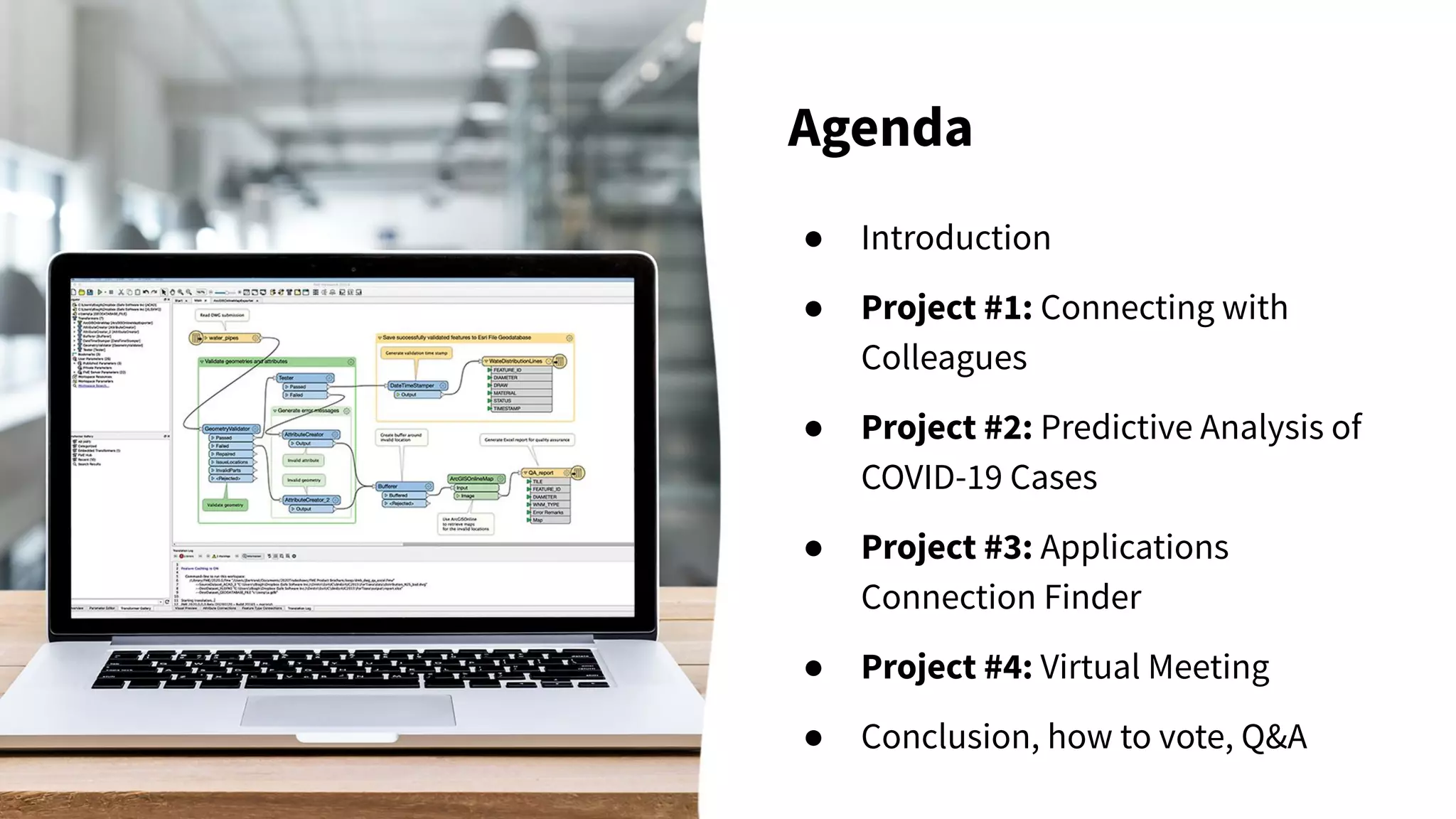
Agenda
● Introduction
● Project #1: Connecting with
Colleagues
● Project #2: Predictive Analysis of
COVID-19 Cases
● Project #3: Applications
Connection Finder
● Project #4: Virtual Meeting
● Conclusion, how to vote, Q&A
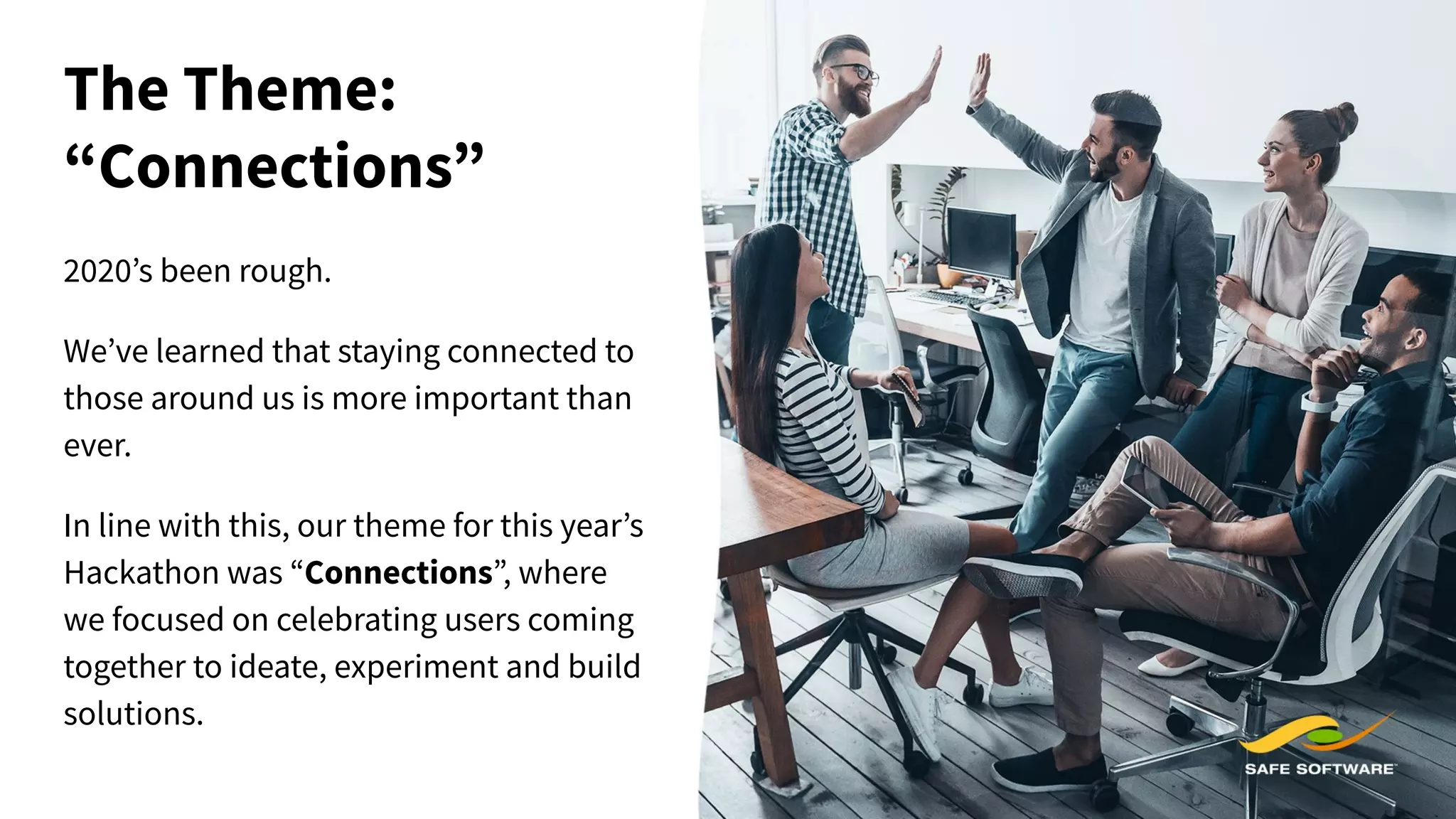
The Theme:
“Connections”
2020’s been rough.
We’ve learned that staying connected to
those around us is more important than
ever.
In line with this, our theme for this year’s
Hackathon was “Connections”, where
we focused on celebrating users coming
together to ideate, experiment and build
solutions.
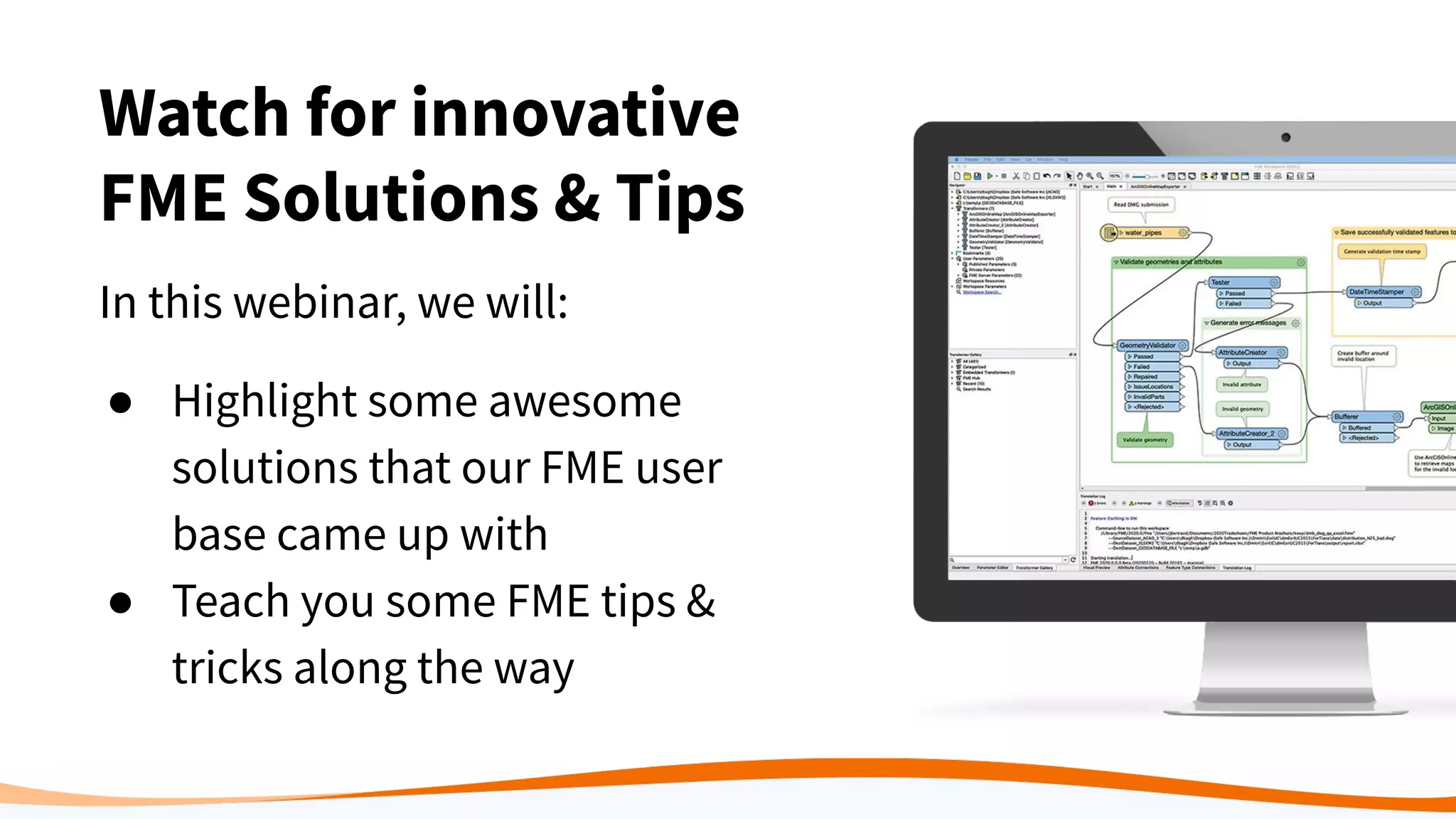
Watch for innovative
FME Solutions & Tips
In this webinar, we will:
● Highlight some awesome
solutions that our FME user
base came up with
● Teach you some FME tips &
tricks along the way
Welcome to our
User Judges!
You are an important part of
today. Here’s some criteria to
consider while judging:
● Extent to which project
creates connections
● Use of FME and range of
FME functionality
What’s at Stake: Prizes!
● Donation to the World Federation for Mental Health
● $500 donation to a charity of the winning teams choice
● FME Swag pack
Niek Manders
Vicrea, The Netherlands
Project 1:
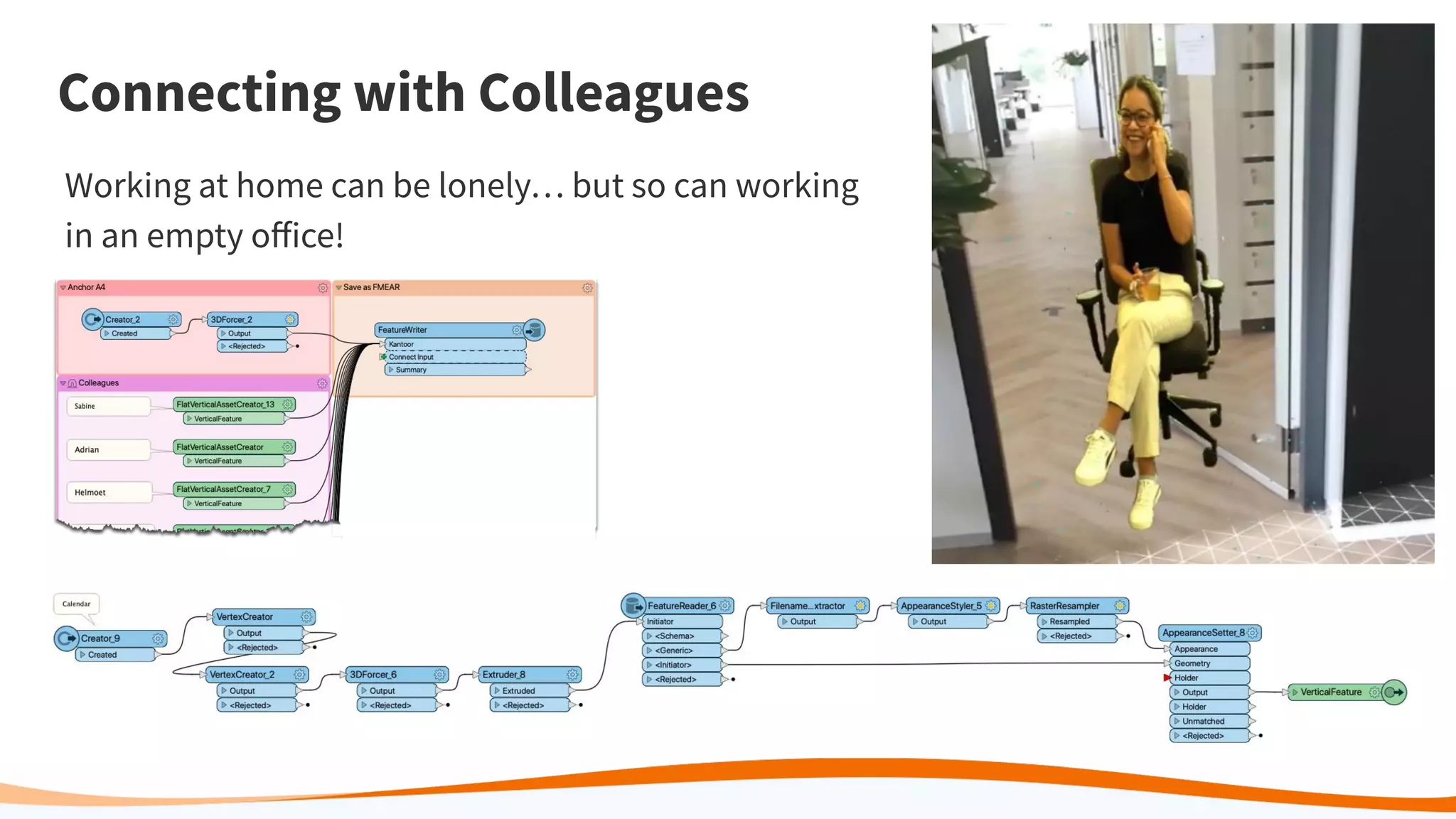
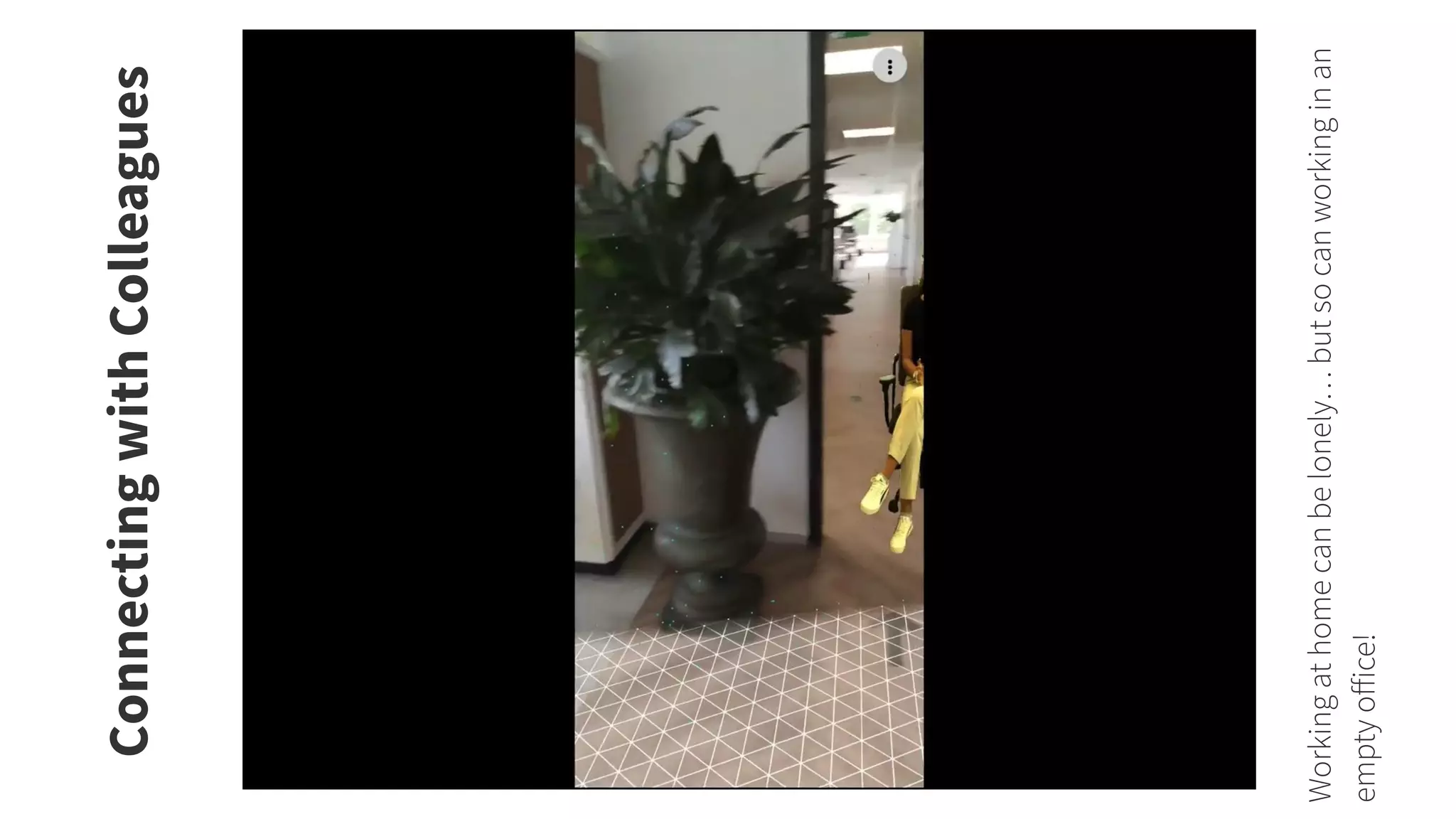
Connecting with Colleagues
Working at home can be lonely… but so can working
in an empty office!
ConnectingwithColleagues
Workingathomecanbelonely…butsocanworkinginan
emptyoffice!
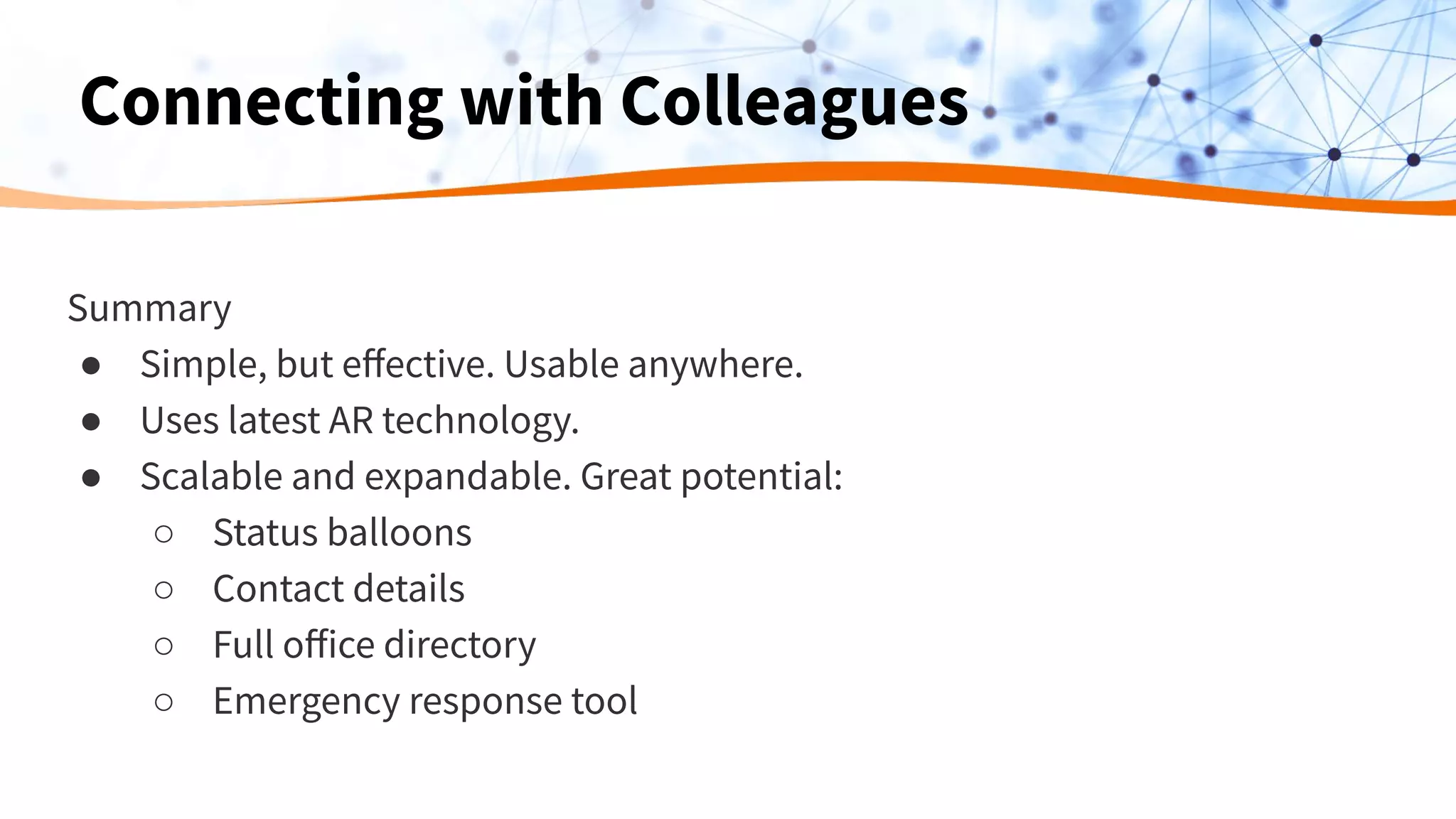
Summary
● Simple, but effective. Usable anywhere.
● Uses latest AR technology.
● Scalable and expandable. Great potential:
○ Status balloons
○ Contact details
○ Full office directory
○ Emergency response tool
Connecting with Colleagues
Project 2:
Predictive Analysis of COVID-19 cases
by Regional Education Coordinators
in the City of Rio de Janeiro with FME
Debora Simas, Rodrigo Ferrão, Victor Barone
GeoInsights Rio
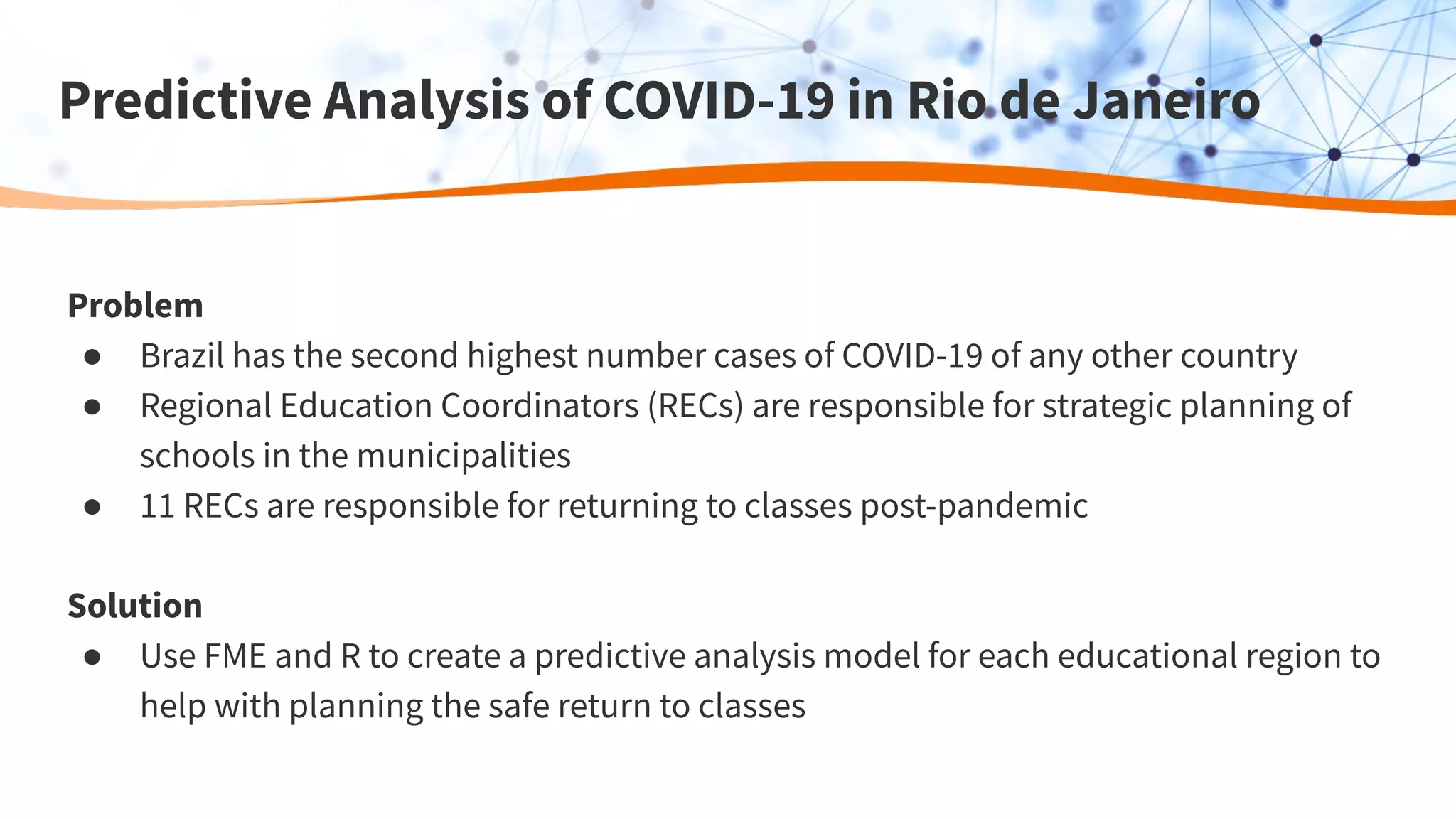
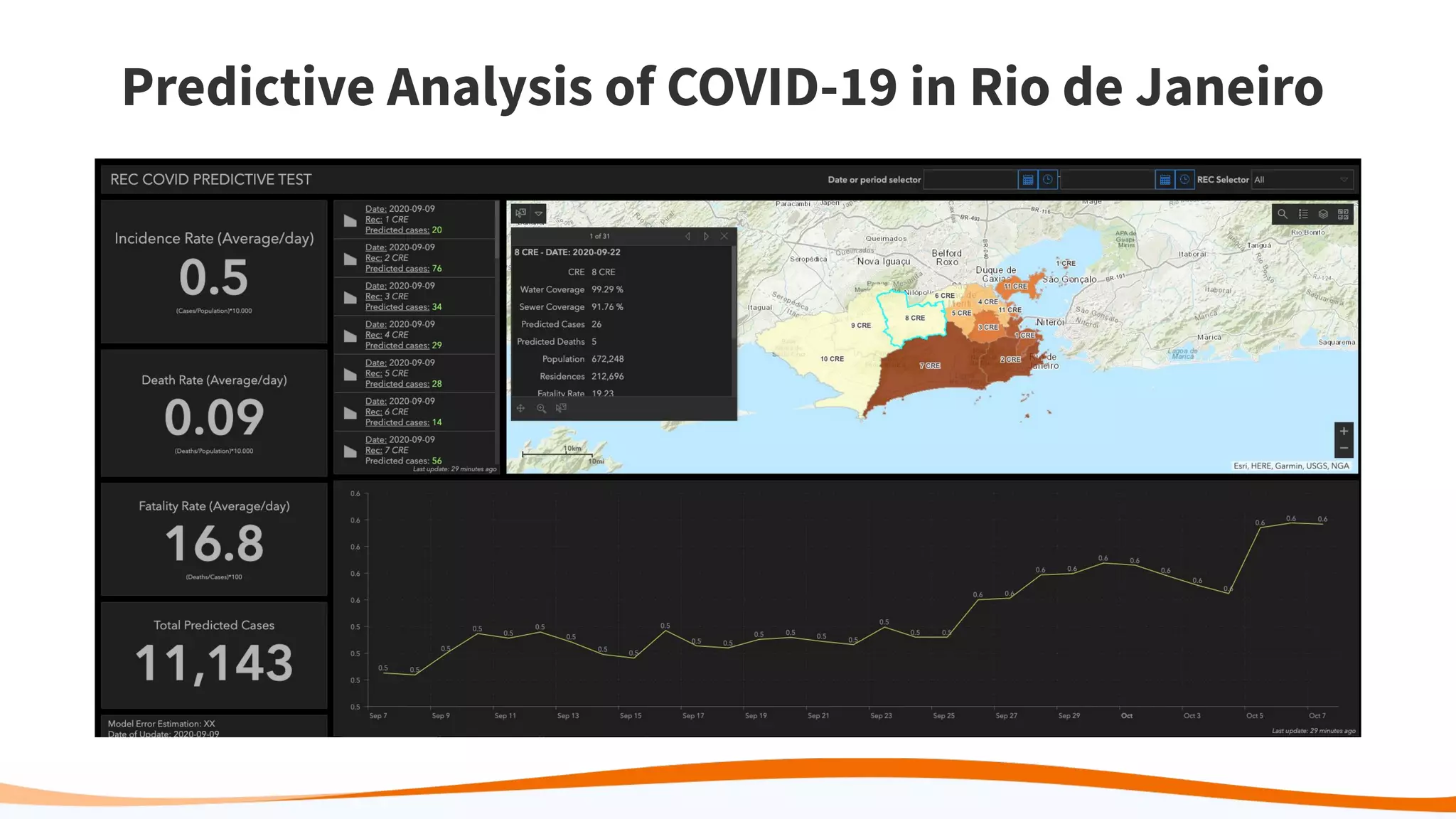
Predictive Analysis of COVID-19 in Rio de Janeiro
Problem
● Brazil has the second highest number cases of COVID-19 of any other country
● Regional Education Coordinators (RECs) are responsible for strategic planning of
schools in the municipalities
● 11 RECs are responsible for returning to classes post-pandemic
Solution
● Use FME and R to create a predictive analysis model for each educational region to
help with planning the safe return to classes
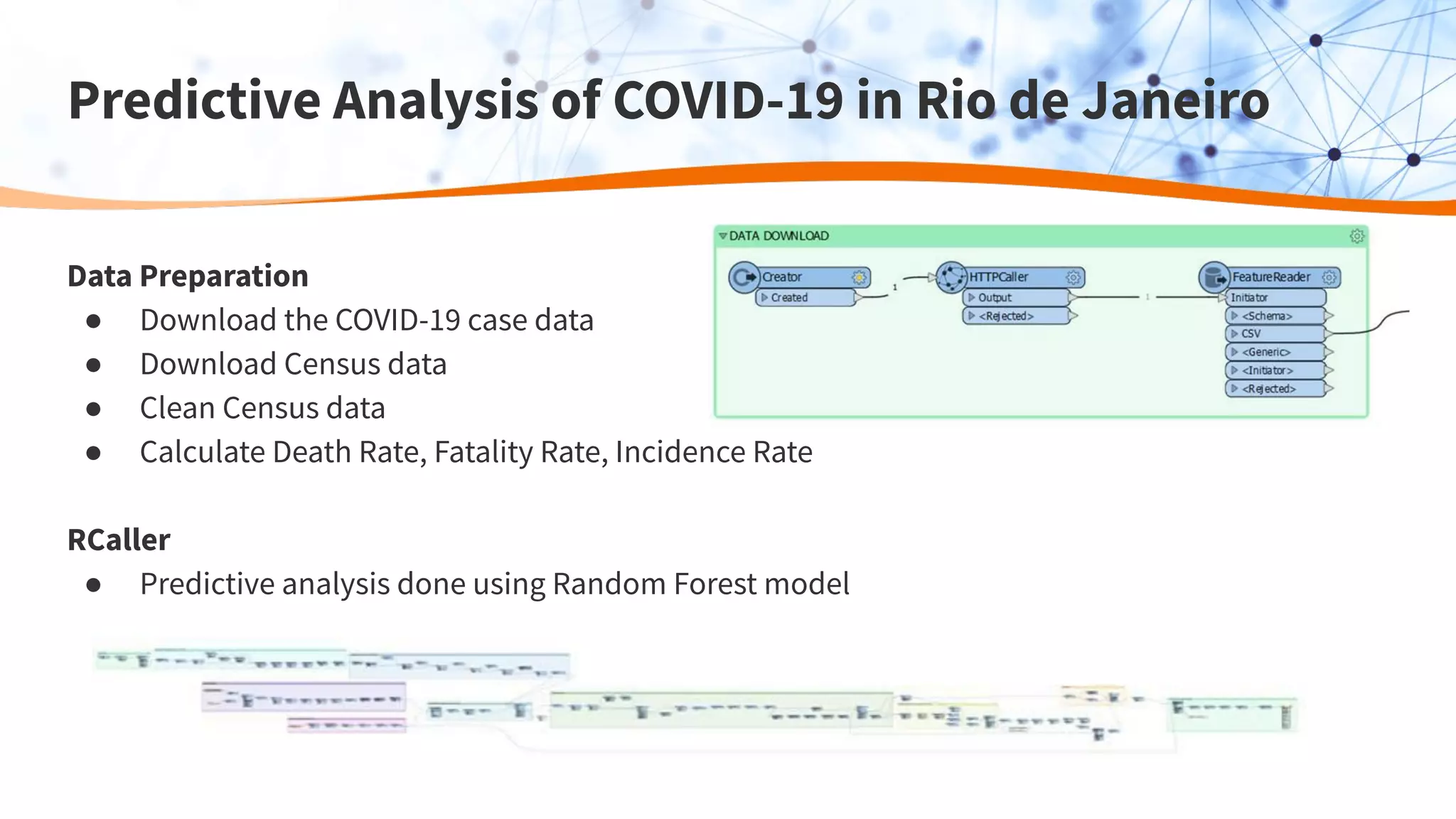
Predictive Analysis of COVID-19 in Rio de Janeiro
Data Preparation
● Download the COVID-19 case data
● Download Census data
● Clean Census data
● Calculate Death Rate, Fatality Rate, Incidence Rate
RCaller
● Predictive analysis done using Random Forest model
Predictive Analysis of COVID-19 in Rio de Janeiro
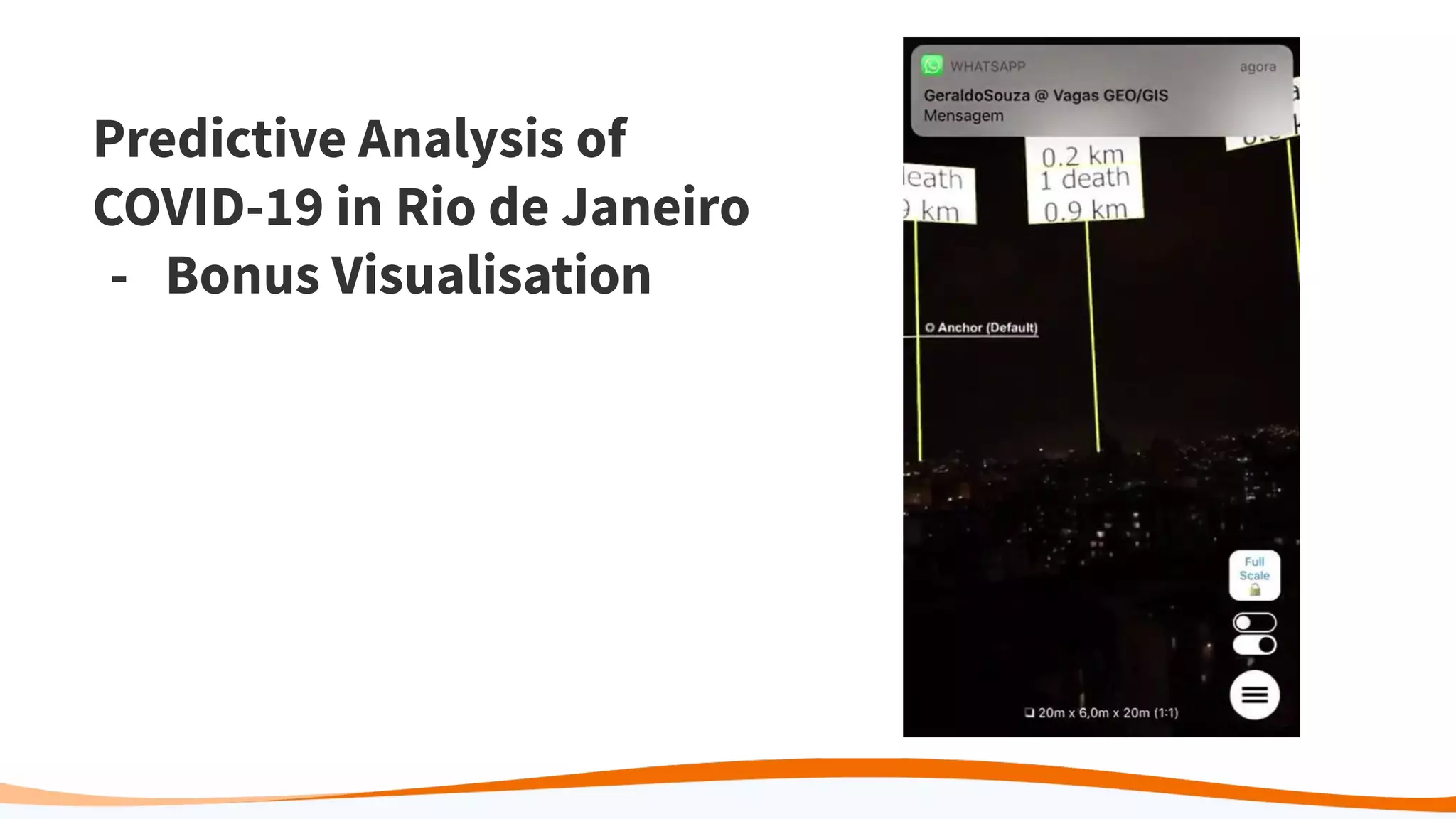
Predictive Analysis of
COVID-19 in Rio de Janeiro
- Bonus Visualisation
Paul Ruiter, Jeroen Roelofs, Christel Veefkind, Maryse Bücking
Ordina NL, The Netherlands
Project 3: Applications Connection Finder
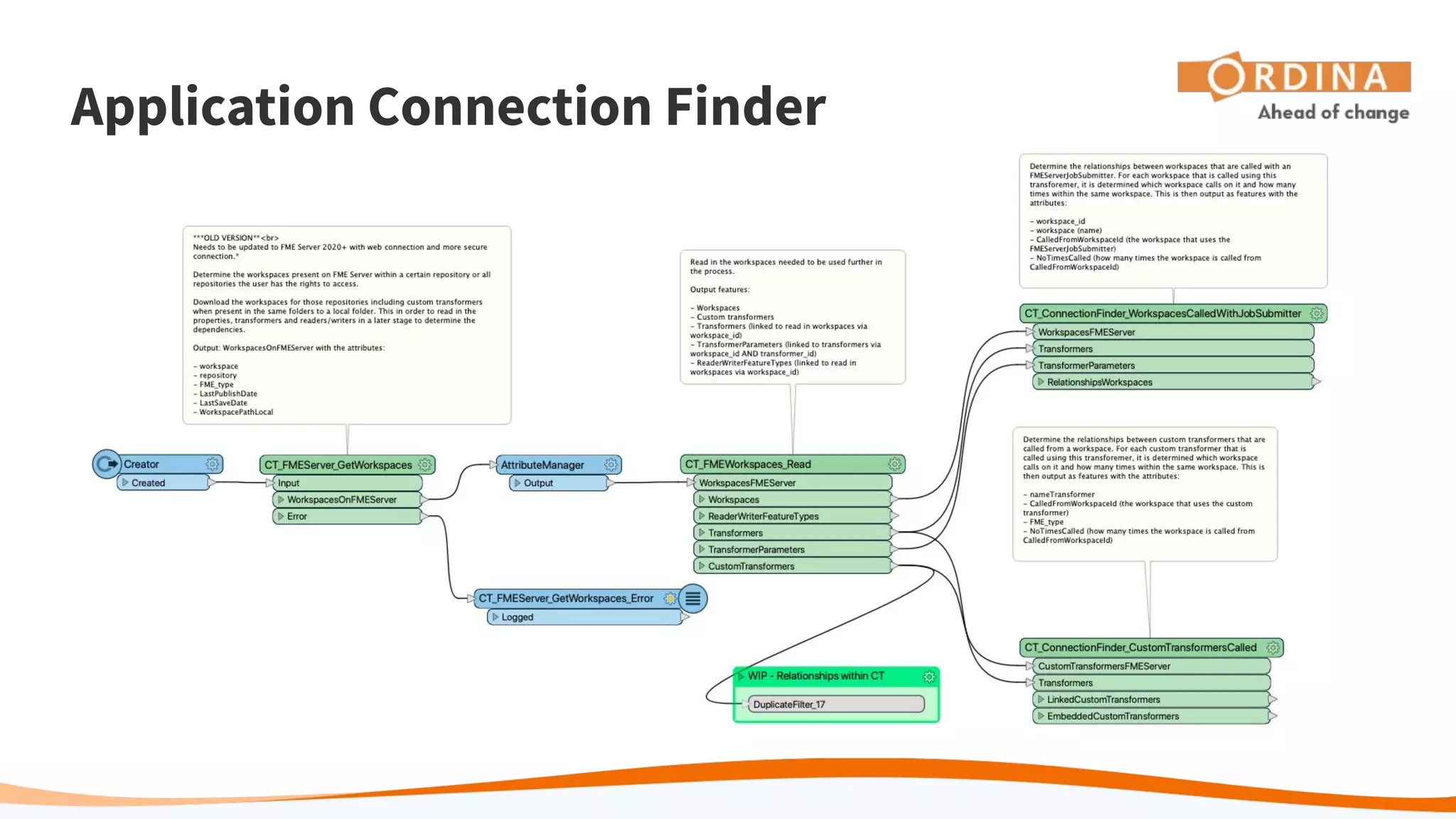
Application Connection Finder
Requirement
● If I edit a custom transformer, to test it I need to know where that transformer is
used.
● If I edit a workspace, to test it I need to know if it is used in a sequence of
workspaces.
Connections
● Find connections between workspaces that are called from other workspaces
● Find connections between custom transformers that are called from other
workspaces
Application Connection Finder
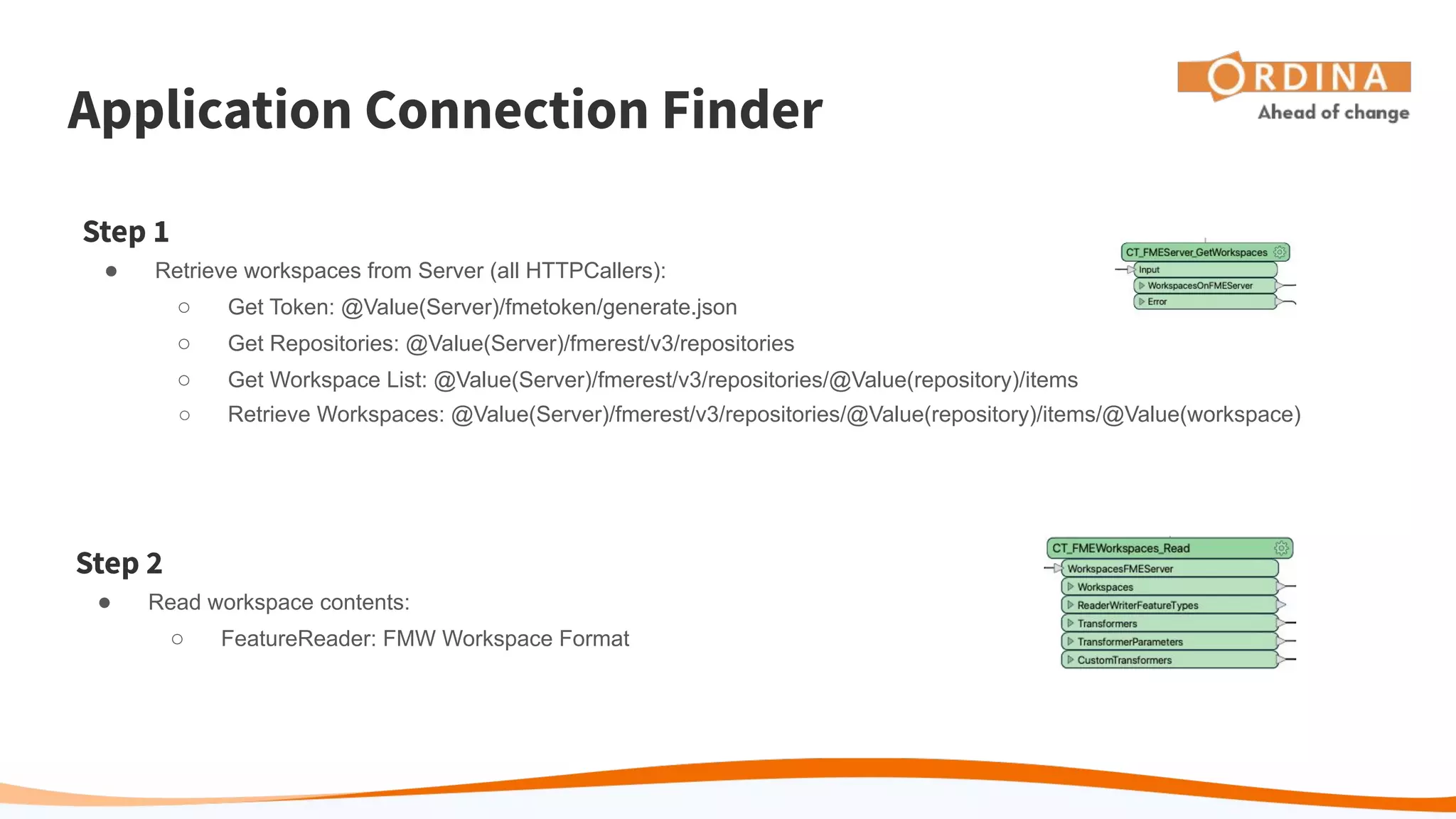
Step 1
● Retrieve workspaces from Server (all HTTPCallers):
○ Get Token: @Value(Server)/fmetoken/generate.json
○ Get Repositories: @Value(Server)/fmerest/v3/repositories
○ Get Workspace List: @Value(Server)/fmerest/v3/repositories/@Value(repository)/items
○ Retrieve Workspaces: @Value(Server)/fmerest/v3/repositories/@Value(repository)/items/@Value(workspace)
Step 2
● Read workspace contents:
○ FeatureReader: FMW Workspace Format
Application Connection Finder
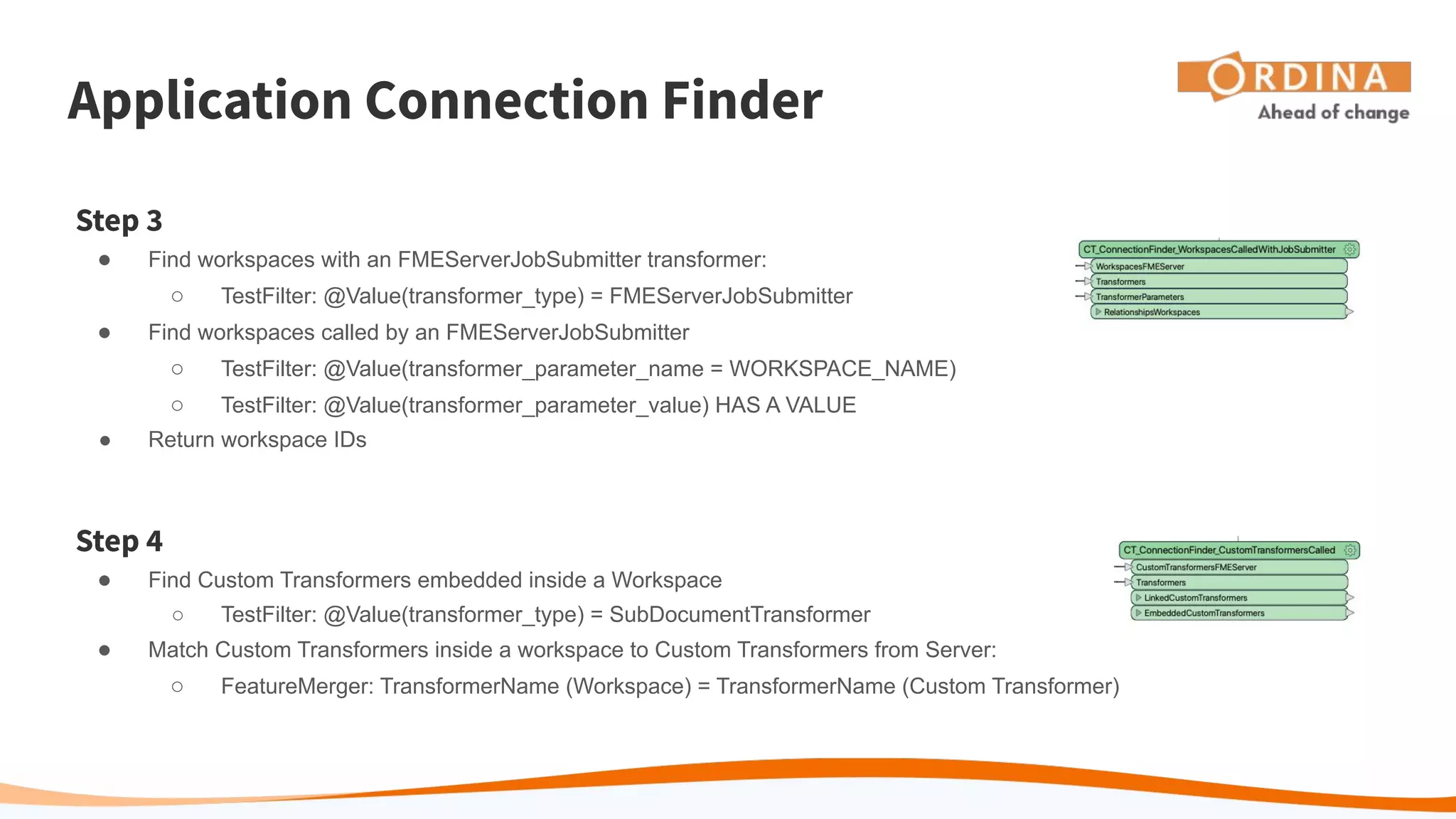
Step 3
● Find workspaces with an FMEServerJobSubmitter transformer:
○ TestFilter: @Value(transformer_type) = FMEServerJobSubmitter
● Find workspaces called by an FMEServerJobSubmitter
○ TestFilter: @Value(transformer_parameter_name = WORKSPACE_NAME)
○ TestFilter: @Value(transformer_parameter_value) HAS A VALUE
● Return workspace IDs
Step 4
● Find Custom Transformers embedded inside a Workspace
○ TestFilter: @Value(transformer_type) = SubDocumentTransformer
● Match Custom Transformers inside a workspace to Custom Transformers from Server:
○ FeatureMerger: TransformerName (Workspace) = TransformerName (Custom Transformer)
Application Connection Finder
Summary
● Fills a gap in the range of FME functionality
● Makes excellent use of the FMW Format reader
● Could easily be adapted to produce HTML reports streamed via Server
● Has potential to add other connections later (and not limited to FME)
○ Workspaces used in Server automations
○ Workspaces called from other applications, like ArcGIS
○ Workspaces using ArcGIS services
Project 4:
Meet Dale, Don
and the FME Lizard Virtually
Raghavendran S (SRG)
Pixel Softek Pvt Ltd, India
Meet Dale, Don and the FME Lizard Virtually
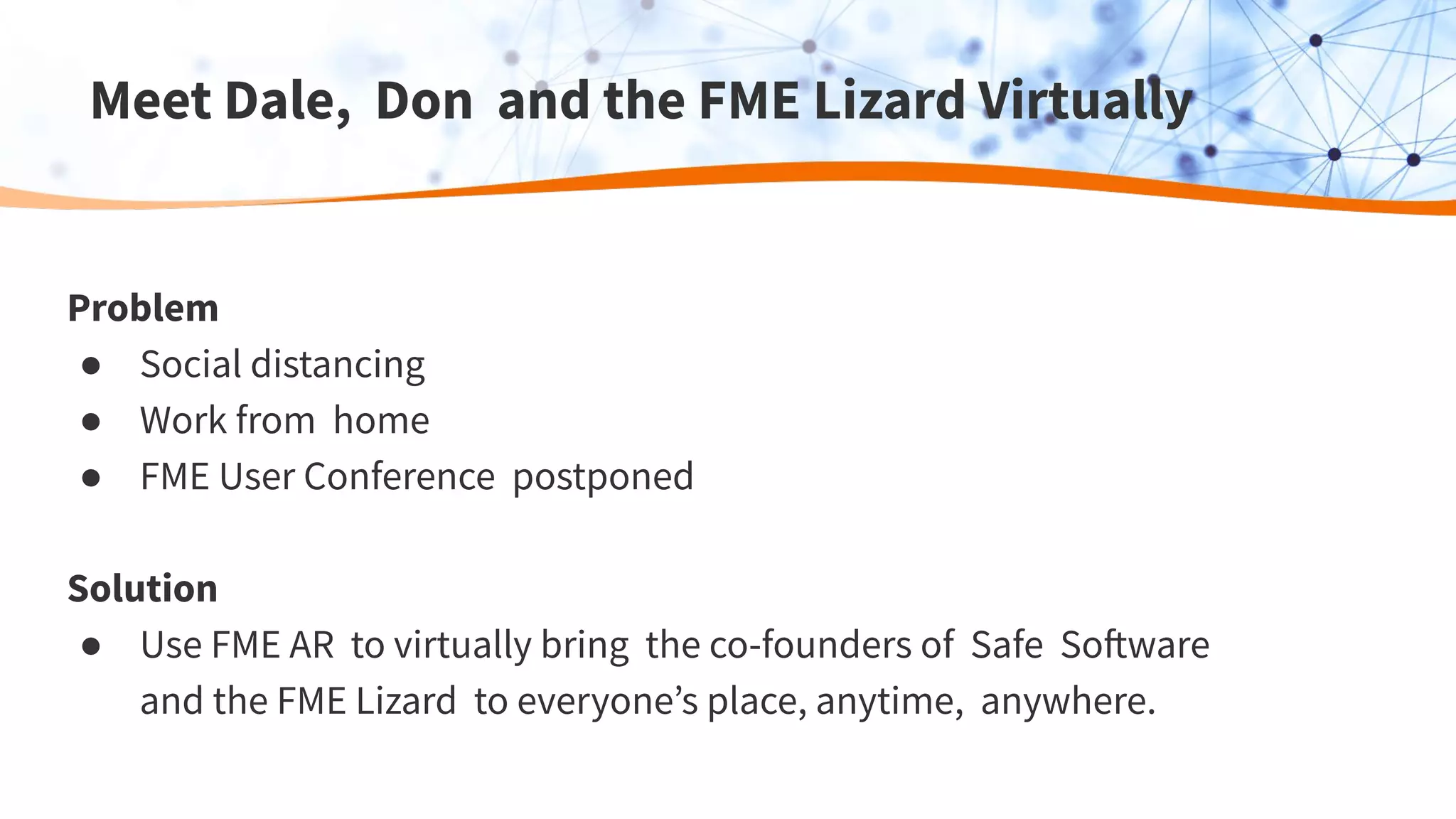
Problem
● Social distancing
● Work from home
● FME User Conference postponed
Solution
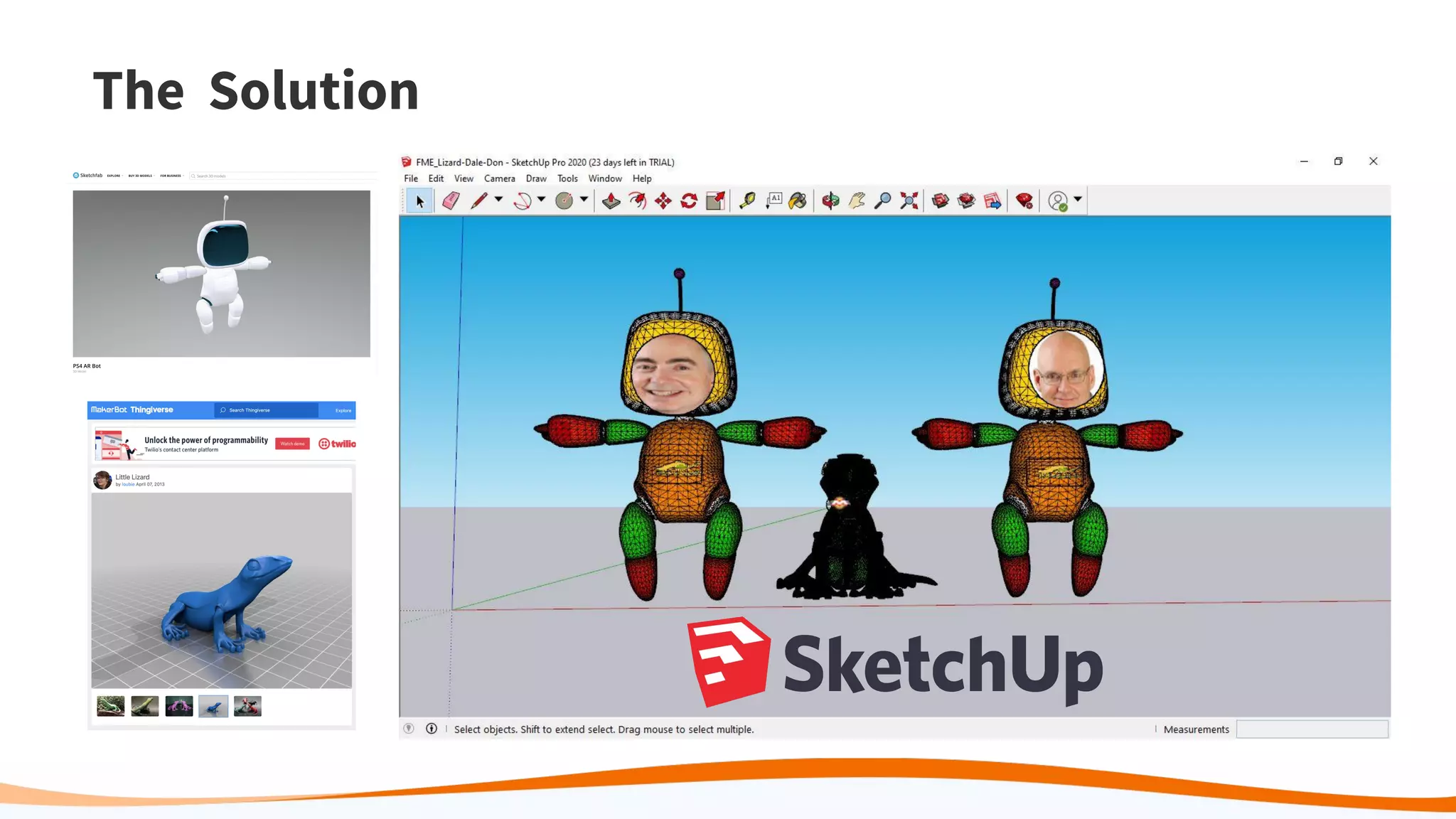
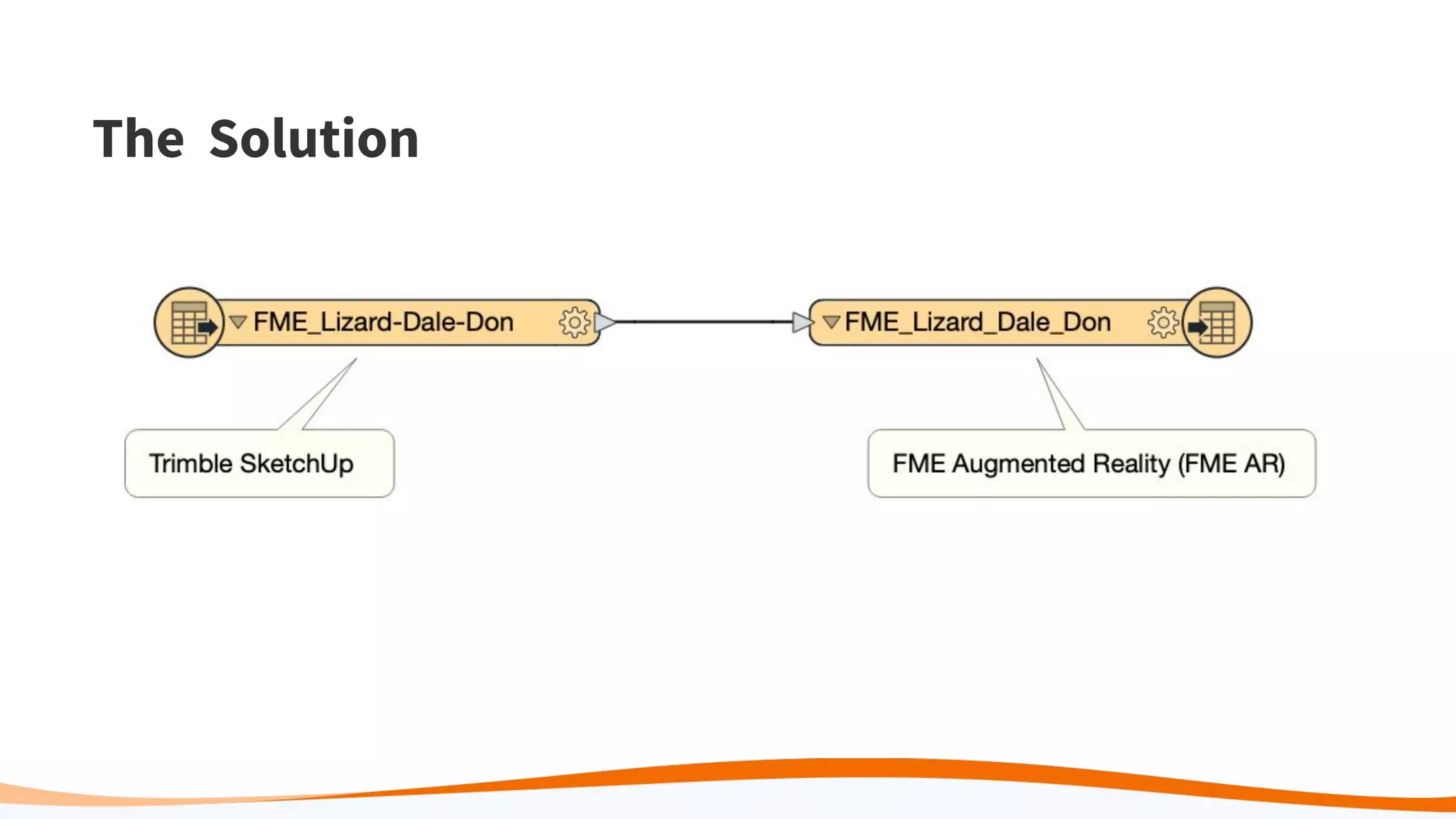
● Use FME AR to virtually bring the co-founders of Safe Software
and the FME Lizard to everyone’s place, anytime, anywhere.
The Solution
The Solution
Meet Dale, Don and the FME Lizard Virtually
Reminder to our
User Judges:
You are an important part of
today. Here’s some criteria to
consider while judging:
● Extent to which project
creates connections
● Use of FME and range of
FME functionality
Vote for Your Favourite!
Two awards will be given:
The People’s Choice Award
This award will be given to the best
project as voted on by FME users.
The Safe Choice Award
This award will be given to the best
project as decided by a panel of Safe
employees.
Want more Hackathons or Contests?
Please fill out the survey at the end of the webinar to share your ideas
and to let us know what incentives are most important to you.
Thank you!
Vote for your favourite project at:
bit.ly/35jbxE0
Questions? Please type them into the
GoToWebinar Control Panel.

“FME Hackathon 2020: Connections” User Judging

  • 1.
    “FME Hackathon 2020:Connections” User Judging
  • 2.
    Agenda ● Introduction ● Project#1: Connecting with Colleagues ● Project #2: Predictive Analysis of COVID-19 Cases ● Project #3: Applications Connection Finder ● Project #4: Virtual Meeting ● Conclusion, how to vote, Q&A
  • 3.
    The Theme: “Connections” 2020’s beenrough. We’ve learned that staying connected to those around us is more important than ever. In line with this, our theme for this year’s Hackathon was “Connections”, where we focused on celebrating users coming together to ideate, experiment and build solutions.
  • 4.
    Watch for innovative FMESolutions & Tips In this webinar, we will: ● Highlight some awesome solutions that our FME user base came up with ● Teach you some FME tips & tricks along the way
  • 5.
    Welcome to our UserJudges! You are an important part of today. Here’s some criteria to consider while judging: ● Extent to which project creates connections ● Use of FME and range of FME functionality
  • 6.
    What’s at Stake:Prizes! ● Donation to the World Federation for Mental Health ● $500 donation to a charity of the winning teams choice ● FME Swag pack
  • 7.
    Niek Manders Vicrea, TheNetherlands Project 1: Connecting with Colleagues
  • 8.
    Connecting with Colleagues Workingat home can be lonely… but so can working in an empty office!
  • 9.
  • 10.
    Summary ● Simple, buteffective. Usable anywhere. ● Uses latest AR technology. ● Scalable and expandable. Great potential: ○ Status balloons ○ Contact details ○ Full office directory ○ Emergency response tool Connecting with Colleagues
  • 11.
    Project 2: Predictive Analysisof COVID-19 cases by Regional Education Coordinators in the City of Rio de Janeiro with FME Debora Simas, Rodrigo Ferrão, Victor Barone GeoInsights Rio
  • 12.
    Predictive Analysis ofCOVID-19 in Rio de Janeiro Problem ● Brazil has the second highest number cases of COVID-19 of any other country ● Regional Education Coordinators (RECs) are responsible for strategic planning of schools in the municipalities ● 11 RECs are responsible for returning to classes post-pandemic Solution ● Use FME and R to create a predictive analysis model for each educational region to help with planning the safe return to classes
  • 13.
    Predictive Analysis ofCOVID-19 in Rio de Janeiro Data Preparation ● Download the COVID-19 case data ● Download Census data ● Clean Census data ● Calculate Death Rate, Fatality Rate, Incidence Rate RCaller ● Predictive analysis done using Random Forest model
  • 14.
    Predictive Analysis ofCOVID-19 in Rio de Janeiro
  • 15.
    Predictive Analysis of COVID-19in Rio de Janeiro - Bonus Visualisation
  • 16.
    Paul Ruiter, JeroenRoelofs, Christel Veefkind, Maryse Bücking Ordina NL, The Netherlands Project 3: Applications Connection Finder
  • 17.
    Application Connection Finder Requirement ●If I edit a custom transformer, to test it I need to know where that transformer is used. ● If I edit a workspace, to test it I need to know if it is used in a sequence of workspaces. Connections ● Find connections between workspaces that are called from other workspaces ● Find connections between custom transformers that are called from other workspaces
  • 18.
  • 19.
    Application Connection Finder Step1 ● Retrieve workspaces from Server (all HTTPCallers): ○ Get Token: @Value(Server)/fmetoken/generate.json ○ Get Repositories: @Value(Server)/fmerest/v3/repositories ○ Get Workspace List: @Value(Server)/fmerest/v3/repositories/@Value(repository)/items ○ Retrieve Workspaces: @Value(Server)/fmerest/v3/repositories/@Value(repository)/items/@Value(workspace) Step 2 ● Read workspace contents: ○ FeatureReader: FMW Workspace Format
  • 20.
    Application Connection Finder Step3 ● Find workspaces with an FMEServerJobSubmitter transformer: ○ TestFilter: @Value(transformer_type) = FMEServerJobSubmitter ● Find workspaces called by an FMEServerJobSubmitter ○ TestFilter: @Value(transformer_parameter_name = WORKSPACE_NAME) ○ TestFilter: @Value(transformer_parameter_value) HAS A VALUE ● Return workspace IDs Step 4 ● Find Custom Transformers embedded inside a Workspace ○ TestFilter: @Value(transformer_type) = SubDocumentTransformer ● Match Custom Transformers inside a workspace to Custom Transformers from Server: ○ FeatureMerger: TransformerName (Workspace) = TransformerName (Custom Transformer)
  • 21.
    Application Connection Finder Summary ●Fills a gap in the range of FME functionality ● Makes excellent use of the FMW Format reader ● Could easily be adapted to produce HTML reports streamed via Server ● Has potential to add other connections later (and not limited to FME) ○ Workspaces used in Server automations ○ Workspaces called from other applications, like ArcGIS ○ Workspaces using ArcGIS services
  • 22.
    Project 4: Meet Dale,Don and the FME Lizard Virtually Raghavendran S (SRG) Pixel Softek Pvt Ltd, India
  • 23.
    Meet Dale, Donand the FME Lizard Virtually Problem ● Social distancing ● Work from home ● FME User Conference postponed Solution ● Use FME AR to virtually bring the co-founders of Safe Software and the FME Lizard to everyone’s place, anytime, anywhere.
  • 24.
  • 25.
  • 26.
    Meet Dale, Donand the FME Lizard Virtually
  • 27.
    Reminder to our UserJudges: You are an important part of today. Here’s some criteria to consider while judging: ● Extent to which project creates connections ● Use of FME and range of FME functionality
  • 28.
    Vote for YourFavourite! Two awards will be given: The People’s Choice Award This award will be given to the best project as voted on by FME users. The Safe Choice Award This award will be given to the best project as decided by a panel of Safe employees.
  • 29.
    Want more Hackathonsor Contests? Please fill out the survey at the end of the webinar to share your ideas and to let us know what incentives are most important to you.
  • 30.
    Thank you! Vote foryour favourite project at: bit.ly/35jbxE0 Questions? Please type them into the GoToWebinar Control Panel.