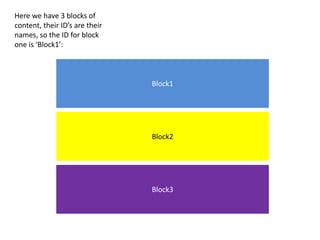
Block1
Block2
Block3
Here we have 3 blocks of
content, their ID’s are their
names, so the ID for block
one is ‘Block1’:
Block2
Block3
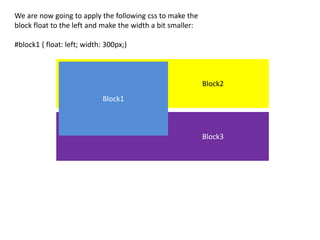
We are now going to apply the following css to make the
block float to the left and make the width a bit smaller:
#block1 { float: left; width: 300px;}
Block1
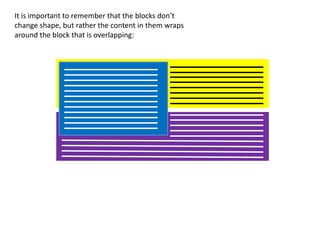
It is important to remember that the blocks don’t
change shape, but rather the content in them wraps
around the block that is overlapping:
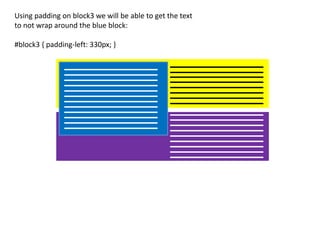
Using padding on block3 we will be able to get the text
to not wrap around the blue block:
#block3 { padding-left: 330px; }

Floats presentation

  • 1.
    Block1 Block2 Block3 Here we have3 blocks of content, their ID’s are their names, so the ID for block one is ‘Block1’:
  • 2.
    Block2 Block3 We are nowgoing to apply the following css to make the block float to the left and make the width a bit smaller: #block1 { float: left; width: 300px;} Block1
  • 3.
    It is importantto remember that the blocks don’t change shape, but rather the content in them wraps around the block that is overlapping:
  • 4.
    Using padding onblock3 we will be able to get the text to not wrap around the blue block: #block3 { padding-left: 330px; }