Back Next Gerald and Marian Logan Marian is a high school French and Social Studies teacher at Beaverlodge Regional High School. Gerald is the principal of Hillside Community School in Grande Prairie.
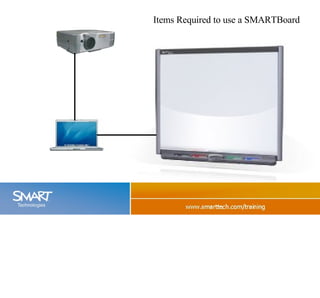
Items Required to use a SMARTBoard
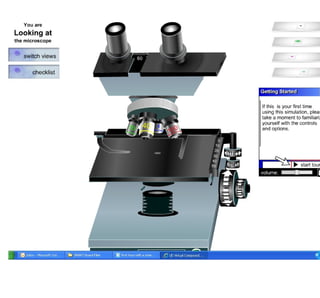
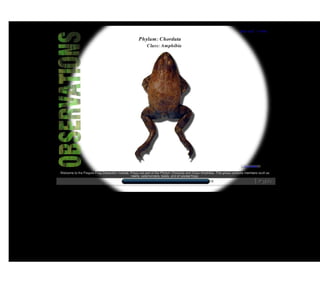
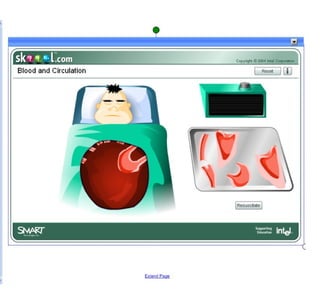
Why Do People Use Smart Boards? · Expensive Screens · Click and Pointing Devices Microscope Frog Guts
 
 
Why Do People Use Smart Boards? · Click and Pointing Devices Many Programs work with the Smartboard  Powerpoint, Word, Excel, Kidpix and IE.
Power Point Import Static Text
Powerpoint to notebook.mov Back If you include animation you need to export it as a movie. This movie link will not work in PDF format.
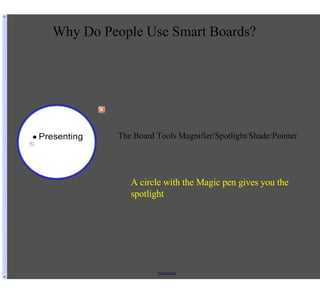
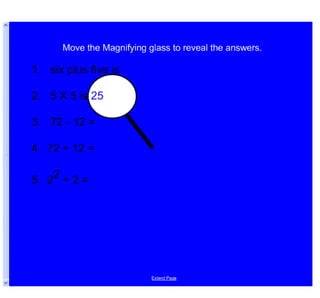
Why Do People Use Smart Boards? · Click and Pointing Devices · Presenting The Board Tools Magnifier/Spotlight/Shade/Pointer
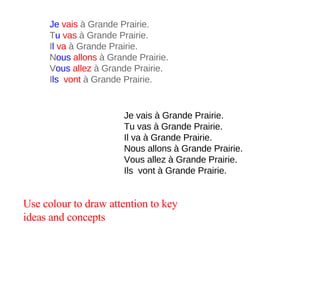
Je   vais   à Grande Prairie. T u   vas   à Grande Prairie. I l  va   à Grande Prairie. N ous   allons  à Grande Prairie. V ous   allez   à Grande Prairie. I ls    vont   à Grande Prairie. Je vais à Grande Prairie. Tu vas à Grande Prairie. Il va à Grande Prairie. Nous allons à Grande Prairie. Vous allez à Grande Prairie. Ils  vont à Grande Prairie. Use colour to draw attention to key ideas and concepts
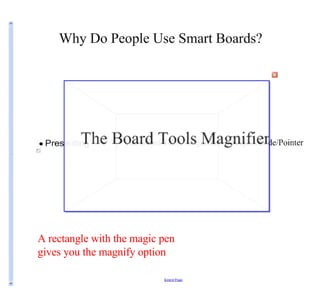
A rectangle with the magic pen gives you the magnify option
A circle with the Magic pen gives you the spotlight
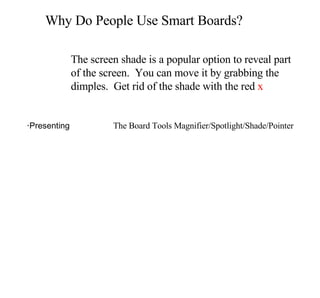
Why Do People Use Smart Boards? · Click and Pointing Devices · Presenting The Board Tools Magnifier/Spotlight/Shade/Pointer The screen shade is a popular option to reveal part of the screen.  You can move it by grabbing the dimples.  Get rid of the shade with the red  x
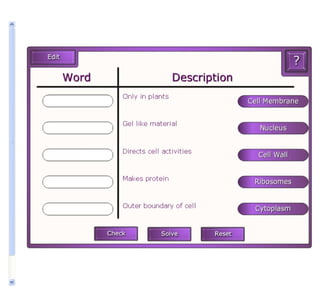
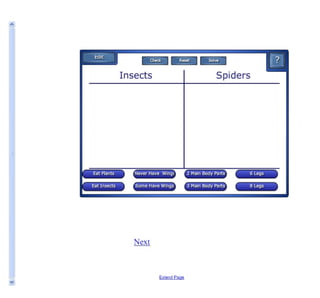
· Sorting/Organizing Why Do People Use Smart Boards?
 
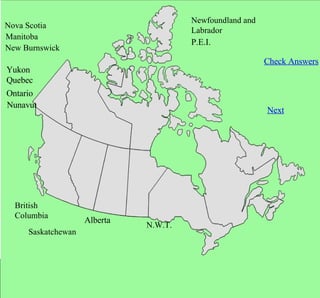
British  Columbia Alberta Saskatchewan Manitoba Ontario Quebec New Burnswick Newfoundland and Labrador P.E.I. Yukon N.W.T. Nunavut Nova Scotia Check Answers Next
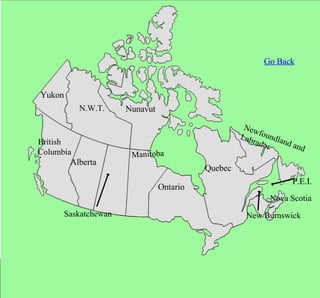
British  Columbia Alberta Saskatchewan Manitoba Ontario Quebec New Burnswick Newfoundland and Labrador P.E.I. Yukon N.W.T. Nunavut Nova Scotia Go Back


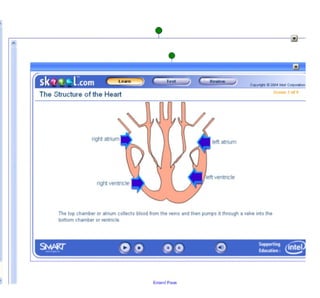
Why Do People Use Smart Boards? · Labeling
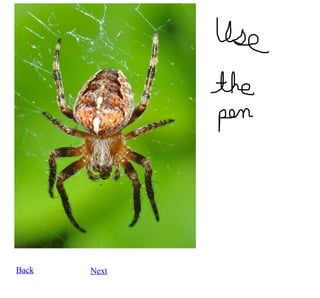
Back Next
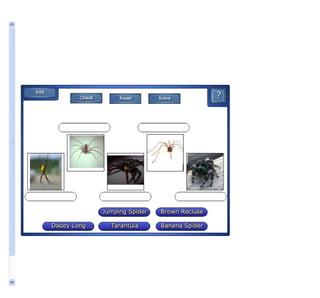
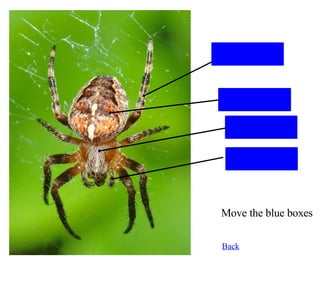
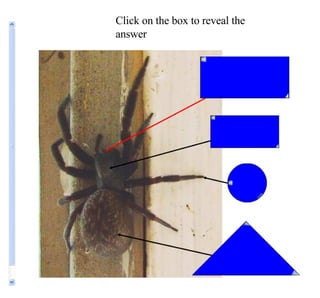
Legs Abdomen Cephalothorax Palps Back Move the blue boxes
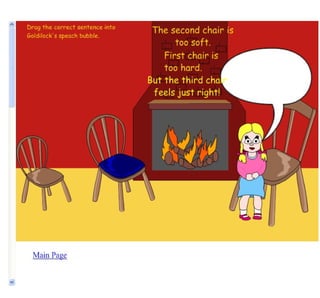
Click on the box to reveal the answer
Putting Ideas on the Notebook Page · Guide student attention ·Present information visually ·Build visualization skills ·Build ordering, sorting and categorizing skills ·Show relationships ·Show how physical systems work ·Use with other technology tools Back Next
Why Do People Use Smart Boards? More


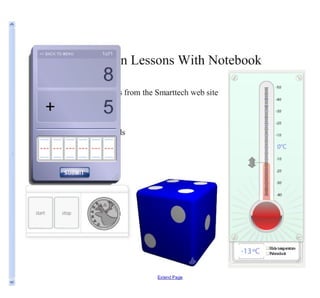
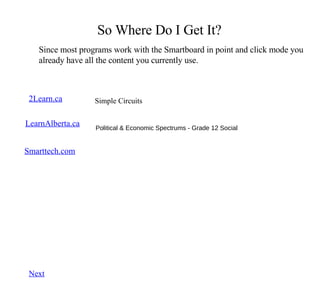
So Where Do I Get It? Since most programs work with the Smartboard in point and click mode you already have all the content you currently use. 2Learn.ca LearnAlberta.ca Grade 6 Math, Working With Angles Kids Love 2Learn, Grade 5 Science, Blobz Guide to Electricity Smarttech.com Browse and search for lessons.  These can be downloaded  Simple Circuits Next Political & Economic Spectrums - Grade 12 Social
Resources to Help You · SMART Board ™  software resources ·SMART's education solutions website  ·SMART Technologies Inc. website
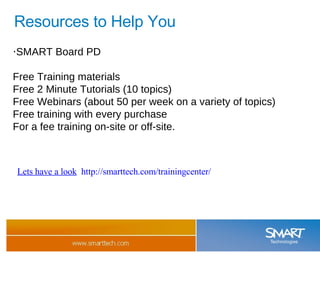
Resources to Help You · SMART Board PD Free Training materials Free 2 Minute Tutorials (10 topics) Free Webinars (about 50 per week on a variety of topics) Free training with every purchase For a fee training on-site or off-site. Lets have a look   http://smarttech.com/trainingcenter/

First Hour With A Smartboard To Export As Powerpoint

  • 1.
    Back Next Geraldand Marian Logan Marian is a high school French and Social Studies teacher at Beaverlodge Regional High School. Gerald is the principal of Hillside Community School in Grande Prairie.
  • 2.
    Items Required touse a SMARTBoard
  • 3.
    Why Do PeopleUse Smart Boards? · Expensive Screens · Click and Pointing Devices Microscope Frog Guts
  • 4.
  • 5.
  • 6.
    Why Do PeopleUse Smart Boards? · Click and Pointing Devices Many Programs work with the Smartboard Powerpoint, Word, Excel, Kidpix and IE.
  • 7.
    Power Point ImportStatic Text
  • 8.
    Powerpoint to notebook.movBack If you include animation you need to export it as a movie. This movie link will not work in PDF format.
  • 9.
    Why Do PeopleUse Smart Boards? · Click and Pointing Devices · Presenting The Board Tools Magnifier/Spotlight/Shade/Pointer
  • 10.
    Je vais à Grande Prairie. T u vas à Grande Prairie. I l  va à Grande Prairie. N ous allons à Grande Prairie. V ous allez à Grande Prairie. I ls  vont à Grande Prairie. Je vais à Grande Prairie. Tu vas à Grande Prairie. Il va à Grande Prairie. Nous allons à Grande Prairie. Vous allez à Grande Prairie. Ils  vont à Grande Prairie. Use colour to draw attention to key ideas and concepts
  • 11.
    A rectangle withthe magic pen gives you the magnify option
  • 12.
    A circle withthe Magic pen gives you the spotlight
  • 13.
    Why Do PeopleUse Smart Boards? · Click and Pointing Devices · Presenting The Board Tools Magnifier/Spotlight/Shade/Pointer The screen shade is a popular option to reveal part of the screen. You can move it by grabbing the dimples. Get rid of the shade with the red x
  • 14.
    · Sorting/Organizing WhyDo People Use Smart Boards?
  • 15.
  • 16.
    British ColumbiaAlberta Saskatchewan Manitoba Ontario Quebec New Burnswick Newfoundland and Labrador P.E.I. Yukon N.W.T. Nunavut Nova Scotia Check Answers Next
  • 17.
    British ColumbiaAlberta Saskatchewan Manitoba Ontario Quebec New Burnswick Newfoundland and Labrador P.E.I. Yukon N.W.T. Nunavut Nova Scotia Go Back
  • 18.
  • 19.
  • 20.
  • 21.
    Why Do PeopleUse Smart Boards? · Labeling
  • 22.
  • 23.
    Legs Abdomen CephalothoraxPalps Back Move the blue boxes
  • 24.
    Click on thebox to reveal the answer
  • 25.
    Putting Ideas onthe Notebook Page · Guide student attention ·Present information visually ·Build visualization skills ·Build ordering, sorting and categorizing skills ·Show relationships ·Show how physical systems work ·Use with other technology tools Back Next
  • 26.
    Why Do PeopleUse Smart Boards? More
  • 27.
  • 28.
  • 29.
  • 30.
  • 31.
  • 32.
    So Where DoI Get It? Since most programs work with the Smartboard in point and click mode you already have all the content you currently use. 2Learn.ca LearnAlberta.ca Grade 6 Math, Working With Angles Kids Love 2Learn, Grade 5 Science, Blobz Guide to Electricity Smarttech.com Browse and search for lessons. These can be downloaded Simple Circuits Next Political & Economic Spectrums - Grade 12 Social
  • 33.
    Resources to HelpYou · SMART Board ™ software resources ·SMART's education solutions website ·SMART Technologies Inc. website
  • 34.
    Resources to HelpYou · SMART Board PD Free Training materials Free 2 Minute Tutorials (10 topics) Free Webinars (about 50 per week on a variety of topics) Free training with every purchase For a fee training on-site or off-site. Lets have a look http://smarttech.com/trainingcenter/