FILE OPERATIONS
1. C++ streams and stream classes
2. formatted and unformatted I/O operations
3. Output with manipulators
4. Classes for file stream operations
5. opening and closing a file, EOF.
Ms.S.DEEPA M.E.,(Ph.d.)
Assistant Professor (SL.G)
Computer Science and Engineering
KIT-Kalaignarkarunanidhi Institute Of Technology
C++ streams
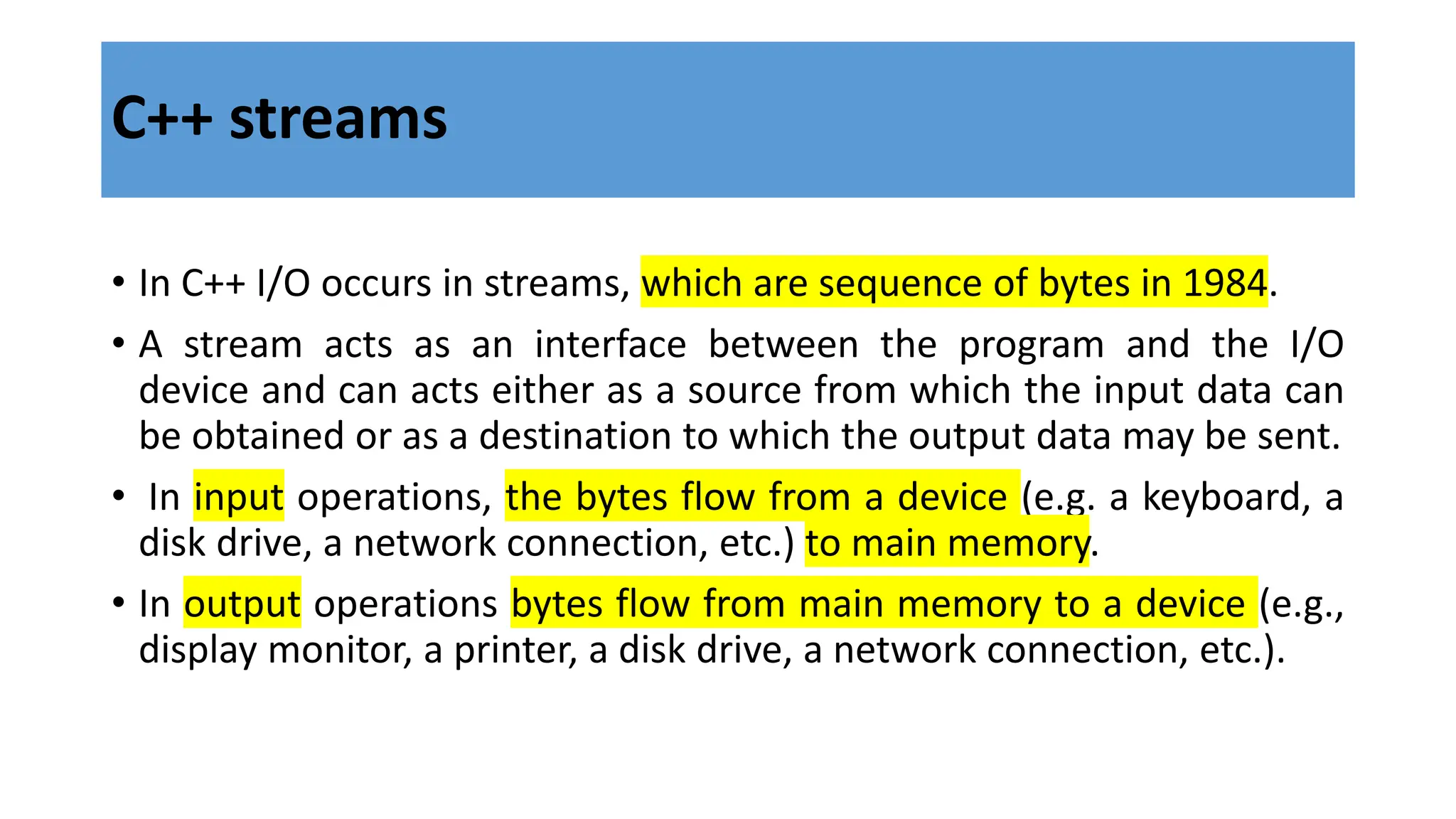
• In C++ I/O occurs in streams, which are sequence of bytes in 1984.
• A stream acts as an interface between the program and the I/O
device and can acts either as a source from which the input data can
be obtained or as a destination to which the output data may be sent.
• In input operations, the bytes flow from a device (e.g. a keyboard, a
disk drive, a network connection, etc.) to main memory.
• In output operations bytes flow from main memory to a device (e.g.,
display monitor, a printer, a disk drive, a network connection, etc.).
• The stream that acts as a source is called input stream whereas the
stream acting as destination is called output stream
• The figure below illustrates the flow of data while using streams
• Input Stream (class is istream)
• Output Stream ( class is ostream)
4 standard class i/o predefined objects are:
• cin – istream class
• Cout –ostream class
• cerr –ostream class
• clog –ostream class
• C++ streams provides a common interface for input and output
operations irrespective of the device used.
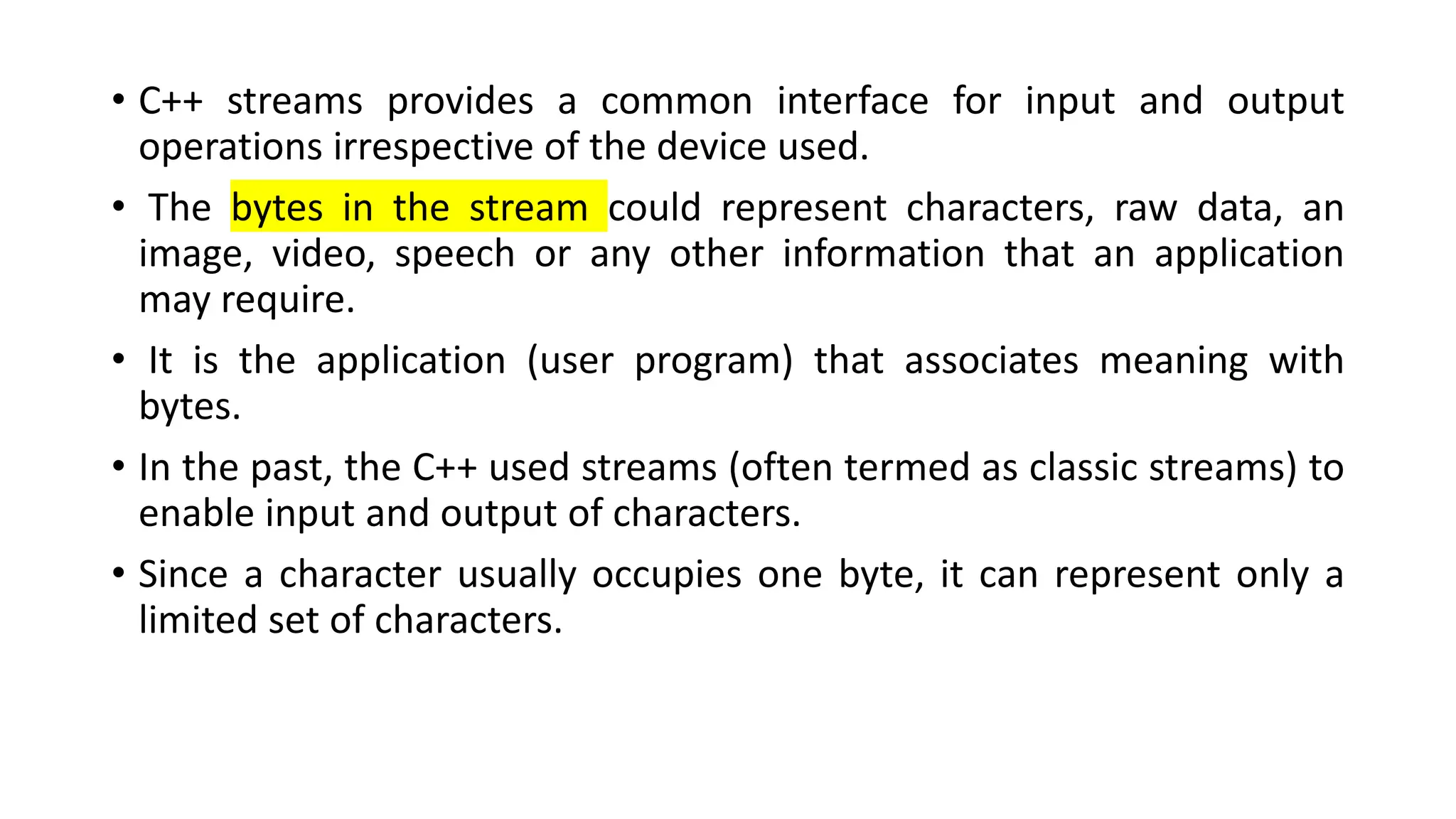
• The bytes in the stream could represent characters, raw data, an
image, video, speech or any other information that an application
may require.
• It is the application (user program) that associates meaning with
bytes.
• In the past, the C++ used streams (often termed as classic streams) to
enable input and output of characters.
• Since a character usually occupies one byte, it can represent only a
limited set of characters.
• Hence C++ now includes the standard stream library that allows
performing I/O operations with new character encoding systems such
as Unicode.
• C++ now contains several pre-defined streams (e.g., cin, cout, cerr,
etc.) that are automatically opened when a program begins its
execution.
• The C++ I/O system contains a hierarchy of classes which are used to
define various streams to manage both console and disk I/O
operations.
• These classes are called stream classes.
• Below shows the hierarchy of the stream classes used for input and
output operations with the console.
C++ stream classes
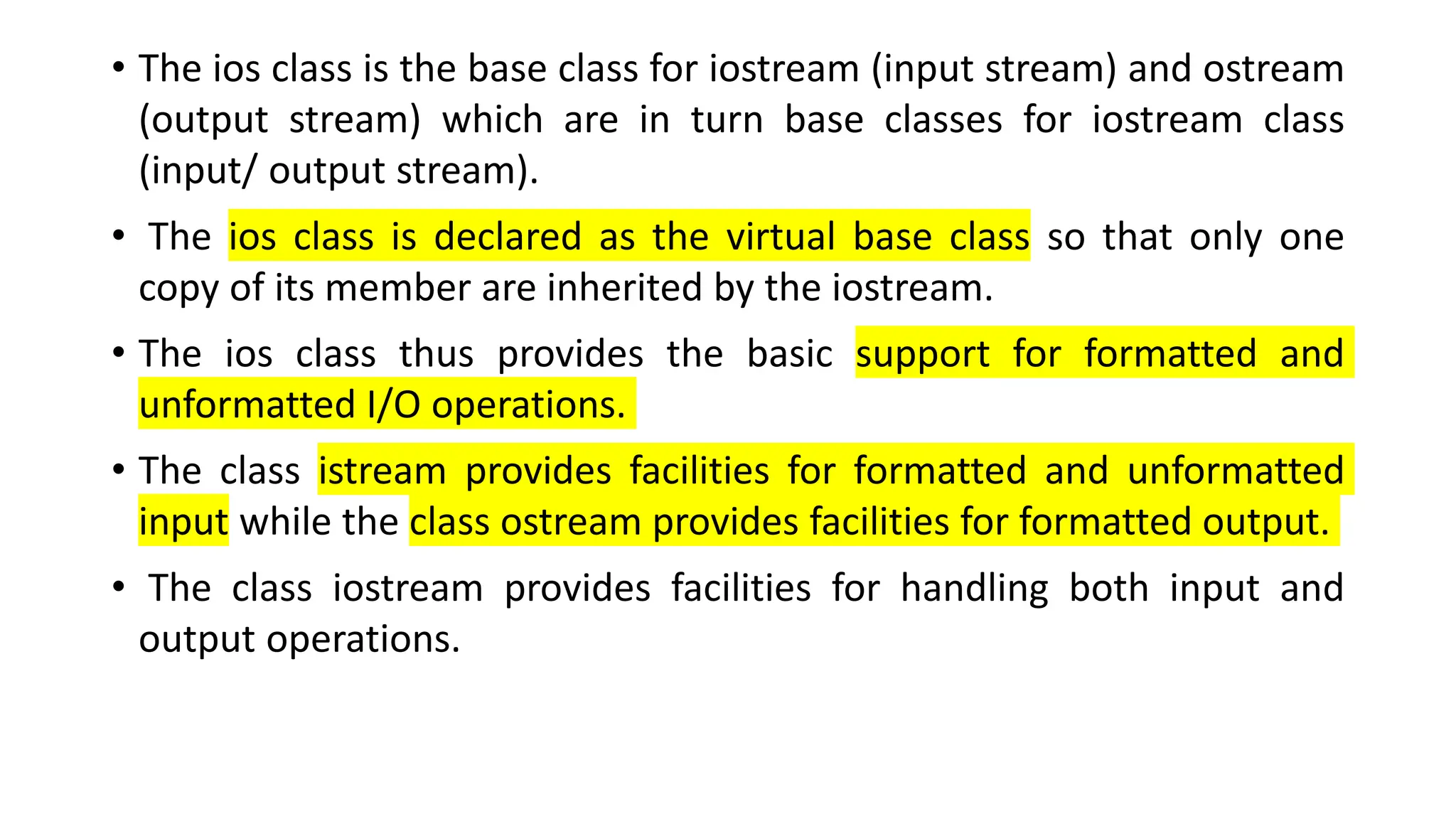
• The ios class is the base class for iostream (input stream) and ostream
(output stream) which are in turn base classes for iostream class
(input/ output stream).
• The ios class is declared as the virtual base class so that only one
copy of its member are inherited by the iostream.
• The ios class thus provides the basic support for formatted and
unformatted I/O operations.
• The class istream provides facilities for formatted and unformatted
input while the class ostream provides facilities for formatted output.
• The class iostream provides facilities for handling both input and
output operations.
• All these classes are declared in the header file iostream.
• Most of the C++ programs include the header file, which declares all
the basic services required for all stream-I/O operations.
• Relevant classes for formatted I/O and disk I/O are declared in and
header files respectively
Standard Stream Objects: cin, cout, cerr and clog
• The cin, cout, cerr and clog objects correspond to the standard input
stream, the standard output stream, the unbuffered standard error
stream and the buffered standard error stream, respectively.
• The predefined object cerr is an ostream instance and is connected by
default to the standard error device (usually the monitor notifying a
user promptly about errors).
• Outputs to object cerr are unbuffered, implying that each stream
insertion to cerr causes its output to appear immediately. (This is
appropriate since it allows).
• The predefined object clog is an instance of the ostream class also
connected to the standard error device.
• However, outputs to clog are buffered.
• This means that each insertion to clog causes its ouput to be held in a
buffer until the buffer is filled or it is flushed.
• The ios class provides the basic support for two kinds of input and
output:
• formatted and
• unformatted
• The class istream provides the facilities for formatted and
unformatted input operations whereas the ostream class provides the
facilities for formatted and unformatted output.
Types of I/O
• The istream class declares input functions such as get(), getline(),
read() etc., in addition to inheriting the properties of ios class.
• It also contains overloaded extraction operator >>.
• The ostream class declares output functions such as put() and write(),
in addition to inheriting properties of ios class.
• It also contains overloaded insertion operator <<.
• The iostream class inherits the properties of ios, istream and ostream
classes through multiple inheritance and hence contains all input and
output functions.
• This is the reason why we include the iostream class only in our
programs.
Unformatted data
• The printed data with default setting by the I/O function of the
language is known as unformatted data.
• It is the basic form of input/output and transfers the internal binary
representation of the data directly between memory and the file.
• For example, in cin statement it asks for a number while executing.
• If the user enters a decimal number, the entered number is displayed
using cout statement.
• There is no need to apply any external setting, by default the I/O
function represents the number in decimal format.
Formatted data
• If the user needs to display a number in hexadecimal format, the data
is represented with the manipulators are known as formatted data.
• It converts the internal binary representation of the data to ASCII
characters which are written to the output file.
• It reads characters from the input file and coverts them to internal
form.
• For example, cout<<hex<<13; converts decimal 13 to hexadecimal d.
• Formatting is a representation of data with different settings (like
number format, field width, decimal points etc.) as per the
requirement of the user.
• Unformatted I/O is used to transfer binary information to or
from memory locations without changing its internal
representation
• We have already seen use of cin and cout objects along with
overloaded operators >> and << for input and output operations, in
previous blocks.
• C++ provides many other functions for input and output operations.
• Consider an Example,
• Functions put(), get(), getline(), putline(), read() and write() are other
commonly used functions for unformatted I/O.
UNFORMATTED I/O
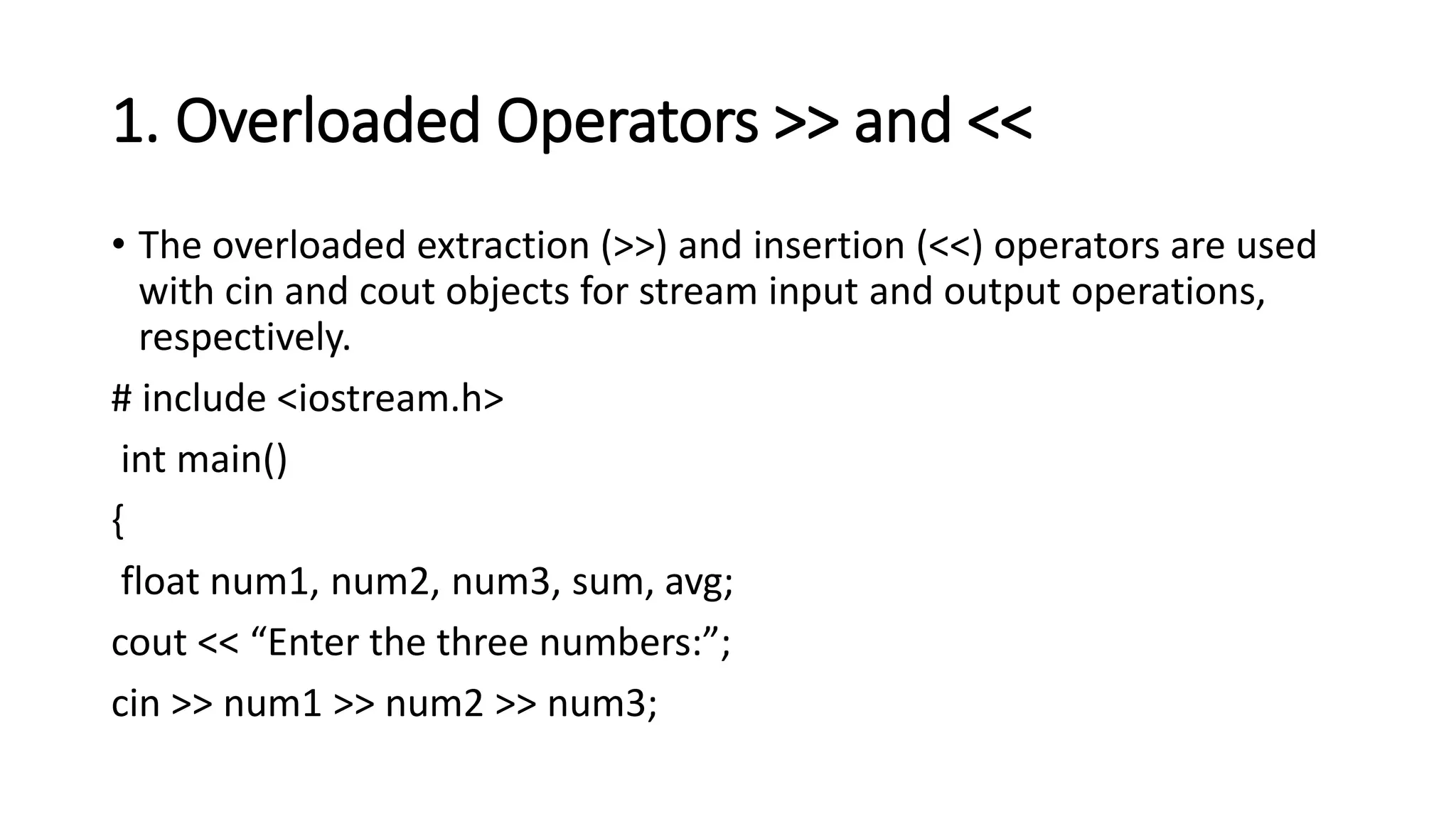
1. Overloaded Operators >> and <<
• The overloaded extraction (>>) and insertion (<<) operators are used
with cin and cout objects for stream input and output operations,
respectively.
# include <iostream.h>
int main()
{
float num1, num2, num3, sum, avg;
cout << “Enter the three numbers:”;
cin >> num1 >> num2 >> num3;
sum = num1 + num2 +num3;
avg = sum / 3;
cout << “Sum of the numbers =” << sum;
cout << “Average of the numbers =” << avg;
return (0);
}
2. Using member functions get (), put (),
getline (), ignore (), putback () and peek ()
• Unformatted input and output operations can also be carried out
using various member functions of cin and cout objects provided by
the istream and ostream classes.
• The functions get() and put() can be used to handle single character
input and output operations, respectively.
• The general usage syntax of get is as follows:
get (char *)
get (void)
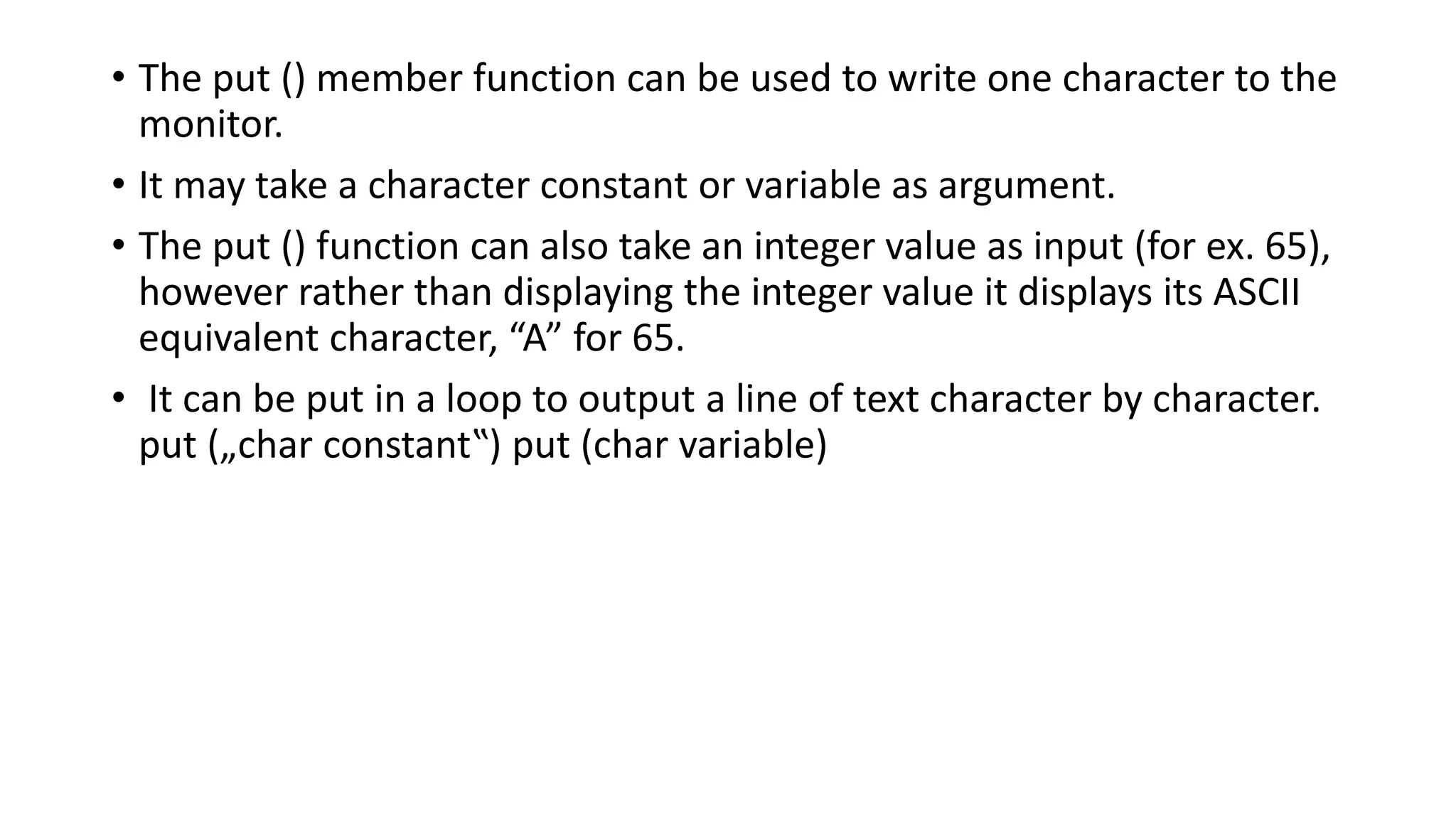
• The put () member function can be used to write one character to the
monitor.
• It may take a character constant or variable as argument.
• The put () function can also take an integer value as input (for ex. 65),
however rather than displaying the integer value it displays its ASCII
equivalent character, “A” for 65.
• It can be put in a loop to output a line of text character by character.
put („char constant‟) put (char variable)
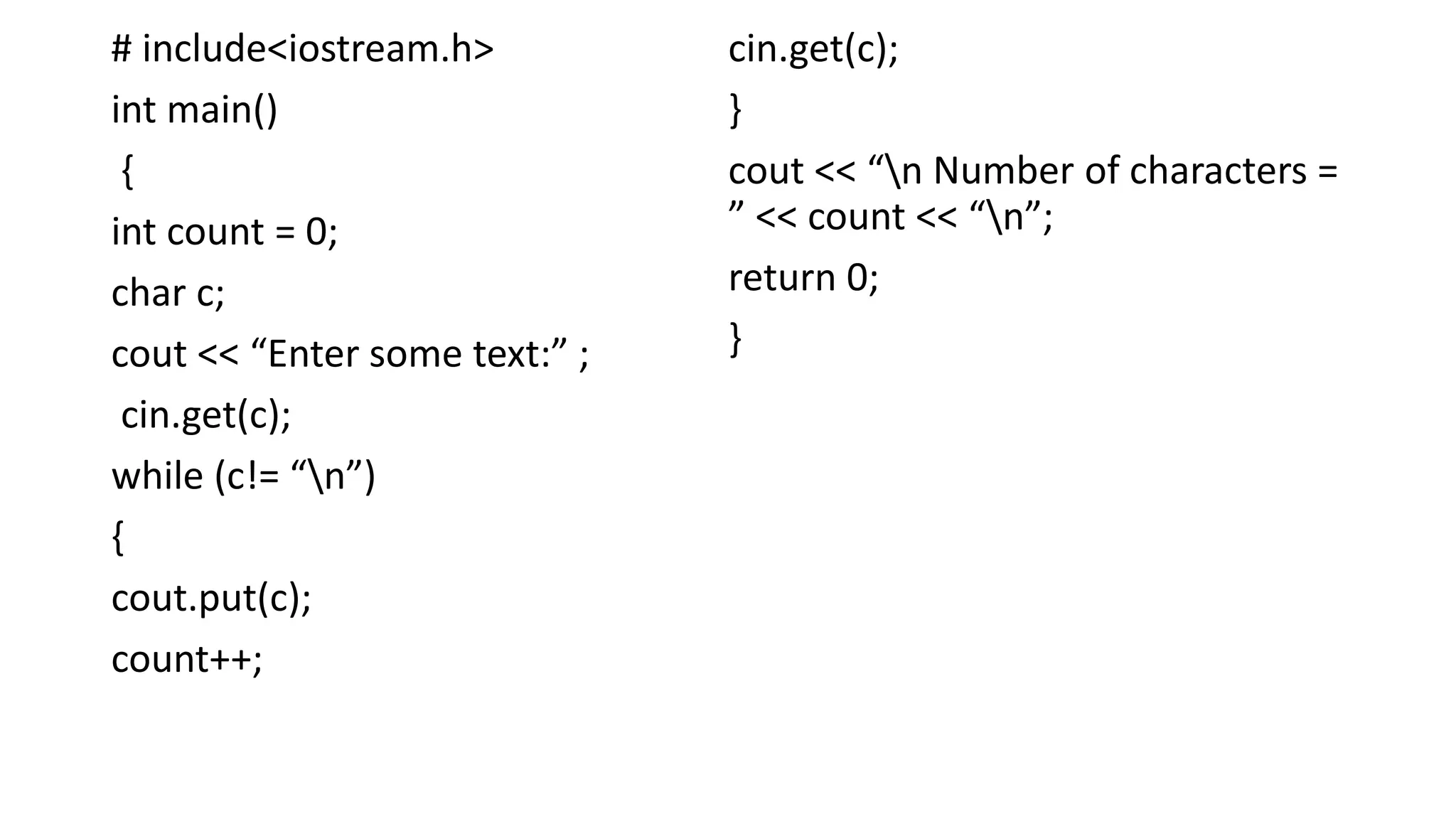
# include<iostream.h>
int main()
{
int count = 0;
char c;
cout << “Enter some text:” ;
cin.get(c);
while (c!= “n”)
{
cout.put(c);
count++;
cin.get(c);
}
cout << “n Number of characters =
” << count << “n”;
return 0;
}
• The functions get() and put() can handle a single character at a time.
• Many practical situations however require us to read and display
more than a single character, for example a line of text.
• The getline () member function can be used for this purpose.
• The general syntax of getline () function is as follows:
cin.getline (variable, size)
• This function reads the character input into the variable.
• The reading is terminated as soon as size-1 characters are read or
“n” is encountered.
• The delimiter character “n” however is discarded and not saved in
the variable.
For example, for the code segment:
char name [20];
cin.getline (name, 20)
• The ignore () member function reads and discards a designated
number of characters (default = 1) or terminates upon encountering
delimiter EOF.
• The putback () member function places the character just read by get
() back into the stream.
• The peek () member function returns the next character from an
input stream but does not remove the character from the stream.
3. Using member functions read (), write ()
and gcount ()
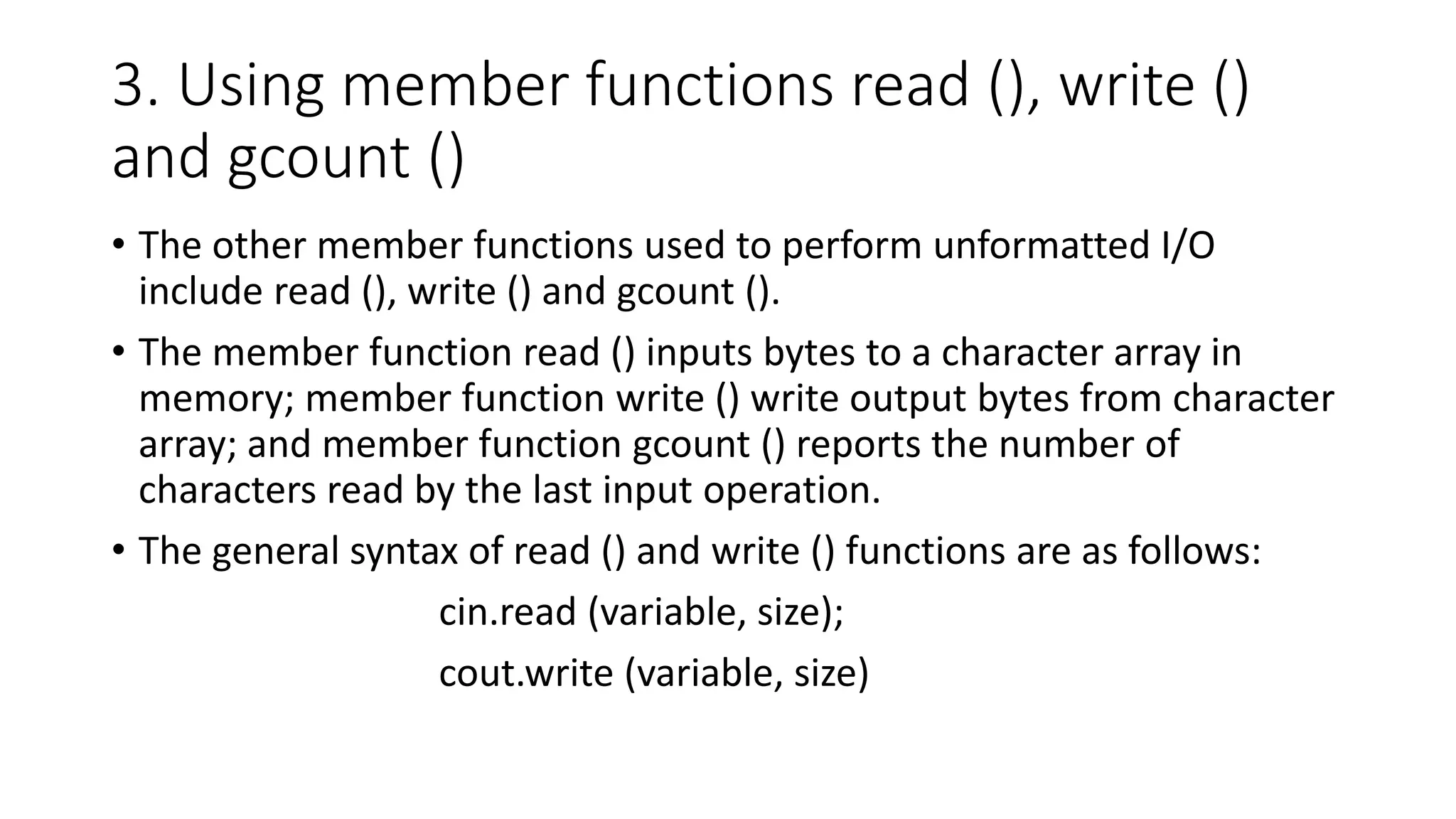
• The other member functions used to perform unformatted I/O
include read (), write () and gcount ().
• The member function read () inputs bytes to a character array in
memory; member function write () write output bytes from character
array; and member function gcount () reports the number of
characters read by the last input operation.
• The general syntax of read () and write () functions are as follows:
cin.read (variable, size);
cout.write (variable, size)
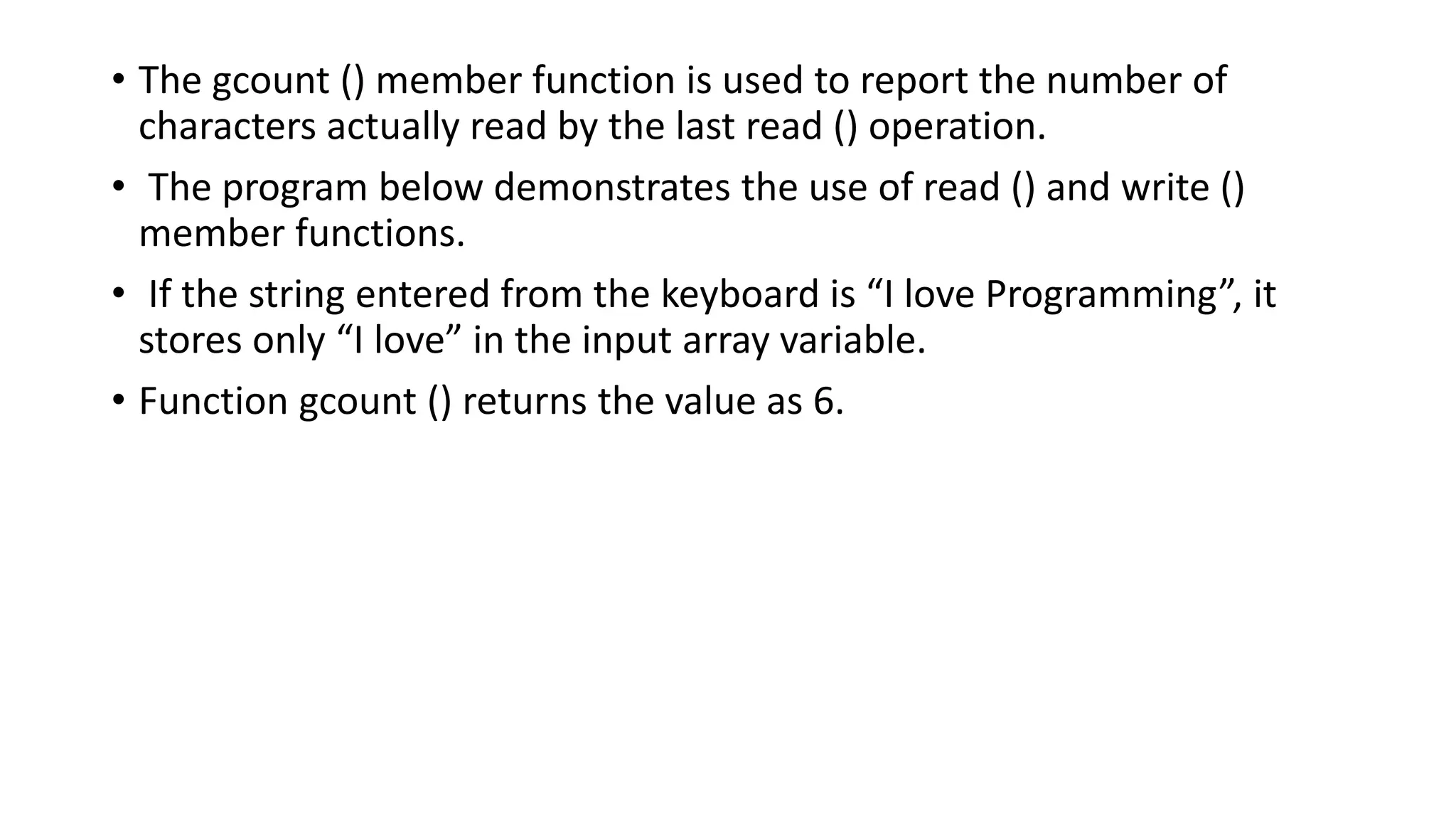
• The gcount () member function is used to report the number of
characters actually read by the last read () operation.
• The program below demonstrates the use of read () and write ()
member functions.
• If the string entered from the keyboard is “I love Programming”, it
stores only “I love” in the input array variable.
• Function gcount () returns the value as 6.
# include <iostream.h>
int main()
{
char buffer [80];
cout << “Enter a line of text n” ;
cin.read(buffer, 20);
cout.write (buffer, cin.gcount());
return 0;
}
• C++ provides a number of features that can be used display the
outputs in a specified manner (formatted output).
• These features can be broadly categorized into following three types:
ios class functions and flags
Stream manipulators
User-defined output functions
• The ios class contains a large number of member functions that are
used to format outputs in variety of ways.
FORMATTED I/O OPERATIONS
• Most of the stream manipulators provide roughly the same features
as that of ios class formatting functions, though they are at times
convenient to use than their counterpart ios class functions.
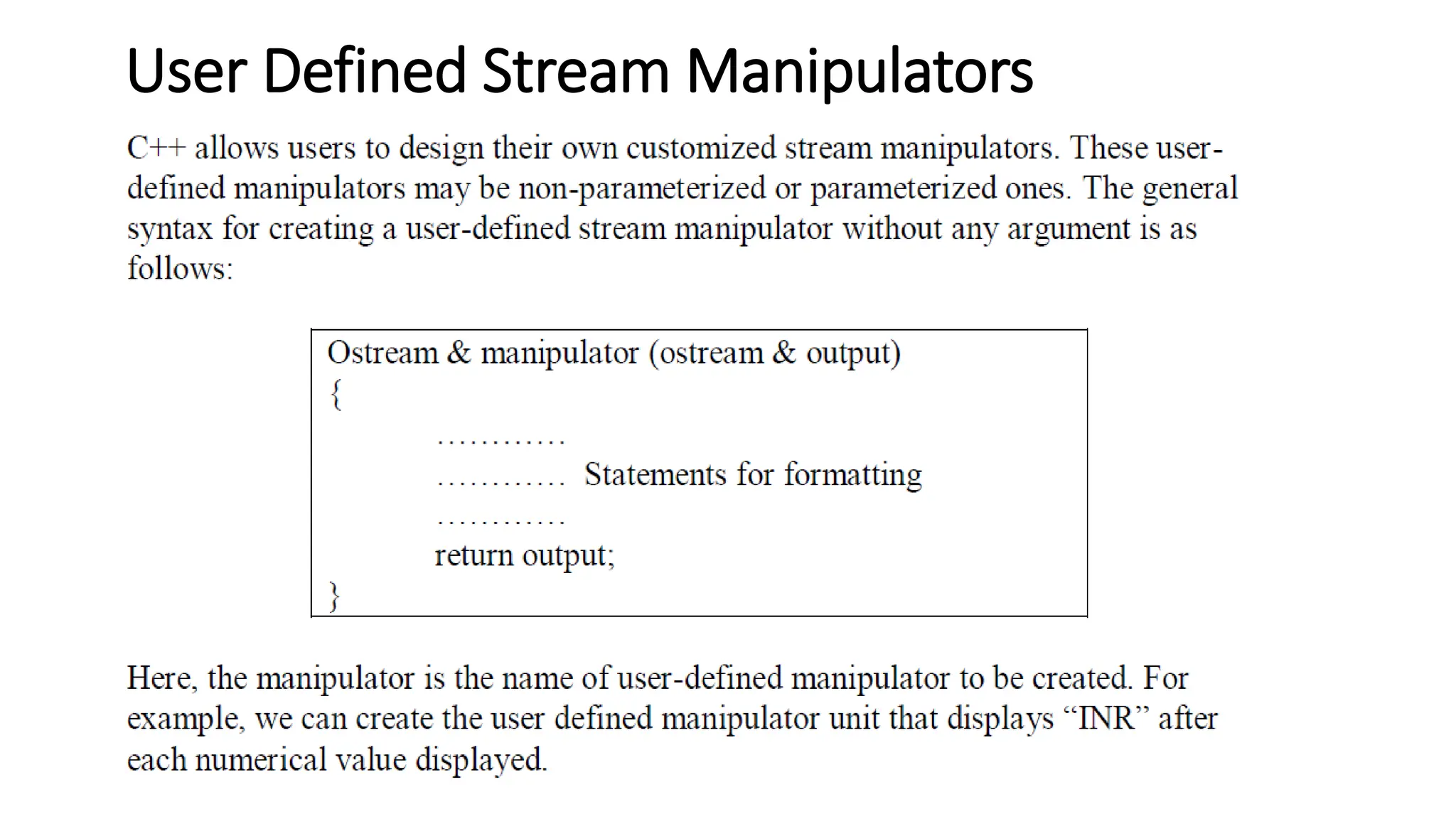
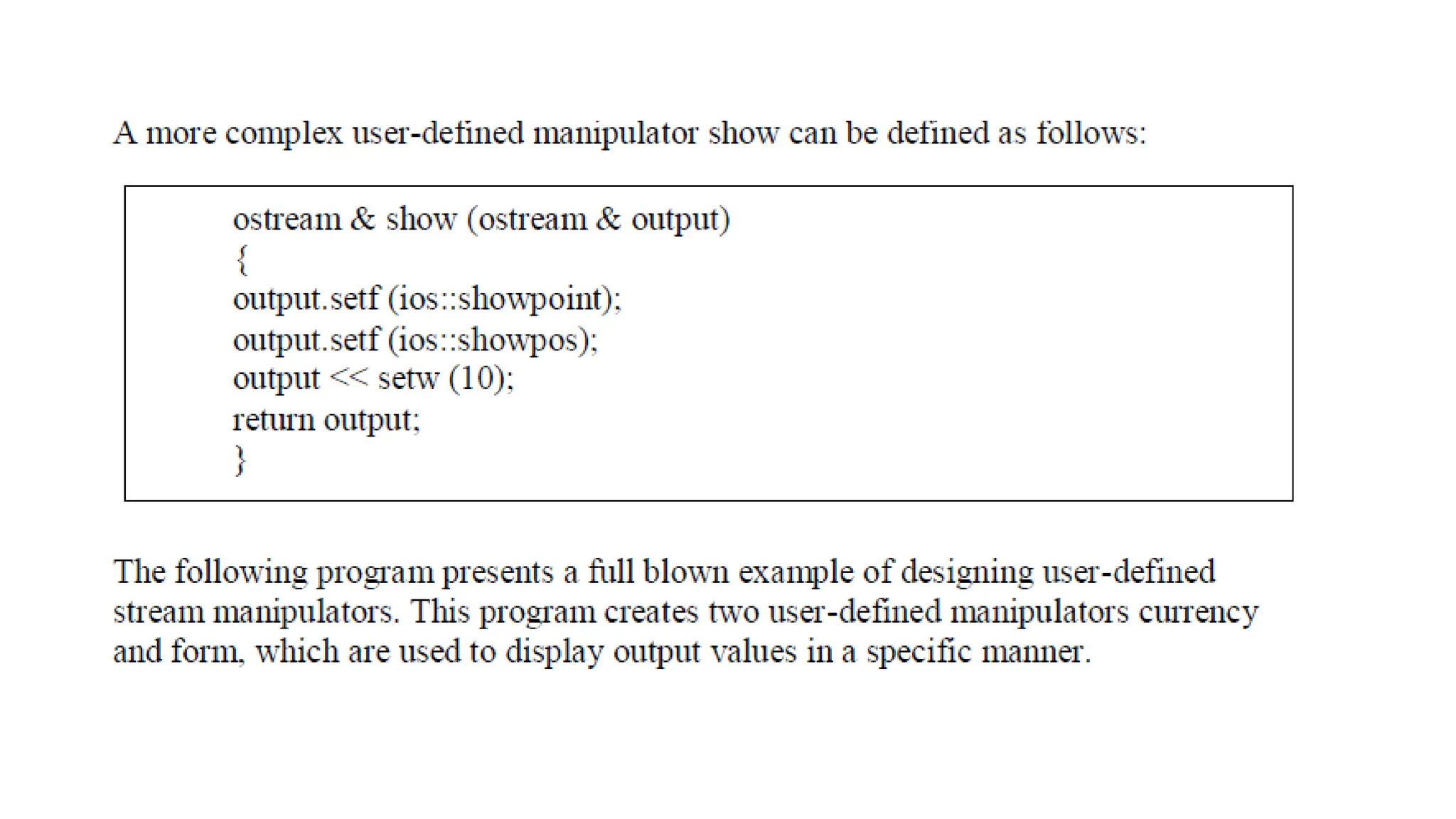
• C++ allows users to design their own stream manipulators as well.
ios class format functions and flags
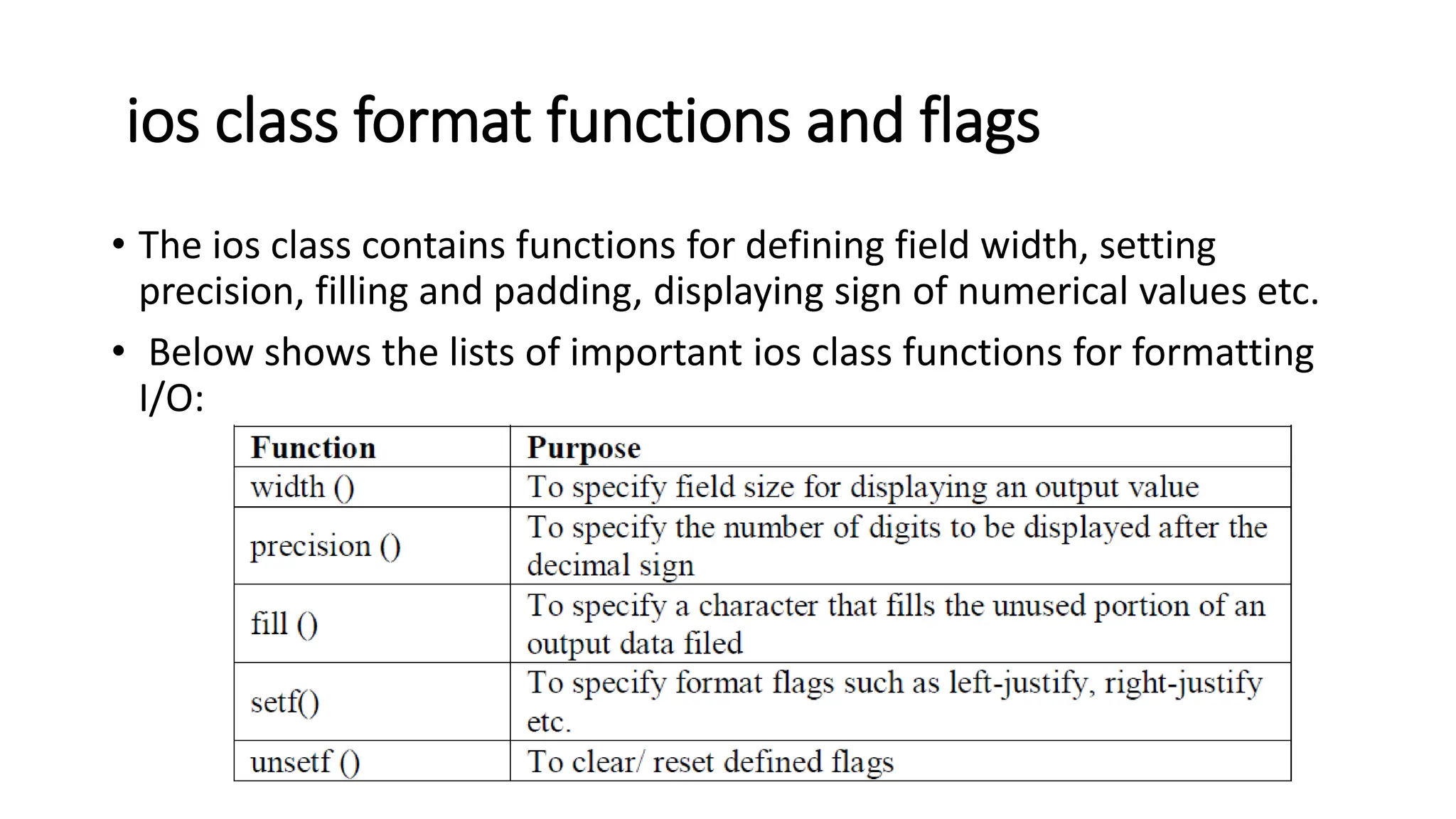
• The ios class contains functions for defining field width, setting
precision, filling and padding, displaying sign of numerical values etc.
• Below shows the lists of important ios class functions for formatting
I/O:
Setting field width
• The width () function is used to define the width of a field required
for displaying an output item.
• It is invoked by cout object as follows:
cout.width (w)
• where w is the number of columns (field width).
• The output value is printed in a field of w characters wide at right
end.
• This can specify field width for displaying only one 13 output value
(the one that immediately follows it).
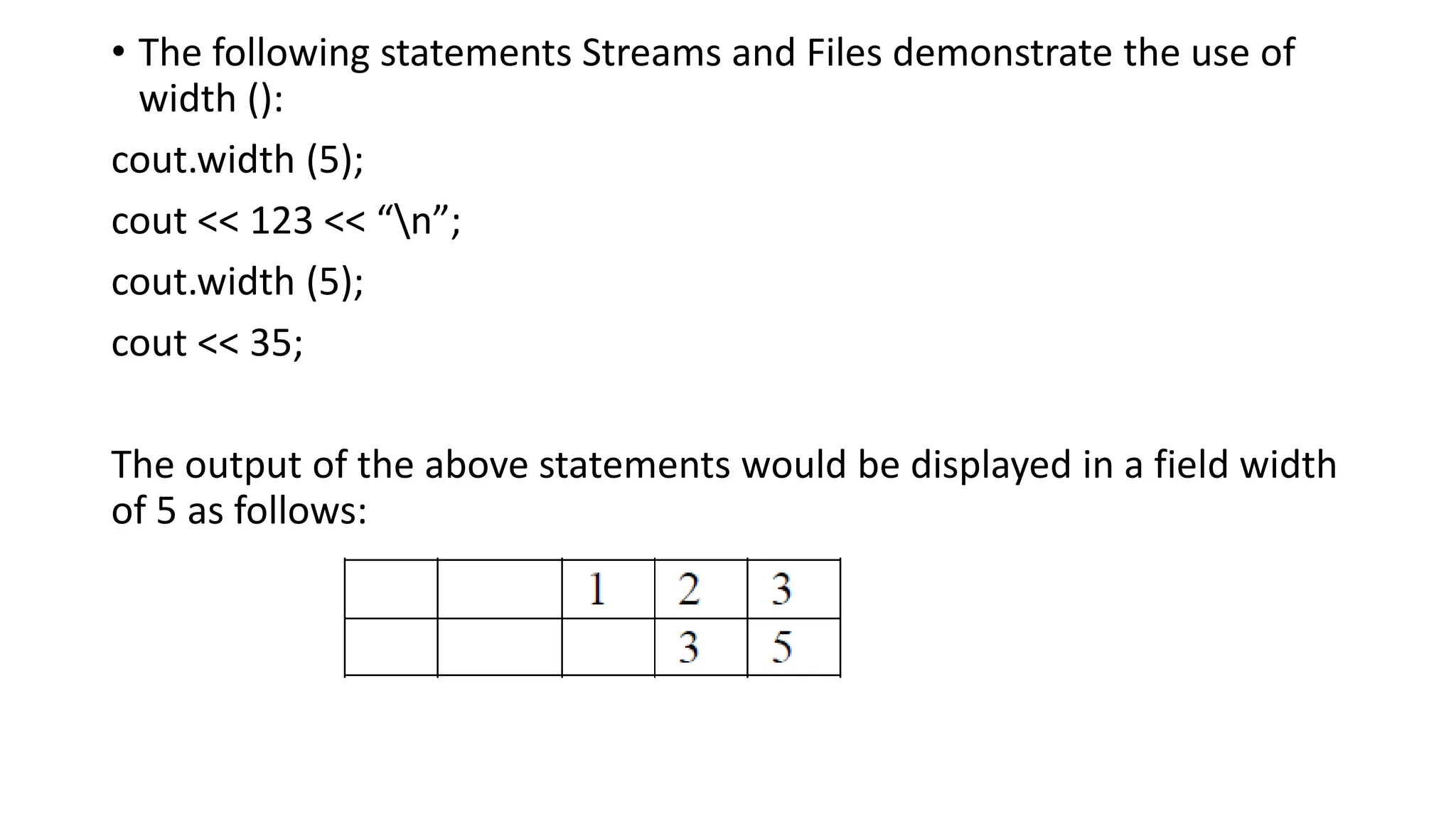
• The following statements Streams and Files demonstrate the use of
width ():
cout.width (5);
cout << 123 << “n”;
cout.width (5);
cout << 35;
The output of the above statements would be displayed in a field width
of 5 as follows:
Setting Precision
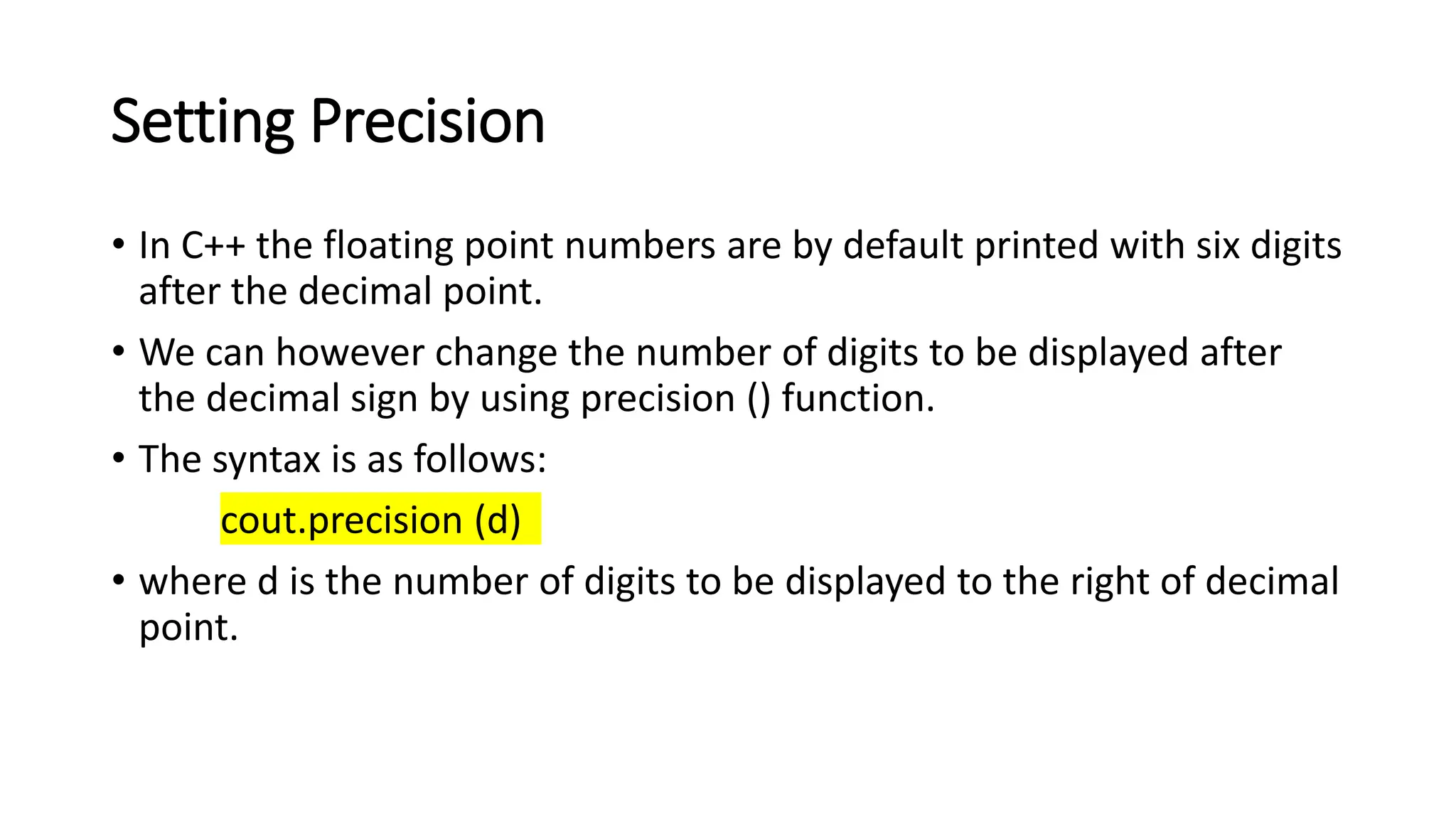
• In C++ the floating point numbers are by default printed with six digits
after the decimal point.
• We can however change the number of digits to be displayed after
the decimal sign by using precision () function.
• The syntax is as follows:
cout.precision (d)
• where d is the number of digits to be displayed to the right of decimal
point.
• For example, the statements:
cout.precision (3);
cout << sqrt (2) << “n”;
cout << 3.14159 << “n”;
cout << 1.50009 << “n”;
will produce the following output:
The precision () function is different from width () in its effect, as the
effect of precision once set continues in all subsequent statements until
it is reset.
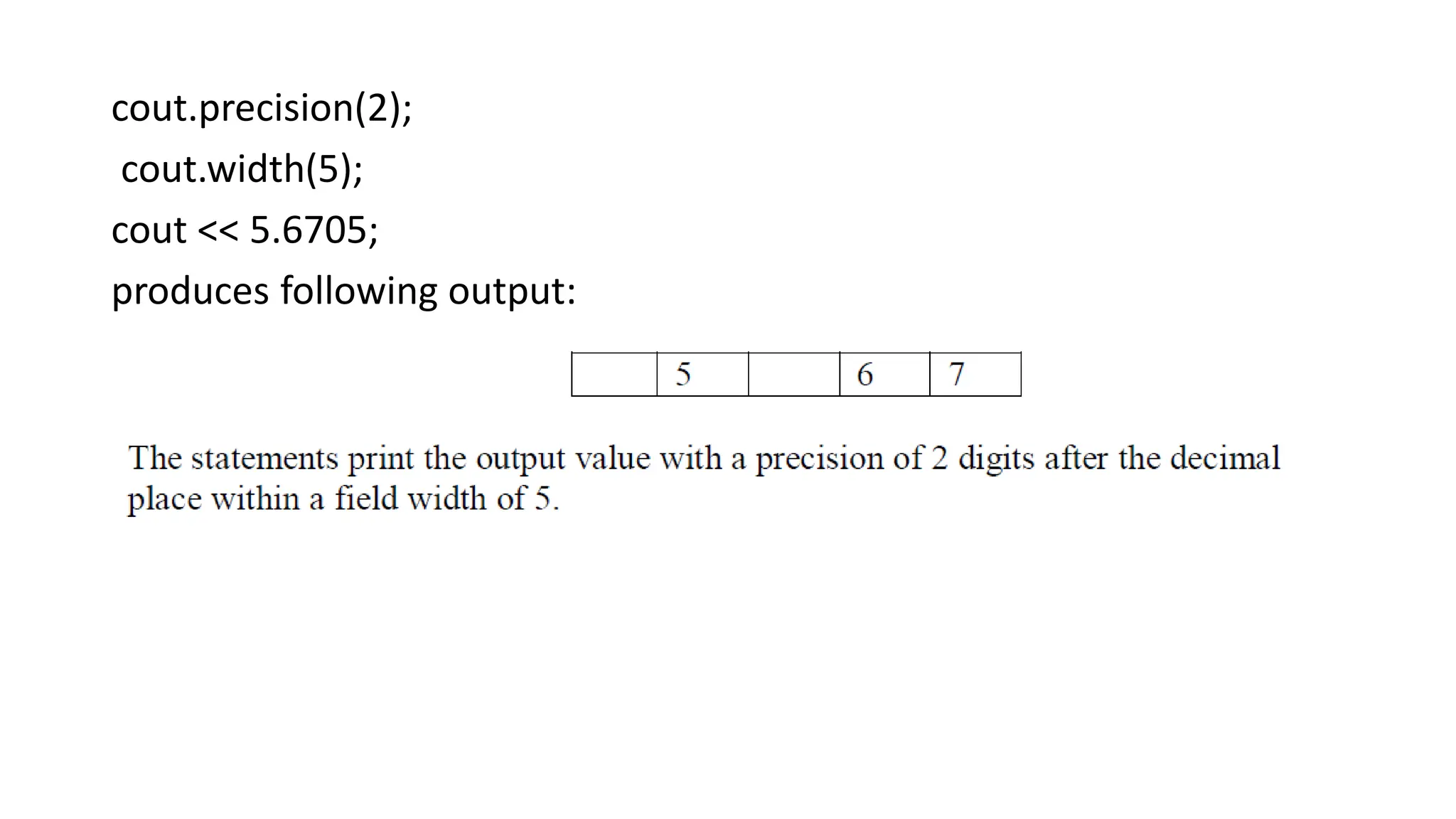
The precision () function can be used with width () function as
illustrated in following example:
cout.precision(2);
cout.width(5);
cout << 5.6705;
produces following output:
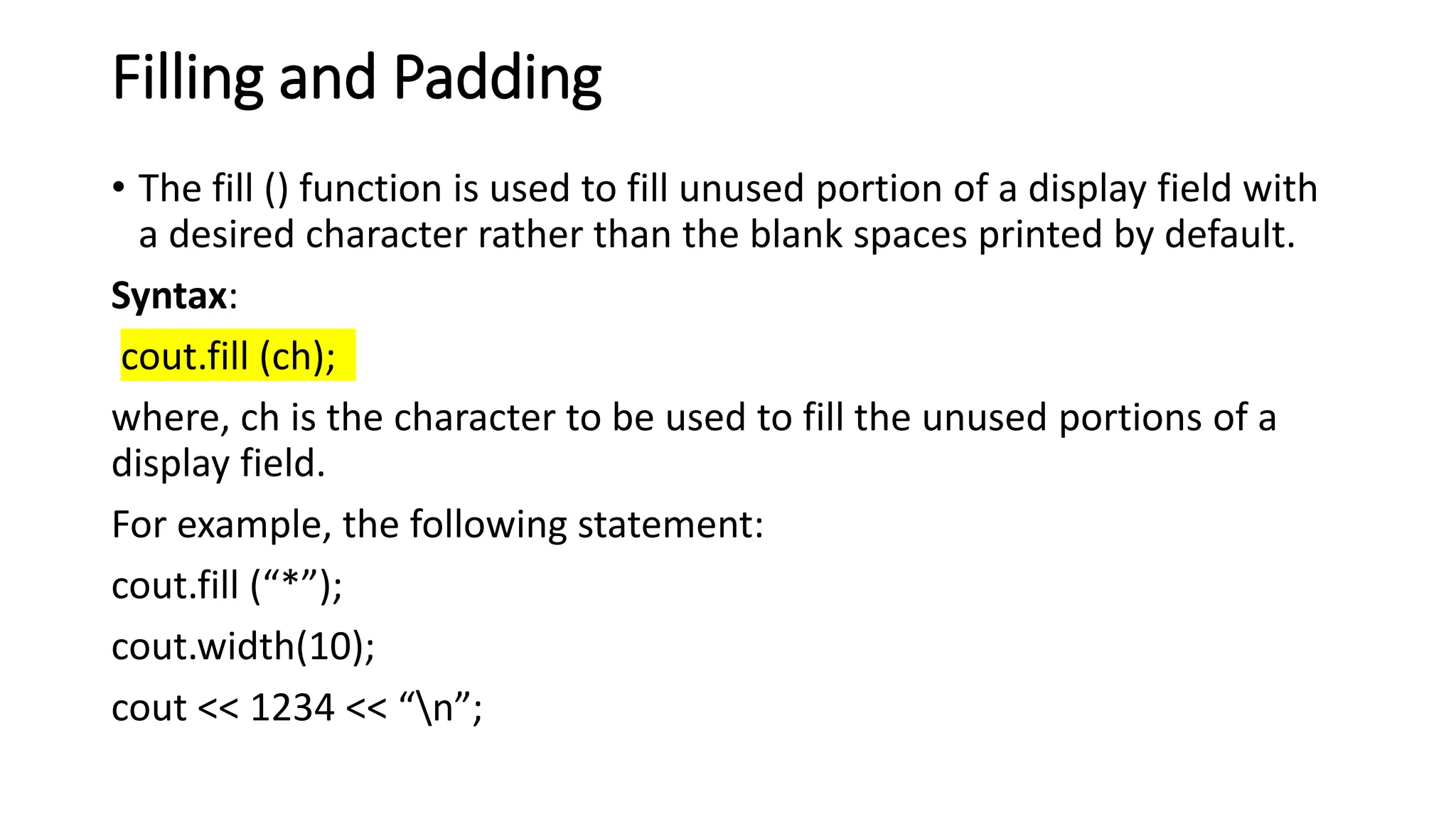
Filling and Padding
• The fill () function is used to fill unused portion of a display field with
a desired character rather than the blank spaces printed by default.
Syntax:
cout.fill (ch);
where, ch is the character to be used to fill the unused portions of a
display field.
For example, the following statement:
cout.fill (“*”);
cout.width(10);
cout << 1234 << “n”;
produces following output:
This kind of padding is very useful for institutions like banks which use
it in their financial instruments (demand drafts etc) so that no one can
change the figures.
The fill () function also stays in effect till it is reset.
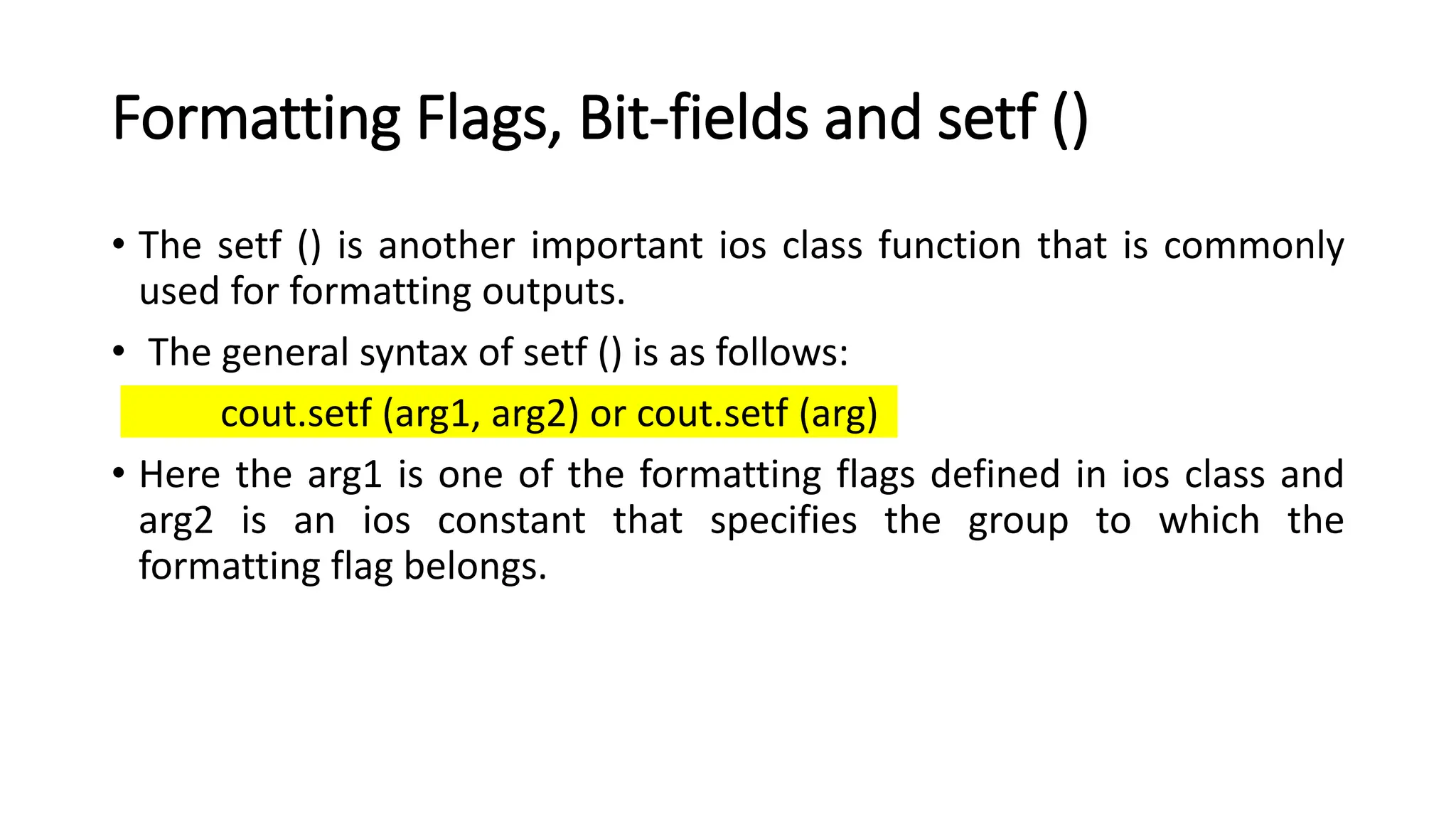
Formatting Flags, Bit-fields and setf ()
• The setf () is another important ios class function that is commonly
used for formatting outputs.
• The general syntax of setf () is as follows:
cout.setf (arg1, arg2) or cout.setf (arg)
• Here the arg1 is one of the formatting flags defined in ios class and
arg2 is an ios constant that specifies the group to which the
formatting flag belongs.
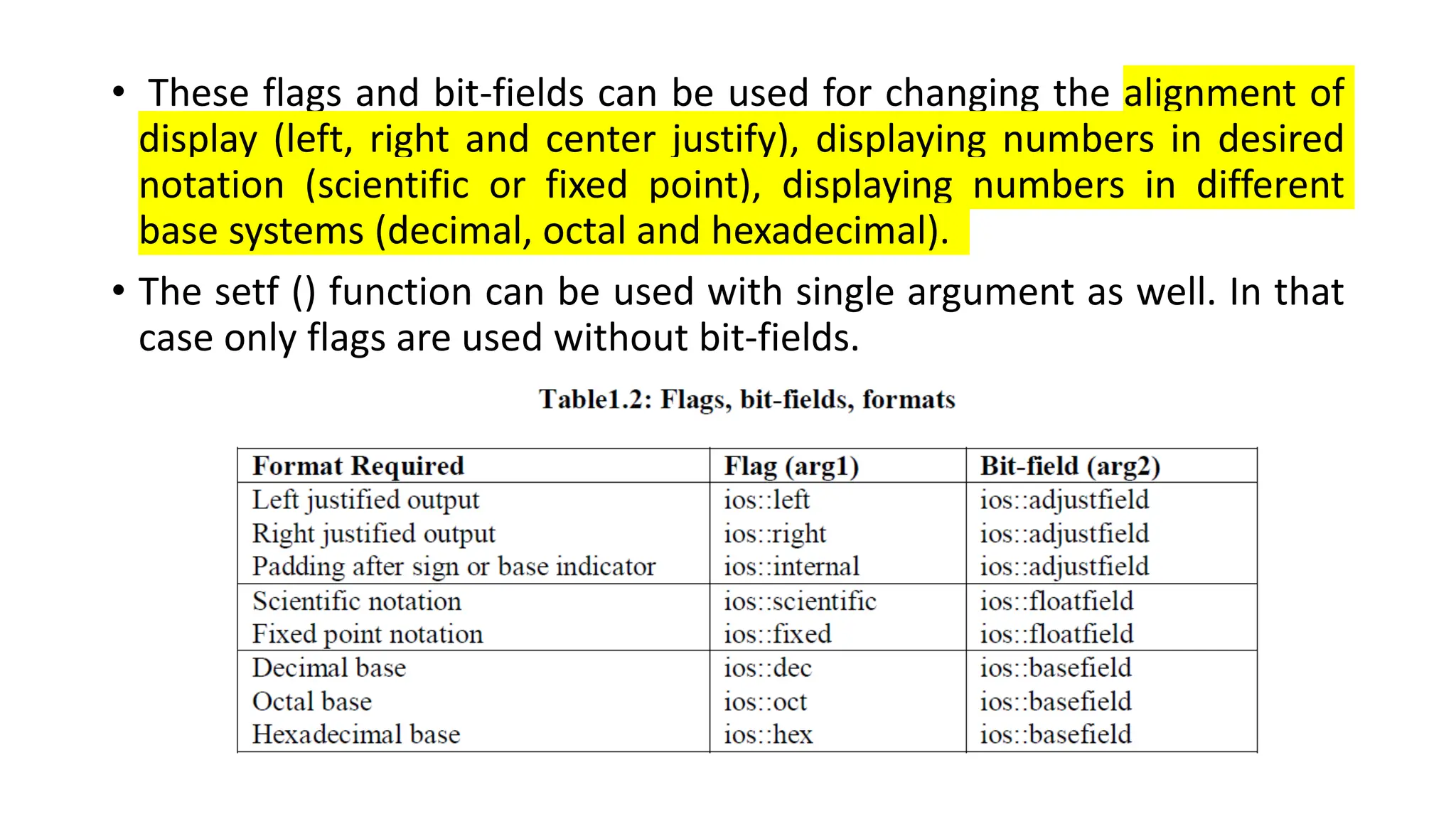
• These flags and bit-fields can be used for changing the alignment of
display (left, right and center justify), displaying numbers in desired
notation (scientific or fixed point), displaying numbers in different
base systems (decimal, octal and hexadecimal).
• The setf () function can be used with single argument as well. In that
case only flags are used without bit-fields.
• C++ defines a number of functions called manipulators in header file
iomanip that can be used to manipulate the output formats.
• Most of these manipulators are quite similar in function to the ios
class functions and flags, though at times they are more convenient
to use.
• The best thing is that two or more manipulators can be used in a
single statement as:
cout << manip1 << manip2 << manip3 << manip4 << item;
• Some of the commonly used stream manipulators and their effect is
listed in Table.
Output with manipulators
• You can easily notice that in terms of functionality, setw () has similar
effect to ios function width (), setprecision () to ios function precision
(), setfill () to ios function fill (), setiosflag () to ios function setf (),
resetiosflags () to ios function unsetf () and endif to “n”.
User Defined Stream Manipulators
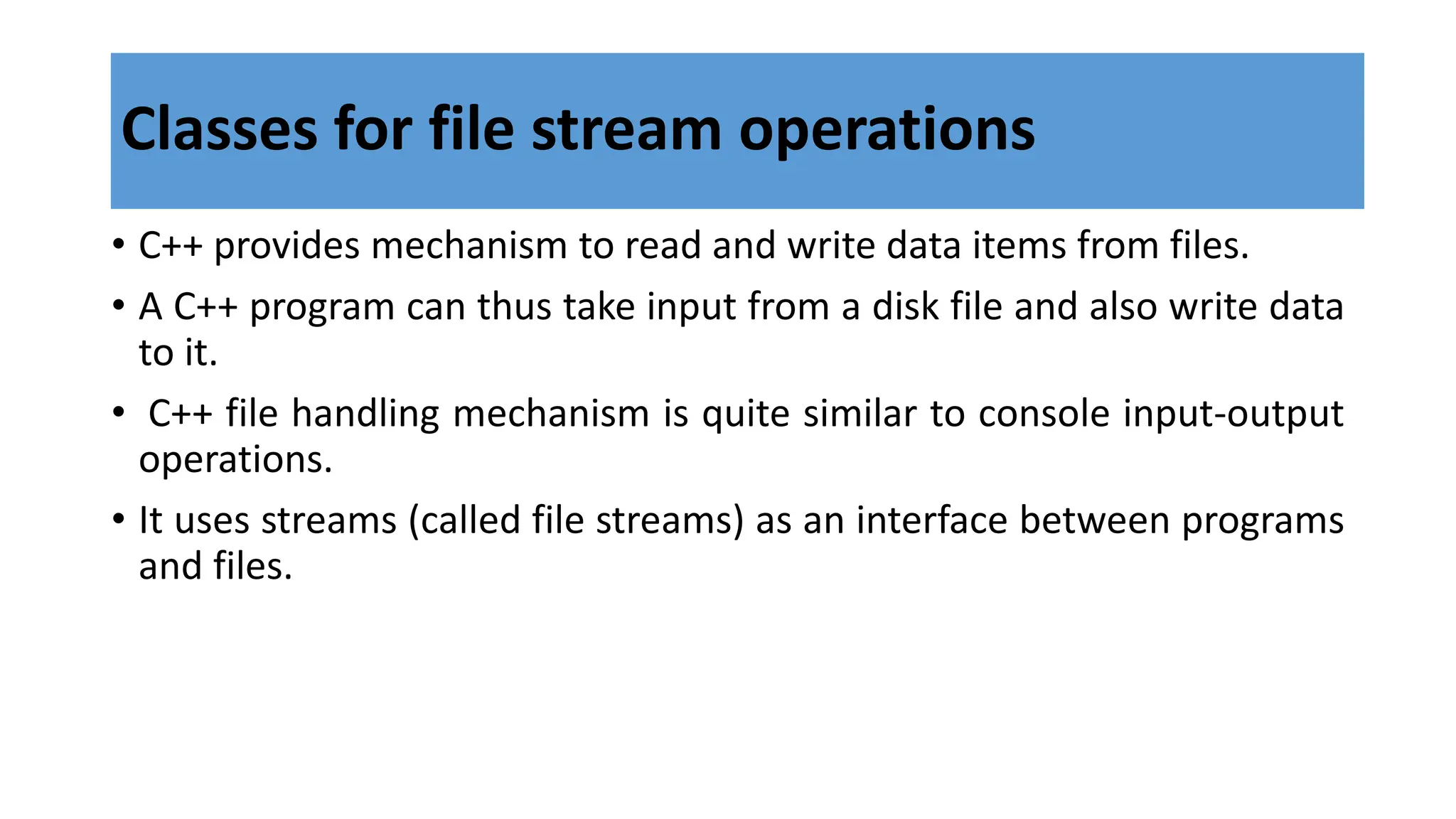
Classes for file stream operations
• C++ provides mechanism to read and write data items from files.
• A C++ program can thus take input from a disk file and also write data
to it.
• C++ file handling mechanism is quite similar to console input-output
operations.
• It uses streams (called file streams) as an interface between programs
and files.
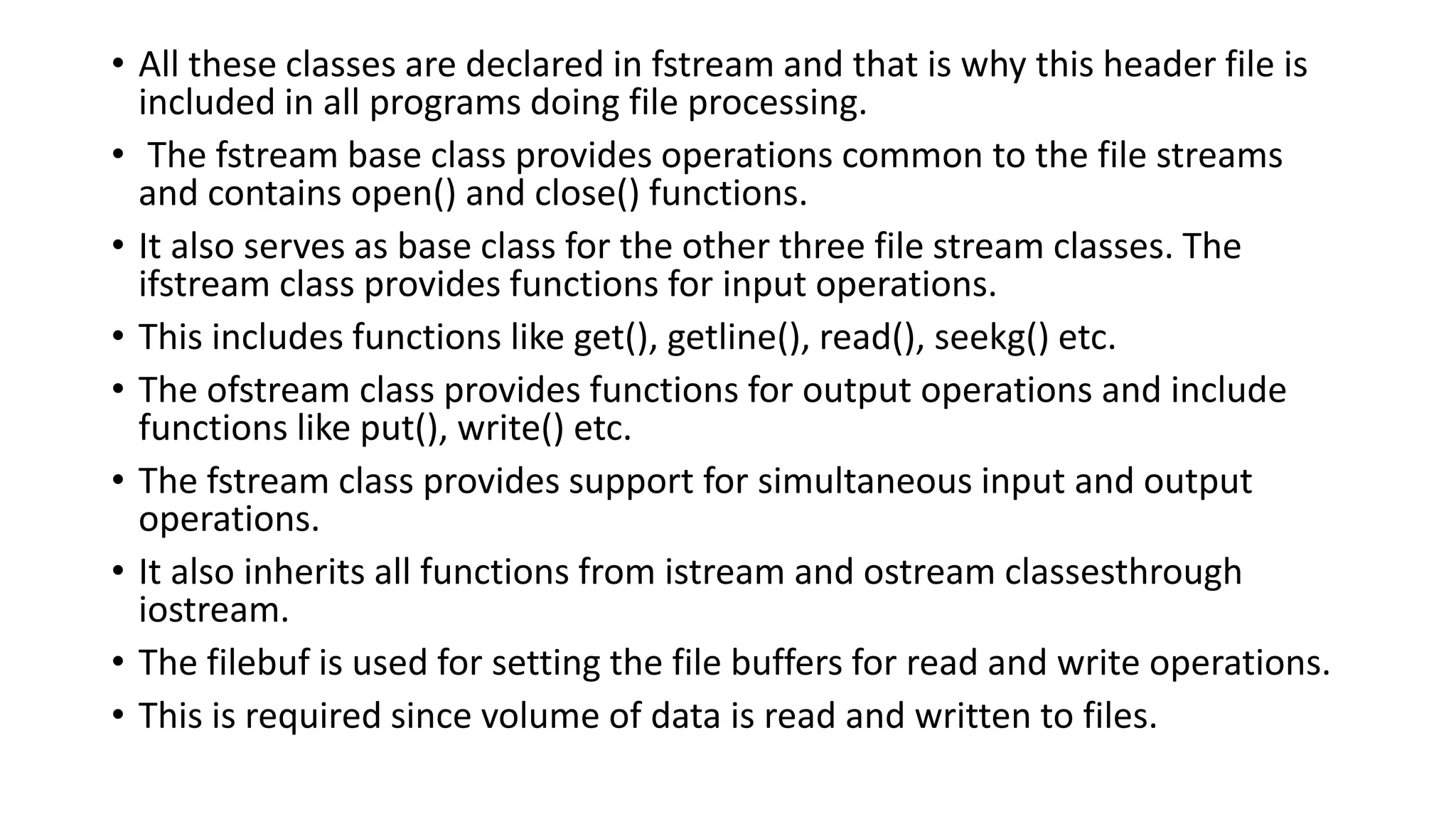
Classes for file stream operations
• All these classes are declared in fstream and that is why this header file is
included in all programs doing file processing.
• The fstream base class provides operations common to the file streams
and contains open() and close() functions.
• It also serves as base class for the other three file stream classes. The
ifstream class provides functions for input operations.
• This includes functions like get(), getline(), read(), seekg() etc.
• The ofstream class provides functions for output operations and include
functions like put(), write() etc.
• The fstream class provides support for simultaneous input and output
operations.
• It also inherits all functions from istream and ostream classesthrough
iostream.
• The filebuf is used for setting the file buffers for read and write operations.
• This is required since volume of data is read and written to files.
• Every disk file has a name (usually a string of valid characters).
• In order to read data from a file or to write data into it, we first need to open the
file.
• This opened file has to be then connected to input-output stream so that the
corresponding program becomes able read and write from it.
• A file stream can be defined using any of the three classes ifstream, ofstream or
fstream, depending upon the purpose of the file.
• A file can be opened either by using the constructor function of the class or by
invoking member function open () of the class.
• In order to open file using constructor function, we may use statements of the
form:
ifstream infile (“data”); and
ofstream outfile (“results”);
Opening and Closing Files
Once the infile and outfile streams are created and connected to
corresponding files, statements of the form:
outfile << “Sum”;
outfile << “avg”;
infile >> num;
infile >> name;
can be used to write data items to the output file results and to read
data from input file data.
After completing the input-output operations, the file may be closed by
closing the corresponding stream.
For example:
outfile.close();
infile.close();
• A file can also be opened using open ().
The general syntax of open () is as follows:
file-stream-class stream object;
stream-object.open(“filename”);
For example, to open a file data for input, we may use the statements:
ifstream infile;
infile.open(“data”);
• Now, the stream infile can be used for reading data form the file “data” in a
similar manner as that of console I/O.
• After the file‟s use is complete, it should be closed by closing the
corresponding (by invoking close() function).
• C++ allows the files to be opened in different modes.
• Hence, the open() function can specify the mode of opening as well.
• The statement invoking open can be written as:
stream-object.open(“filename”, mode);
An example program demonstrating how we can read from a
disk file and write the results to the disk file is given below
EOF
• EOF is a member function of ios class.
• It returns a non-zero value if the end-of-file(EOF) condition is
encountered, and a zero, otherwise.
• To observe the end-of-line condition in a program we can have the
below condition:
while(infile.eof()!=0)
{
exit(1);
}
Thank you!!
Keep practising learning!!
All the Best.

FILE OPERATIONS.pptx

  • 1.
    FILE OPERATIONS 1. C++streams and stream classes 2. formatted and unformatted I/O operations 3. Output with manipulators 4. Classes for file stream operations 5. opening and closing a file, EOF. Ms.S.DEEPA M.E.,(Ph.d.) Assistant Professor (SL.G) Computer Science and Engineering KIT-Kalaignarkarunanidhi Institute Of Technology
  • 2.
    C++ streams • InC++ I/O occurs in streams, which are sequence of bytes in 1984. • A stream acts as an interface between the program and the I/O device and can acts either as a source from which the input data can be obtained or as a destination to which the output data may be sent. • In input operations, the bytes flow from a device (e.g. a keyboard, a disk drive, a network connection, etc.) to main memory. • In output operations bytes flow from main memory to a device (e.g., display monitor, a printer, a disk drive, a network connection, etc.).
  • 3.
    • The streamthat acts as a source is called input stream whereas the stream acting as destination is called output stream • The figure below illustrates the flow of data while using streams
  • 4.
    • Input Stream(class is istream) • Output Stream ( class is ostream) 4 standard class i/o predefined objects are: • cin – istream class • Cout –ostream class • cerr –ostream class • clog –ostream class
  • 5.
    • C++ streamsprovides a common interface for input and output operations irrespective of the device used. • The bytes in the stream could represent characters, raw data, an image, video, speech or any other information that an application may require. • It is the application (user program) that associates meaning with bytes. • In the past, the C++ used streams (often termed as classic streams) to enable input and output of characters. • Since a character usually occupies one byte, it can represent only a limited set of characters.
  • 6.
    • Hence C++now includes the standard stream library that allows performing I/O operations with new character encoding systems such as Unicode. • C++ now contains several pre-defined streams (e.g., cin, cout, cerr, etc.) that are automatically opened when a program begins its execution.
  • 7.
    • The C++I/O system contains a hierarchy of classes which are used to define various streams to manage both console and disk I/O operations. • These classes are called stream classes. • Below shows the hierarchy of the stream classes used for input and output operations with the console. C++ stream classes
  • 9.
    • The iosclass is the base class for iostream (input stream) and ostream (output stream) which are in turn base classes for iostream class (input/ output stream). • The ios class is declared as the virtual base class so that only one copy of its member are inherited by the iostream. • The ios class thus provides the basic support for formatted and unformatted I/O operations. • The class istream provides facilities for formatted and unformatted input while the class ostream provides facilities for formatted output. • The class iostream provides facilities for handling both input and output operations.
  • 10.
    • All theseclasses are declared in the header file iostream. • Most of the C++ programs include the header file, which declares all the basic services required for all stream-I/O operations. • Relevant classes for formatted I/O and disk I/O are declared in and header files respectively
  • 11.
    Standard Stream Objects:cin, cout, cerr and clog • The cin, cout, cerr and clog objects correspond to the standard input stream, the standard output stream, the unbuffered standard error stream and the buffered standard error stream, respectively.
  • 12.
    • The predefinedobject cerr is an ostream instance and is connected by default to the standard error device (usually the monitor notifying a user promptly about errors). • Outputs to object cerr are unbuffered, implying that each stream insertion to cerr causes its output to appear immediately. (This is appropriate since it allows). • The predefined object clog is an instance of the ostream class also connected to the standard error device. • However, outputs to clog are buffered. • This means that each insertion to clog causes its ouput to be held in a buffer until the buffer is filled or it is flushed.
  • 13.
    • The iosclass provides the basic support for two kinds of input and output: • formatted and • unformatted • The class istream provides the facilities for formatted and unformatted input operations whereas the ostream class provides the facilities for formatted and unformatted output. Types of I/O
  • 14.
    • The istreamclass declares input functions such as get(), getline(), read() etc., in addition to inheriting the properties of ios class. • It also contains overloaded extraction operator >>. • The ostream class declares output functions such as put() and write(), in addition to inheriting properties of ios class. • It also contains overloaded insertion operator <<. • The iostream class inherits the properties of ios, istream and ostream classes through multiple inheritance and hence contains all input and output functions. • This is the reason why we include the iostream class only in our programs.
  • 15.
    Unformatted data • Theprinted data with default setting by the I/O function of the language is known as unformatted data. • It is the basic form of input/output and transfers the internal binary representation of the data directly between memory and the file. • For example, in cin statement it asks for a number while executing. • If the user enters a decimal number, the entered number is displayed using cout statement. • There is no need to apply any external setting, by default the I/O function represents the number in decimal format.
  • 16.
    Formatted data • Ifthe user needs to display a number in hexadecimal format, the data is represented with the manipulators are known as formatted data. • It converts the internal binary representation of the data to ASCII characters which are written to the output file. • It reads characters from the input file and coverts them to internal form. • For example, cout<<hex<<13; converts decimal 13 to hexadecimal d. • Formatting is a representation of data with different settings (like number format, field width, decimal points etc.) as per the requirement of the user.
  • 17.
    • Unformatted I/Ois used to transfer binary information to or from memory locations without changing its internal representation • We have already seen use of cin and cout objects along with overloaded operators >> and << for input and output operations, in previous blocks. • C++ provides many other functions for input and output operations. • Consider an Example, • Functions put(), get(), getline(), putline(), read() and write() are other commonly used functions for unformatted I/O. UNFORMATTED I/O
  • 18.
    1. Overloaded Operators>> and << • The overloaded extraction (>>) and insertion (<<) operators are used with cin and cout objects for stream input and output operations, respectively. # include <iostream.h> int main() { float num1, num2, num3, sum, avg; cout << “Enter the three numbers:”; cin >> num1 >> num2 >> num3;
  • 19.
    sum = num1+ num2 +num3; avg = sum / 3; cout << “Sum of the numbers =” << sum; cout << “Average of the numbers =” << avg; return (0); }
  • 20.
    2. Using memberfunctions get (), put (), getline (), ignore (), putback () and peek () • Unformatted input and output operations can also be carried out using various member functions of cin and cout objects provided by the istream and ostream classes. • The functions get() and put() can be used to handle single character input and output operations, respectively. • The general usage syntax of get is as follows: get (char *) get (void)
  • 21.
    • The put() member function can be used to write one character to the monitor. • It may take a character constant or variable as argument. • The put () function can also take an integer value as input (for ex. 65), however rather than displaying the integer value it displays its ASCII equivalent character, “A” for 65. • It can be put in a loop to output a line of text character by character. put („char constant‟) put (char variable)
  • 22.
    # include<iostream.h> int main() { intcount = 0; char c; cout << “Enter some text:” ; cin.get(c); while (c!= “n”) { cout.put(c); count++; cin.get(c); } cout << “n Number of characters = ” << count << “n”; return 0; }
  • 23.
    • The functionsget() and put() can handle a single character at a time. • Many practical situations however require us to read and display more than a single character, for example a line of text. • The getline () member function can be used for this purpose. • The general syntax of getline () function is as follows: cin.getline (variable, size) • This function reads the character input into the variable. • The reading is terminated as soon as size-1 characters are read or “n” is encountered. • The delimiter character “n” however is discarded and not saved in the variable.
  • 24.
    For example, forthe code segment: char name [20]; cin.getline (name, 20) • The ignore () member function reads and discards a designated number of characters (default = 1) or terminates upon encountering delimiter EOF. • The putback () member function places the character just read by get () back into the stream. • The peek () member function returns the next character from an input stream but does not remove the character from the stream.
  • 25.
    3. Using memberfunctions read (), write () and gcount () • The other member functions used to perform unformatted I/O include read (), write () and gcount (). • The member function read () inputs bytes to a character array in memory; member function write () write output bytes from character array; and member function gcount () reports the number of characters read by the last input operation. • The general syntax of read () and write () functions are as follows: cin.read (variable, size); cout.write (variable, size)
  • 26.
    • The gcount() member function is used to report the number of characters actually read by the last read () operation. • The program below demonstrates the use of read () and write () member functions. • If the string entered from the keyboard is “I love Programming”, it stores only “I love” in the input array variable. • Function gcount () returns the value as 6.
  • 27.
    # include <iostream.h> intmain() { char buffer [80]; cout << “Enter a line of text n” ; cin.read(buffer, 20); cout.write (buffer, cin.gcount()); return 0; }
  • 28.
    • C++ providesa number of features that can be used display the outputs in a specified manner (formatted output). • These features can be broadly categorized into following three types: ios class functions and flags Stream manipulators User-defined output functions • The ios class contains a large number of member functions that are used to format outputs in variety of ways. FORMATTED I/O OPERATIONS
  • 29.
    • Most ofthe stream manipulators provide roughly the same features as that of ios class formatting functions, though they are at times convenient to use than their counterpart ios class functions. • C++ allows users to design their own stream manipulators as well.
  • 30.
    ios class formatfunctions and flags • The ios class contains functions for defining field width, setting precision, filling and padding, displaying sign of numerical values etc. • Below shows the lists of important ios class functions for formatting I/O:
  • 31.
    Setting field width •The width () function is used to define the width of a field required for displaying an output item. • It is invoked by cout object as follows: cout.width (w) • where w is the number of columns (field width). • The output value is printed in a field of w characters wide at right end. • This can specify field width for displaying only one 13 output value (the one that immediately follows it).
  • 32.
    • The followingstatements Streams and Files demonstrate the use of width (): cout.width (5); cout << 123 << “n”; cout.width (5); cout << 35; The output of the above statements would be displayed in a field width of 5 as follows:
  • 33.
    Setting Precision • InC++ the floating point numbers are by default printed with six digits after the decimal point. • We can however change the number of digits to be displayed after the decimal sign by using precision () function. • The syntax is as follows: cout.precision (d) • where d is the number of digits to be displayed to the right of decimal point.
  • 34.
    • For example,the statements: cout.precision (3); cout << sqrt (2) << “n”; cout << 3.14159 << “n”; cout << 1.50009 << “n”; will produce the following output: The precision () function is different from width () in its effect, as the effect of precision once set continues in all subsequent statements until it is reset. The precision () function can be used with width () function as illustrated in following example:
  • 35.
  • 36.
    Filling and Padding •The fill () function is used to fill unused portion of a display field with a desired character rather than the blank spaces printed by default. Syntax: cout.fill (ch); where, ch is the character to be used to fill the unused portions of a display field. For example, the following statement: cout.fill (“*”); cout.width(10); cout << 1234 << “n”;
  • 37.
    produces following output: Thiskind of padding is very useful for institutions like banks which use it in their financial instruments (demand drafts etc) so that no one can change the figures. The fill () function also stays in effect till it is reset.
  • 38.
    Formatting Flags, Bit-fieldsand setf () • The setf () is another important ios class function that is commonly used for formatting outputs. • The general syntax of setf () is as follows: cout.setf (arg1, arg2) or cout.setf (arg) • Here the arg1 is one of the formatting flags defined in ios class and arg2 is an ios constant that specifies the group to which the formatting flag belongs.
  • 39.
    • These flagsand bit-fields can be used for changing the alignment of display (left, right and center justify), displaying numbers in desired notation (scientific or fixed point), displaying numbers in different base systems (decimal, octal and hexadecimal). • The setf () function can be used with single argument as well. In that case only flags are used without bit-fields.
  • 42.
    • C++ definesa number of functions called manipulators in header file iomanip that can be used to manipulate the output formats. • Most of these manipulators are quite similar in function to the ios class functions and flags, though at times they are more convenient to use. • The best thing is that two or more manipulators can be used in a single statement as: cout << manip1 << manip2 << manip3 << manip4 << item; • Some of the commonly used stream manipulators and their effect is listed in Table. Output with manipulators
  • 43.
    • You caneasily notice that in terms of functionality, setw () has similar effect to ios function width (), setprecision () to ios function precision (), setfill () to ios function fill (), setiosflag () to ios function setf (), resetiosflags () to ios function unsetf () and endif to “n”.
  • 45.
    User Defined StreamManipulators
  • 49.
    Classes for filestream operations • C++ provides mechanism to read and write data items from files. • A C++ program can thus take input from a disk file and also write data to it. • C++ file handling mechanism is quite similar to console input-output operations. • It uses streams (called file streams) as an interface between programs and files. Classes for file stream operations
  • 52.
    • All theseclasses are declared in fstream and that is why this header file is included in all programs doing file processing. • The fstream base class provides operations common to the file streams and contains open() and close() functions. • It also serves as base class for the other three file stream classes. The ifstream class provides functions for input operations. • This includes functions like get(), getline(), read(), seekg() etc. • The ofstream class provides functions for output operations and include functions like put(), write() etc. • The fstream class provides support for simultaneous input and output operations. • It also inherits all functions from istream and ostream classesthrough iostream. • The filebuf is used for setting the file buffers for read and write operations. • This is required since volume of data is read and written to files.
  • 53.
    • Every diskfile has a name (usually a string of valid characters). • In order to read data from a file or to write data into it, we first need to open the file. • This opened file has to be then connected to input-output stream so that the corresponding program becomes able read and write from it. • A file stream can be defined using any of the three classes ifstream, ofstream or fstream, depending upon the purpose of the file. • A file can be opened either by using the constructor function of the class or by invoking member function open () of the class. • In order to open file using constructor function, we may use statements of the form: ifstream infile (“data”); and ofstream outfile (“results”); Opening and Closing Files
  • 54.
    Once the infileand outfile streams are created and connected to corresponding files, statements of the form: outfile << “Sum”; outfile << “avg”; infile >> num; infile >> name; can be used to write data items to the output file results and to read data from input file data. After completing the input-output operations, the file may be closed by closing the corresponding stream. For example: outfile.close(); infile.close();
  • 55.
    • A filecan also be opened using open (). The general syntax of open () is as follows: file-stream-class stream object; stream-object.open(“filename”); For example, to open a file data for input, we may use the statements: ifstream infile; infile.open(“data”); • Now, the stream infile can be used for reading data form the file “data” in a similar manner as that of console I/O. • After the file‟s use is complete, it should be closed by closing the corresponding (by invoking close() function). • C++ allows the files to be opened in different modes. • Hence, the open() function can specify the mode of opening as well. • The statement invoking open can be written as: stream-object.open(“filename”, mode);
  • 57.
    An example programdemonstrating how we can read from a disk file and write the results to the disk file is given below
  • 58.
    EOF • EOF isa member function of ios class. • It returns a non-zero value if the end-of-file(EOF) condition is encountered, and a zero, otherwise. • To observe the end-of-line condition in a program we can have the below condition: while(infile.eof()!=0) { exit(1); }
  • 59.
    Thank you!! Keep practisinglearning!! All the Best.