Features + Installation Profiles
          February 24, 2012
David Watson
Rensselaer Polytechnic Institute
  Web Developer
   Experimental Media and
   Performing Arts Center (EMPAC)
  Adjunct Professor
   Web Systems Development
Drupal Consultant
  ~3 years in the community
  Specialized Generalist
Best Practices
Revision Control
Dev/Test/Prod workflow
One-click Deployment
Revision Control
Easier collaboration with conflict handling
Change history
Ability to revert
Easier to merge in new code
Best Practice: Use it.
Reality: This is hard to do for sites!
Dev/Test/Prod
Workstations check out code from Dev server
Patches are reviewed, committed to Dev
  Possibly running Jenkins/Hudson
Release candidates are pushed to Test/Staging
 environment
Final release pushed to Production along with
  any staged content
Dev/Test/Prod
Best Practice: Use a workflow like this to ensure
 that only production-quality code is running on
 production servers.
Reality: This is hard to do for sites!
One-click Deployment
End-users shouldn't have to configure their sites,
 that's what we're here for!
Best practice: Let the installer do all of the
 heavy lifting, providing sane defaults site-wide
Reality: ...You get the idea.
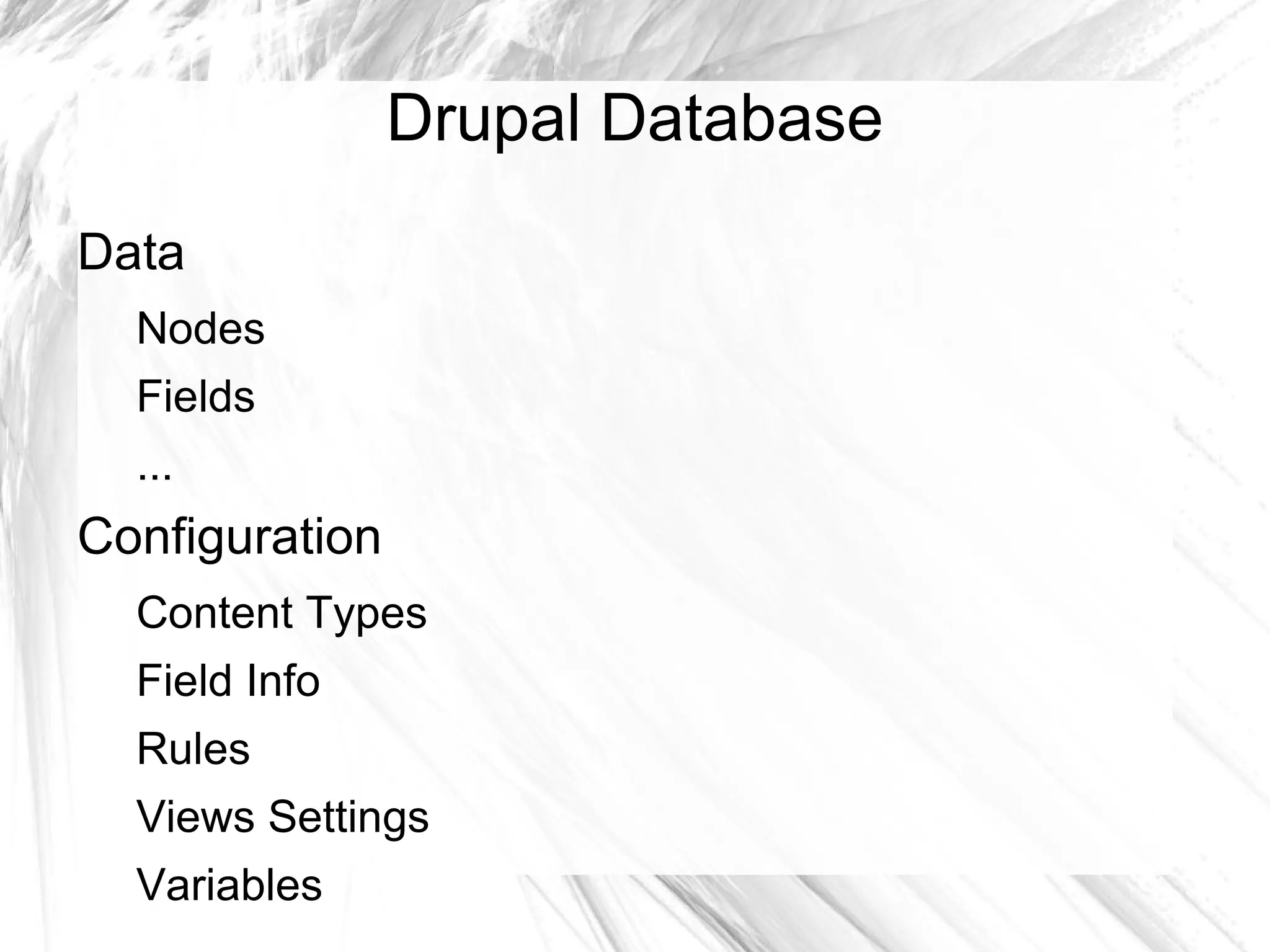
Drupal Database
Data
  Nodes
  Fields
  ...
Configuration
  Content Types
  Field Info
  Rules
  Views Settings
  Variables
Drupal Deployment Challenges
How do we deploy our Drupal instances from one
 box to another?
  Moving the database?
  Manually duplicating configuration changes?
Drupal Deployment Challenges
How to we use revision control with Drupal?
  Works great with modules, but what about our
   configuration?
  Add SQL dumps to the repository?
Drupal Deployment Challenges
How do we achieve one-click deployment?
  Modules are handled through dependencies...
  What about our configuration?
  Write some sort of custom installation script?
THE Drupal Deployment Challenge
All of these problems can be reduced to one:
  configuration that lives in the database instead
  of the code
How do we move as much configuration into
 code as possible, and load it when the site is
 first installed?
The Answer
Installation Profiles provide a means of one-
  click (or even fully automated!) deployment for
  modules and themes
Features provide a means of exporting
 configuration to code as feature modules, used
 to satisfy a specific use case
Installation Profiles
Core functionality
Allows users to perform one-time setup tasks
  during installation, based on presets
  Install and enable modules/themes
  Run custom code
Can be used to package modules and themes
Possible to select through the UI and through
 drush site-install!
Anatomy of an Install Profile
Exist in profiles/PROFILENAME
Within each...
  PROFILENAME.info – metadata/dependencies
  PROFILENAME.install – installation-specific hooks
  PROFILENAME.profile – other hooks
  modules/ - modules packaged with this profile
  themes/ - themes packaged in the profile
  libraries/ - Libraries API looks here for libs
Features
Contrib module that allows for exporting existing
 configuration as modules
First, some terminology...
Features Terminology
Features refers to the Features module
Features packages components together - bits
 of configuration for individual modules, like
 individual views
These components are taken from modules that
 integrate with Features, usually by providing
 CTools exportables
The feature modules that Features creates
 contain the components that you select
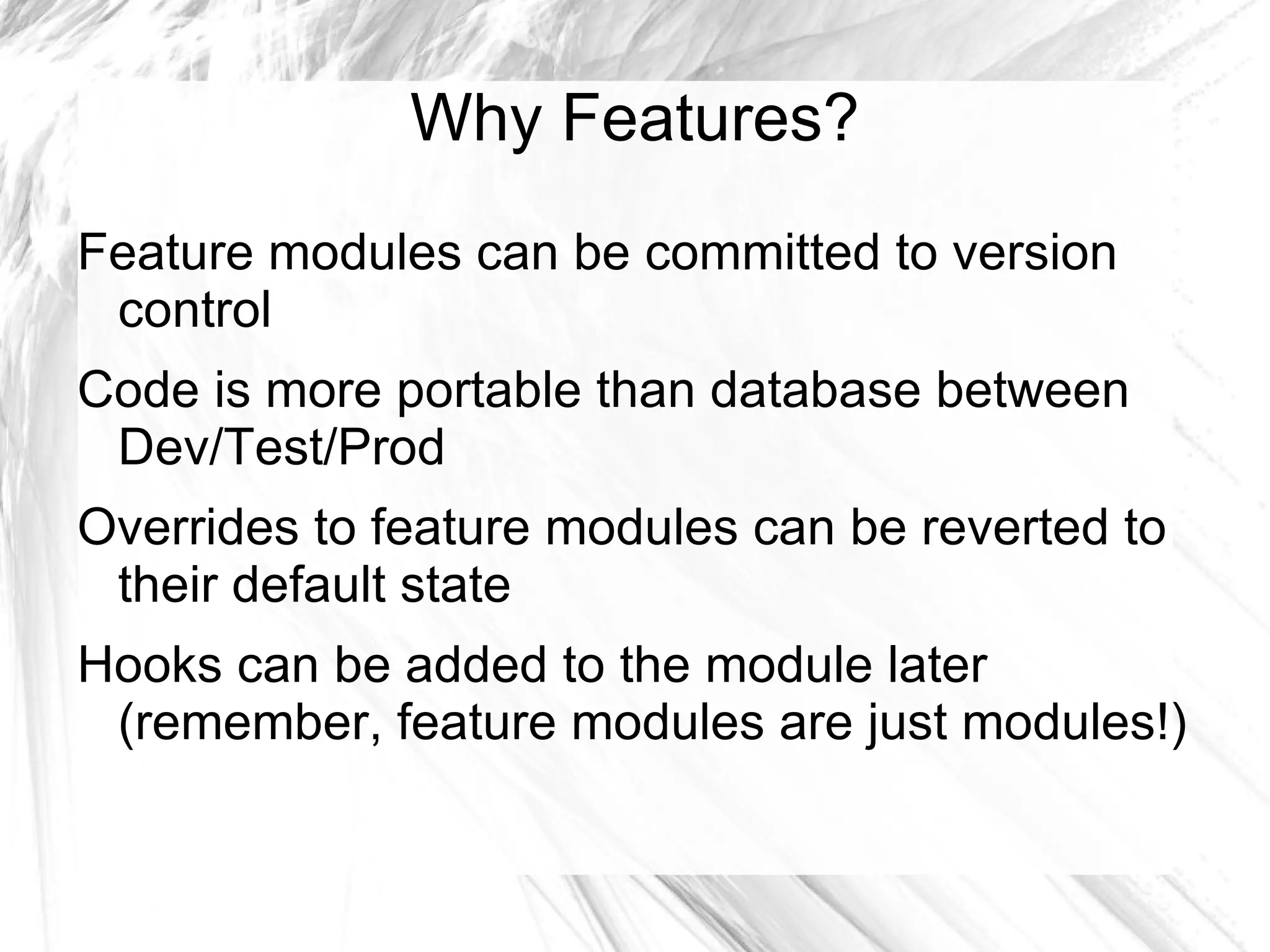
Why Features?
Feature modules can be committed to version
 control
Code is more portable than database between
 Dev/Test/Prod
Overrides to feature modules can be reverted to
 their default state
Hooks can be added to the module later
 (remember, feature modules are just modules!)
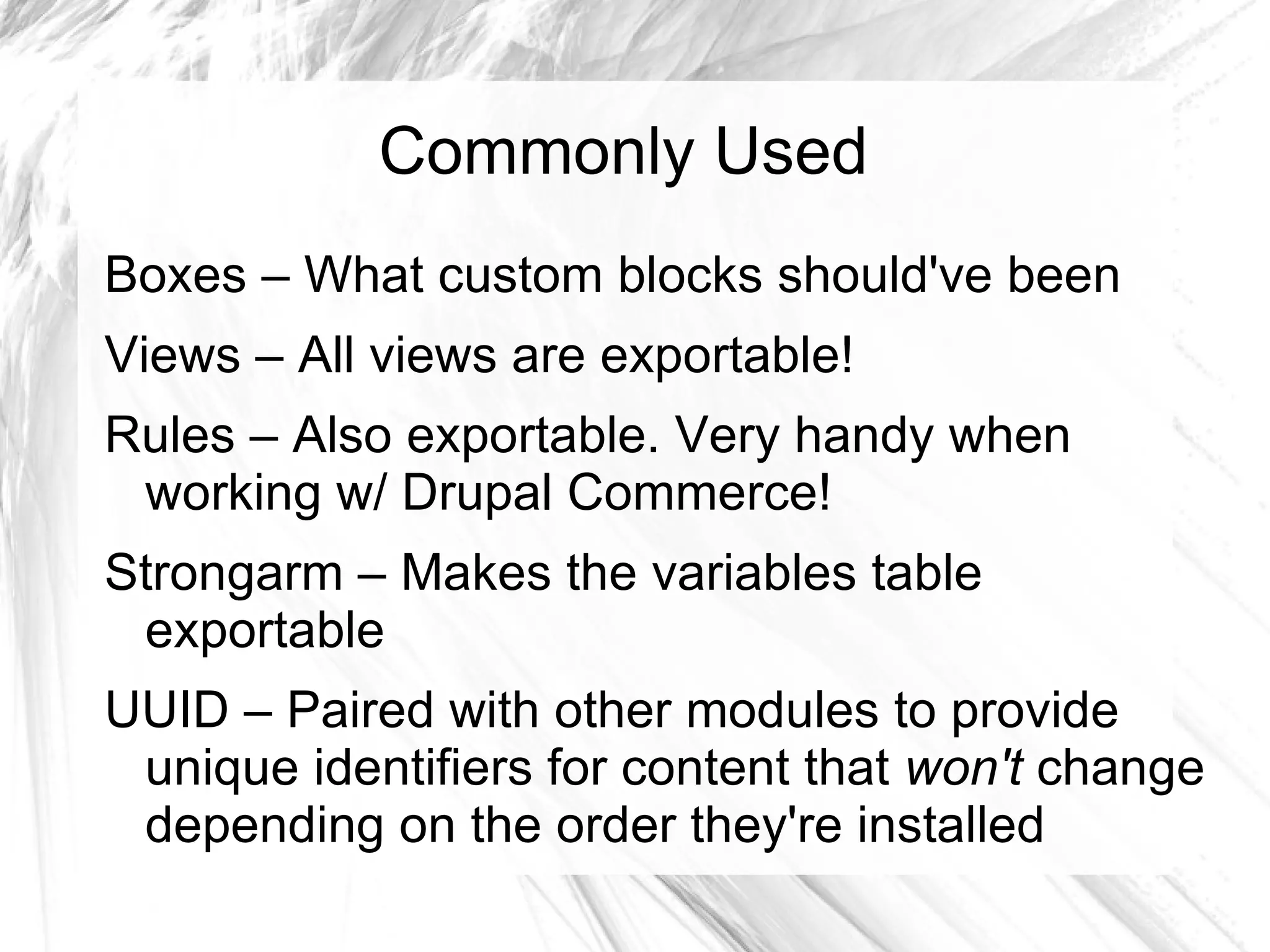
Commonly Used
Boxes – What custom blocks should've been
Views – All views are exportable!
Rules – Also exportable. Very handy when
 working w/ Drupal Commerce!
Strongarm – Makes the variables table
 exportable
UUID – Paired with other modules to provide
 unique identifiers for content that won't change
 depending on the order they're installed
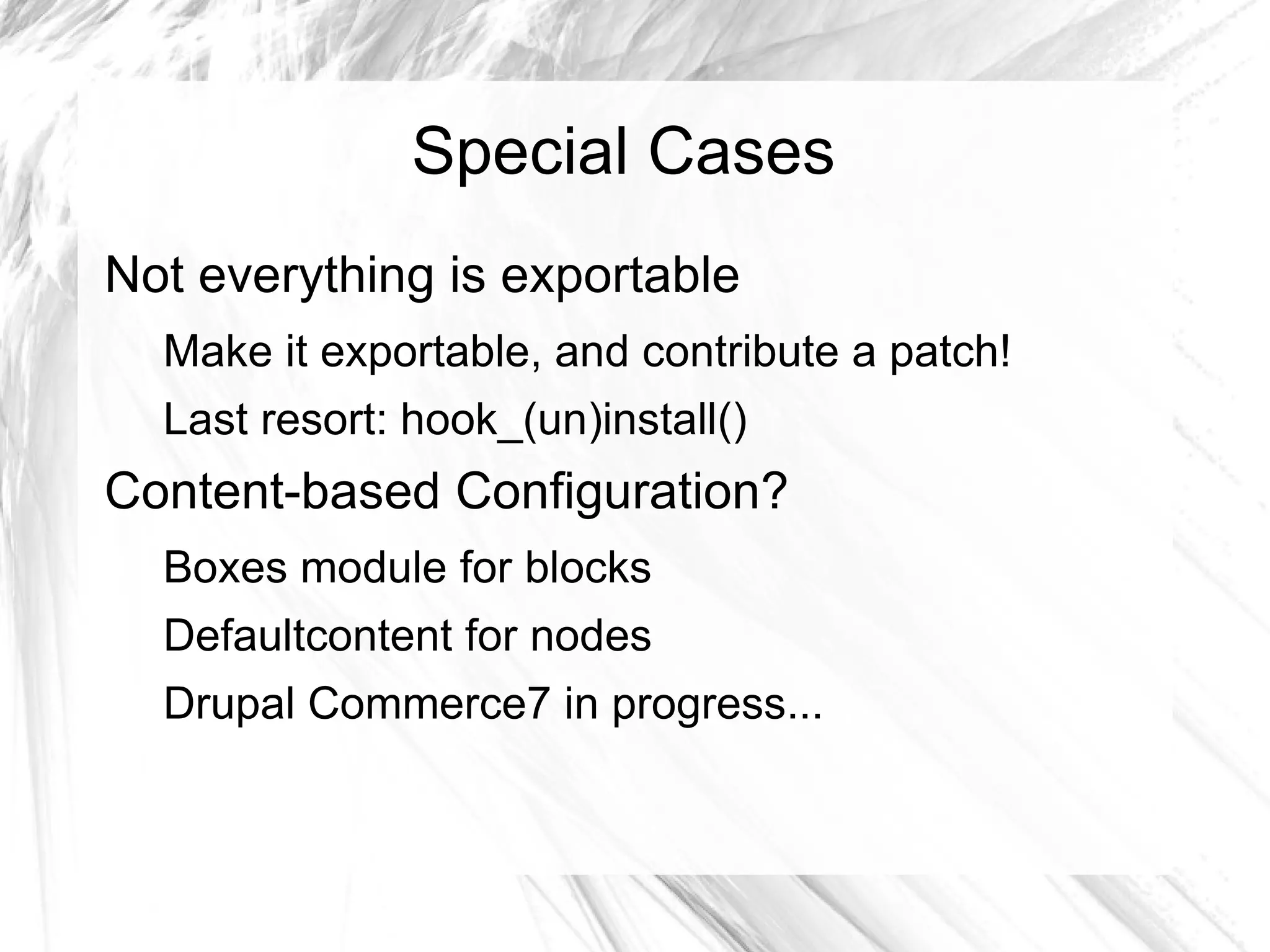
Special Cases
Not everything is exportable
  Make it exportable, and contribute a patch!
  Last resort: hook_(un)install()
Content-based Configuration?
  Boxes module for blocks
  Defaultcontent for nodes
  Drupal Commerce7 in progress...
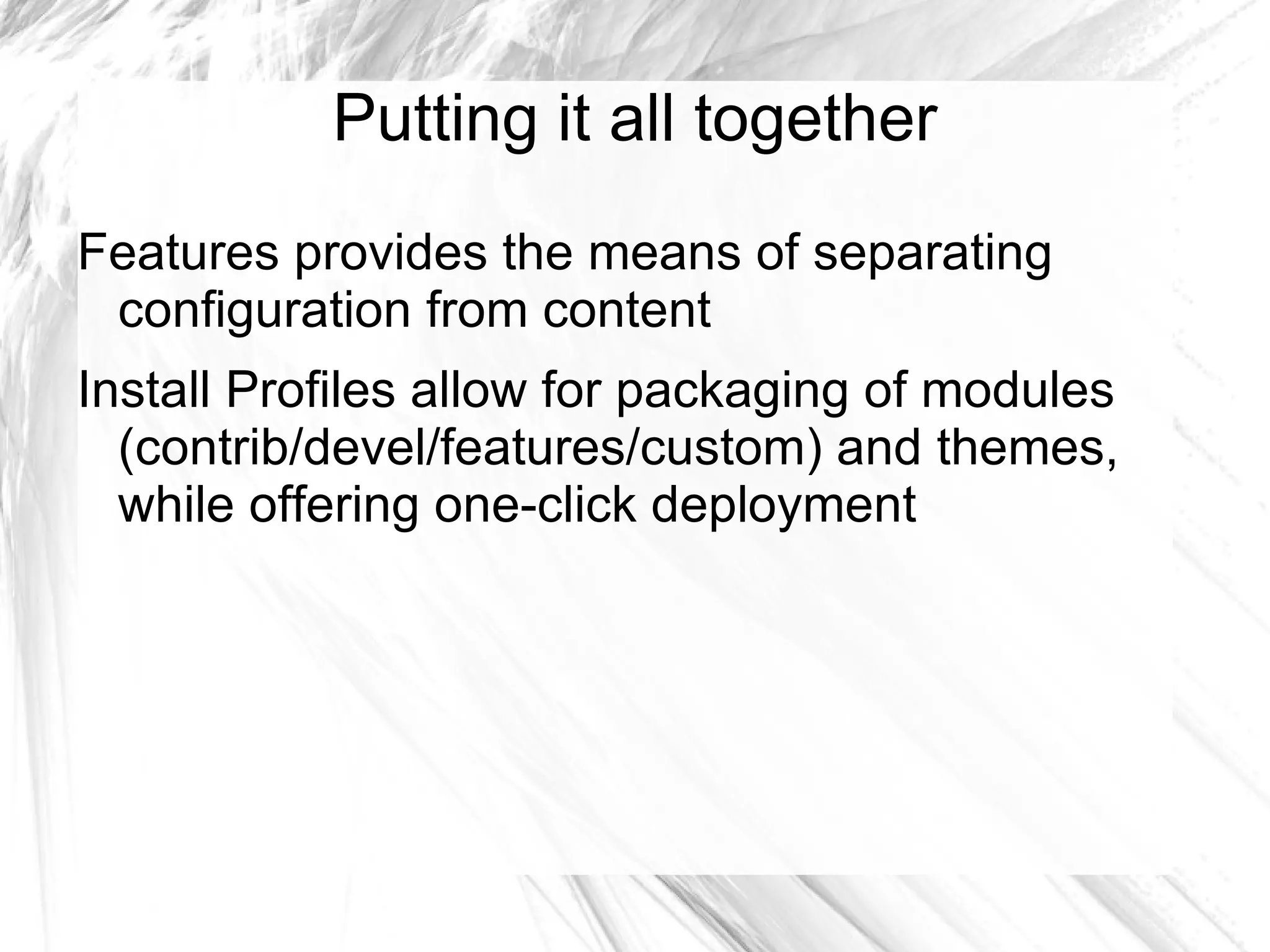
Putting it all together
Features provides the means of separating
 configuration from content
Install Profiles allow for packaging of modules
  (contrib/devel/features/custom) and themes,
  while offering one-click deployment
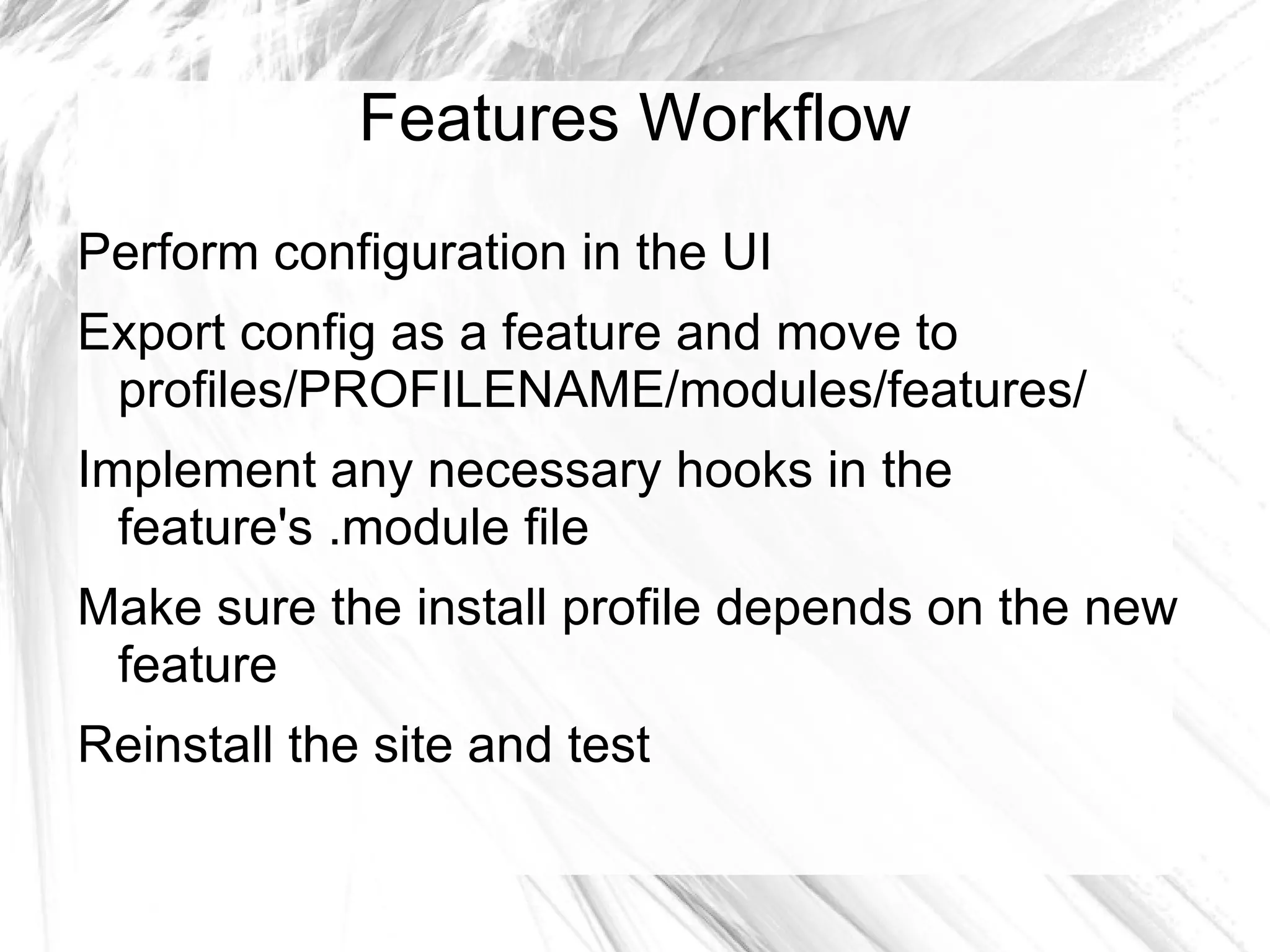
Features Workflow
Perform configuration in the UI
Export config as a feature and move to
 profiles/PROFILENAME/modules/features/
Implement any necessary hooks in the
  feature's .module file
Make sure the install profile depends on the new
 feature
Reinstall the site and test
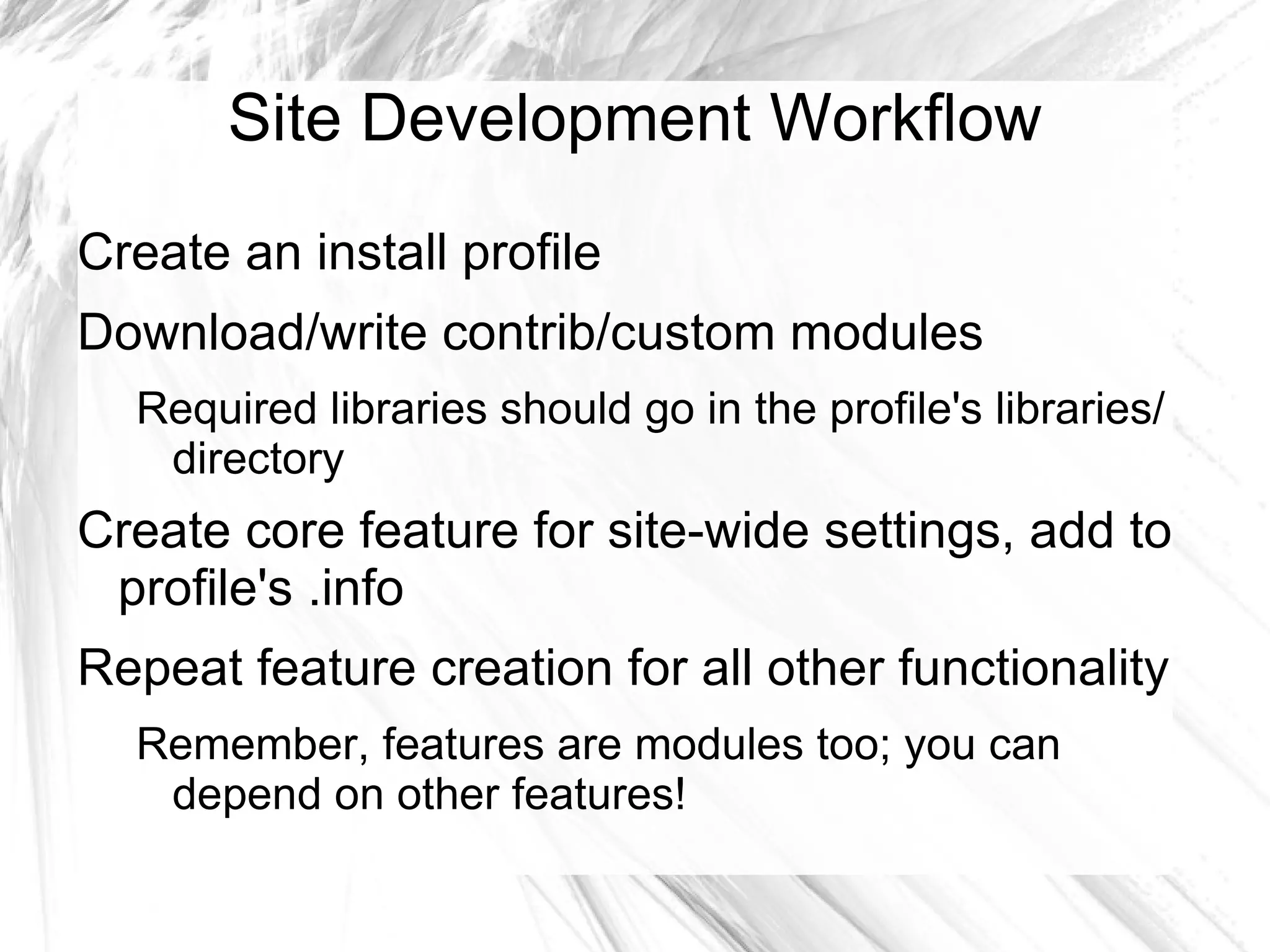
Site Development Workflow
Create an install profile
Download/write contrib/custom modules
  Required libraries should go in the profile's libraries/
   directory
Create core feature for site-wide settings, add to
 profile's .info
Repeat feature creation for all other functionality
  Remember, features are modules too; you can
   depend on other features!
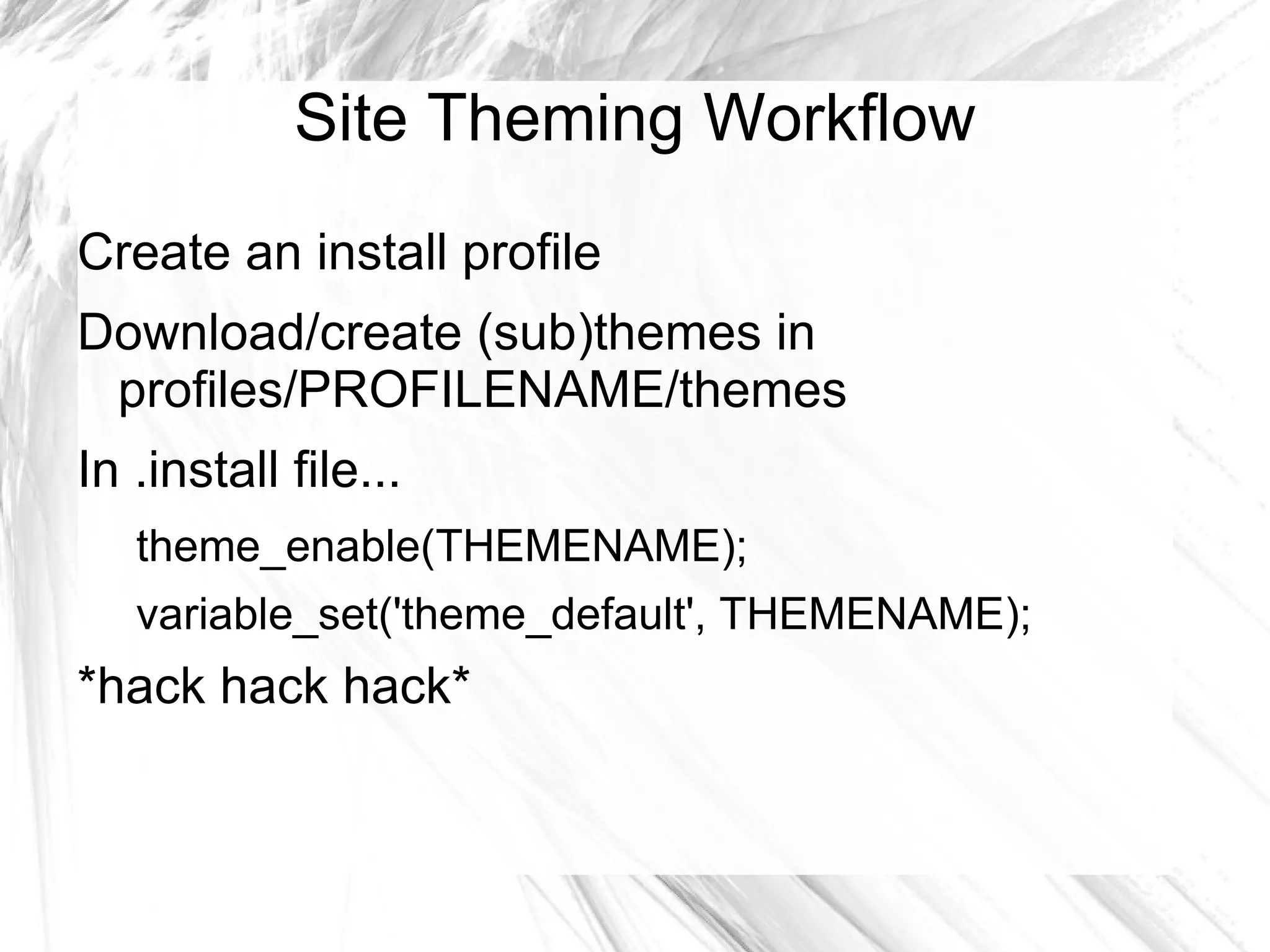
Site Theming Workflow
Create an install profile
Download/create (sub)themes in
 profiles/PROFILENAME/themes
In .install file...
   theme_enable(THEMENAME);
   variable_set('theme_default', THEMENAME);
*hack hack hack*
Example
Aqueduct Install Profile
Heavily commented
Uses Features to export configuration settings
Play, experiment, use as a base, send
  suggestions/patches for improvement, enjoy!
Questions?
Get in Touch!
d.o – davidwatson
e – dmw@davidwatson.name
t - @caughtexception
in – linkedin.com/in/davidmwatson

Features & Installation Profiles

  • 1.
    Features + InstallationProfiles February 24, 2012
  • 2.
    David Watson Rensselaer PolytechnicInstitute Web Developer Experimental Media and Performing Arts Center (EMPAC) Adjunct Professor Web Systems Development Drupal Consultant ~3 years in the community Specialized Generalist
  • 3.
    Best Practices Revision Control Dev/Test/Prodworkflow One-click Deployment
  • 4.
    Revision Control Easier collaborationwith conflict handling Change history Ability to revert Easier to merge in new code Best Practice: Use it. Reality: This is hard to do for sites!
  • 5.
    Dev/Test/Prod Workstations check outcode from Dev server Patches are reviewed, committed to Dev Possibly running Jenkins/Hudson Release candidates are pushed to Test/Staging environment Final release pushed to Production along with any staged content
  • 6.
    Dev/Test/Prod Best Practice: Usea workflow like this to ensure that only production-quality code is running on production servers. Reality: This is hard to do for sites!
  • 7.
    One-click Deployment End-users shouldn'thave to configure their sites, that's what we're here for! Best practice: Let the installer do all of the heavy lifting, providing sane defaults site-wide Reality: ...You get the idea.
  • 8.
    Drupal Database Data Nodes Fields ... Configuration Content Types Field Info Rules Views Settings Variables
  • 9.
    Drupal Deployment Challenges Howdo we deploy our Drupal instances from one box to another? Moving the database? Manually duplicating configuration changes?
  • 10.
    Drupal Deployment Challenges Howto we use revision control with Drupal? Works great with modules, but what about our configuration? Add SQL dumps to the repository?
  • 11.
    Drupal Deployment Challenges Howdo we achieve one-click deployment? Modules are handled through dependencies... What about our configuration? Write some sort of custom installation script?
  • 12.
    THE Drupal DeploymentChallenge All of these problems can be reduced to one: configuration that lives in the database instead of the code How do we move as much configuration into code as possible, and load it when the site is first installed?
  • 13.
    The Answer Installation Profilesprovide a means of one- click (or even fully automated!) deployment for modules and themes Features provide a means of exporting configuration to code as feature modules, used to satisfy a specific use case
  • 14.
    Installation Profiles Core functionality Allowsusers to perform one-time setup tasks during installation, based on presets Install and enable modules/themes Run custom code Can be used to package modules and themes Possible to select through the UI and through drush site-install!
  • 15.
    Anatomy of anInstall Profile Exist in profiles/PROFILENAME Within each... PROFILENAME.info – metadata/dependencies PROFILENAME.install – installation-specific hooks PROFILENAME.profile – other hooks modules/ - modules packaged with this profile themes/ - themes packaged in the profile libraries/ - Libraries API looks here for libs
  • 16.
    Features Contrib module thatallows for exporting existing configuration as modules First, some terminology...
  • 17.
    Features Terminology Features refersto the Features module Features packages components together - bits of configuration for individual modules, like individual views These components are taken from modules that integrate with Features, usually by providing CTools exportables The feature modules that Features creates contain the components that you select
  • 18.
    Why Features? Feature modulescan be committed to version control Code is more portable than database between Dev/Test/Prod Overrides to feature modules can be reverted to their default state Hooks can be added to the module later (remember, feature modules are just modules!)
  • 19.
    Commonly Used Boxes –What custom blocks should've been Views – All views are exportable! Rules – Also exportable. Very handy when working w/ Drupal Commerce! Strongarm – Makes the variables table exportable UUID – Paired with other modules to provide unique identifiers for content that won't change depending on the order they're installed
  • 20.
    Special Cases Not everythingis exportable Make it exportable, and contribute a patch! Last resort: hook_(un)install() Content-based Configuration? Boxes module for blocks Defaultcontent for nodes Drupal Commerce7 in progress...
  • 21.
    Putting it alltogether Features provides the means of separating configuration from content Install Profiles allow for packaging of modules (contrib/devel/features/custom) and themes, while offering one-click deployment
  • 22.
    Features Workflow Perform configurationin the UI Export config as a feature and move to profiles/PROFILENAME/modules/features/ Implement any necessary hooks in the feature's .module file Make sure the install profile depends on the new feature Reinstall the site and test
  • 23.
    Site Development Workflow Createan install profile Download/write contrib/custom modules Required libraries should go in the profile's libraries/ directory Create core feature for site-wide settings, add to profile's .info Repeat feature creation for all other functionality Remember, features are modules too; you can depend on other features!
  • 24.
    Site Theming Workflow Createan install profile Download/create (sub)themes in profiles/PROFILENAME/themes In .install file... theme_enable(THEMENAME); variable_set('theme_default', THEMENAME); *hack hack hack*
  • 25.
    Example Aqueduct Install Profile Heavilycommented Uses Features to export configuration settings Play, experiment, use as a base, send suggestions/patches for improvement, enjoy!
  • 26.
  • 27.
    Get in Touch! d.o– davidwatson e – dmw@davidwatson.name t - @caughtexception in – linkedin.com/in/davidmwatson