Download as PDF, PPTX


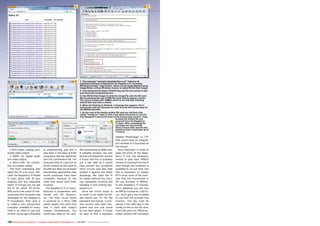


1. The document describes how to set up an IPTV system using a Raspberry Pi device as the receiver. A PC is used as the server with TSReader Pro to receive broadcast signals and stream channels over the network. 2. Key steps include downloading the OpenELEC operating system onto an SD card for the Raspberry Pi, adding MPEG2 license keys, and configuring TSReader Pro on the server PC to demux channels and stream them individually over the network to be received by the Raspberry Pi. 3. The Raspberry Pi converts any TV into a networked media center using XBMC. Being small and inexpensive, it can be easily hidden behind a TV and controlled remotely with a wireless keyboard


![Maker Faire Singapore by TAKASU Masakazu [Oversea Maker Faire Meetup 2016 Tokyo]](https://cdn.slidesharecdn.com/ss_thumbnails/3mqhq18rda5bb5f0rwmg-signature-ea2602182c0f3e4d4476545928890859facbbf8f735c16be59a02946a9500891-poli-160826113334-thumbnail.jpg?width=640&height=640&fit=bounds)


