Puneet Vijwani
03.02.2024
-Data Toboggan
Managed and External Spark Tables in Fabric Lakehouse
@Puneetvijwani
( Meetup) : Fabric’s & Synapse Explorers
User Group Norway
Agenda
Overview
Inside Fabric Lakehouse
Delta Lake Tables
•Delta Lake is the default table format in Fabric
Lakehouse's
•Brings reliability, performance and simplicity to data lakes
•Supports ACID transactions, schema enforcement, time
travel
Fabric
Tables Files
One Lake
Internal
HMS
ADLS GEN 2
AWS etc..
Data & Metadata
By HMS
Only Metadata
By HMS
SQL SERVER’s
INFORMATION_SCEHMA Tables
Database File’s
Table schemas/ Metadata
Metadata
Power BI
Fabric Workspace
Hive
Metadata
Fabirc Managed service
Managed Table
Data
abfss://<>@onelake.dfs.fabric.microsoft.com/<>/Tables/products
Delta Lake Tables-Fabric
%%sql
CREATE TABLE salesorders
(
Orderid INT NOT NULL,
OrderDate TIMESTAMP NOT NULL,
CustomerName STRING,
SalesTotal FLOAT NOT NULL
)
USING DELTA
%%sql
CREATE TABLE MyExternalTable
USING DELTA
LOCATION 'Files/mydata'
from delta.tables import *
DeltaTable.create(spark) 
.tableName("products") 
.addColumn("Productid", "INT") 
.addColumn("ProductName", "STRING") 
.addColumn("Category", "STRING") 
.addColumn("Price", "FLOAT") 
.execute()
Managed Table
DeltaTableBuilder API
External table
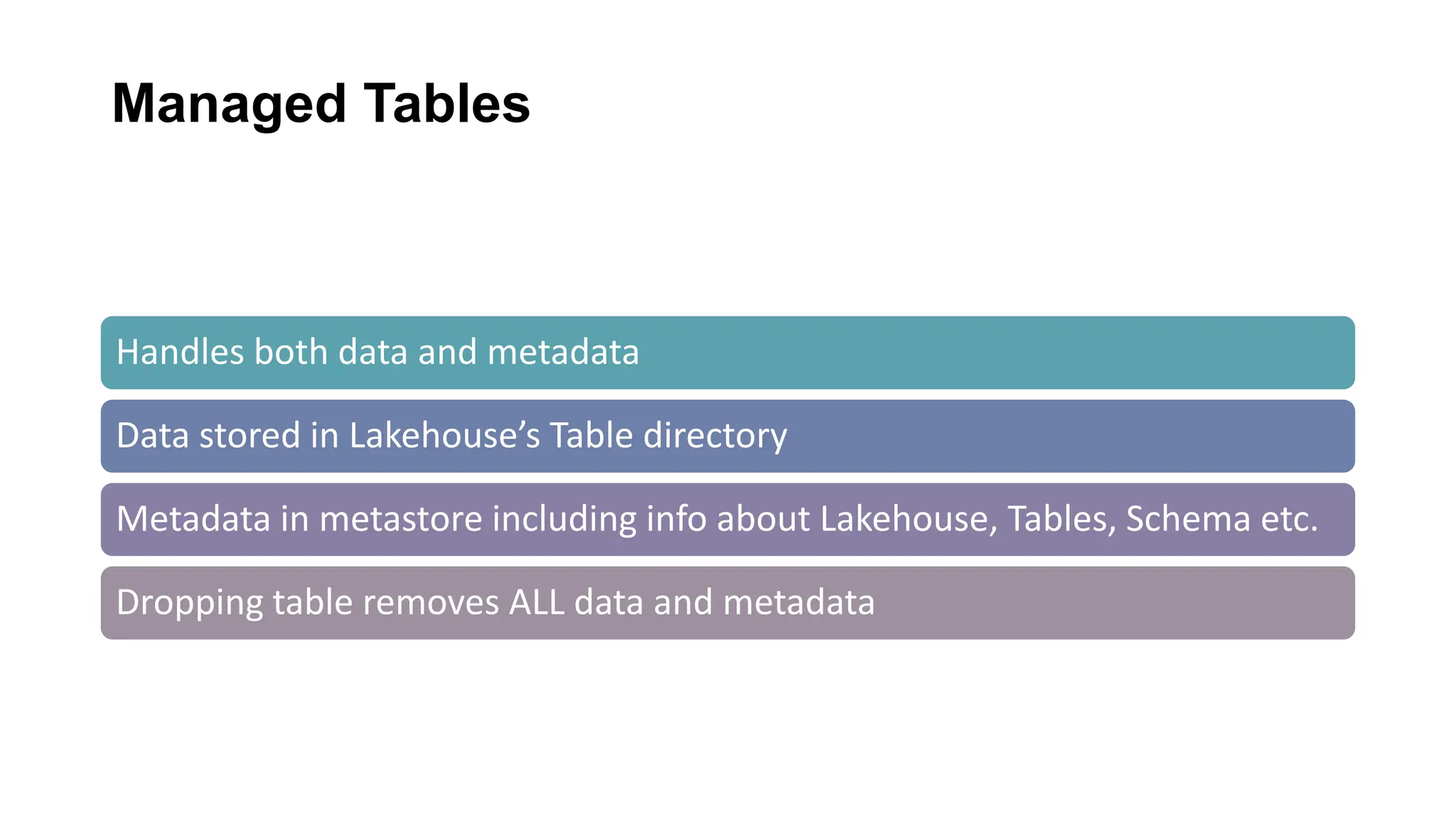
Managed Tables
Handles both data and metadata
Data stored in Lakehouse’s Table directory
Metadata in metastore including info about Lakehouse, Tables, Schema etc.
Dropping table removes ALL data and metadata
Creating
Managed
Table
1.
df = spark.read.load('Files/train_schedule.csv',
format='csv', header=True)
# Save the dataframe as a delta table
df.write.format("delta")
.saveAsTable(“train_schedule")
2. %%sql
CREATE TABLE salesorders (
Orderid INT NOT NULL,
OrderDate TIMESTAMP NOT NULL,
CustomerName STRING,
SalesTotal FLOAT NOT NULL
) USING DELTA
3.
from delta.tables import *
DeltaTable.create(spark) 
.tableName("products") 
.addColumn("Productid", "INT") 
.addColumn("ProductName", "STRING") 
.addColumn("Category", "STRING") 
.addColumn("Price", "FLOAT") 
.execute()
4.
df.write.format("csv"). saveAsTable(“mytable_csv")
df.write.format("json"). saveAsTable(“mytable_json")
df.write.format("parquet").saveAsTable(“mytable_parquet")
Creating
Managed
Table
List Tables
Creating
Managed
Table
4. Load to tables
External Tables
Handles metadata only
You specify external location to store table data
Dropping table removes metadata BUT data
persists externally
Creating
External
Table
1.df.write.format("delta").save
AsTable("myexternaltable",
path="Files/myexternaltable")
2. %%sql
CREATE TABLE
MyExternalTable2
USING DELTA
LOCATION 'Files/mydata'
Creating
External
Table
List Tables
DROP EXTERNAL TABLE
Using
Shortcuts
Table section
Shortcut
(Managed)
Files section
Shortcut
(Unmanaged)
List Tables
External Table from
Shortcut
Key Difference
METADATA HANDLING DATA PERSISTENCE
WHEN TABLE DROPPED
FLEXIBILITY OVER DATA
LOCATION
POWER BI & SQL
ENDPOINT OPERABILITY
One Use Case for Managed Tables
• Scenario: Ephemeral Data Processing
• Description: A data engineering pipeline processes temporary data for analytical or
intermediate computations.
• Rationale: Managed tables are ideal here because they provide ease of cleanup. When
the table is dropped, both metadata and data are deleted, which is perfect for temporary
or transient data that does not need to persist beyond the life of the processing job.
• CREATE TABLE temp_user_sessions
• USING DELTA
• AS SELECT * FROM raw_user_sessions WHERE session_date = '2024-02-02';
Use Case for External Tables
• Scenario: Long-term External Data Storage Integration
• Description: A company stores its data in a data lake such as ADLS or S3 and wants to
make it query able via Spark, but also plans to access this data using other tools or
services outside of the existing environment like MS Fabric for Governance purposes
• Rationale: External tables make sense as they allow the data to remain in place even if
the table definitions in Spark are removed. This flexibility is crucial for scenarios where the
underlying data must be durable and outlive the metadata definitions within the queriable
ecosystem
• CREATE EXTERNAL TABLE user_profiles
• USING PARQUET
• LOCATION ‘Files/external/user_profiles/';
Migrate HMS metadata from Synapse
Export metadata
from source HMS
01
Import metadata
into Fabric
lakehouse
02
Verify metadata
and data available
03
https://learn.microsoft.com/en-us/fabric/data-engineering/migrate-synapse-hms-metadata
• Q&A &
References
https://murggu.medium.com/migrating-spark-catalog-to-
fabric-lakehouse-cc8c14f0f0e1
• From Aitor Murguzur Blogs
https://murggu.medium.com/creating-managed-and-external-
spark-tables-in-fabric-lakehouse-ef6212e75e81
• Spark Data Engineering
Patterns – Shortcuts and
External tables
• Azure Synpase analytics Youtube channel
https://www.youtube.com/watch?v=AObKOOVHRv4&t=300s

External & Managed Tables In Fabric Lakehouse.pptx

  • 1.
    Puneet Vijwani 03.02.2024 -Data Toboggan Managedand External Spark Tables in Fabric Lakehouse @Puneetvijwani ( Meetup) : Fabric’s & Synapse Explorers User Group Norway
  • 2.
  • 3.
  • 4.
    Inside Fabric Lakehouse DeltaLake Tables •Delta Lake is the default table format in Fabric Lakehouse's •Brings reliability, performance and simplicity to data lakes •Supports ACID transactions, schema enforcement, time travel
  • 5.
    Fabric Tables Files One Lake Internal HMS ADLSGEN 2 AWS etc.. Data & Metadata By HMS Only Metadata By HMS SQL SERVER’s INFORMATION_SCEHMA Tables Database File’s Table schemas/ Metadata Metadata Power BI Fabric Workspace Hive Metadata Fabirc Managed service Managed Table Data abfss://<>@onelake.dfs.fabric.microsoft.com/<>/Tables/products
  • 6.
    Delta Lake Tables-Fabric %%sql CREATETABLE salesorders ( Orderid INT NOT NULL, OrderDate TIMESTAMP NOT NULL, CustomerName STRING, SalesTotal FLOAT NOT NULL ) USING DELTA %%sql CREATE TABLE MyExternalTable USING DELTA LOCATION 'Files/mydata' from delta.tables import * DeltaTable.create(spark) .tableName("products") .addColumn("Productid", "INT") .addColumn("ProductName", "STRING") .addColumn("Category", "STRING") .addColumn("Price", "FLOAT") .execute() Managed Table DeltaTableBuilder API External table
  • 7.
    Managed Tables Handles bothdata and metadata Data stored in Lakehouse’s Table directory Metadata in metastore including info about Lakehouse, Tables, Schema etc. Dropping table removes ALL data and metadata
  • 8.
    Creating Managed Table 1. df = spark.read.load('Files/train_schedule.csv', format='csv',header=True) # Save the dataframe as a delta table df.write.format("delta") .saveAsTable(“train_schedule") 2. %%sql CREATE TABLE salesorders ( Orderid INT NOT NULL, OrderDate TIMESTAMP NOT NULL, CustomerName STRING, SalesTotal FLOAT NOT NULL ) USING DELTA 3. from delta.tables import * DeltaTable.create(spark) .tableName("products") .addColumn("Productid", "INT") .addColumn("ProductName", "STRING") .addColumn("Category", "STRING") .addColumn("Price", "FLOAT") .execute() 4. df.write.format("csv"). saveAsTable(“mytable_csv") df.write.format("json"). saveAsTable(“mytable_json") df.write.format("parquet").saveAsTable(“mytable_parquet")
  • 9.
  • 10.
  • 11.
  • 12.
    External Tables Handles metadataonly You specify external location to store table data Dropping table removes metadata BUT data persists externally
  • 13.
  • 14.
  • 15.
  • 16.
  • 17.
  • 18.
  • 19.
  • 20.
    Key Difference METADATA HANDLINGDATA PERSISTENCE WHEN TABLE DROPPED FLEXIBILITY OVER DATA LOCATION POWER BI & SQL ENDPOINT OPERABILITY
  • 21.
    One Use Casefor Managed Tables • Scenario: Ephemeral Data Processing • Description: A data engineering pipeline processes temporary data for analytical or intermediate computations. • Rationale: Managed tables are ideal here because they provide ease of cleanup. When the table is dropped, both metadata and data are deleted, which is perfect for temporary or transient data that does not need to persist beyond the life of the processing job. • CREATE TABLE temp_user_sessions • USING DELTA • AS SELECT * FROM raw_user_sessions WHERE session_date = '2024-02-02';
  • 22.
    Use Case forExternal Tables • Scenario: Long-term External Data Storage Integration • Description: A company stores its data in a data lake such as ADLS or S3 and wants to make it query able via Spark, but also plans to access this data using other tools or services outside of the existing environment like MS Fabric for Governance purposes • Rationale: External tables make sense as they allow the data to remain in place even if the table definitions in Spark are removed. This flexibility is crucial for scenarios where the underlying data must be durable and outlive the metadata definitions within the queriable ecosystem • CREATE EXTERNAL TABLE user_profiles • USING PARQUET • LOCATION ‘Files/external/user_profiles/';
  • 23.
    Migrate HMS metadatafrom Synapse Export metadata from source HMS 01 Import metadata into Fabric lakehouse 02 Verify metadata and data available 03 https://learn.microsoft.com/en-us/fabric/data-engineering/migrate-synapse-hms-metadata
  • 24.
    • Q&A & References https://murggu.medium.com/migrating-spark-catalog-to- fabric-lakehouse-cc8c14f0f0e1 •From Aitor Murguzur Blogs https://murggu.medium.com/creating-managed-and-external- spark-tables-in-fabric-lakehouse-ef6212e75e81 • Spark Data Engineering Patterns – Shortcuts and External tables • Azure Synpase analytics Youtube channel https://www.youtube.com/watch?v=AObKOOVHRv4&t=300s