e-Voting Application using Barcode Vtoken Bowo Prasetyo Isolated e-Voting System in a Precinct Secured with Vote Sealing and Paper Audit Trail December 10, 2011 http://www.scribd.com/prazjp   http://www.slideshare.net/bowoprasetyo
e-Voting Application e-Voting Application is an open source project aiming to create an e-voting system which complies to European e-Voting standard and EML specification.
e-Voting Application is also used as basis to create an e-voting system which complies to Indonesian e-Voting standard which is being defined by Badan Pengkajian dan Penerapan Teknologi (BPPT).
Download and License e-Voting Application can be found here: http://sourceforge.net/projects/evotingapp/   It is under the license GPL v3, basically means: You may download, modify, use and redistribute it freely.
Derived works should be made open source too under the same license.
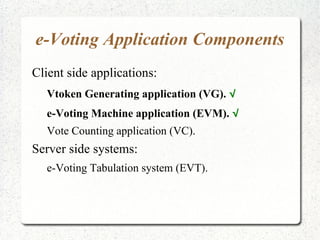
e-Voting Application Components Client side applications: Vtoken Generating application (VG).  √
e-Voting Machine application (EVM).  √
Vote Counting application (VC). Server side systems: e-Voting Tabulation system (EVT).
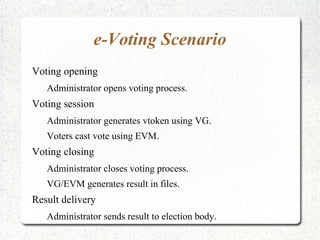
e-Voting Scenario Voting opening Administrator opens voting process. Voting session Administrator generates vtoken using VG.
Voters cast vote using EVM. Voting closing Administrator closes voting process.
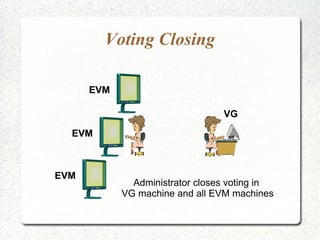
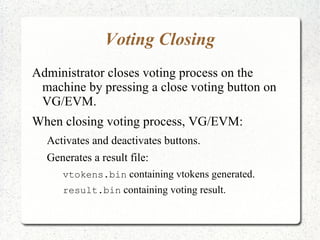
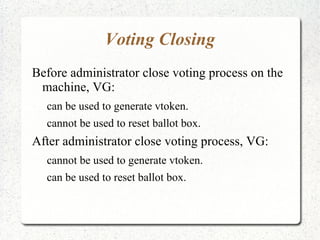
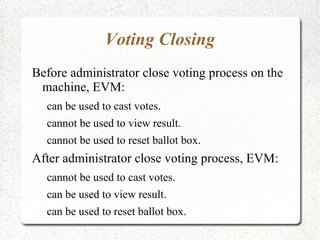
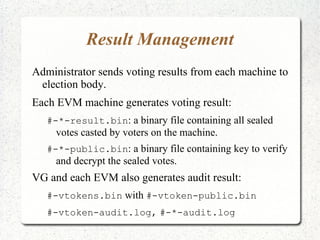
VG/EVM generates result in files. Result delivery Administrator sends result to election body.
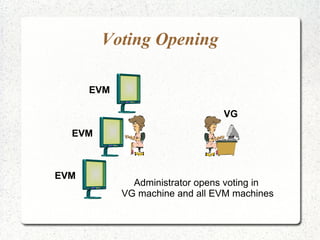
Voting Opening VG EVM EVM EVM Administrator opens voting in  VG machine and all EVM machines
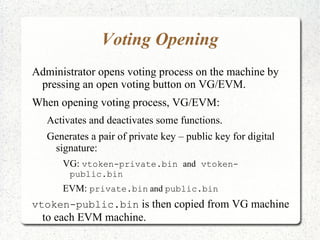
Voting Opening Administrator opens voting process on the machine by pressing an open voting button on VG/EVM.
When opening voting process, VG/EVM: Activates and deactivates some functions.
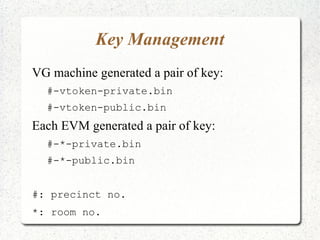
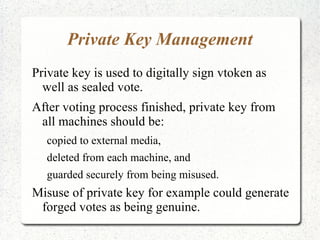
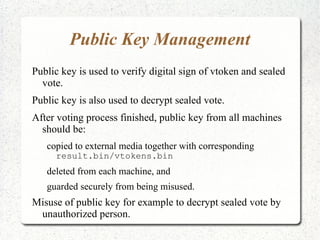
Generates a pair of private key – public key for digital signature: VG:  vtoken-private.bin  and  vtoken-public.bin
EVM:  private.bin   and  public.bin vtoken-public.bin  is then copied from VG machine to each EVM machine.
Voting Opening Before administrator open voting process on the machine, VG: cannot be used to generate vtoken.
can be used to reset ballot box. After administrator open voting process, VG: can be used to generate vtoken.
cannot be used to reset ballot box.
Voting Opening Before administrator open voting process on the machine, EVM: cannot be used to cast votes.
can be used to view result.
can be used to reset ballot box. After administrator open voting process, EVM: can be used to cast votes.
cannot be used to view result.
cannot be used to reset ballot box.
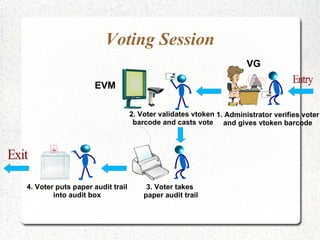
Voting Session 1. Administrator verifies voter and gives vtoken barcode 2. Voter validates vtoken  barcode and casts vote 4. Voter puts paper audit trail into audit box 3. Voter takes  paper audit trail VG EVM Entry Exit
Voting Session Voter verification Administrator verifies voter identity. Vtoken generation Administrator generates vtoken as proof of right-to-vote using VG machine. Vtoken validation EVM validates vtoken before voting. Voting Voter casts vote using EVM.
Voting Session Vote sealing EVM seals “vtoken + vote” using digital signature. Vote collection EVM collects sealed votes in ballot box electronic. Paper audit trail generation Voter takes generated paper audit trail and puts into audit box.
Voter Verification Before voter casts a vote, administrator verifies for two things: voter's identity, and
whether voter is eligible to vote. Administrator performs voter verification: manually using traditional identity card, or
electronically using digital identity card, or
combination of both.

e-Voting Application using Barcode Vtoken

  • 1.
    e-Voting Application usingBarcode Vtoken Bowo Prasetyo Isolated e-Voting System in a Precinct Secured with Vote Sealing and Paper Audit Trail December 10, 2011 http://www.scribd.com/prazjp http://www.slideshare.net/bowoprasetyo
  • 2.
    e-Voting Application e-VotingApplication is an open source project aiming to create an e-voting system which complies to European e-Voting standard and EML specification.
  • 3.
    e-Voting Application isalso used as basis to create an e-voting system which complies to Indonesian e-Voting standard which is being defined by Badan Pengkajian dan Penerapan Teknologi (BPPT).
  • 4.
    Download and Licensee-Voting Application can be found here: http://sourceforge.net/projects/evotingapp/ It is under the license GPL v3, basically means: You may download, modify, use and redistribute it freely.
  • 5.
    Derived works shouldbe made open source too under the same license.
  • 6.
    e-Voting Application ComponentsClient side applications: Vtoken Generating application (VG). √
  • 7.
  • 8.
    Vote Counting application(VC). Server side systems: e-Voting Tabulation system (EVT).
  • 9.
    e-Voting Scenario Votingopening Administrator opens voting process. Voting session Administrator generates vtoken using VG.
  • 10.
    Voters cast voteusing EVM. Voting closing Administrator closes voting process.
  • 11.
    VG/EVM generates resultin files. Result delivery Administrator sends result to election body.
  • 12.
    Voting Opening VGEVM EVM EVM Administrator opens voting in VG machine and all EVM machines
  • 13.
    Voting Opening Administratoropens voting process on the machine by pressing an open voting button on VG/EVM.
  • 14.
    When opening votingprocess, VG/EVM: Activates and deactivates some functions.
  • 15.
    Generates a pairof private key – public key for digital signature: VG: vtoken-private.bin and vtoken-public.bin
  • 16.
    EVM: private.bin and public.bin vtoken-public.bin is then copied from VG machine to each EVM machine.
  • 17.
    Voting Opening Beforeadministrator open voting process on the machine, VG: cannot be used to generate vtoken.
  • 18.
    can be usedto reset ballot box. After administrator open voting process, VG: can be used to generate vtoken.
  • 19.
    cannot be usedto reset ballot box.
  • 20.
    Voting Opening Beforeadministrator open voting process on the machine, EVM: cannot be used to cast votes.
  • 21.
    can be usedto view result.
  • 22.
    can be usedto reset ballot box. After administrator open voting process, EVM: can be used to cast votes.
  • 23.
    cannot be usedto view result.
  • 24.
    cannot be usedto reset ballot box.
  • 25.
    Voting Session 1.Administrator verifies voter and gives vtoken barcode 2. Voter validates vtoken barcode and casts vote 4. Voter puts paper audit trail into audit box 3. Voter takes paper audit trail VG EVM Entry Exit
  • 26.
    Voting Session Voterverification Administrator verifies voter identity. Vtoken generation Administrator generates vtoken as proof of right-to-vote using VG machine. Vtoken validation EVM validates vtoken before voting. Voting Voter casts vote using EVM.
  • 27.
    Voting Session Votesealing EVM seals “vtoken + vote” using digital signature. Vote collection EVM collects sealed votes in ballot box electronic. Paper audit trail generation Voter takes generated paper audit trail and puts into audit box.
  • 28.
    Voter Verification Beforevoter casts a vote, administrator verifies for two things: voter's identity, and
  • 29.
    whether voter iseligible to vote. Administrator performs voter verification: manually using traditional identity card, or
  • 30.
  • 31.