Everything You Wanted to Know
About Overflow, Expiration
and Eviction
Karen Miller and Barbara Pruijn
September 2018
What We'll Cover
1. Expiration
2. Eviction (and Overflow)
Expiration is time based.
Expiration
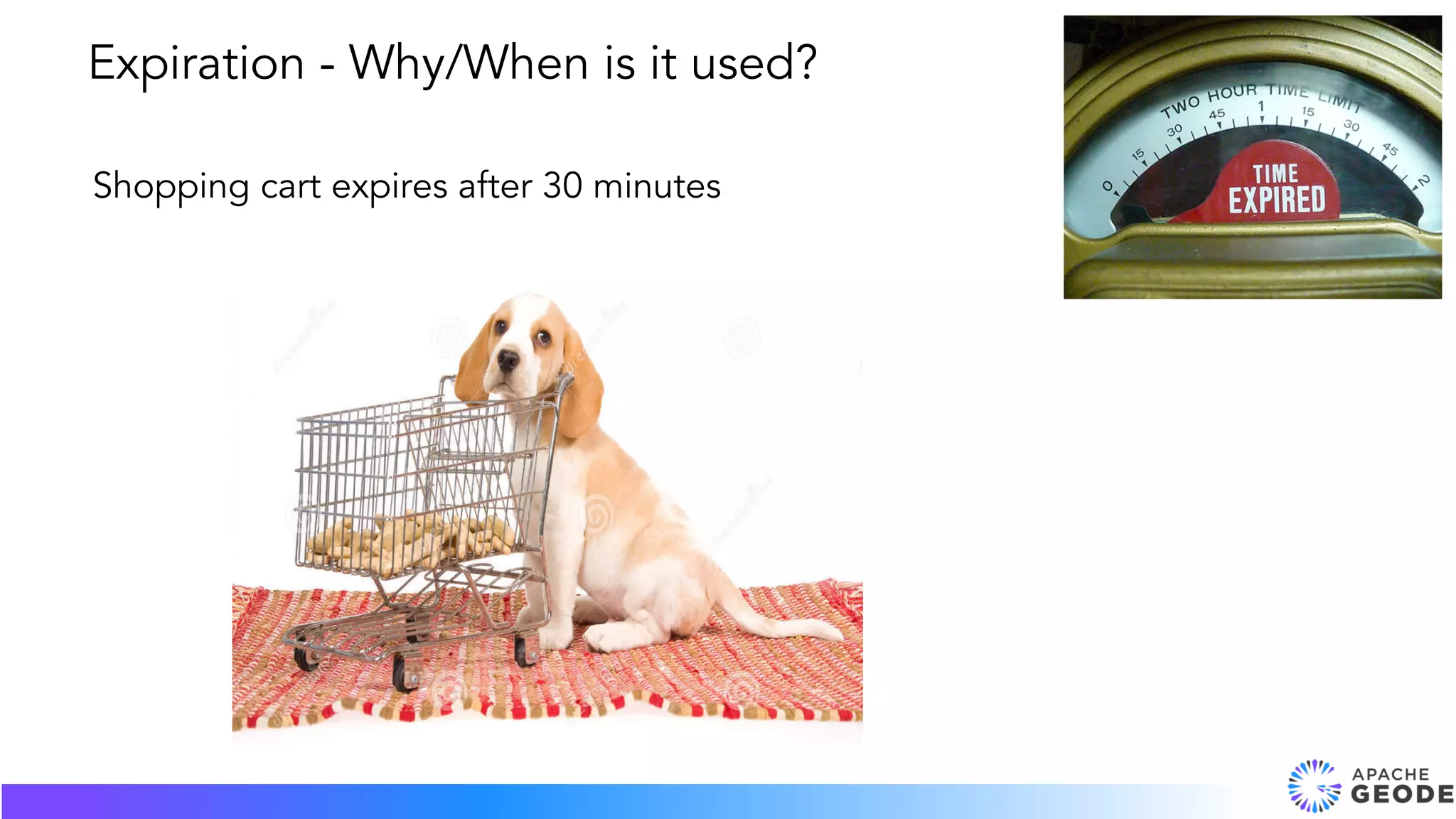
Shopping cart expires after 30 minutes
Expiration - Why/When is it used?
● Authentication: token expiration (session
timeout)
● Finance: trade limit order, market data for
risk calculations
● Insurance quote valid for one day
● Travel reservation: book before hold
expires
● Cache to original data store
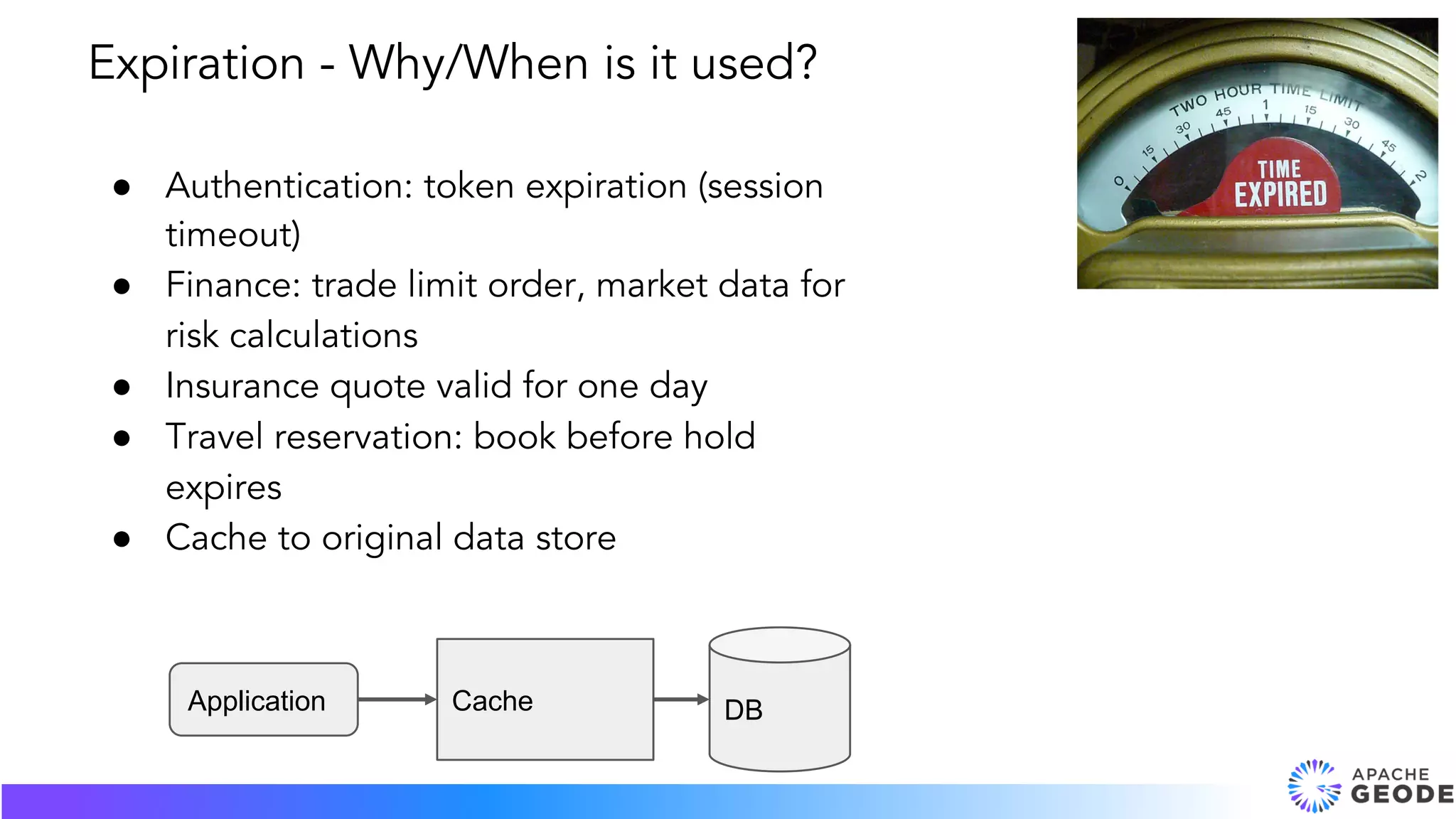
Expiration - Why/When is it used?
Application Cache DB
● Expiration duration
● Expiration actions (invalidate, destroy)
Expiration - What is it?
● Expiration Types:
○ Time to live (TTL)
■ Entry is not written (put) for x time (read does
not extend life). When entry is written, last
modified timestamp is updated.
○ Idle timeout
■ When entry is read (get), last accessed
timestamp is updated. (only local region)
■ A write (put) also updates the last accessed
timestamp, but it does do this on all regions
for a write.
Expiration - What is it?
Create a region:
• statistics-enabled on the region
• the type of expiration and duration
• the action for expiration
Expiration - How is it used?
Time To Live example:
gfsh> create region --name=region_ttl --type=REPLICATE
--enable-statistics
--entry-time-to-live-expiration=60
--entry-time-to-live-expiration-action=INVALIDATE
Idle time example:
gfsh> create region --name=region_idle --type=REPLICATE
--enable-statistics
--entry-idle-time-expiration=60
--entry-idle-time-expiration-action=DESTROY
Expiration - gfsh examples
● No fixed time expiration. If you write (TTL) or read
(Idle) to an entry, you reset the timestamp.
● Geode transactions disable expiration on the entries
participating in the transaction to avoid conflicts during
the commit.
● Only one thread per JVM doing the expiration checks
in the background (the scheduler).
● Don’t expire a million entries at once.
Expiration - Things to know
Example on github:
https://github.com/apache/geode-examples/tree/master/expiration
Video:
https://www.youtube.com/watch?v=BVzL3U_alXE
Spring expiration example:
https://docs.spring.io/spring-
data/gemfire/docs/2.0.9.RELEASE/reference/html/#bootstrap-annotation-
config-region-expiration
Expiration - Resources
Heap memory management
based on quantity of
memory.
Eviction
Heap memory accesses: fast
Disk accesses: slow
Garbage collection (GC): worst
case, not just slow, but stopped. . .
Motivation: performance
So, for performance, we want all
region data to fit into heap space.
Eviction keeps heap space usage
(for region entries) within limits by
getting rid of not-as-recently-used
entries.
Eviction keeps heap space usage below a
configured threshold.
GC
1. percentage of available heap
2. absolute quantity of heap space used
3. quantity of entries
3 Eviction Thresholds
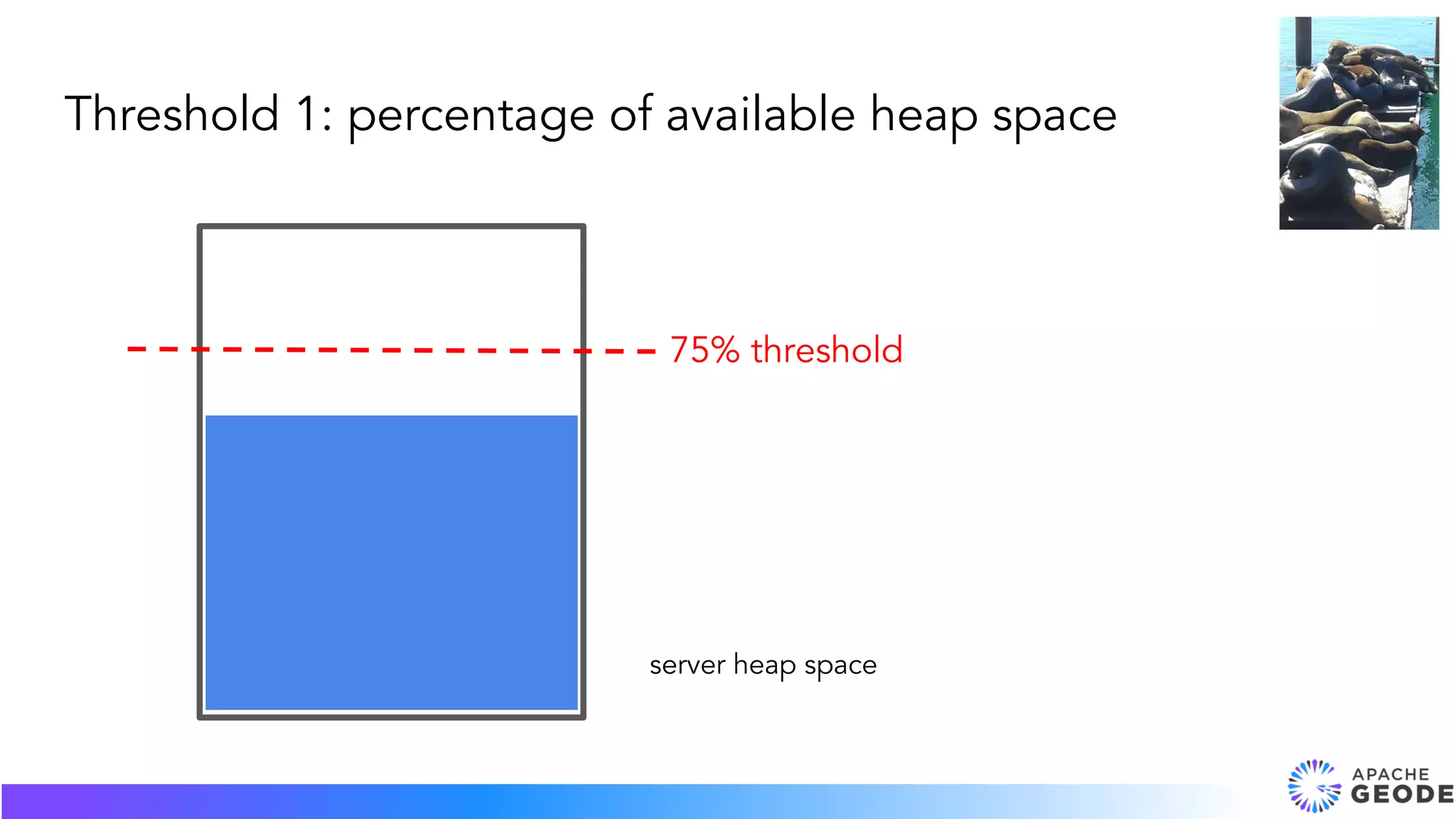
Threshold 1: percentage of available heap space
server heap space
75% threshold
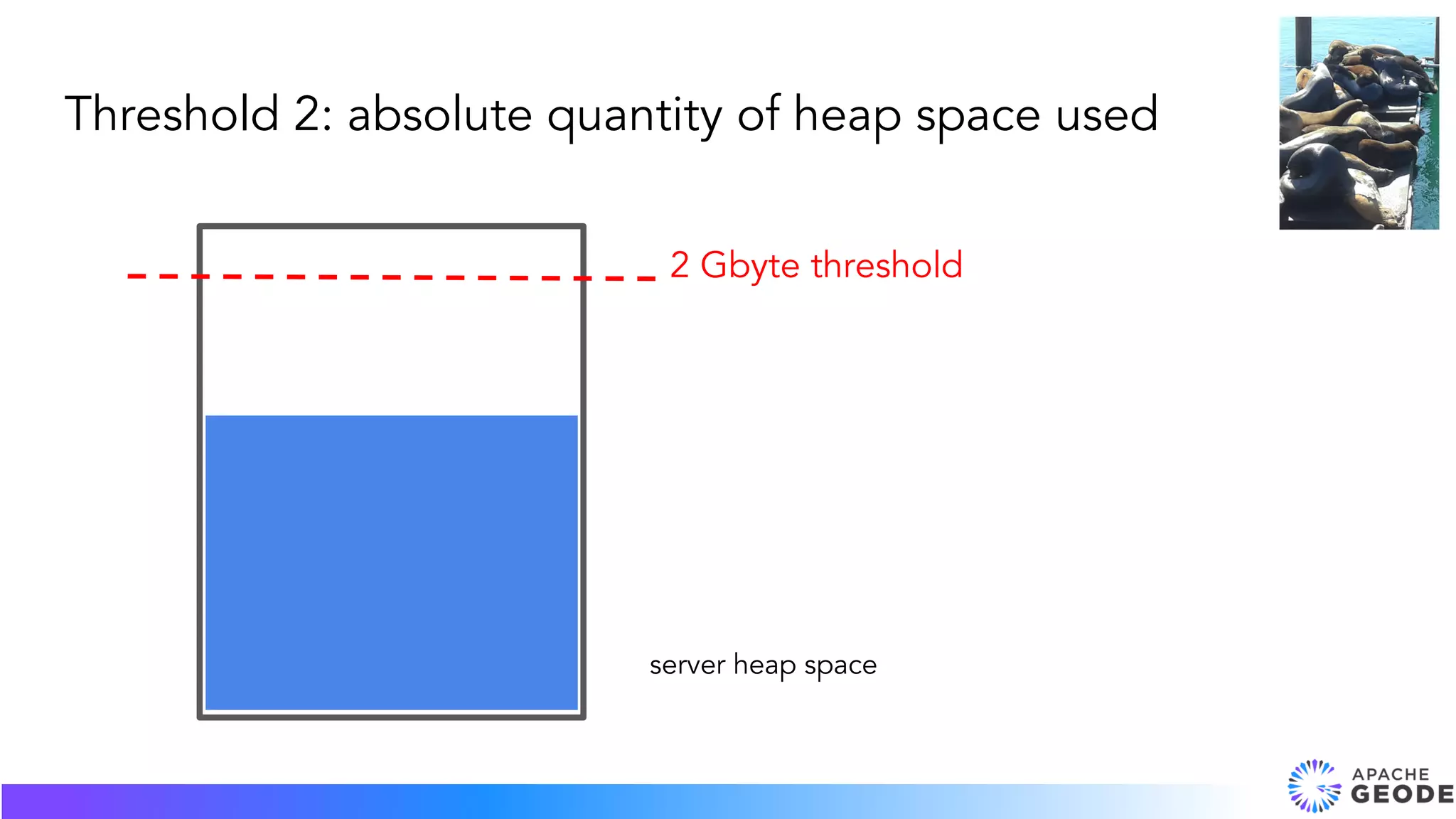
Threshold 2: absolute quantity of heap space used
server heap space
2 Gbyte threshold
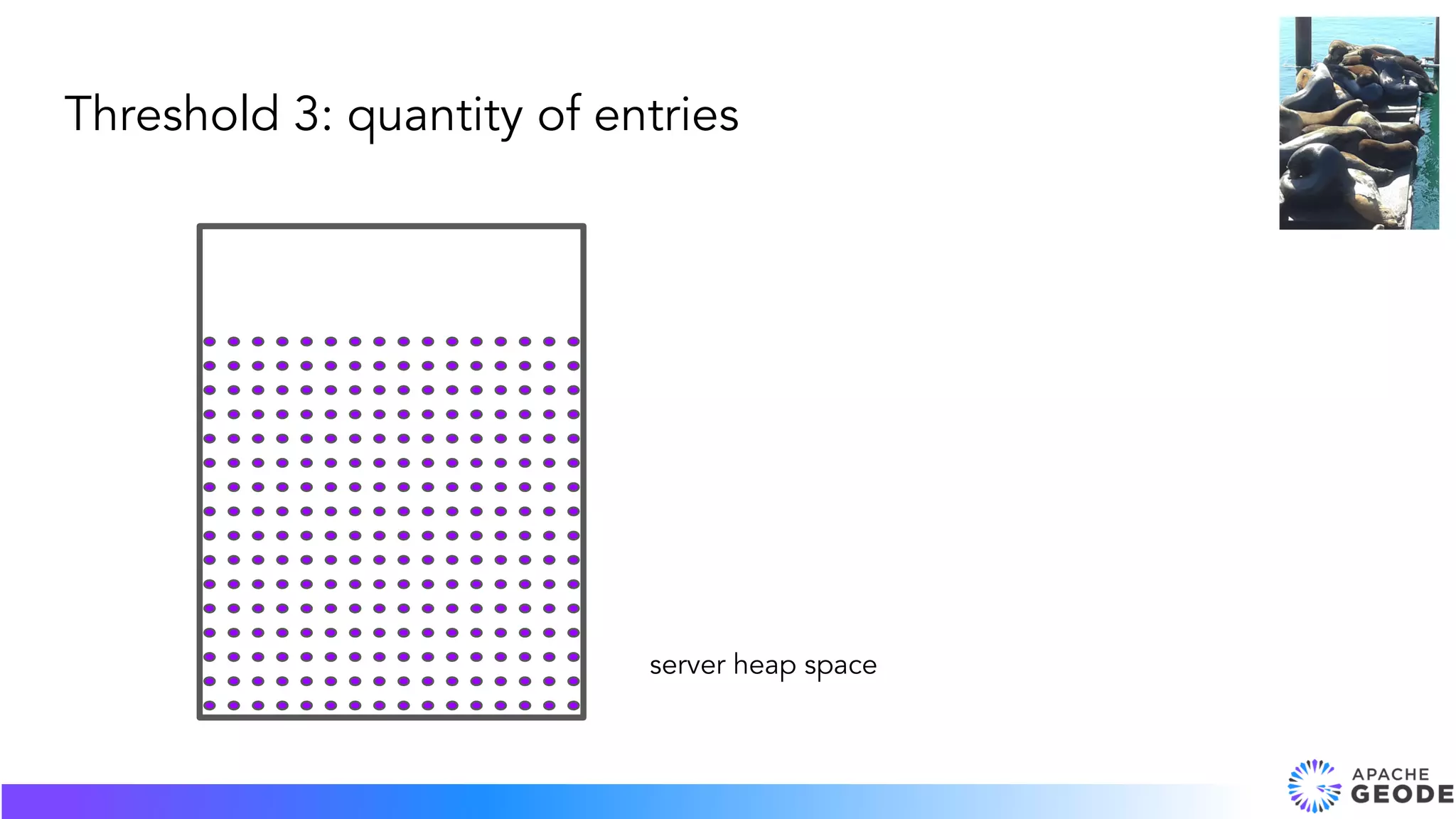
Threshold 3: quantity of entries
server heap space
1. overflow to disk
2. local destroy
2 Eviction Actions
The key stays in
memory, and the
value overflows to
disk.
Eviction Action: Overflow to Disk
key1 value1
key2 value2
key3 value3
Removes the entry from the local
cache. Any redundant copies
remain.
→ inconsistent entries across
the region
Eviction Action: Local Destroy
Threshold: percentage of heap space
Eviction action: overflow to disk
Start servers with the threshold specification:
gfsh>start server --name=s1 --eviction-heap-percentage=80
Create the region with the action specification:
gfsh>create region --name=r1 --type=PARTITION
--eviction-action=overflow-to-disk
Configure Eviction
Threshold: quantity of heap space used for region
Eviction action: overflow to disk
Create the region with the threshold and the action
specification:
gfsh>create region --name=r2 --type=PARTITION
--eviction-max-memory=1000
--eviction-action=overflow-to-disk
Configure Eviction
units are in Mbytes
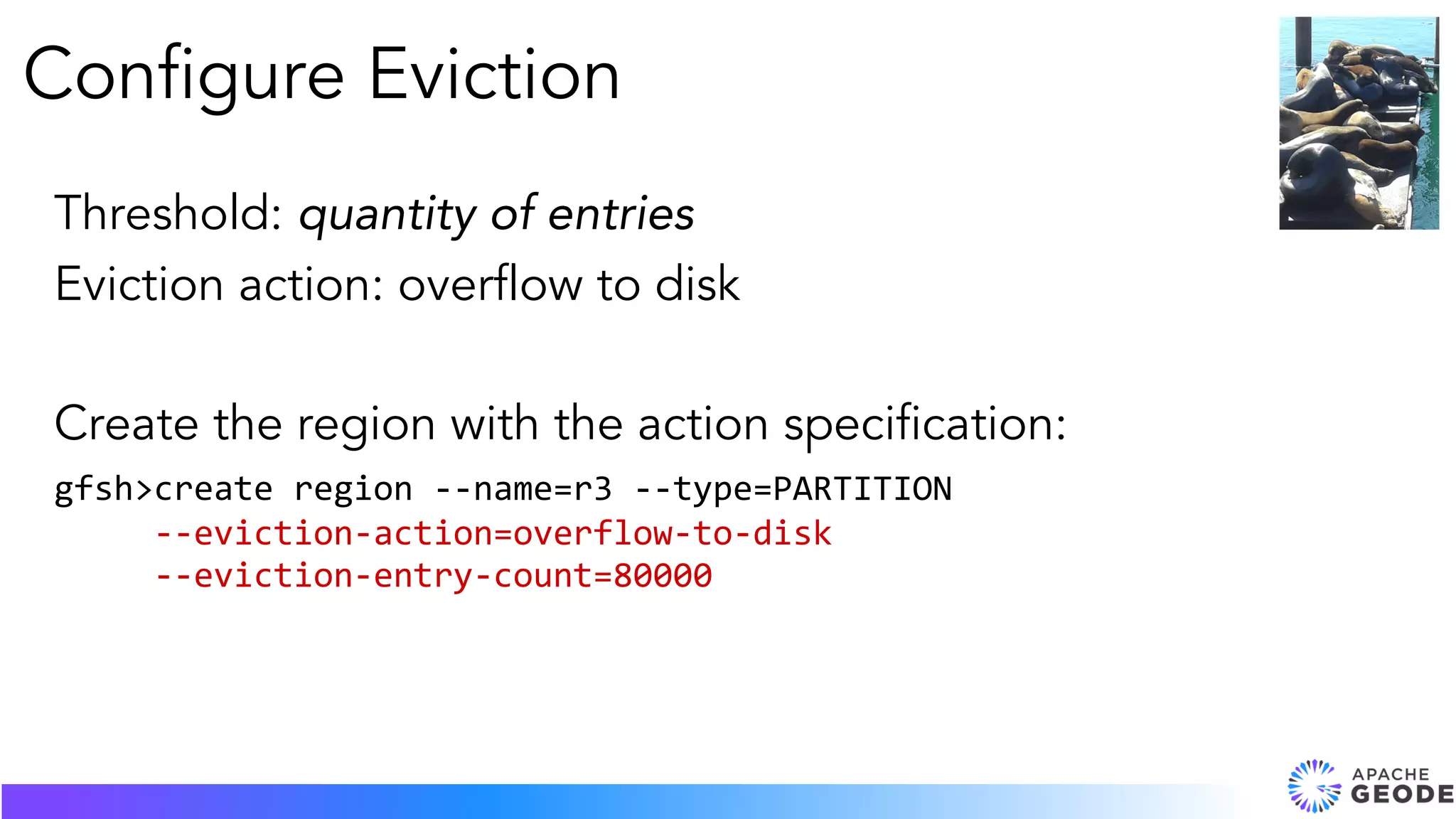
Threshold: quantity of entries
Eviction action: overflow to disk
Create the region with the action specification:
gfsh>create region --name=r3 --type=PARTITION
--eviction-action=overflow-to-disk
--eviction-entry-count=80000
Configure Eviction
QUESTIONS?

Everything You Wanted to Know About Overflow, Expiration and Eviction

  • 1.
    Everything You Wantedto Know About Overflow, Expiration and Eviction Karen Miller and Barbara Pruijn September 2018
  • 2.
    What We'll Cover 1.Expiration 2. Eviction (and Overflow)
  • 3.
    Expiration is timebased. Expiration
  • 4.
    Shopping cart expiresafter 30 minutes Expiration - Why/When is it used?
  • 5.
    ● Authentication: tokenexpiration (session timeout) ● Finance: trade limit order, market data for risk calculations ● Insurance quote valid for one day ● Travel reservation: book before hold expires ● Cache to original data store Expiration - Why/When is it used? Application Cache DB
  • 6.
    ● Expiration duration ●Expiration actions (invalidate, destroy) Expiration - What is it?
  • 7.
    ● Expiration Types: ○Time to live (TTL) ■ Entry is not written (put) for x time (read does not extend life). When entry is written, last modified timestamp is updated. ○ Idle timeout ■ When entry is read (get), last accessed timestamp is updated. (only local region) ■ A write (put) also updates the last accessed timestamp, but it does do this on all regions for a write. Expiration - What is it?
  • 8.
    Create a region: •statistics-enabled on the region • the type of expiration and duration • the action for expiration Expiration - How is it used?
  • 9.
    Time To Liveexample: gfsh> create region --name=region_ttl --type=REPLICATE --enable-statistics --entry-time-to-live-expiration=60 --entry-time-to-live-expiration-action=INVALIDATE Idle time example: gfsh> create region --name=region_idle --type=REPLICATE --enable-statistics --entry-idle-time-expiration=60 --entry-idle-time-expiration-action=DESTROY Expiration - gfsh examples
  • 10.
    ● No fixedtime expiration. If you write (TTL) or read (Idle) to an entry, you reset the timestamp. ● Geode transactions disable expiration on the entries participating in the transaction to avoid conflicts during the commit. ● Only one thread per JVM doing the expiration checks in the background (the scheduler). ● Don’t expire a million entries at once. Expiration - Things to know
  • 11.
    Example on github: https://github.com/apache/geode-examples/tree/master/expiration Video: https://www.youtube.com/watch?v=BVzL3U_alXE Springexpiration example: https://docs.spring.io/spring- data/gemfire/docs/2.0.9.RELEASE/reference/html/#bootstrap-annotation- config-region-expiration Expiration - Resources
  • 12.
    Heap memory management basedon quantity of memory. Eviction
  • 13.
    Heap memory accesses:fast Disk accesses: slow Garbage collection (GC): worst case, not just slow, but stopped. . . Motivation: performance
  • 14.
    So, for performance,we want all region data to fit into heap space. Eviction keeps heap space usage (for region entries) within limits by getting rid of not-as-recently-used entries.
  • 15.
    Eviction keeps heapspace usage below a configured threshold. GC
  • 16.
    1. percentage ofavailable heap 2. absolute quantity of heap space used 3. quantity of entries 3 Eviction Thresholds
  • 17.
    Threshold 1: percentageof available heap space server heap space 75% threshold
  • 18.
    Threshold 2: absolutequantity of heap space used server heap space 2 Gbyte threshold
  • 19.
    Threshold 3: quantityof entries server heap space
  • 20.
    1. overflow todisk 2. local destroy 2 Eviction Actions
  • 21.
    The key staysin memory, and the value overflows to disk. Eviction Action: Overflow to Disk key1 value1 key2 value2 key3 value3
  • 22.
    Removes the entryfrom the local cache. Any redundant copies remain. → inconsistent entries across the region Eviction Action: Local Destroy
  • 23.
    Threshold: percentage ofheap space Eviction action: overflow to disk Start servers with the threshold specification: gfsh>start server --name=s1 --eviction-heap-percentage=80 Create the region with the action specification: gfsh>create region --name=r1 --type=PARTITION --eviction-action=overflow-to-disk Configure Eviction
  • 24.
    Threshold: quantity ofheap space used for region Eviction action: overflow to disk Create the region with the threshold and the action specification: gfsh>create region --name=r2 --type=PARTITION --eviction-max-memory=1000 --eviction-action=overflow-to-disk Configure Eviction units are in Mbytes
  • 25.
    Threshold: quantity ofentries Eviction action: overflow to disk Create the region with the action specification: gfsh>create region --name=r3 --type=PARTITION --eviction-action=overflow-to-disk --eviction-entry-count=80000 Configure Eviction
  • 26.