
Download to read offline

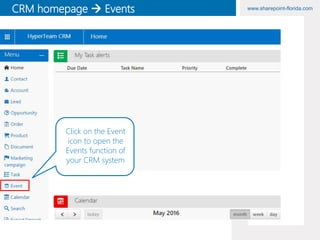
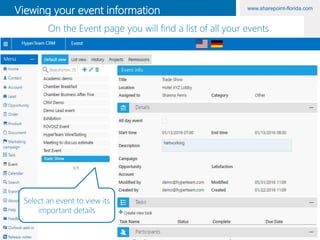
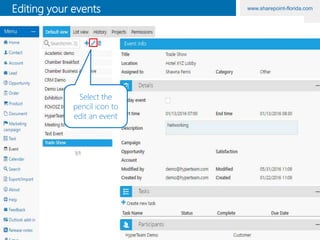
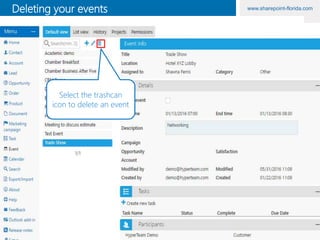
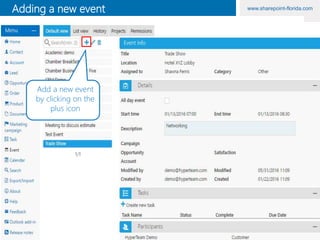
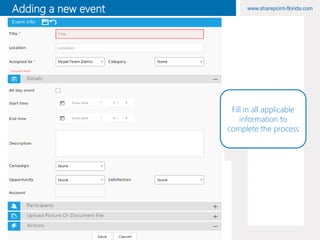
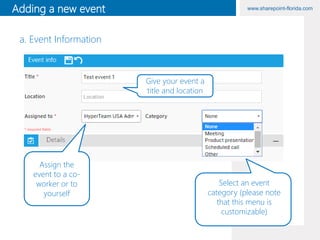
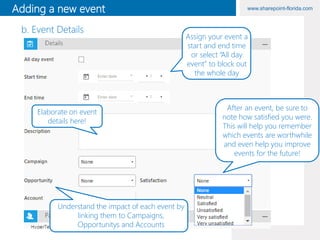
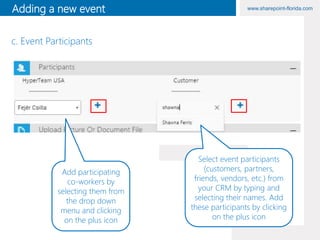
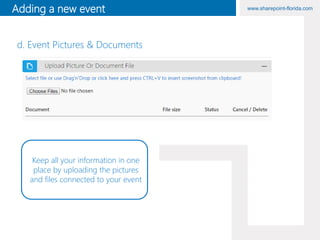
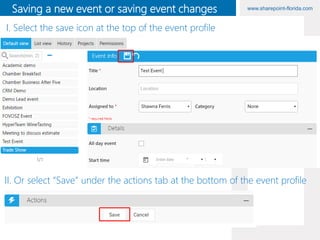
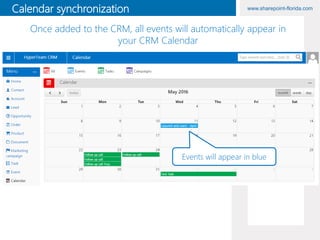

This document provides instructions for using the events functionality in HyperTeam CRM. It describes how to perform common event tasks like creating, editing, and deleting events. Key steps include clicking the events icon to access the events page, selecting an event to view its details, and clicking icons like the pencil or plus to edit or add new events. It also outlines the various fields needed to add a new event, such as title, date/time, participants, and files. Events added in the CRM will automatically appear on the CRM calendar.


