How did you use media
  technologies in the
   construction and
research, planning and
  evaluation stages?
Magazine and DVD Covers:                          Survey Monkey:
I used the search engines on internet             This is a website that I
browsers to research and analyse                  used to create and
similar magazine and DVD covers to help           share questionnaires
me. Doing this helped me to understand            with people through
what conventions were used within this            my blog and social
genre of product and what I had to do             networking sites.
when it came to creating my own covers. I         Doing this made it
embedded the images onto my blog and              simple for me to
                               Technologi
made detailed analysis on each that I             gather results and
found.                          es within         find out what I needed
                                                  to know about my
                                 my
                                                  target audience.
                              research
Here is an example of
one of the analysis’
that

Microsoft Excel: I used Microsoft excel to display the results
that I found from my surveys through graphs. I did this so that
myself and others, could easily see the results that I had gathered.
Having them in a graph format made the construction of my focus
group a lot easier, as I was able to take a quick look at the graphs
and see the results.
Using the internet within my
                         research
I used various websites to enable the best possible research. I used
sites such as facebook.com, youtube.com and twitter.com, also I used
the blogging site, blogger.com, to upload and share all of my
research. I used YouTube to collect research on opening sequences to
similar products, such as “The Suite Life of Zack and Cody”. I watched
the videos, embedded them onto my blog and then analysed the videos
based on the conventions used, settings, sound etc. This gave me a very
strong knowledge of what I would need to use within my own opening
sequence. I used Facebook and twitter to get feedback for my
questionnaires that I created. This was a simple and effective way of
collecting results as millions of people log onto both sites each and
every day. I posted a link to my questionnaire on my facebook wall
and asked people to do it for me. I used blogger throughout my
research to post all of my analysis’ and the results of my research.
The blog was extremely good to use. It worked really well and was
good for my specific needs. It embeds videos and uploads photos
simply and effectively. It’s easy to navigate around and to collect
response's on my work. Without the internet I
believe I would have found it a lot harder to collect the
information that I did, as I would have had to found old
Technologies used
         within my planning
In my planning I created a story    I used Paint within my planning
board via Microsoft Word. I         in many different ways. I used it
created a table that gave me        to help create my draft colour
enough space to hand draw the       schemes for the DVD covers and
pictures in and gave me room to     my magazine covers. I used paint
describe the shot types I will be   to help to crop some of the
using. I used Word because it is    pictures that I used within my
very simple to create a graph       planning to make them fit into
on this programme. I also used      the areas I wanted them. By
Microsoft Word to create draft      using Paint I was able to save the
fonts for my ancillary tasks. I     file as a jpeg. file
used these are there are a wide
range of fonts on the
programme and I also used this
to make the draft work for my
magazine in my ancillary task
work.
Technologies used within my
                   construction
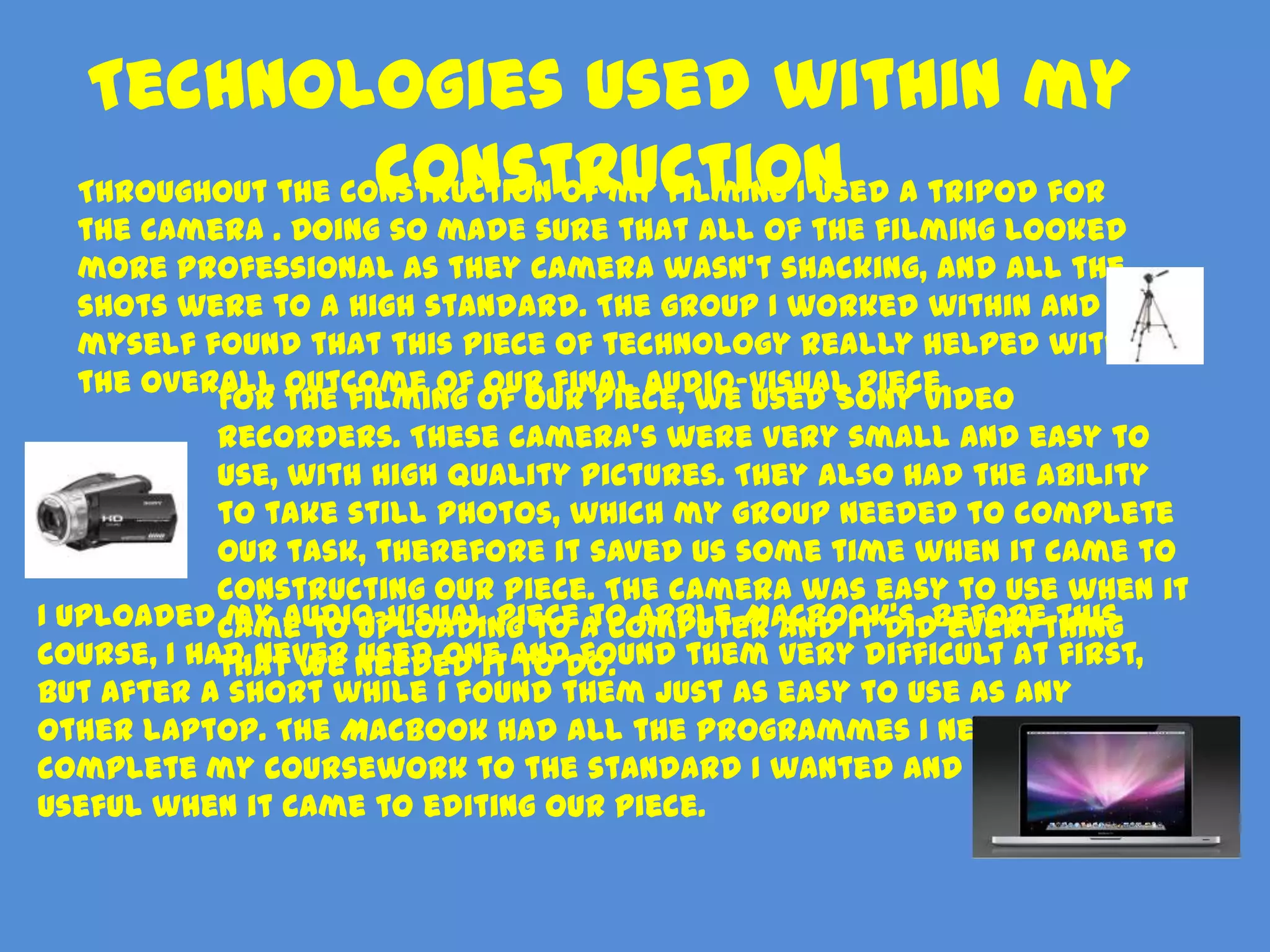
  Throughout the construction of my filming I used a tripod for
   the camera . Doing so made sure that all of the filming looked
   more professional as they camera wasn’t shacking, and all the
   shots were to a high standard. The group I worked within and
   myself found that this piece of technology really helped with
   the overall outcome of our final audio-visual piece.
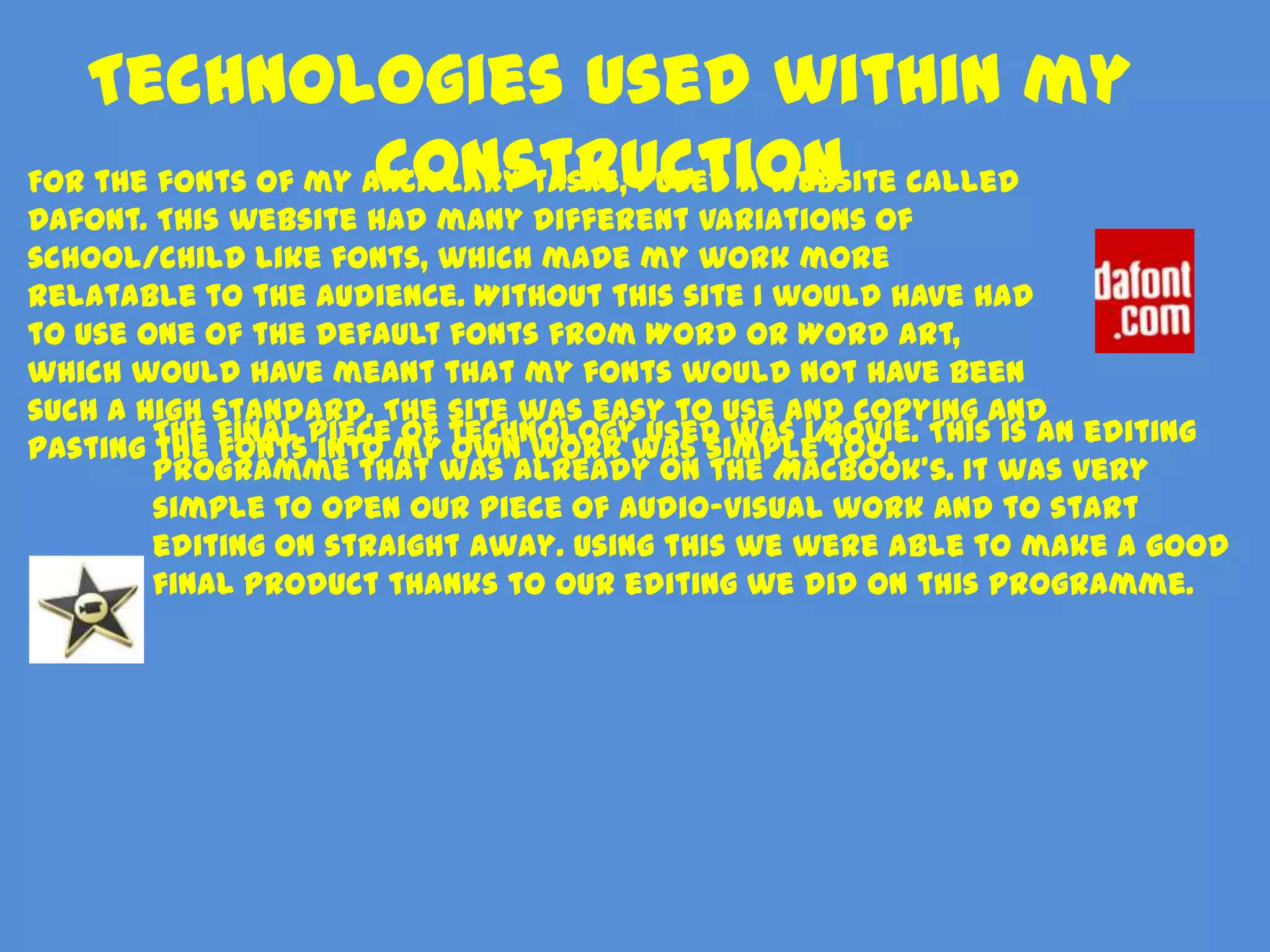
            For the filming of our piece, we used Sony video
            recorders. These camera’s were very small and easy to
            use, with high quality pictures. They also had the ability
            to take still photos, which my group needed to complete
            our task, therefore it saved us some time when it came to
            constructing our piece. The camera was easy to use when it
I uploaded came to uploading to a computer and it didBefore this
            my audio-visual piece to Apple MacBook's. everything
course, I had never needed it anddo.
            that we used one to found them very difficult at first,
but after a short while I found them just as easy to use as any
other laptop. The MacBook had all the programmes I needed to
complete my coursework to the standard I wanted and was very
useful when it came to editing our piece.
Technologies used within my
                     construction
For the fonts of my ancillary tasks, I used a website called
Dafont. This website had many different variations of
school/child like fonts, which made my work more
relatable to the audience. Without this site I would have had
to use one of the default fonts from Word or Word Art,
which would have meant that my fonts would not have been
such a high standard. The site was easy to use and copying and
        The final piece of technology used was iMovie. This is an editing
pasting the fonts into my own work was simple too.
        programme that was already on the MacBook’s. It was very
        simple to open our piece of audio-visual work and to start
        editing on straight away. Using this we were able to make a good
        final product thanks to our editing we did on this programme.
Technologies
used within
my
evaluation
Microsoft
PowerPoint
I chose this for my evaluation as
it was a simple, yet fun way for
me to present it. Having all the     Prezi
animations and being able to         I had never used Prezi before
include images makes PowerPoint      but I found that using this site
presentations more than just a       for my evaluation has made it
long read.                           less dull and less text based.
                                     The site allows you to create
Survey Monkey                        text and images and lets you
Using survey monkey, I was able to   put the focus on different
find out what people thought of      pieces of information at a
my final product with one simple     time. I found it fun to use and
and easy questionnaire. I found      very worthwhile towards my
this site was very good at getting   work.
feedback on my work and that it
gives you to opportunity to ask
any questions you wish, therefore
it was very relevant.

Evaluation Question 4

  • 1.
    How did youuse media technologies in the construction and research, planning and evaluation stages?
  • 2.
    Magazine and DVDCovers: Survey Monkey: I used the search engines on internet This is a website that I browsers to research and analyse used to create and similar magazine and DVD covers to help share questionnaires me. Doing this helped me to understand with people through what conventions were used within this my blog and social genre of product and what I had to do networking sites. when it came to creating my own covers. I Doing this made it embedded the images onto my blog and simple for me to Technologi made detailed analysis on each that I gather results and found. es within find out what I needed to know about my my target audience. research Here is an example of one of the analysis’ that Microsoft Excel: I used Microsoft excel to display the results that I found from my surveys through graphs. I did this so that myself and others, could easily see the results that I had gathered. Having them in a graph format made the construction of my focus group a lot easier, as I was able to take a quick look at the graphs and see the results.
  • 3.
    Using the internetwithin my research I used various websites to enable the best possible research. I used sites such as facebook.com, youtube.com and twitter.com, also I used the blogging site, blogger.com, to upload and share all of my research. I used YouTube to collect research on opening sequences to similar products, such as “The Suite Life of Zack and Cody”. I watched the videos, embedded them onto my blog and then analysed the videos based on the conventions used, settings, sound etc. This gave me a very strong knowledge of what I would need to use within my own opening sequence. I used Facebook and twitter to get feedback for my questionnaires that I created. This was a simple and effective way of collecting results as millions of people log onto both sites each and every day. I posted a link to my questionnaire on my facebook wall and asked people to do it for me. I used blogger throughout my research to post all of my analysis’ and the results of my research. The blog was extremely good to use. It worked really well and was good for my specific needs. It embeds videos and uploads photos simply and effectively. It’s easy to navigate around and to collect response's on my work. Without the internet I believe I would have found it a lot harder to collect the information that I did, as I would have had to found old
  • 4.
    Technologies used within my planning In my planning I created a story I used Paint within my planning board via Microsoft Word. I in many different ways. I used it created a table that gave me to help create my draft colour enough space to hand draw the schemes for the DVD covers and pictures in and gave me room to my magazine covers. I used paint describe the shot types I will be to help to crop some of the using. I used Word because it is pictures that I used within my very simple to create a graph planning to make them fit into on this programme. I also used the areas I wanted them. By Microsoft Word to create draft using Paint I was able to save the fonts for my ancillary tasks. I file as a jpeg. file used these are there are a wide range of fonts on the programme and I also used this to make the draft work for my magazine in my ancillary task work.
  • 5.
    Technologies used withinmy construction Throughout the construction of my filming I used a tripod for the camera . Doing so made sure that all of the filming looked more professional as they camera wasn’t shacking, and all the shots were to a high standard. The group I worked within and myself found that this piece of technology really helped with the overall outcome of our final audio-visual piece. For the filming of our piece, we used Sony video recorders. These camera’s were very small and easy to use, with high quality pictures. They also had the ability to take still photos, which my group needed to complete our task, therefore it saved us some time when it came to constructing our piece. The camera was easy to use when it I uploaded came to uploading to a computer and it didBefore this my audio-visual piece to Apple MacBook's. everything course, I had never needed it anddo. that we used one to found them very difficult at first, but after a short while I found them just as easy to use as any other laptop. The MacBook had all the programmes I needed to complete my coursework to the standard I wanted and was very useful when it came to editing our piece.
  • 6.
    Technologies used withinmy construction For the fonts of my ancillary tasks, I used a website called Dafont. This website had many different variations of school/child like fonts, which made my work more relatable to the audience. Without this site I would have had to use one of the default fonts from Word or Word Art, which would have meant that my fonts would not have been such a high standard. The site was easy to use and copying and The final piece of technology used was iMovie. This is an editing pasting the fonts into my own work was simple too. programme that was already on the MacBook’s. It was very simple to open our piece of audio-visual work and to start editing on straight away. Using this we were able to make a good final product thanks to our editing we did on this programme.
  • 7.
  • 8.
    Microsoft PowerPoint I chose thisfor my evaluation as it was a simple, yet fun way for me to present it. Having all the Prezi animations and being able to I had never used Prezi before include images makes PowerPoint but I found that using this site presentations more than just a for my evaluation has made it long read. less dull and less text based. The site allows you to create Survey Monkey text and images and lets you Using survey monkey, I was able to put the focus on different find out what people thought of pieces of information at a my final product with one simple time. I found it fun to use and and easy questionnaire. I found very worthwhile towards my this site was very good at getting work. feedback on my work and that it gives you to opportunity to ask any questions you wish, therefore it was very relevant.