




DEMO 
LWP ON ACTIONSTEP
What Will Cover 
 Introducing Actionstep and LWP 
 Actionstep Quick Look 
 The LWP Process 
 LWP on Actionstep 
(Switching to live demo as needed to illustrate points)
About Actionstep 
 Est. 2004 
 Practice Management Software for Law Firms 
 Main Points of Difference 
 Breadth of Functionality 
 Workflow Centric 
 100% Cloud
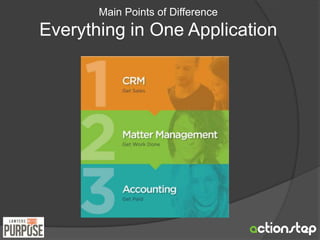
Main Points of Difference 
Everything in One Application
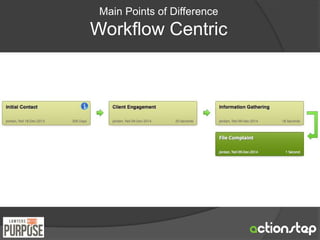
Main Points of Difference 
Workflow Centric
Main Points of Difference 
100% “Cloud” 
 Access from Anywhere 
○ Like Internet Banking (and just as secure) 
 From any Device (Mac, PC, Tablet) 
 No Servers Required 
 Automatically Backed Up
USER 
INTERFACE
Feedback from User Survey 
What do you want to see/do after logging in? 
Answers: 
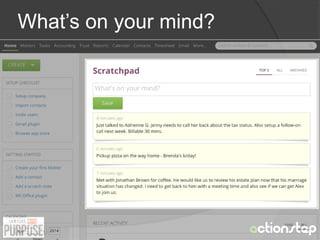
1. Dump what’s on my mind (and deal with it later) 
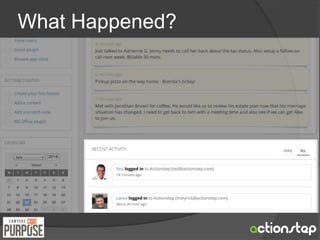
2. See what’s happened since I last logged in 
3. Figure out what I need to do next 
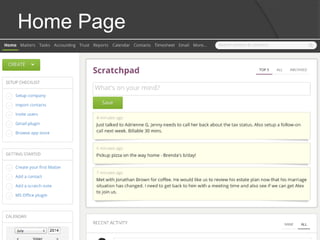
So we recently re-designed the Home screen…
Home Page
What’s on your mind?
What Happened?
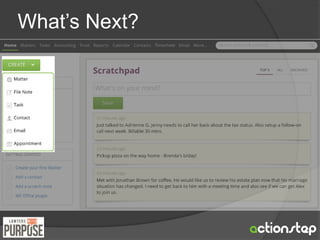
What’s Next?
Getting Around
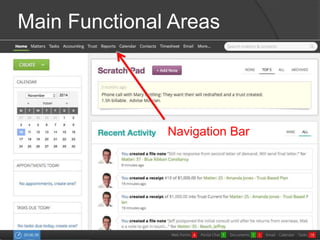
Main Functional Areas 
Navigation Bar
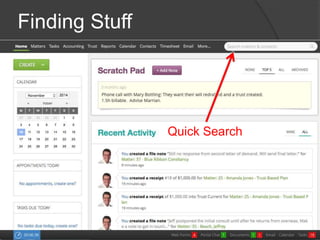
Finding Stuff 
Quick Search
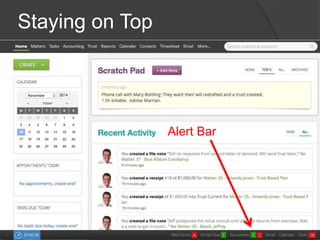
Staying on Top 
Alert Bar
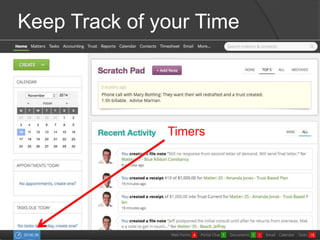
Keep Track of your Time 
Timers
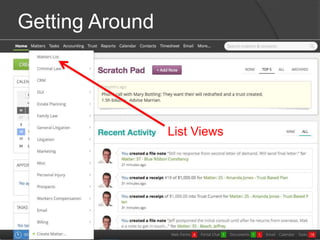
Getting Around 
List Views
FEATURES
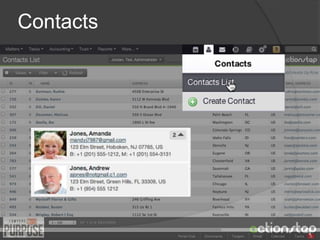
Contacts
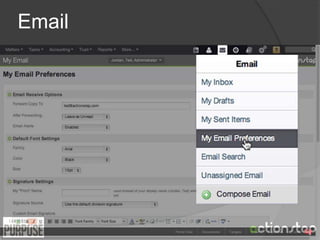
Email
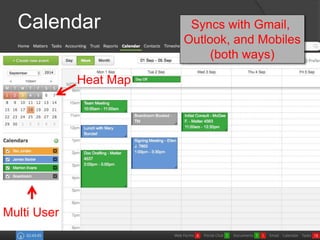
Calendar Syncs with Gmail, 
Outlook, and Mobiles 
(both ways) 
Heat Map 
Multi User
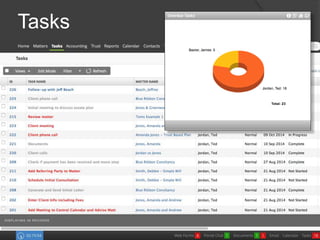
Tasks
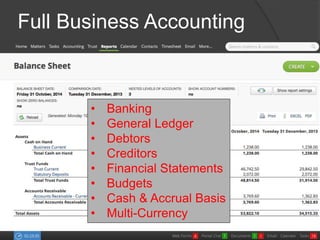
Full Business Accounting 
• Banking 
• General Ledger 
• Debtors 
• Creditors 
• Financial Statements 
• Budgets 
• Cash & Accrual Basis 
• Multi-Currency
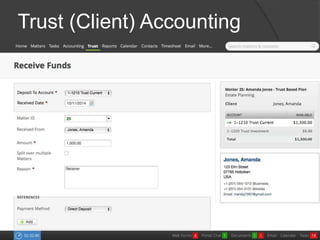
Trust (Client) Accounting
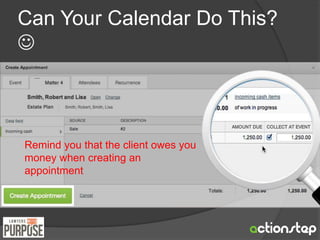
Can Your Calendar Do This? 
 
Remind you that the client owes you 
money when creating an 
appointment
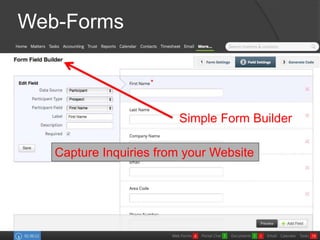
Web-Forms 
Simple Form Builder 
Capture Inquiries from your Website
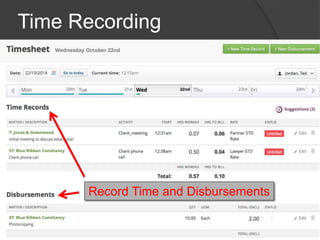
Time Recording 
Record Time and Disbursements
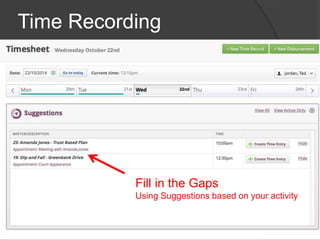
Time Recording 
Fill in the Gaps 
Using Suggestions based on your activity
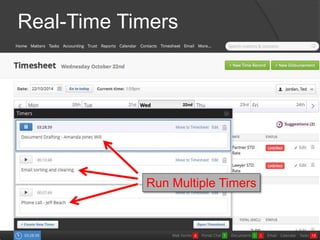
Real-Time Timers 
Run Multiple Timers
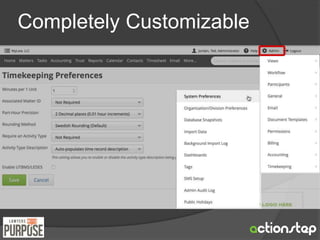
Completely Customizable
MATTER FILES
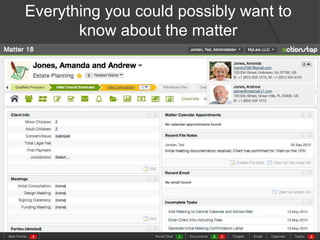
Everything you could possibly want to 
know about the matter
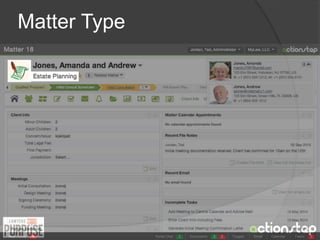
Matter Type
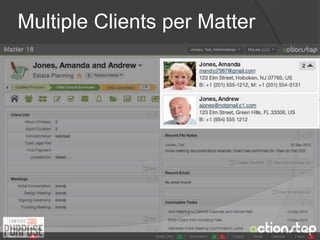
Multiple Clients per Matter
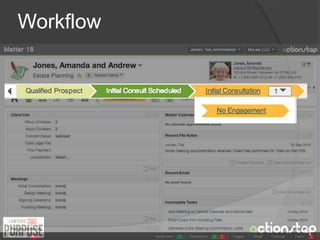
Workflow
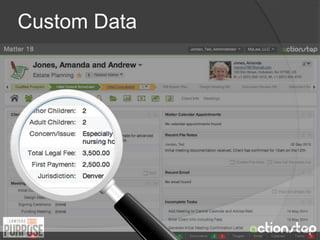
Custom Data
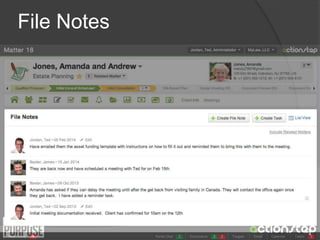
File Notes
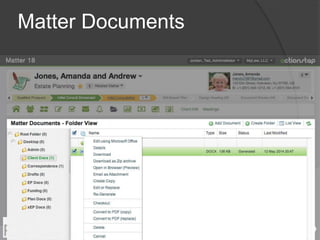
Matter Documents
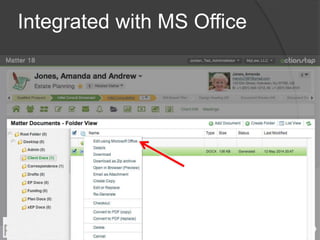
Integrated with MS Office
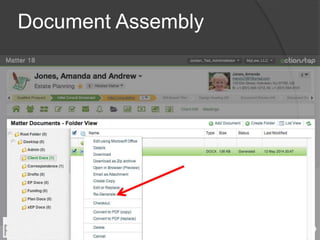
Document Assembly
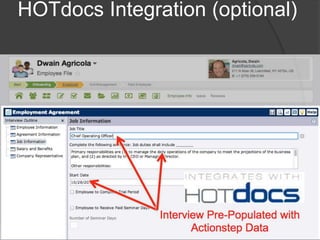
HOTdocs Integration (optional)
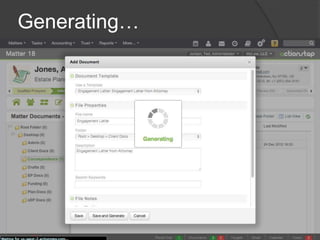
Generating…
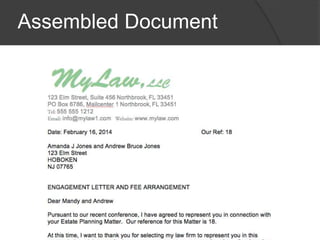
Assembled Document
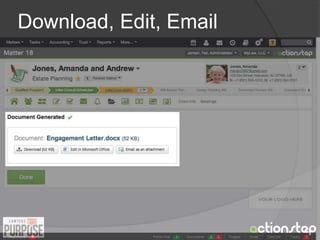
Download, Edit, Email
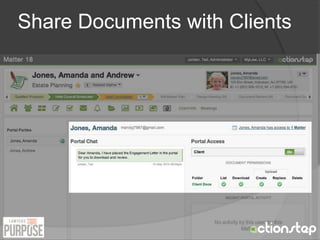
Share Documents with Clients
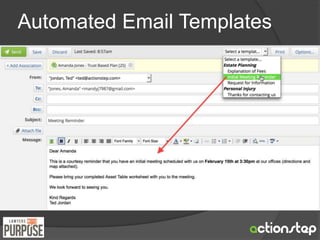
Automated Email Templates
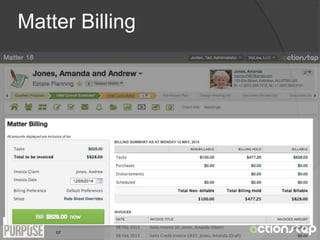
Matter Billing
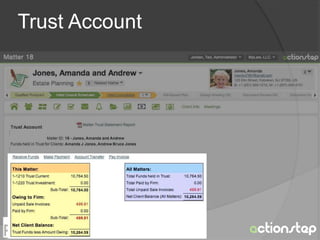
Trust Account
OTHER 
FEATURES
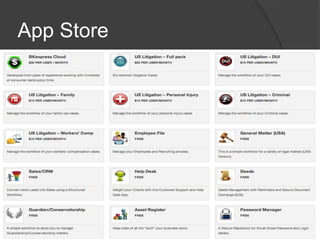
App Store
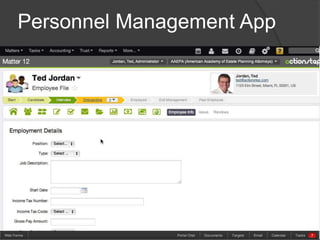
Personnel Management App
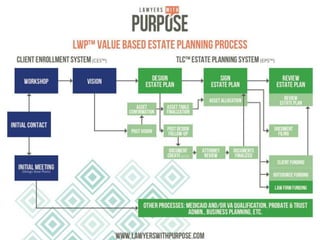
LWP Process
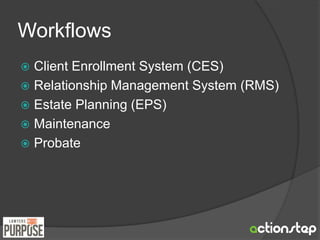
Workflows 
 Client Enrollment System (CES) 
 Relationship Management System (RMS) 
 Estate Planning (EPS) 
 Maintenance 
 Probate
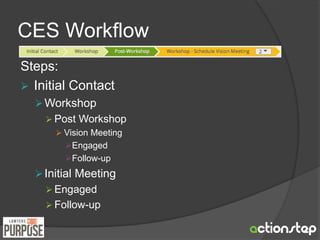
CES Workflow 
Steps: 
 Initial Contact 
Workshop 
 Post Workshop 
 Vision Meeting 
Engaged 
Follow-up 
 Initial Meeting 
 Engaged 
 Follow-up
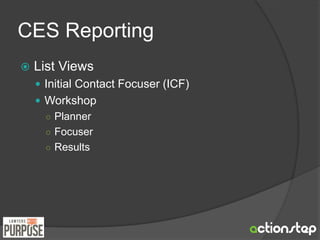
CES Reporting 
 List Views 
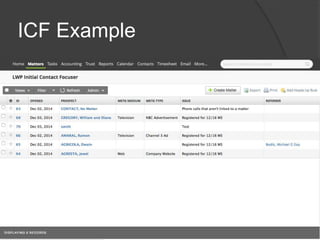
 Initial Contact Focuser (ICF) 
 Workshop 
○ Planner 
○ Focuser 
○ Results
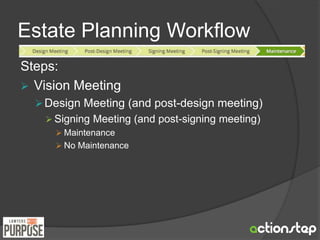
Estate Planning Workflow 
Steps: 
 Vision Meeting 
Design Meeting (and post-design meeting) 
 Signing Meeting (and post-signing meeting) 
 Maintenance 
 No Maintenance
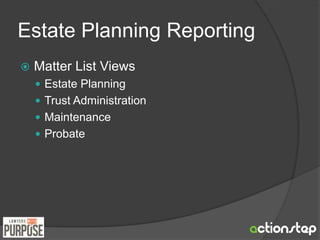
Estate Planning Reporting 
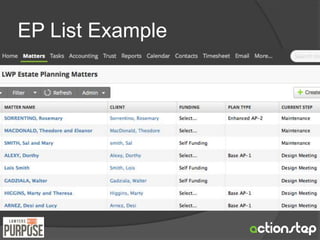
 Matter List Views 
 Estate Planning 
 Trust Administration 
 Maintenance 
 Probate
Calendar Views 
 Pipeline 
 Pipeline Results 
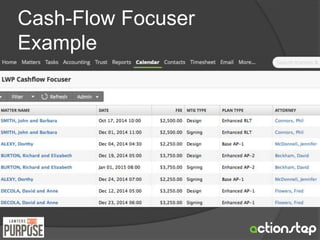
 Cash-flow Focuser 
 Signing Meeting Report
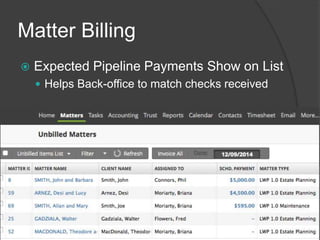
Matter Billing 
 Expected Pipeline Payments Show on List 
 Helps Back-office to match checks received
ICF Example
EP List Example
Cash-Flow Focuser 
Example
Finding 
Information
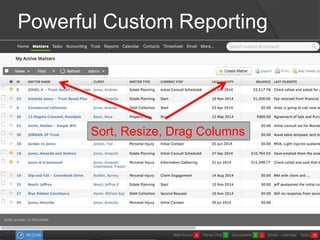
Powerful Custom Reporting 
Sort, Resize, Drag Columns
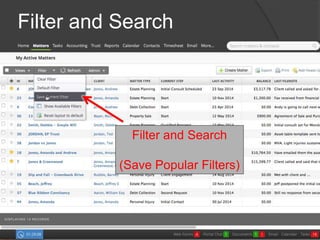
Filter and Search 
Filter and Search 
(Save Popular Filters)
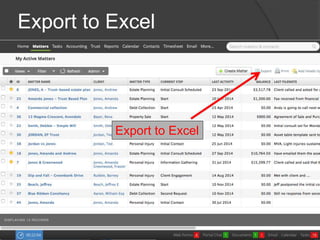
Export to Excel 
Export to Excel
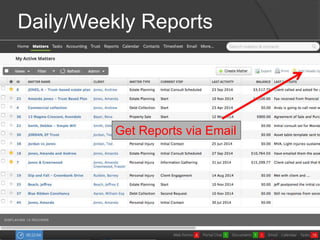
Daily/Weekly Reports 
Get Reports via Email
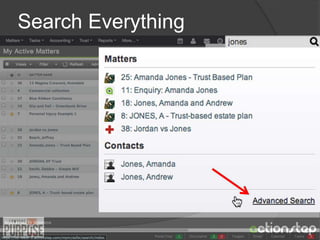
Search Everything
COMING SOON
New Modules 
 Veterans Administration 
 Medicaid
Integrated HotDocs Templates 
 Assemble Documents within Matters 
 Auto-Fill Interviews with Matter Data 
 No Desktop Software Needed 
 $19/month (assembly users only)
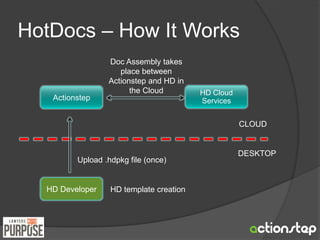
HotDocs – How It Works 
Actionstep 
Doc Assembly takes 
place between 
Actionstep and HD in 
the Cloud 
Upload .hdpkg file (once) 
HD Developer 
HD Cloud 
Services 
CLOUD 
DESKTOP 
HD template creation
THANK YOU FOR 
WATCHING 
QUESTIONS & ANSWERS 
www.actionstep.com

Estate Planning Practice Cloud Based Workflow Process