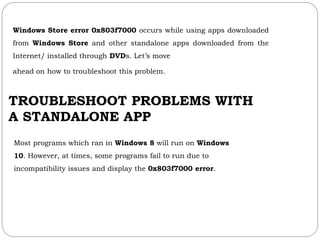
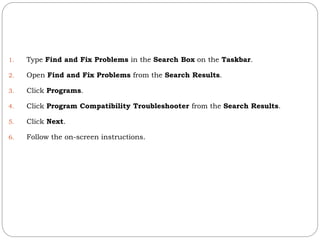
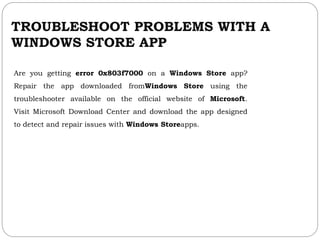
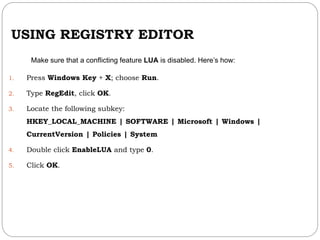
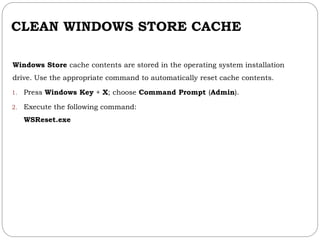
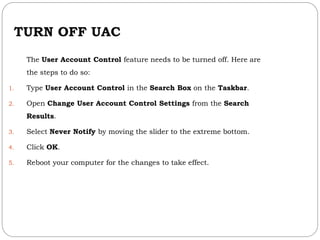
The document outlines troubleshooting steps for resolving error code 0x803f7000 in Windows 10, which affects both Windows Store apps and standalone applications. It suggests using the Program Compatibility Troubleshooter, repairing Windows Store apps through Microsoft's tools, modifying registry settings, cleaning the Windows Store cache, and turning off User Account Control (UAC). These steps aim to resolve compatibility issues and improve app functionality.


![Getting Started with Apache Spark: Big Data Made Simple [Free Meetup]](https://cdn.slidesharecdn.com/ss_thumbnails/apachesparkgettingstarted-260203175547-8361bcc3-thumbnail.jpg?width=640&height=640&fit=bounds)


