Download to read offline
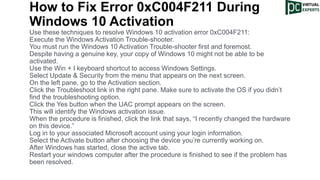


The document discusses the Windows 10 activation error 0xc004f211, which commonly occurs when users attempt to activate their software following hardware changes or upgrades. It provides troubleshooting steps including running the Windows Activation Troubleshooter and logging into a Microsoft account to reactivate the device. Failure to activate Windows 10 results in limited personalization options and restricted functionality.


