Enabling Your Ripples: Library Software
Ann Pool PNACL 2015 Conference Vancouver, WA
Why automate?
 No more producingcardsand spine labelsbyhand
 Put the catalogon line andmake it publiclyaccessible
 Manage circulationandcommunicationswith users
 NOTE: Automation isnotall or nothing!
Before you start:things to consider
 What do and don'tyou have inplace now?
 How muchcan youaffordto spend?
 What skillsare available:yourownandthose of available volunteers?Don'tjustthinkabout
technical skills.Someone who'sgoodwithspreadsheetscanbe a huge help.
 Do youwant to make yourcatalog accessible online?Availabletothe general public?
 Will the librarybe staffedwhileinuse?Doyouwantself checkout?Isthere sufficientsecurityto
keepa computerinthe library?
 Mostof all: whatdo you wantto getout of an automated system?Whatinconveniencesand
shortcomingswould you liketo eliminate or reduce?
Evaluating your options
 Cost:up frontand ongoing
 Featuresthatyoucare about
 Support:fromthe company itself and/orothercustomers
 Skillsrequiredtoinstall,maintain,andoperate the system
 Hardware and software requirements
 Companystability:establisheduserbase,professionalism, signsof financial trouble
 Ability to importand exportdatain a standard (non-proprietary) formatiscritical! This helps
insure againstobsolescence andgivesyoufreedomtochange systemsinthe future.
“Free” commercial software
 Warning:watch outfor abandonware!
Open source software
 Free software:free bothasinspeech(youcan getthe program itself andchange it) andas in
beer
 Usuallyrequiressignificanttechnical skillstoinstall andmaintain,andsufficienthardware torun
 Day-to-dayoperationmaybe aseasyas on goodcommercial software
 Supportoptionsexist,butcostcan be comparable togoingcommercial
 Active usercommunitiescanprovide peersupport
 A couple of majorproviders(take alookat who'susingthem – oftenlarge librarieswithin-
house IT staff)
o Evergreen
o Koha(Careful:koha.orgisa supportvendor'swebsite!Koha'ssite iskoha-
community.org)
Other options
 Good old LibraryThing:mostlyacatalogbut they've recentlyadded circulation features
 Librarika:ILS fromthe ground up,but rough aroundthe edges
 Make a case fora budgetandgo withcommercial software!Lookatwaysto economize.
Contacts and References
 Email:annpool@alumni.washington.edu
 My LinkedInprofile: http://www.linkedin.com/in/AnnPoolMLIS
 Slidesfromthispresentation: http://www.slideshare.net/AnnPool/enabling-your-ripples
 Linkto slidesfromAldersgateUnitedMethodistChurch'spresentationtothe Seattle Chapterin
March 2015 (forPNACLmembers): http://pnacl.org/newsite/members/going-digital/
 Thishandout,complete withlinks: http://www.slideshare.net/AnnPool/enabling-your-ripples-
handout

Enabling Your Ripples Participant Handout

  • 1.
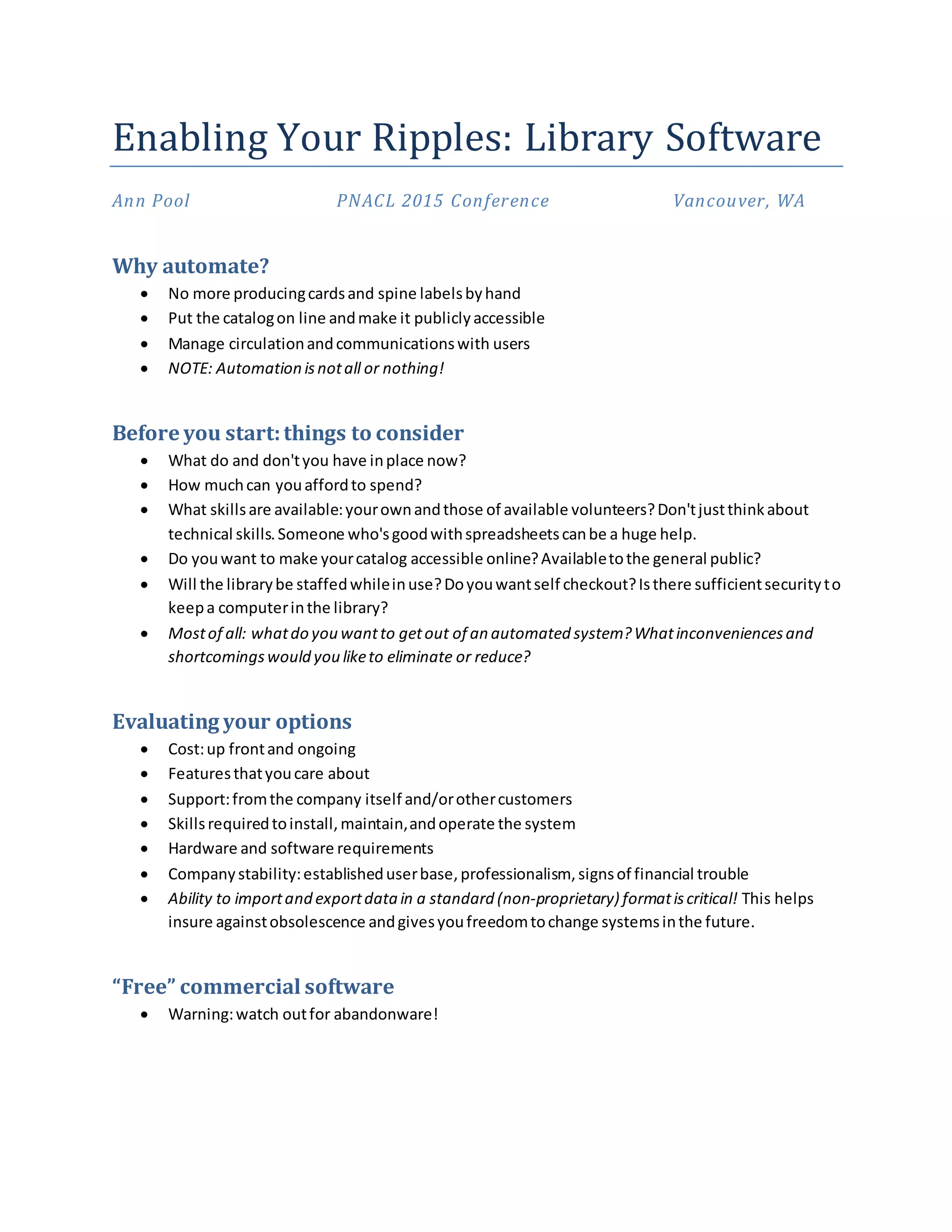
    Enabling Your Ripples:Library Software Ann Pool PNACL 2015 Conference Vancouver, WA Why automate?  No more producingcardsand spine labelsbyhand  Put the catalogon line andmake it publiclyaccessible  Manage circulationandcommunicationswith users  NOTE: Automation isnotall or nothing! Before you start:things to consider  What do and don'tyou have inplace now?  How muchcan youaffordto spend?  What skillsare available:yourownandthose of available volunteers?Don'tjustthinkabout technical skills.Someone who'sgoodwithspreadsheetscanbe a huge help.  Do youwant to make yourcatalog accessible online?Availabletothe general public?  Will the librarybe staffedwhileinuse?Doyouwantself checkout?Isthere sufficientsecurityto keepa computerinthe library?  Mostof all: whatdo you wantto getout of an automated system?Whatinconveniencesand shortcomingswould you liketo eliminate or reduce? Evaluating your options  Cost:up frontand ongoing  Featuresthatyoucare about  Support:fromthe company itself and/orothercustomers  Skillsrequiredtoinstall,maintain,andoperate the system  Hardware and software requirements  Companystability:establisheduserbase,professionalism, signsof financial trouble  Ability to importand exportdatain a standard (non-proprietary) formatiscritical! This helps insure againstobsolescence andgivesyoufreedomtochange systemsinthe future. “Free” commercial software  Warning:watch outfor abandonware!
  • 2.
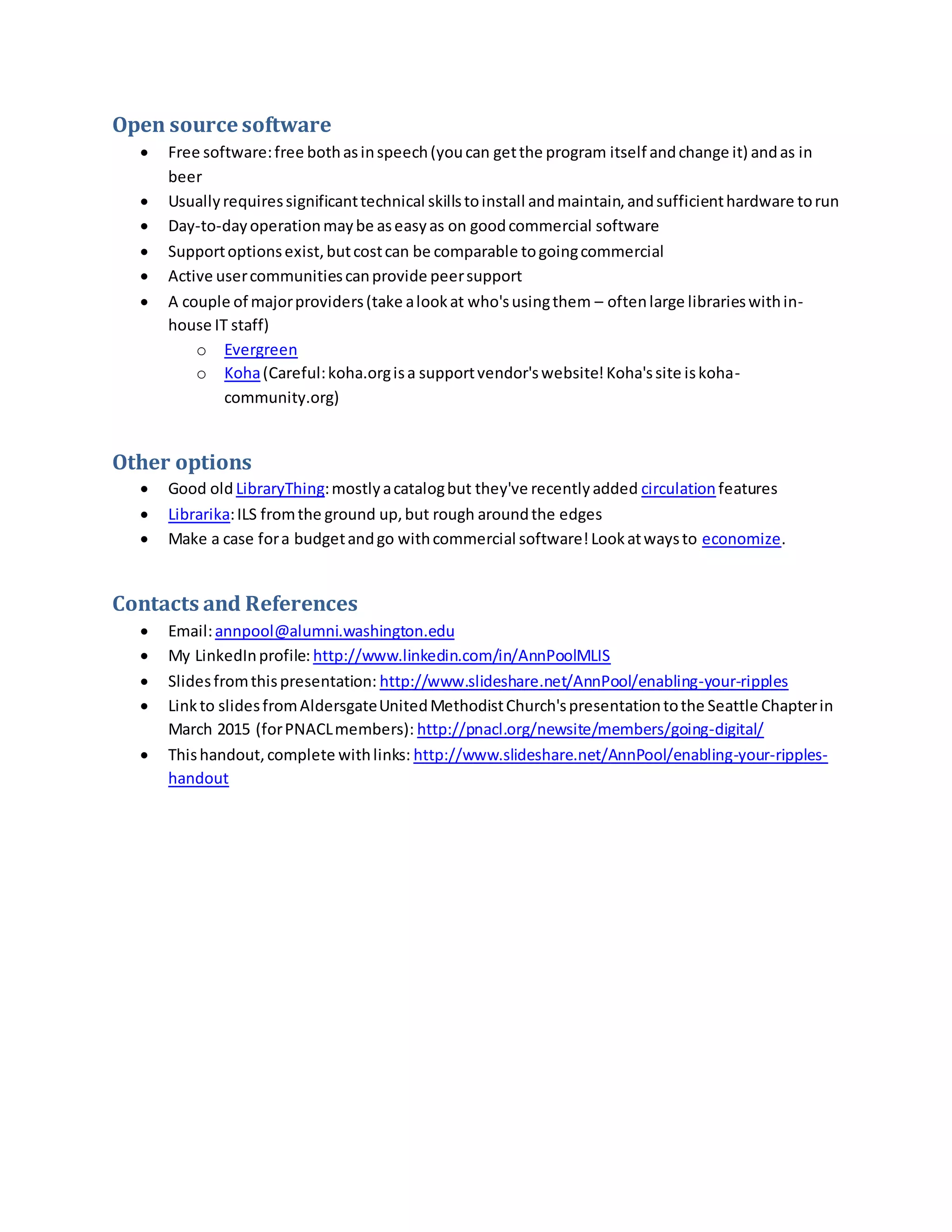
    Open source software Free software:free bothasinspeech(youcan getthe program itself andchange it) andas in beer  Usuallyrequiressignificanttechnical skillstoinstall andmaintain,andsufficienthardware torun  Day-to-dayoperationmaybe aseasyas on goodcommercial software  Supportoptionsexist,butcostcan be comparable togoingcommercial  Active usercommunitiescanprovide peersupport  A couple of majorproviders(take alookat who'susingthem – oftenlarge librarieswithin- house IT staff) o Evergreen o Koha(Careful:koha.orgisa supportvendor'swebsite!Koha'ssite iskoha- community.org) Other options  Good old LibraryThing:mostlyacatalogbut they've recentlyadded circulation features  Librarika:ILS fromthe ground up,but rough aroundthe edges  Make a case fora budgetandgo withcommercial software!Lookatwaysto economize. Contacts and References  Email:annpool@alumni.washington.edu  My LinkedInprofile: http://www.linkedin.com/in/AnnPoolMLIS  Slidesfromthispresentation: http://www.slideshare.net/AnnPool/enabling-your-ripples  Linkto slidesfromAldersgateUnitedMethodistChurch'spresentationtothe Seattle Chapterin March 2015 (forPNACLmembers): http://pnacl.org/newsite/members/going-digital/  Thishandout,complete withlinks: http://www.slideshare.net/AnnPool/enabling-your-ripples- handout