Enable Secure Mobile & Cloud Collaboration
(ISC)2 Secure Seattle 2013, Security Transcends Technology
Rama Kolappan, Mobile Director, Accellion.
Confidential
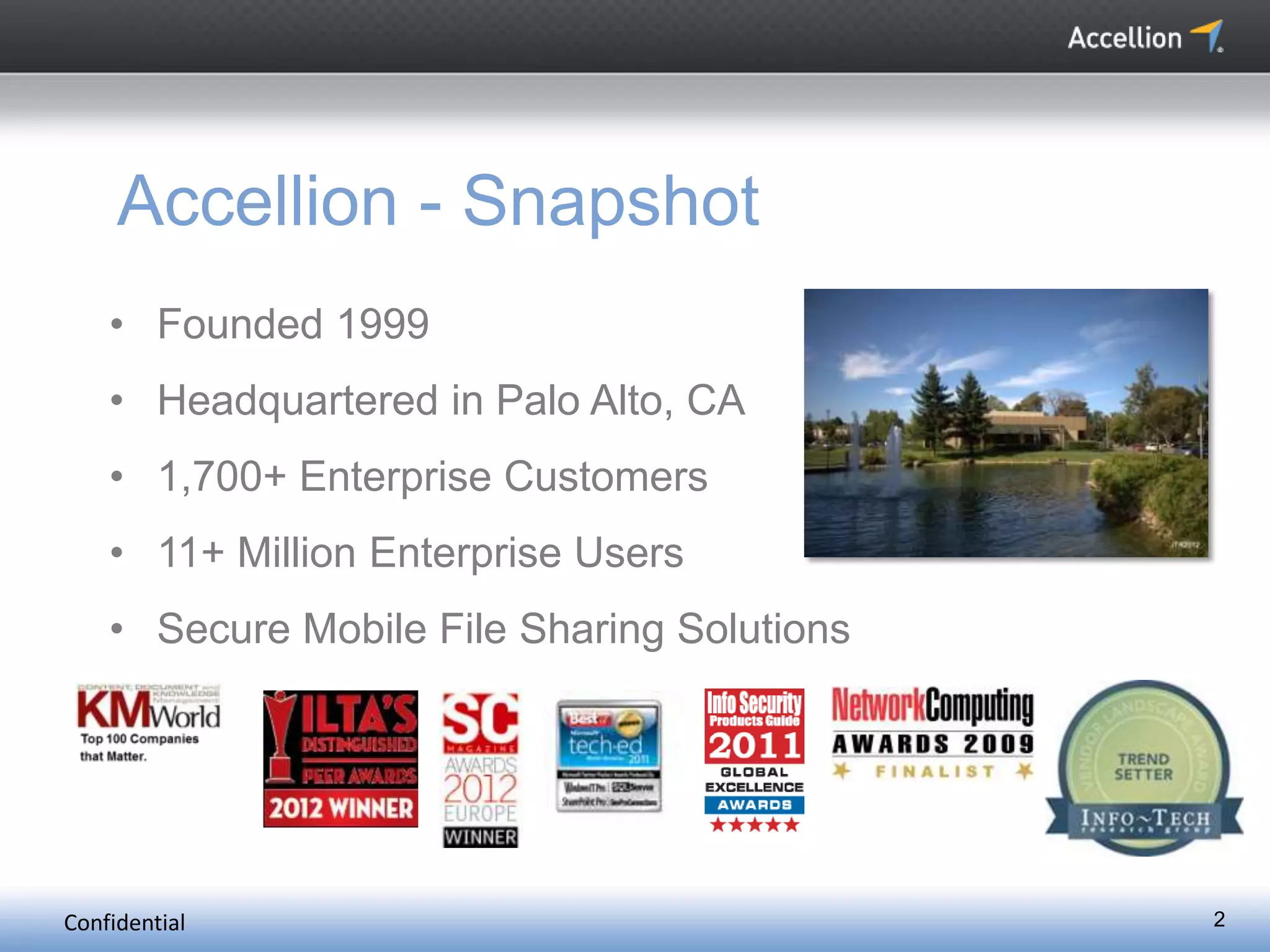
Accellion - Snapshot
• Founded 1999
• Headquartered in Palo Alto, CA
• 1,700+ Enterprise Customers
• 11+ Million Enterprise Users
• Secure Mobile File Sharing Solutions
2
Confidential 3
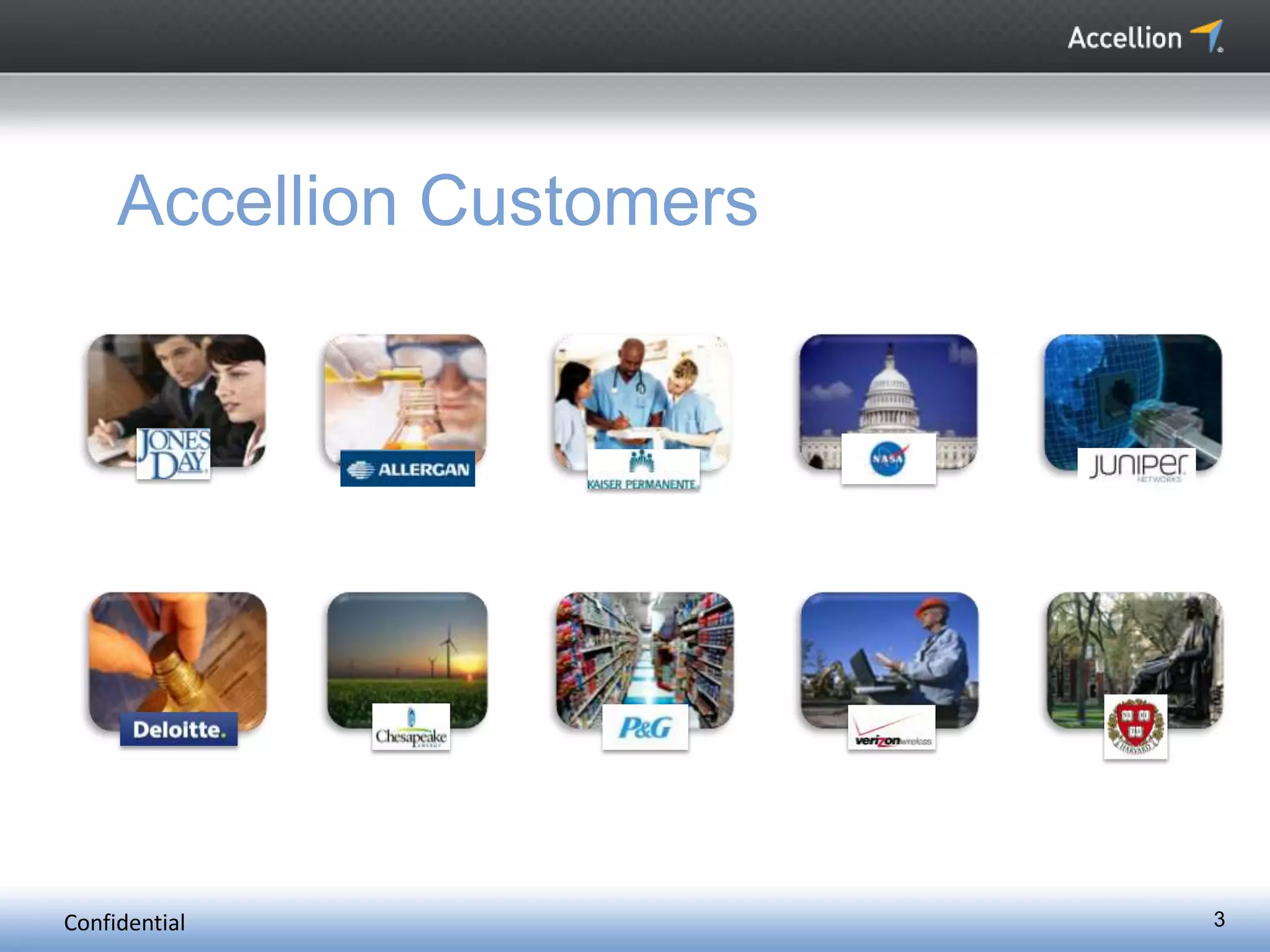
Accellion Customers
Confidential 4
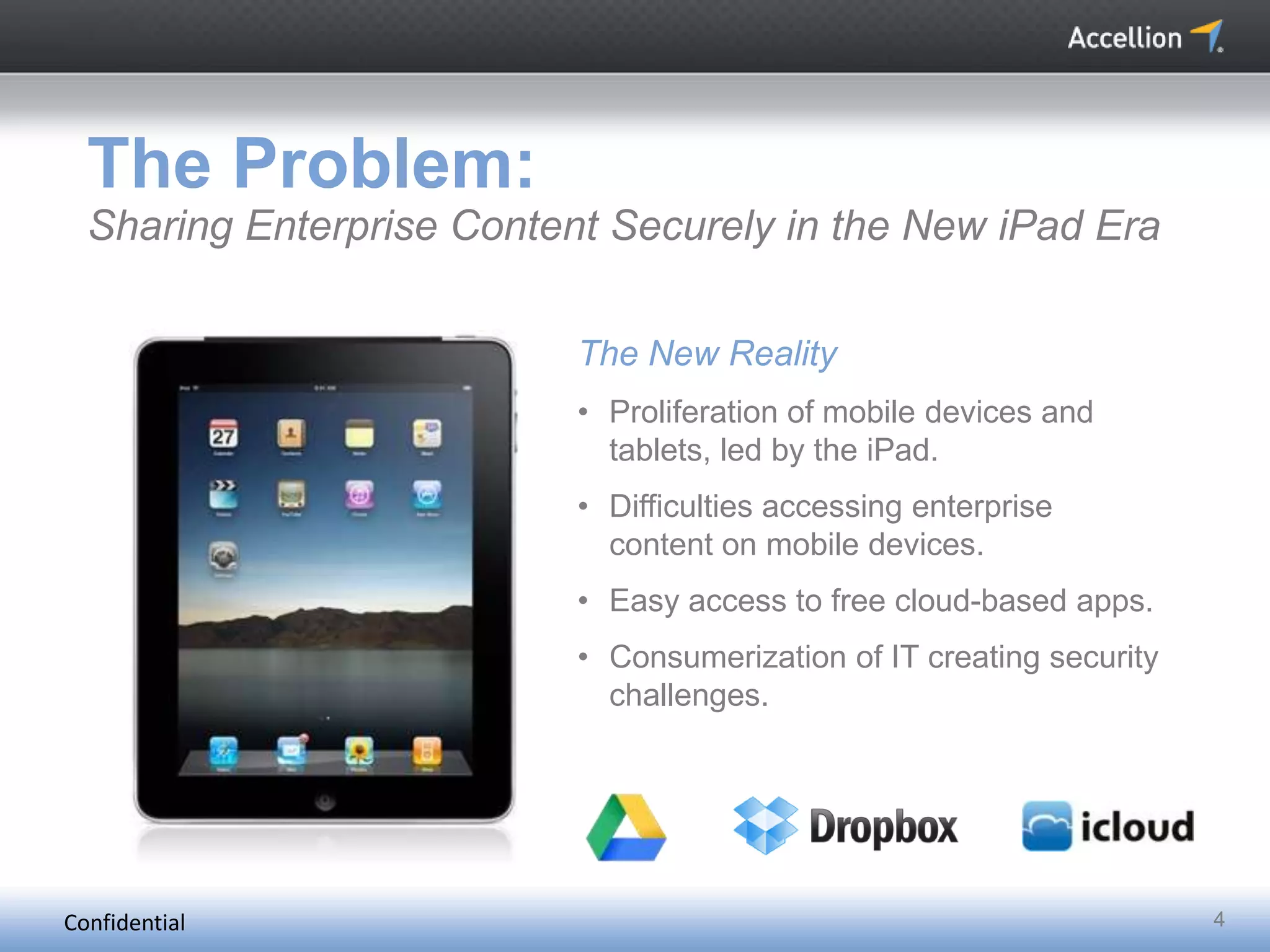
The Problem:
Sharing Enterprise Content Securely in the New iPad Era
The New Reality
• Proliferation of mobile devices and
tablets, led by the iPad.
• Difficulties accessing enterprise
content on mobile devices.
• Easy access to free cloud-based apps.
• Consumerization of IT creating security
challenges.
Confidential 5
Terms of Service: Google Drive
http://www.google.com/intl/en/policies/terms/
"When you upload or otherwise submit content to our
Services, you give Google (and those we work with) a worldwide
license to use, host, store, reproduce, modify, create derivative
works (such as those resulting from translations, adaptations or
other changes we make so that your content works better with
our Services), communicate, publish, publicly perform, publicly
display and distribute such content. The rights you grant in this
license are for the limited purpose of operating, promoting, and
improving our Services, and to develop new ones. This license
continues even if you stop using our Services…”
Confidential 6
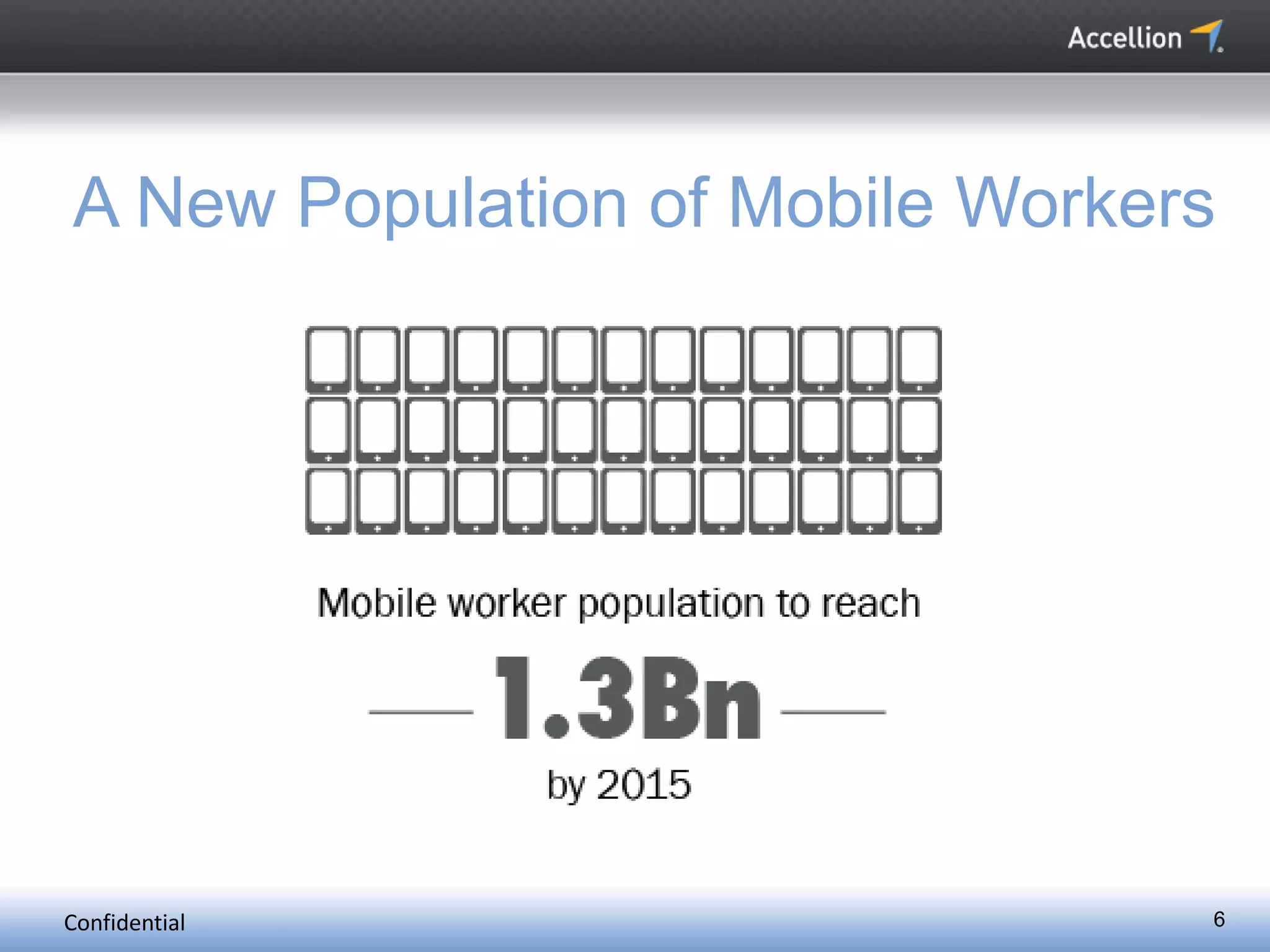
A New Population of Mobile Workers
Confidential 7
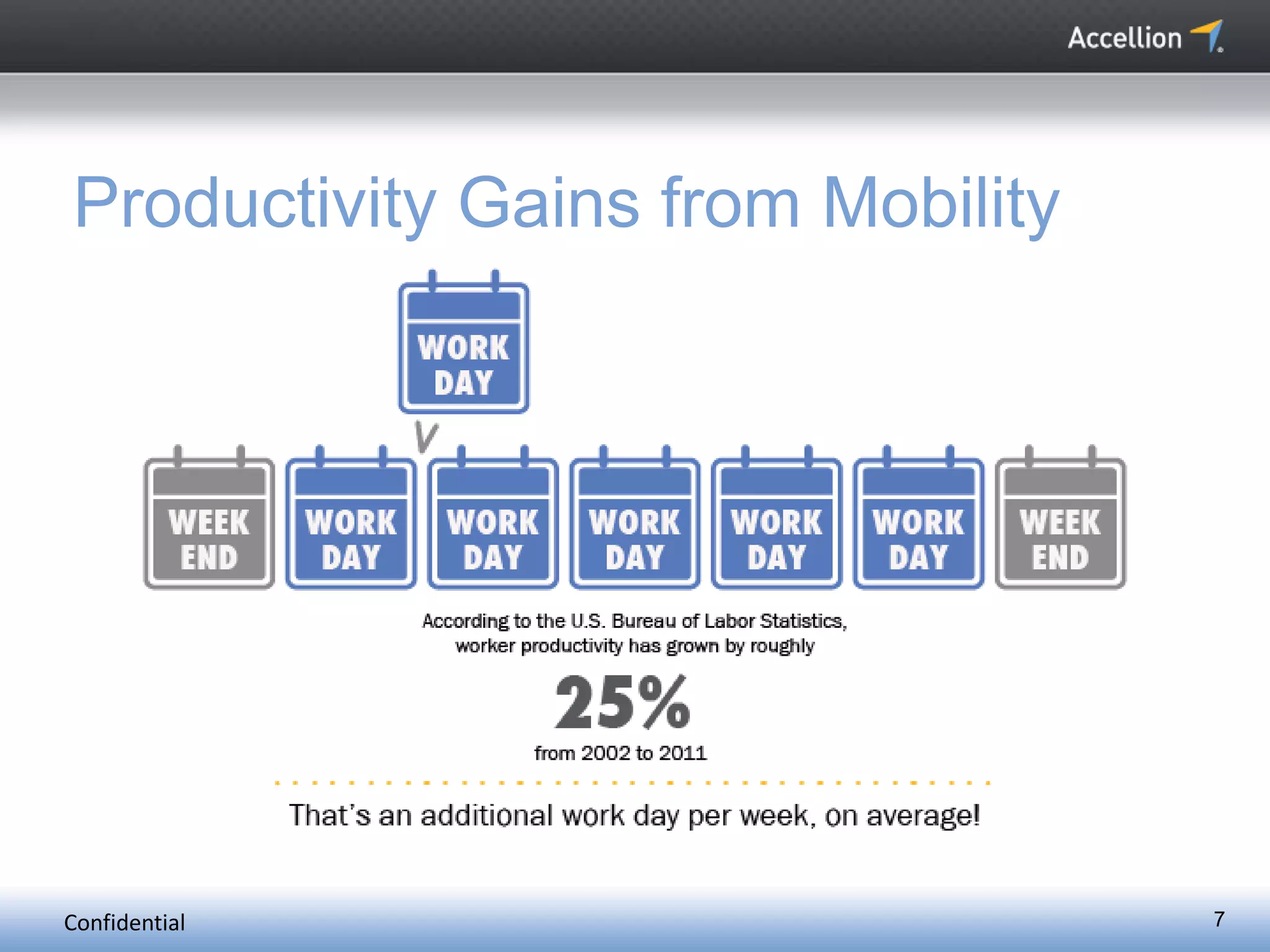
Productivity Gains from Mobility
Confidential 8
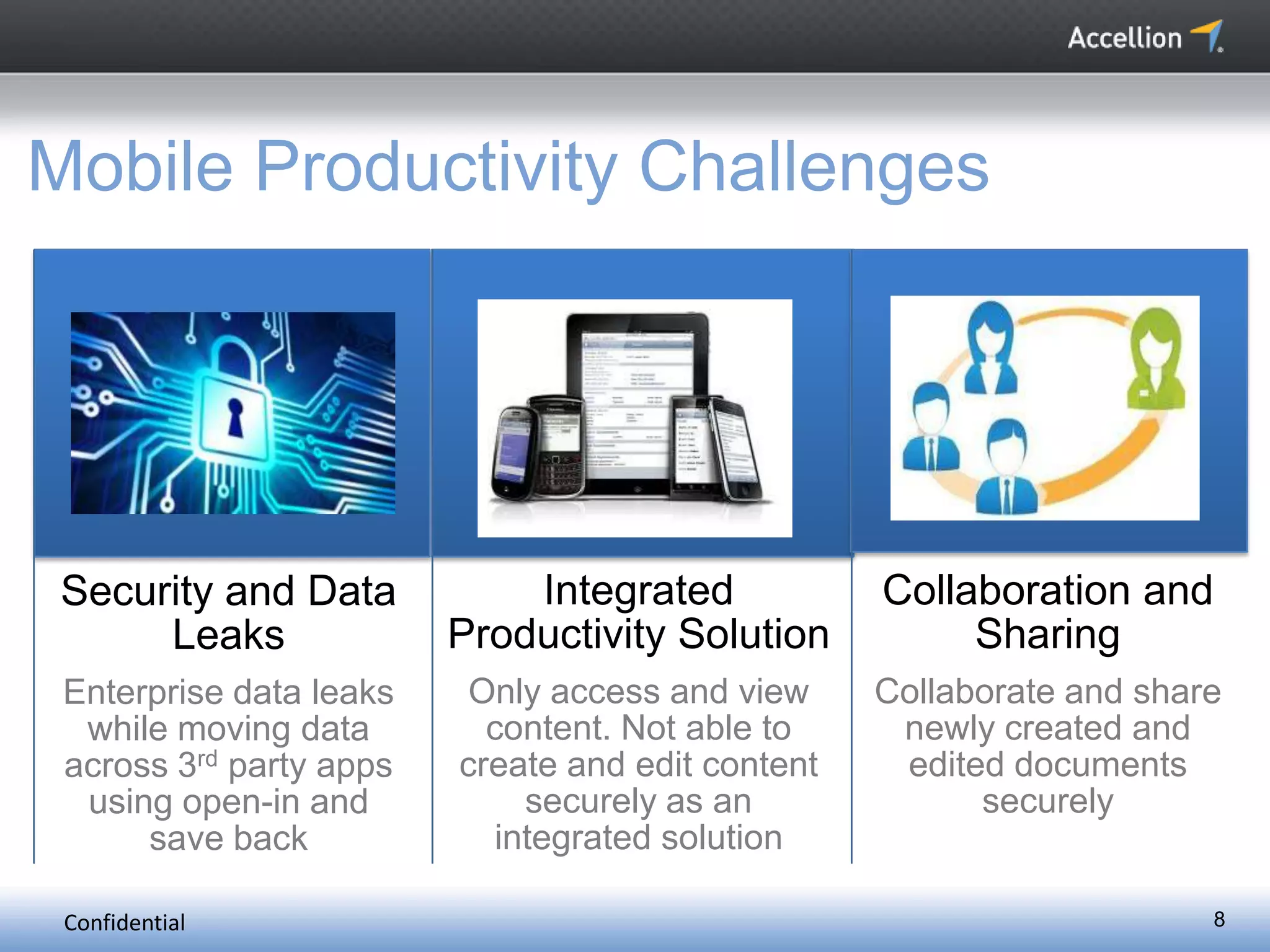
Mobile Productivity Challenges
Security and Data
Leaks
Enterprise data leaks
while moving data
across 3rd party apps
using open-in and
save back
Integrated
Productivity Solution
Only access and view
content. Not able to
create and edit content
securely as an
integrated solution
Collaboration and
Sharing
Collaborate and share
newly created and
edited documents
securely
Confidential 9
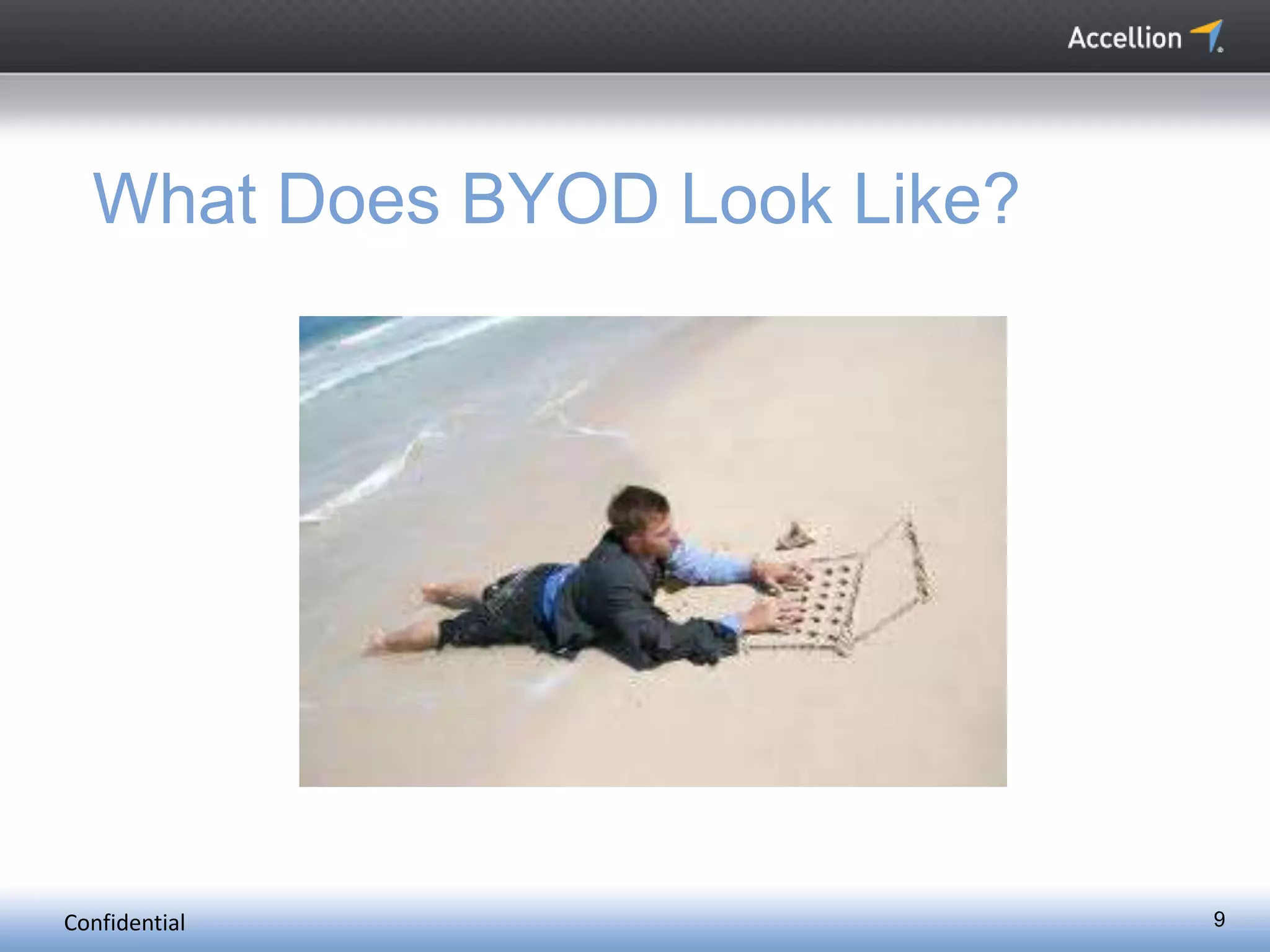
What Does BYOD Look Like?
Confidential 10
What Does BYOD Feel Like?
Confidential 11
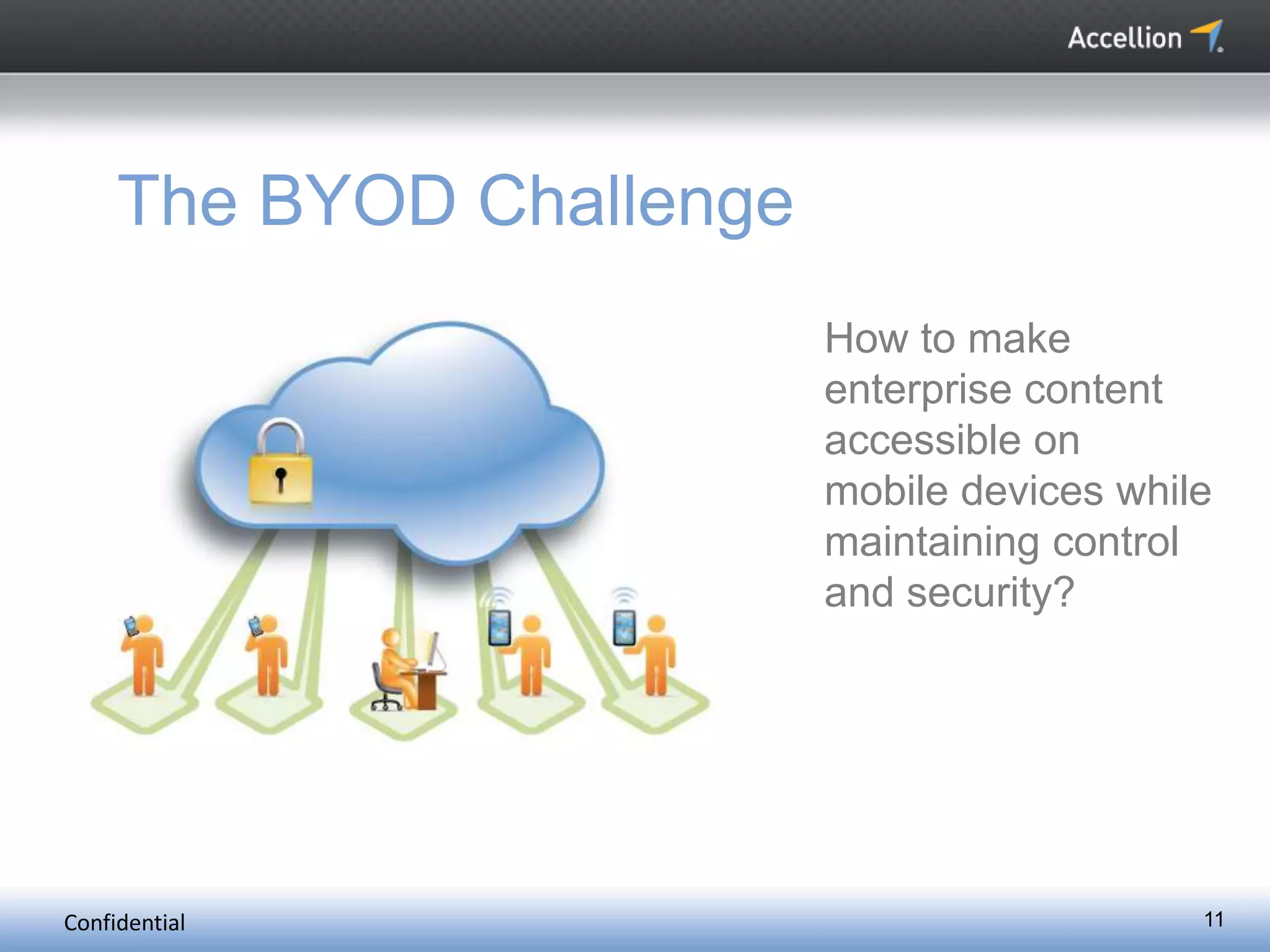
The BYOD Challenge
How to make
enterprise content
accessible on
mobile devices while
maintaining control
and security?
Confidential 12
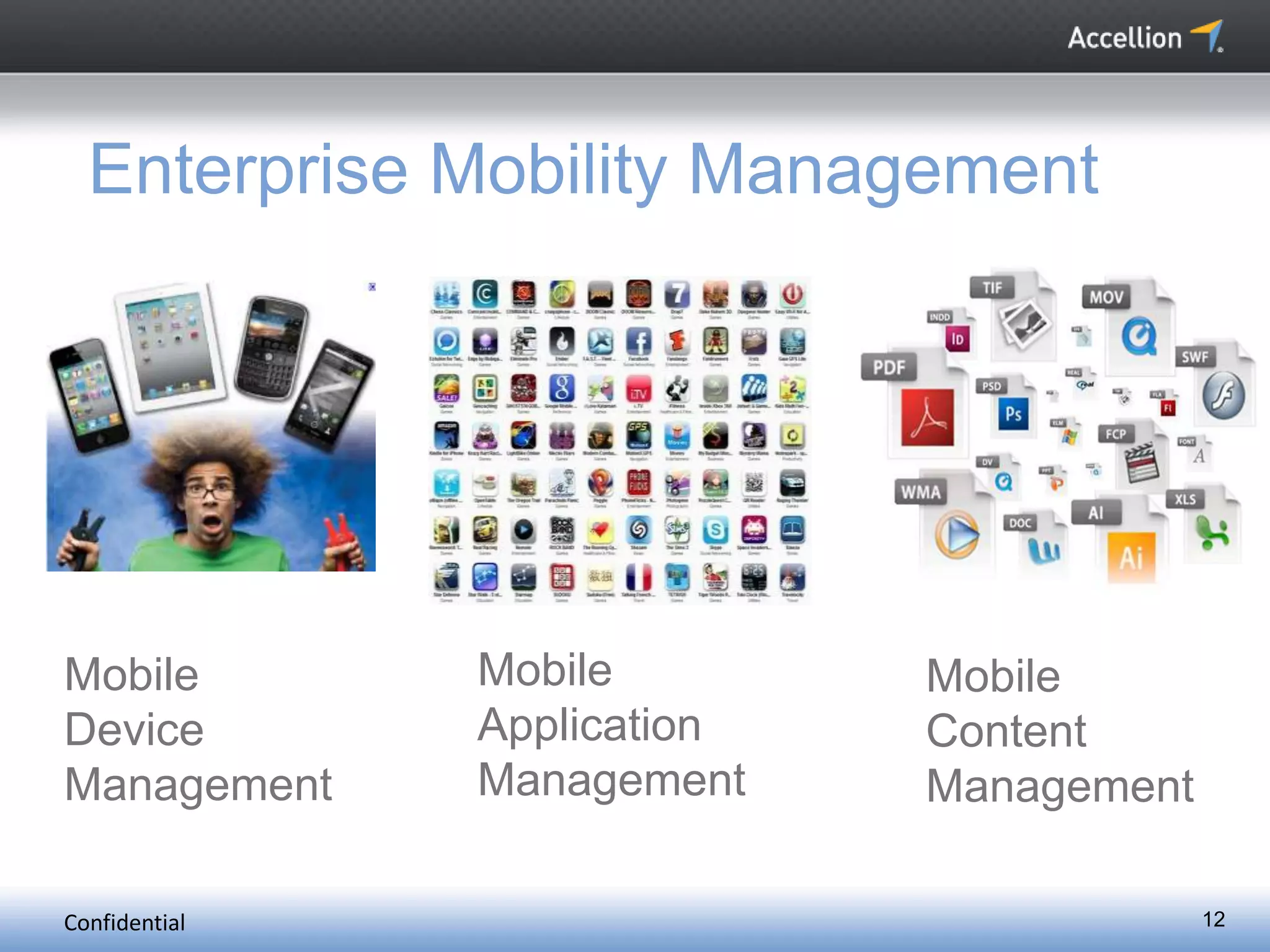
Enterprise Mobility Management
Mobile
Device
Management
Mobile
Application
Management
Mobile
Content
Management
Confidential 13
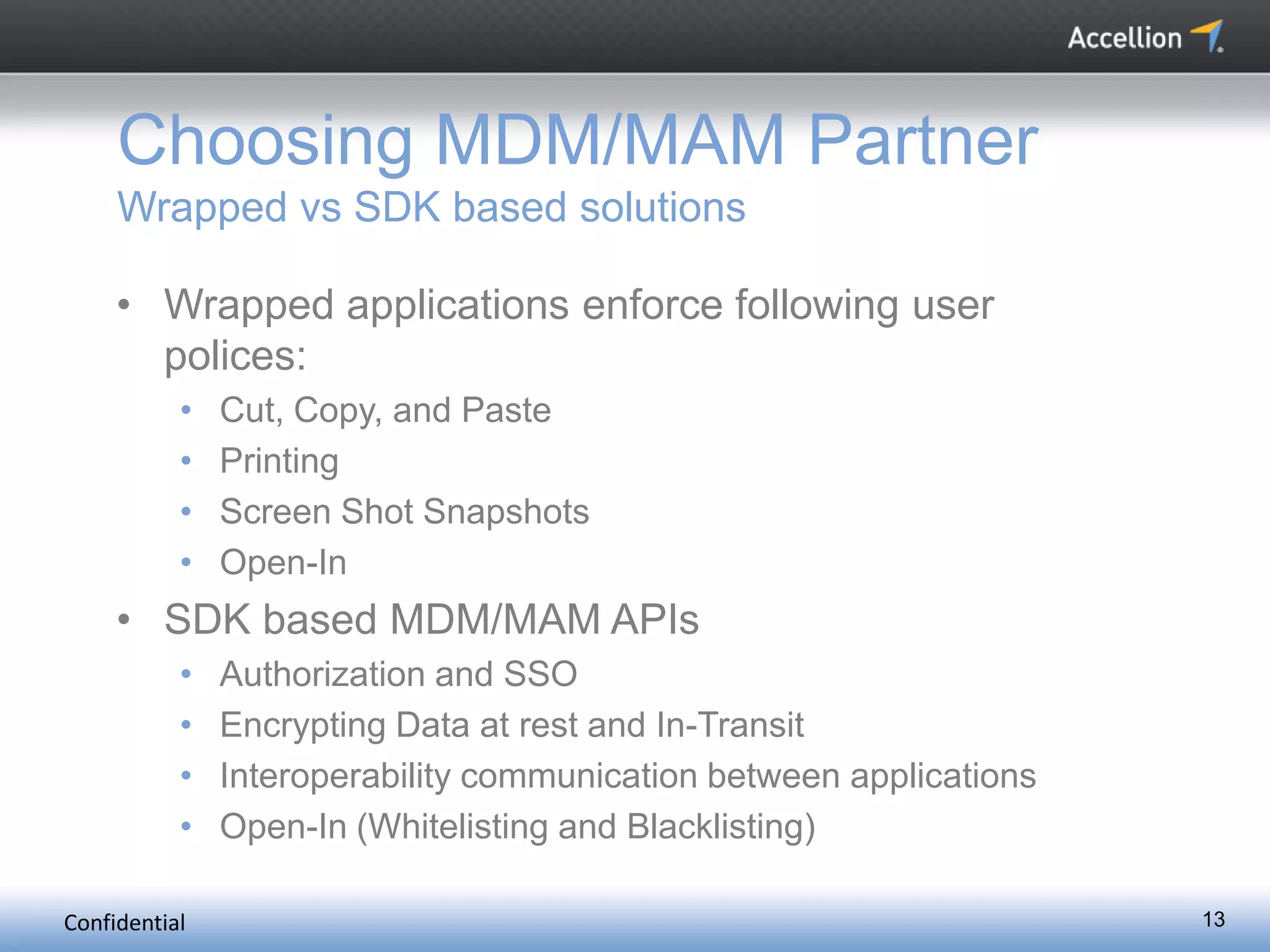
Choosing MDM/MAM Partner
Wrapped vs SDK based solutions
• Wrapped applications enforce following user
polices:
• Cut, Copy, and Paste
• Printing
• Screen Shot Snapshots
• Open-In
• SDK based MDM/MAM APIs
• Authorization and SSO
• Encrypting Data at rest and In-Transit
• Interoperability communication between applications
• Open-In (Whitelisting and Blacklisting)
Confidential 14
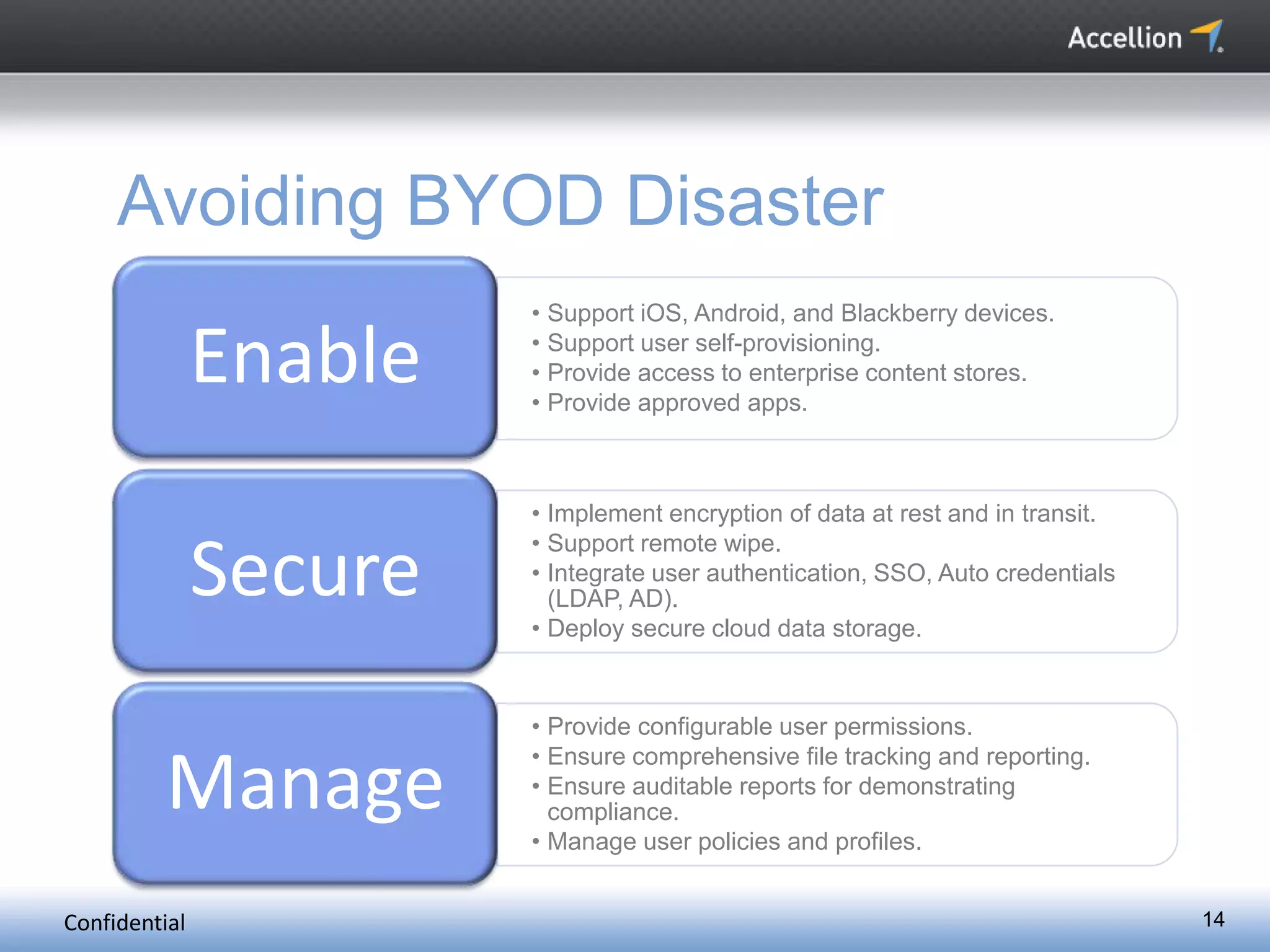
Avoiding BYOD Disaster
• Support iOS, Android, and Blackberry devices.
• Support user self-provisioning.
• Provide access to enterprise content stores.
• Provide approved apps.
Enable
• Implement encryption of data at rest and in transit.
• Support remote wipe.
• Integrate user authentication, SSO, Auto credentials
(LDAP, AD).
• Deploy secure cloud data storage.
Secure
• Provide configurable user permissions.
• Ensure comprehensive file tracking and reporting.
• Ensure auditable reports for demonstrating
compliance.
• Manage user policies and profiles.
Manage
15
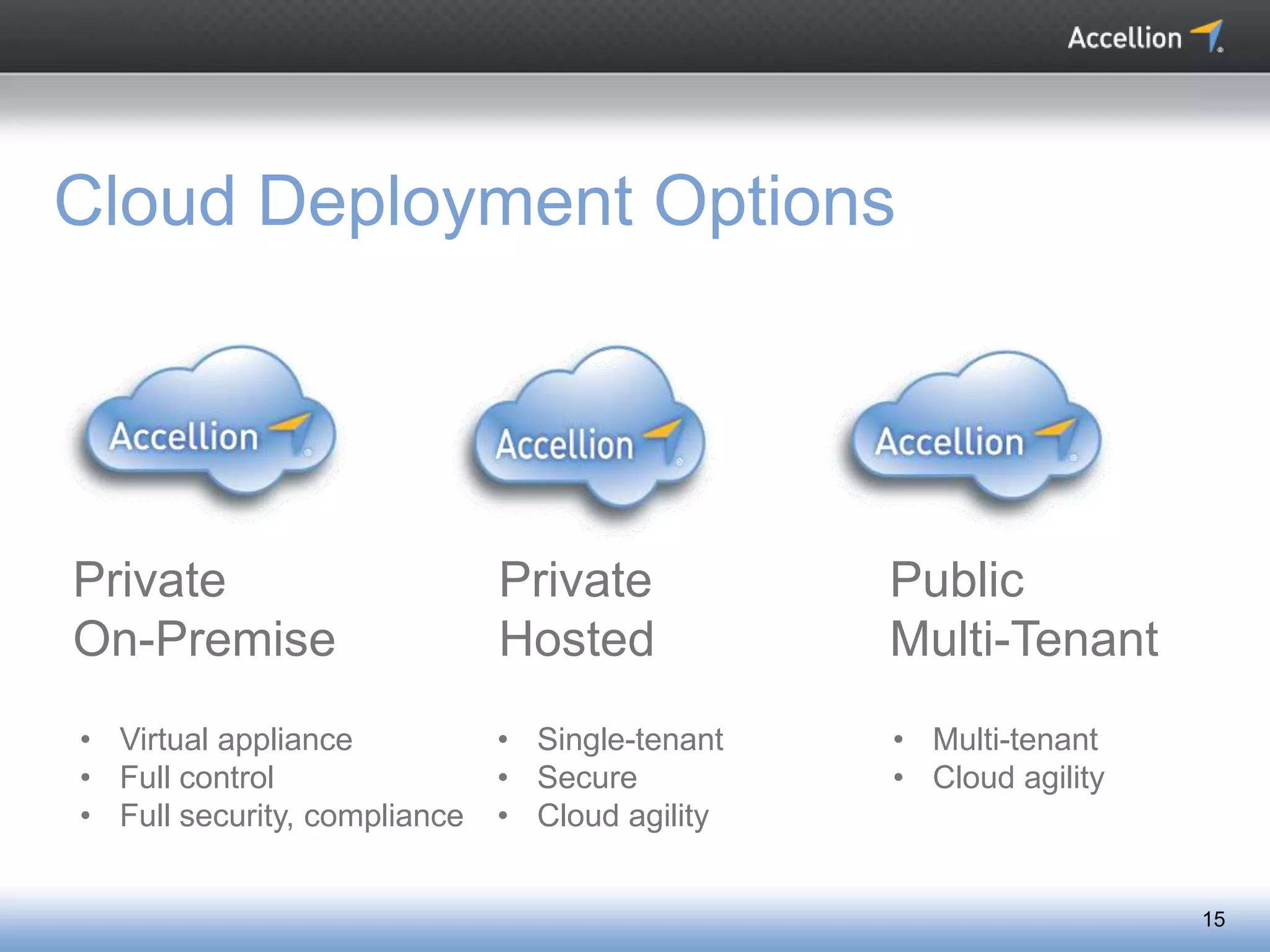
Cloud Deployment Options
Private
On-Premise
Private
Hosted
Public
Multi-Tenant
• Virtual appliance
• Full control
• Full security, compliance
• Single-tenant
• Secure
• Cloud agility
• Multi-tenant
• Cloud agility
Confidential 16
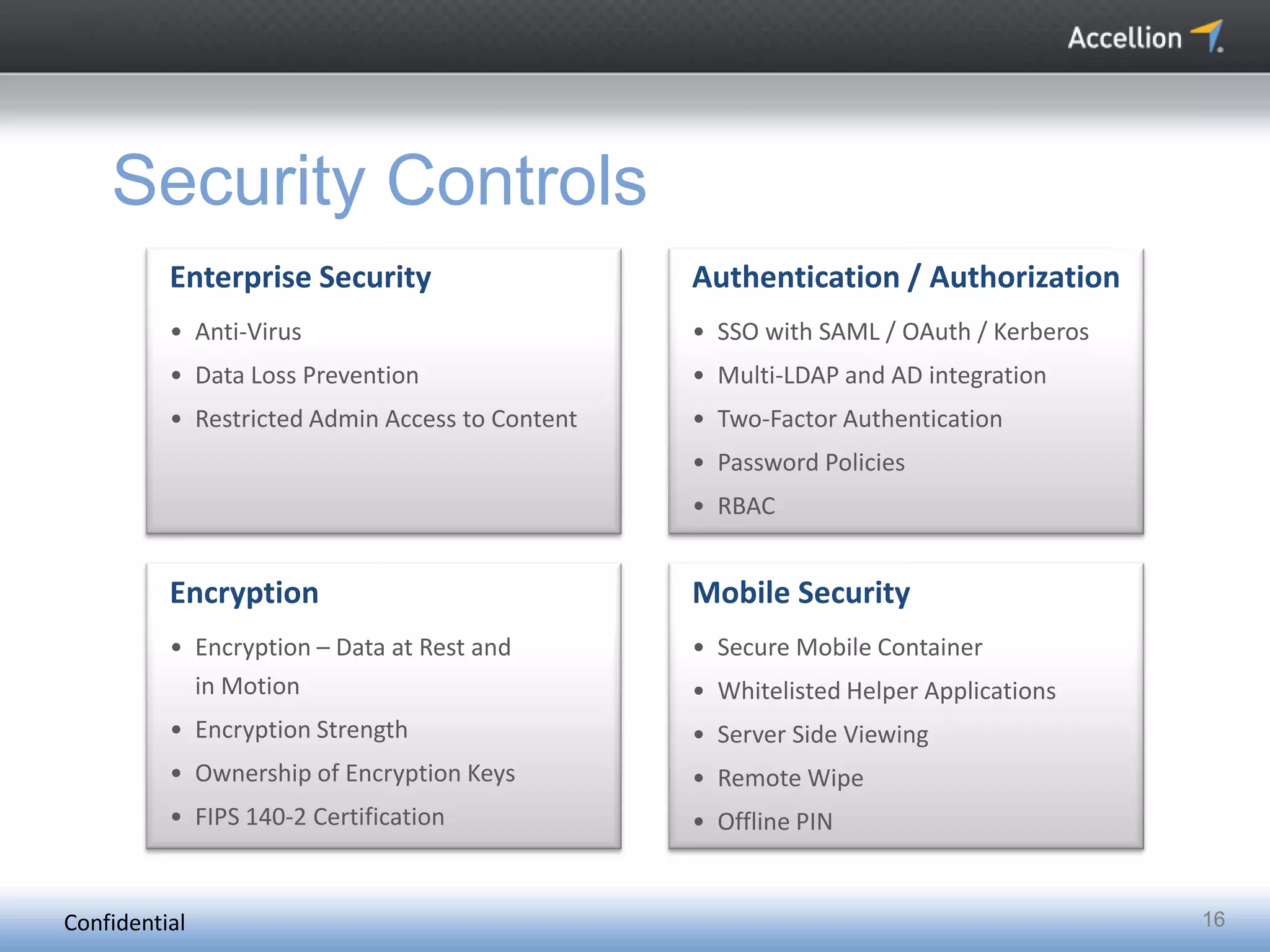
Security Controls
Enterprise Security
• Anti-Virus
• Data Loss Prevention
• Restricted Admin Access to Content
Authentication / Authorization
• SSO with SAML / OAuth / Kerberos
• Multi-LDAP and AD integration
• Two-Factor Authentication
• Password Policies
• RBAC
Encryption
• Encryption – Data at Rest and
in Motion
• Encryption Strength
• Ownership of Encryption Keys
• FIPS 140-2 Certification
Mobile Security
• Secure Mobile Container
• Whitelisted Helper Applications
• Server Side Viewing
• Remote Wipe
• Offline PIN
Confidential 17
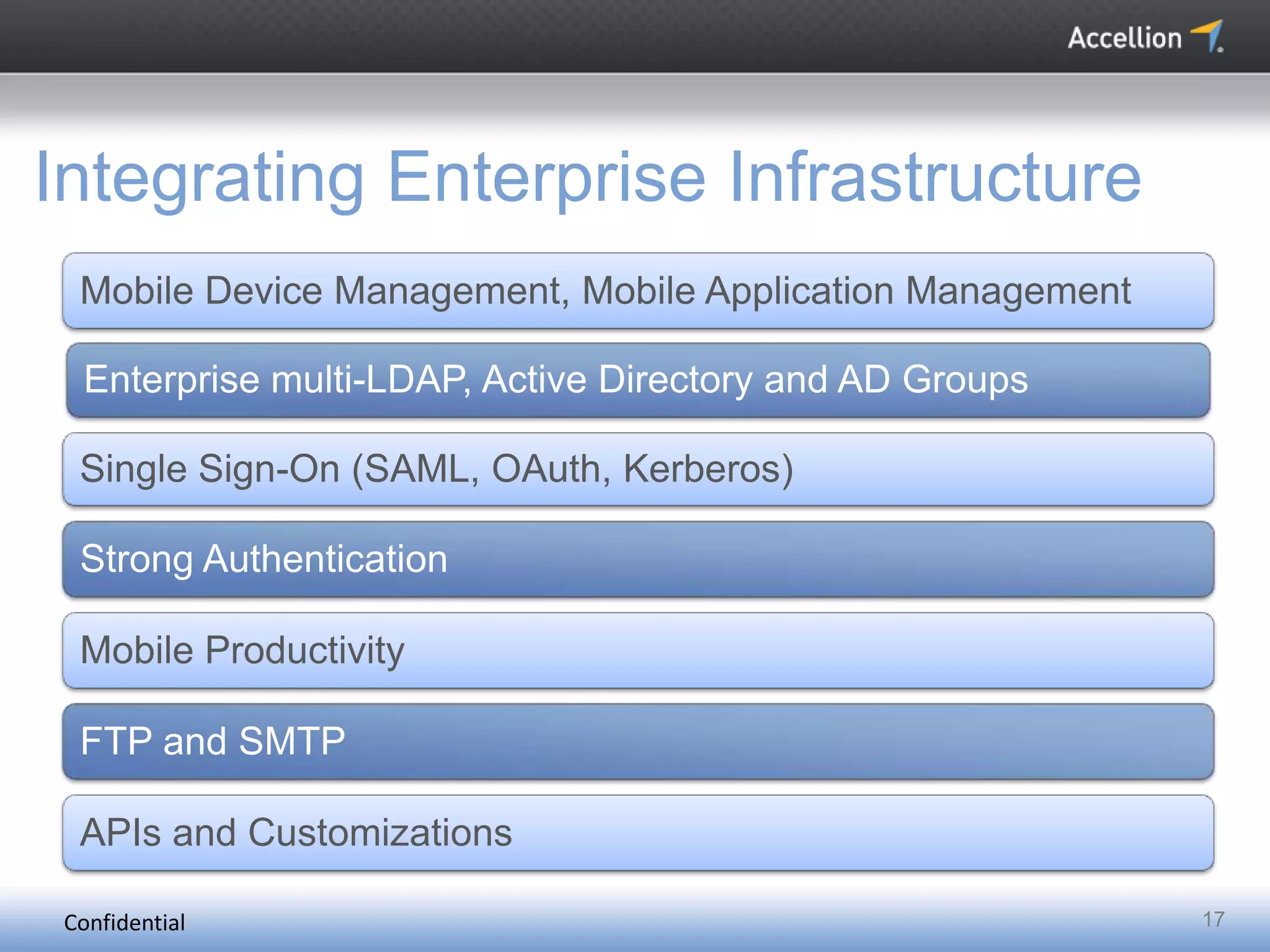
Integrating Enterprise Infrastructure
Mobile Device Management, Mobile Application Management
Enterprise multi-LDAP, Active Directory and AD Groups
Single Sign-On (SAML, OAuth, Kerberos)
Strong Authentication
Mobile Productivity
FTP and SMTP
APIs and Customizations
Confidential 18
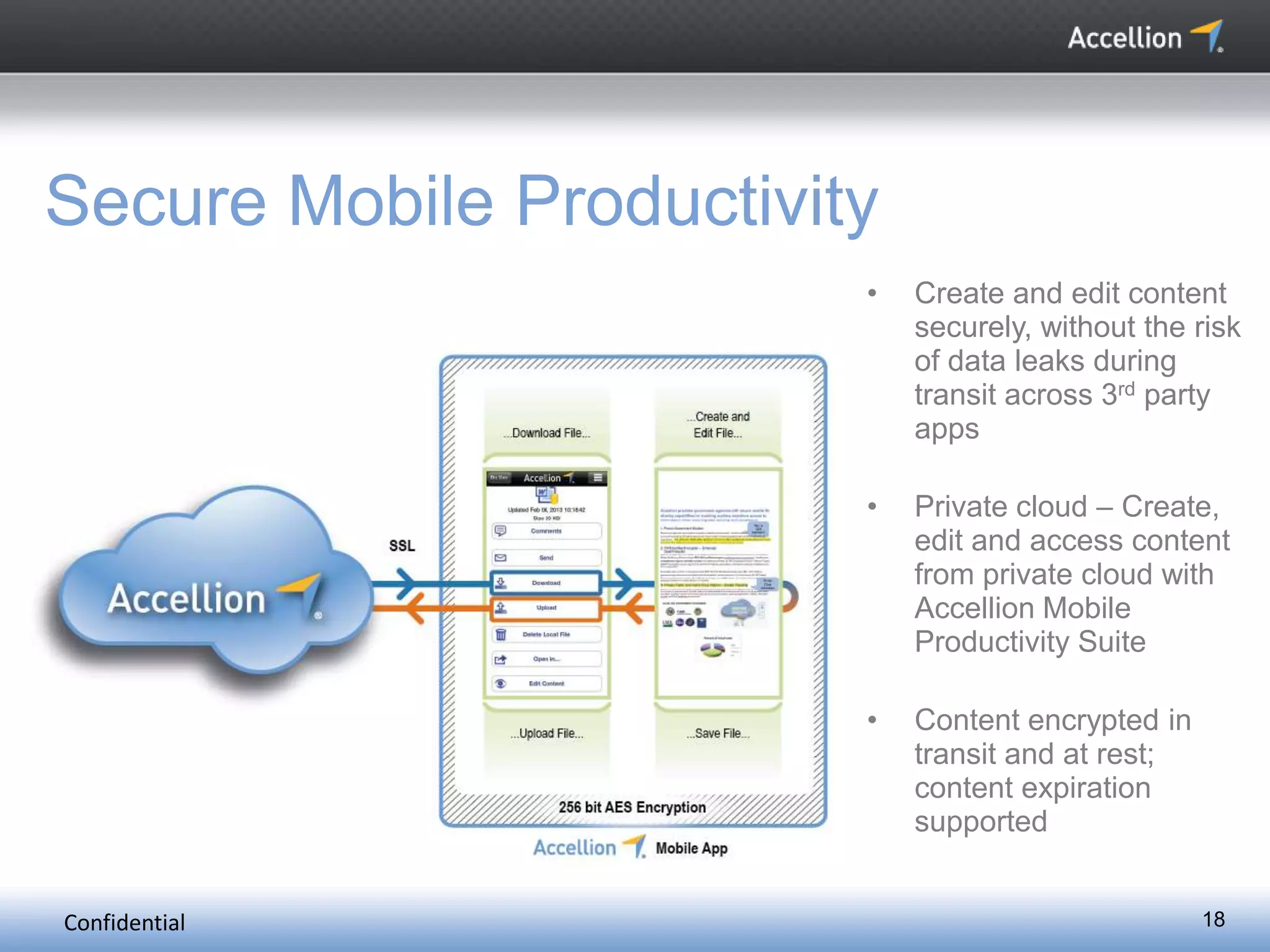
Secure Mobile Productivity
• Create and edit content
securely, without the risk
of data leaks during
transit across 3rd party
apps
• Private cloud – Create,
edit and access content
from private cloud with
Accellion Mobile
Productivity Suite
• Content encrypted in
transit and at rest;
content expiration
supported
Confidential 19
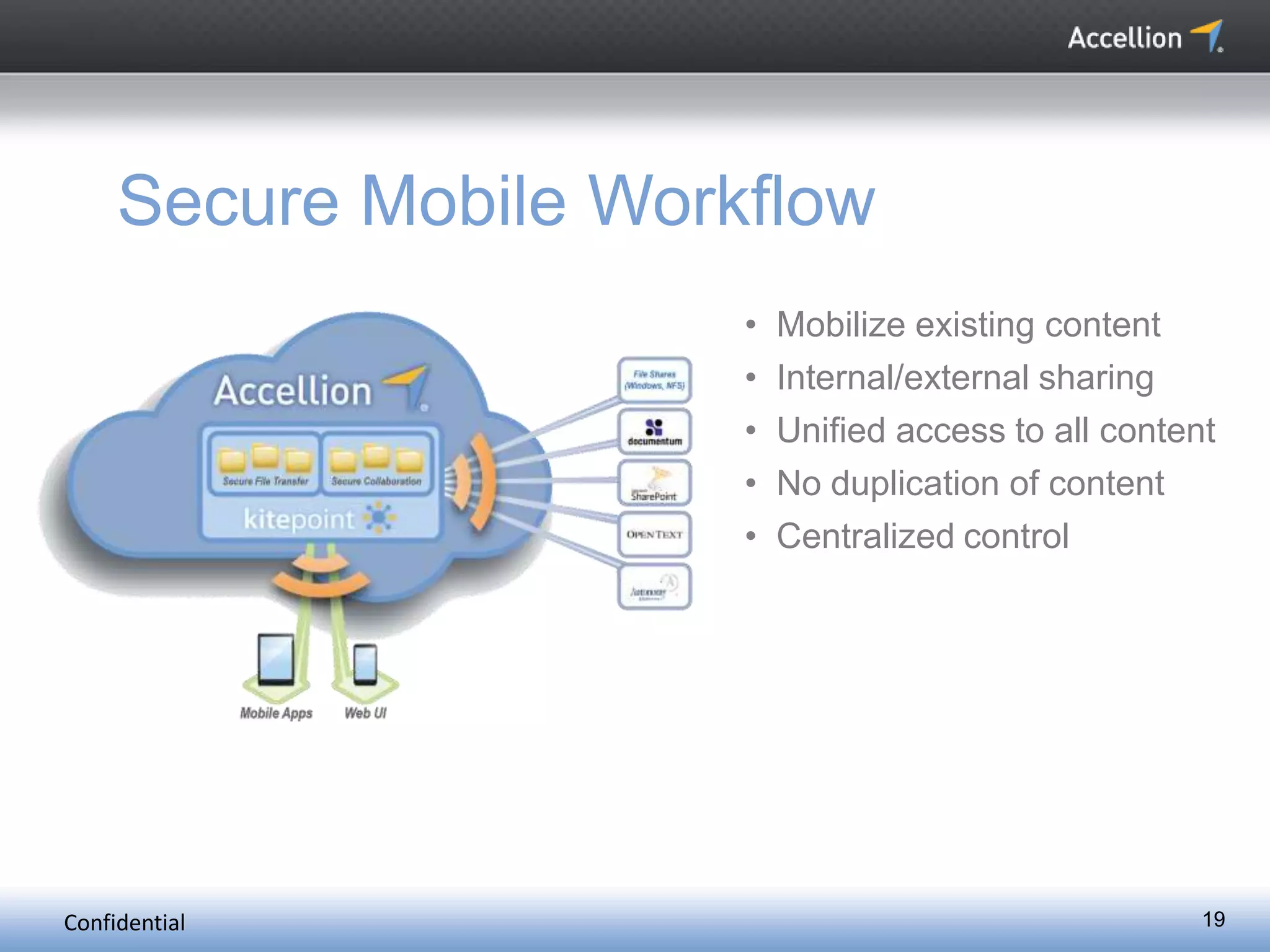
Secure Mobile Workflow
• Mobilize existing content
• Internal/external sharing
• Unified access to all content
• No duplication of content
• Centralized control
Confidential 20
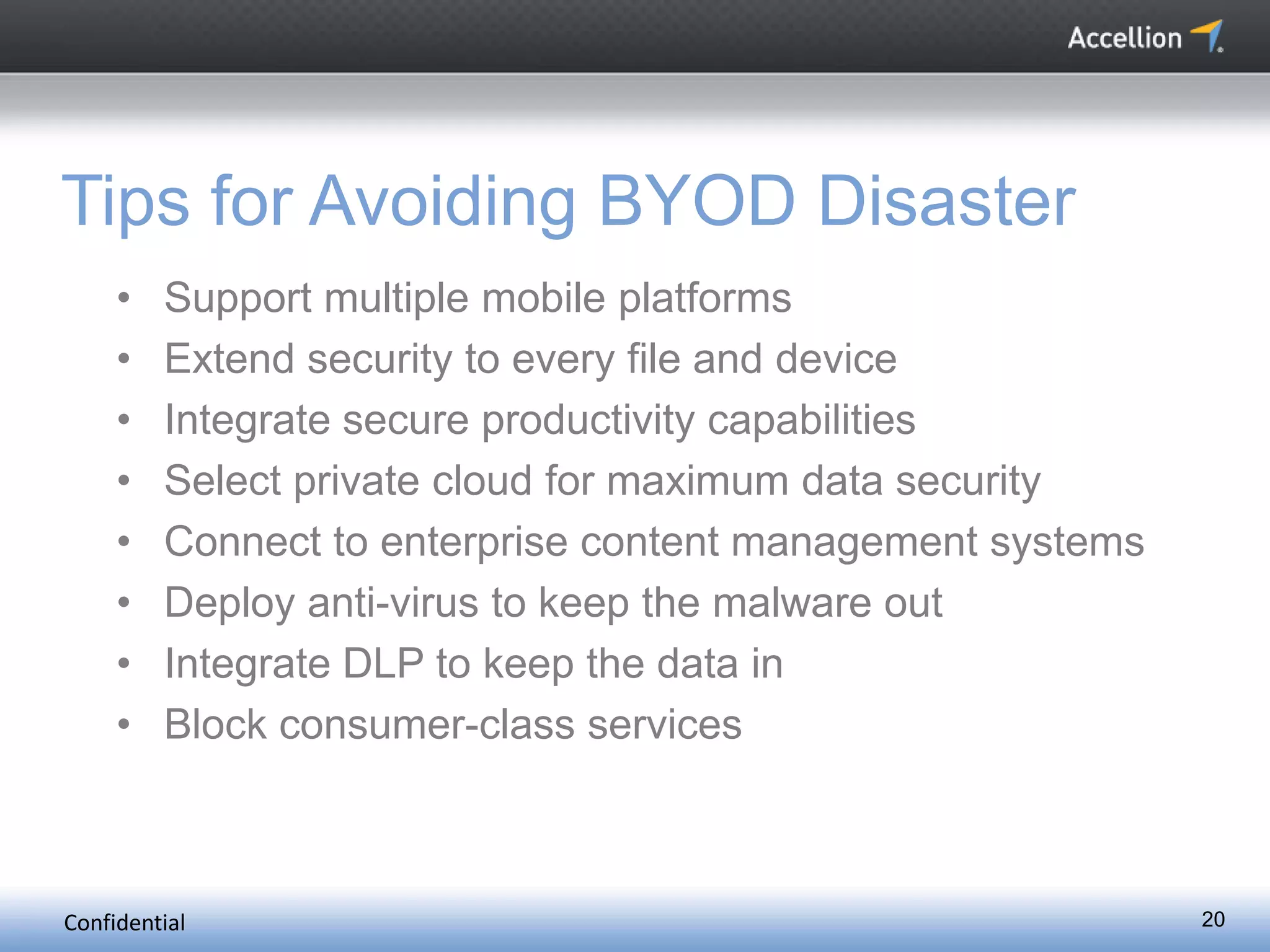
Tips for Avoiding BYOD Disaster
• Support multiple mobile platforms
• Extend security to every file and device
• Integrate secure productivity capabilities
• Select private cloud for maximum data security
• Connect to enterprise content management systems
• Deploy anti-virus to keep the malware out
• Integrate DLP to keep the data in
• Block consumer-class services
Accellion provides enterprise-class mobile file sharing
solutions that enable secure anytime, anywhere access to
information while ensuring enterprise security and
compliance.
The world’s leading corporations and government agencies
select Accellion to protect intellectual property, ensure
compliance, improve business productivity and reduce IT
cost.
Learn more about Accellion here: www.accellion.com
Connect with Accellion here:
About Accellion

Enable Secure Mobile & Cloud Collaboration

  • 1.
    Enable Secure Mobile& Cloud Collaboration (ISC)2 Secure Seattle 2013, Security Transcends Technology Rama Kolappan, Mobile Director, Accellion.
  • 2.
    Confidential Accellion - Snapshot •Founded 1999 • Headquartered in Palo Alto, CA • 1,700+ Enterprise Customers • 11+ Million Enterprise Users • Secure Mobile File Sharing Solutions 2
  • 3.
  • 4.
    Confidential 4 The Problem: SharingEnterprise Content Securely in the New iPad Era The New Reality • Proliferation of mobile devices and tablets, led by the iPad. • Difficulties accessing enterprise content on mobile devices. • Easy access to free cloud-based apps. • Consumerization of IT creating security challenges.
  • 5.
    Confidential 5 Terms ofService: Google Drive http://www.google.com/intl/en/policies/terms/ "When you upload or otherwise submit content to our Services, you give Google (and those we work with) a worldwide license to use, host, store, reproduce, modify, create derivative works (such as those resulting from translations, adaptations or other changes we make so that your content works better with our Services), communicate, publish, publicly perform, publicly display and distribute such content. The rights you grant in this license are for the limited purpose of operating, promoting, and improving our Services, and to develop new ones. This license continues even if you stop using our Services…”
  • 6.
    Confidential 6 A NewPopulation of Mobile Workers
  • 7.
  • 8.
    Confidential 8 Mobile ProductivityChallenges Security and Data Leaks Enterprise data leaks while moving data across 3rd party apps using open-in and save back Integrated Productivity Solution Only access and view content. Not able to create and edit content securely as an integrated solution Collaboration and Sharing Collaborate and share newly created and edited documents securely
  • 9.
    Confidential 9 What DoesBYOD Look Like?
  • 10.
  • 11.
    Confidential 11 The BYODChallenge How to make enterprise content accessible on mobile devices while maintaining control and security?
  • 12.
    Confidential 12 Enterprise MobilityManagement Mobile Device Management Mobile Application Management Mobile Content Management
  • 13.
    Confidential 13 Choosing MDM/MAMPartner Wrapped vs SDK based solutions • Wrapped applications enforce following user polices: • Cut, Copy, and Paste • Printing • Screen Shot Snapshots • Open-In • SDK based MDM/MAM APIs • Authorization and SSO • Encrypting Data at rest and In-Transit • Interoperability communication between applications • Open-In (Whitelisting and Blacklisting)
  • 14.
    Confidential 14 Avoiding BYODDisaster • Support iOS, Android, and Blackberry devices. • Support user self-provisioning. • Provide access to enterprise content stores. • Provide approved apps. Enable • Implement encryption of data at rest and in transit. • Support remote wipe. • Integrate user authentication, SSO, Auto credentials (LDAP, AD). • Deploy secure cloud data storage. Secure • Provide configurable user permissions. • Ensure comprehensive file tracking and reporting. • Ensure auditable reports for demonstrating compliance. • Manage user policies and profiles. Manage
  • 15.
    15 Cloud Deployment Options Private On-Premise Private Hosted Public Multi-Tenant •Virtual appliance • Full control • Full security, compliance • Single-tenant • Secure • Cloud agility • Multi-tenant • Cloud agility
  • 16.
    Confidential 16 Security Controls EnterpriseSecurity • Anti-Virus • Data Loss Prevention • Restricted Admin Access to Content Authentication / Authorization • SSO with SAML / OAuth / Kerberos • Multi-LDAP and AD integration • Two-Factor Authentication • Password Policies • RBAC Encryption • Encryption – Data at Rest and in Motion • Encryption Strength • Ownership of Encryption Keys • FIPS 140-2 Certification Mobile Security • Secure Mobile Container • Whitelisted Helper Applications • Server Side Viewing • Remote Wipe • Offline PIN
  • 17.
    Confidential 17 Integrating EnterpriseInfrastructure Mobile Device Management, Mobile Application Management Enterprise multi-LDAP, Active Directory and AD Groups Single Sign-On (SAML, OAuth, Kerberos) Strong Authentication Mobile Productivity FTP and SMTP APIs and Customizations
  • 18.
    Confidential 18 Secure MobileProductivity • Create and edit content securely, without the risk of data leaks during transit across 3rd party apps • Private cloud – Create, edit and access content from private cloud with Accellion Mobile Productivity Suite • Content encrypted in transit and at rest; content expiration supported
  • 19.
    Confidential 19 Secure MobileWorkflow • Mobilize existing content • Internal/external sharing • Unified access to all content • No duplication of content • Centralized control
  • 20.
    Confidential 20 Tips forAvoiding BYOD Disaster • Support multiple mobile platforms • Extend security to every file and device • Integrate secure productivity capabilities • Select private cloud for maximum data security • Connect to enterprise content management systems • Deploy anti-virus to keep the malware out • Integrate DLP to keep the data in • Block consumer-class services
  • 21.
    Accellion provides enterprise-classmobile file sharing solutions that enable secure anytime, anywhere access to information while ensuring enterprise security and compliance. The world’s leading corporations and government agencies select Accellion to protect intellectual property, ensure compliance, improve business productivity and reduce IT cost. Learn more about Accellion here: www.accellion.com Connect with Accellion here: About Accellion