Intro:
Michael Dimmitt
Avid learner.
Elixir enthusiast, explainer of things.
Javascript doer of things. (React, Vue, Node, ...etc.)
Coming Soon: www.github.com/jax-ex
Why Elixir / Suggestions for different elixir tools.
Otp … added to any application it allows fault tolerance with supervisors and pid
i) Good for server side work. Api’s.
ii) Leverages a preemptive scheduler allowing large tasks not block
others.
Phoenix LiveView … leverages js socket to tell browser render content.
https://github.com/phoenixframework/phoenix_live_view/blob/master/lib/phoenix_live_view.ex#L68
i) Forms: Server side input validation, rendered quickly to users.
ii) Distribute a specific server result to multiple users. Example: chat
apps.
Scope of this talk. TIME LIMIT for the talk: 60 min.
Discussion welcomed after at Bottlenose Brewery.
1) Dive into common production workflows for phoenix.
i) asdf
ii) distillery
iii) elixir 1.9 releases
iv) docker-container
v) rds
2) Workshop time … AWS setup and then “hello world RDS”
ECS - EC2 and RDS: https://joaquimadraz.com/guide-to-deploy-an-elixir-phoenix-app-to-aws-ecs (free tier)
Cloud Formation Example: https://medium.com/mint-digital/elixir-deployments-on-aws-ee787aa02a9d
2 EC2, load balancer, RDS, CodeDeploy, S3 bucket for encrypted secrets, http through port
3333 to load balancer, ssh from configurable IP to instances using public/private key)
March 2019: https://www.cogini.com/blog/using-asdf-with-elixir-and-phoenix/
June 2019: https://www.cogini.com/blog/best-practices-for-deploying-elixir-apps/
June 2019: https://elixir-lang.org/blog/2019/06/24/elixir-v1-9-0-released/
Releases in phoenix June 2019: https://hexdocs.pm/phoenix/releases.html#content
Love those links!! Have a read yourself.
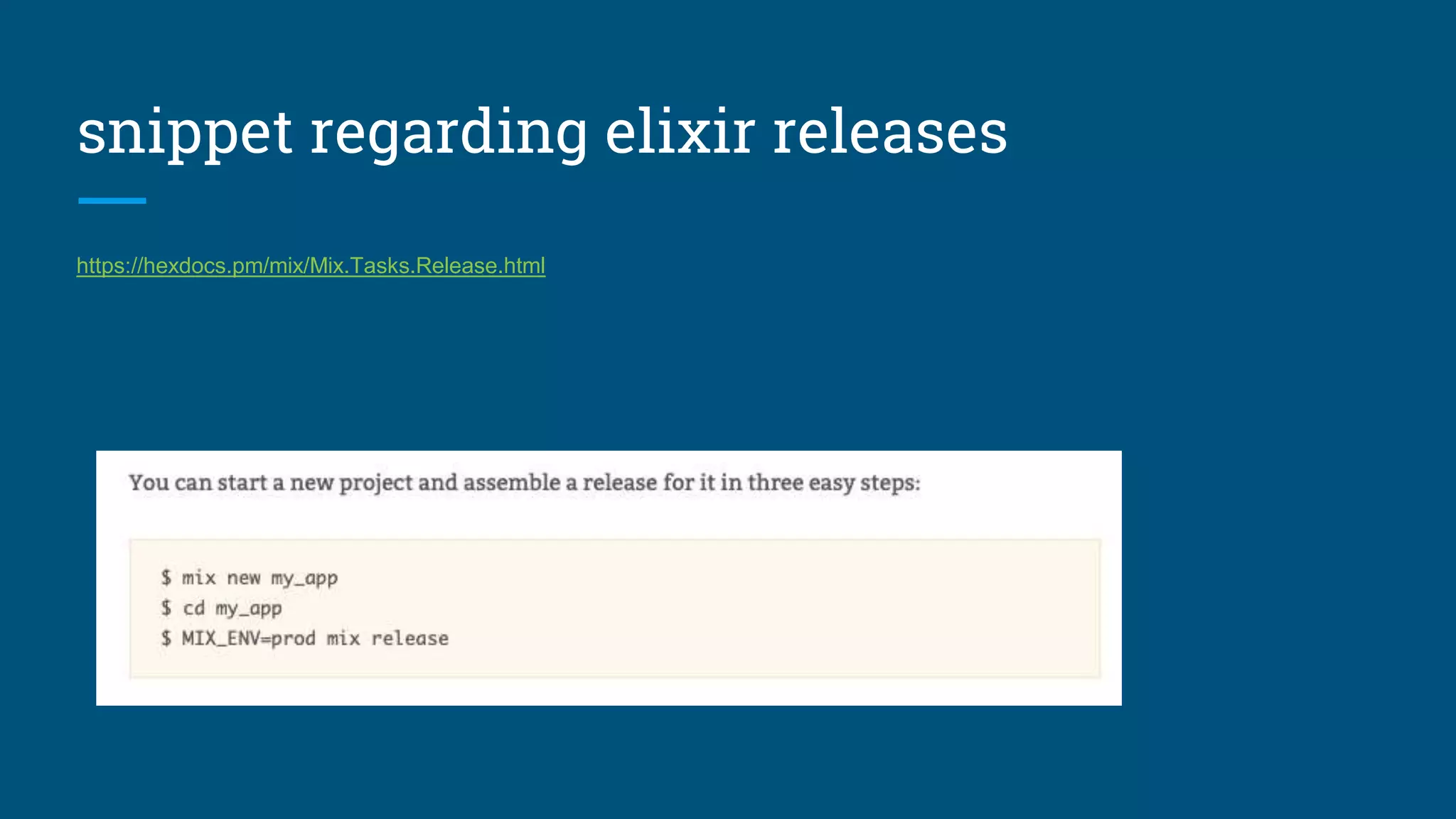
snippet regarding elixir releases
https://hexdocs.pm/mix/Mix.Tasks.Release.html
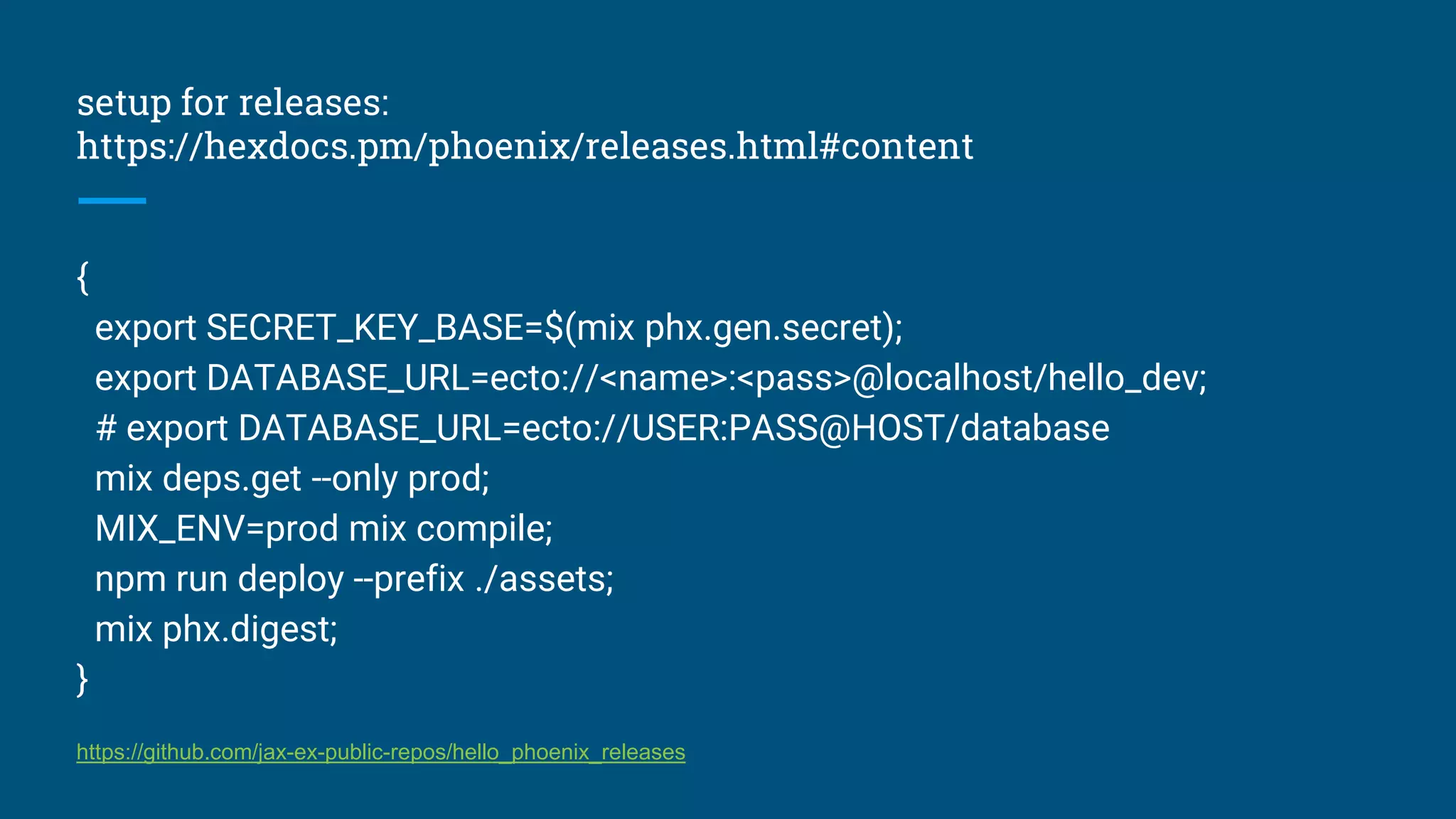
setup for releases:
https://hexdocs.pm/phoenix/releases.html#content
{
export SECRET_KEY_BASE=$(mix phx.gen.secret);
export DATABASE_URL=ecto://<name>:<pass>@localhost/hello_dev;
# export DATABASE_URL=ecto://USER:PASS@HOST/database
mix deps.get --only prod;
MIX_ENV=prod mix compile;
npm run deploy --prefix ./assets;
mix phx.digest;
}
https://github.com/jax-ex-public-repos/hello_phoenix_releases
Now, onto the demo / walk-though.
1) Create and AWS account.
2) Existing Ecto Repository: https://github.com/jax-ex-public-repos/ecto_workshop?organization=jax-ex-public-
repos&organization=jax-ex-public-repos
3) Connect the application to RDS. https://aws.amazon.com/rds/
4) Done. ✅
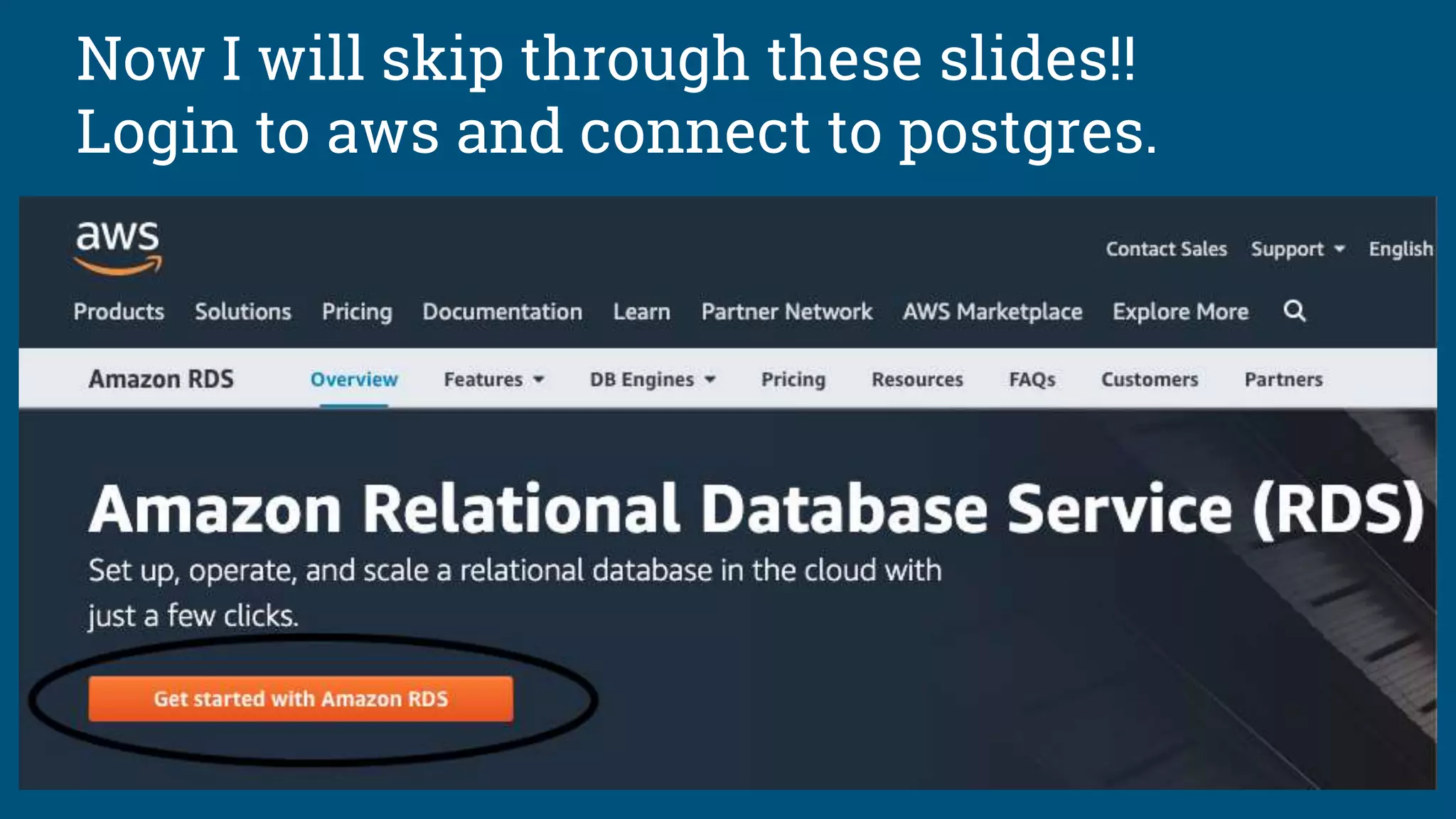
Now I will skip through these slides!!
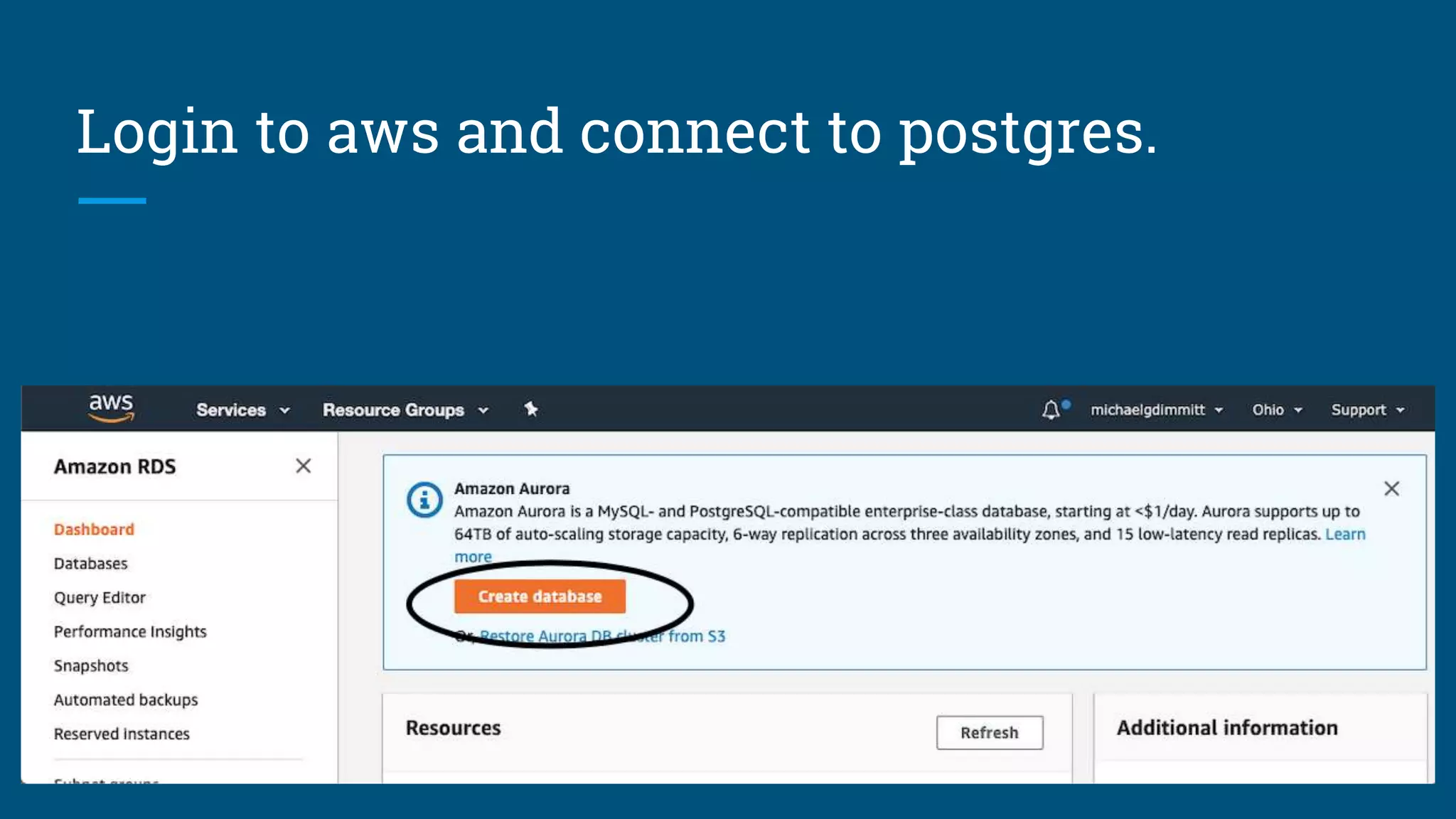
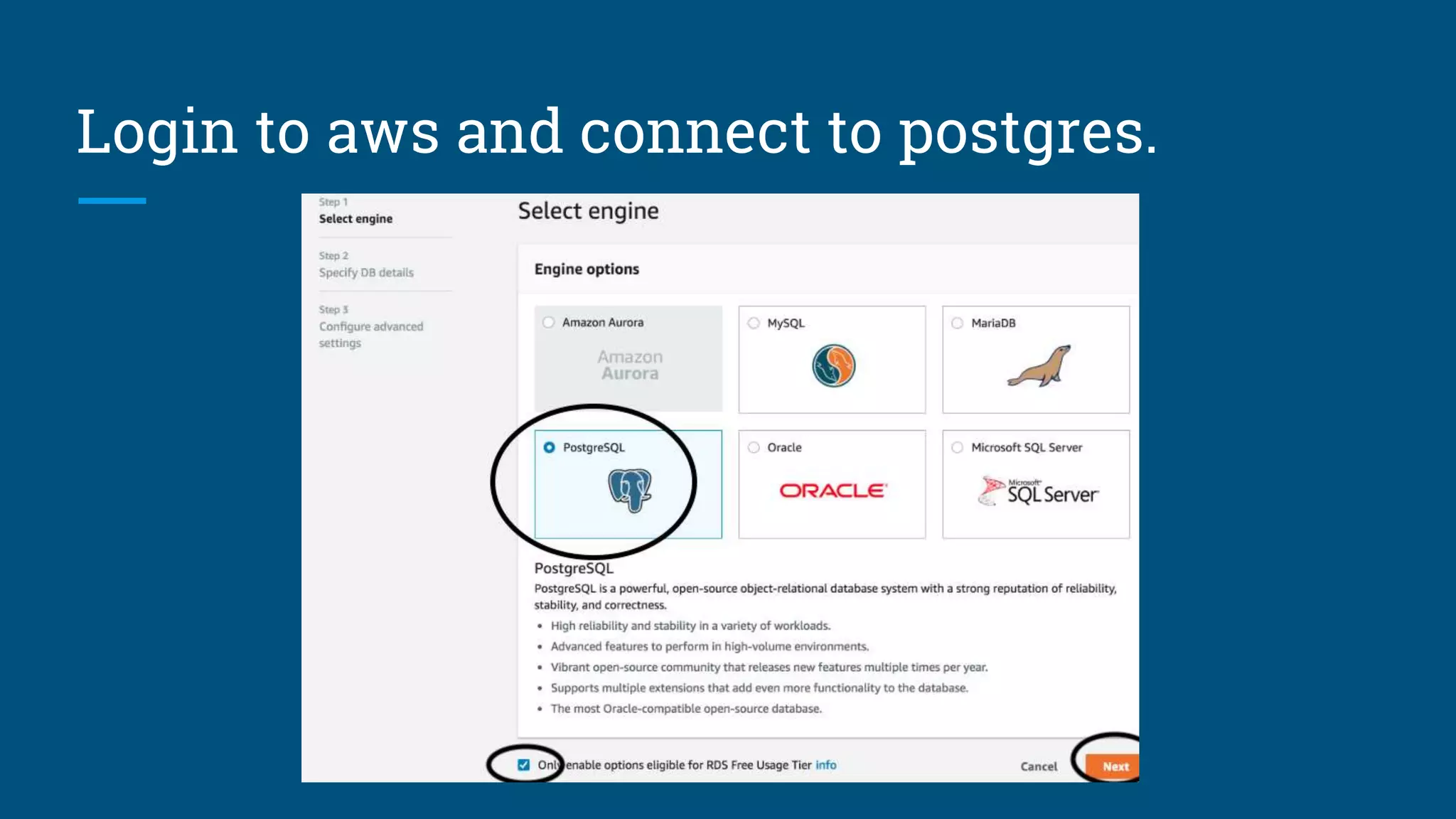
Login to aws and connect to postgres.
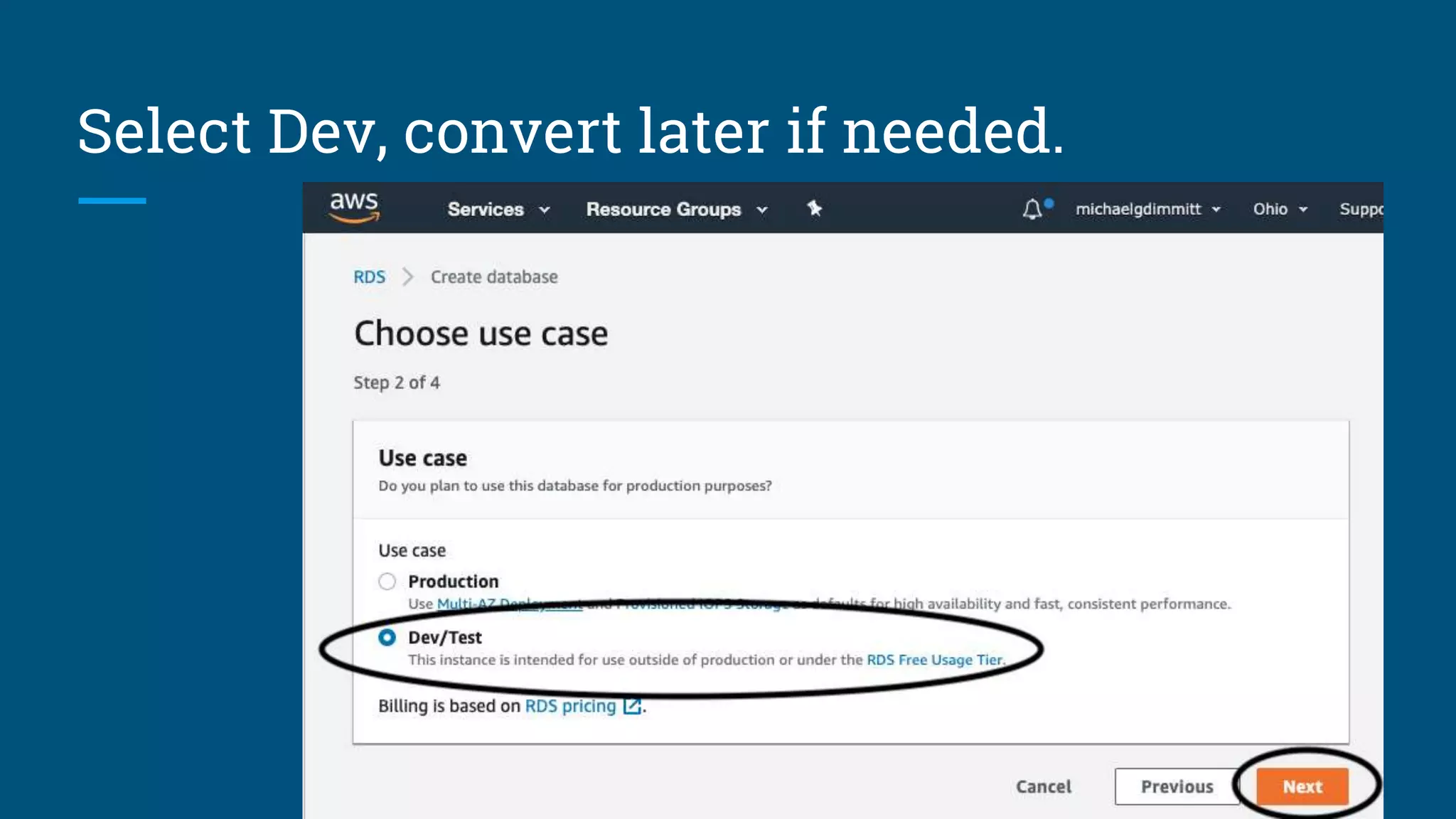
Select Dev, convert later if needed.
Other people are better at this than me…
Link !
https://joaquimadraz.com/guide-to-deploy-an-elixir-phoenix-app-to-aws-ecs
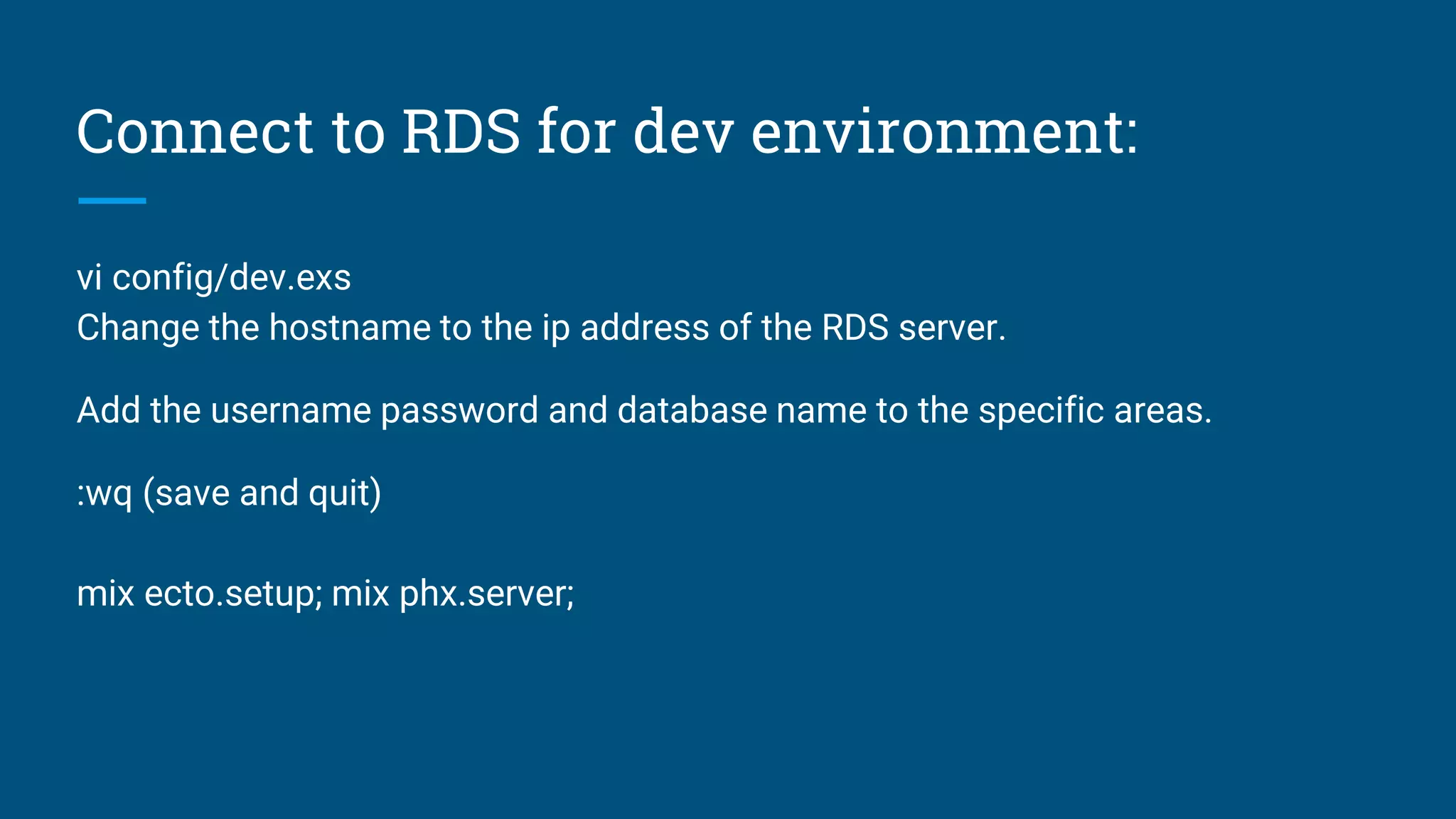
Connect to RDS for dev environment:
vi config/dev.exs
Change the hostname to the ip address of the RDS server.
Add the username password and database name to the specific areas.
:wq (save and quit)
mix ecto.setup; mix phx.server;
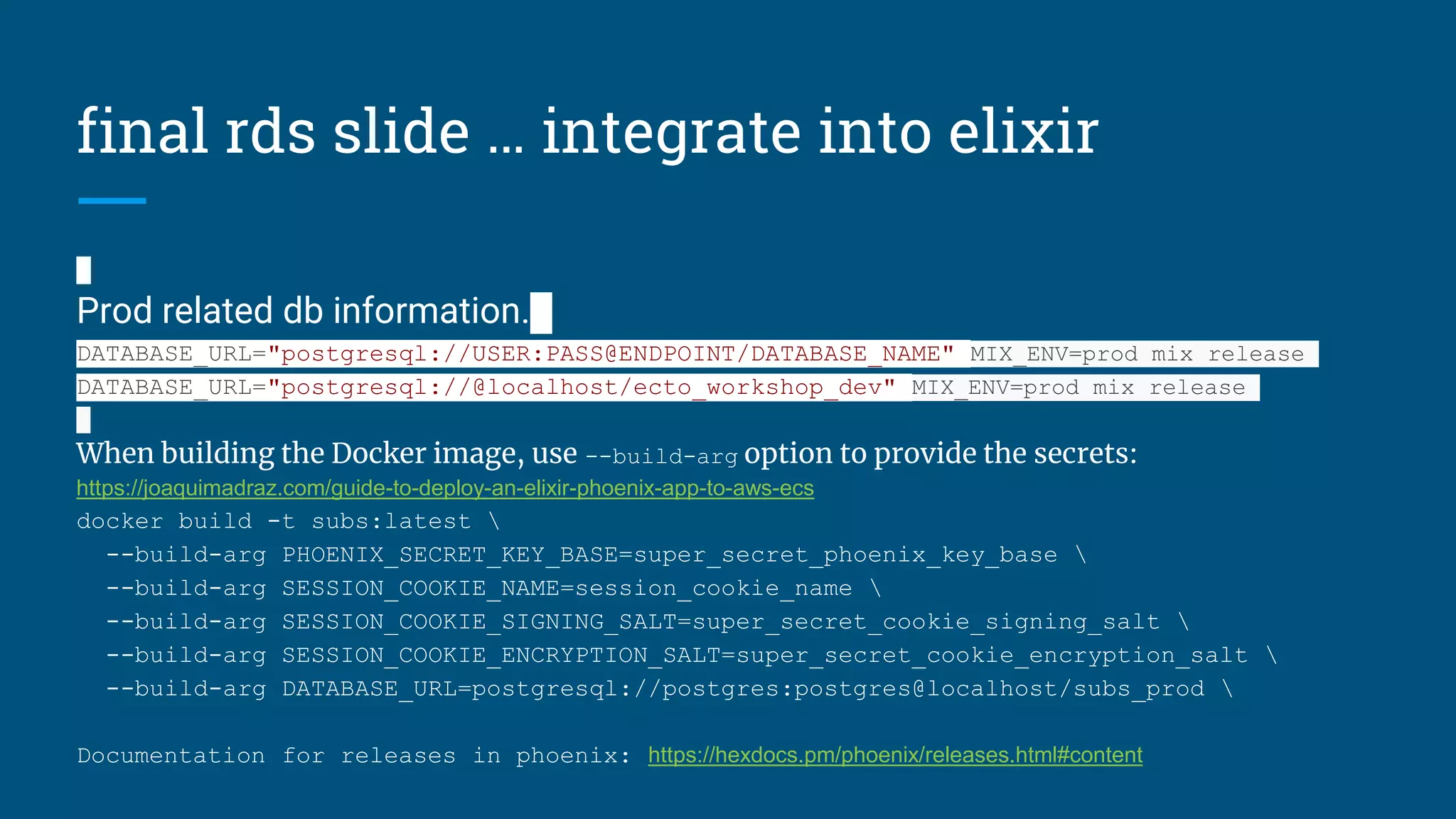
final rds slide … integrate into elixir
Prod related db information.
DATABASE_URL="postgresql://USER:PASS@ENDPOINT/DATABASE_NAME" MIX_ENV=prod mix release
DATABASE_URL="postgresql://@localhost/ecto_workshop_dev" MIX_ENV=prod mix release
When building the Docker image, use --build-arg option to provide the secrets:
https://joaquimadraz.com/guide-to-deploy-an-elixir-phoenix-app-to-aws-ecs
docker build -t subs:latest 
--build-arg PHOENIX_SECRET_KEY_BASE=super_secret_phoenix_key_base 
--build-arg SESSION_COOKIE_NAME=session_cookie_name 
--build-arg SESSION_COOKIE_SIGNING_SALT=super_secret_cookie_signing_salt 
--build-arg SESSION_COOKIE_ENCRYPTION_SALT=super_secret_cookie_encryption_salt 
--build-arg DATABASE_URL=postgresql://postgres:postgres@localhost/subs_prod 
Documentation for releases in phoenix: https://hexdocs.pm/phoenix/releases.html#content
Thank you and Goodbye. And plug.
In September I will be giving a talk on front-end data-structures
and maybe looking at a data-structure from the postgres source code.
At the Ruby Jax Meetup:
Languages covered:
Go, Python, Ruby, Java, C#, C, C++.
A rough draft of the talk can be found here:
https://github.com/MichaelDimmitt/data-structures-and-algoritm-prep-talk

Elixir/Phoenix releases and research about common deployment strategies.

  • 1.
    Intro: Michael Dimmitt Avid learner. Elixirenthusiast, explainer of things. Javascript doer of things. (React, Vue, Node, ...etc.) Coming Soon: www.github.com/jax-ex
  • 2.
    Why Elixir /Suggestions for different elixir tools. Otp … added to any application it allows fault tolerance with supervisors and pid i) Good for server side work. Api’s. ii) Leverages a preemptive scheduler allowing large tasks not block others. Phoenix LiveView … leverages js socket to tell browser render content. https://github.com/phoenixframework/phoenix_live_view/blob/master/lib/phoenix_live_view.ex#L68 i) Forms: Server side input validation, rendered quickly to users. ii) Distribute a specific server result to multiple users. Example: chat apps.
  • 3.
    Scope of thistalk. TIME LIMIT for the talk: 60 min. Discussion welcomed after at Bottlenose Brewery. 1) Dive into common production workflows for phoenix. i) asdf ii) distillery iii) elixir 1.9 releases iv) docker-container v) rds 2) Workshop time … AWS setup and then “hello world RDS”
  • 4.
    ECS - EC2and RDS: https://joaquimadraz.com/guide-to-deploy-an-elixir-phoenix-app-to-aws-ecs (free tier) Cloud Formation Example: https://medium.com/mint-digital/elixir-deployments-on-aws-ee787aa02a9d 2 EC2, load balancer, RDS, CodeDeploy, S3 bucket for encrypted secrets, http through port 3333 to load balancer, ssh from configurable IP to instances using public/private key) March 2019: https://www.cogini.com/blog/using-asdf-with-elixir-and-phoenix/ June 2019: https://www.cogini.com/blog/best-practices-for-deploying-elixir-apps/ June 2019: https://elixir-lang.org/blog/2019/06/24/elixir-v1-9-0-released/ Releases in phoenix June 2019: https://hexdocs.pm/phoenix/releases.html#content Love those links!! Have a read yourself.
  • 5.
    snippet regarding elixirreleases https://hexdocs.pm/mix/Mix.Tasks.Release.html
  • 6.
    setup for releases: https://hexdocs.pm/phoenix/releases.html#content { exportSECRET_KEY_BASE=$(mix phx.gen.secret); export DATABASE_URL=ecto://<name>:<pass>@localhost/hello_dev; # export DATABASE_URL=ecto://USER:PASS@HOST/database mix deps.get --only prod; MIX_ENV=prod mix compile; npm run deploy --prefix ./assets; mix phx.digest; } https://github.com/jax-ex-public-repos/hello_phoenix_releases
  • 7.
    Now, onto thedemo / walk-though. 1) Create and AWS account. 2) Existing Ecto Repository: https://github.com/jax-ex-public-repos/ecto_workshop?organization=jax-ex-public- repos&organization=jax-ex-public-repos 3) Connect the application to RDS. https://aws.amazon.com/rds/ 4) Done. ✅
  • 8.
    Now I willskip through these slides!! Login to aws and connect to postgres.
  • 9.
    Login to awsand connect to postgres.
  • 10.
    Login to awsand connect to postgres.
  • 11.
    Select Dev, convertlater if needed.
  • 12.
    Other people arebetter at this than me… Link ! https://joaquimadraz.com/guide-to-deploy-an-elixir-phoenix-app-to-aws-ecs
  • 13.
    Connect to RDSfor dev environment: vi config/dev.exs Change the hostname to the ip address of the RDS server. Add the username password and database name to the specific areas. :wq (save and quit) mix ecto.setup; mix phx.server;
  • 14.
    final rds slide… integrate into elixir Prod related db information. DATABASE_URL="postgresql://USER:PASS@ENDPOINT/DATABASE_NAME" MIX_ENV=prod mix release DATABASE_URL="postgresql://@localhost/ecto_workshop_dev" MIX_ENV=prod mix release When building the Docker image, use --build-arg option to provide the secrets: https://joaquimadraz.com/guide-to-deploy-an-elixir-phoenix-app-to-aws-ecs docker build -t subs:latest --build-arg PHOENIX_SECRET_KEY_BASE=super_secret_phoenix_key_base --build-arg SESSION_COOKIE_NAME=session_cookie_name --build-arg SESSION_COOKIE_SIGNING_SALT=super_secret_cookie_signing_salt --build-arg SESSION_COOKIE_ENCRYPTION_SALT=super_secret_cookie_encryption_salt --build-arg DATABASE_URL=postgresql://postgres:postgres@localhost/subs_prod Documentation for releases in phoenix: https://hexdocs.pm/phoenix/releases.html#content
  • 15.
    Thank you andGoodbye. And plug. In September I will be giving a talk on front-end data-structures and maybe looking at a data-structure from the postgres source code. At the Ruby Jax Meetup: Languages covered: Go, Python, Ruby, Java, C#, C, C++. A rough draft of the talk can be found here: https://github.com/MichaelDimmitt/data-structures-and-algoritm-prep-talk