E-LEARNING PLATFORM
WHAT IS A LEARNING PLATFORM ?
• A learning platform brings together hardware,
software and supporting services to enable
more effective ways of working within and
outside the classroom
• It is a collection of tools that are designed to
support teaching, learning, management
and
administration
• It should provide a range of ICT-based
functions
E-LEARNING PLATFORM
ICT – BASED FUNCTIONS
Content Management
Enabling teaching staff to create, store and
repurpose resources and coursework which
can be assessed online
Curriculum mapping and planning
Providing tools and storage to support
assessment for learning, personalization,
lesson planning etc

E-LEARNING PLATFORM
ICT – BASED FUNCTIONS
Learner engagement and
administration
Enabling access to pupil information,
attendance, timetabling, e-portfolios and
management information
Tools and services
Providing communication tools such as email,
messaging, discussion forums and blogs

E-LEARNING PLATFORM
AN EFFECTIVE LEARNING PLATFORM
PRACTICAL BENEFITS TO TEACHERS
• Create and share teaching materials which can be accessed online,
printed out or
used with interactive whiteboard
• Put their resources online page by page, lesson plan by lesson plan, so
colleagues can access them both in school and from home
• Access a wide variety of leaning materials that they can customize for
the exact
needs of their pupils
• Access lesson plans from colleagues
• Assess, monitor and track individual and group progress
• Receive submissions of work from pupils in one area that is easy to
manage
• Manage their timetables, diary, email and discussions within personal
desktop
space
• Increase their ICT competence and confidence

E-LEARNING PLATFORM
AN EFFECTIVE LEARNING PLATFORM
PRACTICAL BENEFITS TO PUPILS
• Access learning materials created by their teachers and others, outside
lesson
times and from locations such as the library and home
• Store work and notes online for use in assignments, homework and
revision,
outside normal school hours
• Work at their own pace and with a wider choice of learning styles,
through a more
personalized curriculum
• Create an online portfolio, including digital photos and videos of
performance as
well as text
• Improve their ICT skills and online management of materials
• Submit homework and assignments for marking and assessment
• Communicate by email and participate in live discussions and forums
with other
students and teachers
•

E-LEARNING PLATFORM
AN EFFECTIVE LEARNING PLATFORM
PRACTICAL BENEFITS TO PARENTS
• Play a greater part in children’s learning, where they have access to the
learning
platform from home
• Support children in any learning which takes place outside school
• Access their child’s personal home page to keep track of their work
and the
curriculum
• View reports, attendance data and scores in assessment activities
• Communicate effectively with teachers, school administrators and
others
supporting their child’s learning
• Engage with wider school issues through online communication tools
• Become active partners with the school
•

E-LEARNING PLATFORM
AN EFFECTIVE LEARNING PLATFORM
PRACTICAL BENEFITS FOR
ADMINISTRATION AND MANAGEMENT
• Provide up-to-date management information on
attendance and
attainment
• Track the progress of individuals and groups of children
• Collate summative and formative assessments
• Reduce the administrative burden on teachers by using
transferable data
• Enable communication within school and beyond, on a
one-to-one,
one-to-many basis
• Increase communication with parents

E-LEARNING PLATFORM
PREPARING TO IMPLEMENT
A LEARNING PLATFORM
To introduce a learning platform
Start with a good understanding of educational needs
Develop a Statement of Requirements :-
What you want to do with your learning platform
Any specific local or technology requirements
Consideration of the type of underlying technologies that will
support
those needs
E-LEARNING PLATFORM
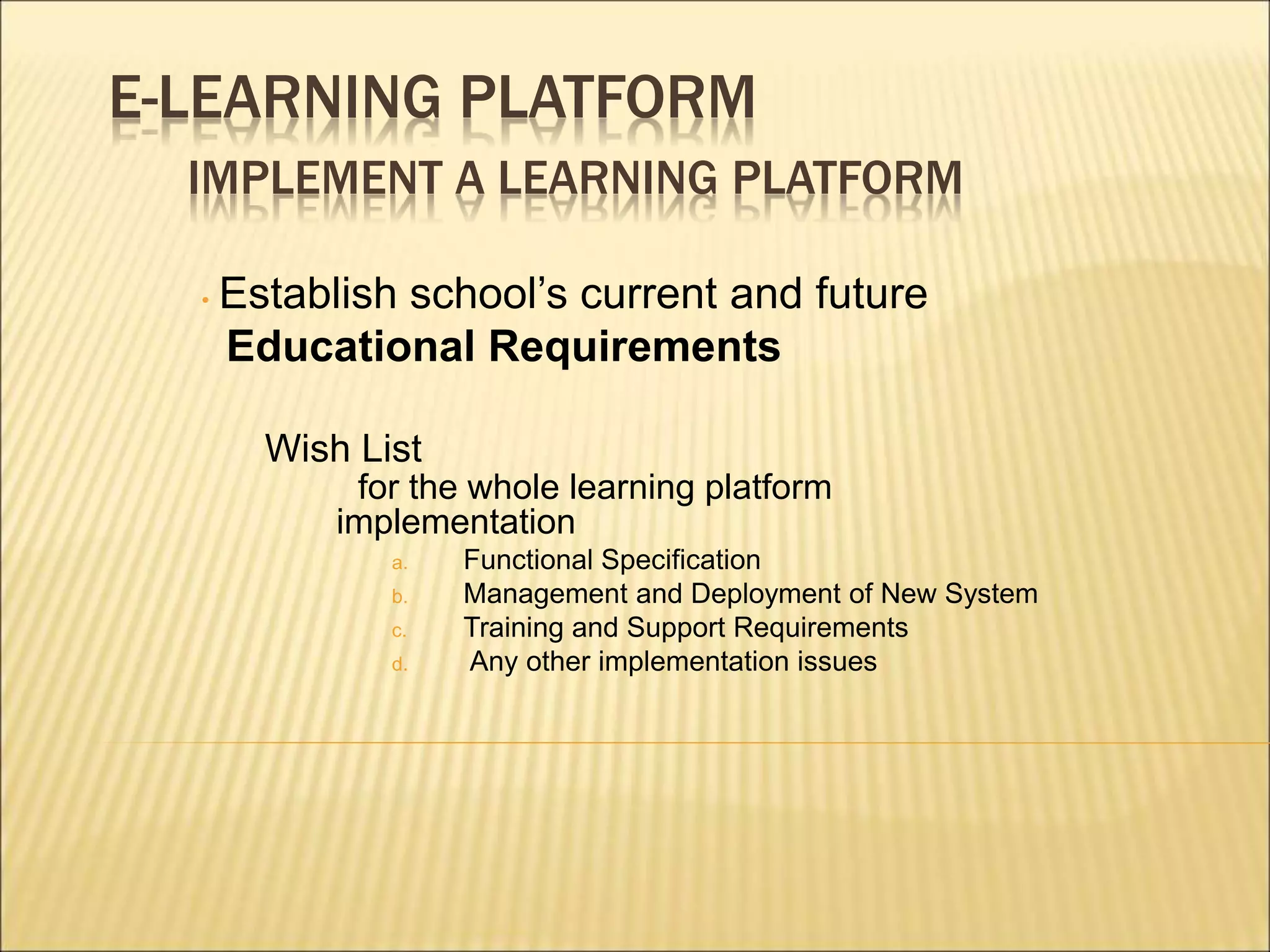
IMPLEMENT A LEARNING PLATFORM
• Establish school’s current and future
Educational Requirements
Wish List
for the whole learning platform
implementation
a. Functional Specification
b. Management and Deployment of New System
c. Training and Support Requirements
d. Any other implementation issues
E-LEARNING PLATFORM
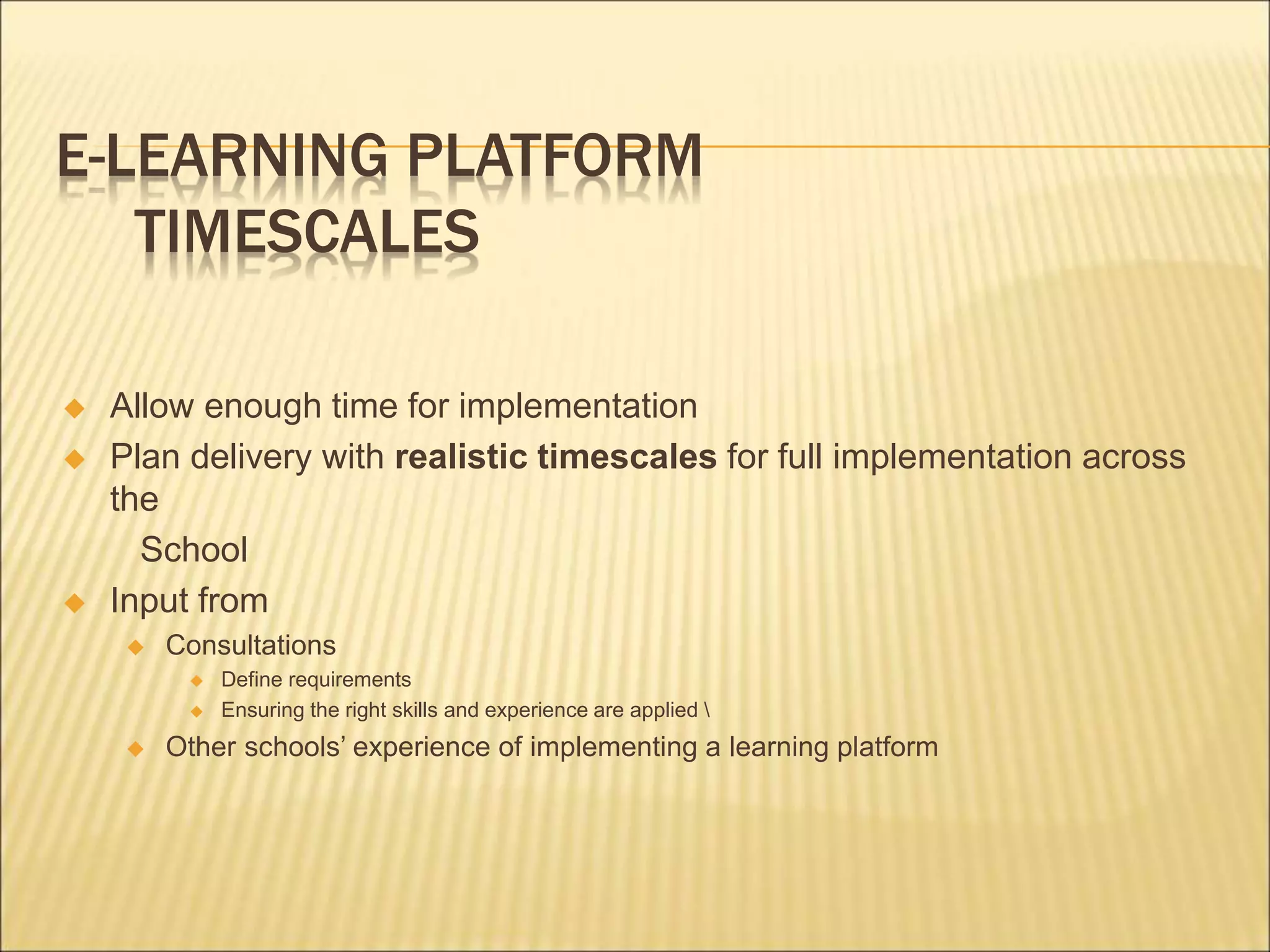
TIMESCALES
 Allow enough time for implementation
 Plan delivery with realistic timescales for full implementation across
the
School
 Input from
 Consultations
 Define requirements
 Ensuring the right skills and experience are applied 
 Other schools’ experience of implementing a learning platform
E-LEARNING PLATFORM
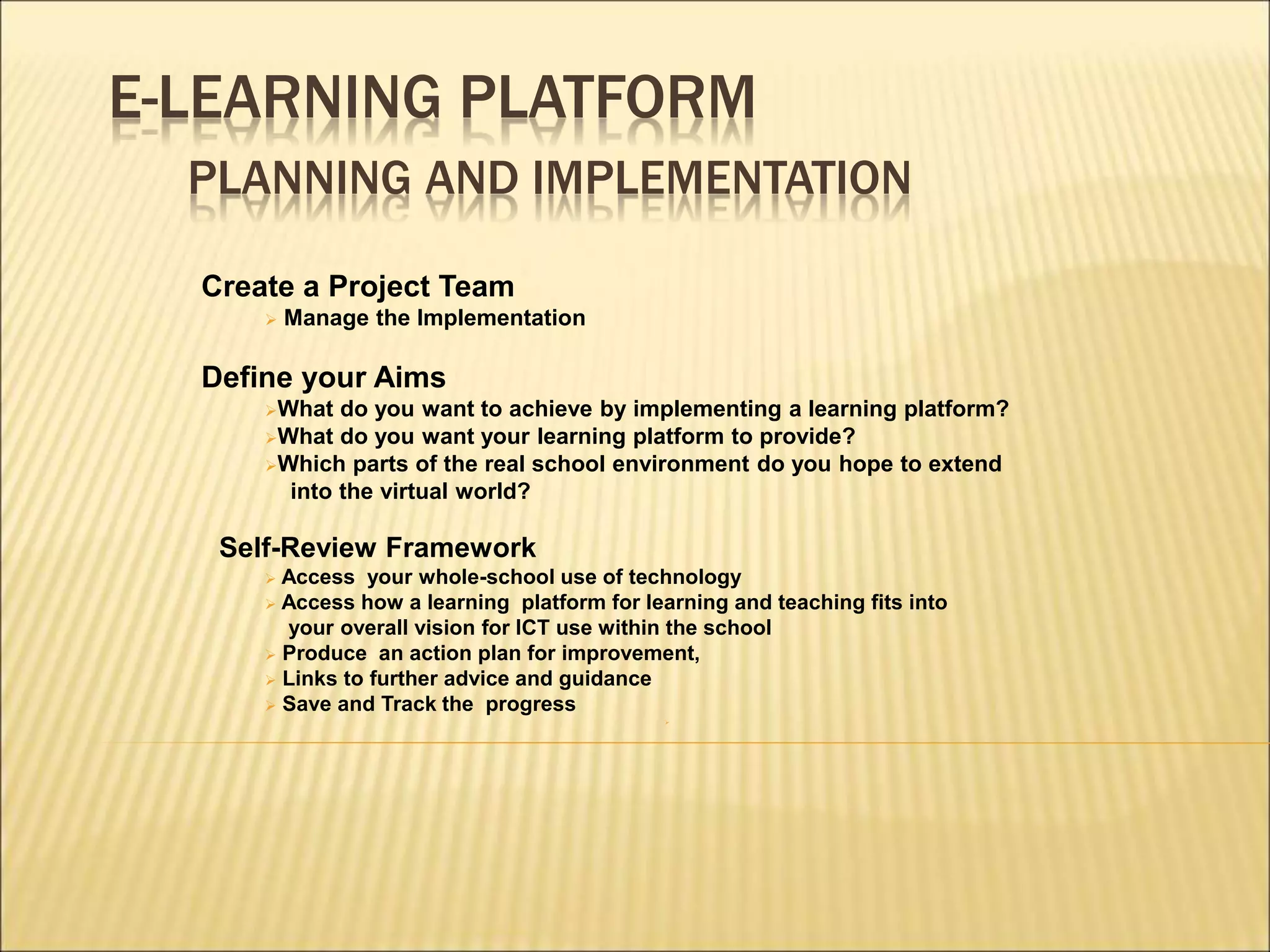
PLANNING AND IMPLEMENTATION
Create a Project Team
 Manage the Implementation
Define your Aims
What do you want to achieve by implementing a learning platform?
What do you want your learning platform to provide?
Which parts of the real school environment do you hope to extend
into the virtual world?
Self-Review Framework
 Access your whole-school use of technology
 Access how a learning platform for learning and teaching fits into
your overall vision for ICT use within the school
 Produce an action plan for improvement,
 Links to further advice and guidance
 Save and Track the progress

E-LEARNING PLATFORM
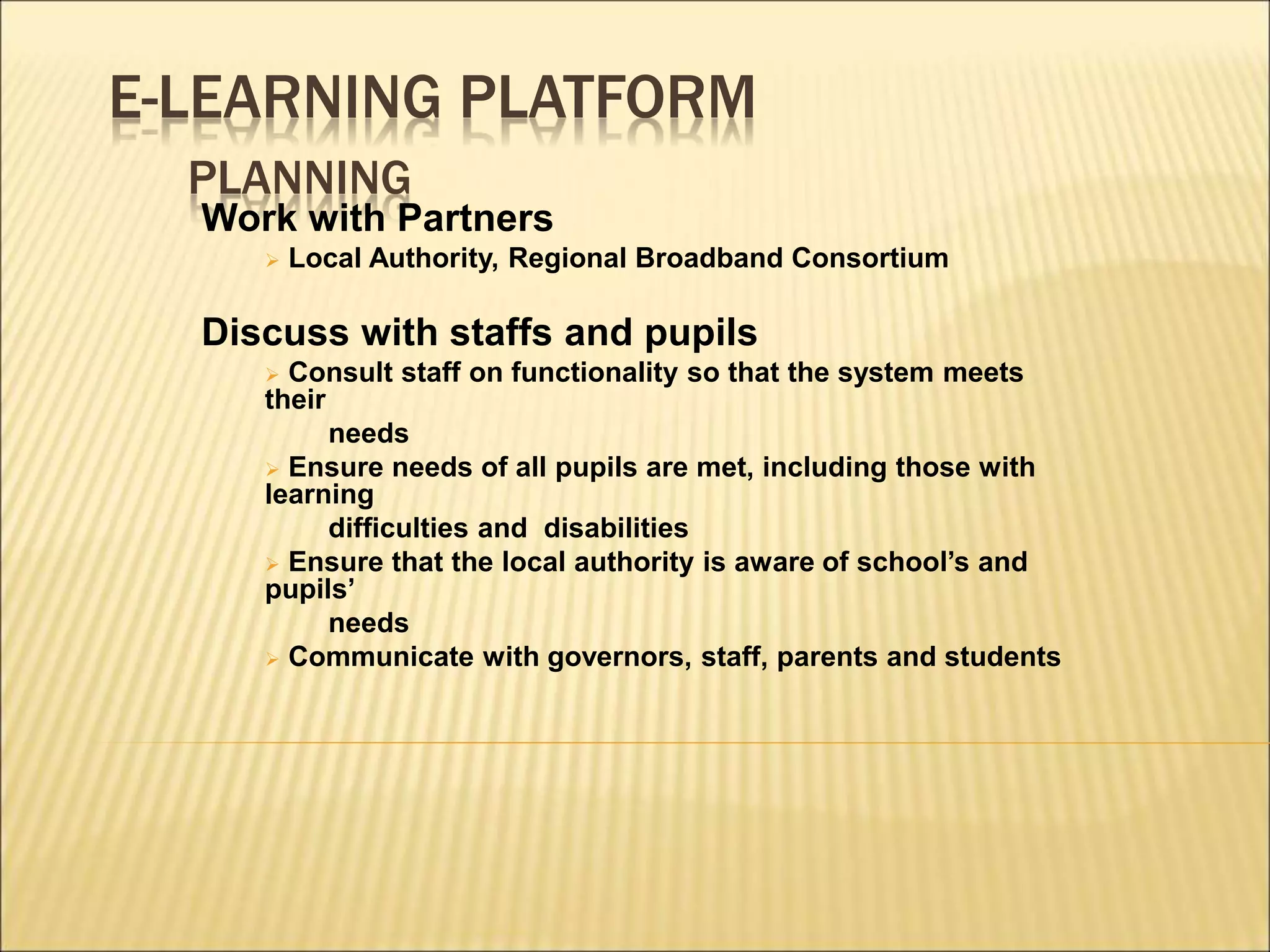
PLANNING
Work with Partners
 Local Authority, Regional Broadband Consortium
Discuss with staffs and pupils
 Consult staff on functionality so that the system meets
their
needs
 Ensure needs of all pupils are met, including those with
learning
difficulties and disabilities
 Ensure that the local authority is aware of school’s and
pupils’
needs
 Communicate with governors, staff, parents and students
E-LEARNING PLATFORM
PLANNING AND IMPLEMENTATION
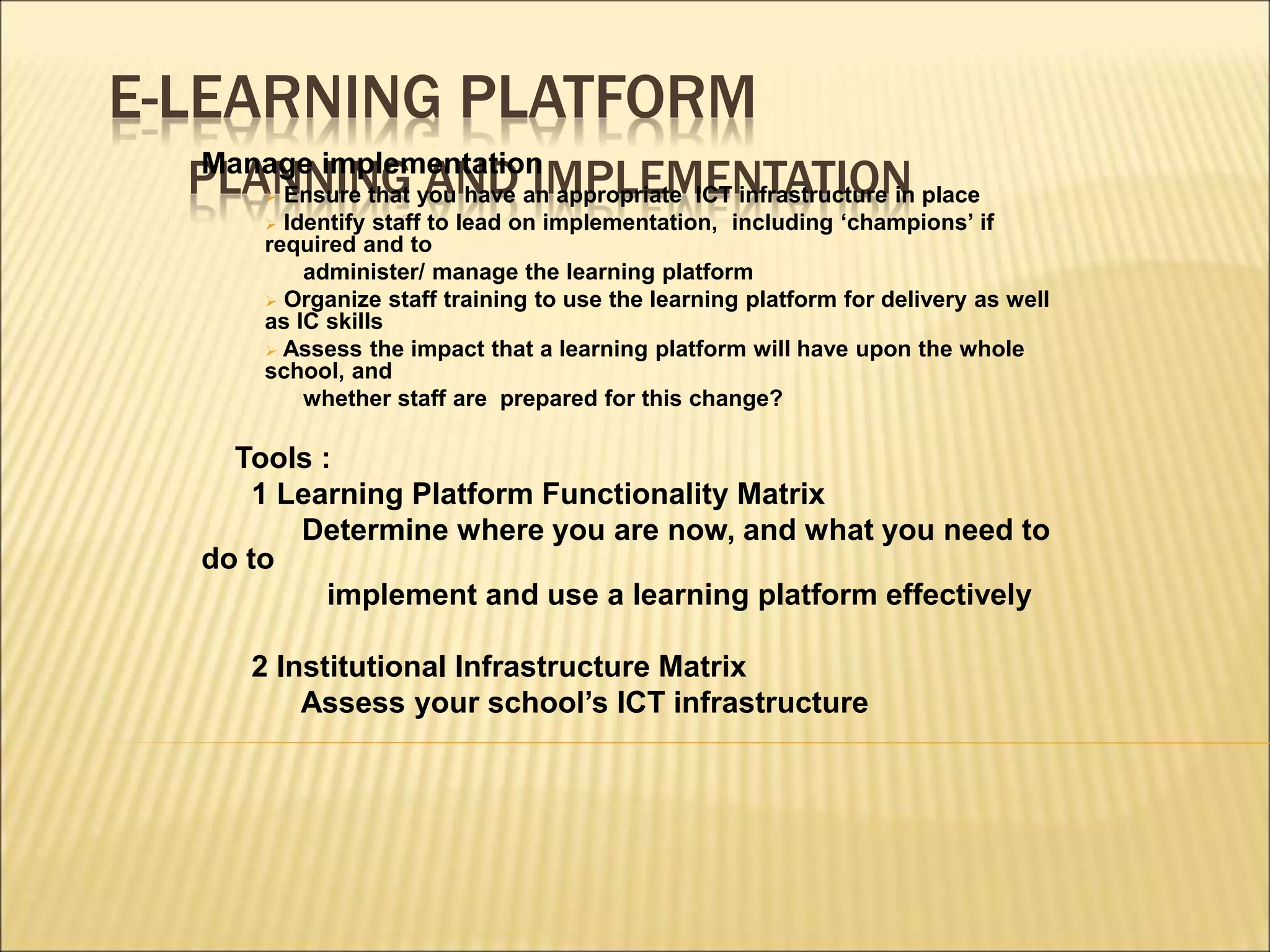
Manage implementation
 Ensure that you have an appropriate ICT infrastructure in place
 Identify staff to lead on implementation, including ‘champions’ if
required and to
administer/ manage the learning platform
 Organize staff training to use the learning platform for delivery as well
as IC skills
 Assess the impact that a learning platform will have upon the whole
school, and
whether staff are prepared for this change?
Tools :
1 Learning Platform Functionality Matrix
Determine where you are now, and what you need to
do to
implement and use a learning platform effectively
2 Institutional Infrastructure Matrix
Assess your school’s ICT infrastructure
E-LEARNING PLATFORM
PLANNING AND IMPLEMENTATION
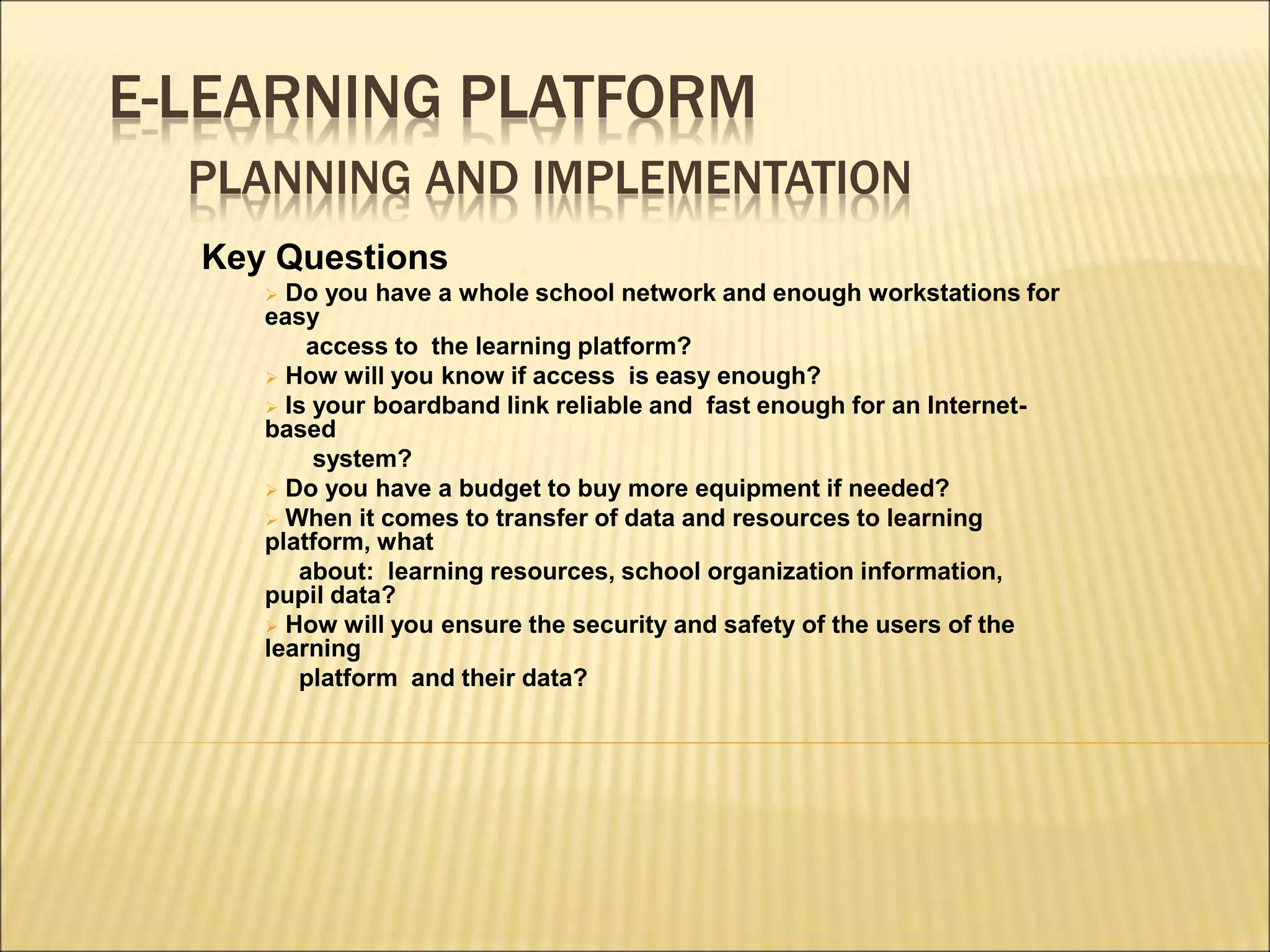
Key Questions
 Do you have a whole school network and enough workstations for
easy
access to the learning platform?
 How will you know if access is easy enough?
 Is your boardband link reliable and fast enough for an Internet-
based
system?
 Do you have a budget to buy more equipment if needed?
 When it comes to transfer of data and resources to learning
platform, what
about: learning resources, school organization information,
pupil data?
 How will you ensure the security and safety of the users of the
learning
platform and their data?
E-LEARNING PLATFORM
Mr. Chiu Kam-Wa
ckwchiu@netvigator.com
Mr. Yu Chi-wing
cwyu@edb.gov.hk
Tel. 36983589
Thanks

e-Learning Platform..ppt

  • 1.
    E-LEARNING PLATFORM WHAT ISA LEARNING PLATFORM ? • A learning platform brings together hardware, software and supporting services to enable more effective ways of working within and outside the classroom • It is a collection of tools that are designed to support teaching, learning, management and administration • It should provide a range of ICT-based functions
  • 2.
    E-LEARNING PLATFORM ICT –BASED FUNCTIONS Content Management Enabling teaching staff to create, store and repurpose resources and coursework which can be assessed online Curriculum mapping and planning Providing tools and storage to support assessment for learning, personalization, lesson planning etc 
  • 3.
    E-LEARNING PLATFORM ICT –BASED FUNCTIONS Learner engagement and administration Enabling access to pupil information, attendance, timetabling, e-portfolios and management information Tools and services Providing communication tools such as email, messaging, discussion forums and blogs 
  • 4.
    E-LEARNING PLATFORM AN EFFECTIVELEARNING PLATFORM PRACTICAL BENEFITS TO TEACHERS • Create and share teaching materials which can be accessed online, printed out or used with interactive whiteboard • Put their resources online page by page, lesson plan by lesson plan, so colleagues can access them both in school and from home • Access a wide variety of leaning materials that they can customize for the exact needs of their pupils • Access lesson plans from colleagues • Assess, monitor and track individual and group progress • Receive submissions of work from pupils in one area that is easy to manage • Manage their timetables, diary, email and discussions within personal desktop space • Increase their ICT competence and confidence 
  • 5.
    E-LEARNING PLATFORM AN EFFECTIVELEARNING PLATFORM PRACTICAL BENEFITS TO PUPILS • Access learning materials created by their teachers and others, outside lesson times and from locations such as the library and home • Store work and notes online for use in assignments, homework and revision, outside normal school hours • Work at their own pace and with a wider choice of learning styles, through a more personalized curriculum • Create an online portfolio, including digital photos and videos of performance as well as text • Improve their ICT skills and online management of materials • Submit homework and assignments for marking and assessment • Communicate by email and participate in live discussions and forums with other students and teachers • 
  • 6.
    E-LEARNING PLATFORM AN EFFECTIVELEARNING PLATFORM PRACTICAL BENEFITS TO PARENTS • Play a greater part in children’s learning, where they have access to the learning platform from home • Support children in any learning which takes place outside school • Access their child’s personal home page to keep track of their work and the curriculum • View reports, attendance data and scores in assessment activities • Communicate effectively with teachers, school administrators and others supporting their child’s learning • Engage with wider school issues through online communication tools • Become active partners with the school • 
  • 7.
    E-LEARNING PLATFORM AN EFFECTIVELEARNING PLATFORM PRACTICAL BENEFITS FOR ADMINISTRATION AND MANAGEMENT • Provide up-to-date management information on attendance and attainment • Track the progress of individuals and groups of children • Collate summative and formative assessments • Reduce the administrative burden on teachers by using transferable data • Enable communication within school and beyond, on a one-to-one, one-to-many basis • Increase communication with parents 
  • 8.
    E-LEARNING PLATFORM PREPARING TOIMPLEMENT A LEARNING PLATFORM To introduce a learning platform Start with a good understanding of educational needs Develop a Statement of Requirements :- What you want to do with your learning platform Any specific local or technology requirements Consideration of the type of underlying technologies that will support those needs
  • 9.
    E-LEARNING PLATFORM IMPLEMENT ALEARNING PLATFORM • Establish school’s current and future Educational Requirements Wish List for the whole learning platform implementation a. Functional Specification b. Management and Deployment of New System c. Training and Support Requirements d. Any other implementation issues
  • 10.
    E-LEARNING PLATFORM TIMESCALES  Allowenough time for implementation  Plan delivery with realistic timescales for full implementation across the School  Input from  Consultations  Define requirements  Ensuring the right skills and experience are applied  Other schools’ experience of implementing a learning platform
  • 11.
    E-LEARNING PLATFORM PLANNING ANDIMPLEMENTATION Create a Project Team  Manage the Implementation Define your Aims What do you want to achieve by implementing a learning platform? What do you want your learning platform to provide? Which parts of the real school environment do you hope to extend into the virtual world? Self-Review Framework  Access your whole-school use of technology  Access how a learning platform for learning and teaching fits into your overall vision for ICT use within the school  Produce an action plan for improvement,  Links to further advice and guidance  Save and Track the progress 
  • 12.
    E-LEARNING PLATFORM PLANNING Work withPartners  Local Authority, Regional Broadband Consortium Discuss with staffs and pupils  Consult staff on functionality so that the system meets their needs  Ensure needs of all pupils are met, including those with learning difficulties and disabilities  Ensure that the local authority is aware of school’s and pupils’ needs  Communicate with governors, staff, parents and students
  • 13.
    E-LEARNING PLATFORM PLANNING ANDIMPLEMENTATION Manage implementation  Ensure that you have an appropriate ICT infrastructure in place  Identify staff to lead on implementation, including ‘champions’ if required and to administer/ manage the learning platform  Organize staff training to use the learning platform for delivery as well as IC skills  Assess the impact that a learning platform will have upon the whole school, and whether staff are prepared for this change? Tools : 1 Learning Platform Functionality Matrix Determine where you are now, and what you need to do to implement and use a learning platform effectively 2 Institutional Infrastructure Matrix Assess your school’s ICT infrastructure
  • 14.
    E-LEARNING PLATFORM PLANNING ANDIMPLEMENTATION Key Questions  Do you have a whole school network and enough workstations for easy access to the learning platform?  How will you know if access is easy enough?  Is your boardband link reliable and fast enough for an Internet- based system?  Do you have a budget to buy more equipment if needed?  When it comes to transfer of data and resources to learning platform, what about: learning resources, school organization information, pupil data?  How will you ensure the security and safety of the users of the learning platform and their data?
  • 15.
    E-LEARNING PLATFORM Mr. ChiuKam-Wa ckwchiu@netvigator.com Mr. Yu Chi-wing cwyu@edb.gov.hk Tel. 36983589 Thanks