EJB and SOAP WS

   Par Romain Rocès
  pour le Montréal JUG
About me
Romain Rocès


                    Teacher at Supinfo Montreal


                    Blue belt on BlackBelt Factory


     romain.roces@gmail.com


     Romain Rocès
Concept
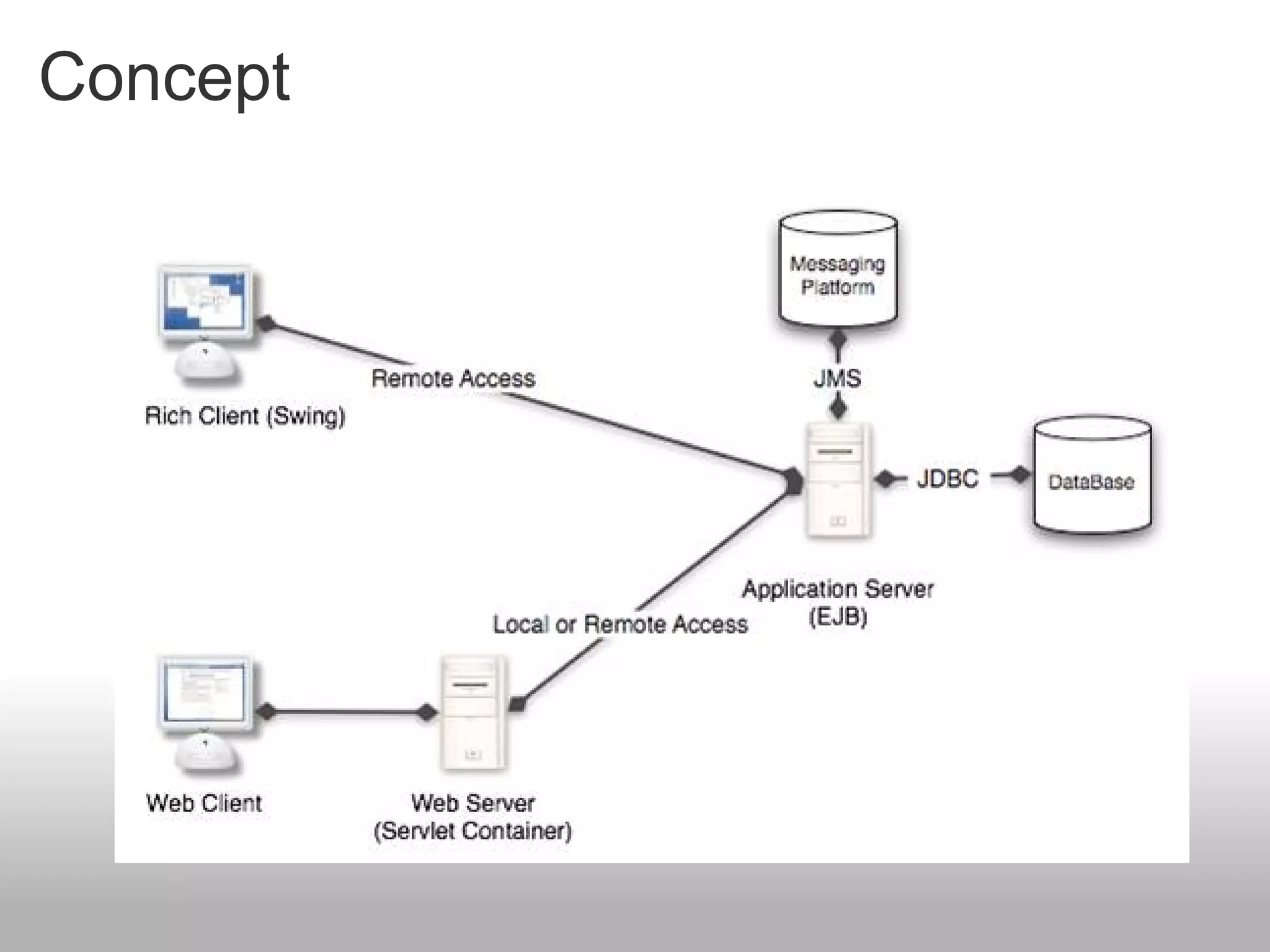
Concept
EJB regroups several concepts


Provides different services (Session Bean),
communicates with another application (Message Bean),
saves information (Entity Bean).


    Just like a brain, EJB is the
    center of the application.
    It proposes many functions.
Version 3

  The previous version (2.1) was too complex
  The version 3.0 tends to simplification :
     Less steps, less classes, less configuration
     Improvements from Java EE 5
        Annotations
        Generics
        Java Persistance API
  Concepts remain the same, but Sun integrated many ideas
  from popular open-source projects like Spring or Hibernate.
Application servers

  WebLogic, by BEA


  Oracle Application Server, by Oracle


  JBoss, by RedHat


  GlassFish, by Sun MicroSystems
EJB session

Singleton, Stateless, Stateful
Facade pattern


      The Session Bean acts as a “facade”.
      It's the client's interlocutor
Client access
Different clients can call the Session Bean methods if they
possess its interface


                                             Desktop application


      Interface
   Implementation

 Session Bean deployed on a server
                                                Web application
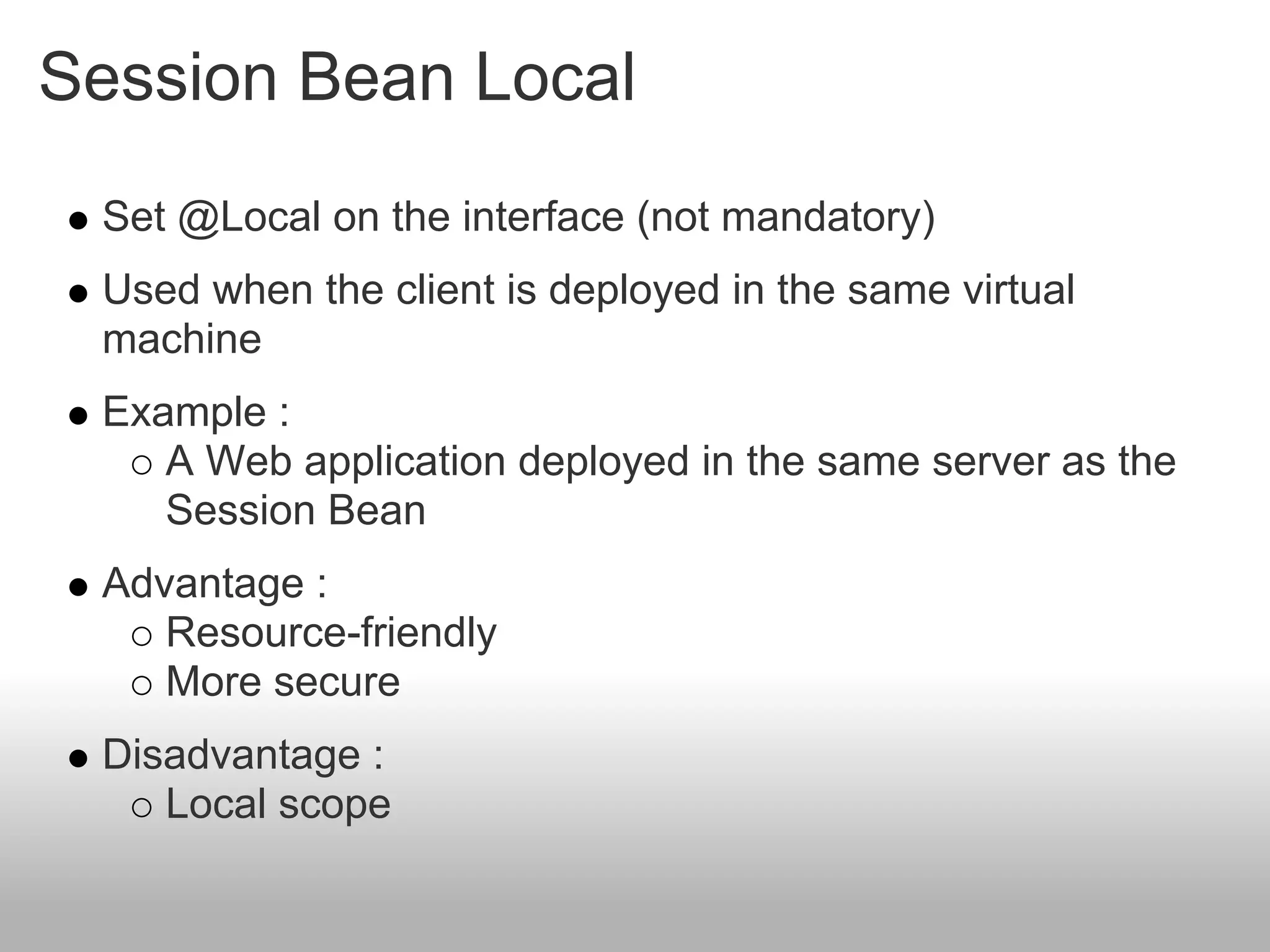
Session Bean Local
 Set @Local on the interface (not mandatory)
 Used when the client is deployed in the same virtual
 machine
 Example :
    A Web application deployed in the same server as the
    Session Bean
 Advantage :
    Resource-friendly
    More secure
 Disadvantage :
    Local scope
Session Bean Local

Local interfaces are not mandatory


@Stateless
public class HelloServiceBean {
  public String sayHello(){
     return "Hello World";
  }
}
Session Bean Remote
 Set @Remote on the interface
 Used when the client is located in a different virtual
 machine
 Example :
    A web application deployed in a different server than the
    Session Bean
    A rich-client
 Advantage :
    Open on the network
 Disadvantage :
    Consumes more resources (uses RMI)
    Security
Session Bean Remote
Interface
@Remote
public interface HelloService {
public String sayHello();
}

Implementation
@Stateless
public class HelloServiceBean implements HelloService{
  public String sayHello(){
     return "Hello World";
  }
}
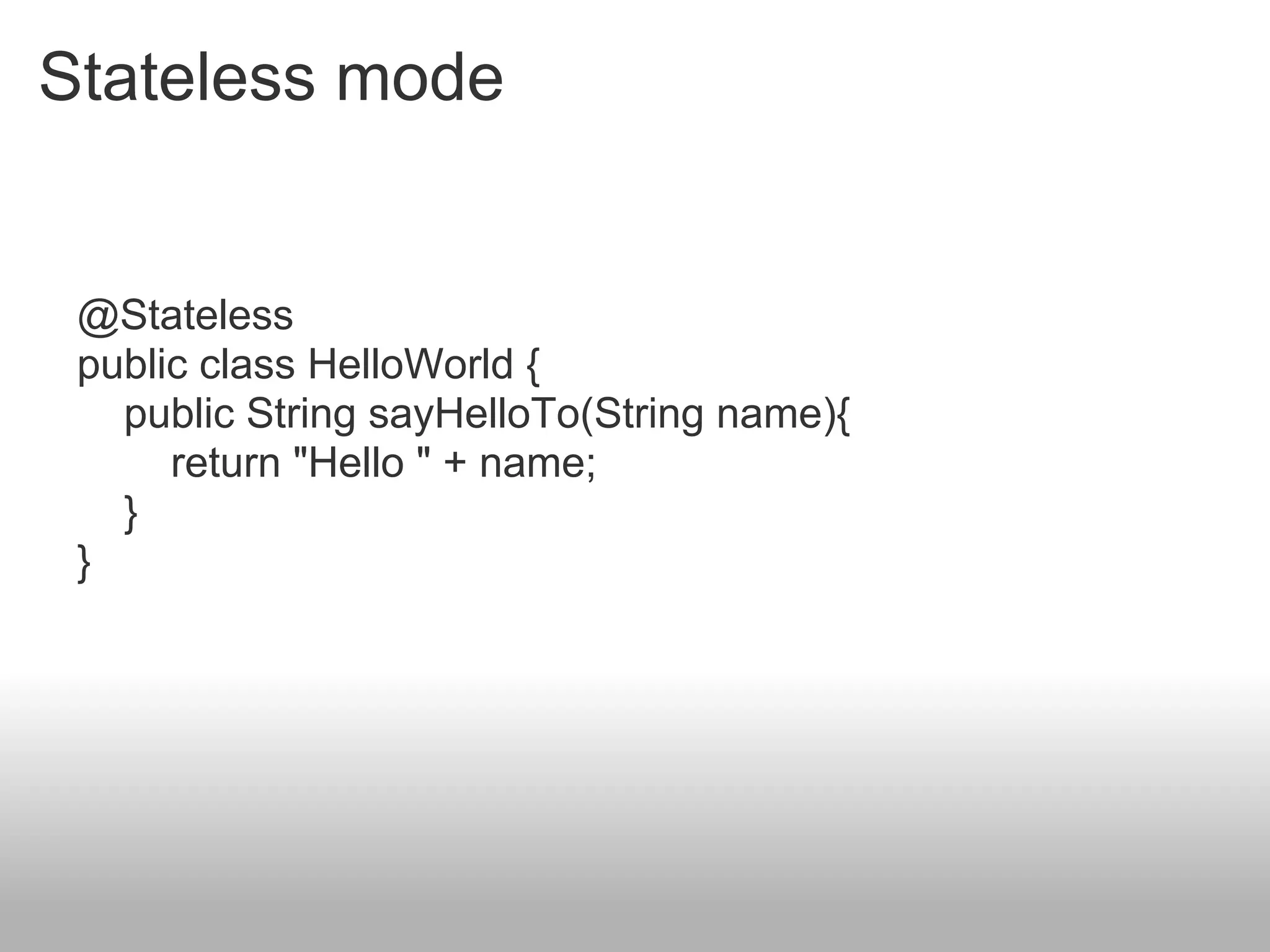
Stateless mode
A Stateless Bean is not bound to any client


Exemples :
   Retrieve a list of
   products
   HelloService
                           getPlaces()                getPlaces()
Advantage :                              getTrips()
   Resource-friendly
Stateless mode


 @Stateless
 public class HelloWorld {
   public String sayHelloTo(String name){
      return "Hello " + name;
   }
 }
Stateful mode
A Statefull Bean is bound to a client


Exemples :
   Cart
   OrderService                                        getPlaces()
                            getPlaces()
Advantage :                               getTrips()
   Impact on server
   performance
Stateful mode


 @Stateful
 public class OrderService {
   public void setName(String name){…};
   public void setAddress(String address){…};
   public void buyDog(){…};
   …
 }
Singleton mode
One Singleton Bean per JVM


Exemples :
   Counter
   Cache

Advantage :
   Resource-friendly
   One instance

Disadvantage :
   One instance
Singleton mode


 @Singleton
 public class Counter {
   private int i = 0;
   public int getCount(){
      return ++i;
   }
 }
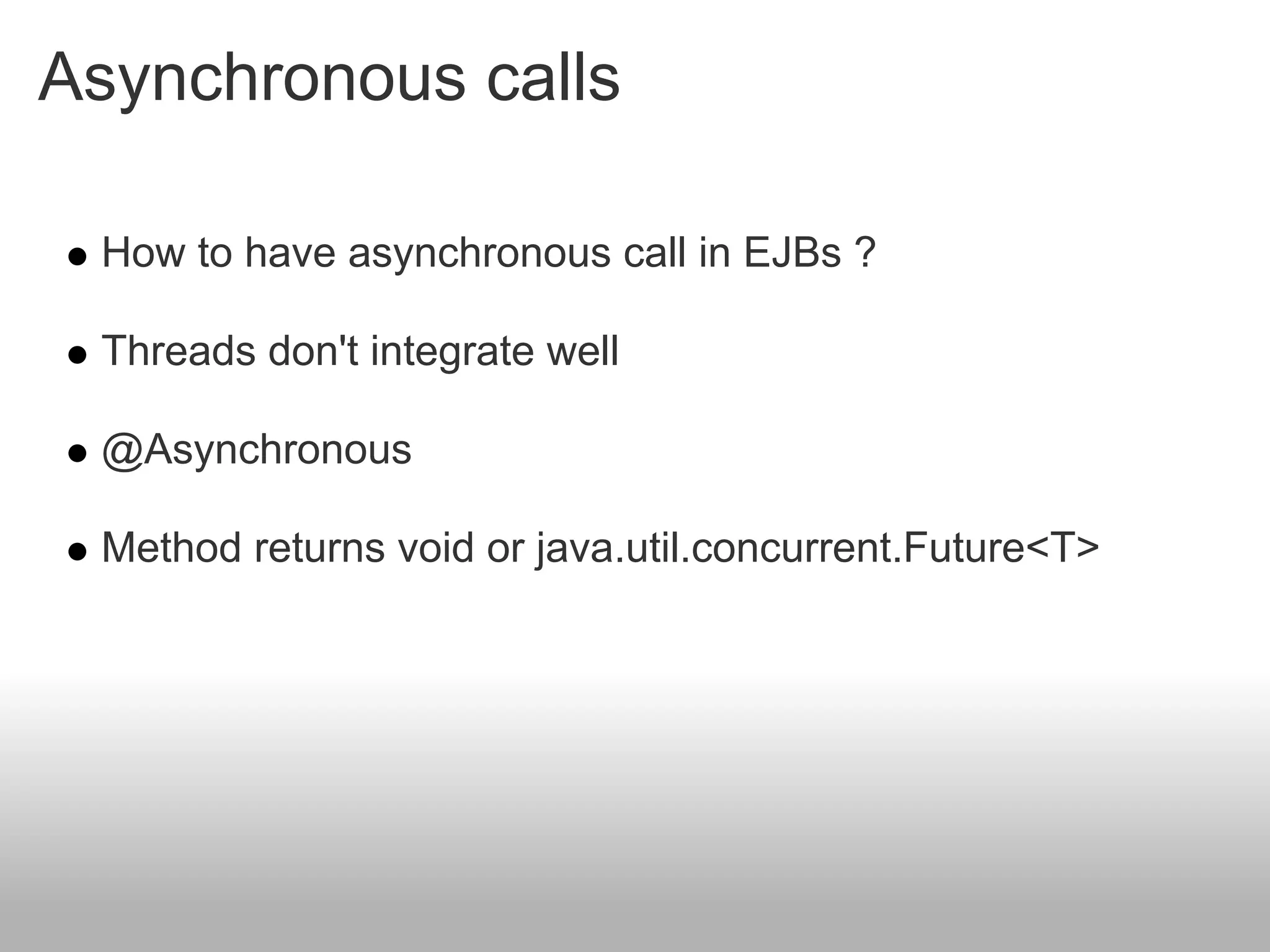
Asynchronous calls

 How to have asynchronous call in EJBs ?

 Threads don't integrate well

 @Asynchronous

 Method returns void or java.util.concurrent.Future<T>
Asynchronous calls
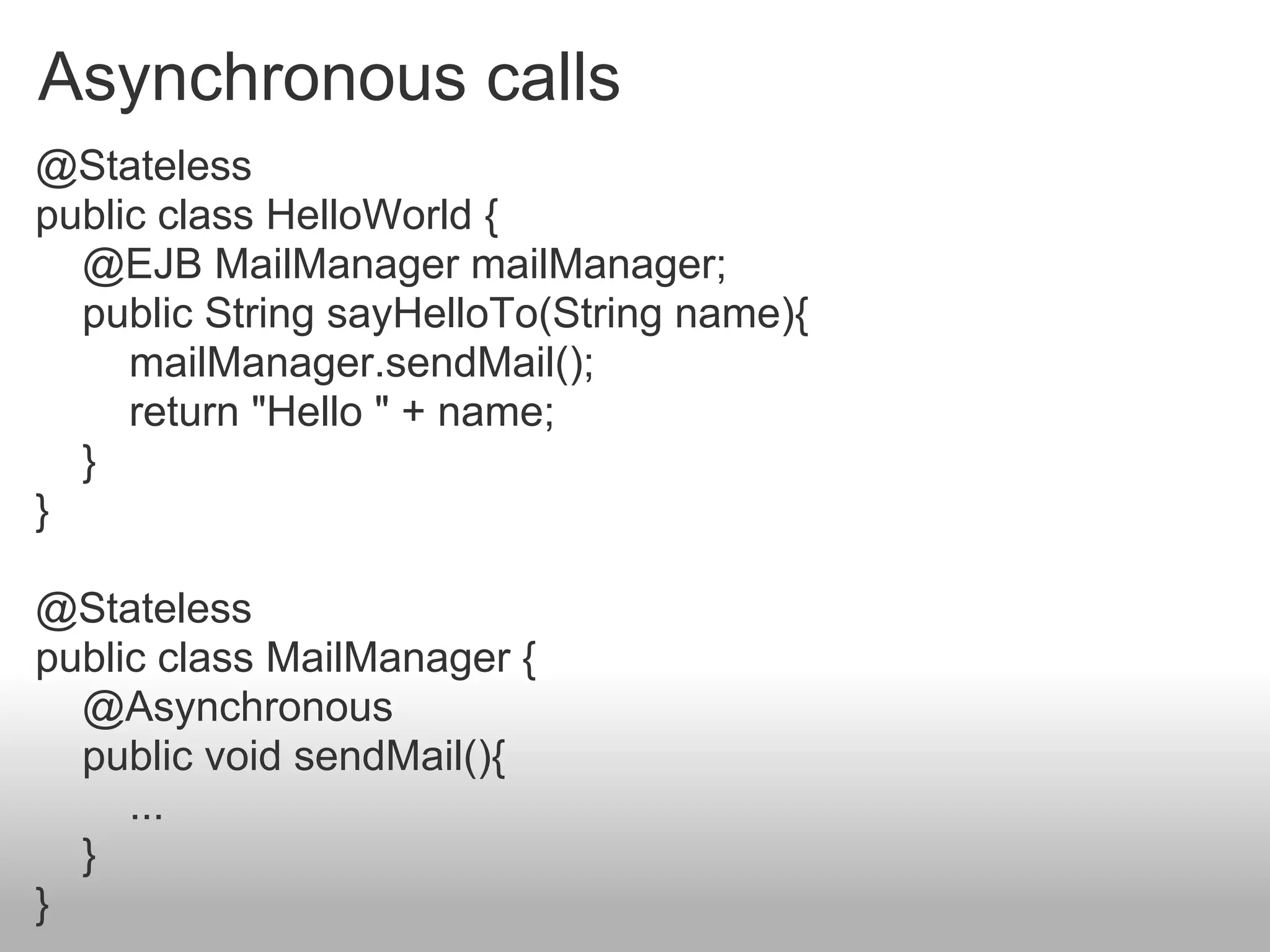
@Stateless
public class HelloWorld {
  @EJB MailManager mailManager;
  public String sayHelloTo(String name){
     mailManager.sendMail();
     return "Hello " + name;
  }
}

@Stateless
public class MailManager {
  @Asynchronous
  public void sendMail(){
     ...
  }
}
Timer Service

 Programmatic and Calendar based scheduling
    « Last day of the month »
    « Every five minutes on Monday and Friday »

 Cron-like syntax
    second [0..59], minute[0..59], hour[0..23], year
    DayOfMonth[1..31]
    dayOfWeek[0..7] or [sun, mon, tue..]
    Month[0..12] or [jan,feb..]
Timer Service

@Stateless
public class WakeUpBean {
  @Schedule(dayOfWeek=“Mon-Fri”, hour=“9”)
   void wakeUp() {
     ...
  }
}
Unit Test
JUnit

   Not in EJB context


@Test
 public void myTest(){
   StatelessBean statelessBean = new StatelessBean();
   statelessBean.getCounter();
 }
JUnit

   With EJB context : embedded glassfish

@Test
public void myTest() throws NamingException{
  EJBContainer createEJBContainer =
        EJBContainer.createEJBContainer();
  StatelessBean statelessBean =
        (StatelessBean)container.getContext()
        .lookup("java:global/classes/StatelessBean");
  statelessBean.getCounter();
  container.close();
}
Unit Test

                     Cactus is a simple test framework for
                     unit testing server-side java code
                     (Servlets, EJBs, Tag Libs, Filters, ...).


    The Ejb3Unit project automates Entity and Session
    bean testing outside the container for the EJB 3.0
    specification.
Client connection

   lookup & @EJB
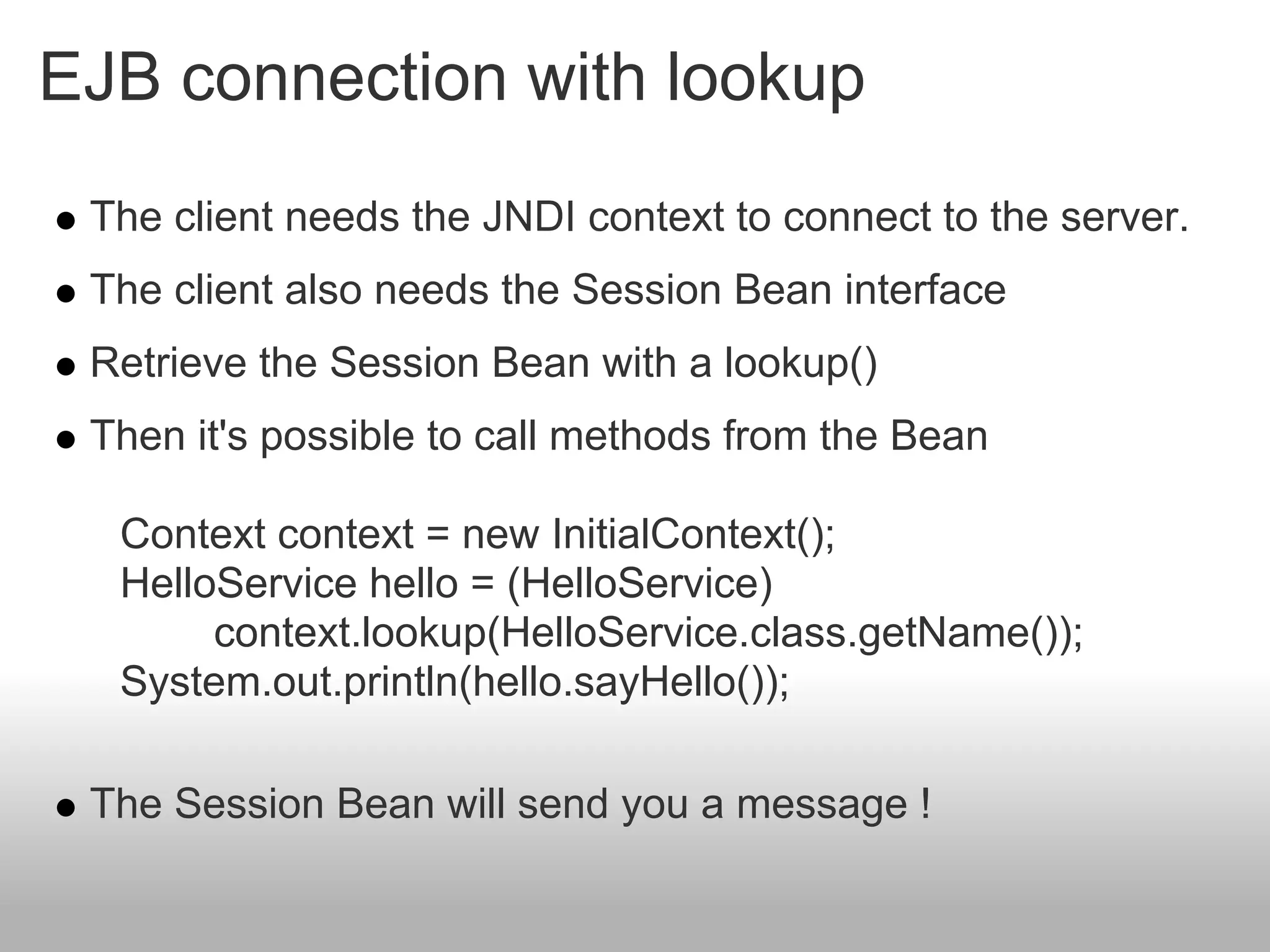
EJB connection with lookup
 The client needs the JNDI context to connect to the server.
 The client also needs the Session Bean interface
 Retrieve the Session Bean with a lookup()
 Then it's possible to call methods from the Bean

  Context context = new InitialContext();
  HelloService hello = (HelloService)
       context.lookup(HelloService.class.getName());
  System.out.println(hello.sayHello());

 The Session Bean will send you a message !
EJB connection with lookup
jndi.properties file example


GlassFish parameters
java.naming.factory.initial=com.sun.enterprise.naming.SerialInitContextFactory
java.naming.factory.url.pkgs=com.sun.enterprise.naming
java.naming.factory.state=com.sun.corba.ee.impl.presentation.rmi.JNDIStateFactoryImpl


JBoss Parameters
java.naming.factory.initial=org.jnp.interfaces.NamingContextFactory
java.naming.factory.url.pkgs=org.jboss.naming:org.jnp.interfaces
java.naming.provider.url = 127.0.0.1:1099
EJB injection

     In the same JVM, it's not necessary to do a lookup()

     Obtain a Session Bean with resource injection

      Used in other EJBs, web applications

public class ClientServiceBean
     implements ClientService {
    @EJB
    private OrderService orderService;
    ...
}
Soap WS in EJB module
    Add @WebService and @Stateless annotation on a class
    It run !
@WebService
@Stateless
public class MyBeanPublic {

    @WebMethod
    public String helloWorld() {
      return null;
    }
}
Default WSDL address : http://localhost:
8080/MyBeanPublicService/MyBeanPublic?wsdl
Soap WS in EJB module
Now, we use our EJB @stateless in our SOAP WS.


@WebService
@Stateless
public class MyBeanPublic {

    @EJB
    private MyBeanLocal ejbRef;

    @WebMethod
    public String helloWorld() {
      return ejbRef.helloWorld();
    }
}
Soap WS in EJB module
Exemple with NetBeans 7
EJB entity
Persistence Unit
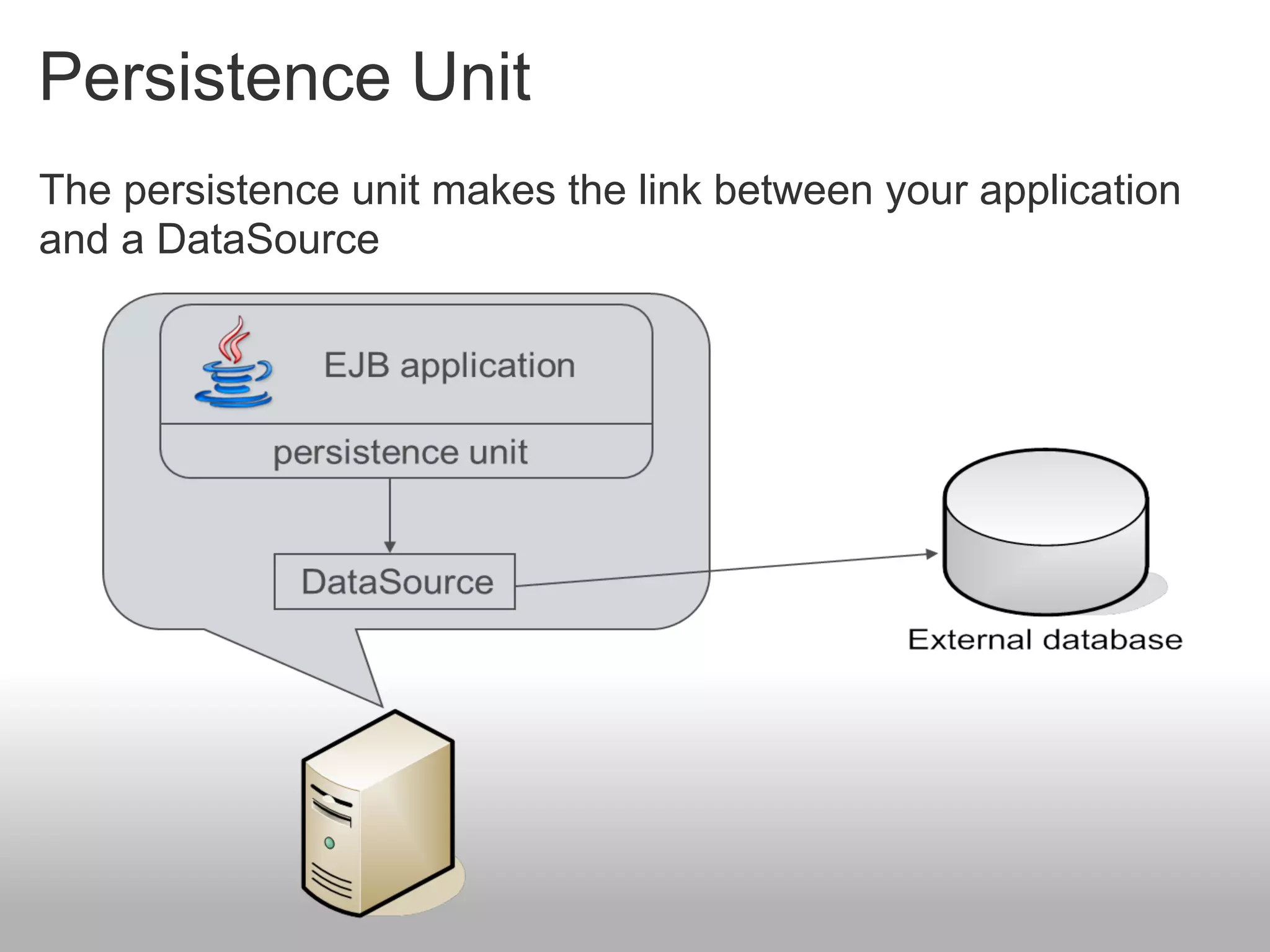
The persistence unit makes the link between your application
and a DataSource
Persistence Unit

Different providers


   Hibernate (use by default in JBoss)

   TopLink (use by default in Glassfish v2)


   EclipseLink (use by default in Glassfish v3)
Persistence Unit

persistence.xml

<?xml version="1.0" encoding="UTF-8"?>
<persistence version="2.0" ...>
 <persistence-unit name="montrealjugPU" transaction-type="JTA">
  <provider>org.eclipse.persistence.jpa.PersistenceProvider</provider>

  <jta-data-source>jdbc/firone</jta-data-source>

  <exclude-unlisted-classes>false</exclude-unlisted-classes>
  <properties>
   <property name="eclipselink.ddl-generation" value="create-tables"/>
  </properties>
 </persistence-unit>
</persistence>
Persistence Unit

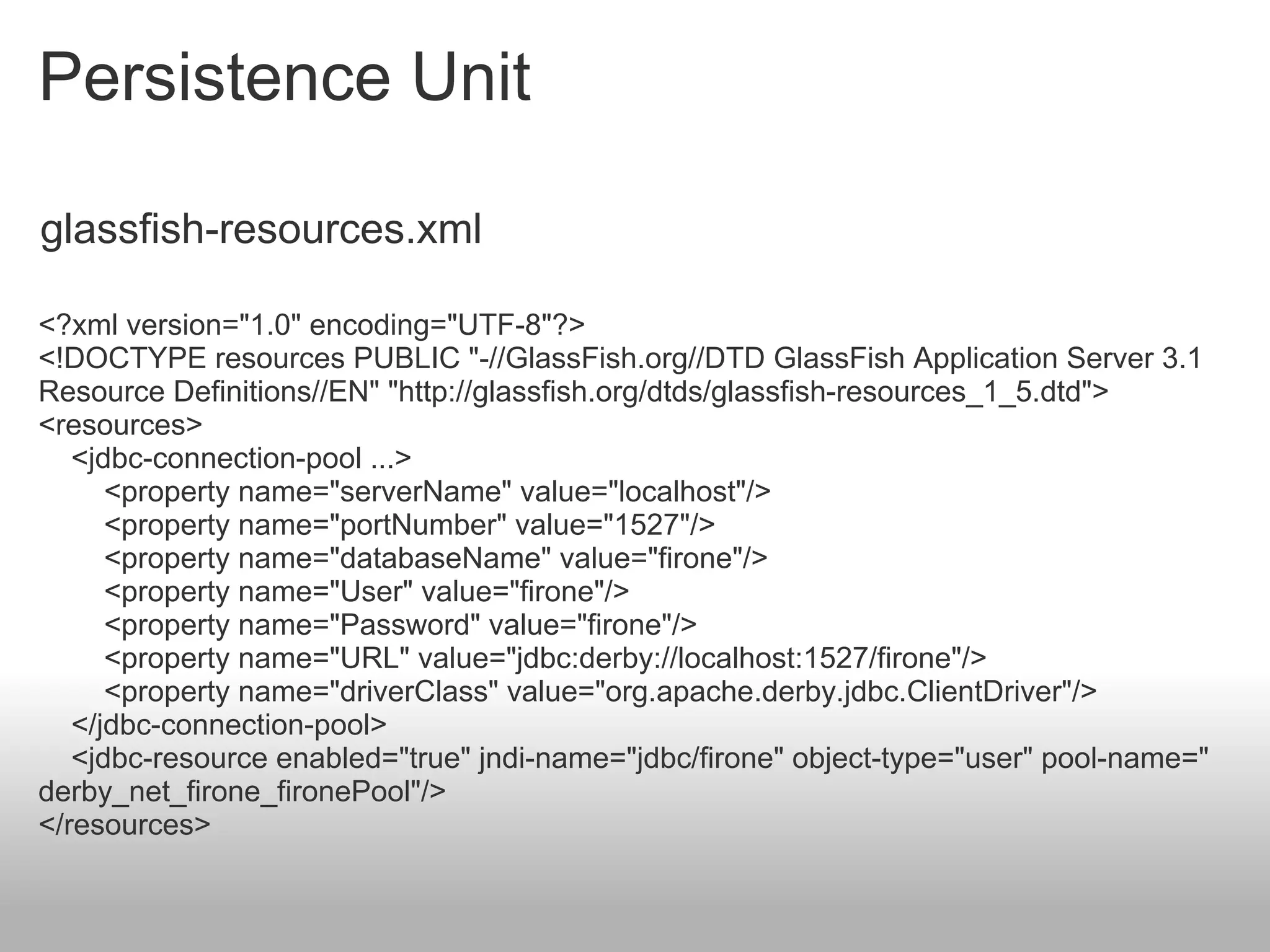
glassfish-resources.xml

<?xml version="1.0" encoding="UTF-8"?>
<!DOCTYPE resources PUBLIC "-//GlassFish.org//DTD GlassFish Application Server 3.1
Resource Definitions//EN" "http://glassfish.org/dtds/glassfish-resources_1_5.dtd">
<resources>
   <jdbc-connection-pool ...>
      <property name="serverName" value="localhost"/>
      <property name="portNumber" value="1527"/>
      <property name="databaseName" value="firone"/>
      <property name="User" value="firone"/>
      <property name="Password" value="firone"/>
      <property name="URL" value="jdbc:derby://localhost:1527/firone"/>
      <property name="driverClass" value="org.apache.derby.jdbc.ClientDriver"/>
   </jdbc-connection-pool>
   <jdbc-resource enabled="true" jndi-name="jdbc/firone" object-type="user" pool-name="
derby_net_firone_fironePool"/>
</resources>
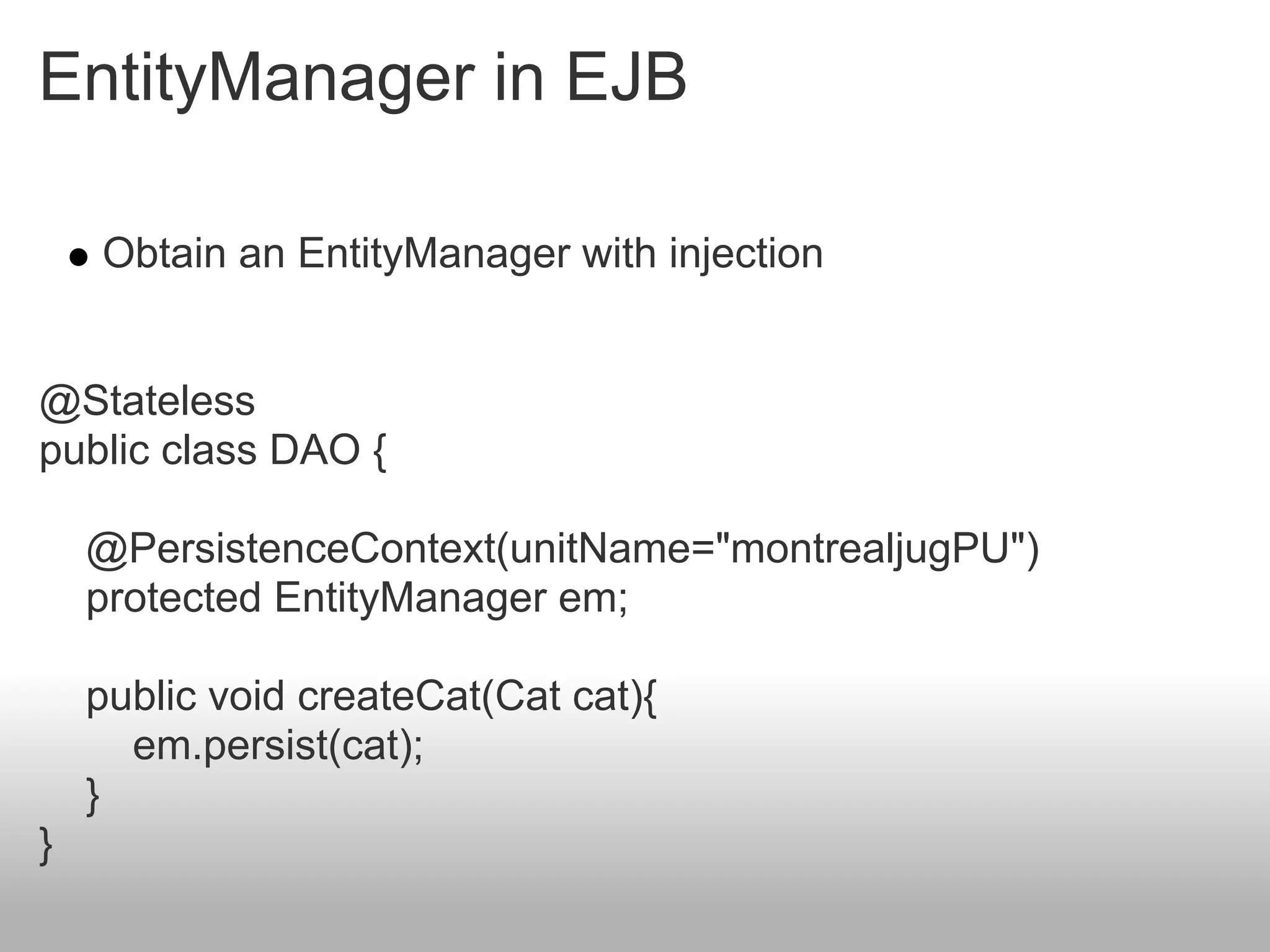
EntityManager in EJB

    Obtain an EntityManager with injection


@Stateless
public class DAO {

    @PersistenceContext(unitName="montrealjugPU")
    protected EntityManager em;

    public void createCat(Cat cat){
      em.persist(cat);
    }
}
EJB message

Java Message Service
JMS presentation


 The same since 2002
 Used when some information should be exchanged
 between
    Two applications : point-to-point model
    Several applications : publish and subscribe model

 Asynchronous system : messages are received when the
 client request them

 Similar to a mail system
Queue mode
Topic mode
Messages

 There are three different types of messages
    TextMessage to send simple text
    ObjectMessage for a serialized object
    MapMessage contains a map with strings as keys and
    objects as values
Send a message

 In order to send a message, we have to:
 Reclaim required objects via JNDI
   A ConnectionFactory (service provider)
   A Destination (Queue or Topic)
 Create a Connection using the factory
 Open a Session using the connection
 Create a MessageProducer
 Send the message
Send a message

Context ctx = new InitialContext();
ConnectionFactory connectionFactory = (ConnectionFactory) ctx
     .lookup("ConnectionFactory");
Destination destination = (Destination) ctx.lookup("queue/StockValue");

Connection cnx = connectionFactory.createConnection();

Session session = cnx.createSession(false, Session.AUTO_ACKNOWLEDGE);
MessageProducer producer = session.createProducer(destination);

TextMessage message = session.createTextMessage();
message.setText("Your'microsoft' stock has been sold !");
producer.send(message);
cnx.close();
Receive a message


 Two ways to receive a message
   Blocking, waiting for a message
   Non-blocking, using a message listener


 A message listener is similar to an event listener : it
 "subscribes" to a particular destination and receives
 messages each time there's a new one
Receive a message

Blocking mode
MessageConsumer consumer = session.createConsumer
(destination);
// Retrieve a single message
Message receivedMessage = consumer.receive();

Non-blocking mode, using a listener
MessageConsumer consumer = session.createConsumer(destination);
// Set the listener
consumer.setMessageListener(new MessageListener() {
    public void onMessage(Message message) {
         // Will be called each time a message is received
}
});
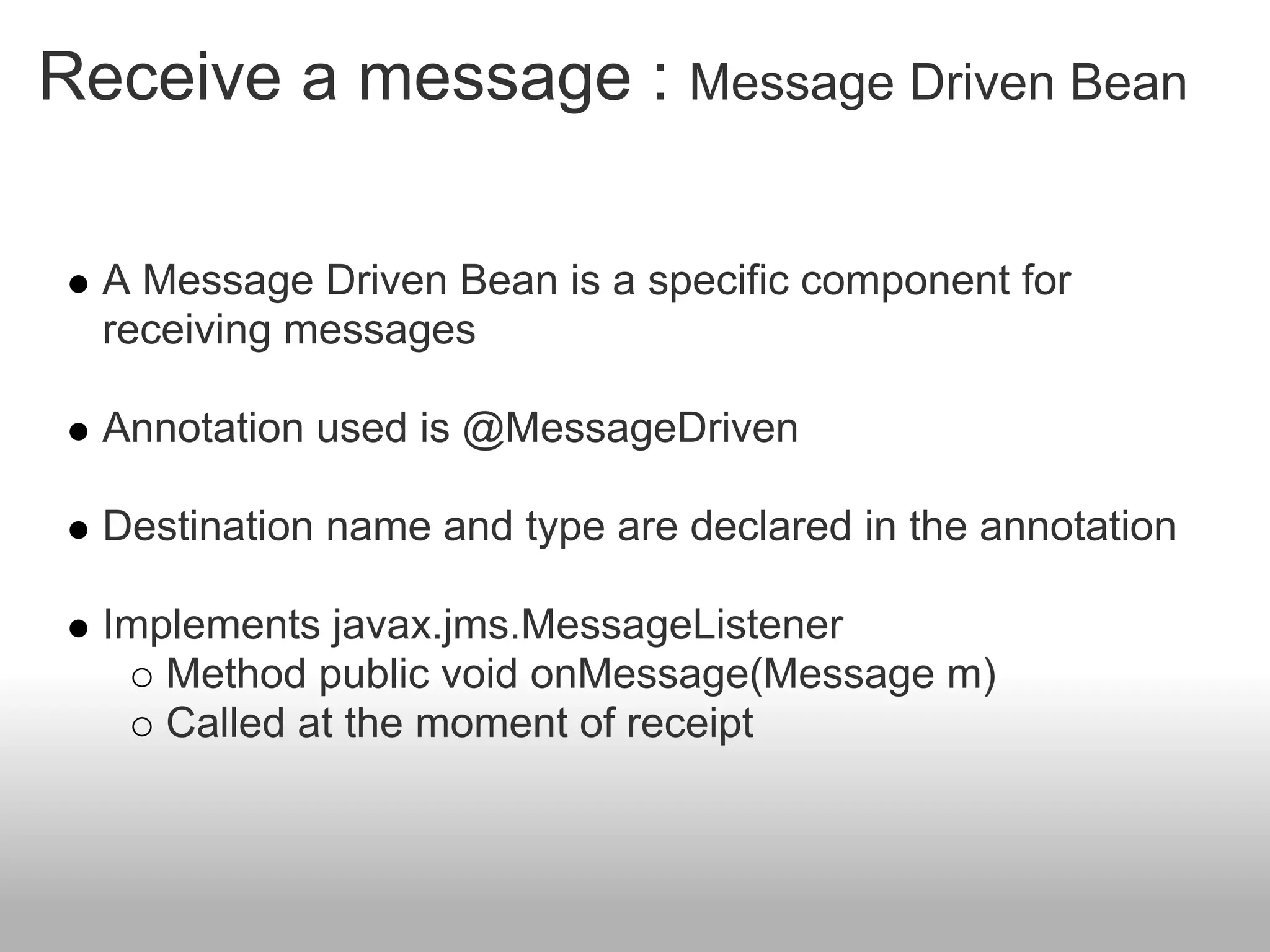
Receive a message : Message Driven Bean

  A Message Driven Bean is a specific component for
  receiving messages

  Annotation used is @MessageDriven

  Destination name and type are declared in the annotation

  Implements javax.jms.MessageListener
     Method public void onMessage(Message m)
     Called at the moment of receipt
Receive a message : Message Driven Bean

@MessageDriven(
     mappedName="queue/StockValue",
     activationConfig = {
@ActivationConfigProperty(
               propertyName = "destinationType",
               propertyValue = "javax.jms.Queue")})
class MyDrivenBean implements MessageListener {

public void onMessage(Message message) {
TextMessage textMessage = (TextMessage) message;
System.out.println(textMessage.getText());
}
}
Merci de votre attention
Sources

Supinfo : www.supinfo.com

ParisJUG : www.parisjug.org
License


http://creativecommons.org/licenses/by-nc-sa/2.0/fr/

EJB et WS (Montreal JUG - 12 mai 2011)

  • 1.
    EJB and SOAPWS Par Romain Rocès pour le Montréal JUG
  • 2.
    About me Romain Rocès Teacher at Supinfo Montreal Blue belt on BlackBelt Factory romain.roces@gmail.com Romain Rocès
  • 3.
  • 4.
    Concept EJB regroups severalconcepts Provides different services (Session Bean), communicates with another application (Message Bean), saves information (Entity Bean). Just like a brain, EJB is the center of the application. It proposes many functions.
  • 5.
    Version 3 The previous version (2.1) was too complex The version 3.0 tends to simplification : Less steps, less classes, less configuration Improvements from Java EE 5 Annotations Generics Java Persistance API Concepts remain the same, but Sun integrated many ideas from popular open-source projects like Spring or Hibernate.
  • 6.
    Application servers WebLogic, by BEA Oracle Application Server, by Oracle JBoss, by RedHat GlassFish, by Sun MicroSystems
  • 7.
  • 8.
    Facade pattern The Session Bean acts as a “facade”. It's the client's interlocutor
  • 9.
    Client access Different clientscan call the Session Bean methods if they possess its interface Desktop application Interface Implementation Session Bean deployed on a server Web application
  • 12.
    Session Bean Local Set @Local on the interface (not mandatory) Used when the client is deployed in the same virtual machine Example : A Web application deployed in the same server as the Session Bean Advantage : Resource-friendly More secure Disadvantage : Local scope
  • 13.
    Session Bean Local Localinterfaces are not mandatory @Stateless public class HelloServiceBean { public String sayHello(){ return "Hello World"; } }
  • 14.
    Session Bean Remote Set @Remote on the interface Used when the client is located in a different virtual machine Example : A web application deployed in a different server than the Session Bean A rich-client Advantage : Open on the network Disadvantage : Consumes more resources (uses RMI) Security
  • 15.
    Session Bean Remote Interface @Remote publicinterface HelloService { public String sayHello(); } Implementation @Stateless public class HelloServiceBean implements HelloService{ public String sayHello(){ return "Hello World"; } }
  • 16.
    Stateless mode A StatelessBean is not bound to any client Exemples : Retrieve a list of products HelloService getPlaces() getPlaces() Advantage : getTrips() Resource-friendly
  • 17.
    Stateless mode @Stateless public class HelloWorld { public String sayHelloTo(String name){ return "Hello " + name; } }
  • 18.
    Stateful mode A StatefullBean is bound to a client Exemples : Cart OrderService getPlaces() getPlaces() Advantage : getTrips() Impact on server performance
  • 19.
    Stateful mode @Stateful public class OrderService { public void setName(String name){…}; public void setAddress(String address){…}; public void buyDog(){…}; … }
  • 20.
    Singleton mode One SingletonBean per JVM Exemples : Counter Cache Advantage : Resource-friendly One instance Disadvantage : One instance
  • 21.
    Singleton mode @Singleton public class Counter { private int i = 0; public int getCount(){ return ++i; } }
  • 22.
    Asynchronous calls Howto have asynchronous call in EJBs ? Threads don't integrate well @Asynchronous Method returns void or java.util.concurrent.Future<T>
  • 23.
    Asynchronous calls @Stateless public classHelloWorld { @EJB MailManager mailManager; public String sayHelloTo(String name){ mailManager.sendMail(); return "Hello " + name; } } @Stateless public class MailManager { @Asynchronous public void sendMail(){ ... } }
  • 24.
    Timer Service Programmaticand Calendar based scheduling « Last day of the month » « Every five minutes on Monday and Friday » Cron-like syntax second [0..59], minute[0..59], hour[0..23], year DayOfMonth[1..31] dayOfWeek[0..7] or [sun, mon, tue..] Month[0..12] or [jan,feb..]
  • 25.
    Timer Service @Stateless public classWakeUpBean { @Schedule(dayOfWeek=“Mon-Fri”, hour=“9”) void wakeUp() { ... } }
  • 26.
  • 27.
    JUnit Not in EJB context @Test public void myTest(){ StatelessBean statelessBean = new StatelessBean(); statelessBean.getCounter(); }
  • 28.
    JUnit With EJB context : embedded glassfish @Test public void myTest() throws NamingException{ EJBContainer createEJBContainer = EJBContainer.createEJBContainer(); StatelessBean statelessBean = (StatelessBean)container.getContext() .lookup("java:global/classes/StatelessBean"); statelessBean.getCounter(); container.close(); }
  • 29.
    Unit Test Cactus is a simple test framework for unit testing server-side java code (Servlets, EJBs, Tag Libs, Filters, ...). The Ejb3Unit project automates Entity and Session bean testing outside the container for the EJB 3.0 specification.
  • 30.
    Client connection lookup & @EJB
  • 31.
    EJB connection withlookup The client needs the JNDI context to connect to the server. The client also needs the Session Bean interface Retrieve the Session Bean with a lookup() Then it's possible to call methods from the Bean Context context = new InitialContext(); HelloService hello = (HelloService) context.lookup(HelloService.class.getName()); System.out.println(hello.sayHello()); The Session Bean will send you a message !
  • 32.
    EJB connection withlookup jndi.properties file example GlassFish parameters java.naming.factory.initial=com.sun.enterprise.naming.SerialInitContextFactory java.naming.factory.url.pkgs=com.sun.enterprise.naming java.naming.factory.state=com.sun.corba.ee.impl.presentation.rmi.JNDIStateFactoryImpl JBoss Parameters java.naming.factory.initial=org.jnp.interfaces.NamingContextFactory java.naming.factory.url.pkgs=org.jboss.naming:org.jnp.interfaces java.naming.provider.url = 127.0.0.1:1099
  • 33.
    EJB injection In the same JVM, it's not necessary to do a lookup() Obtain a Session Bean with resource injection Used in other EJBs, web applications public class ClientServiceBean implements ClientService { @EJB private OrderService orderService; ... }
  • 34.
    Soap WS inEJB module Add @WebService and @Stateless annotation on a class It run ! @WebService @Stateless public class MyBeanPublic { @WebMethod public String helloWorld() { return null; } } Default WSDL address : http://localhost: 8080/MyBeanPublicService/MyBeanPublic?wsdl
  • 35.
    Soap WS inEJB module Now, we use our EJB @stateless in our SOAP WS. @WebService @Stateless public class MyBeanPublic { @EJB private MyBeanLocal ejbRef; @WebMethod public String helloWorld() { return ejbRef.helloWorld(); } }
  • 36.
    Soap WS inEJB module Exemple with NetBeans 7
  • 37.
  • 38.
    Persistence Unit The persistenceunit makes the link between your application and a DataSource
  • 39.
    Persistence Unit Different providers Hibernate (use by default in JBoss) TopLink (use by default in Glassfish v2) EclipseLink (use by default in Glassfish v3)
  • 40.
    Persistence Unit persistence.xml <?xml version="1.0"encoding="UTF-8"?> <persistence version="2.0" ...> <persistence-unit name="montrealjugPU" transaction-type="JTA"> <provider>org.eclipse.persistence.jpa.PersistenceProvider</provider> <jta-data-source>jdbc/firone</jta-data-source> <exclude-unlisted-classes>false</exclude-unlisted-classes> <properties> <property name="eclipselink.ddl-generation" value="create-tables"/> </properties> </persistence-unit> </persistence>
  • 41.
    Persistence Unit glassfish-resources.xml <?xml version="1.0"encoding="UTF-8"?> <!DOCTYPE resources PUBLIC "-//GlassFish.org//DTD GlassFish Application Server 3.1 Resource Definitions//EN" "http://glassfish.org/dtds/glassfish-resources_1_5.dtd"> <resources> <jdbc-connection-pool ...> <property name="serverName" value="localhost"/> <property name="portNumber" value="1527"/> <property name="databaseName" value="firone"/> <property name="User" value="firone"/> <property name="Password" value="firone"/> <property name="URL" value="jdbc:derby://localhost:1527/firone"/> <property name="driverClass" value="org.apache.derby.jdbc.ClientDriver"/> </jdbc-connection-pool> <jdbc-resource enabled="true" jndi-name="jdbc/firone" object-type="user" pool-name=" derby_net_firone_fironePool"/> </resources>
  • 42.
    EntityManager in EJB Obtain an EntityManager with injection @Stateless public class DAO { @PersistenceContext(unitName="montrealjugPU") protected EntityManager em; public void createCat(Cat cat){ em.persist(cat); } }
  • 43.
  • 44.
    JMS presentation Thesame since 2002 Used when some information should be exchanged between Two applications : point-to-point model Several applications : publish and subscribe model Asynchronous system : messages are received when the client request them Similar to a mail system
  • 45.
  • 46.
  • 47.
    Messages There arethree different types of messages TextMessage to send simple text ObjectMessage for a serialized object MapMessage contains a map with strings as keys and objects as values
  • 48.
    Send a message In order to send a message, we have to: Reclaim required objects via JNDI A ConnectionFactory (service provider) A Destination (Queue or Topic) Create a Connection using the factory Open a Session using the connection Create a MessageProducer Send the message
  • 49.
    Send a message Contextctx = new InitialContext(); ConnectionFactory connectionFactory = (ConnectionFactory) ctx .lookup("ConnectionFactory"); Destination destination = (Destination) ctx.lookup("queue/StockValue"); Connection cnx = connectionFactory.createConnection(); Session session = cnx.createSession(false, Session.AUTO_ACKNOWLEDGE); MessageProducer producer = session.createProducer(destination); TextMessage message = session.createTextMessage(); message.setText("Your'microsoft' stock has been sold !"); producer.send(message); cnx.close();
  • 50.
    Receive a message Two ways to receive a message Blocking, waiting for a message Non-blocking, using a message listener A message listener is similar to an event listener : it "subscribes" to a particular destination and receives messages each time there's a new one
  • 51.
    Receive a message Blockingmode MessageConsumer consumer = session.createConsumer (destination); // Retrieve a single message Message receivedMessage = consumer.receive(); Non-blocking mode, using a listener MessageConsumer consumer = session.createConsumer(destination); // Set the listener consumer.setMessageListener(new MessageListener() { public void onMessage(Message message) { // Will be called each time a message is received } });
  • 52.
    Receive a message: Message Driven Bean A Message Driven Bean is a specific component for receiving messages Annotation used is @MessageDriven Destination name and type are declared in the annotation Implements javax.jms.MessageListener Method public void onMessage(Message m) Called at the moment of receipt
  • 53.
    Receive a message: Message Driven Bean @MessageDriven( mappedName="queue/StockValue", activationConfig = { @ActivationConfigProperty( propertyName = "destinationType", propertyValue = "javax.jms.Queue")}) class MyDrivenBean implements MessageListener { public void onMessage(Message message) { TextMessage textMessage = (TextMessage) message; System.out.println(textMessage.getText()); } }
  • 54.
    Merci de votreattention
  • 55.
  • 56.