Purpose​: To effectively test any SQL statement for various iterations while tuning when it
has binds.
Problem​: Most Peoplesoft generated SQL’s are long with long list of variables/binds. It is a
real pain to subsitute all these binds variables with literal values.
Secondly​, Oracle Optimizer treat a SQL with binds different than a SQL with Literals. So
essentially you may see different plans for same sql with only difference is using Binds or
Literals.
Tool Used: OEM13c
Solution​: Use OEM
1. Login to OEM using your credentials and navigate to the database instance (in case
of RAC, particular instance where SQL is running).
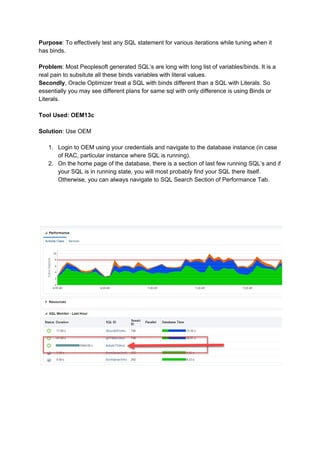
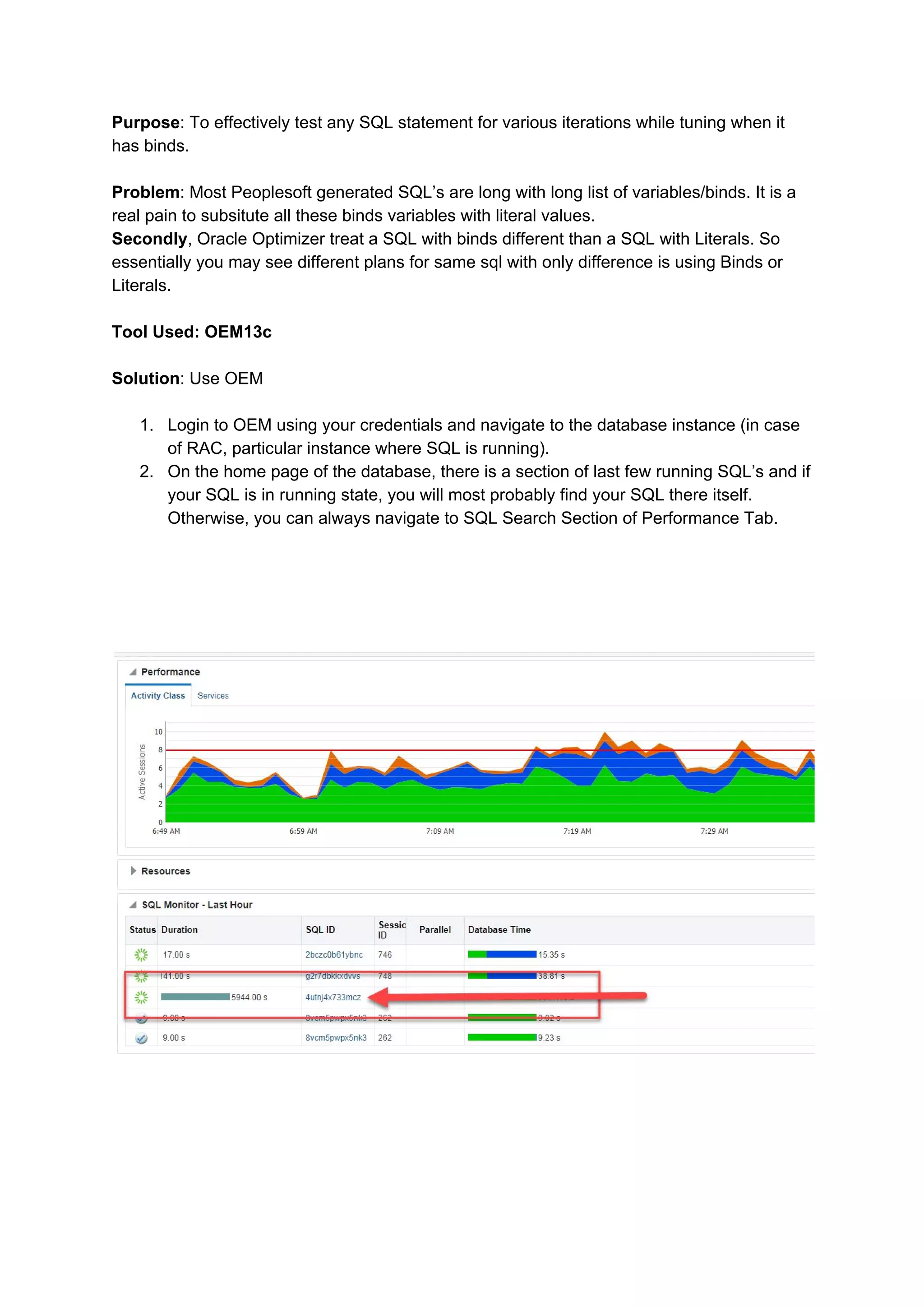
2. On the home page of the database, there is a section of last few running SQL’s and if
your SQL is in running state, you will most probably find your SQL there itself.
Otherwise, you can always navigate to SQL Search Section of Performance Tab.
3. Click on the SQLID and it will take you to the
SQL Monitoring page.
Click the box highlighted in red. It should take you to the actual SQL Text.
4.
This Pop out window shows the actual text of the SQL with literals substituted with Binds
(Since Cursor Sharing is Force). To access the actual value for Binds, Click the button
highlighted in Red.
5.
This will open another window (Pop Up) which shows you all the binds and their respective
values being used for this SQL. Now the best part is to click save and it will ask you to save
a SQL file on our desktop. Best part about this file is, it not only contain SQL Text and Binds
and their respective literal value, what it actually retain is the original form of execution what
Optimizer is using to execute. Below is the screenshot of how your saved SQL file looks.
Important thing to note here is, this is represented as a Anonymous PL/SQL block, so just
need to select all and paste it in SQL Plus or SQL Developer and run. Repeat your iterations
by changing various Bind values if required, or changing SQL or even putting up some
Optimizer or SQL hints.
Happy Tuning!!

Effecitvely testing Oracle SQL (sql tuning)

  • 1.
    Purpose​: To effectivelytest any SQL statement for various iterations while tuning when it has binds. Problem​: Most Peoplesoft generated SQL’s are long with long list of variables/binds. It is a real pain to subsitute all these binds variables with literal values. Secondly​, Oracle Optimizer treat a SQL with binds different than a SQL with Literals. So essentially you may see different plans for same sql with only difference is using Binds or Literals. Tool Used: OEM13c Solution​: Use OEM 1. Login to OEM using your credentials and navigate to the database instance (in case of RAC, particular instance where SQL is running). 2. On the home page of the database, there is a section of last few running SQL’s and if your SQL is in running state, you will most probably find your SQL there itself. Otherwise, you can always navigate to SQL Search Section of Performance Tab.
  • 2.
    3. Click onthe SQLID and it will take you to the SQL Monitoring page. Click the box highlighted in red. It should take you to the actual SQL Text. 4. This Pop out window shows the actual text of the SQL with literals substituted with Binds (Since Cursor Sharing is Force). To access the actual value for Binds, Click the button highlighted in Red.
  • 3.
    5. This will openanother window (Pop Up) which shows you all the binds and their respective values being used for this SQL. Now the best part is to click save and it will ask you to save a SQL file on our desktop. Best part about this file is, it not only contain SQL Text and Binds and their respective literal value, what it actually retain is the original form of execution what Optimizer is using to execute. Below is the screenshot of how your saved SQL file looks.
  • 4.
    Important thing tonote here is, this is represented as a Anonymous PL/SQL block, so just need to select all and paste it in SQL Plus or SQL Developer and run. Repeat your iterations by changing various Bind values if required, or changing SQL or even putting up some Optimizer or SQL hints. Happy Tuning!!