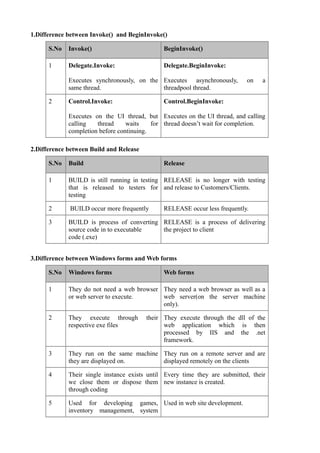
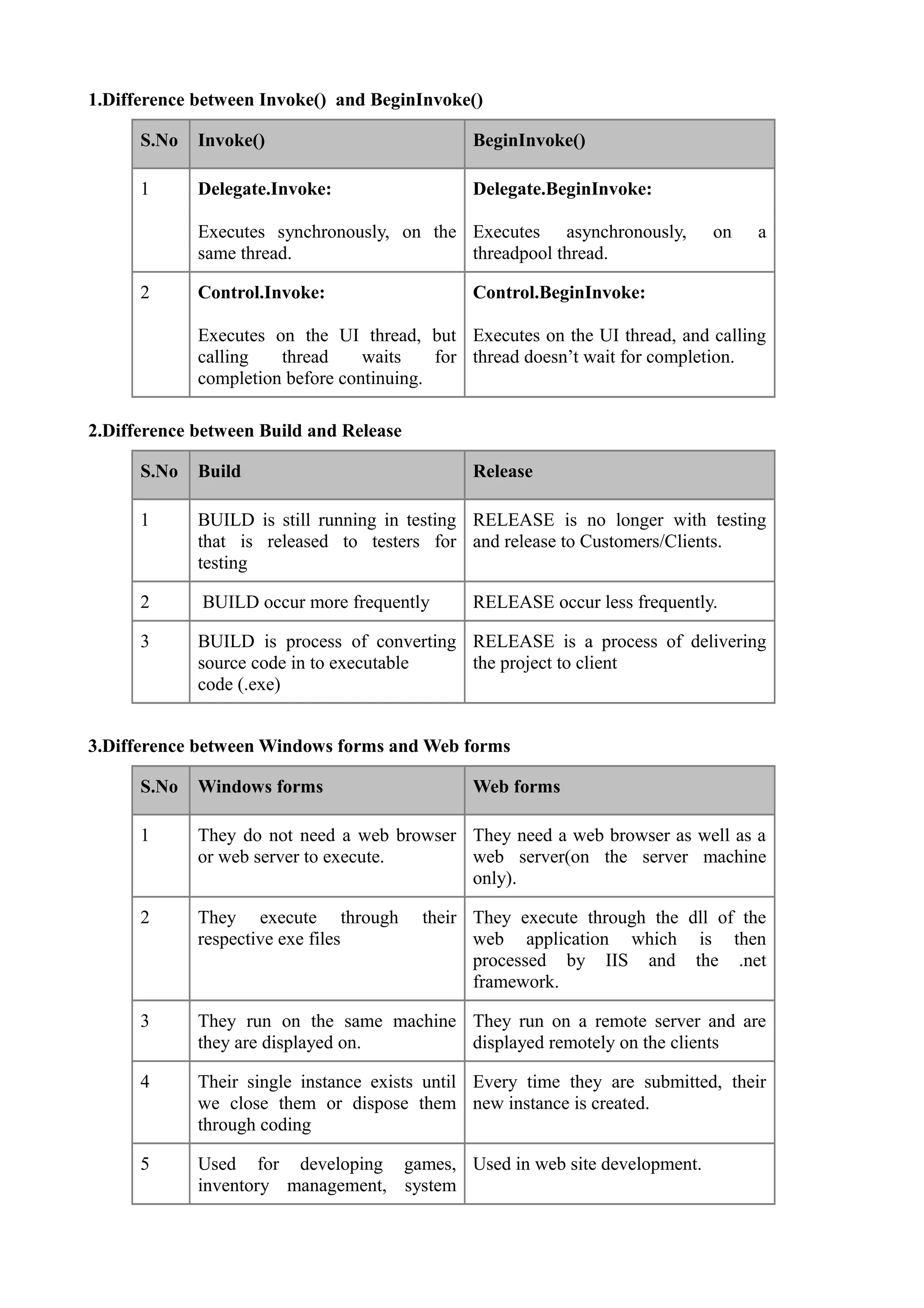
1.Difference between Invoke() and BeginInvoke()

      S.No   Invoke()                          BeginInvoke()

      1      Delegate.Invoke:                  Delegate.BeginInvoke:

             Executes synchronously, on the Executes asynchronously,         on    a
             same thread.                   threadpool thread.

      2      Control.Invoke:                   Control.BeginInvoke:

             Executes on the UI thread, but Executes on the UI thread, and calling
             calling   thread     waits    for thread doesn’t wait for completion.
             completion before continuing.

2.Difference between Build and Release

      S.No   Build                             Release

      1      BUILD is still running in testing RELEASE is no longer with testing
             that is released to testers for and release to Customers/Clients.
             testing

      2      BUILD occur more frequently       RELEASE occur less frequently.

      3      BUILD is process of converting RELEASE is a process of delivering
             source code in to executable   the project to client
             code (.exe)


3.Difference between Windows forms and Web forms

      S.No   Windows forms                     Web forms

      1      They do not need a web browser They need a web browser as well as a
             or web server to execute.      web server(on the server machine
                                            only).

      2      They execute through        their They execute through the dll of the
             respective exe files              web application which is then
                                               processed by IIS and the .net
                                               framework.

      3      They run on the same machine They run on a remote server and are
             they are displayed on.       displayed remotely on the clients

      4      Their single instance exists until Every time they are submitted, their
             we close them or dispose them new instance is created.
             through coding

      5      Used for developing games, Used in web site development.
             inventory management, system
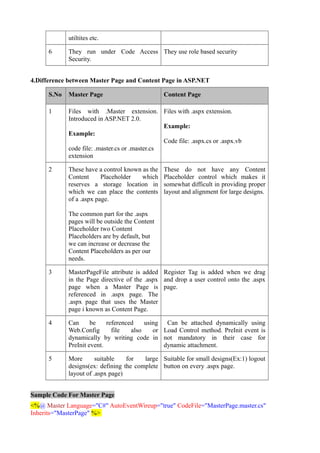
utiltites etc.

      6      They run under Code Access They use role based security
             Security.


4.Difference between Master Page and Content Page in ASP.NET

      S.No   Master Page                         Content Page

      1      Files with .Master extension. Files with .aspx extension.
             Introduced in ASP.NET 2.0.
                                                 Example:
             Example:
                                                 Code file: .aspx.cs or .aspx.vb
             code file: .master.cs or .master.cs
             extension

      2      These have a control known as the   These do not have any Content
             Content      Placeholder   which    Placeholder control which makes it
             reserves a storage location in      somewhat difficult in providing proper
             which we can place the contents     layout and alignment for large designs.
             of a .aspx page.

             The common part for the .aspx
             pages will be outside the Content
             Placeholder two Content
             Placeholders are by default, but
             we can increase or decrease the
             Content Placeholders as per our
             needs.

      3      MasterPageFile attribute is added Register Tag is added when we drag
             in the Page directive of the .aspx and drop a user control onto the .aspx
             page when a Master Page is page.
             referenced in .aspx page. The
             .aspx page that uses the Master
             page i known as Content Page.

      4      Can      be    referenced    using Can be attached dynamically using
             Web.Config       file   also    or Load Control method. PreInit event is
             dynamically by writing code in not mandatory in their case for
             PreInit event.                     dynamic attachment.

      5      More       suitable   for   large Suitable for small designs(Ex:1) logout
             designs(ex: defining the complete button on every .aspx page.
             layout of .aspx page)


Sample Code For Master Page
<%@ Master Language="C#" AutoEventWireup="true" CodeFile="MasterPage.master.cs"
Inherits="MasterPage" %>
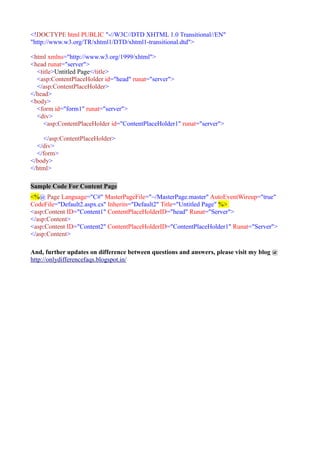
<!DOCTYPE html PUBLIC "-//W3C//DTD XHTML 1.0 Transitional//EN"
"http://www.w3.org/TR/xhtml1/DTD/xhtml1-transitional.dtd">

<html xmlns="http://www.w3.org/1999/xhtml">
<head runat="server">
  <title>Untitled Page</title>
  <asp:ContentPlaceHolder id="head" runat="server">
  </asp:ContentPlaceHolder>
</head>
<body>
  <form id="form1" runat="server">
  <div>
     <asp:ContentPlaceHolder id="ContentPlaceHolder1" runat="server">

    </asp:ContentPlaceHolder>
  </div>
  </form>
</body>
</html>

Sample Code For Content Page
<%@ Page Language="C#" MasterPageFile="~/MasterPage.master" AutoEventWireup="true"
CodeFile="Default2.aspx.cs" Inherits="Default2" Title="Untitled Page" %>
<asp:Content ID="Content1" ContentPlaceHolderID="head" Runat="Server">
</asp:Content>
<asp:Content ID="Content2" ContentPlaceHolderID="ContentPlaceHolder1" Runat="Server">
</asp:Content>

And, further updates on difference between questions and answers, please visit my blog @
http://onlydifferencefaqs.blogspot.in/

Asp.Net difference faqs- 10

  • 1.
    1.Difference between Invoke()and BeginInvoke() S.No Invoke() BeginInvoke() 1 Delegate.Invoke: Delegate.BeginInvoke: Executes synchronously, on the Executes asynchronously, on a same thread. threadpool thread. 2 Control.Invoke: Control.BeginInvoke: Executes on the UI thread, but Executes on the UI thread, and calling calling thread waits for thread doesn’t wait for completion. completion before continuing. 2.Difference between Build and Release S.No Build Release 1 BUILD is still running in testing RELEASE is no longer with testing that is released to testers for and release to Customers/Clients. testing 2 BUILD occur more frequently RELEASE occur less frequently. 3 BUILD is process of converting RELEASE is a process of delivering source code in to executable the project to client code (.exe) 3.Difference between Windows forms and Web forms S.No Windows forms Web forms 1 They do not need a web browser They need a web browser as well as a or web server to execute. web server(on the server machine only). 2 They execute through their They execute through the dll of the respective exe files web application which is then processed by IIS and the .net framework. 3 They run on the same machine They run on a remote server and are they are displayed on. displayed remotely on the clients 4 Their single instance exists until Every time they are submitted, their we close them or dispose them new instance is created. through coding 5 Used for developing games, Used in web site development. inventory management, system
  • 2.
    utiltites etc. 6 They run under Code Access They use role based security Security. 4.Difference between Master Page and Content Page in ASP.NET S.No Master Page Content Page 1 Files with .Master extension. Files with .aspx extension. Introduced in ASP.NET 2.0. Example: Example: Code file: .aspx.cs or .aspx.vb code file: .master.cs or .master.cs extension 2 These have a control known as the These do not have any Content Content Placeholder which Placeholder control which makes it reserves a storage location in somewhat difficult in providing proper which we can place the contents layout and alignment for large designs. of a .aspx page. The common part for the .aspx pages will be outside the Content Placeholder two Content Placeholders are by default, but we can increase or decrease the Content Placeholders as per our needs. 3 MasterPageFile attribute is added Register Tag is added when we drag in the Page directive of the .aspx and drop a user control onto the .aspx page when a Master Page is page. referenced in .aspx page. The .aspx page that uses the Master page i known as Content Page. 4 Can be referenced using Can be attached dynamically using Web.Config file also or Load Control method. PreInit event is dynamically by writing code in not mandatory in their case for PreInit event. dynamic attachment. 5 More suitable for large Suitable for small designs(Ex:1) logout designs(ex: defining the complete button on every .aspx page. layout of .aspx page) Sample Code For Master Page <%@ Master Language="C#" AutoEventWireup="true" CodeFile="MasterPage.master.cs" Inherits="MasterPage" %>
  • 3.
    <!DOCTYPE html PUBLIC"-//W3C//DTD XHTML 1.0 Transitional//EN" "http://www.w3.org/TR/xhtml1/DTD/xhtml1-transitional.dtd"> <html xmlns="http://www.w3.org/1999/xhtml"> <head runat="server"> <title>Untitled Page</title> <asp:ContentPlaceHolder id="head" runat="server"> </asp:ContentPlaceHolder> </head> <body> <form id="form1" runat="server"> <div> <asp:ContentPlaceHolder id="ContentPlaceHolder1" runat="server"> </asp:ContentPlaceHolder> </div> </form> </body> </html> Sample Code For Content Page <%@ Page Language="C#" MasterPageFile="~/MasterPage.master" AutoEventWireup="true" CodeFile="Default2.aspx.cs" Inherits="Default2" Title="Untitled Page" %> <asp:Content ID="Content1" ContentPlaceHolderID="head" Runat="Server"> </asp:Content> <asp:Content ID="Content2" ContentPlaceHolderID="ContentPlaceHolder1" Runat="Server"> </asp:Content> And, further updates on difference between questions and answers, please visit my blog @ http://onlydifferencefaqs.blogspot.in/