Technology Training with Steve Gibbs

                     Technology Integration Unit Outline

Type only in the gray areas
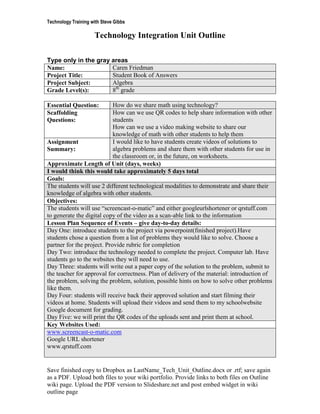
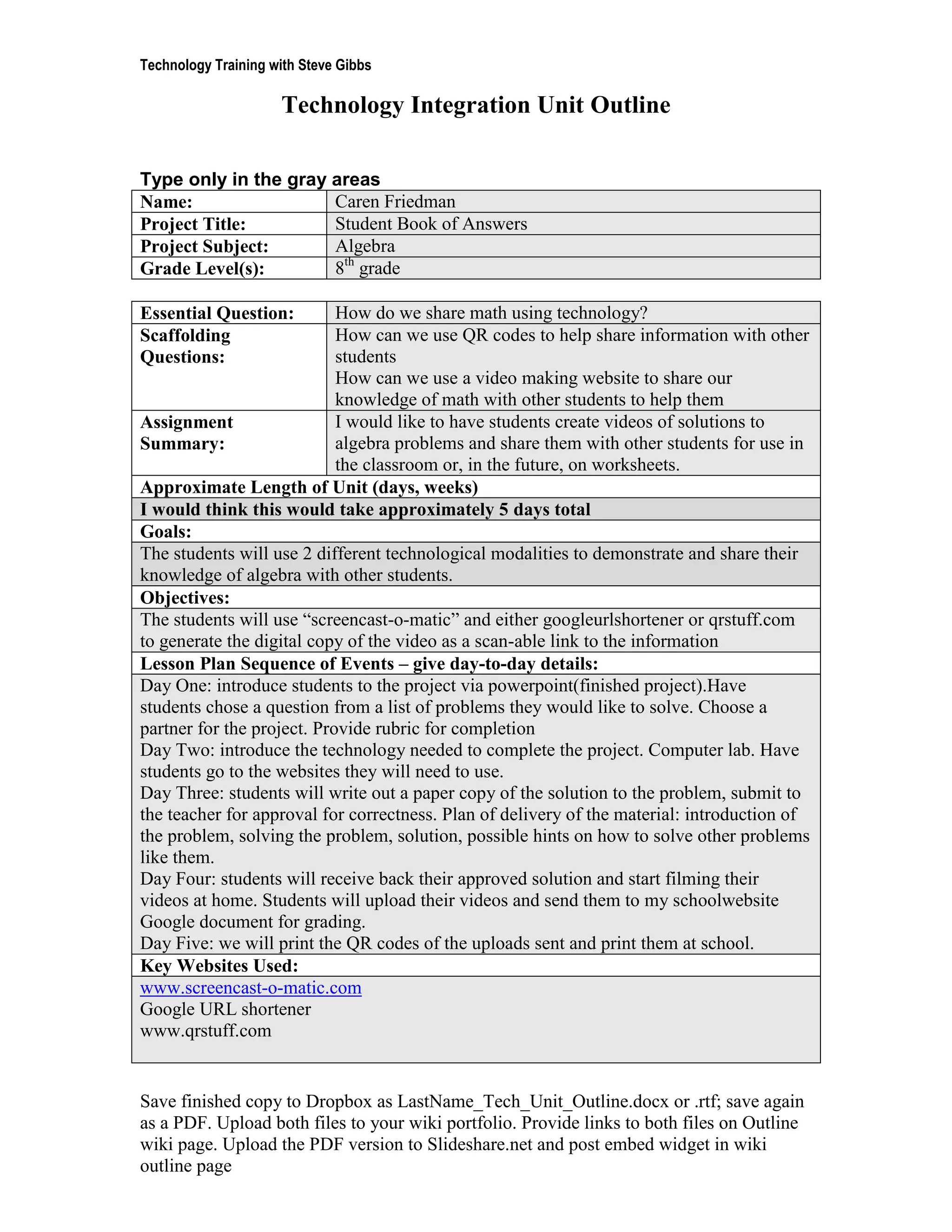
Name:                 Caren Friedman
Project Title:        Student Book of Answers
Project Subject:      Algebra
Grade Level(s):       8th grade

Essential Question:         How do we share math using technology?
Scaffolding                 How can we use QR codes to help share information with other
Questions:                  students
                            How can we use a video making website to share our
                            knowledge of math with other students to help them
Assignment                  I would like to have students create videos of solutions to
Summary:                    algebra problems and share them with other students for use in
                            the classroom or, in the future, on worksheets.
Approximate Length of Unit (days, weeks)
I would think this would take approximately 5 days total
Goals:
The students will use 2 different technological modalities to demonstrate and share their
knowledge of algebra with other students.
Objectives:
The students will use “screencast-o-matic” and either googleurlshortener or qrstuff.com
to generate the digital copy of the video as a scan-able link to the information
Lesson Plan Sequence of Events – give day-to-day details:
Day One: introduce students to the project via powerpoint(finished project).Have
students chose a question from a list of problems they would like to solve. Choose a
partner for the project. Provide rubric for completion
Day Two: introduce the technology needed to complete the project. Computer lab. Have
students go to the websites they will need to use.
Day Three: students will write out a paper copy of the solution to the problem, submit to
the teacher for approval for correctness. Plan of delivery of the material: introduction of
the problem, solving the problem, solution, possible hints on how to solve other problems
like them.
Day Four: students will receive back their approved solution and start filming their
videos at home. Students will upload their videos and send them to my schoolwebsite
Google document for grading.
Day Five: we will print the QR codes of the uploads sent and print them at school.
Key Websites Used:
www.screencast-o-matic.com
Google URL shortener
www.qrstuff.com


Save finished copy to Dropbox as LastName_Tech_Unit_Outline.docx or .rtf; save again
as a PDF. Upload both files to your wiki portfolio. Provide links to both files on Outline
wiki page. Upload the PDF version to Slideshare.net and post embed widget in wiki
outline page
Technology Training with Steve Gibbs

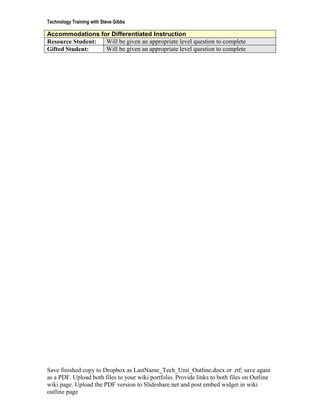
Accommodations for Differentiated Instruction
Resource Student: Will be given an appropriate level question to complete
Gifted Student:   Will be given an appropriate level question to complete


Save finished copy to Dropbox as LastName_Tech_Unit_Outline.docx or .rtf; save again
as a PDF. Upload both files to your wiki portfolio. Provide links to both files on Outline
wiki page. Upload the PDF version to Slideshare.net and post embed widget in wiki
outline page

Edu 741 tech outline

  • 1.
    Technology Training withSteve Gibbs Technology Integration Unit Outline Type only in the gray areas Name: Caren Friedman Project Title: Student Book of Answers Project Subject: Algebra Grade Level(s): 8th grade Essential Question: How do we share math using technology? Scaffolding How can we use QR codes to help share information with other Questions: students How can we use a video making website to share our knowledge of math with other students to help them Assignment I would like to have students create videos of solutions to Summary: algebra problems and share them with other students for use in the classroom or, in the future, on worksheets. Approximate Length of Unit (days, weeks) I would think this would take approximately 5 days total Goals: The students will use 2 different technological modalities to demonstrate and share their knowledge of algebra with other students. Objectives: The students will use “screencast-o-matic” and either googleurlshortener or qrstuff.com to generate the digital copy of the video as a scan-able link to the information Lesson Plan Sequence of Events – give day-to-day details: Day One: introduce students to the project via powerpoint(finished project).Have students chose a question from a list of problems they would like to solve. Choose a partner for the project. Provide rubric for completion Day Two: introduce the technology needed to complete the project. Computer lab. Have students go to the websites they will need to use. Day Three: students will write out a paper copy of the solution to the problem, submit to the teacher for approval for correctness. Plan of delivery of the material: introduction of the problem, solving the problem, solution, possible hints on how to solve other problems like them. Day Four: students will receive back their approved solution and start filming their videos at home. Students will upload their videos and send them to my schoolwebsite Google document for grading. Day Five: we will print the QR codes of the uploads sent and print them at school. Key Websites Used: www.screencast-o-matic.com Google URL shortener www.qrstuff.com Save finished copy to Dropbox as LastName_Tech_Unit_Outline.docx or .rtf; save again as a PDF. Upload both files to your wiki portfolio. Provide links to both files on Outline wiki page. Upload the PDF version to Slideshare.net and post embed widget in wiki outline page
  • 2.
    Technology Training withSteve Gibbs Accommodations for Differentiated Instruction Resource Student: Will be given an appropriate level question to complete Gifted Student: Will be given an appropriate level question to complete Save finished copy to Dropbox as LastName_Tech_Unit_Outline.docx or .rtf; save again as a PDF. Upload both files to your wiki portfolio. Provide links to both files on Outline wiki page. Upload the PDF version to Slideshare.net and post embed widget in wiki outline page