Dynamics AX 2009
Data Dictionary
Güven Şahin
Ayax Yazılım ve Danışmanlık
MorphX
• MorphX is an IDE in Microsoft Dynamics AX
that allows developers to graphically design
data types, base enumerations, tables,
queries, forms, menus and reports.
• In addition to design of application objects, it
also allows access to any application code by
launching the X++ code editor.
Application Object Tree
• The Application Object Tree (AOT) is a tree
view of all application objects in Microsoft
Dynamics AX 2009.
• Each branch node contains a different
application object type.
Application Object Tree
• Developer can create or modify Microsoft
Dynamics AX 2009 application objects using
drag-and-drop functionality.
• This chapter focuses on those objects
contained in the Data Dictionary node.
Opening the AOT
• Access the AOT from the Microsoft Dynamics
AX 2009 application. There are three different
ways to open the AOT.
Opening the AOT
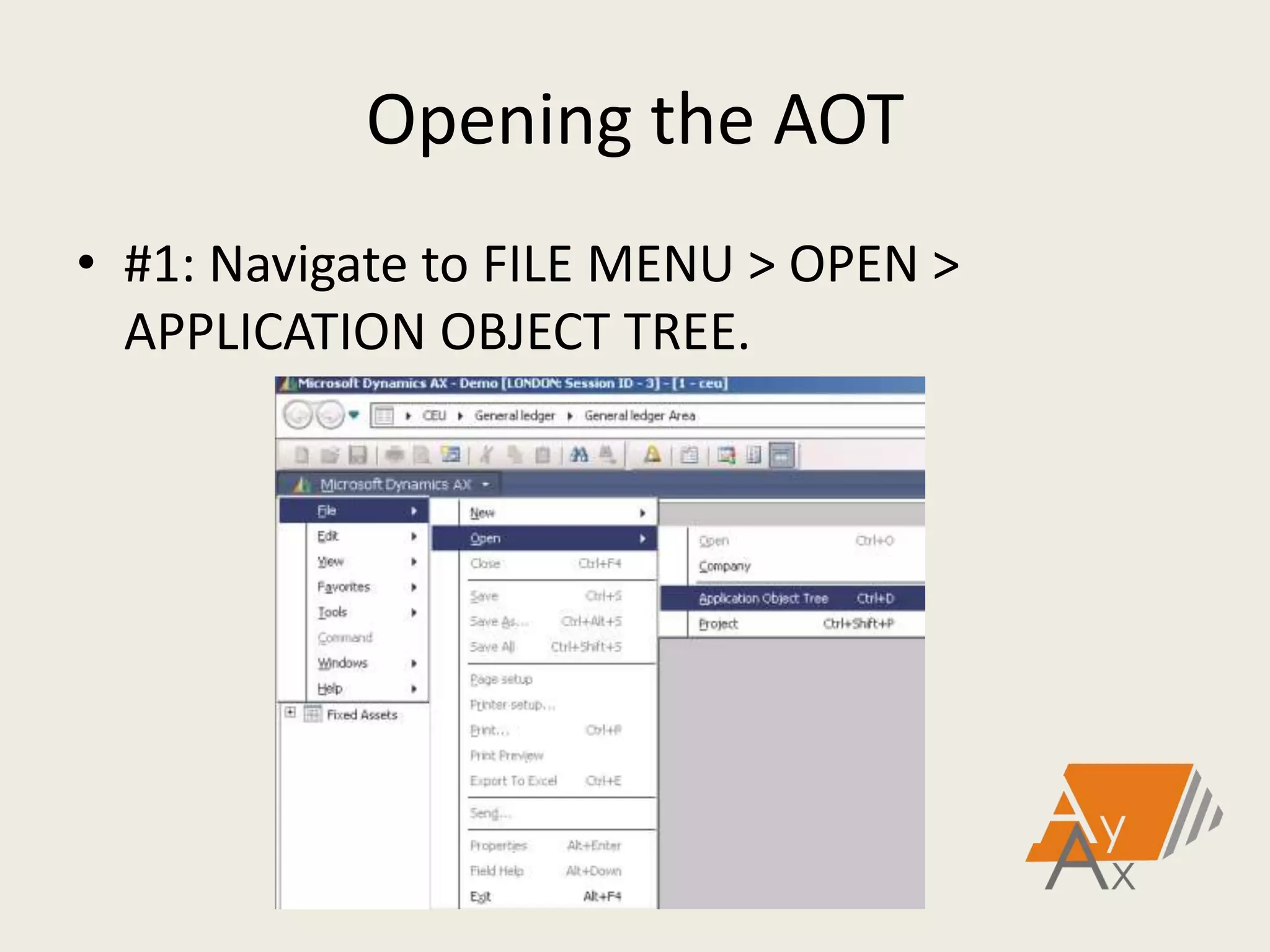
• #1: Navigate to FILE MENU > OPEN >
APPLICATION OBJECT TREE.
Opening the AOT
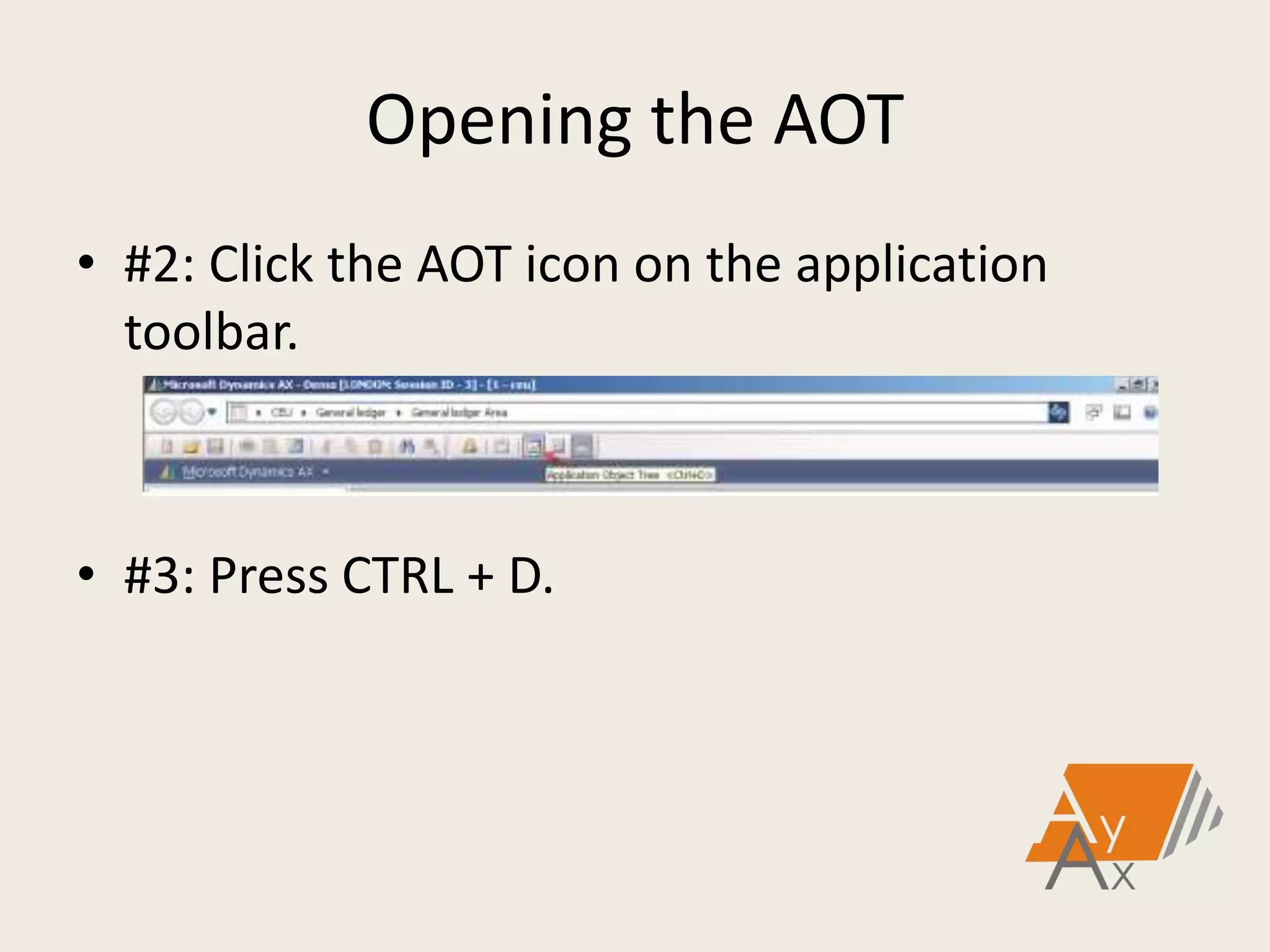
• #2: Click the AOT icon on the application
toolbar.
• #3: Press CTRL + D.
Tables
• Tables are at the core of the Microsoft
Dynamics AX 2009 application and enable
storing a company's information and
transactions.
• Tables storing data about company
transactions, inventory, general ledger,
journals and more.
Creating a Table
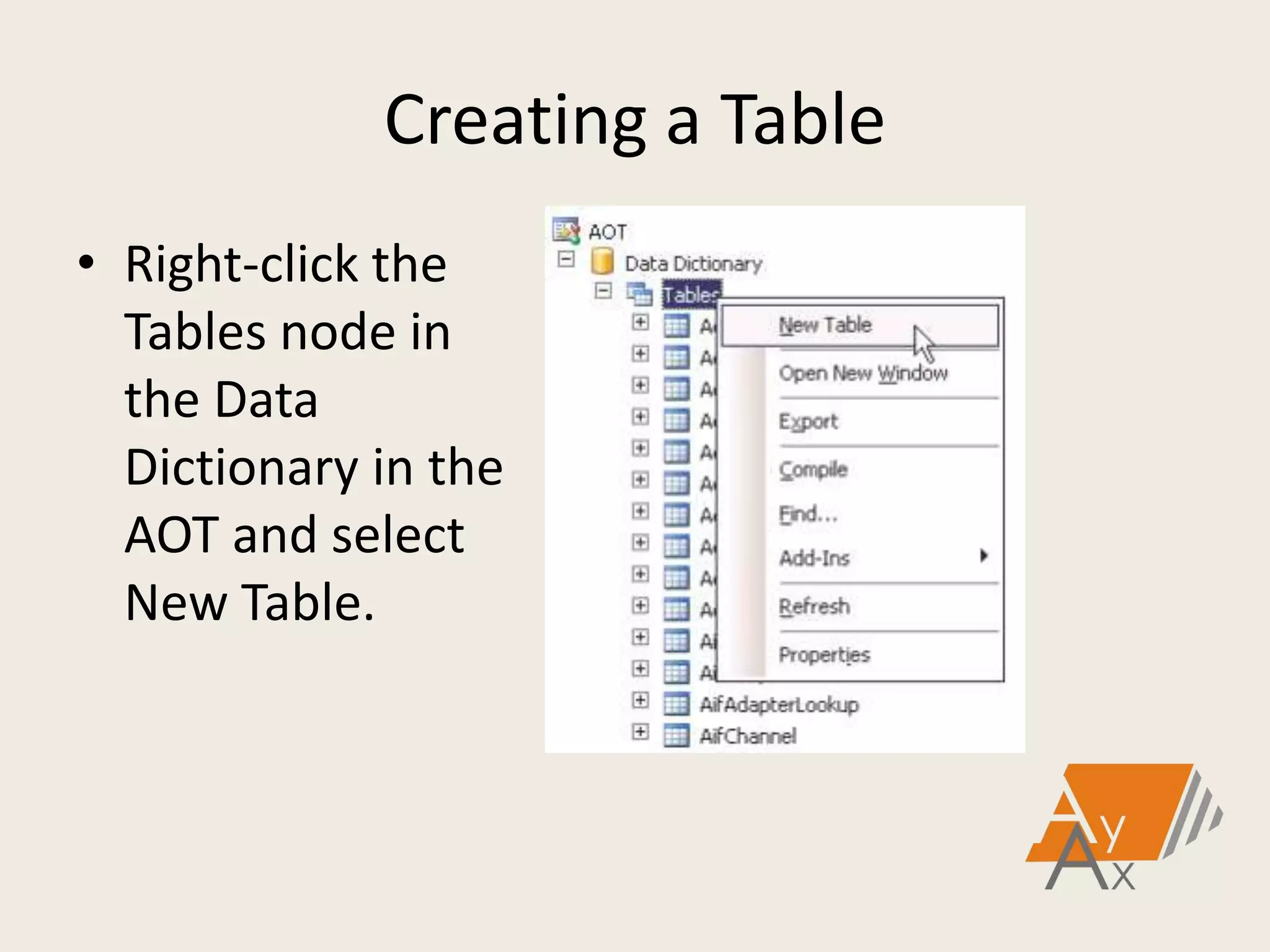
• Right-click the
Tables node in
the Data
Dictionary in the
AOT and select
New Table.
Tables
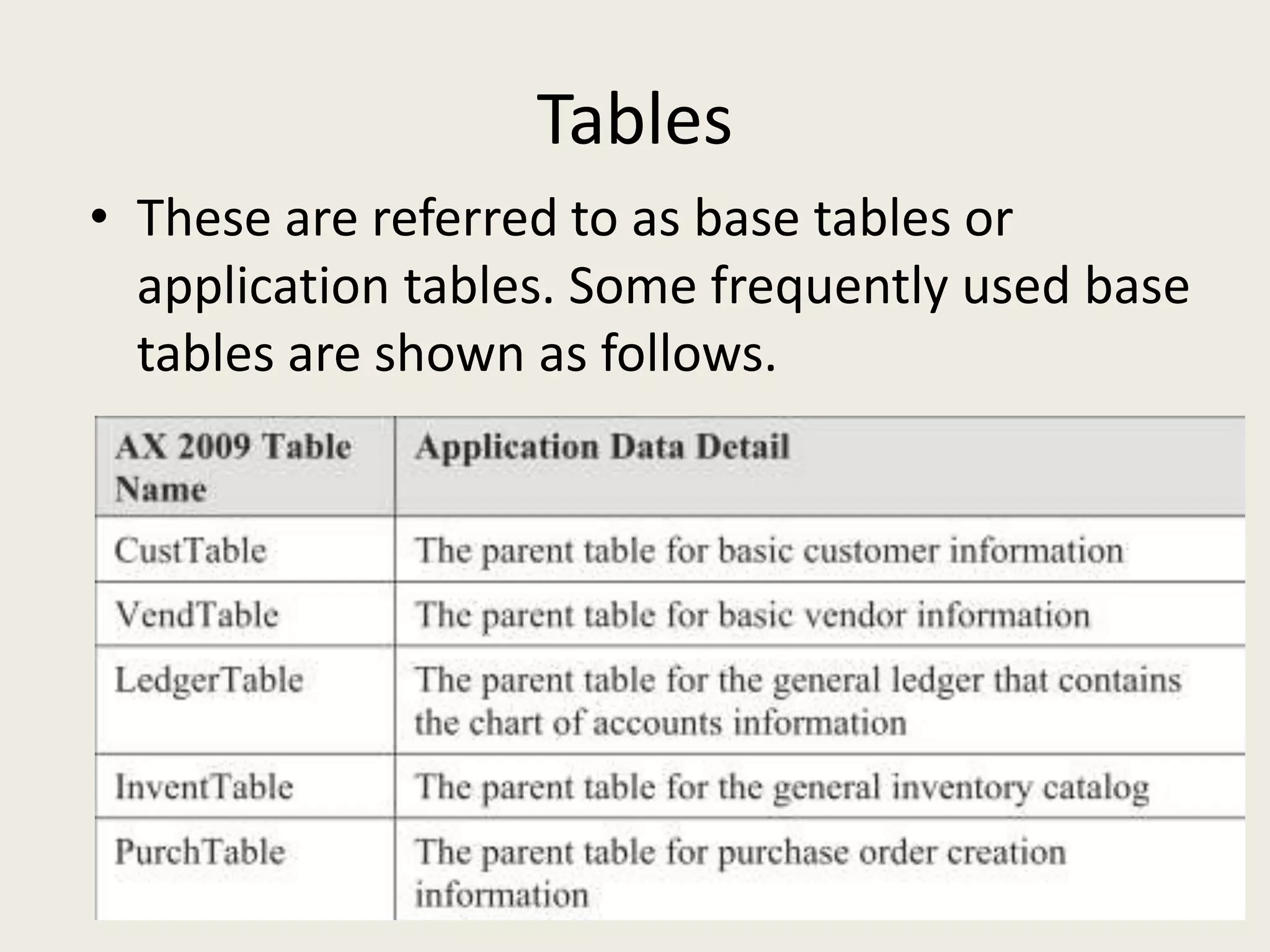
• These are referred to as base tables or
application tables. Some frequently used base
tables are shown as follows.
Tables
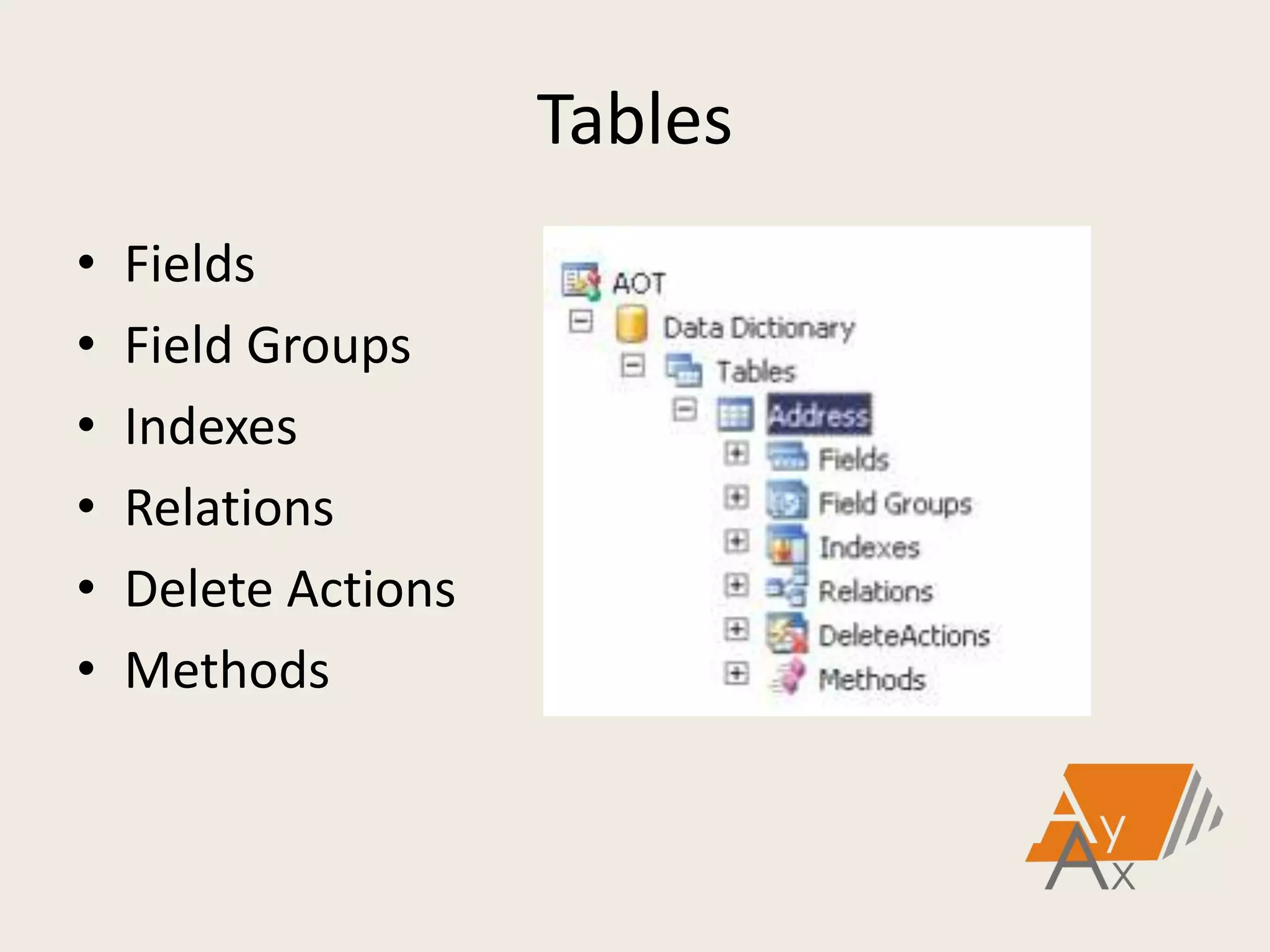
• Tables in Microsoft Dynamics AX 2009 contain
multiple elements that define the table. There
are six categories that define tables:
Tables
• Fields
• Field Groups
• Indexes
• Relations
• Delete Actions
• Methods
Data Types – Primitive and Extended
• Microsoft Dynamics AX 2009 has built in
primitive and extended data types associated
with the information in the database.
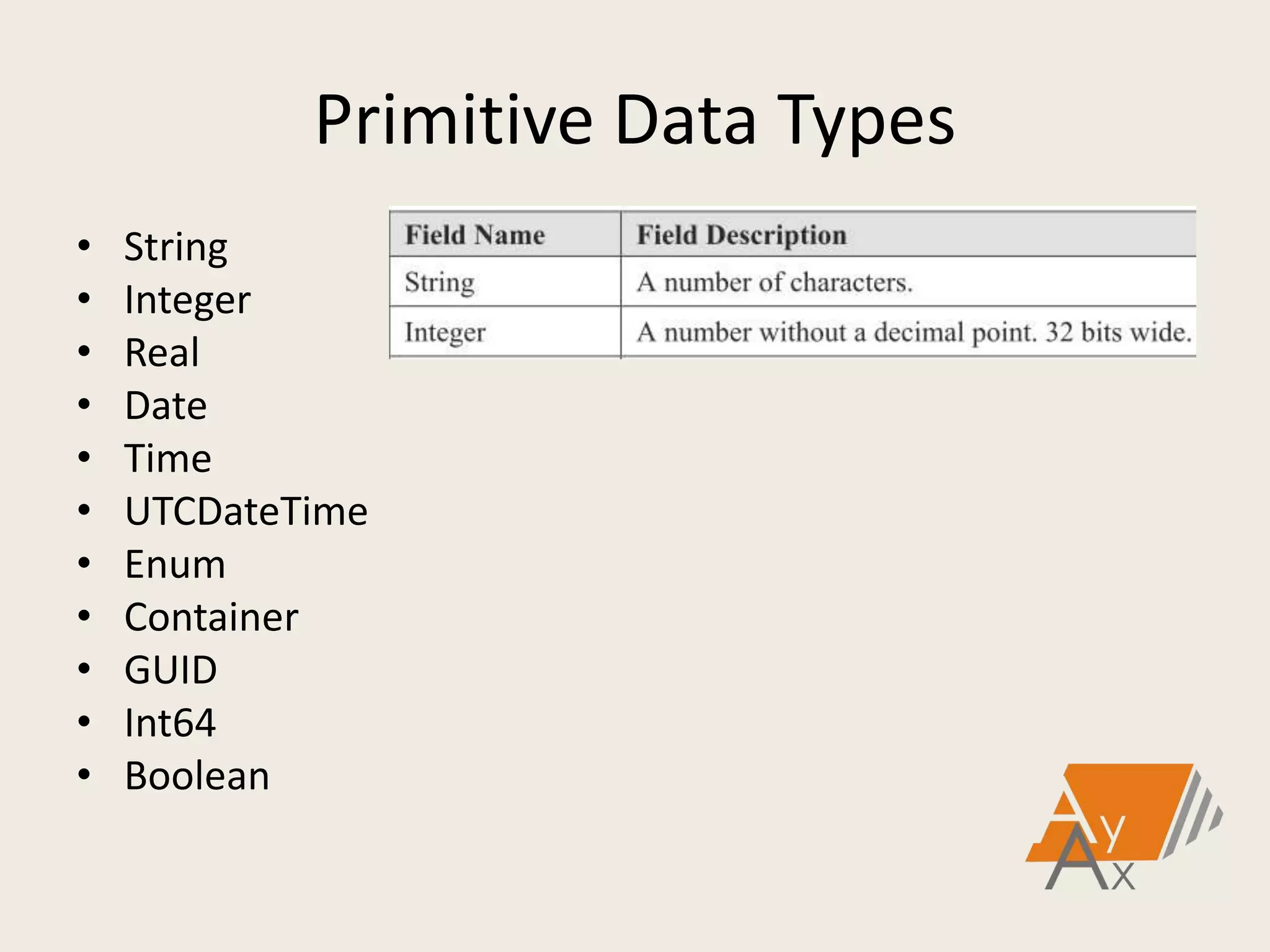
• The primitive data types enabled within
Microsoft Dynamics AX 2009 are:
Primitive Data Types
• String
• Integer
• Real
• Date
• Time
• UTCDateTime
• Enum
• Container
• GUID
• Int64
• Boolean
Extended Data Types
• Extended Data types can inherit either from
primitive data types or other Extended Data
Types, which enables properties to be
inherited.
• The properties of many fields can change at
one time by changing the properties on the
EDT.
Extended Data Types
• Some important facts about Extended Data
Types are in the following list:
Extended Data Types
• Extended Data Types can be based on
primitive MorphX data types or on another
EDT.
• If it is possible, custom tables have fields
based on Extended Data Types.
• A relation can be assigned to an Extended
Data Type and it can be made a Related Field
Fixed relation.
Extended Data Types
• Most fields in Microsoft Dynamics AX 2009
tables are based on Extended Data Types.
After it is created it can be reused as many
times as it is needed in the application.
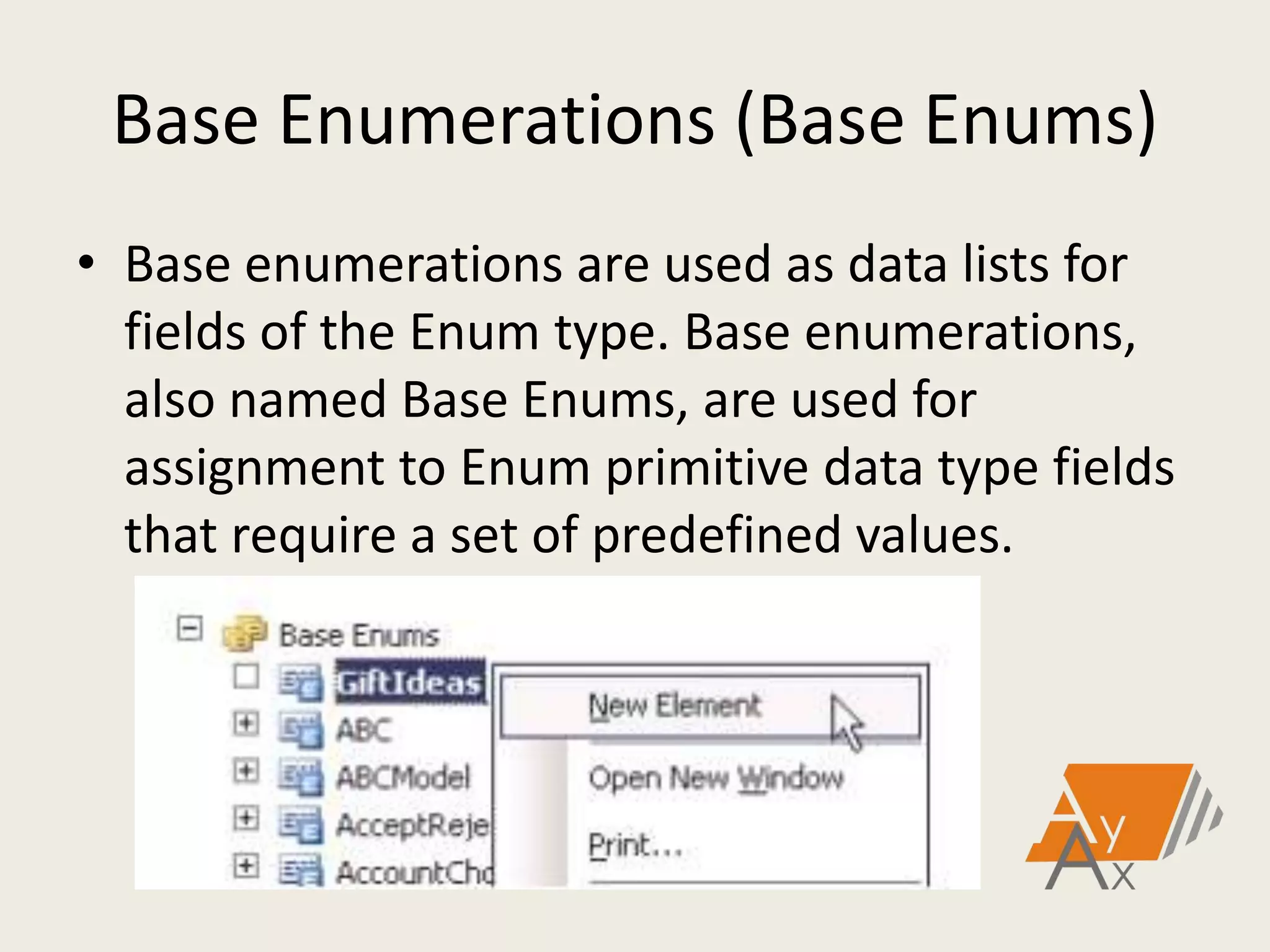
Base Enumerations (Base Enums)
• Base enumerations are used as data lists for
fields of the Enum type. Base enumerations,
also named Base Enums, are used for
assignment to Enum primitive data type fields
that require a set of predefined values.
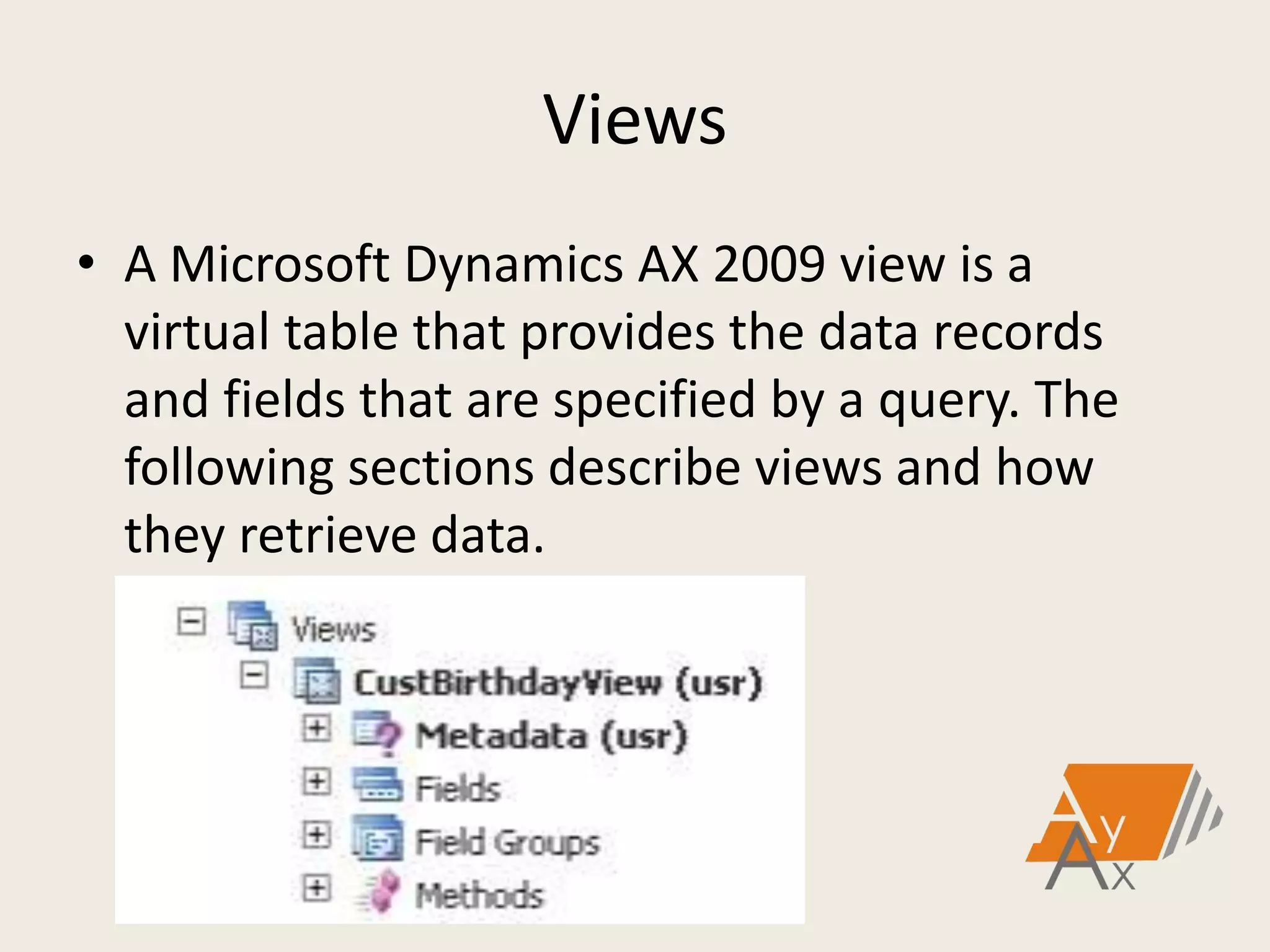
Views
• A Microsoft Dynamics AX 2009 view is a
virtual table that provides the data records
and fields that are specified by a query. The
following sections describe views and how
they retrieve data.
Teşekkürler.
http://ayax-it.com
guven.sahin@ayax-it.com

Dynamics AX 2009 Data Dictionary - Güven Şahin - 04.05.2013

  • 1.
    Dynamics AX 2009 DataDictionary Güven Şahin Ayax Yazılım ve Danışmanlık
  • 2.
    MorphX • MorphX isan IDE in Microsoft Dynamics AX that allows developers to graphically design data types, base enumerations, tables, queries, forms, menus and reports. • In addition to design of application objects, it also allows access to any application code by launching the X++ code editor.
  • 3.
    Application Object Tree •The Application Object Tree (AOT) is a tree view of all application objects in Microsoft Dynamics AX 2009. • Each branch node contains a different application object type.
  • 4.
    Application Object Tree •Developer can create or modify Microsoft Dynamics AX 2009 application objects using drag-and-drop functionality. • This chapter focuses on those objects contained in the Data Dictionary node.
  • 5.
    Opening the AOT •Access the AOT from the Microsoft Dynamics AX 2009 application. There are three different ways to open the AOT.
  • 6.
    Opening the AOT •#1: Navigate to FILE MENU > OPEN > APPLICATION OBJECT TREE.
  • 7.
    Opening the AOT •#2: Click the AOT icon on the application toolbar. • #3: Press CTRL + D.
  • 8.
    Tables • Tables areat the core of the Microsoft Dynamics AX 2009 application and enable storing a company's information and transactions. • Tables storing data about company transactions, inventory, general ledger, journals and more.
  • 9.
    Creating a Table •Right-click the Tables node in the Data Dictionary in the AOT and select New Table.
  • 10.
    Tables • These arereferred to as base tables or application tables. Some frequently used base tables are shown as follows.
  • 11.
    Tables • Tables inMicrosoft Dynamics AX 2009 contain multiple elements that define the table. There are six categories that define tables:
  • 12.
    Tables • Fields • FieldGroups • Indexes • Relations • Delete Actions • Methods
  • 13.
    Data Types –Primitive and Extended • Microsoft Dynamics AX 2009 has built in primitive and extended data types associated with the information in the database. • The primitive data types enabled within Microsoft Dynamics AX 2009 are:
  • 14.
    Primitive Data Types •String • Integer • Real • Date • Time • UTCDateTime • Enum • Container • GUID • Int64 • Boolean
  • 15.
    Extended Data Types •Extended Data types can inherit either from primitive data types or other Extended Data Types, which enables properties to be inherited. • The properties of many fields can change at one time by changing the properties on the EDT.
  • 16.
    Extended Data Types •Some important facts about Extended Data Types are in the following list:
  • 17.
    Extended Data Types •Extended Data Types can be based on primitive MorphX data types or on another EDT. • If it is possible, custom tables have fields based on Extended Data Types. • A relation can be assigned to an Extended Data Type and it can be made a Related Field Fixed relation.
  • 18.
    Extended Data Types •Most fields in Microsoft Dynamics AX 2009 tables are based on Extended Data Types. After it is created it can be reused as many times as it is needed in the application.
  • 19.
    Base Enumerations (BaseEnums) • Base enumerations are used as data lists for fields of the Enum type. Base enumerations, also named Base Enums, are used for assignment to Enum primitive data type fields that require a set of predefined values.
  • 20.
    Views • A MicrosoftDynamics AX 2009 view is a virtual table that provides the data records and fields that are specified by a query. The following sections describe views and how they retrieve data.
  • 21.