

Drupal Module Development
“Hands-on”
Amit Vyas
http://drupal.org/user/246119
Rachit Gupta
https://drupal.org/user/403301
Overview
• Drupal Architecture
• Types of Drupal Modules
• Module Architecture
• Hooks 
• Hands On Module
Drupal Architecture
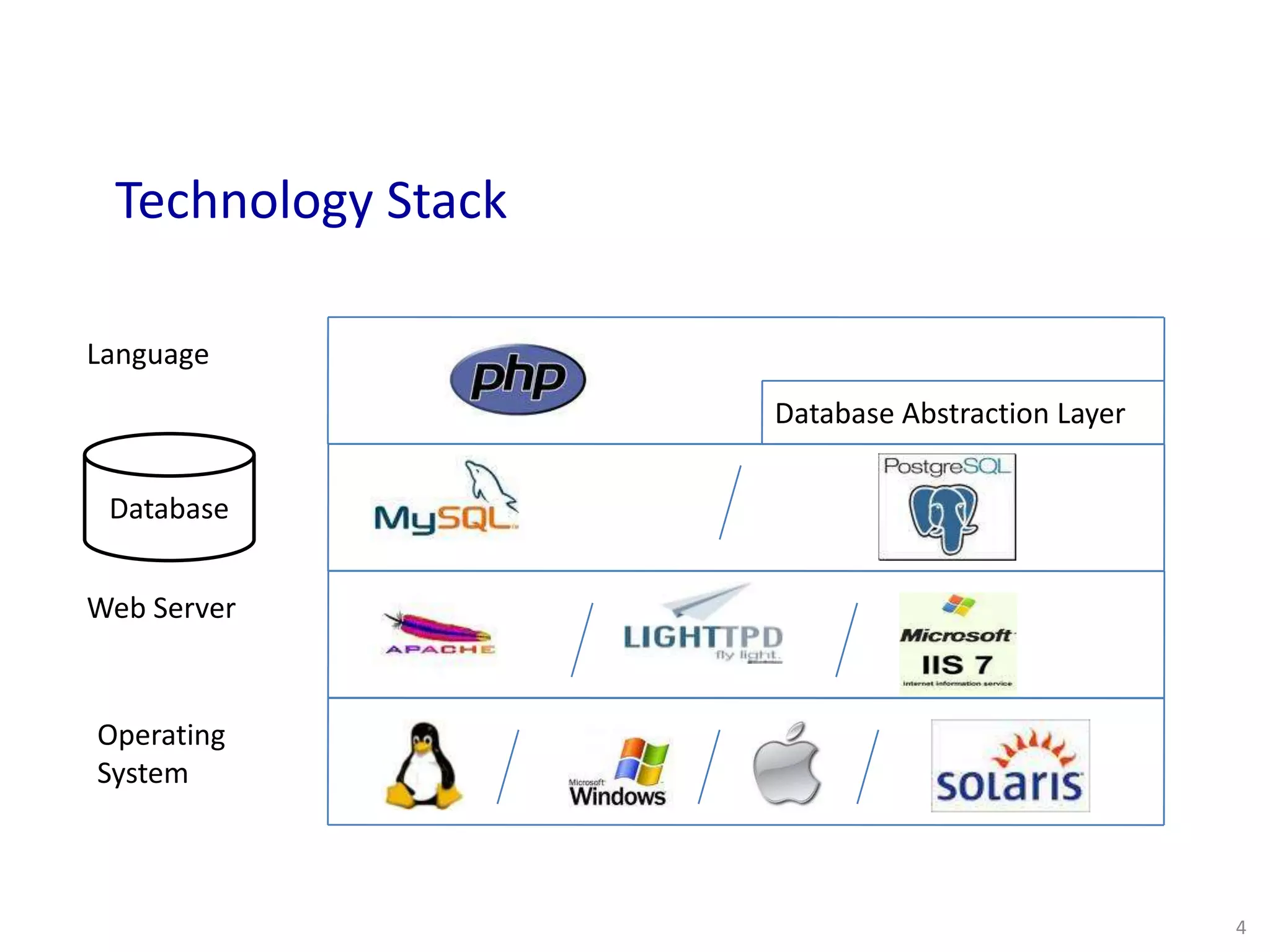
Technology Stack L(/W)AMP
Code Base (Drupal 7)
Database
Operating
System
Web Server
Language
Database Abstraction Layer
Technology Stack
Database
4
Types of Drupal Modules
Core Modules
Contributed Modules
Custom Modules
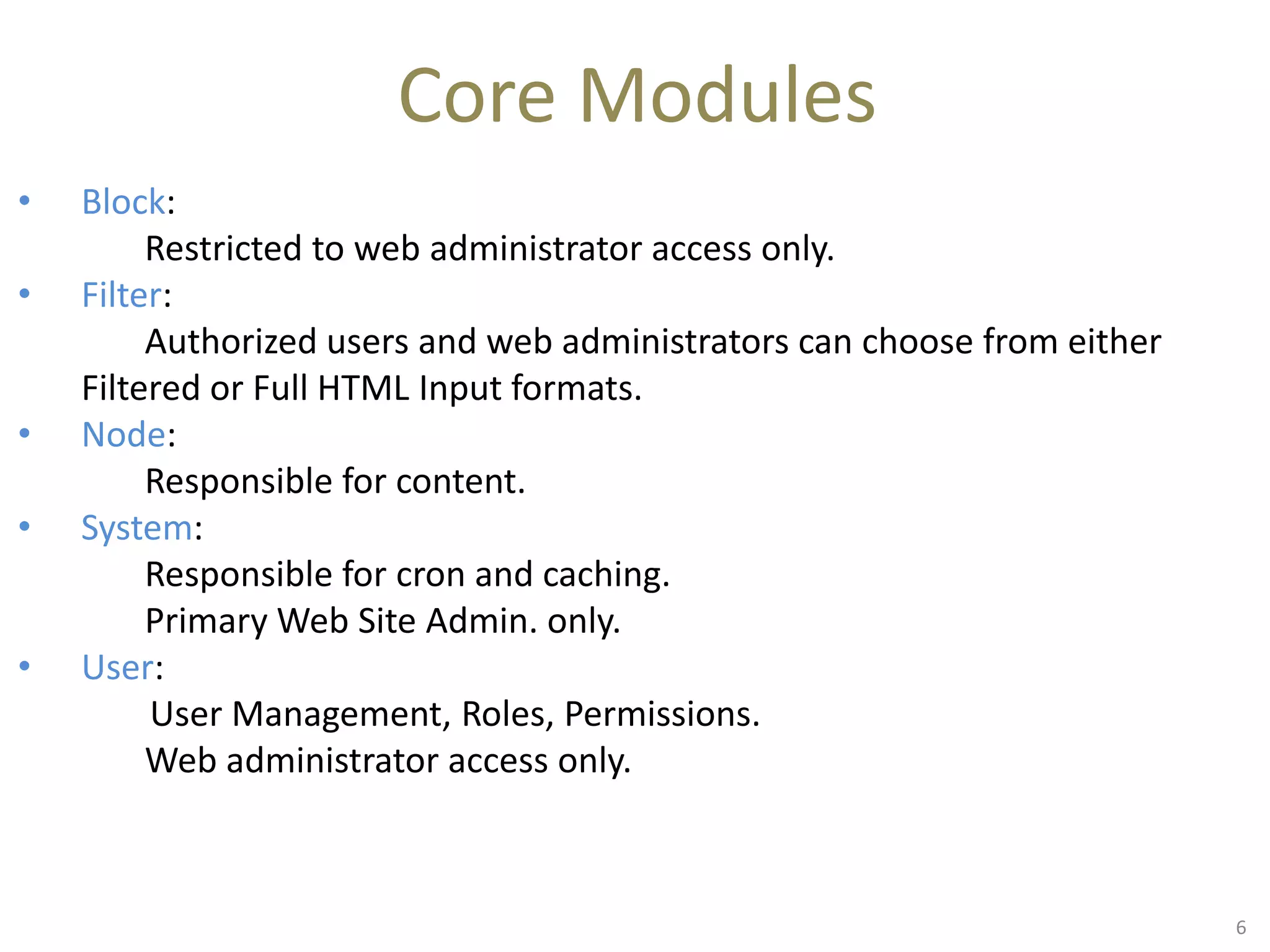
Core Modules
• Block:
Restricted to web administrator access only.
• Filter:
Authorized users and web administrators can choose from either
Filtered or Full HTML Input formats.
• Node:
Responsible for content.
• System:
Responsible for cron and caching.
Primary Web Site Admin. only.
• User:
User Management, Roles, Permissions.
Web administrator access only.
6
Contributed Modules
There are very high chances that what you are
looking for has already been developed 
 http://drupal.org/project/Modules
 http://drupalmodules.com/module-finder
 Google -> site:drupal.org/project <search
keywords> -cvs
No Luck!! 
Time to get hands dirty !!

How?
Custom Modules
• To extend functionality of contributed modules.
• To build features that are specific to your site.
• To build features that are not available through core or
contributed modules.
10
Make sure to look inside
related modules
Related =>
Modules that do things which are only
slightly different or slightly similar to the
things that you wound want your
module to do.
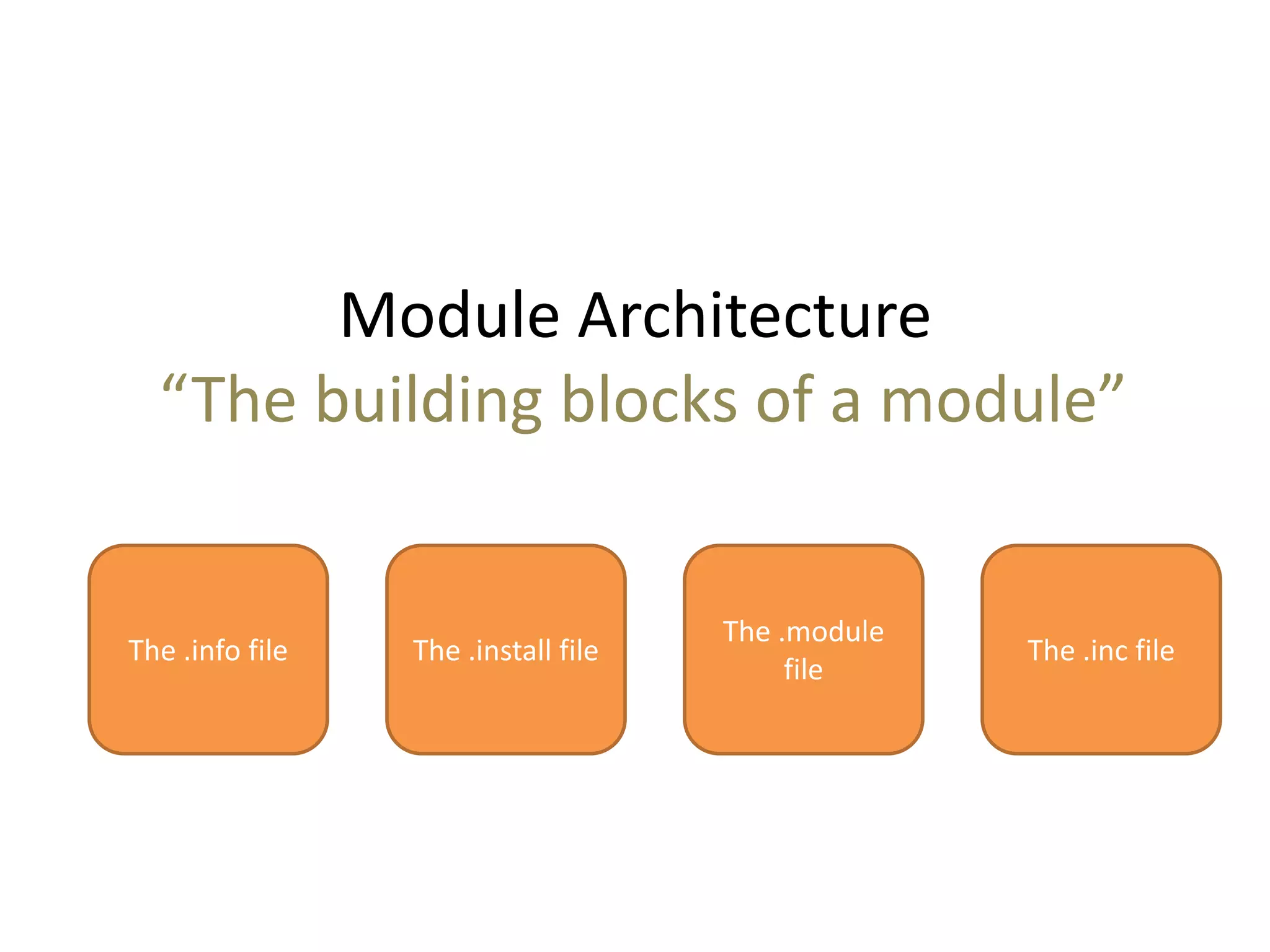
Module Architecture
“The building blocks of a module”
The .info file The .install file
The .module
file
The .inc file
.info file
• Drupal uses .info files (aka, "dot info files") to store metadata
about themes and modules. Various Drupal components use the
information in this file for module management.
• The .info file should have the same name as the .module file
and reside in the same directory. For example, if our module is
named drupal_training.module then your .info file should be
named drupal_training.info.
13
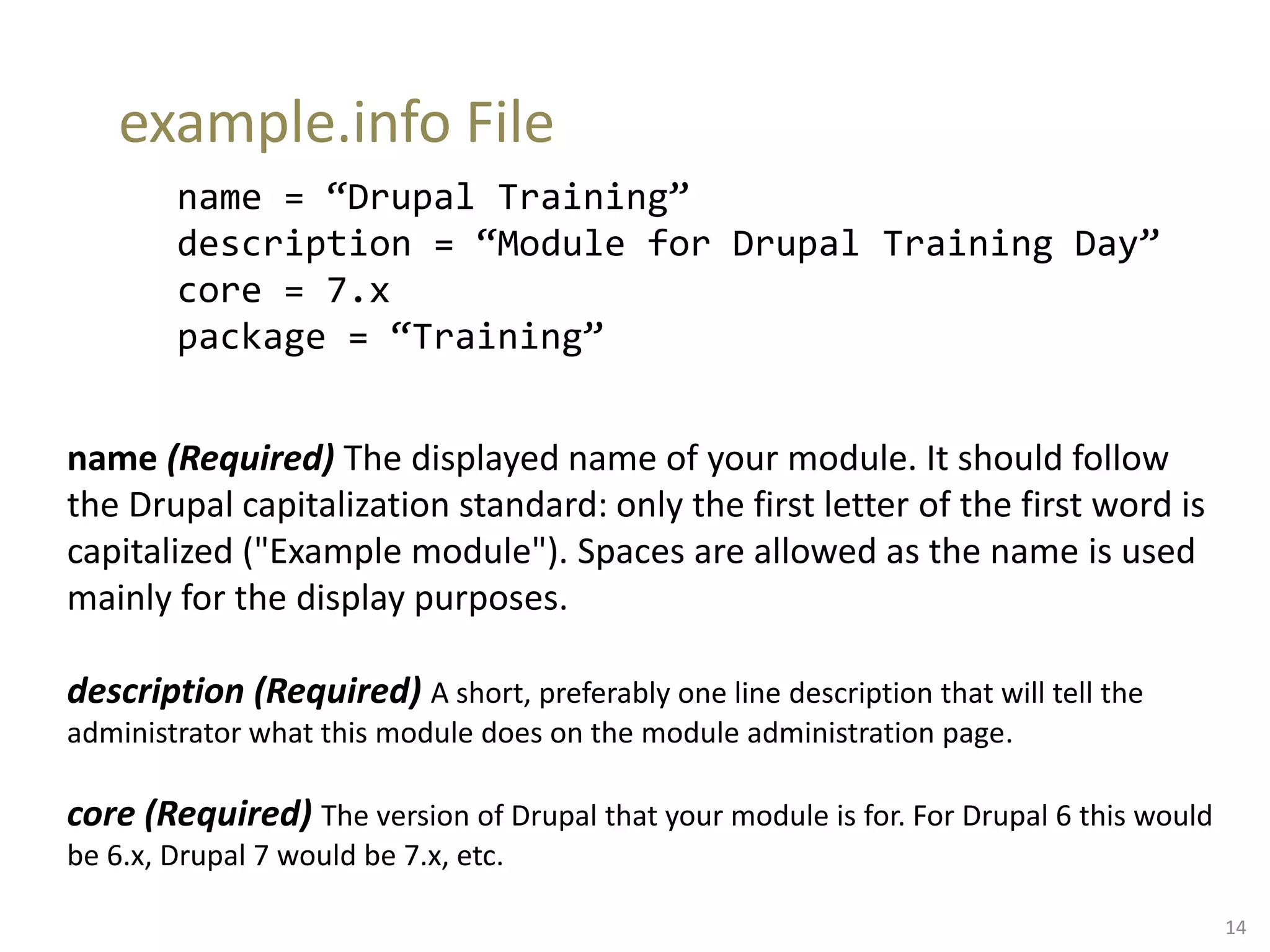
example.info File
name = “Drupal Training”
description = “Module for Drupal Training Day”
core = 7.x
package = “Training”
name (Required) The displayed name of your module. It should follow
the Drupal capitalization standard: only the first letter of the first word is
capitalized ("Example module"). Spaces are allowed as the name is used
mainly for the display purposes.
description (Required) A short, preferably one line description that will tell the
administrator what this module does on the module administration page.
core (Required) The version of Drupal that your module is for. For Drupal 6 this would
be 6.x, Drupal 7 would be 7.x, etc.
14
.inc file
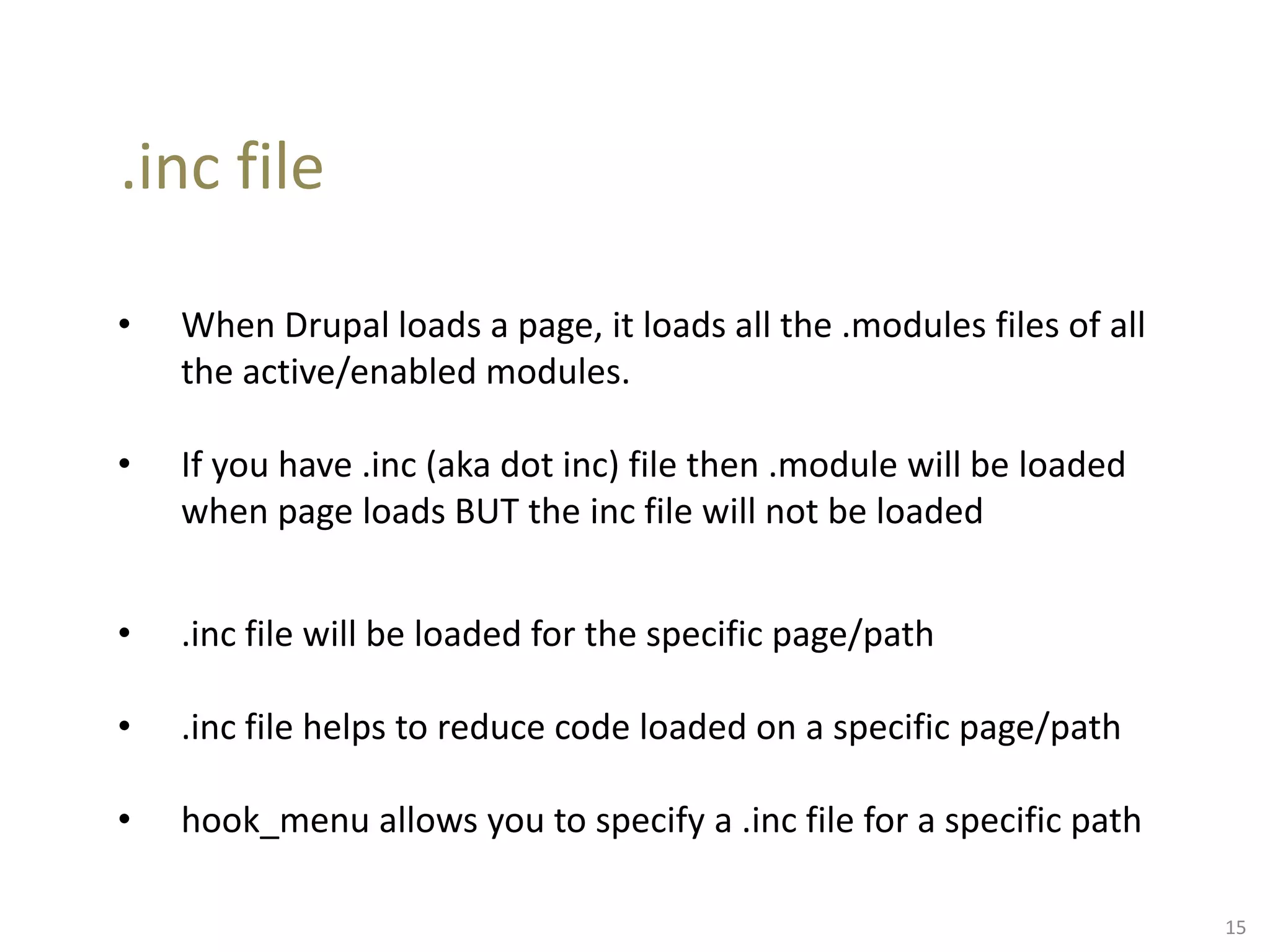
• When Drupal loads a page, it loads all the .modules files of all
the active/enabled modules.
• If you have .inc (aka dot inc) file then .module will be loaded
when page loads BUT the inc file will not be loaded
• .inc file will be loaded for the specific page/path
• .inc file helps to reduce code loaded on a specific page/path
• hook_menu allows you to specify a .inc file for a specific path
15
Introduction to Hooks
What are hooks?
Why should I care?
16
What are hooks?
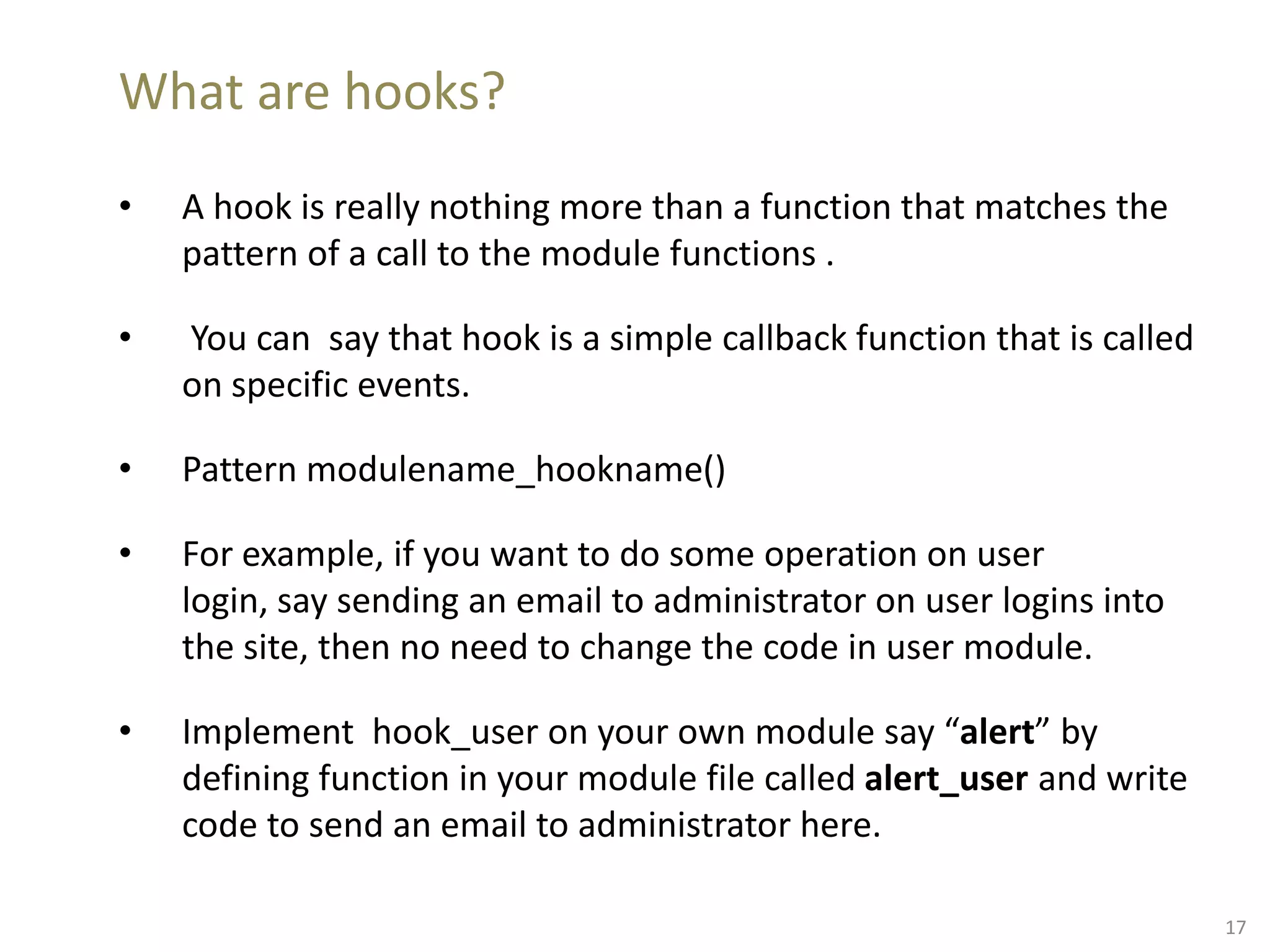
• A hook is really nothing more than a function that matches the
pattern of a call to the module functions .
• You can say that hook is a simple callback function that is called
on specific events.
• Pattern modulename_hookname()
• For example, if you want to do some operation on user
login, say sending an email to administrator on user logins into
the site, then no need to change the code in user module.
• Implement hook_user on your own module say “alert” by
defining function in your module file called alert_user and write
code to send an email to administrator here.
17
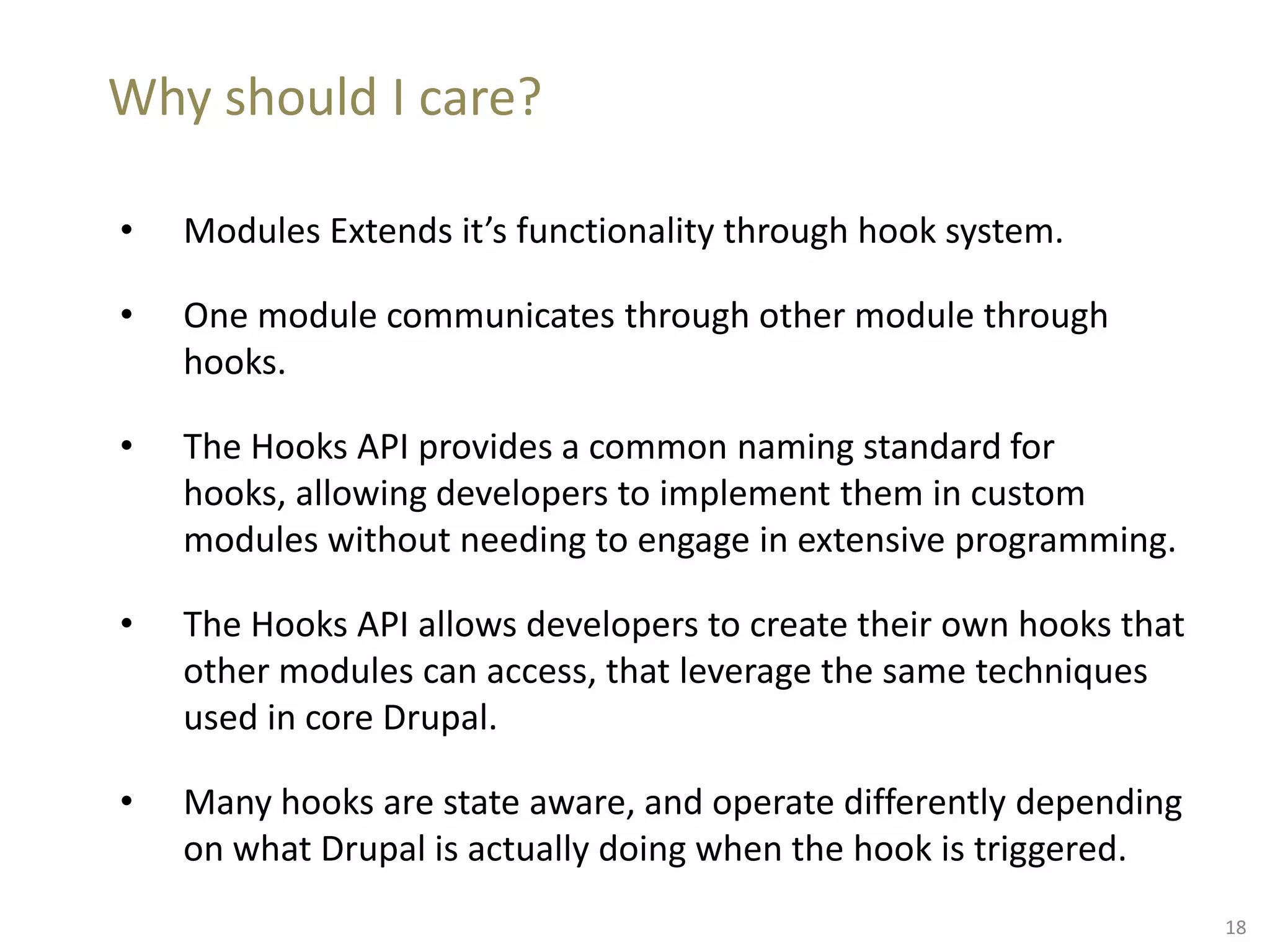
Why should I care?
• Modules Extends it’s functionality through hook system.
• One module communicates through other module through
hooks.
• The Hooks API provides a common naming standard for
hooks, allowing developers to implement them in custom
modules without needing to engage in extensive programming.
• The Hooks API allows developers to create their own hooks that
other modules can access, that leverage the same techniques
used in core Drupal.
• Many hooks are state aware, and operate differently depending
on what Drupal is actually doing when the hook is triggered.
18
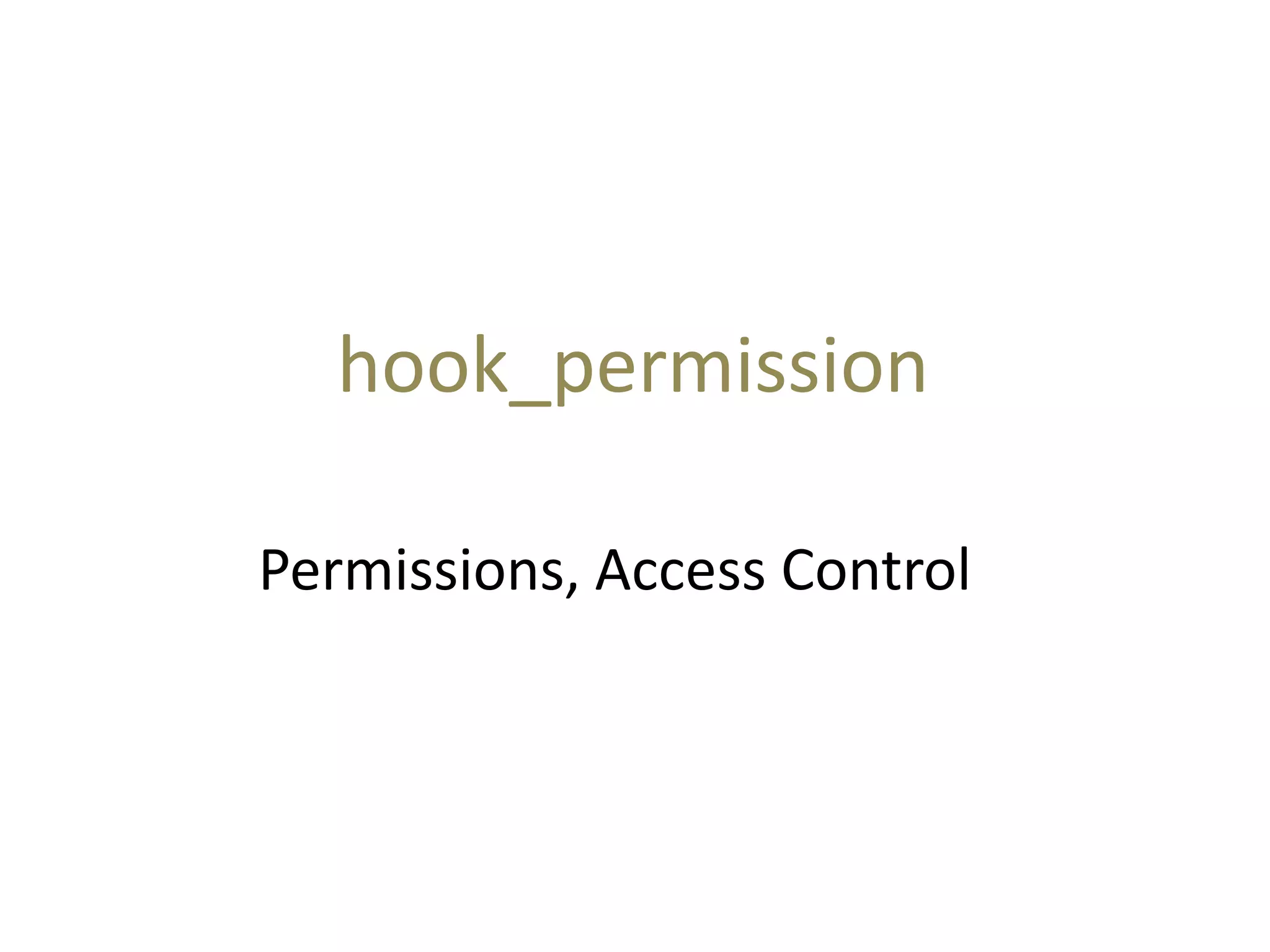
Permissions, Access Control
hook_permission
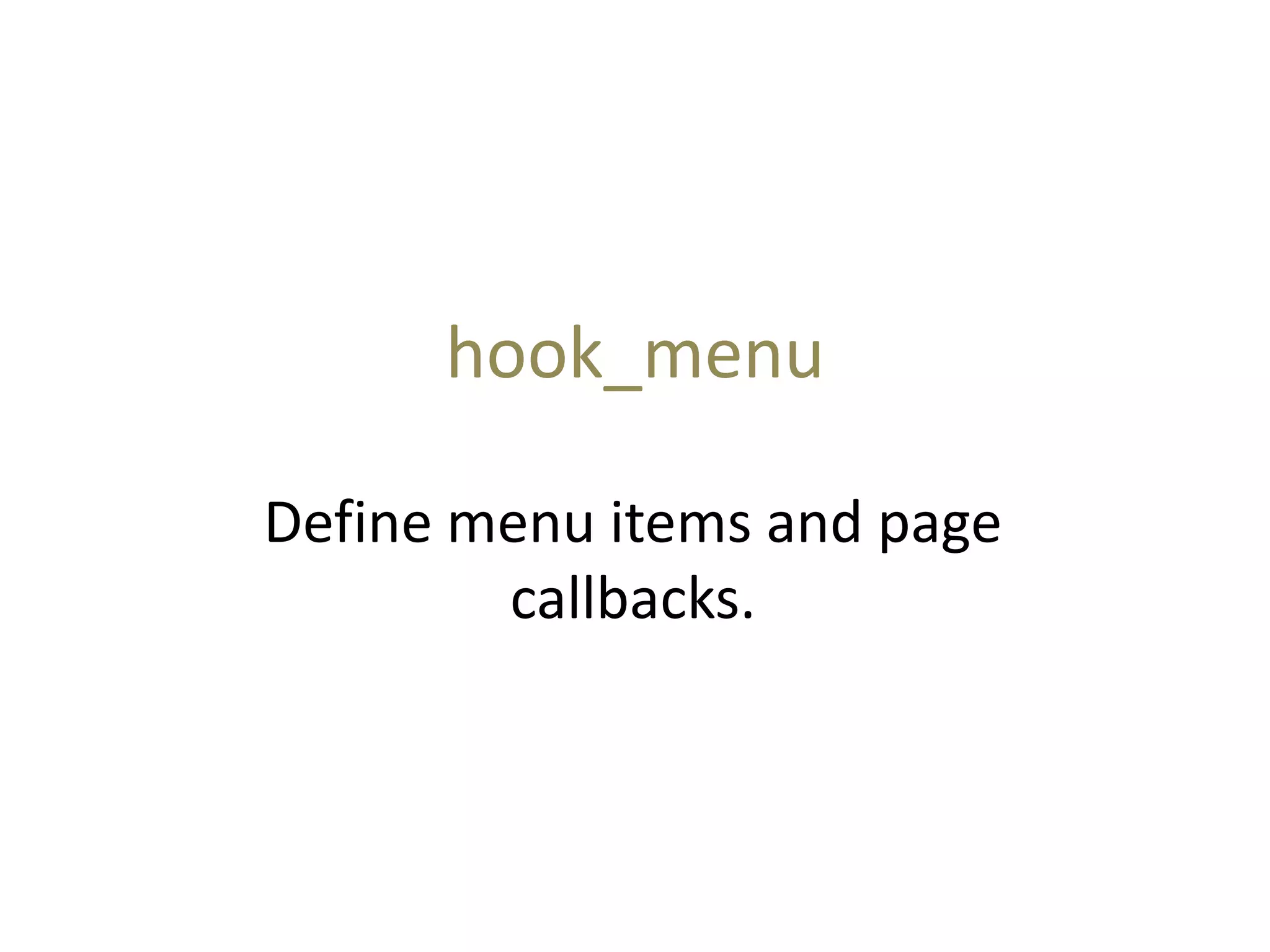
hook_menu
Define menu items and page
callbacks.
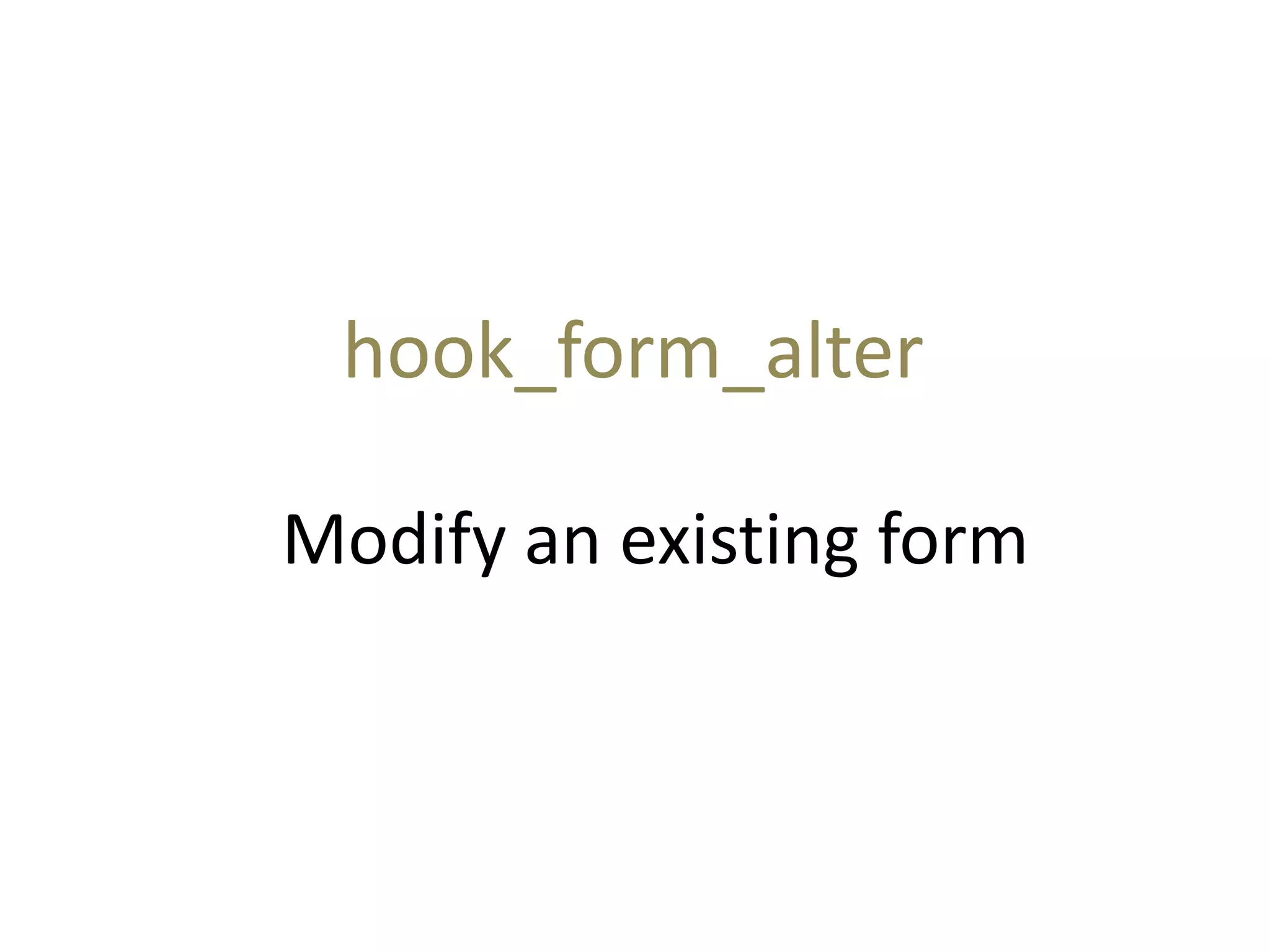
Modify an existing form
hook_form_alter
Node operations
“The king of all hooks”
hook_nodeapi
Major hooks
 http://api.drupal.org/api/function/hook_user
 Gotcha: Not implementing the case delete.
Especially dangerous when modules own
tables have user related data. Just do it in the
memory of node/8
 http://api.drupal.org/api/function/hook_cron
 http://api.drupal.org/api/function/hook_block
Tools we can use…
 DATABASE API
 http://api.drupal.org/api/function/drupal_write_records
 http://api.drupal.org/api/function/user_roles
 http://api.drupal.org/api/function/format_interval
 http://api.drupal.org/api/function/user_multiple_role_edit
 http://api.drupal.org/api/function/user_load
 http://api.drupal.org/api/function/drupal_mail
 http://api.drupal.org/api/function/watchdog
 ~ 2200 more
25
Amit Vyas
http://drupal.org/user/246119
Rachit Gupta
https://drupal.org/user/403301

Drupal module development

  • 1.
    Drupal Module Development “Hands-on” AmitVyas http://drupal.org/user/246119 Rachit Gupta https://drupal.org/user/403301
  • 2.
    Overview • Drupal Architecture •Types of Drupal Modules • Module Architecture • Hooks  • Hands On Module
  • 3.
    Drupal Architecture Technology StackL(/W)AMP Code Base (Drupal 7) Database
  • 4.
  • 5.
    Types of DrupalModules Core Modules Contributed Modules Custom Modules
  • 6.
    Core Modules • Block: Restrictedto web administrator access only. • Filter: Authorized users and web administrators can choose from either Filtered or Full HTML Input formats. • Node: Responsible for content. • System: Responsible for cron and caching. Primary Web Site Admin. only. • User: User Management, Roles, Permissions. Web administrator access only. 6
  • 7.
    Contributed Modules There arevery high chances that what you are looking for has already been developed   http://drupal.org/project/Modules  http://drupalmodules.com/module-finder  Google -> site:drupal.org/project <search keywords> -cvs
  • 8.
  • 9.
    Time to gethands dirty !!  How?
  • 10.
    Custom Modules • Toextend functionality of contributed modules. • To build features that are specific to your site. • To build features that are not available through core or contributed modules. 10
  • 11.
    Make sure tolook inside related modules Related => Modules that do things which are only slightly different or slightly similar to the things that you wound want your module to do.
  • 12.
    Module Architecture “The buildingblocks of a module” The .info file The .install file The .module file The .inc file
  • 13.
    .info file • Drupaluses .info files (aka, "dot info files") to store metadata about themes and modules. Various Drupal components use the information in this file for module management. • The .info file should have the same name as the .module file and reside in the same directory. For example, if our module is named drupal_training.module then your .info file should be named drupal_training.info. 13
  • 14.
    example.info File name =“Drupal Training” description = “Module for Drupal Training Day” core = 7.x package = “Training” name (Required) The displayed name of your module. It should follow the Drupal capitalization standard: only the first letter of the first word is capitalized ("Example module"). Spaces are allowed as the name is used mainly for the display purposes. description (Required) A short, preferably one line description that will tell the administrator what this module does on the module administration page. core (Required) The version of Drupal that your module is for. For Drupal 6 this would be 6.x, Drupal 7 would be 7.x, etc. 14
  • 15.
    .inc file • WhenDrupal loads a page, it loads all the .modules files of all the active/enabled modules. • If you have .inc (aka dot inc) file then .module will be loaded when page loads BUT the inc file will not be loaded • .inc file will be loaded for the specific page/path • .inc file helps to reduce code loaded on a specific page/path • hook_menu allows you to specify a .inc file for a specific path 15
  • 16.
    Introduction to Hooks Whatare hooks? Why should I care? 16
  • 17.
    What are hooks? •A hook is really nothing more than a function that matches the pattern of a call to the module functions . • You can say that hook is a simple callback function that is called on specific events. • Pattern modulename_hookname() • For example, if you want to do some operation on user login, say sending an email to administrator on user logins into the site, then no need to change the code in user module. • Implement hook_user on your own module say “alert” by defining function in your module file called alert_user and write code to send an email to administrator here. 17
  • 18.
    Why should Icare? • Modules Extends it’s functionality through hook system. • One module communicates through other module through hooks. • The Hooks API provides a common naming standard for hooks, allowing developers to implement them in custom modules without needing to engage in extensive programming. • The Hooks API allows developers to create their own hooks that other modules can access, that leverage the same techniques used in core Drupal. • Many hooks are state aware, and operate differently depending on what Drupal is actually doing when the hook is triggered. 18
  • 19.
  • 20.
    hook_menu Define menu itemsand page callbacks.
  • 21.
    Modify an existingform hook_form_alter
  • 22.
    Node operations “The kingof all hooks” hook_nodeapi
  • 23.
    Major hooks  http://api.drupal.org/api/function/hook_user Gotcha: Not implementing the case delete. Especially dangerous when modules own tables have user related data. Just do it in the memory of node/8  http://api.drupal.org/api/function/hook_cron  http://api.drupal.org/api/function/hook_block
  • 24.
    Tools we canuse…  DATABASE API  http://api.drupal.org/api/function/drupal_write_records  http://api.drupal.org/api/function/user_roles  http://api.drupal.org/api/function/format_interval  http://api.drupal.org/api/function/user_multiple_role_edit  http://api.drupal.org/api/function/user_load  http://api.drupal.org/api/function/drupal_mail  http://api.drupal.org/api/function/watchdog  ~ 2200 more
  • 25.