YOU CAN BE AN
OPEN SOURCE
LIBRARY
Koha is a
first step…
1.
SubjectsPlus www.subjectsplus.com
What?
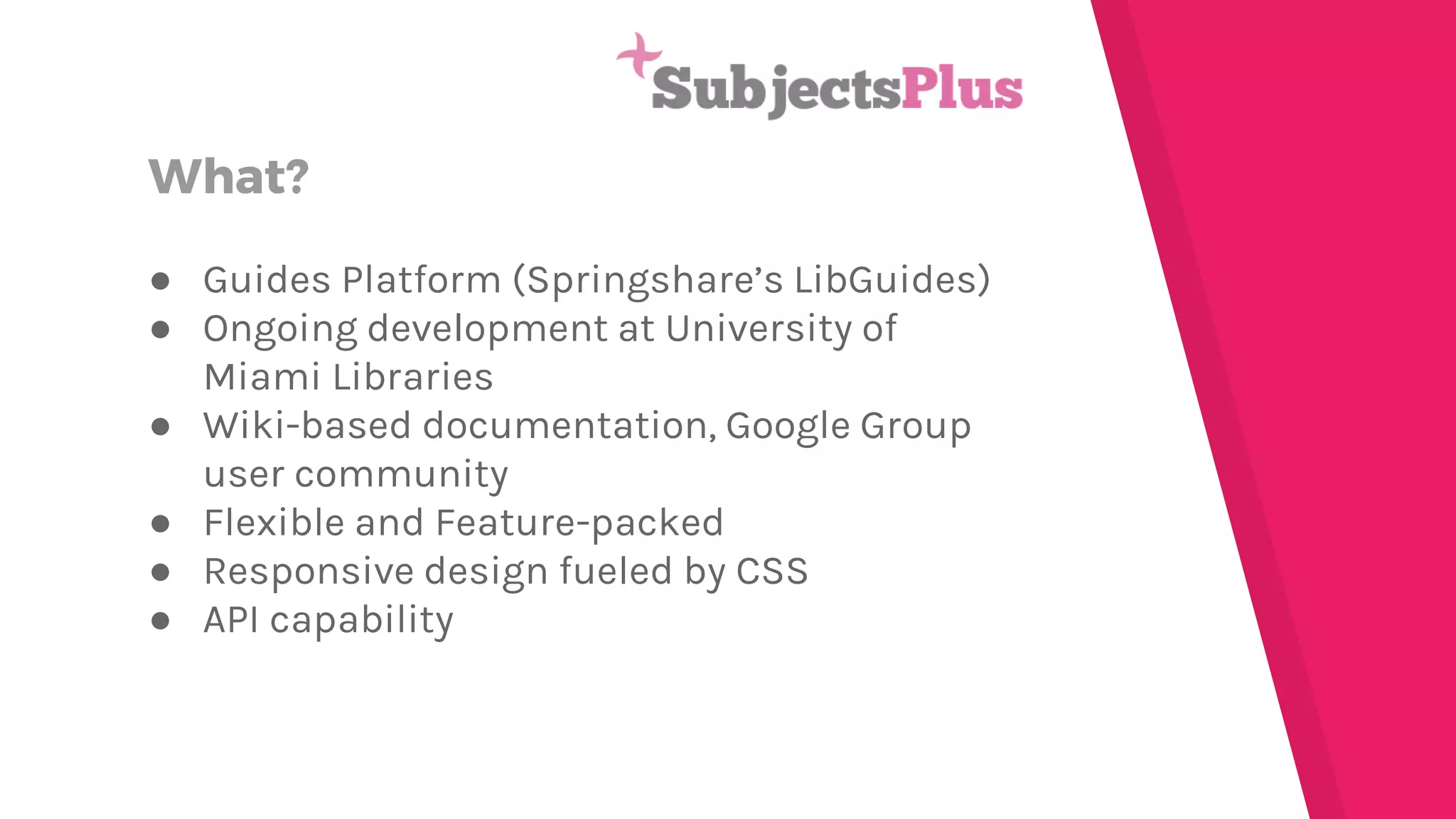
● Guides Platform (Springshare’s LibGuides)
● Ongoing development at University of
Miami Libraries
● Wiki-based documentation, Google Group
user community
● Flexible and Feature-packed
● Responsive design fueled by CSS
● API capability
Requirements
Their Recommendation
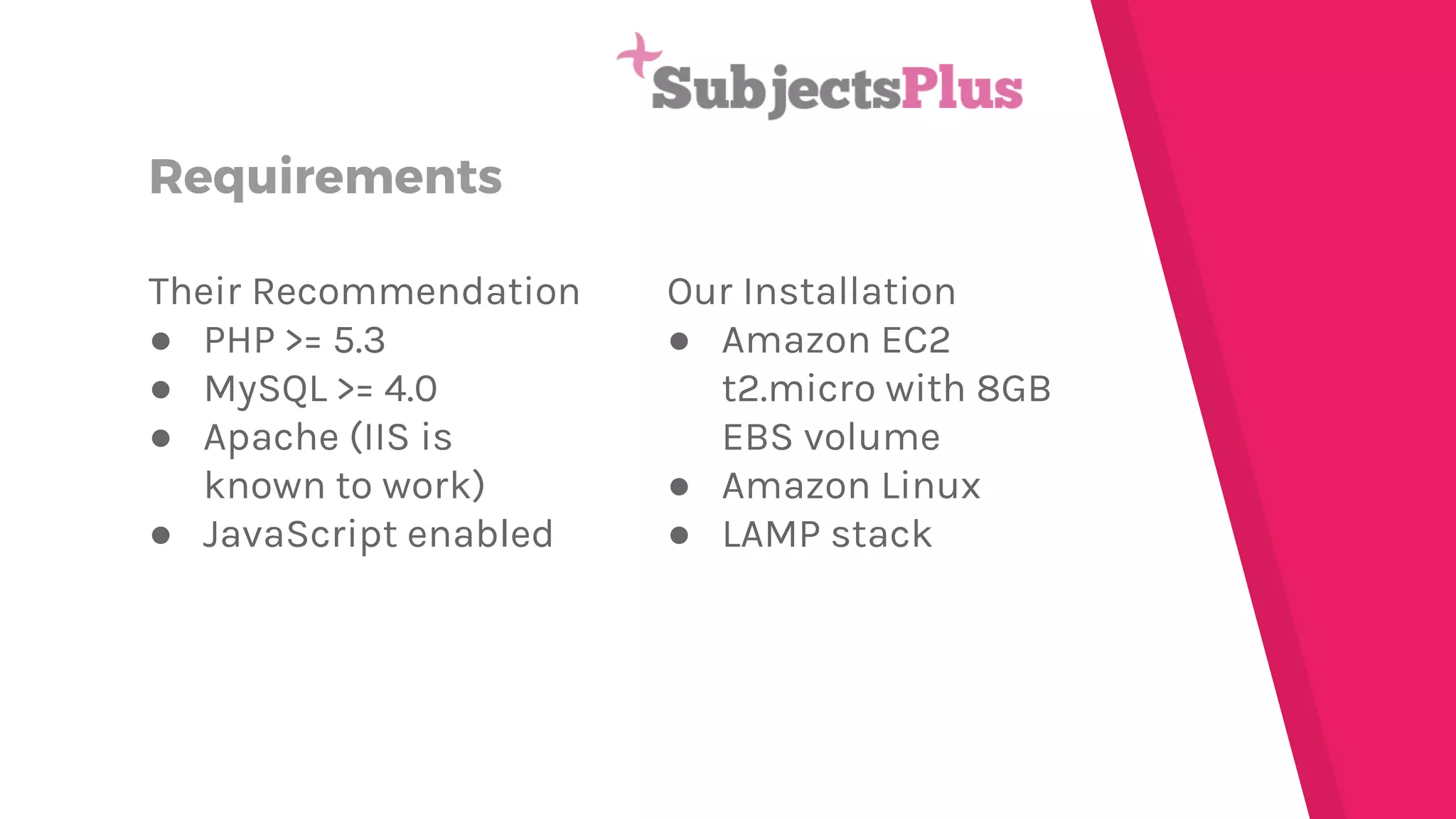
● PHP >= 5.3
● MySQL >= 4.0
● Apache (IIS is
known to work)
● JavaScript enabled
Our Installation
● Amazon EC2
t2.micro with 8GB
EBS volume
● Amazon Linux
● LAMP stack
Installation
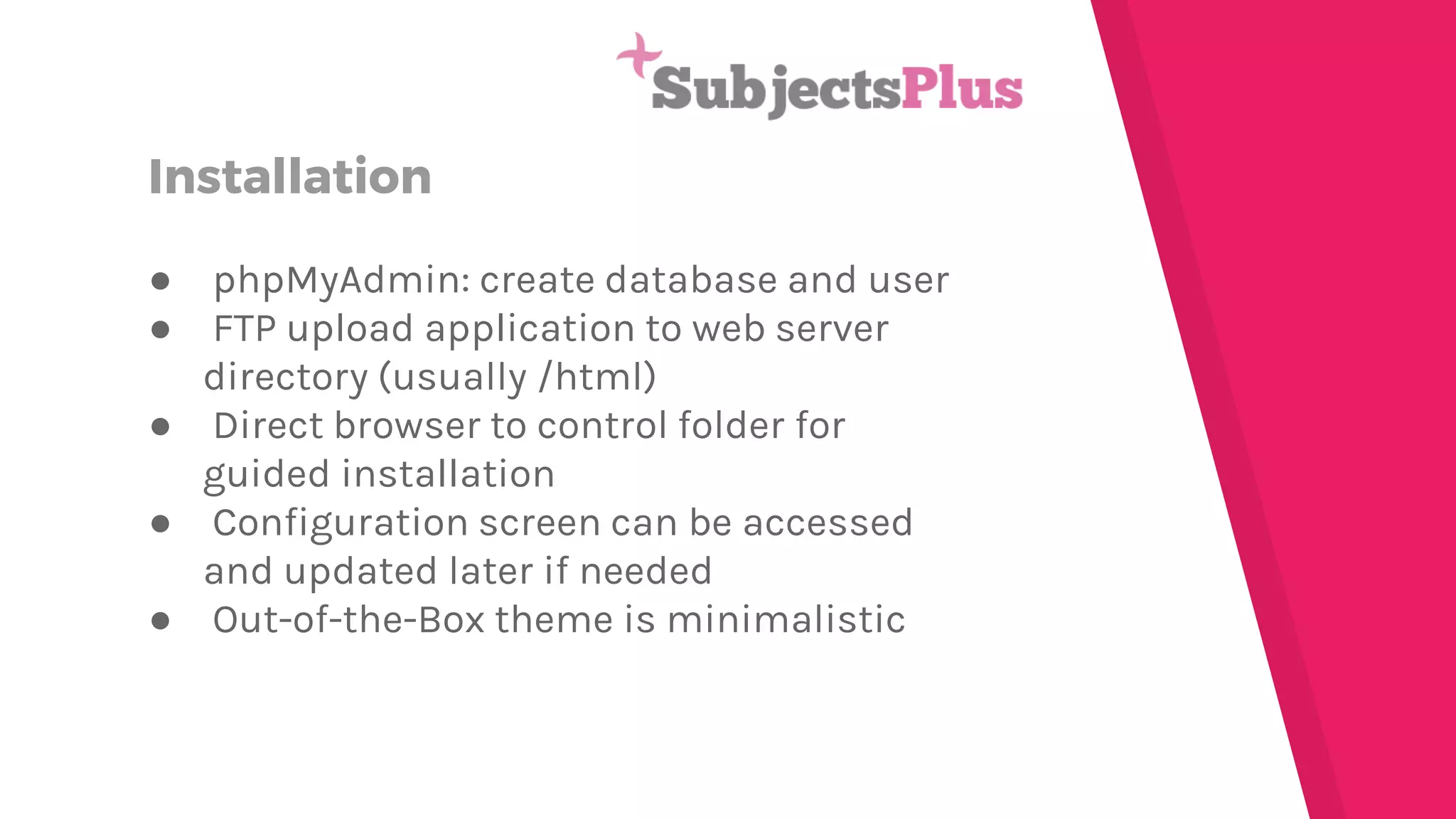
● phpMyAdmin: create database and user
● FTP upload application to web server
directory (usually /html)
● Direct browser to control folder for
guided installation
● Configuration screen can be accessed
and updated later if needed
● Out-of-the-Box theme is minimalistic
Customization
● PHP and CSS
● Need local host development environment
● Tweak an already existing theme or build
your own
● Site-wide styles set in the CSS stylesheet
● Each page type has its own PHP file
● Upload your customized files to production
server when ready; may need to tweak
configuration settings
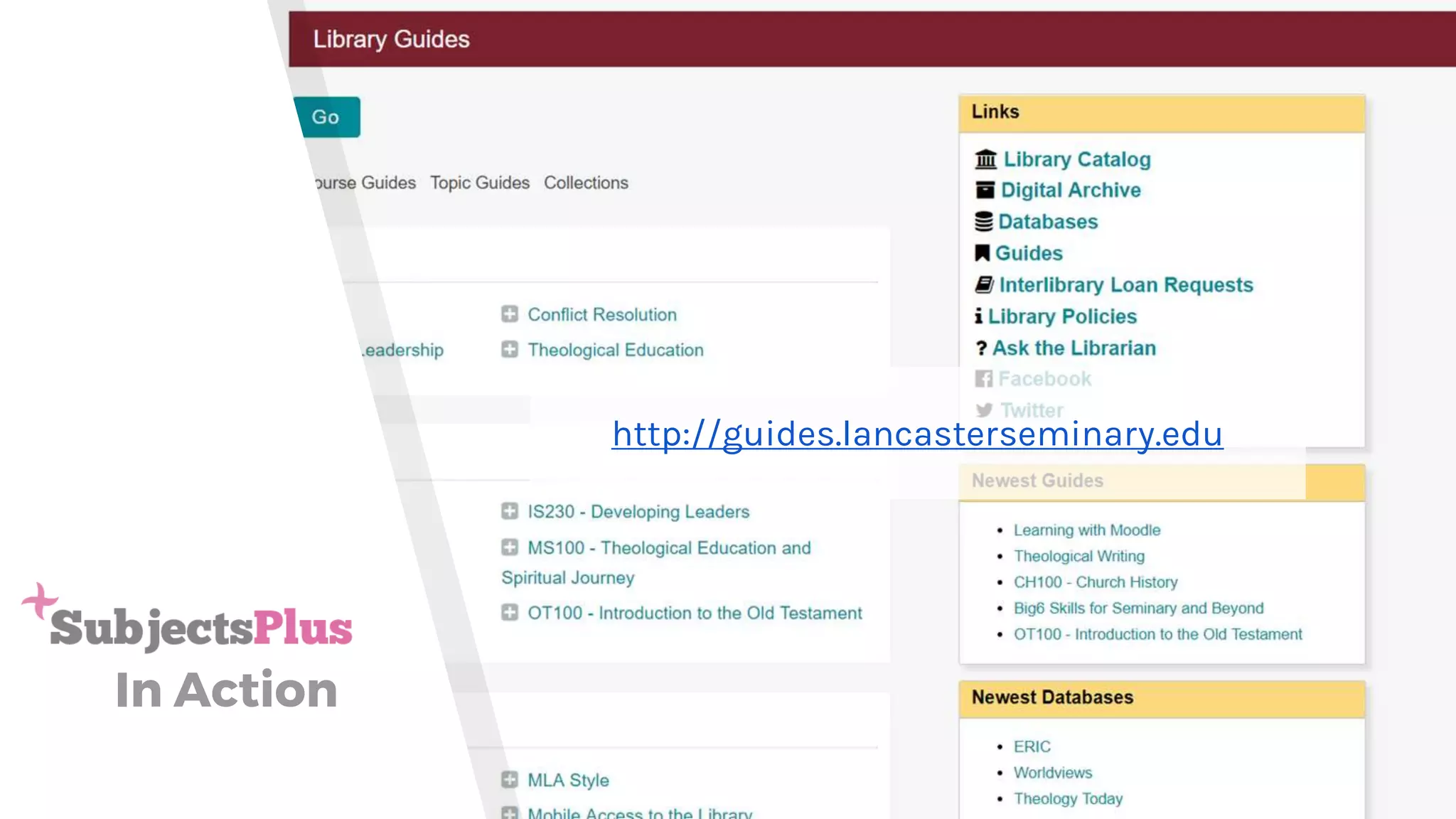
In Action
http://guides.lancasterseminary.edu
2.
Omeka omeka.org
What?
● Digital Archiving and Online Exhibits
● Developed by Roy Rosenzweig Center for
History and New Media
● Expansive documentation on website with
hosted forums for user community
● Highly customizable with add-on themes
and plugins
● Metadata on multiple levels: file, item,
collection, exhibit
● Dublin Core
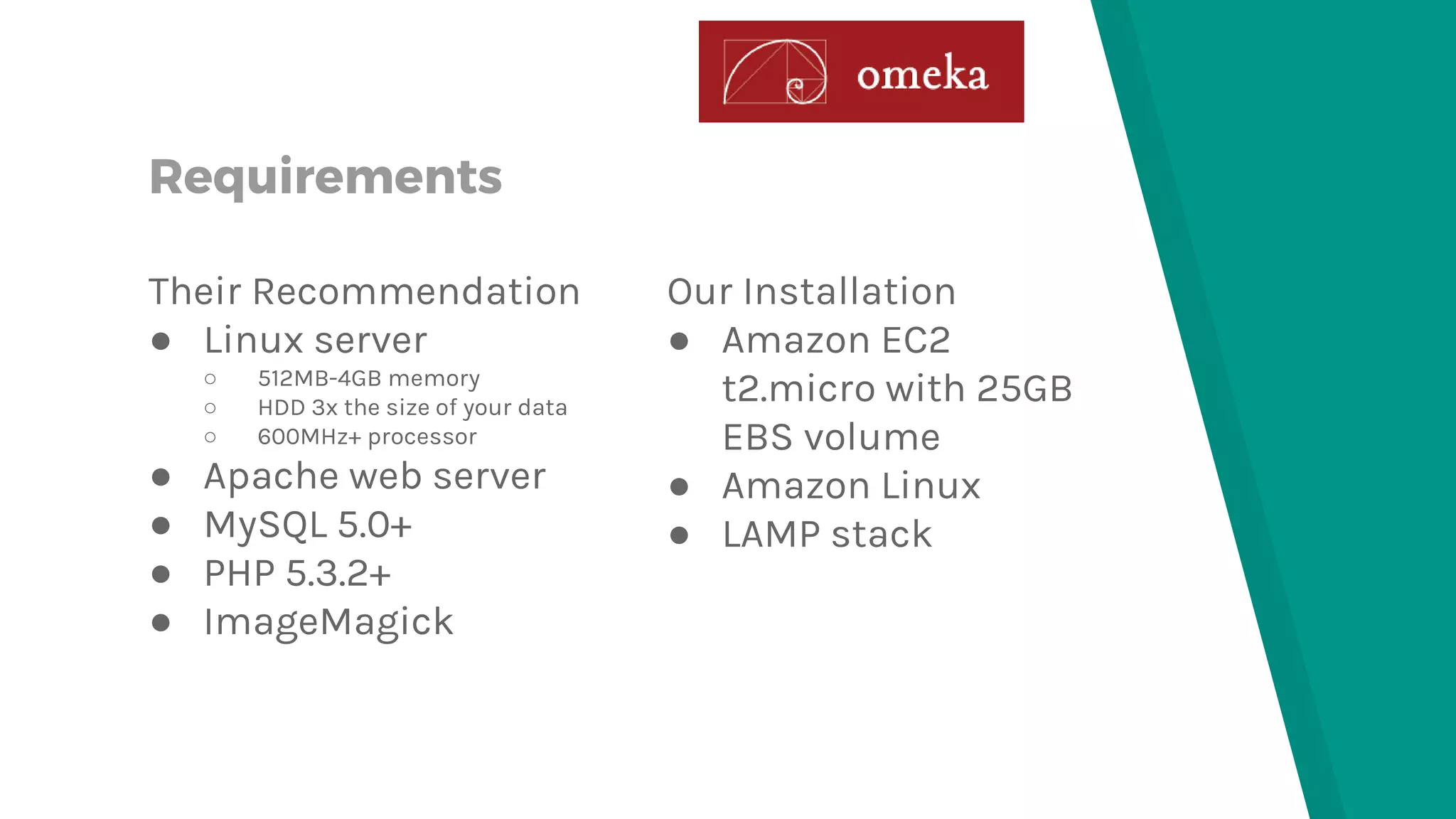
Requirements
Their Recommendation
● Linux server
○ 512MB-4GB memory
○ HDD 3x the size of your data
○ 600MHz+ processor
● Apache web server
● MySQL 5.0+
● PHP 5.3.2+
● ImageMagick
Our Installation
● Amazon EC2
t2.micro with 25GB
EBS volume
● Amazon Linux
● LAMP stack
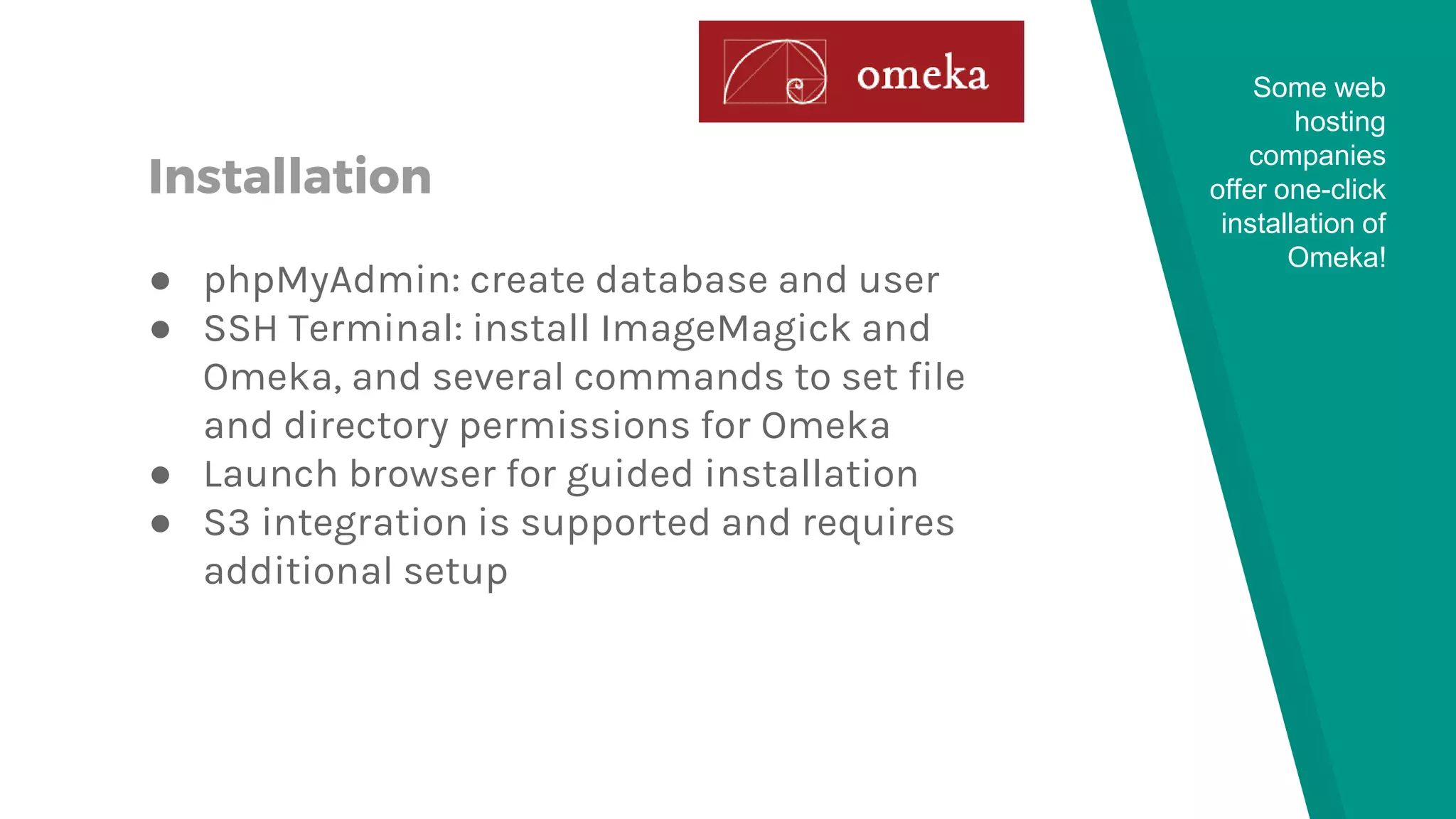
Installation
● phpMyAdmin: create database and user
● SSH Terminal: install ImageMagick and
Omeka, and several commands to set file
and directory permissions for Omeka
● Launch browser for guided installation
● S3 integration is supported and requires
additional setup
Some web
hosting
companies
offer one-click
installation of
Omeka!
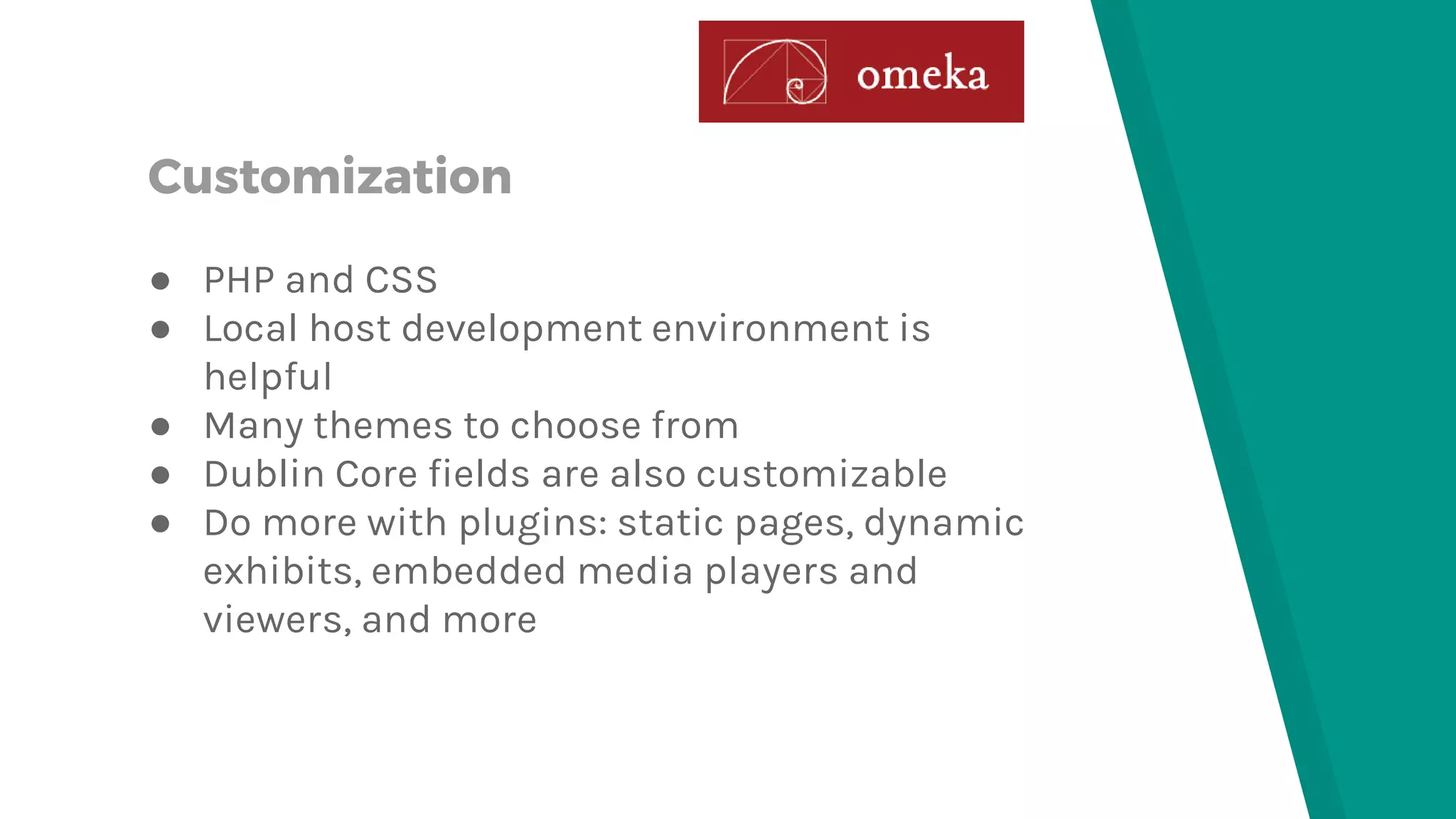
Customization
● PHP and CSS
● Local host development environment is
helpful
● Many themes to choose from
● Dublin Core fields are also customizable
● Do more with plugins: static pages, dynamic
exhibits, embedded media players and
viewers, and more
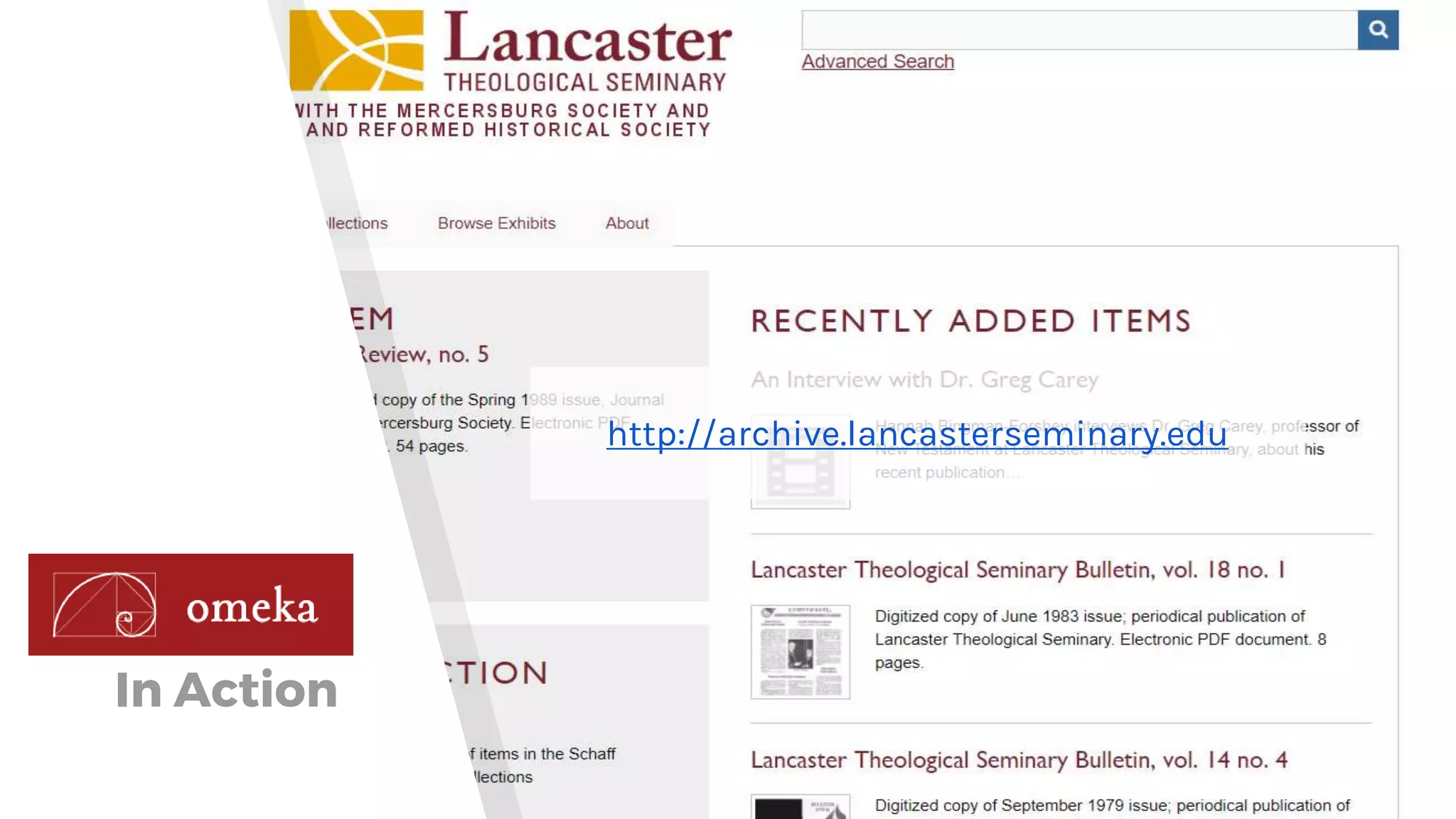
In Action
http://archive.lancasterseminary.edu
3.
ResourceSpace www.resourcespace.com
What?
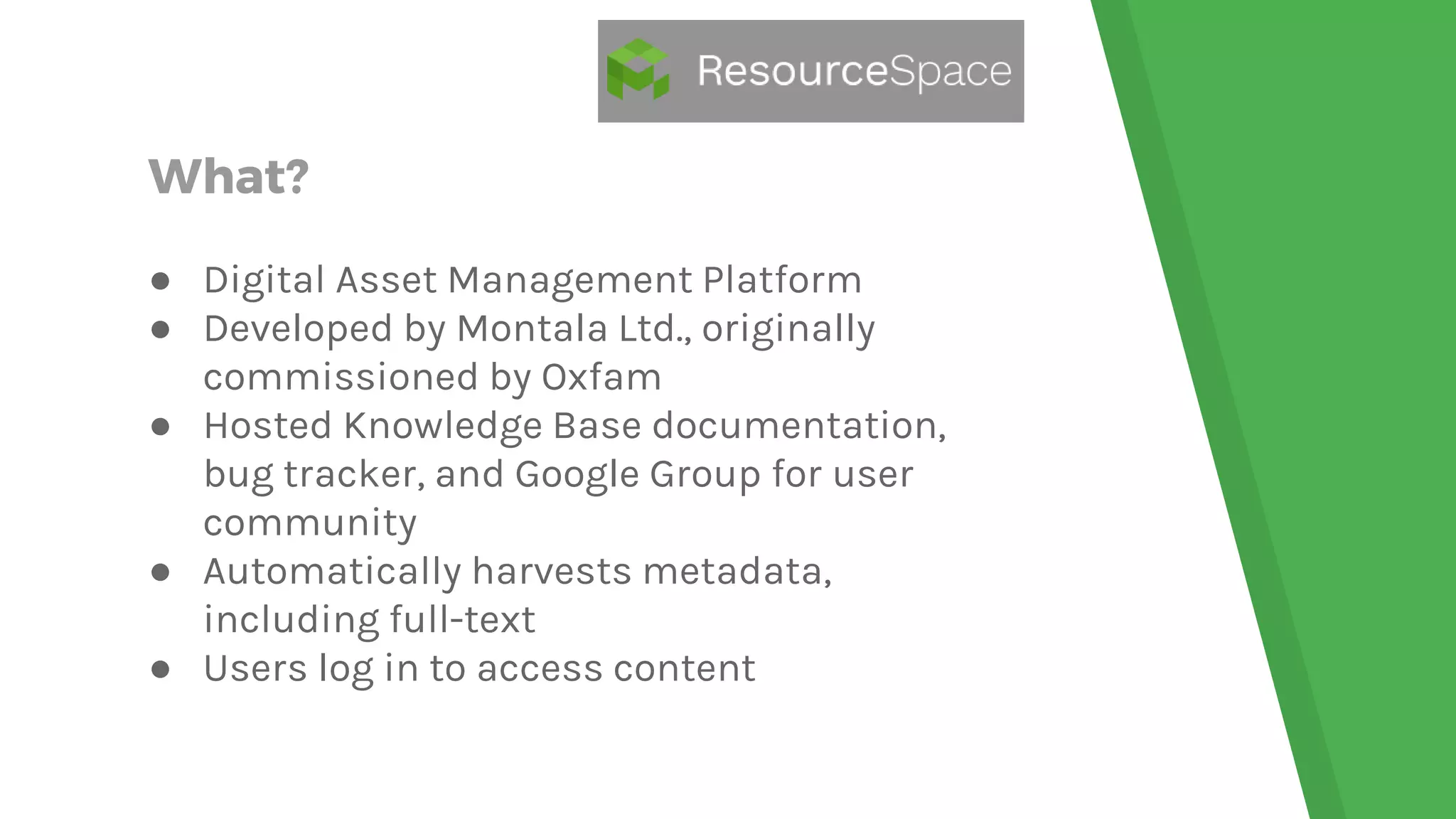
● Digital Asset Management Platform
● Developed by Montala Ltd., originally
commissioned by Oxfam
● Hosted Knowledge Base documentation,
bug tracker, and Google Group for user
community
● Automatically harvests metadata,
including full-text
● Users log in to access content
Requirements
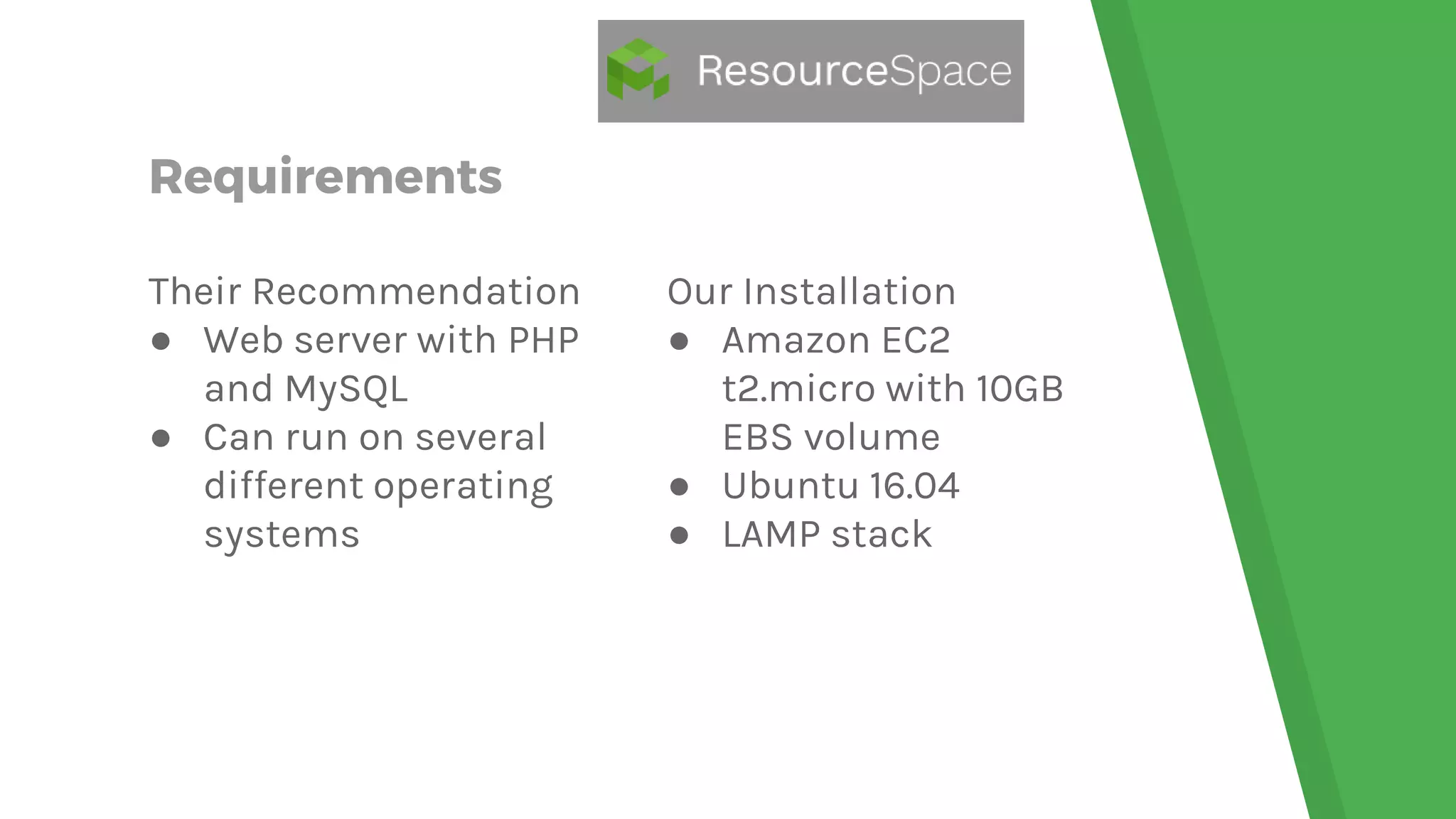
Their Recommendation
● Web server with PHP
and MySQL
● Can run on several
different operating
systems
Our Installation
● Amazon EC2
t2.micro with 10GB
EBS volume
● Ubuntu 16.04
● LAMP stack
Installation
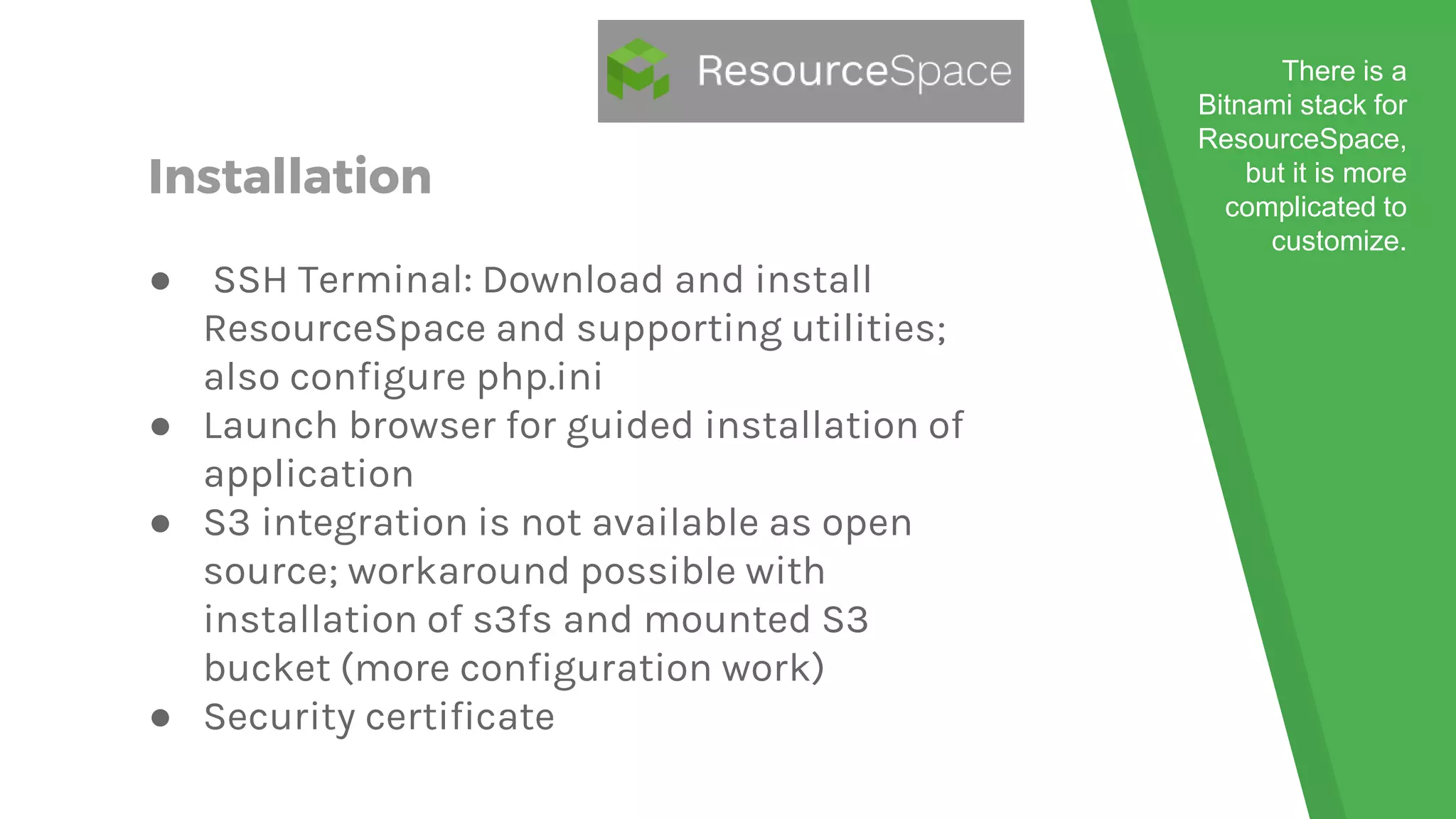
● SSH Terminal: Download and install
ResourceSpace and supporting utilities;
also configure php.ini
● Launch browser for guided installation of
application
● S3 integration is not available as open
source; workaround possible with
installation of s3fs and mounted S3
bucket (more configuration work)
● Security certificate
There is a
Bitnami stack for
ResourceSpace,
but it is more
complicated to
customize.
Customization
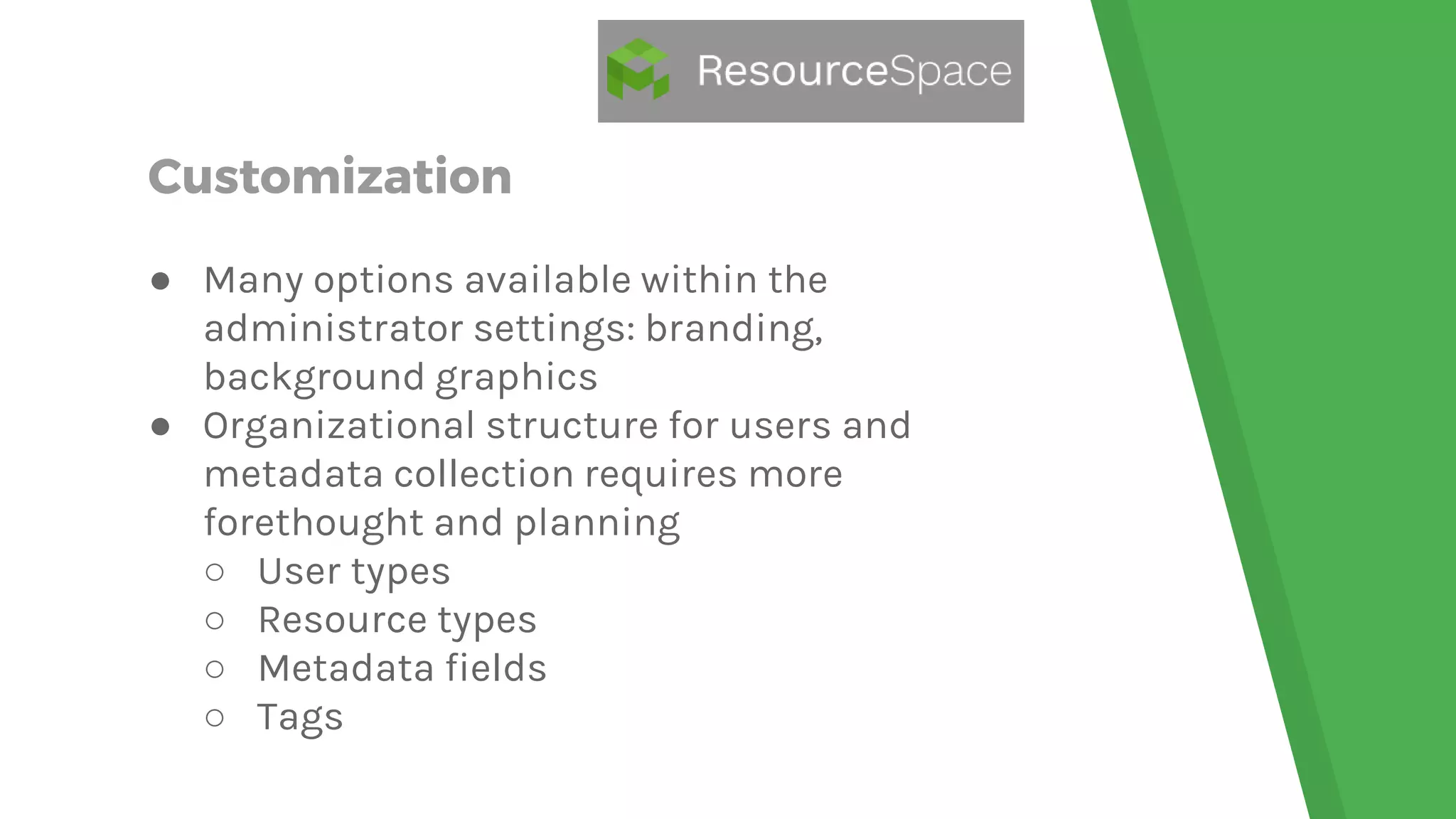
● Many options available within the
administrator settings: branding,
background graphics
● Organizational structure for users and
metadata collection requires more
forethought and planning
○ User types
○ Resource types
○ Metadata fields
○ Tags
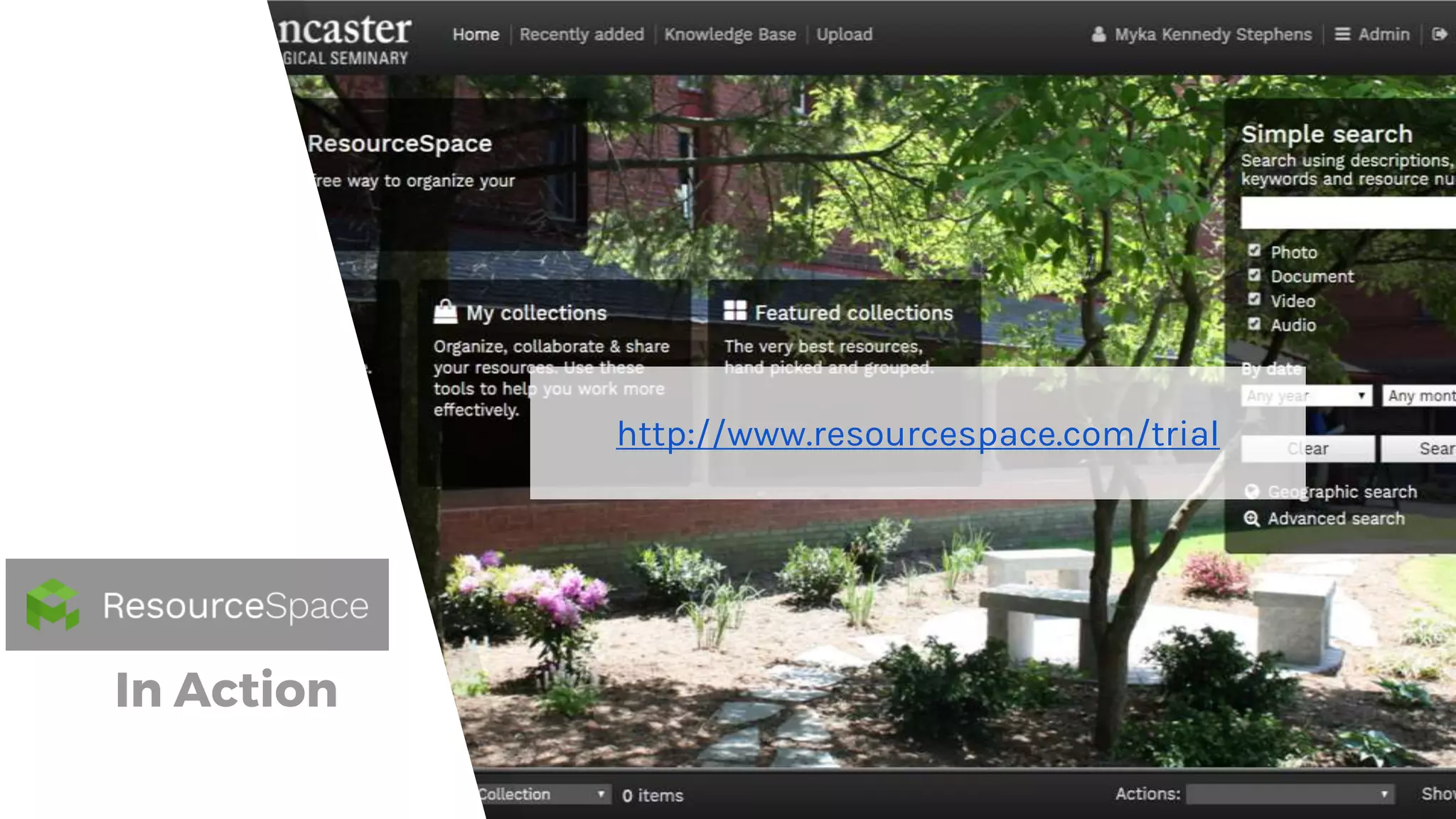
In Action
http://www.resourcespace.com/trial
A Little Advice…
For Those
Considering a
Broader Open Source
Portfolio
Stable Community
Look for Open Source
solutions that have an
active and stable
community of users and
developers.
Assess Risk
A lot of time the risk is
low. Virtual web servers
are now accessible and
easy to provision. If it
doesn’t work, stop and
delete the server.
Cost vs. Benefit
Cost in time and human
resources can be
converted into benefits of
professional development
and transferrable skills in
future open source
solutions
Thank You!
Myka Kennedy Stephens
Seminary Librarian & Assistant Professor
Lancaster Theological Seminary
Lancaster, Pennsylvania
Email: mkstephens@lancasterseminary.edu
Facebook: @mykakennedystephens
Blog: www.mission-information.org
Presentation template by SlidesCarnival

You Can Be an Open Source Library

  • 1.
    YOU CAN BEAN OPEN SOURCE LIBRARY
  • 2.
  • 3.
  • 4.
    What? ● Guides Platform(Springshare’s LibGuides) ● Ongoing development at University of Miami Libraries ● Wiki-based documentation, Google Group user community ● Flexible and Feature-packed ● Responsive design fueled by CSS ● API capability
  • 5.
    Requirements Their Recommendation ● PHP>= 5.3 ● MySQL >= 4.0 ● Apache (IIS is known to work) ● JavaScript enabled Our Installation ● Amazon EC2 t2.micro with 8GB EBS volume ● Amazon Linux ● LAMP stack
  • 6.
    Installation ● phpMyAdmin: createdatabase and user ● FTP upload application to web server directory (usually /html) ● Direct browser to control folder for guided installation ● Configuration screen can be accessed and updated later if needed ● Out-of-the-Box theme is minimalistic
  • 7.
    Customization ● PHP andCSS ● Need local host development environment ● Tweak an already existing theme or build your own ● Site-wide styles set in the CSS stylesheet ● Each page type has its own PHP file ● Upload your customized files to production server when ready; may need to tweak configuration settings
  • 8.
  • 9.
  • 10.
    What? ● Digital Archivingand Online Exhibits ● Developed by Roy Rosenzweig Center for History and New Media ● Expansive documentation on website with hosted forums for user community ● Highly customizable with add-on themes and plugins ● Metadata on multiple levels: file, item, collection, exhibit ● Dublin Core
  • 11.
    Requirements Their Recommendation ● Linuxserver ○ 512MB-4GB memory ○ HDD 3x the size of your data ○ 600MHz+ processor ● Apache web server ● MySQL 5.0+ ● PHP 5.3.2+ ● ImageMagick Our Installation ● Amazon EC2 t2.micro with 25GB EBS volume ● Amazon Linux ● LAMP stack
  • 12.
    Installation ● phpMyAdmin: createdatabase and user ● SSH Terminal: install ImageMagick and Omeka, and several commands to set file and directory permissions for Omeka ● Launch browser for guided installation ● S3 integration is supported and requires additional setup Some web hosting companies offer one-click installation of Omeka!
  • 13.
    Customization ● PHP andCSS ● Local host development environment is helpful ● Many themes to choose from ● Dublin Core fields are also customizable ● Do more with plugins: static pages, dynamic exhibits, embedded media players and viewers, and more
  • 14.
  • 15.
  • 16.
    What? ● Digital AssetManagement Platform ● Developed by Montala Ltd., originally commissioned by Oxfam ● Hosted Knowledge Base documentation, bug tracker, and Google Group for user community ● Automatically harvests metadata, including full-text ● Users log in to access content
  • 17.
    Requirements Their Recommendation ● Webserver with PHP and MySQL ● Can run on several different operating systems Our Installation ● Amazon EC2 t2.micro with 10GB EBS volume ● Ubuntu 16.04 ● LAMP stack
  • 18.
    Installation ● SSH Terminal:Download and install ResourceSpace and supporting utilities; also configure php.ini ● Launch browser for guided installation of application ● S3 integration is not available as open source; workaround possible with installation of s3fs and mounted S3 bucket (more configuration work) ● Security certificate There is a Bitnami stack for ResourceSpace, but it is more complicated to customize.
  • 19.
    Customization ● Many optionsavailable within the administrator settings: branding, background graphics ● Organizational structure for users and metadata collection requires more forethought and planning ○ User types ○ Resource types ○ Metadata fields ○ Tags
  • 20.
  • 21.
    A Little Advice… ForThose Considering a Broader Open Source Portfolio
  • 22.
    Stable Community Look forOpen Source solutions that have an active and stable community of users and developers.
  • 23.
    Assess Risk A lotof time the risk is low. Virtual web servers are now accessible and easy to provision. If it doesn’t work, stop and delete the server.
  • 24.
    Cost vs. Benefit Costin time and human resources can be converted into benefits of professional development and transferrable skills in future open source solutions
  • 25.
    Thank You! Myka KennedyStephens Seminary Librarian & Assistant Professor Lancaster Theological Seminary Lancaster, Pennsylvania Email: mkstephens@lancasterseminary.edu Facebook: @mykakennedystephens Blog: www.mission-information.org Presentation template by SlidesCarnival