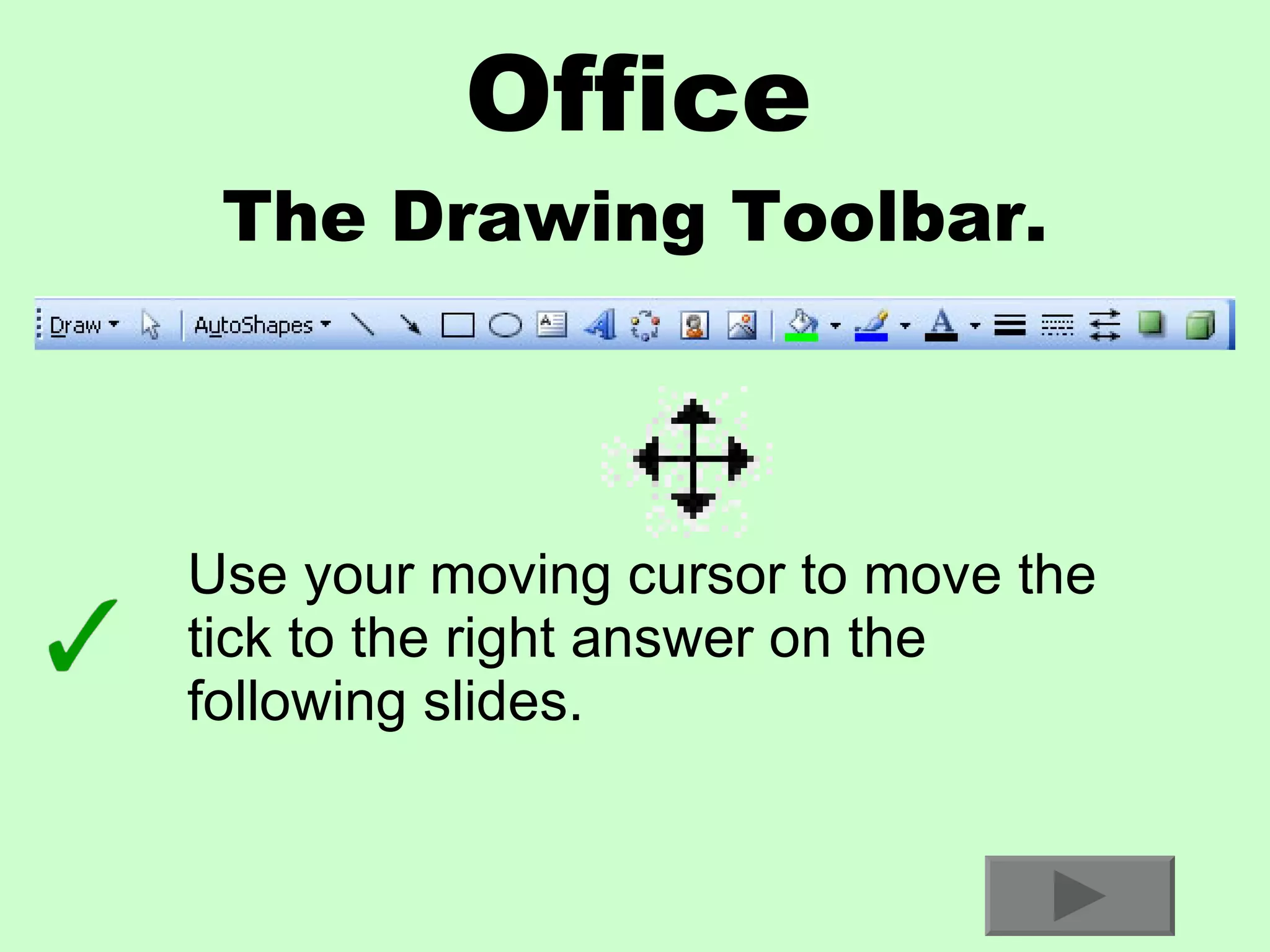
Office The Drawing Toolbar. Use your moving cursor to move the tick to the right answer on the following slides.
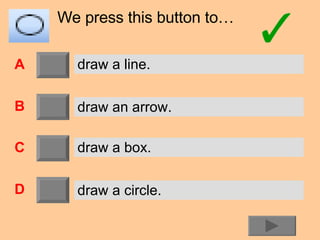
We press this button to… A B C D draw a line. draw an arrow. draw a box. draw a circle.
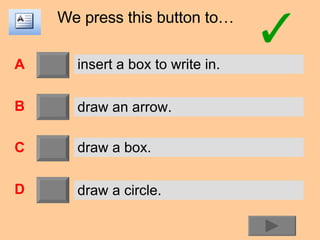
We press this button to… A B C D insert a box to write in. draw an arrow. draw a box. draw a circle.
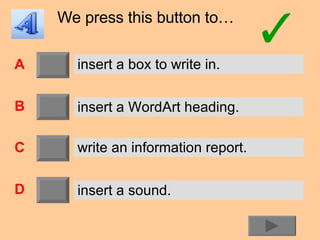
We press this button to… A B C D insert a box to write in. insert a WordArt heading. write an information report. insert a sound.
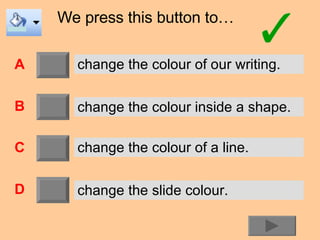
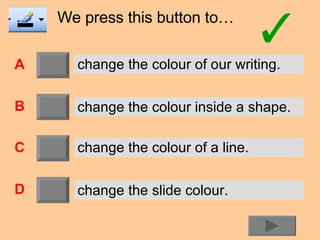
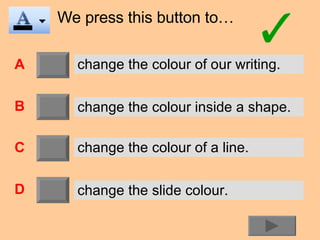
We press this button to… A B C D change the colour of our writing. change the colour inside a shape. change the colour of a line. change the slide colour.
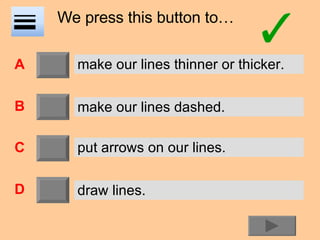
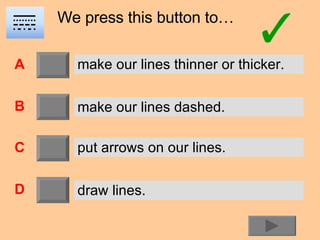
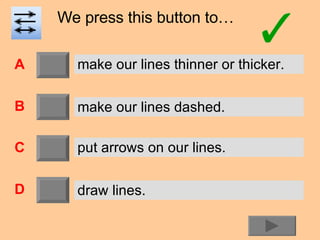
We press this button to… A B C D make our lines thinner or thicker. make our lines dashed. put arrows on our lines. draw lines.
Well done. You’re finished!

Drawing Toolbar Test

  • 1.
    Office The DrawingToolbar. Use your moving cursor to move the tick to the right answer on the following slides.
  • 2.
    We press thisbutton to… A B C D draw a line. draw an arrow. draw a box. draw a circle.
  • 3.
    We press thisbutton to… A B C D draw a line. draw an arrow. draw a box. draw a circle.
  • 4.
    We press thisbutton to… A B C D draw a line. draw an arrow. draw a box. draw a circle.
  • 5.
    We press thisbutton to… A B C D draw a line. draw an arrow. draw a box. draw a circle.
  • 6.
    We press thisbutton to… A B C D insert a box to write in. draw an arrow. draw a box. draw a circle.
  • 7.
    We press thisbutton to… A B C D insert a box to write in. insert a WordArt heading. write an information report. insert a sound.
  • 8.
    We press thisbutton to… A B C D change the colour of our writing. change the colour inside a shape. change the colour of a line. change the slide colour.
  • 9.
    We press thisbutton to… A B C D change the colour of our writing. change the colour inside a shape. change the colour of a line. change the slide colour.
  • 10.
    We press thisbutton to… A B C D change the colour of our writing. change the colour inside a shape. change the colour of a line. change the slide colour.
  • 11.
    We press thisbutton to… A B C D make our lines thinner or thicker. make our lines dashed. put arrows on our lines. draw lines.
  • 12.
    We press thisbutton to… A B C D make our lines thinner or thicker. make our lines dashed. put arrows on our lines. draw lines.
  • 13.
    We press thisbutton to… A B C D make our lines thinner or thicker. make our lines dashed. put arrows on our lines. draw lines.
  • 14.