Quentin D’Souza GECDSB 2008 http://teachinghacks.com/wiki/ Don’t Talk About It, Take Them There!
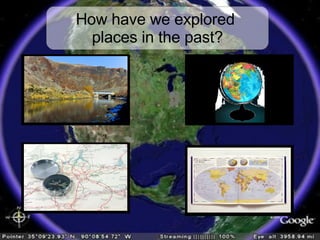
How have we explored  places in the past?
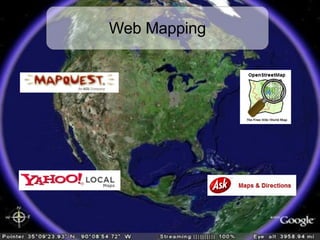
Web Mapping
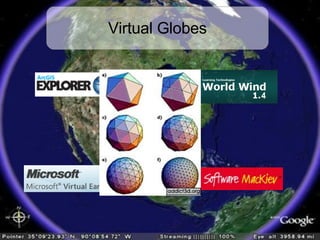
Virtual Globes
Free
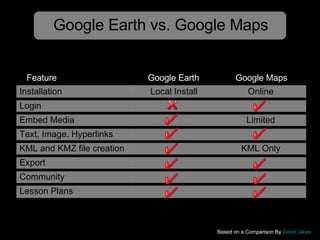
Google Earth vs. Google Maps Based on a Comparison By  David Jakes   Google Earth Google Maps Feature Installation Local Install Online Login Embed Media Limited Text, Image, Hyperlinks KML and KMZ file creation KML Only Export Community Lesson Plans
 
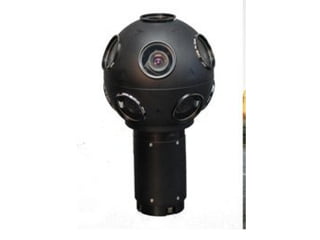
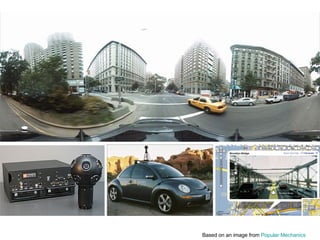
Based on an image from  Popular Mechanics
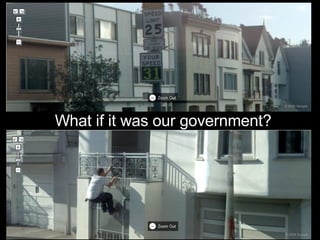
What if it was our government?
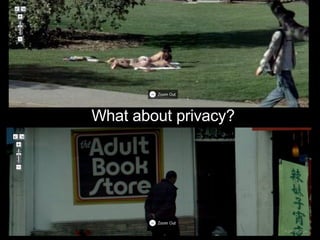
What about privacy?
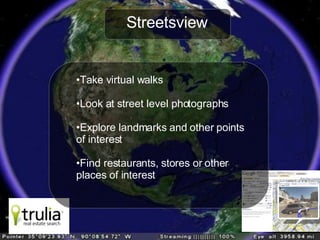
Streetsview Take virtual walks Look at street level photographs Explore landmarks and other points of interest Find restaurants, stores or other  places of interest
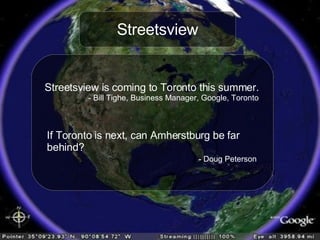
Streetsview Streetsview is coming to Toronto this summer. - Bill Tighe, Business Manager, Google, Toronto If Toronto is next, can Amherstburg be far  behind? - Doug Peterson
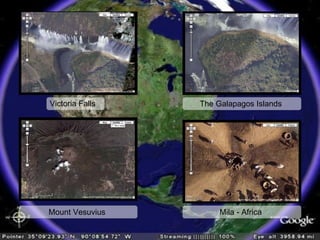
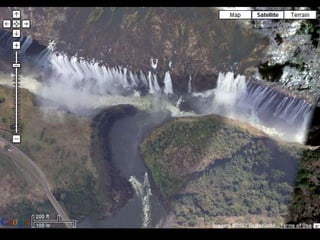
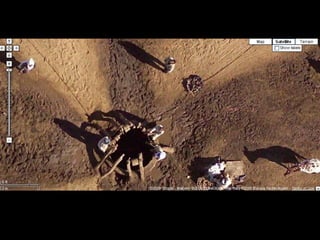
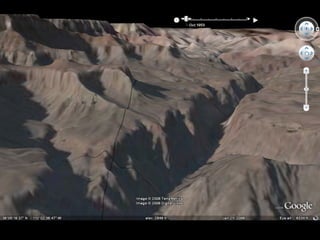
Victoria Falls The Galapagos Islands  Mount Vesuvius  Mila - Africa


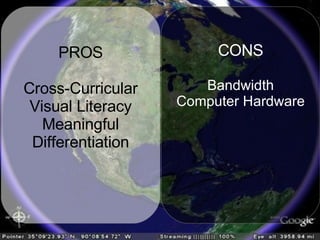
PROS Cross-Curricular Visual Literacy Meaningful Differentiation CONS Bandwidth Computer Hardware
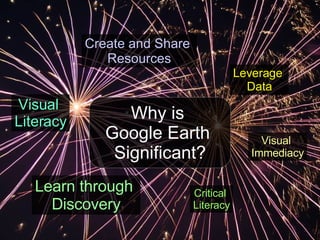
Why is  Google Earth  Significant? Leverage   Data Visual  Immediacy Create and Share  Resources Learn through  Discovery Visual  Literacy Critical  Literacy
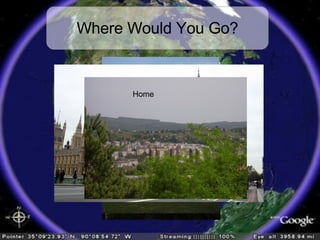
Where Would You Go? Paris Rome London Home
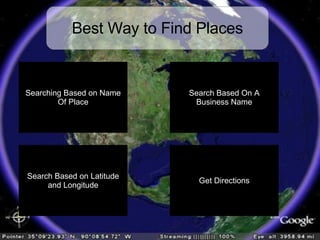
Best Way to Find Places Not Always Successful Searching Based on Name Of Place Search by keyword or Exact name (using Quotation marks) Much More Accurate But Requires External  Resources Find driving directions From one place to another Search Based On A Business Name Search Based on Latitude and Longitude Get Directions
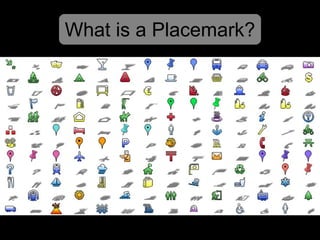
What is a Placemark?
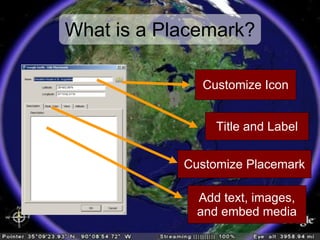
What is a Placemark? Title and Label Customize Icon Customize Placemark Add text, images, and embed media
 
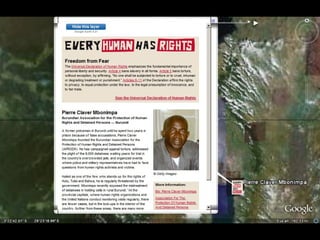
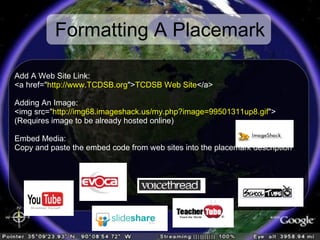
Formatting A Placemark Add A Web Site Link:  <a href=&quot; http://www.TCDSB.org &quot;> TCDSB Web Site </a> Adding An Image:  <img src=&quot; http://img68.imageshack.us/my.php?image=99501311up8.gif &quot;> (Requires image to be already hosted online) Embed Media: Copy and paste the embed code from web sites into the placemark description
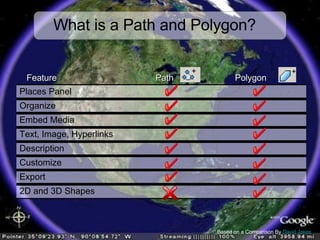
What is a Path and Polygon? Based on a Comparison By  David Jakes   Path Polygon Feature 2D and 3D Shapes Export Customize Description Text, Image, Hyperlinks Embed Media Organize Places Panel
 
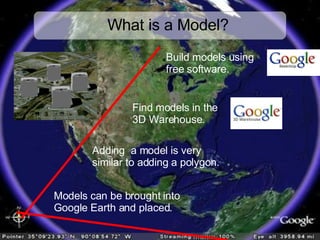
What is a Model? Models can be brought into  Google Earth and placed. Build models using  free software. Adding  a model is very  similar to adding a polygon. Find models in the  3D Warehouse.
 
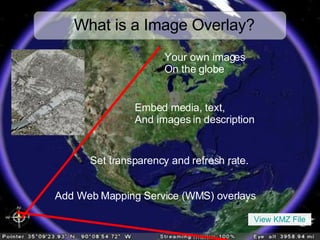
What is a Image Overlay? Add Web Mapping Service (WMS) overlays Your own images On the globe Set transparency and refresh rate. Embed media, text,  And images in description View KMZ File
 
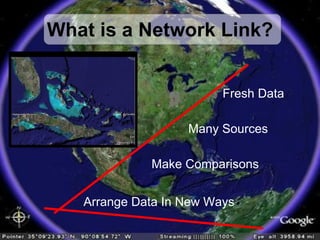
What is a Network Link? Fresh Data Many Sources Make Comparisons Arrange Data In New Ways
 
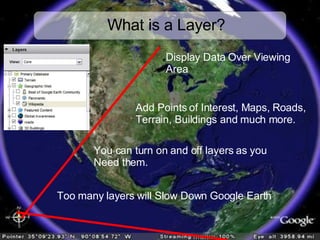
What is a Layer? Too many layers will Slow Down Google Earth Display Data Over Viewing Area You can turn on and off layers as you Need them. Add Points of Interest, Maps, Roads, Terrain, Buildings and much more.
 
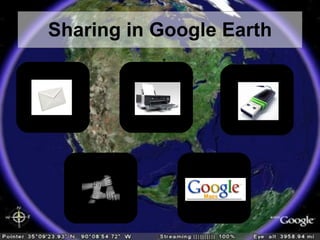
Sharing in Google Earth
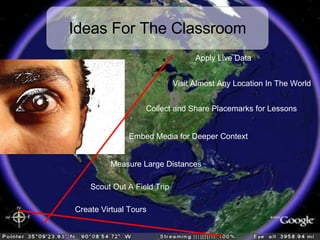
Ideas For The Classroom Apply Live Data Visit Almost Any Location In The World Measure Large Distances Create Virtual Tours Collect and Share Placemarks for Lessons Embed Media for Deeper Context Scout Out A Field Trip
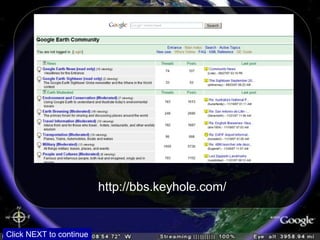
http://bbs.keyhole.com/ Click NEXT to continue
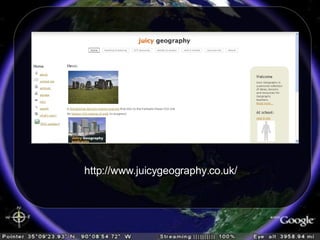
http://www.juicygeography.co.uk/
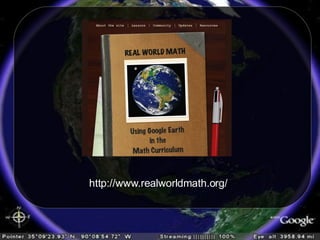
http://www.realworldmath.org/
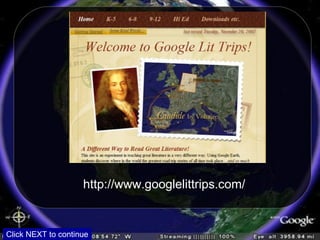
http://www.googlelittrips.com/ Click NEXT to continue
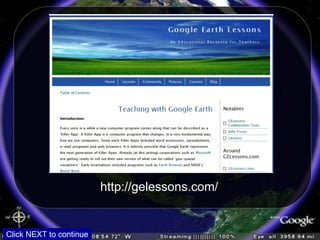
http://gelessons.com/ Click NEXT to continue
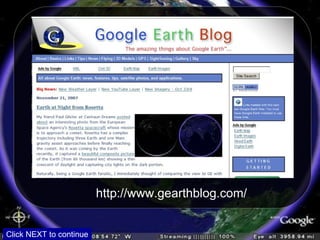
http://www.gearthblog.com/ Click NEXT to continue
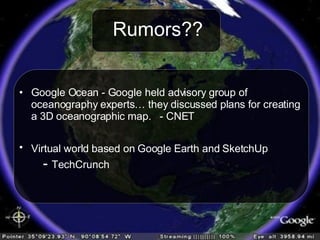
Rumors?? Google Ocean - Google held advisory group of oceanography experts… they discussed plans for creating a 3D oceanographic map.  - CNET Virtual world based on Google Earth and SketchUp   -  TechCrunch
Explore The World! Finished Part 6

Don't Talk About It, Take Them There

  • 1.
    Quentin D’Souza GECDSB2008 http://teachinghacks.com/wiki/ Don’t Talk About It, Take Them There!
  • 2.
    How have weexplored places in the past?
  • 3.
  • 4.
  • 5.
  • 6.
    Google Earth vs.Google Maps Based on a Comparison By David Jakes Google Earth Google Maps Feature Installation Local Install Online Login Embed Media Limited Text, Image, Hyperlinks KML and KMZ file creation KML Only Export Community Lesson Plans
  • 7.
  • 8.
    Based on animage from Popular Mechanics
  • 9.
    What if itwas our government?
  • 10.
  • 11.
    Streetsview Take virtualwalks Look at street level photographs Explore landmarks and other points of interest Find restaurants, stores or other places of interest
  • 12.
    Streetsview Streetsview iscoming to Toronto this summer. - Bill Tighe, Business Manager, Google, Toronto If Toronto is next, can Amherstburg be far behind? - Doug Peterson
  • 13.
    Victoria Falls TheGalapagos Islands Mount Vesuvius Mila - Africa
  • 14.
  • 15.
  • 16.
  • 17.
    PROS Cross-Curricular VisualLiteracy Meaningful Differentiation CONS Bandwidth Computer Hardware
  • 18.
    Why is Google Earth Significant? Leverage Data Visual Immediacy Create and Share Resources Learn through Discovery Visual Literacy Critical Literacy
  • 19.
    Where Would YouGo? Paris Rome London Home
  • 20.
    Best Way toFind Places Not Always Successful Searching Based on Name Of Place Search by keyword or Exact name (using Quotation marks) Much More Accurate But Requires External Resources Find driving directions From one place to another Search Based On A Business Name Search Based on Latitude and Longitude Get Directions
  • 21.
    What is aPlacemark?
  • 22.
    What is aPlacemark? Title and Label Customize Icon Customize Placemark Add text, images, and embed media
  • 23.
  • 24.
    Formatting A PlacemarkAdd A Web Site Link: <a href=&quot; http://www.TCDSB.org &quot;> TCDSB Web Site </a> Adding An Image: <img src=&quot; http://img68.imageshack.us/my.php?image=99501311up8.gif &quot;> (Requires image to be already hosted online) Embed Media: Copy and paste the embed code from web sites into the placemark description
  • 25.
    What is aPath and Polygon? Based on a Comparison By David Jakes Path Polygon Feature 2D and 3D Shapes Export Customize Description Text, Image, Hyperlinks Embed Media Organize Places Panel
  • 26.
  • 27.
    What is aModel? Models can be brought into Google Earth and placed. Build models using free software. Adding a model is very similar to adding a polygon. Find models in the 3D Warehouse.
  • 28.
  • 29.
    What is aImage Overlay? Add Web Mapping Service (WMS) overlays Your own images On the globe Set transparency and refresh rate. Embed media, text, And images in description View KMZ File
  • 30.
  • 31.
    What is aNetwork Link? Fresh Data Many Sources Make Comparisons Arrange Data In New Ways
  • 32.
  • 33.
    What is aLayer? Too many layers will Slow Down Google Earth Display Data Over Viewing Area You can turn on and off layers as you Need them. Add Points of Interest, Maps, Roads, Terrain, Buildings and much more.
  • 34.
  • 35.
  • 36.
    Ideas For TheClassroom Apply Live Data Visit Almost Any Location In The World Measure Large Distances Create Virtual Tours Collect and Share Placemarks for Lessons Embed Media for Deeper Context Scout Out A Field Trip
  • 37.
  • 38.
  • 39.
  • 40.
  • 41.
  • 42.
  • 43.
    Rumors?? Google Ocean- Google held advisory group of oceanography experts… they discussed plans for creating a 3D oceanographic map. - CNET Virtual world based on Google Earth and SketchUp - TechCrunch
  • 44.
    Explore The World!Finished Part 6