DOCUMENTATION IN 
MARKETING DEPARTMENT 
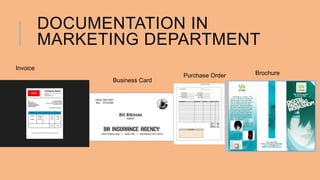
Invoice 
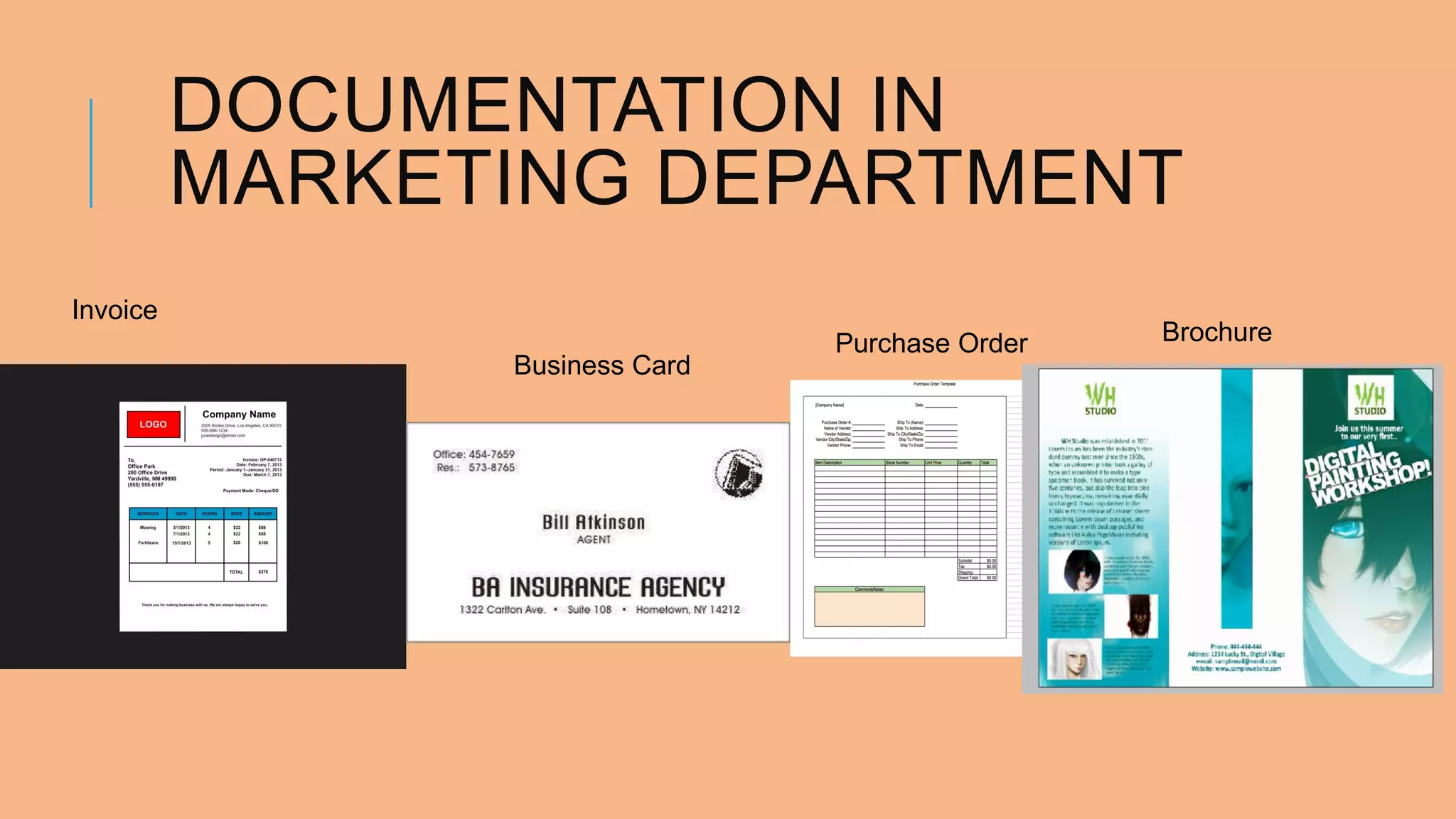
Business Card 
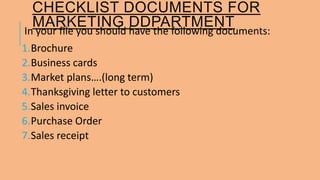
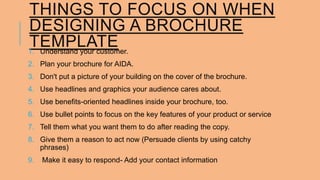
Purchase Order Brochure
CHECKLIST DOCUMENTS FOR 
MARKETING DDPARTMENT 
In your file you should have the following documents: 
1.Brochure 
2.Business cards 
3.Market plans….(long term) 
4.Thanksgiving letter to customers 
5.Sales invoice 
6.Purchase Order 
7.Sales receipt
THINGS TO FOCUS ON WHEN 
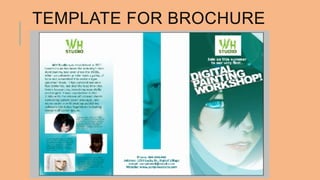
DESIGNING A BROCHURE 
TEMPLATE 
1. Understand your customer. 
2. Plan your brochure for AIDA. 
3. Don't put a picture of your building on the cover of the brochure. 
4. Use headlines and graphics your audience cares about. 
5. Use benefits-oriented headlines inside your brochure, too. 
6. Use bullet points to focus on the key features of your product or service 
7. Tell them what you want them to do after reading the copy. 
8. Give them a reason to act now (Persuade clients by using catchy 
phrases) 
9. Make it easy to respond- Add your contact information
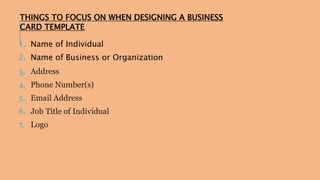
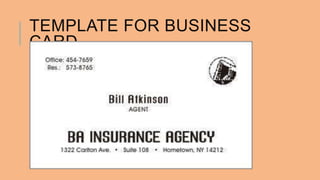
THINGS TO FOCUS ON WHEN DESIGNING A BUSINESS 
CARD TEMPLATE 
1. Name of Individual 
2. Name of Business or Organization 
3. Address 
4. Phone Number(s) 
5. Email Address 
6. Job Title of Individual 
7. Logo
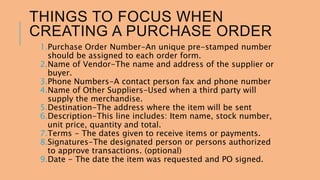
THINGS TO FOCUS WHEN 
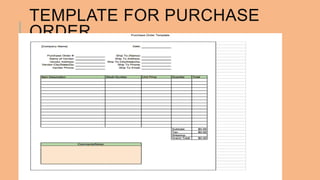
CREATING A PURCHASE ORDER 
1.Purchase Order Number-An unique pre-stamped number 
should be assigned to each order form. 
2.Name of Vendor-The name and address of the supplier or 
buyer. 
3.Phone Numbers-A contact person fax and phone number 
4.Name of Other Suppliers-Used when a third party will 
supply the merchandise. 
5.Destination-The address where the item will be sent 
6.Description-This line includes: Item name, stock number, 
unit price, quantity and total. 
7.Terms - The dates given to receive items or payments. 
8.Signatures-The designated person or persons authorized 
to approve transactions. (optional) 
9.Date - The date the item was requested and PO signed.
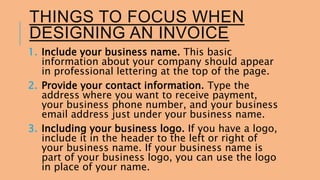
THINGS TO FOCUS WHEN 
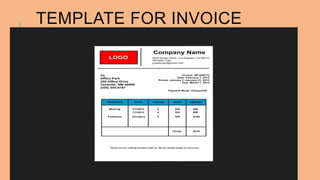
DESIGNING AN INVOICE 
1. Include your business name. This basic 
information about your company should appear 
in professional lettering at the top of the page. 
2. Provide your contact information. Type the 
address where you want to receive payment, 
your business phone number, and your business 
email address just under your business name. 
3. Including your business logo. If you have a logo, 
include it in the header to the left or right of 
your business name. If your business name is 
part of your business logo, you can use the logo 
in place of your name.
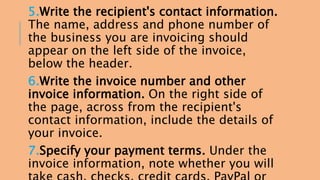
5.Write the recipient's contact information. 
The name, address and phone number of 
the business you are invoicing should 
appear on the left side of the invoice, 
below the header. 
6.Write the invoice number and other 
invoice information. On the right side of 
the page, across from the recipient's 
contact information, include the details of 
your invoice. 
7.Specify your payment terms. Under the 
invoice information, note whether you will 
take cash, checks, credit cards, PayPal or
8.Make a chart to itemize the services. If 
you're using word processing software, 
create a table in which you will list the 
different services you performed for your 
client, or the items that were purchased from 
you for which you are requesting payment. 
The table should have 5 columns; no. of item, 
Items/service, quantity, rate, hours, date and 
subtotal 
9.Calculate the total. Subtotal the amount due 
and add any sales tax, delivery fees or other 
fees and to calculate the grand total. 
10.Provide additional information. If you are 
invoicing a customer who has purchased 
items for you, describe your return policy.
TEMPLATE FOR BROCHURE
TEMPLATE FOR BUSINESS 
CARD
TEMPLATE FOR INVOICE
TEMPLATE FOR PURCHASE 
ORDER
DOCUMENTATION

DOCUMENTATION

  • 1.
    DOCUMENTATION IN MARKETINGDEPARTMENT Invoice Business Card Purchase Order Brochure
  • 2.
    CHECKLIST DOCUMENTS FOR MARKETING DDPARTMENT In your file you should have the following documents: 1.Brochure 2.Business cards 3.Market plans….(long term) 4.Thanksgiving letter to customers 5.Sales invoice 6.Purchase Order 7.Sales receipt
  • 3.
    THINGS TO FOCUSON WHEN DESIGNING A BROCHURE TEMPLATE 1. Understand your customer. 2. Plan your brochure for AIDA. 3. Don't put a picture of your building on the cover of the brochure. 4. Use headlines and graphics your audience cares about. 5. Use benefits-oriented headlines inside your brochure, too. 6. Use bullet points to focus on the key features of your product or service 7. Tell them what you want them to do after reading the copy. 8. Give them a reason to act now (Persuade clients by using catchy phrases) 9. Make it easy to respond- Add your contact information
  • 4.
    THINGS TO FOCUSON WHEN DESIGNING A BUSINESS CARD TEMPLATE 1. Name of Individual 2. Name of Business or Organization 3. Address 4. Phone Number(s) 5. Email Address 6. Job Title of Individual 7. Logo
  • 5.
    THINGS TO FOCUSWHEN CREATING A PURCHASE ORDER 1.Purchase Order Number-An unique pre-stamped number should be assigned to each order form. 2.Name of Vendor-The name and address of the supplier or buyer. 3.Phone Numbers-A contact person fax and phone number 4.Name of Other Suppliers-Used when a third party will supply the merchandise. 5.Destination-The address where the item will be sent 6.Description-This line includes: Item name, stock number, unit price, quantity and total. 7.Terms - The dates given to receive items or payments. 8.Signatures-The designated person or persons authorized to approve transactions. (optional) 9.Date - The date the item was requested and PO signed.
  • 6.
    THINGS TO FOCUSWHEN DESIGNING AN INVOICE 1. Include your business name. This basic information about your company should appear in professional lettering at the top of the page. 2. Provide your contact information. Type the address where you want to receive payment, your business phone number, and your business email address just under your business name. 3. Including your business logo. If you have a logo, include it in the header to the left or right of your business name. If your business name is part of your business logo, you can use the logo in place of your name.
  • 7.
    5.Write the recipient'scontact information. The name, address and phone number of the business you are invoicing should appear on the left side of the invoice, below the header. 6.Write the invoice number and other invoice information. On the right side of the page, across from the recipient's contact information, include the details of your invoice. 7.Specify your payment terms. Under the invoice information, note whether you will take cash, checks, credit cards, PayPal or
  • 8.
    8.Make a chartto itemize the services. If you're using word processing software, create a table in which you will list the different services you performed for your client, or the items that were purchased from you for which you are requesting payment. The table should have 5 columns; no. of item, Items/service, quantity, rate, hours, date and subtotal 9.Calculate the total. Subtotal the amount due and add any sales tax, delivery fees or other fees and to calculate the grand total. 10.Provide additional information. If you are invoicing a customer who has purchased items for you, describe your return policy.
  • 9.
  • 10.
  • 11.
  • 12.