Dockerizing
Pharo
Develop & Deploy Pharo with Docker
111th #st_study @ Tokyo
2018 Masashi Umezawa
SoftUmeYa, LLC
Docker?
● Container-based virtualization platform
○ Lightweight
○ Programmable
○ Sharable
■ https://hub.docker.com/
● Docker container is like Smalltalk image
○ Universal
○ Self-contained
● With Docker, you can develop/deploy Pharo
applications more easily
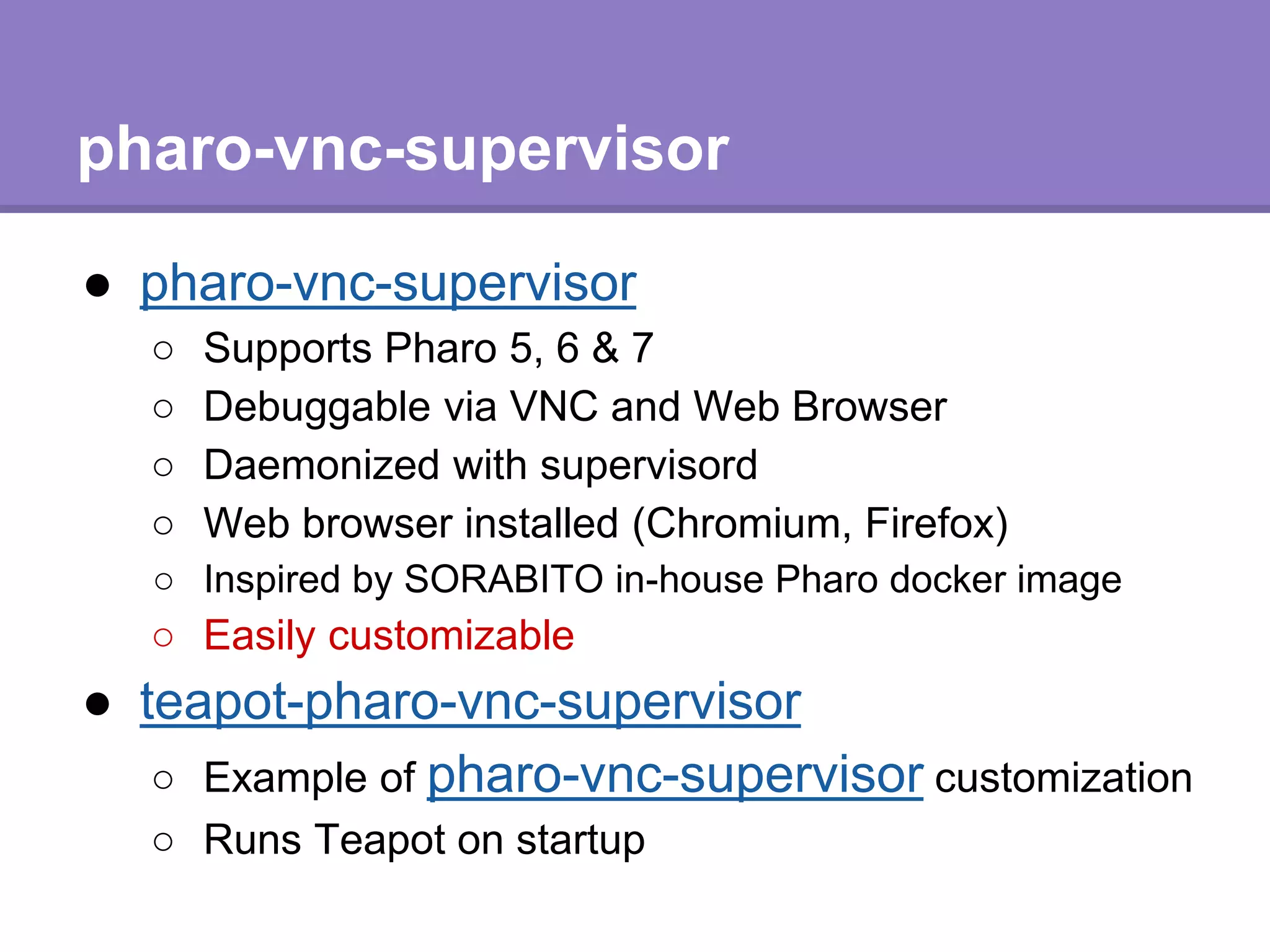
pharo-vnc-supervisor
● pharo-vnc-supervisor
○ Supports Pharo 5, 6 & 7
○ Debuggable via VNC and Web Browser
○ Daemonized with supervisord
○ Web browser installed (Chromium, Firefox)
○ Inspired by SORABITO in-house Pharo docker image
○ Easily customizable
● teapot-pharo-vnc-supervisor
○ Example of pharo-vnc-supervisor customization
○ Runs Teapot on startup
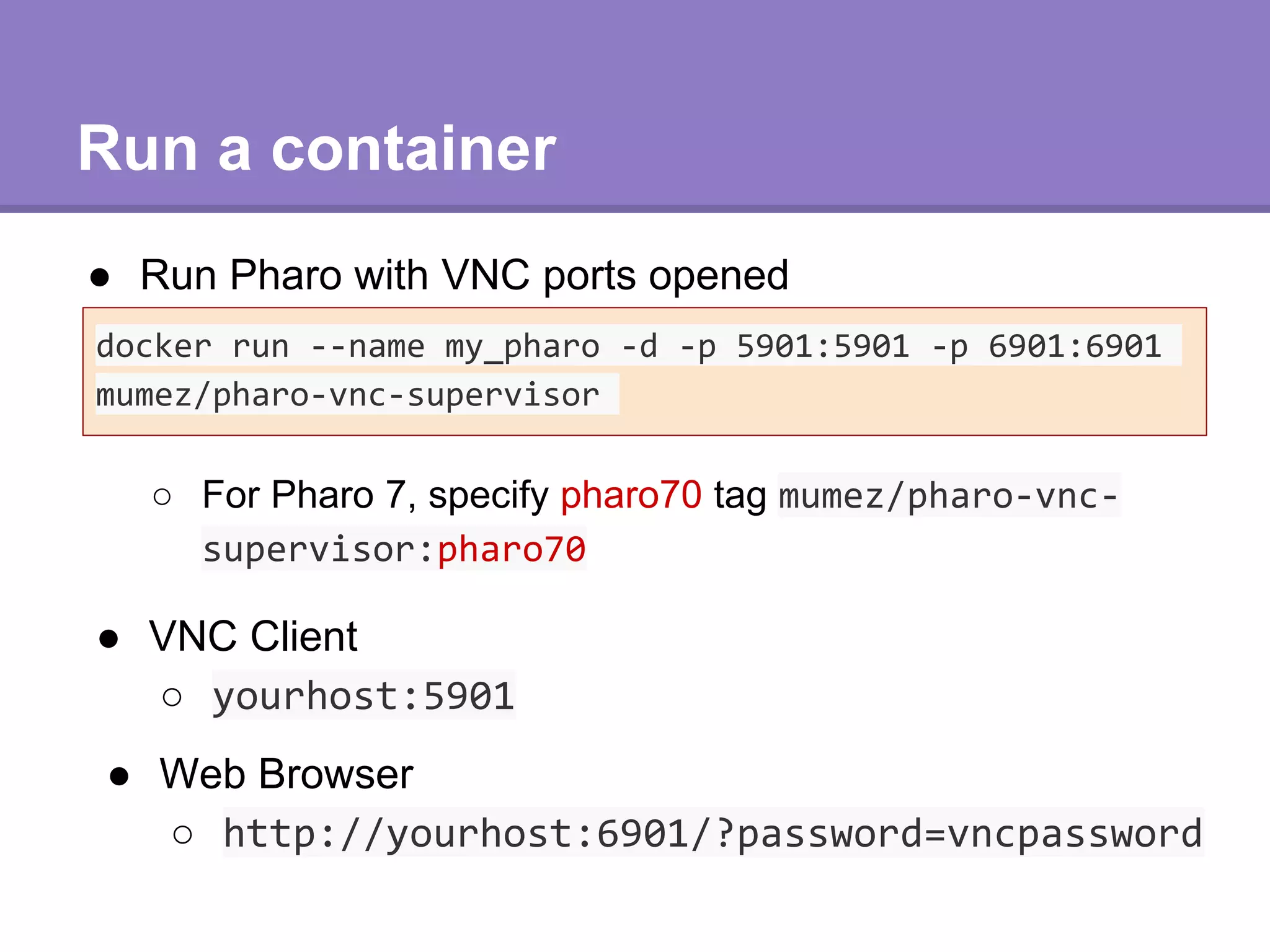
Run a container
● Run Pharo with VNC ports opened
docker run --name my_pharo -d -p 5901:5901 -p 6901:6901
mumez/pharo-vnc-supervisor
● VNC Client
○ yourhost:5901
● Web Browser
○ http://yourhost:6901/?password=vncpassword
○ For Pharo 7, specify pharo70 tag mumez/pharo-vnc-
supervisor:pharo70
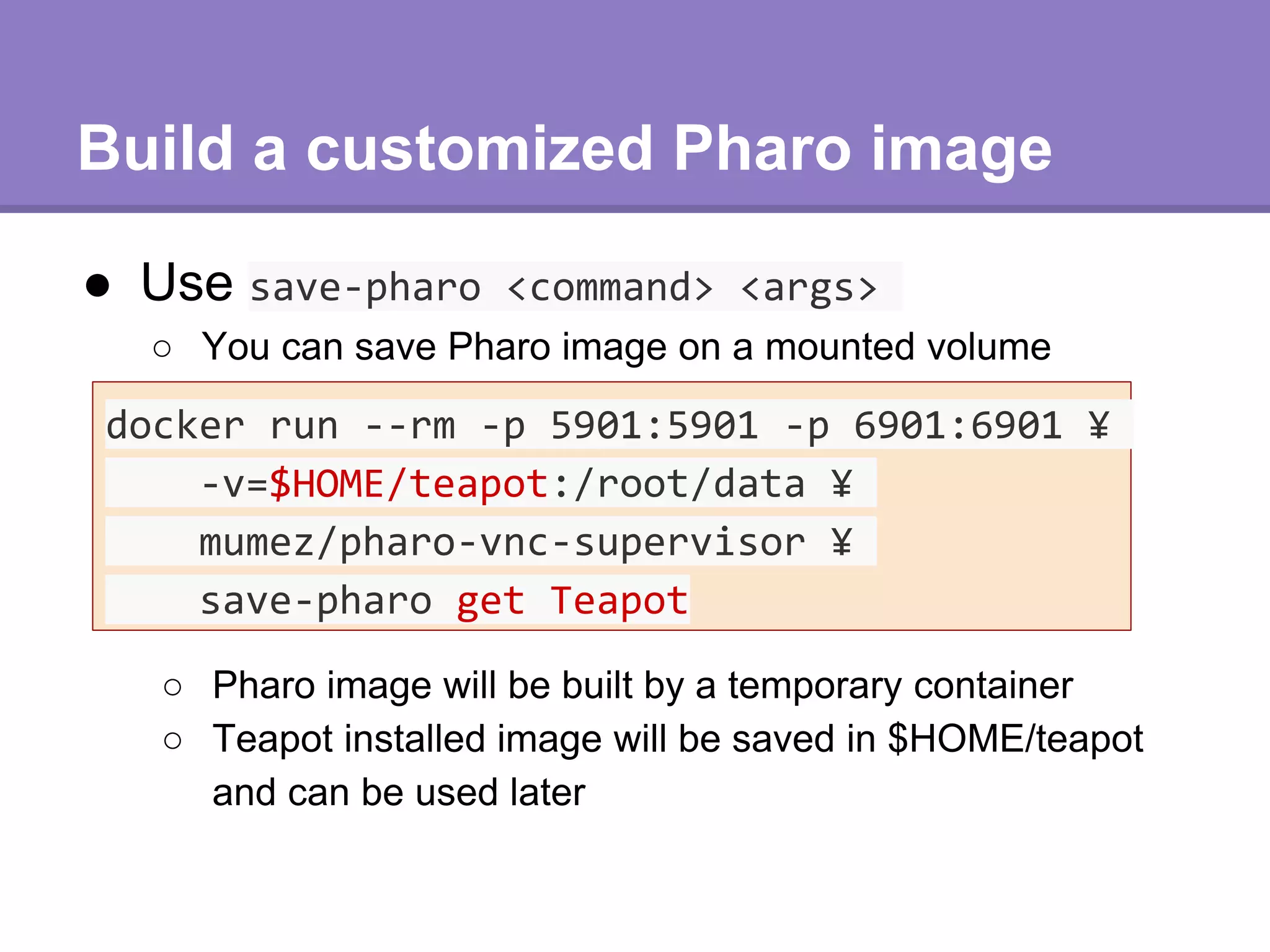
Build a customized Pharo image
● Use save-pharo <command> <args>
docker run --rm -p 5901:5901 -p 6901:6901 ¥
-v=$HOME/teapot:/root/data ¥
mumez/pharo-vnc-supervisor ¥
save-pharo get Teapot
○ You can save Pharo image on a mounted volume
○ Pharo image will be built by a temporary container
○ Teapot installed image will be saved in $HOME/teapot
and can be used later
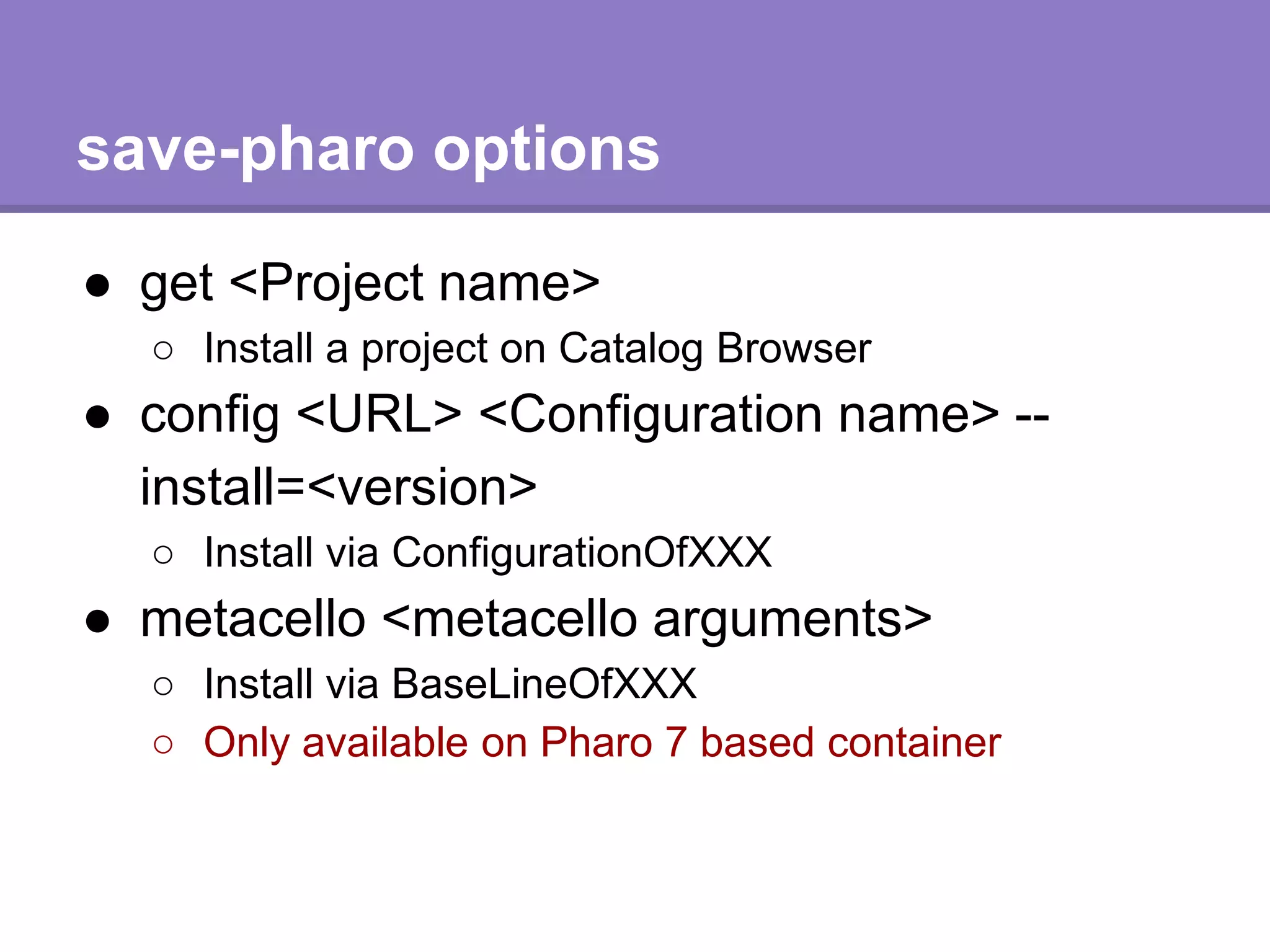
save-pharo options
● get <Project name>
○ Install a project on Catalog Browser
● config <URL> <Configuration name> --
install=<version>
○ Install via ConfigurationOfXXX
● metacello <metacello arguments>
○ Install via BaseLineOfXXX
○ Only available on Pharo 7 based container
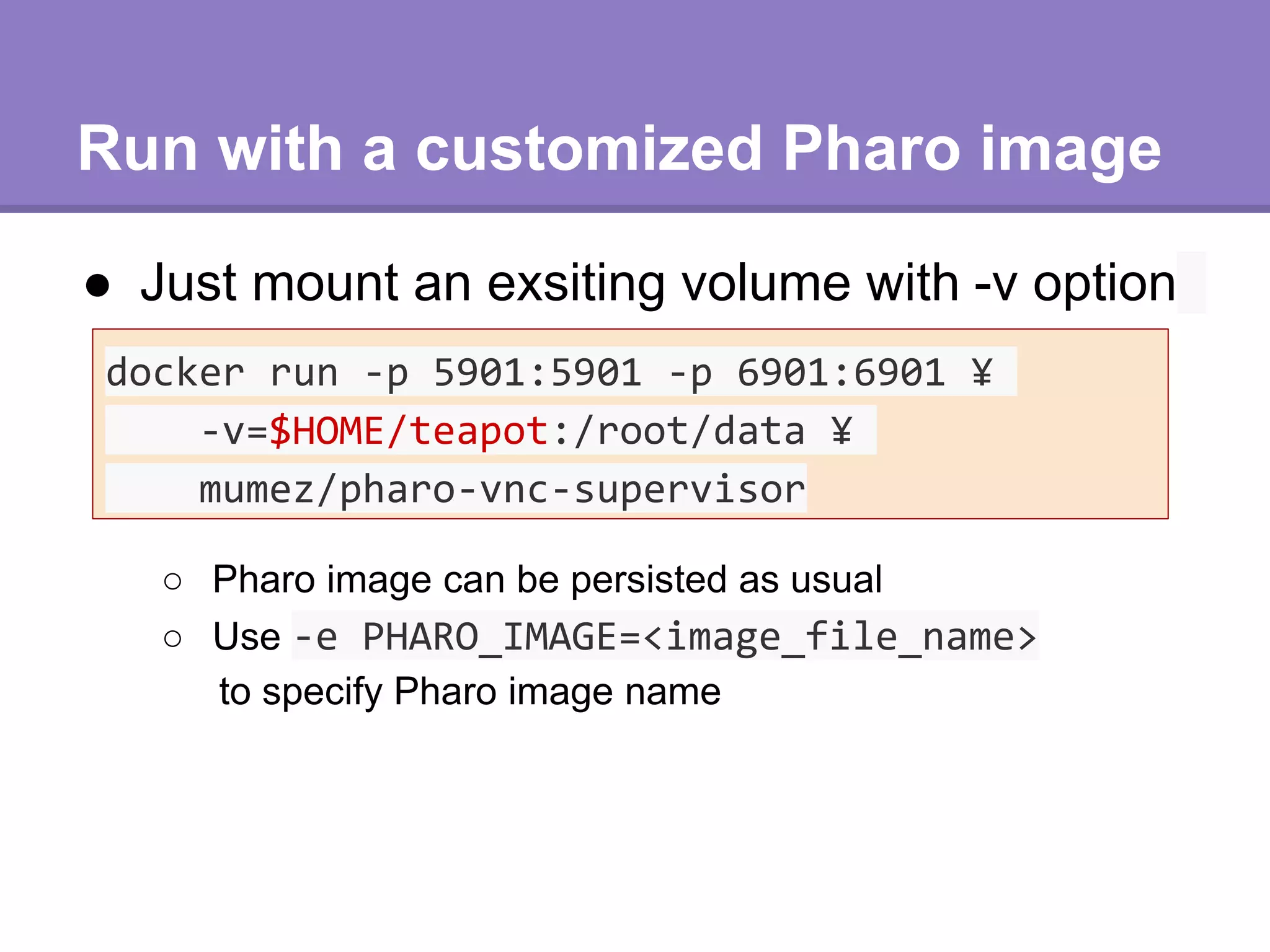
Run with a customized Pharo image
● Just mount an exsiting volume with -v option
docker run -p 5901:5901 -p 6901:6901 ¥
-v=$HOME/teapot:/root/data ¥
mumez/pharo-vnc-supervisor
○ Pharo image can be persisted as usual
○ Use -e PHARO_IMAGE=<image_file_name>
to specify Pharo image name
How to build your Docker image
● Prepare a Dockerfile (example: teapot-pharo-vnc-supervisor)
FROM mumez/pharo-vnc-supervisor
LABEL maintainer="Masashi Umezawa <ume@softumeya.com>"
ARG TEAPOT_DIR=/root/teapot
RUN setup.sh && ¥
save-pharo.sh get Teapot && ¥
cp -r /root/data ${TEAPOT_DIR}
ENV PHARO_HOME=${TEAPOT_DIR}
VOLUME [ "${TEAPOT_DIR}" ]
Define a new pharo image root
Copy the saved image to a new
root
Install libs / apps by save-pharo.sh
Set PHARO_HOME to the new root
Customizing startup scripts
● If you add xxx.st to $PHARO_HOME/config, it will be
called on Pharo startup
ADD ./config/startup.st ${PHARO_HOME}/config/
● In teapot-pharo-vnc-supervisor startup.st:
teapot := Teapot configure: {#port -> 9000}.
teapot
GET: '/cat/<a>/<b>' -> [:req | (req at: #a) , ' is ' , (req at: #b)];
start.
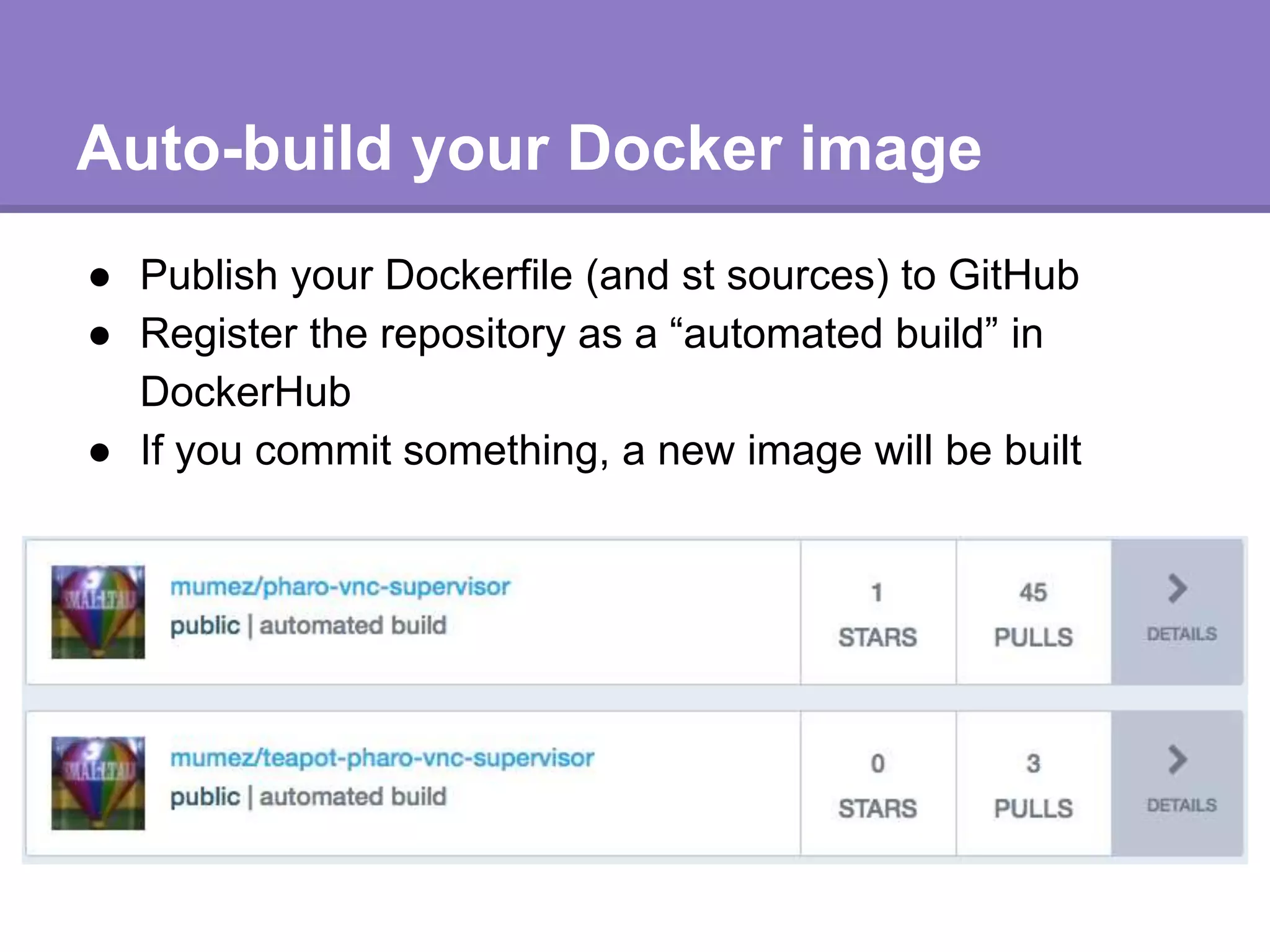
Auto-build your Docker image
● Publish your Dockerfile (and st sources) to GitHub
● Register the repository as a “automated build” in
DockerHub
● If you commit something, a new image will be built
Summing up
● “pharo-vnc-supervisor” provides a handy environment for
web application development with Pharo
● By “save-pharo” command, you can build a new Pharo
image by command line
● A new Docker image having a customized Pharo image
can be easily created with a simple Dockerfile
● Enjoy Dockernzing Pharo!

Dockerizing pharo

  • 1.
    Dockerizing Pharo Develop & DeployPharo with Docker 111th #st_study @ Tokyo 2018 Masashi Umezawa SoftUmeYa, LLC
  • 2.
    Docker? ● Container-based virtualizationplatform ○ Lightweight ○ Programmable ○ Sharable ■ https://hub.docker.com/ ● Docker container is like Smalltalk image ○ Universal ○ Self-contained ● With Docker, you can develop/deploy Pharo applications more easily
  • 4.
    pharo-vnc-supervisor ● pharo-vnc-supervisor ○ SupportsPharo 5, 6 & 7 ○ Debuggable via VNC and Web Browser ○ Daemonized with supervisord ○ Web browser installed (Chromium, Firefox) ○ Inspired by SORABITO in-house Pharo docker image ○ Easily customizable ● teapot-pharo-vnc-supervisor ○ Example of pharo-vnc-supervisor customization ○ Runs Teapot on startup
  • 5.
    Run a container ●Run Pharo with VNC ports opened docker run --name my_pharo -d -p 5901:5901 -p 6901:6901 mumez/pharo-vnc-supervisor ● VNC Client ○ yourhost:5901 ● Web Browser ○ http://yourhost:6901/?password=vncpassword ○ For Pharo 7, specify pharo70 tag mumez/pharo-vnc- supervisor:pharo70
  • 6.
    Build a customizedPharo image ● Use save-pharo <command> <args> docker run --rm -p 5901:5901 -p 6901:6901 ¥ -v=$HOME/teapot:/root/data ¥ mumez/pharo-vnc-supervisor ¥ save-pharo get Teapot ○ You can save Pharo image on a mounted volume ○ Pharo image will be built by a temporary container ○ Teapot installed image will be saved in $HOME/teapot and can be used later
  • 7.
    save-pharo options ● get<Project name> ○ Install a project on Catalog Browser ● config <URL> <Configuration name> -- install=<version> ○ Install via ConfigurationOfXXX ● metacello <metacello arguments> ○ Install via BaseLineOfXXX ○ Only available on Pharo 7 based container
  • 8.
    Run with acustomized Pharo image ● Just mount an exsiting volume with -v option docker run -p 5901:5901 -p 6901:6901 ¥ -v=$HOME/teapot:/root/data ¥ mumez/pharo-vnc-supervisor ○ Pharo image can be persisted as usual ○ Use -e PHARO_IMAGE=<image_file_name> to specify Pharo image name
  • 9.
    How to buildyour Docker image ● Prepare a Dockerfile (example: teapot-pharo-vnc-supervisor) FROM mumez/pharo-vnc-supervisor LABEL maintainer="Masashi Umezawa <ume@softumeya.com>" ARG TEAPOT_DIR=/root/teapot RUN setup.sh && ¥ save-pharo.sh get Teapot && ¥ cp -r /root/data ${TEAPOT_DIR} ENV PHARO_HOME=${TEAPOT_DIR} VOLUME [ "${TEAPOT_DIR}" ] Define a new pharo image root Copy the saved image to a new root Install libs / apps by save-pharo.sh Set PHARO_HOME to the new root
  • 10.
    Customizing startup scripts ●If you add xxx.st to $PHARO_HOME/config, it will be called on Pharo startup ADD ./config/startup.st ${PHARO_HOME}/config/ ● In teapot-pharo-vnc-supervisor startup.st: teapot := Teapot configure: {#port -> 9000}. teapot GET: '/cat/<a>/<b>' -> [:req | (req at: #a) , ' is ' , (req at: #b)]; start.
  • 11.
    Auto-build your Dockerimage ● Publish your Dockerfile (and st sources) to GitHub ● Register the repository as a “automated build” in DockerHub ● If you commit something, a new image will be built
  • 12.
    Summing up ● “pharo-vnc-supervisor”provides a handy environment for web application development with Pharo ● By “save-pharo” command, you can build a new Pharo image by command line ● A new Docker image having a customized Pharo image can be easily created with a simple Dockerfile ● Enjoy Dockernzing Pharo!