
![Ports to the outside world
docker run p 9000:8080 ...
Format: [hostPort]:[containerPort]](https://image.slidesharecdn.com/slides-150204084549-conversion-gate02/85/Docker-JVM-A-Perfect-Match-12-320.jpg)
![Container Linking
1. Database container "redis1"
docker run name redis1 redis
2. Application container "myapp" (wants DB backend)
docker run link redis1:db myapp
Format: link [containerName]:[alias]](https://image.slidesharecdn.com/slides-150204084549-conversion-gate02/85/Docker-JVM-A-Perfect-Match-13-320.jpg)
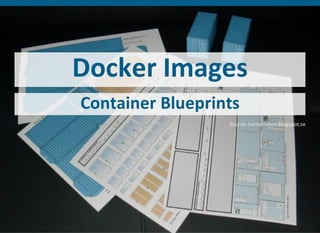
![Example: Jenkins
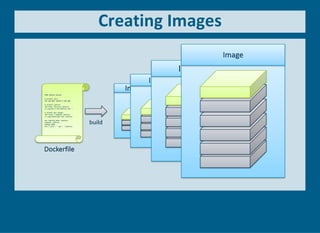
FROM debian:jessie
# install java
RUN aptget update && aptget install y openjdk7jre
# install jenkins
ADD http://mirrors.jenkinsci.org/war/1.597/jenkins.war /
ENV JENKINS_HOME /jenkins
WORKDIR /jenkins
EXPOSE 8080
CMD ["java", "jar", "/jenkins.war"]](https://image.slidesharecdn.com/slides-150204084549-conversion-gate02/85/Docker-JVM-A-Perfect-Match-18-320.jpg)

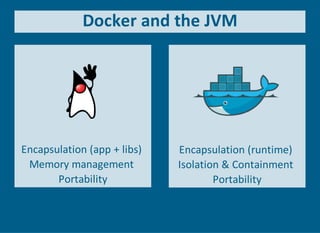


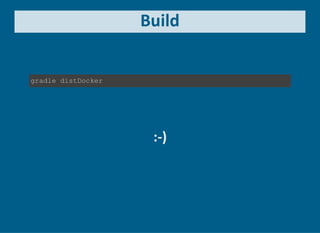
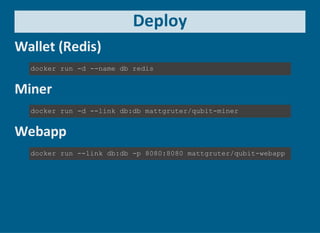
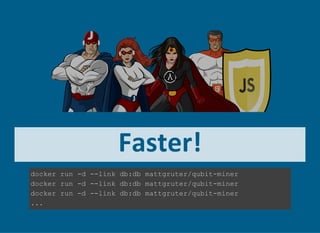




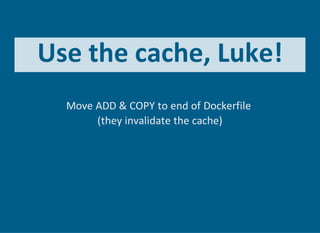
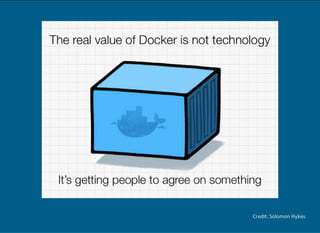


The document discusses the synergy between Docker and the Java Virtual Machine (JVM), highlighting container networking, image creation, and the encapsulation of applications with dependencies. It emphasizes best practices for building and deploying applications in containers while avoiding common pitfalls. The future of Docker and JVM integration is suggested to be promising, with a focus on building small, specific images and utilizing efficient caching strategies.


![20260201 [FOSDEM] gomodjail - library sandboxing for Go modules.pdf](https://cdn.slidesharecdn.com/ss_thumbnails/20260201fosdemgomodjail-librarysandboxingforgomodules-260201225659-76609ec4-thumbnail.jpg?width=640&height=640&fit=bounds)


