Introduction to Docker
Willy Kuo
Feb 25, 2013
About Me
•

About me
•

Work at numerinfo.com

•

Organizor of 

http://www.meetup.com/Docker-Taipei/

•

https://github.com/waitingkuo

•

waitinguo0527@gmail.com
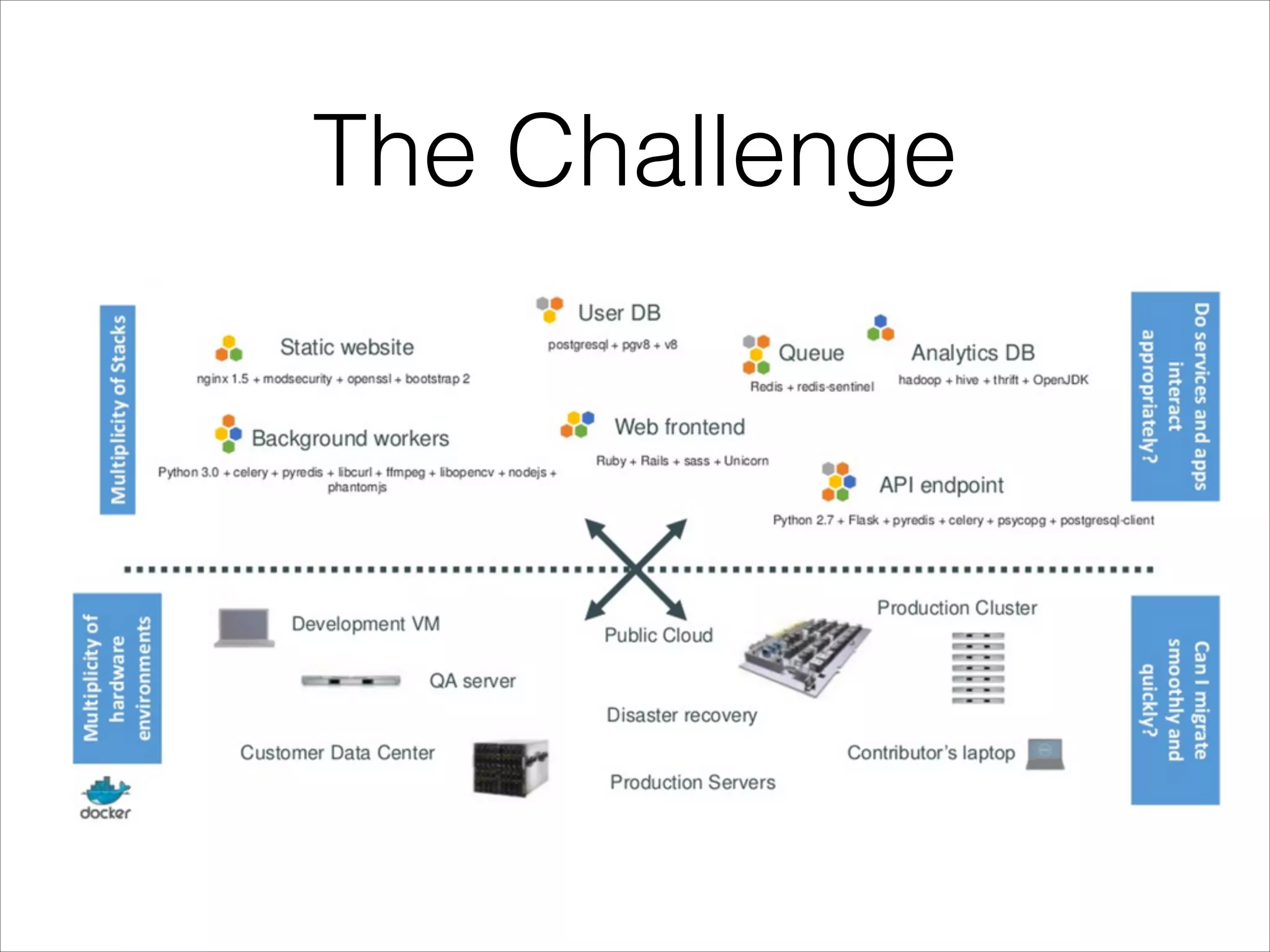
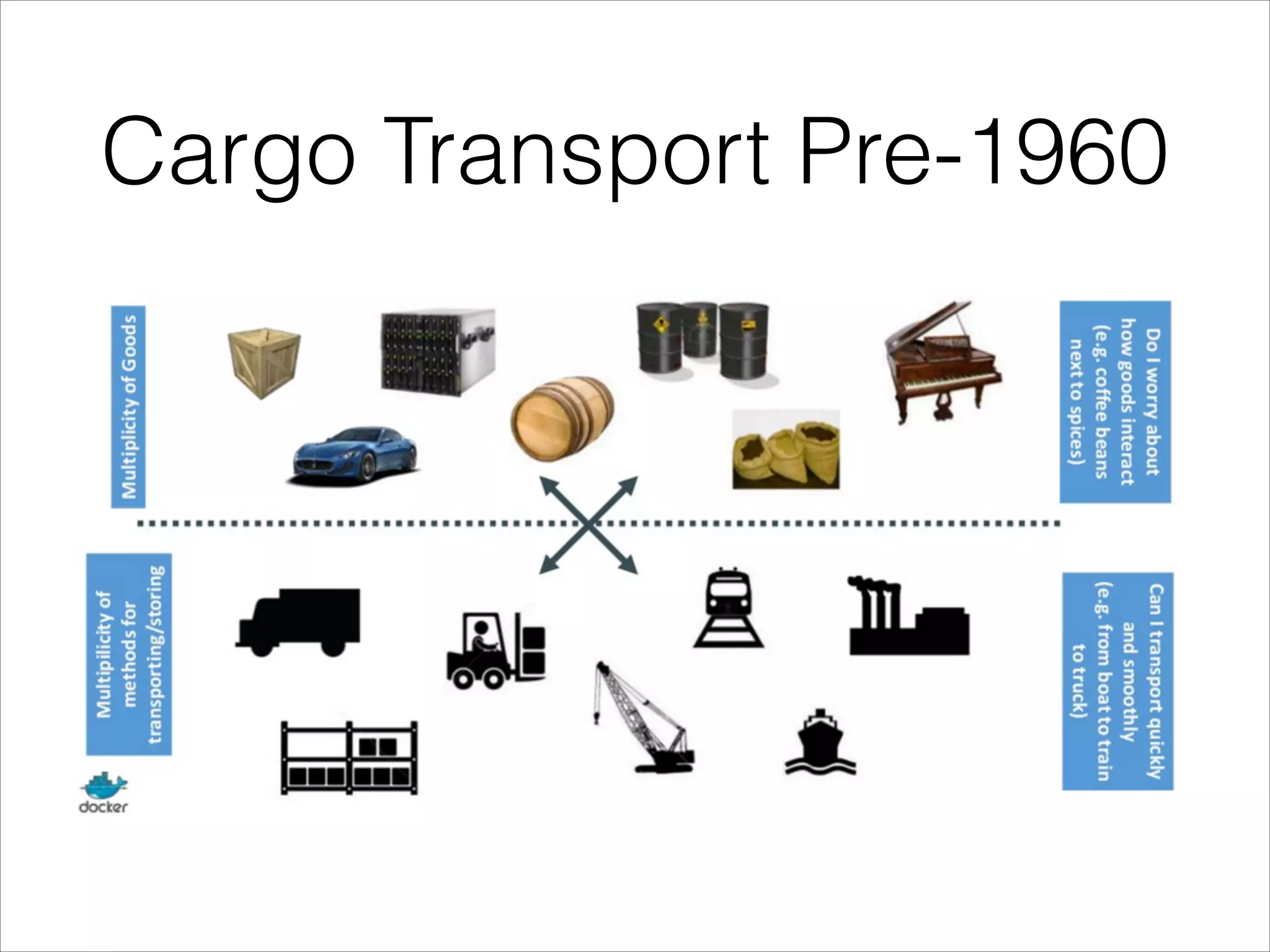
The Challenge
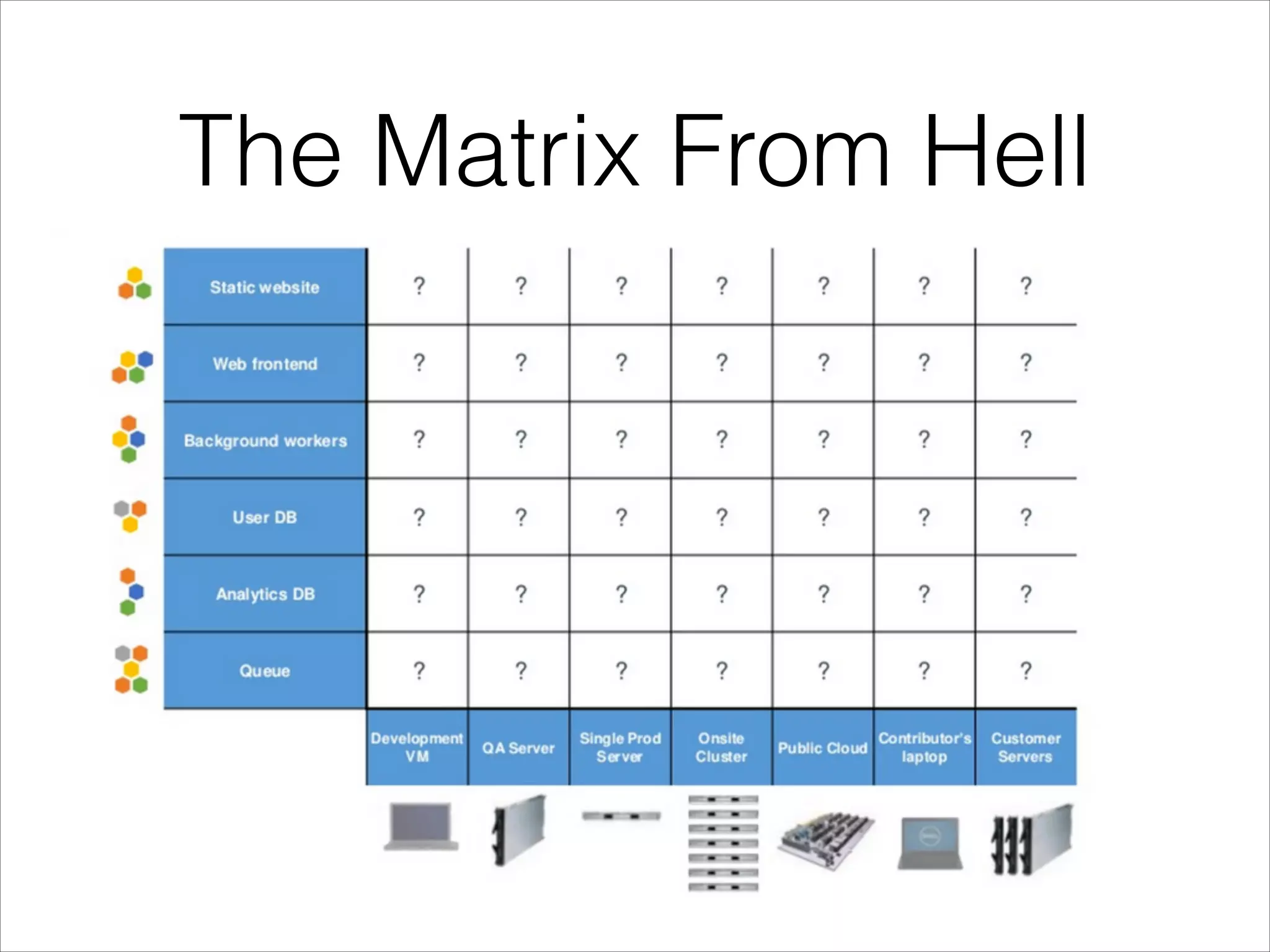
The Matrix From Hell
Cargo Transport Pre-1960
The Matrix From Hell
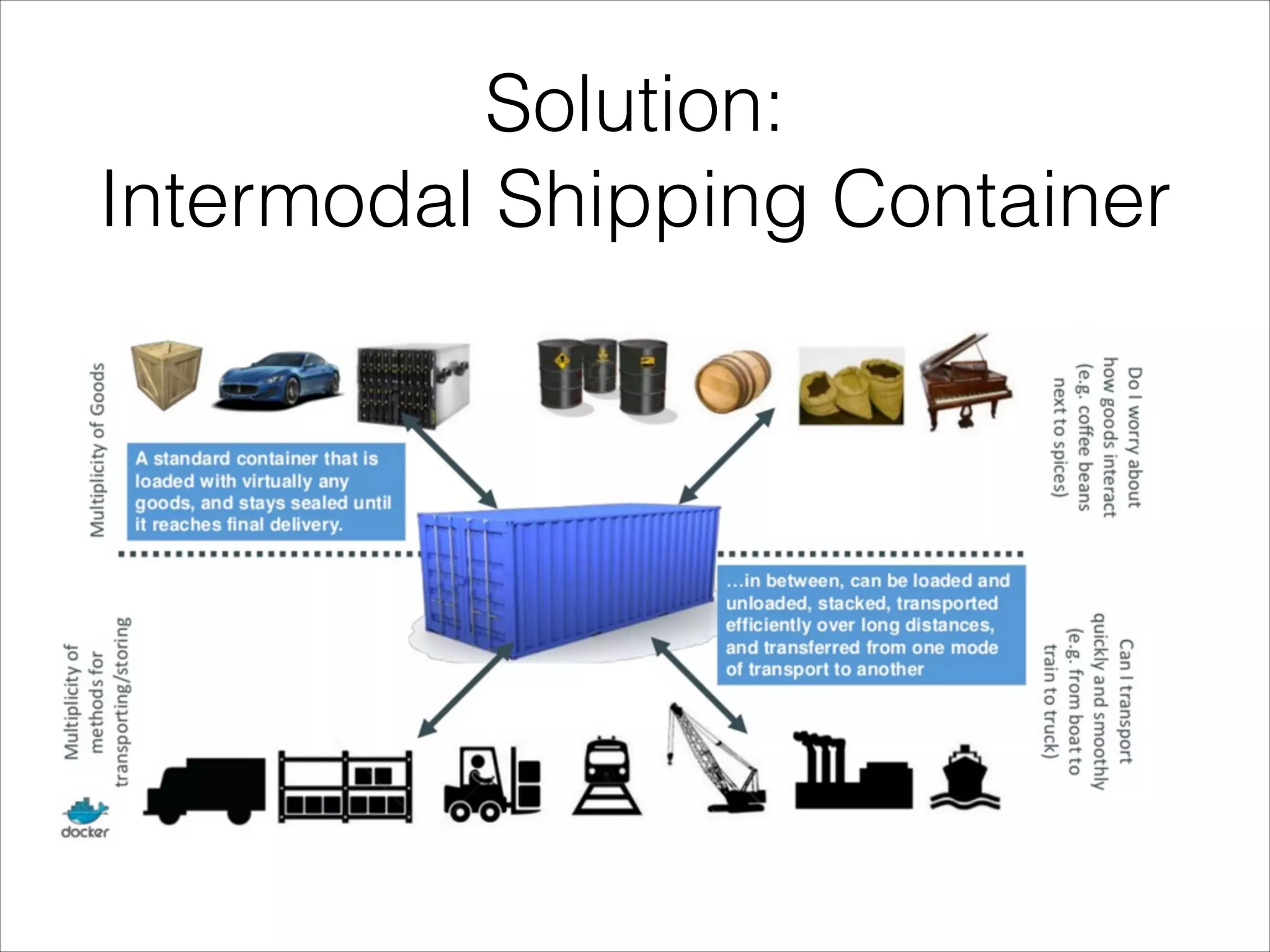
Solution: 

Intermodal Shipping Container
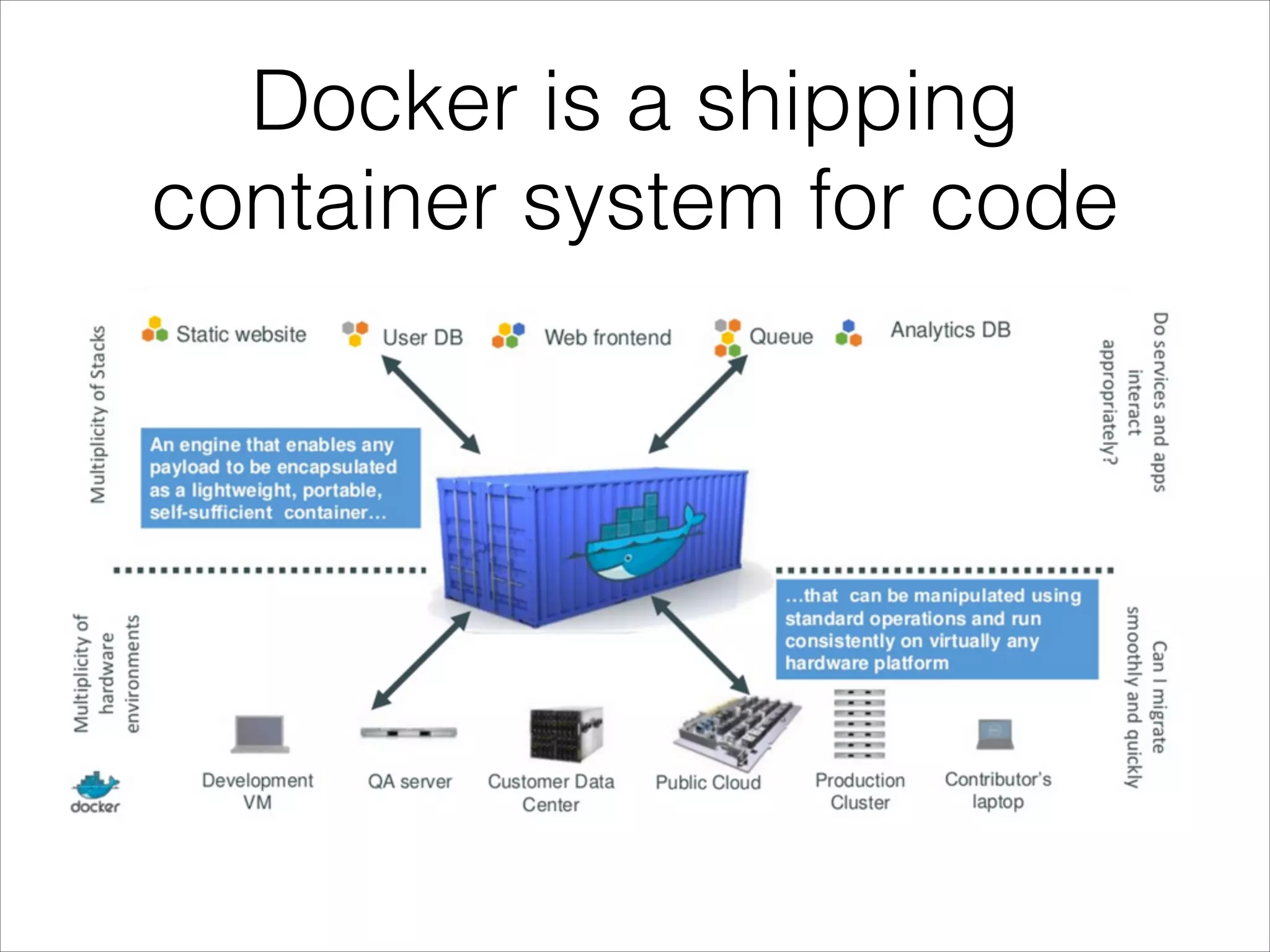
Docker is a shipping
container system for code
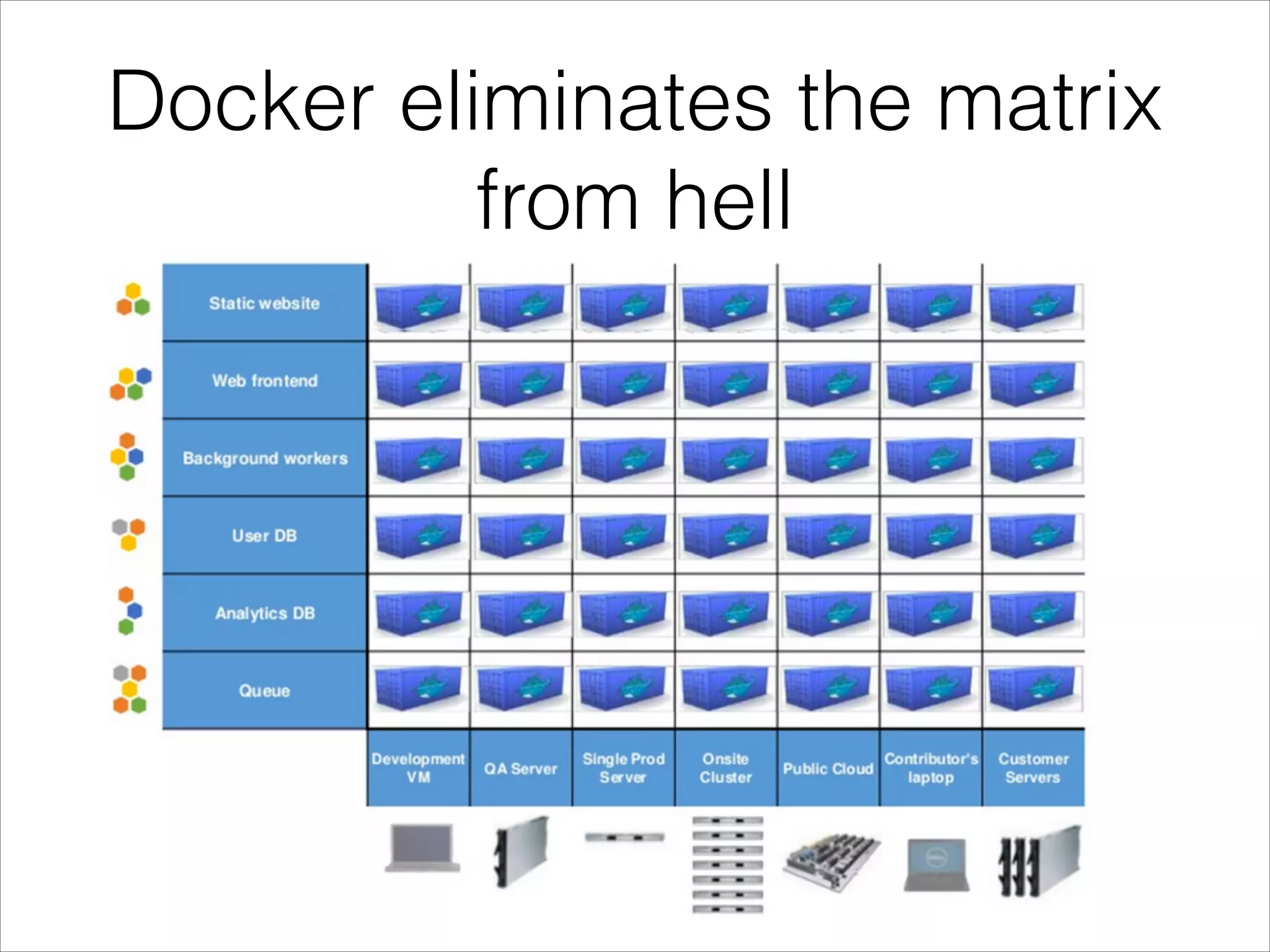
Docker eliminates the matrix
from hell
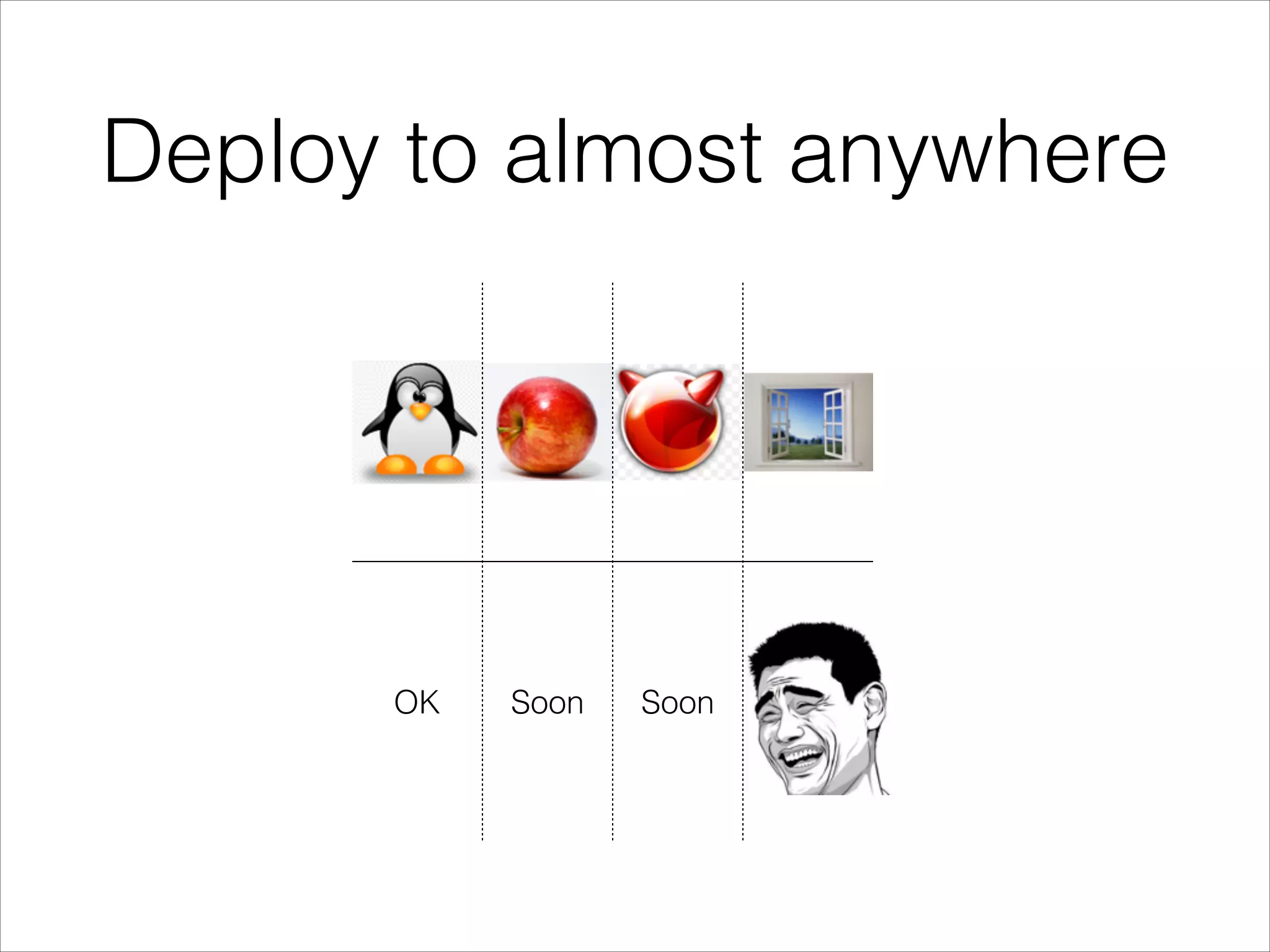
Deploy to almost anywhere

OK

Soon

Soon

?
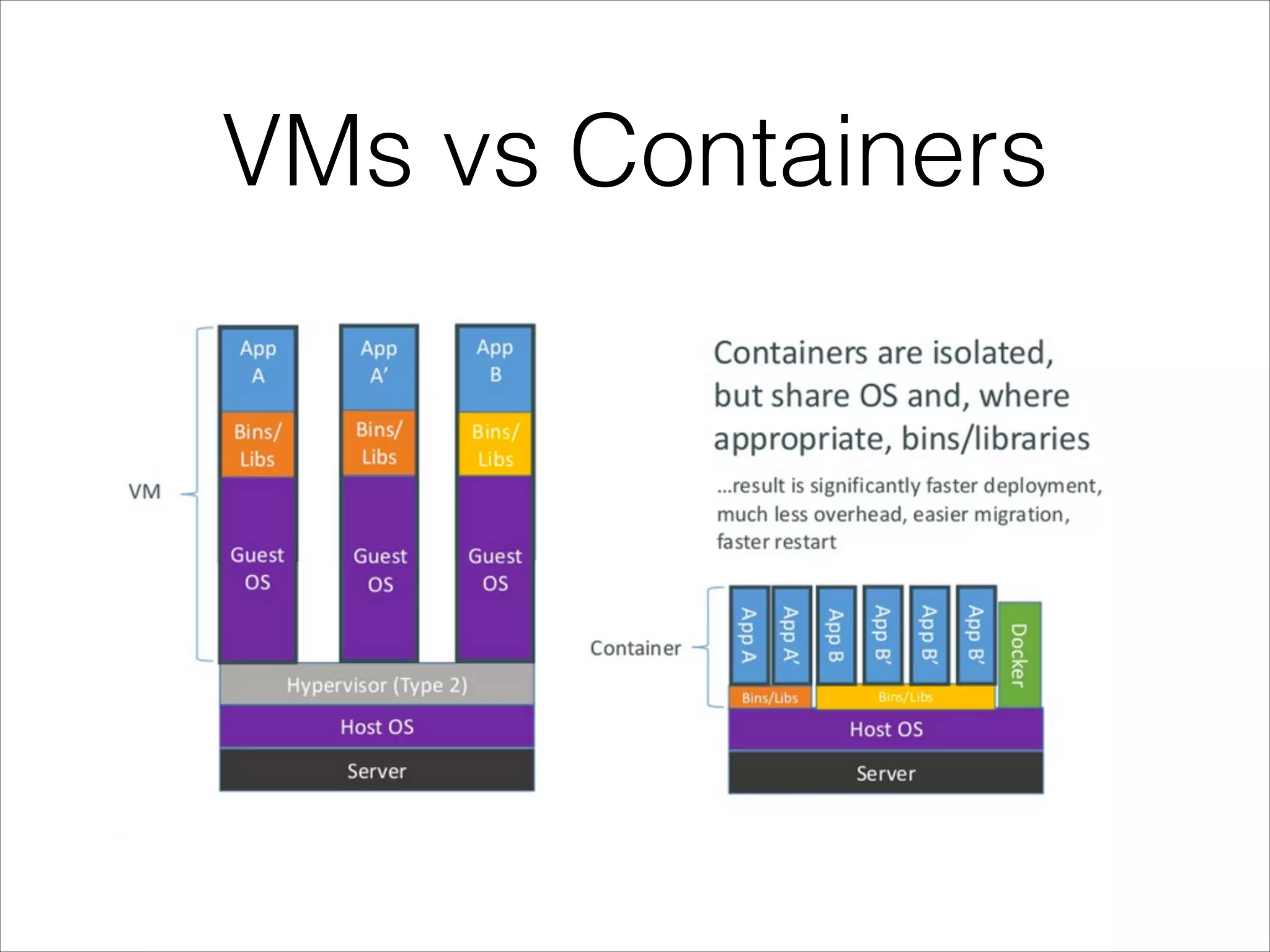
VMs vs Containers
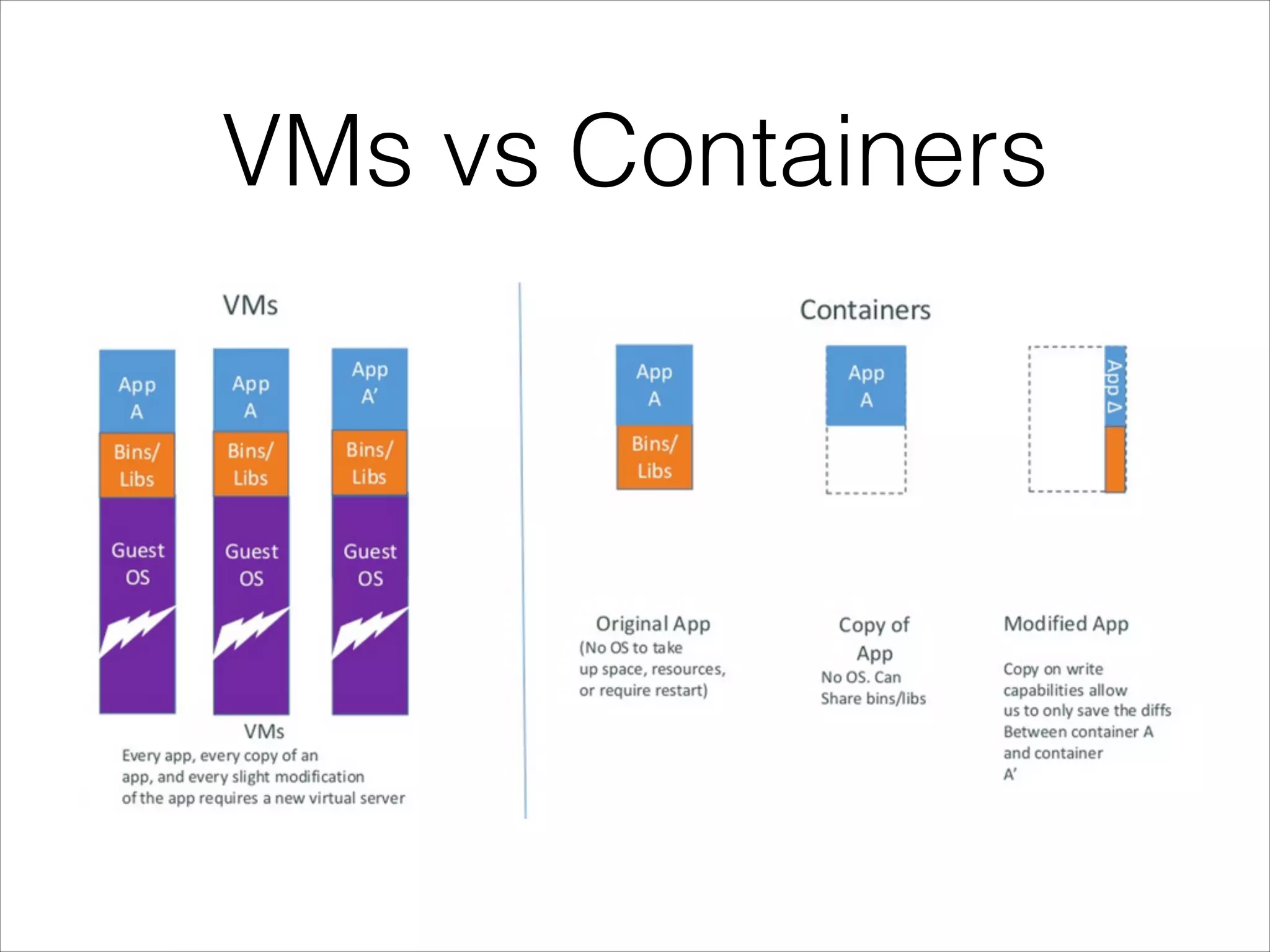
VMs vs Containers
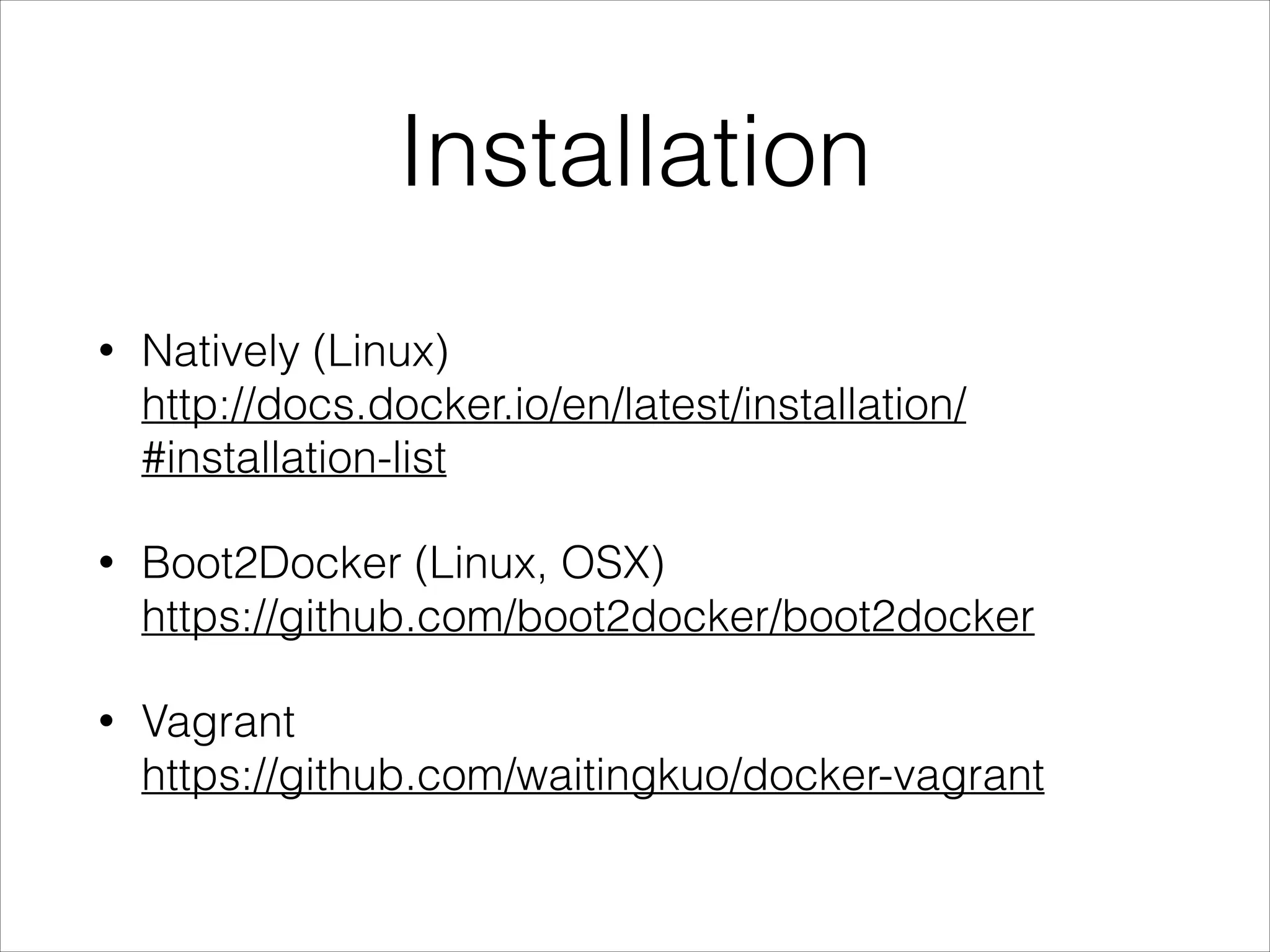
Installation
•

Natively (Linux)

http://docs.docker.io/en/latest/installation/
#installation-list

•

Boot2Docker (Linux, OSX)

https://github.com/boot2docker/boot2docker

•

Vagrant 

https://github.com/waitingkuo/docker-vagrant
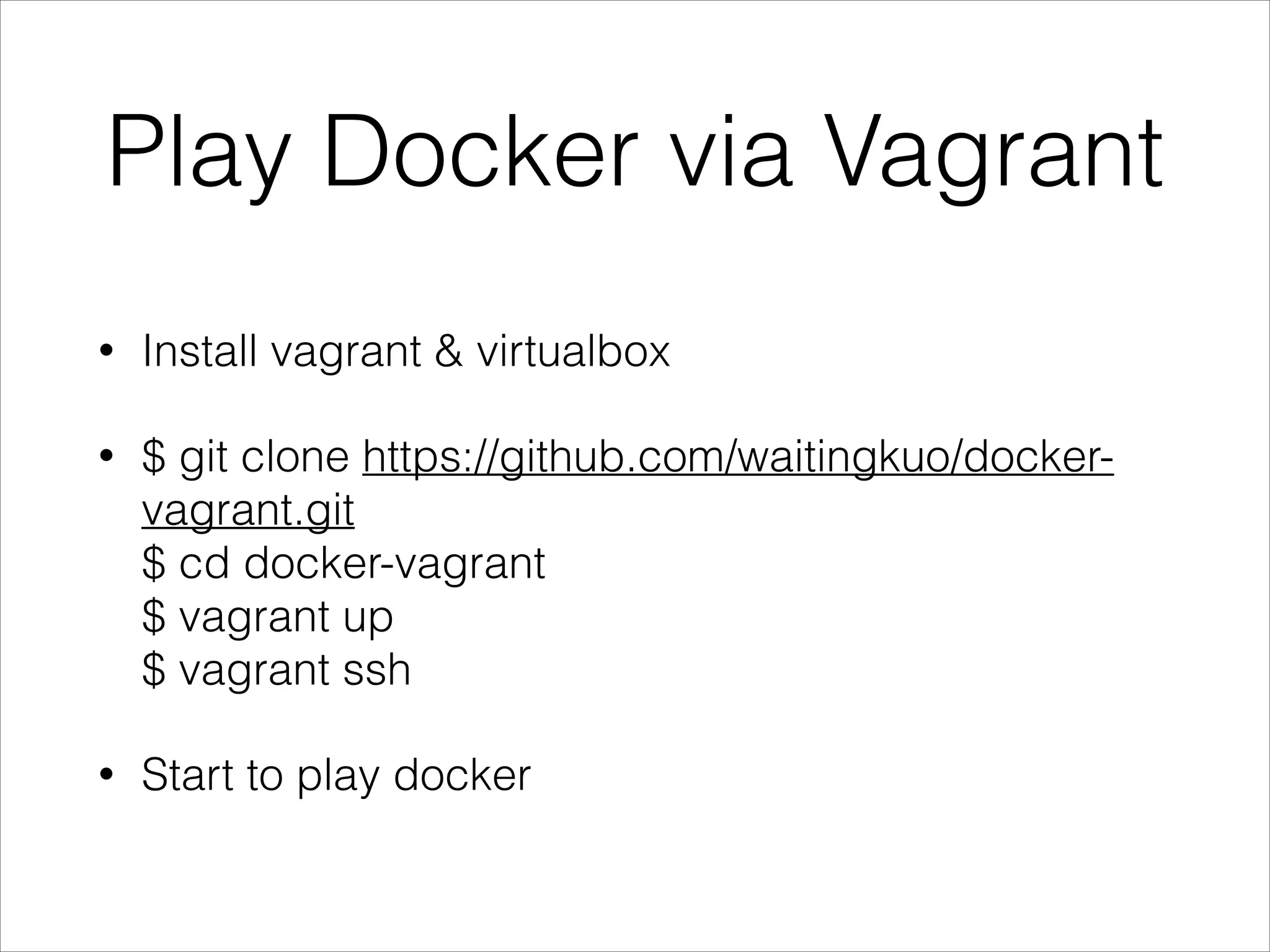
Play Docker via Vagrant
•

Install vagrant & virtualbox

•

$ git clone https://github.com/waitingkuo/dockervagrant.git

$ cd docker-vagrant

$ vagrant up

$ vagrant ssh

•

Start to play docker
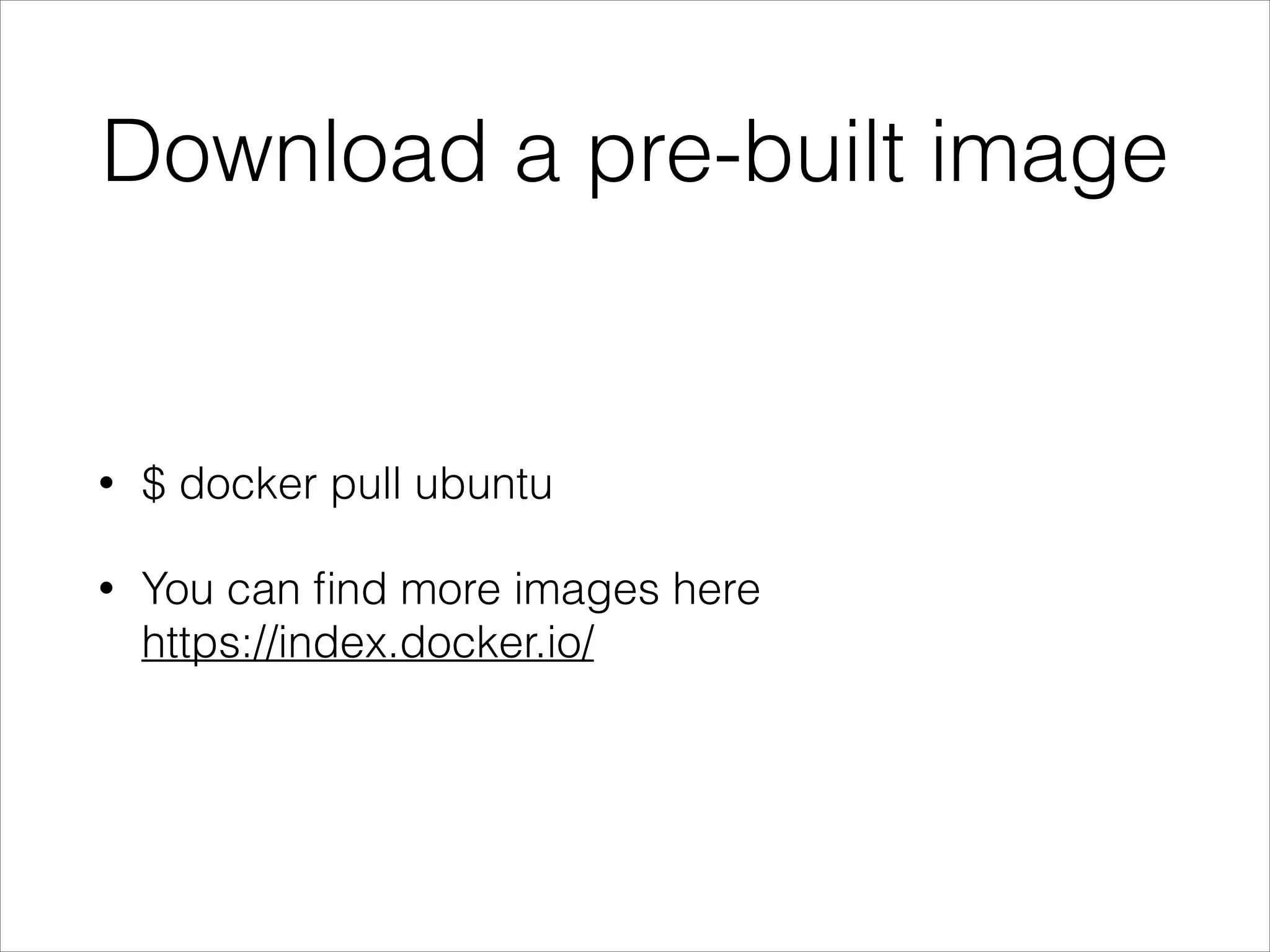
Download a pre-built image

•

$ docker pull ubuntu

•

You can find more images here

https://index.docker.io/
Docker Images?

•

$ docker images
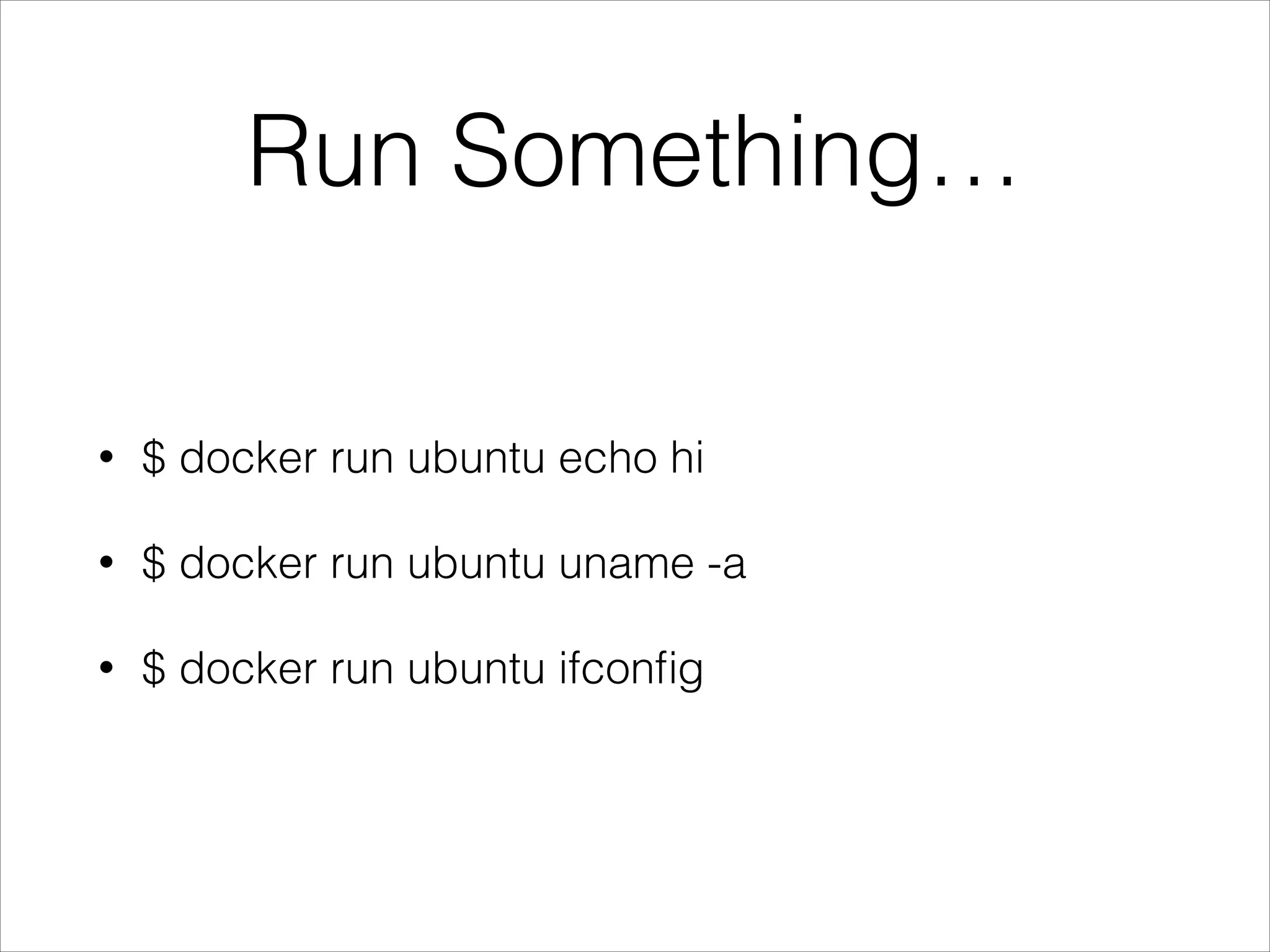
Run Something…
•

$ docker run ubuntu echo hi

•

$ docker run ubuntu uname -a

•

$ docker run ubuntu ifconfig
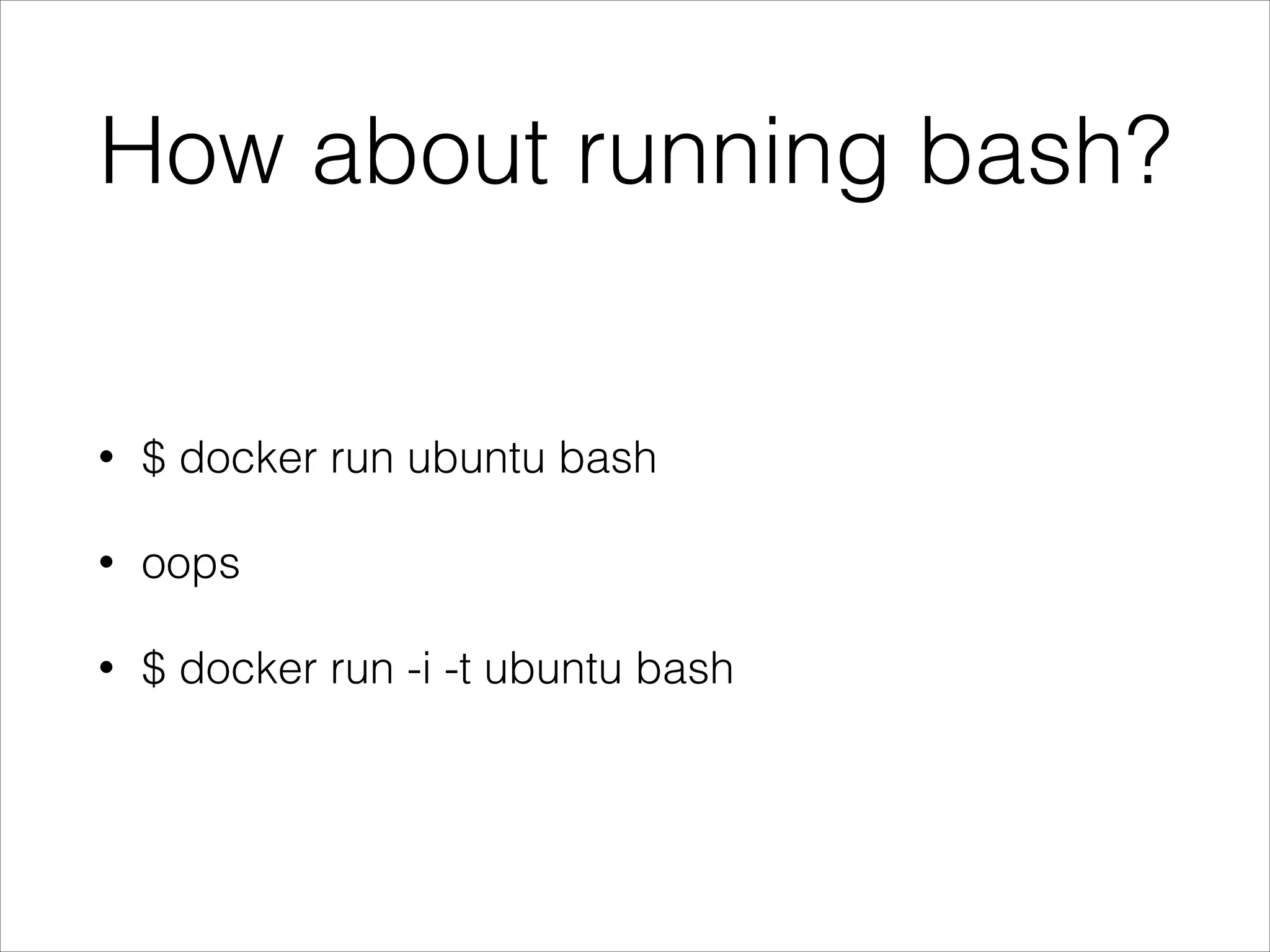
How about running bash?

•

$ docker run ubuntu bash

•

oops

•

$ docker run -i -t ubuntu bash
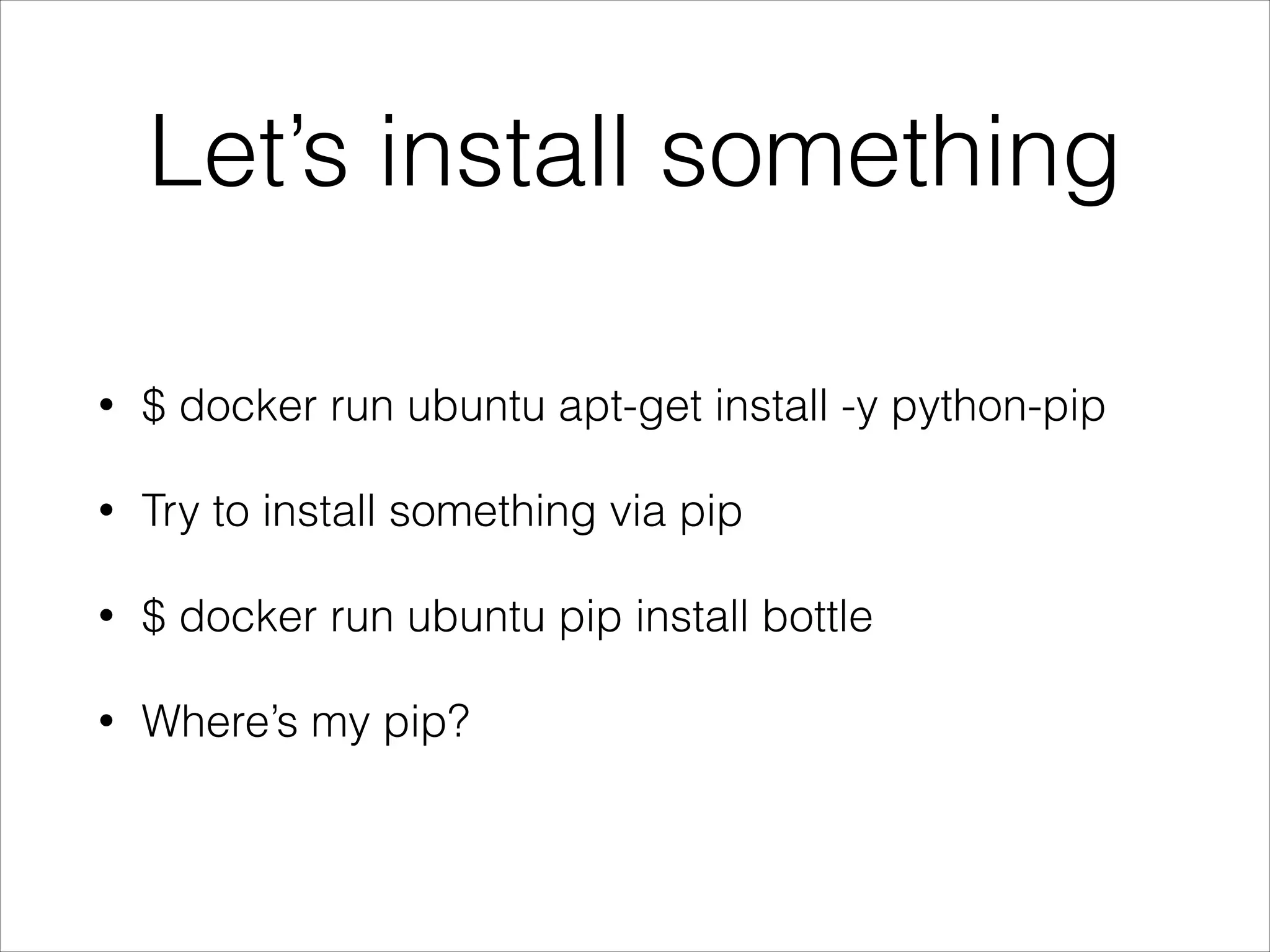
Let’s install something
•

$ docker run ubuntu apt-get install -y python-pip

•

Try to install something via pip

•

$ docker run ubuntu pip install bottle

•

Where’s my pip?
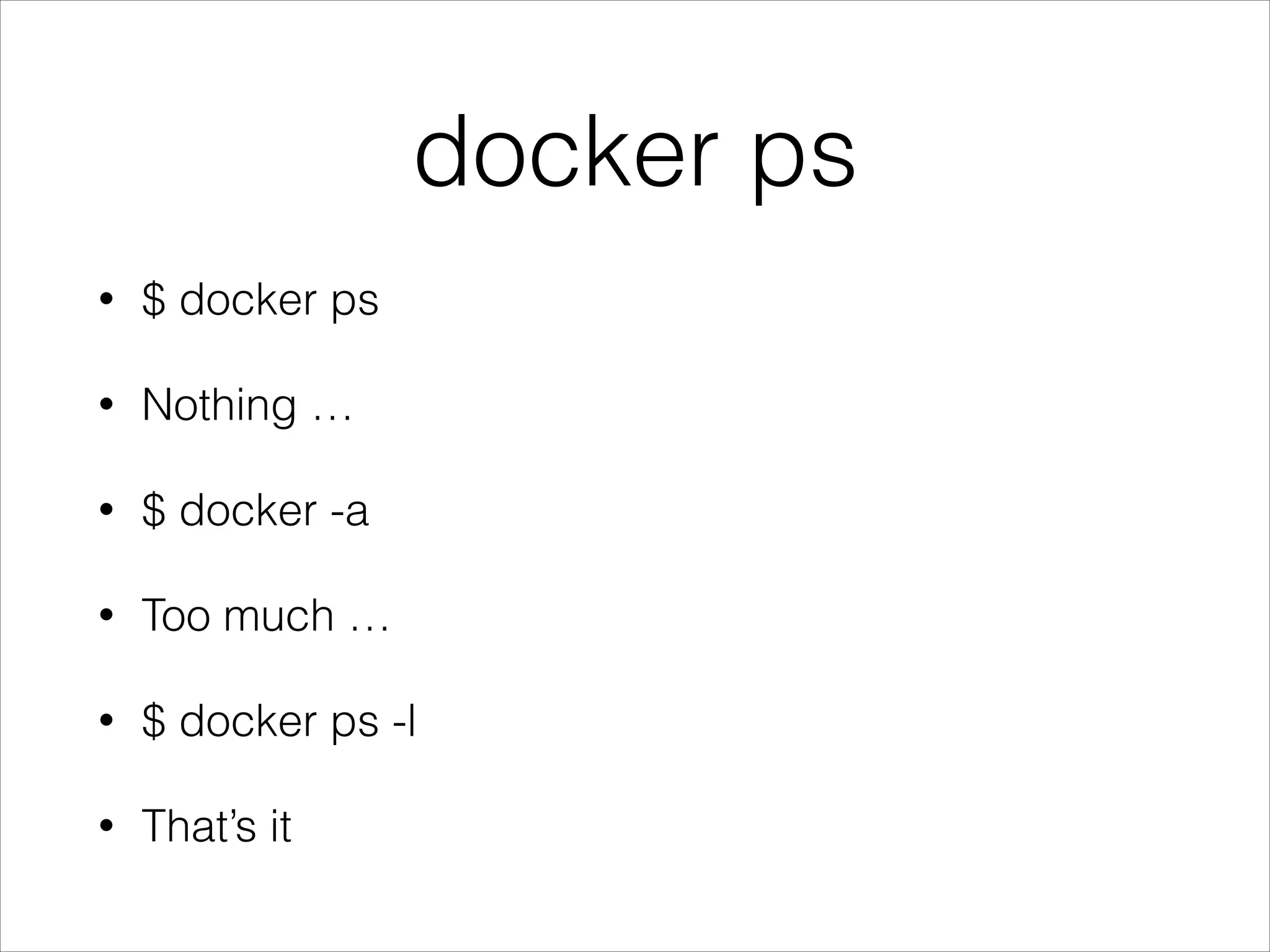
docker ps
•

$ docker ps

•

Nothing …

•

$ docker -a

•

Too much …

•

$ docker ps -l

•

That’s it
Think about Git
•

Coding…

•

$ git add -A

•

$ git commit -m ‘xxx’
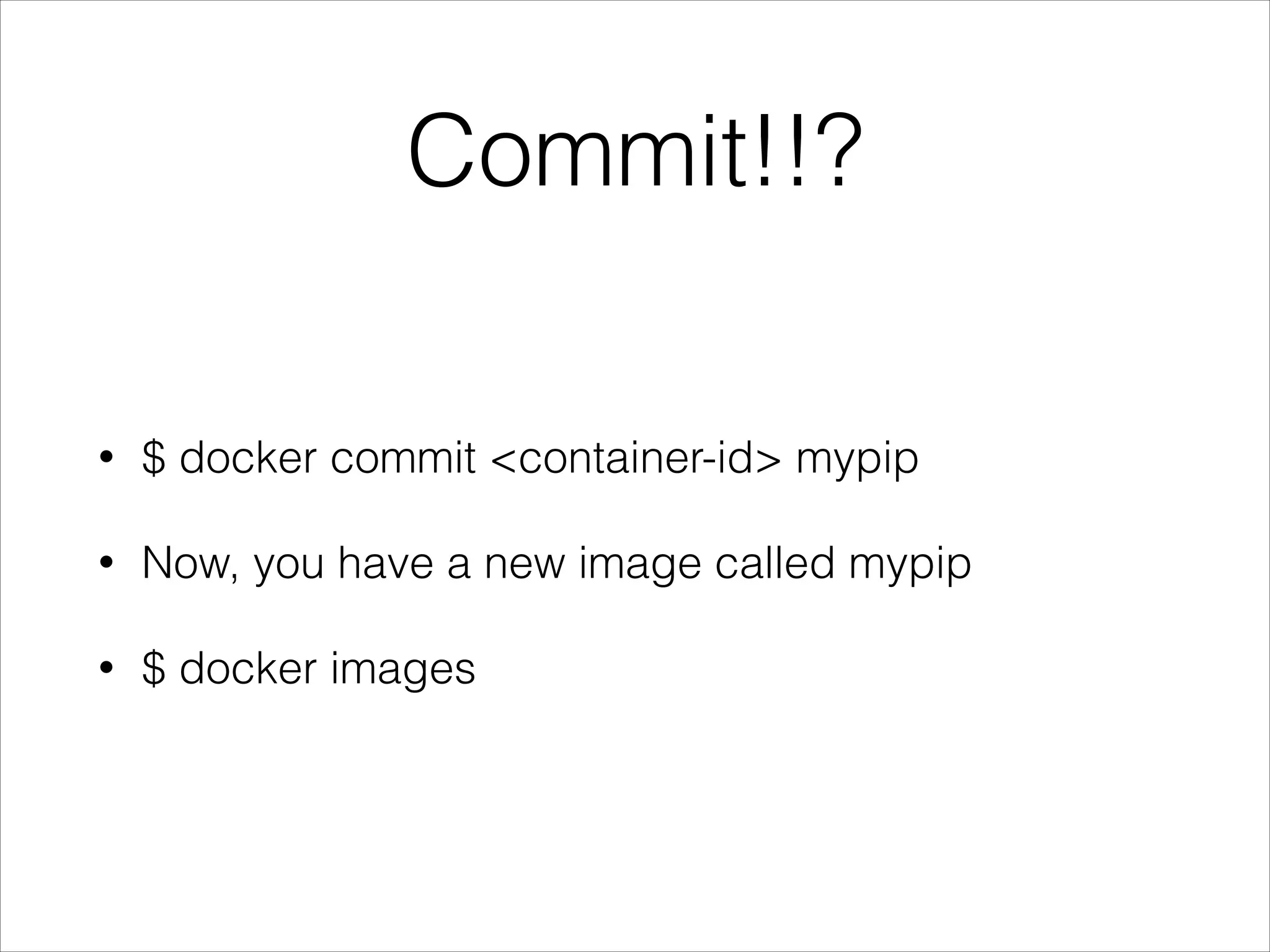
Commit!!?
•

$ docker commit <container-id> mypip

•

Now, you have a new image called mypip

•

$ docker images
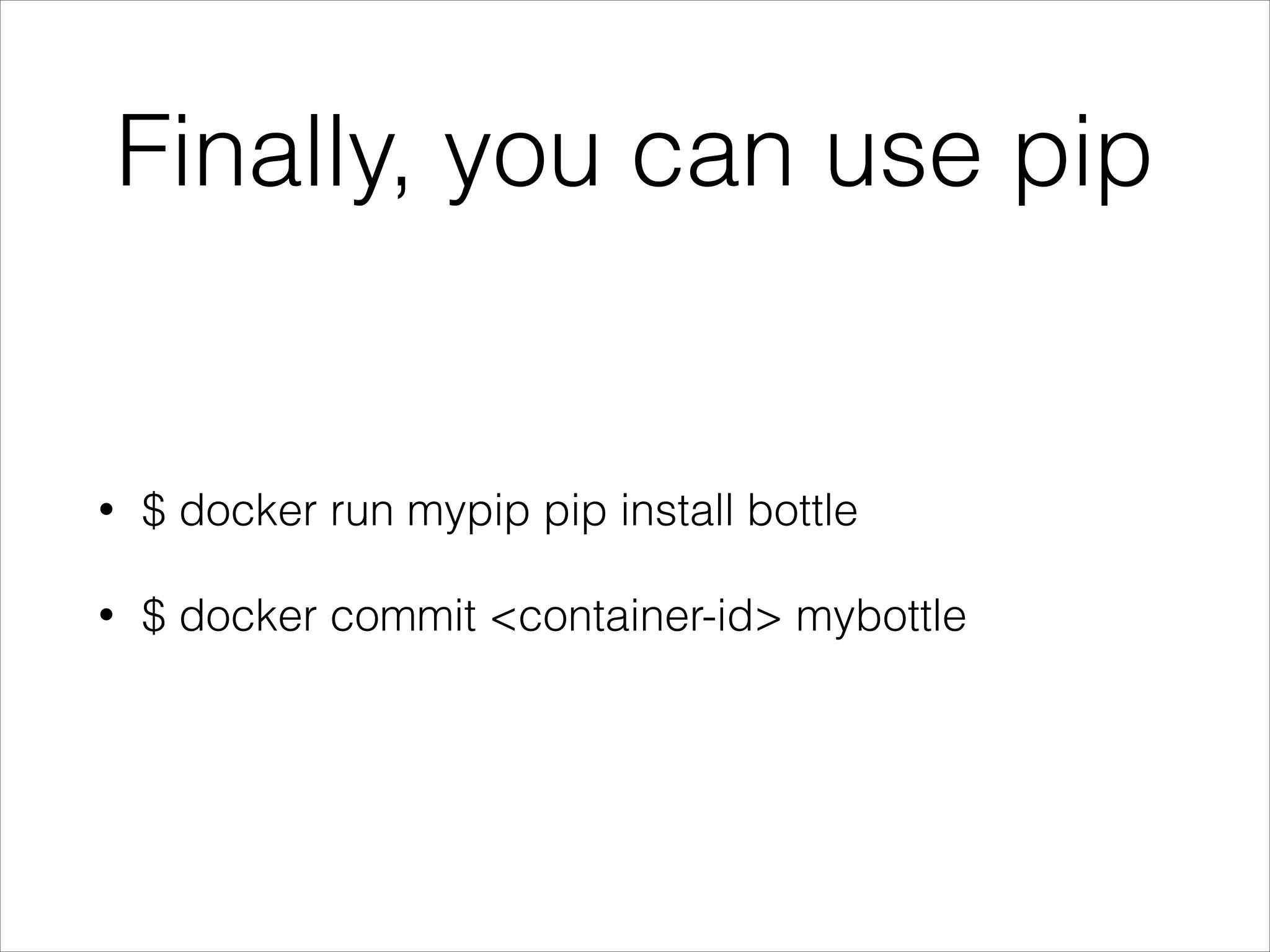
Finally, you can use pip

•

$ docker run mypip pip install bottle

•

$ docker commit <container-id> mybottle
Time to run a web server

•

Run a simple website using bottle framework

•

https://github.com/waitingkuo/bottle-sample
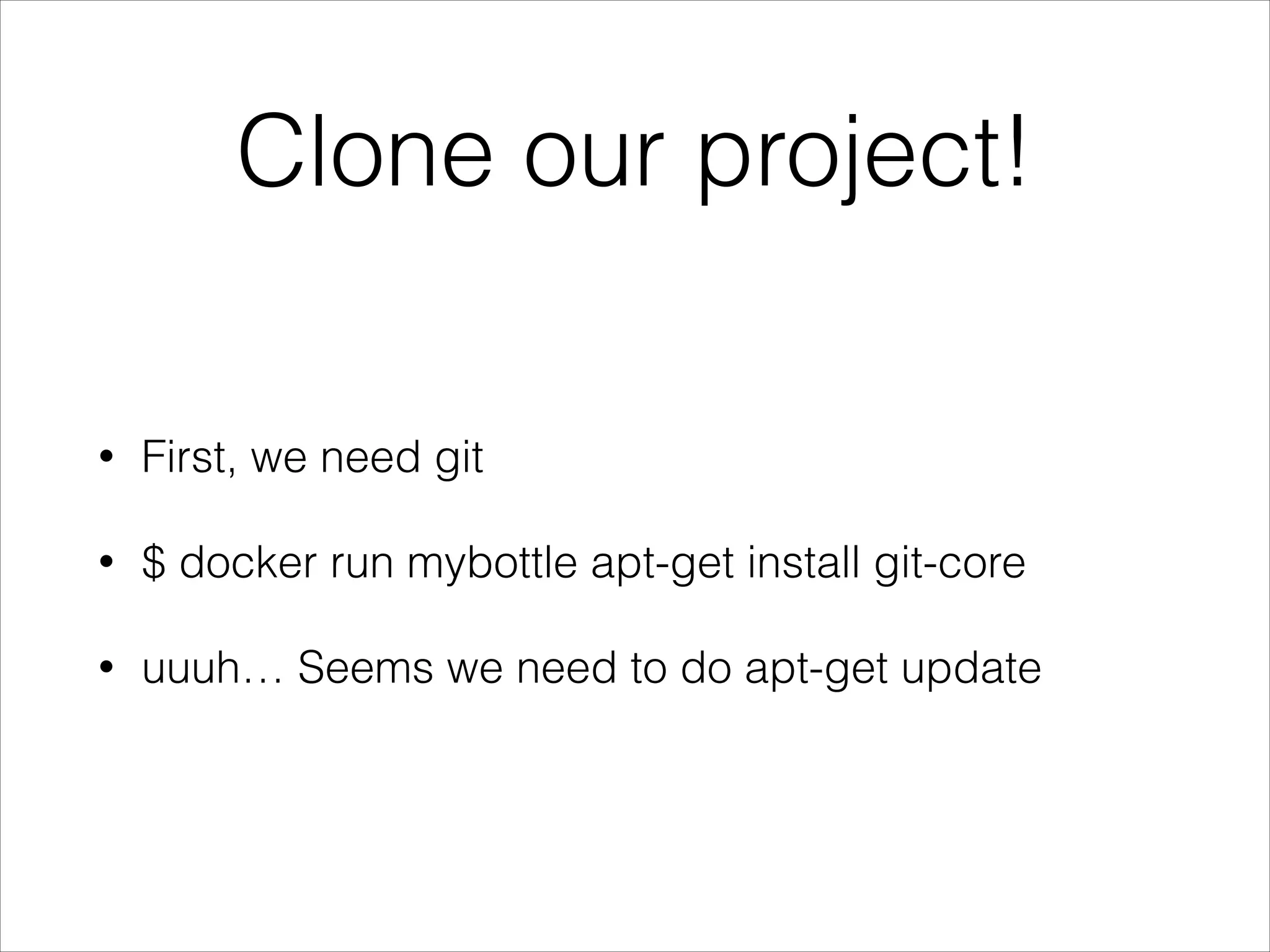
Clone our project!
•

First, we need git

•

$ docker run mybottle apt-get install git-core

•

uuuh… Seems we need to do apt-get update
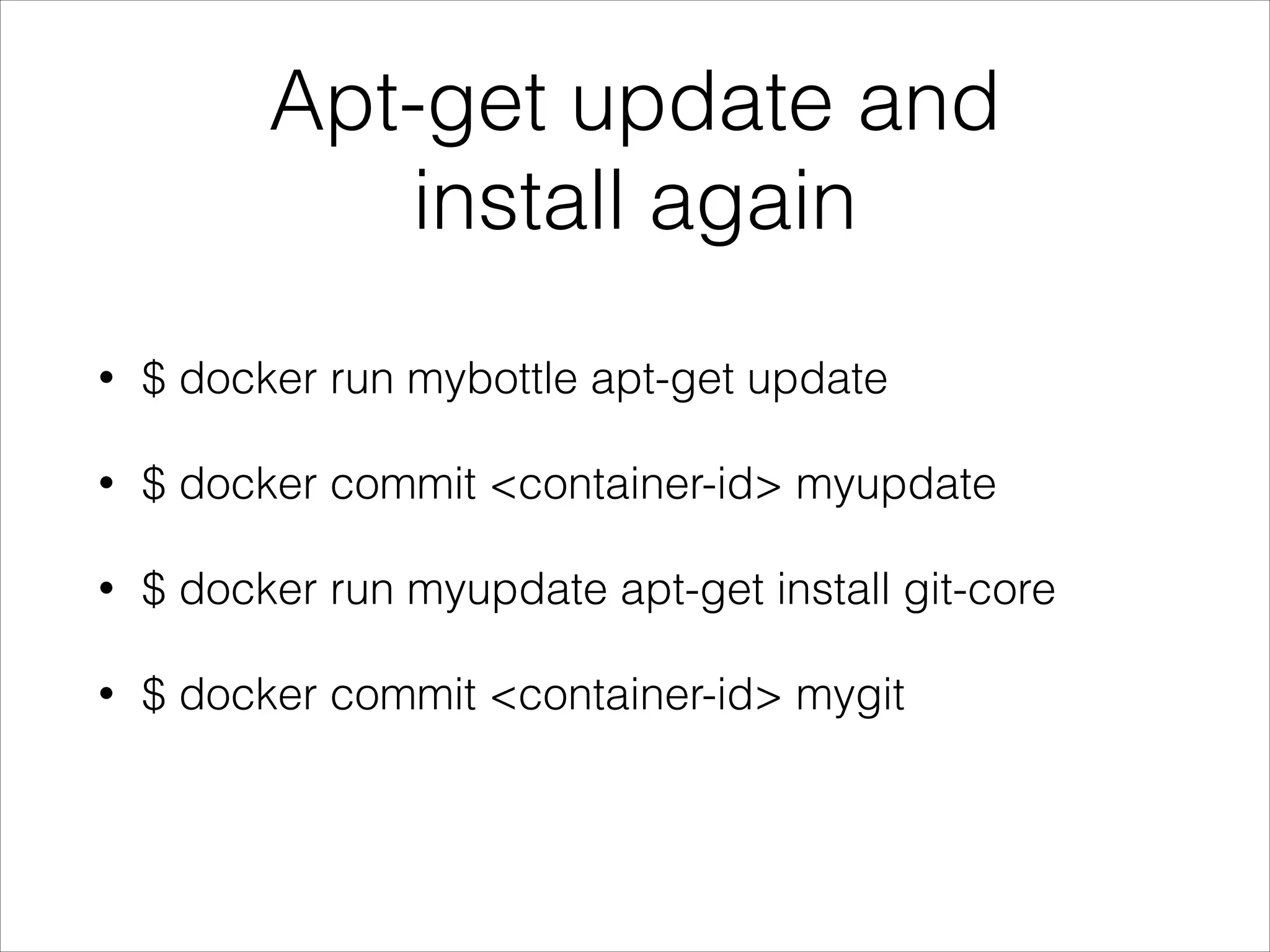
Apt-get update and
install again
•

$ docker run mybottle apt-get update

•

$ docker commit <container-id> myupdate

•

$ docker run myupdate apt-get install git-core

•

$ docker commit <container-id> mygit

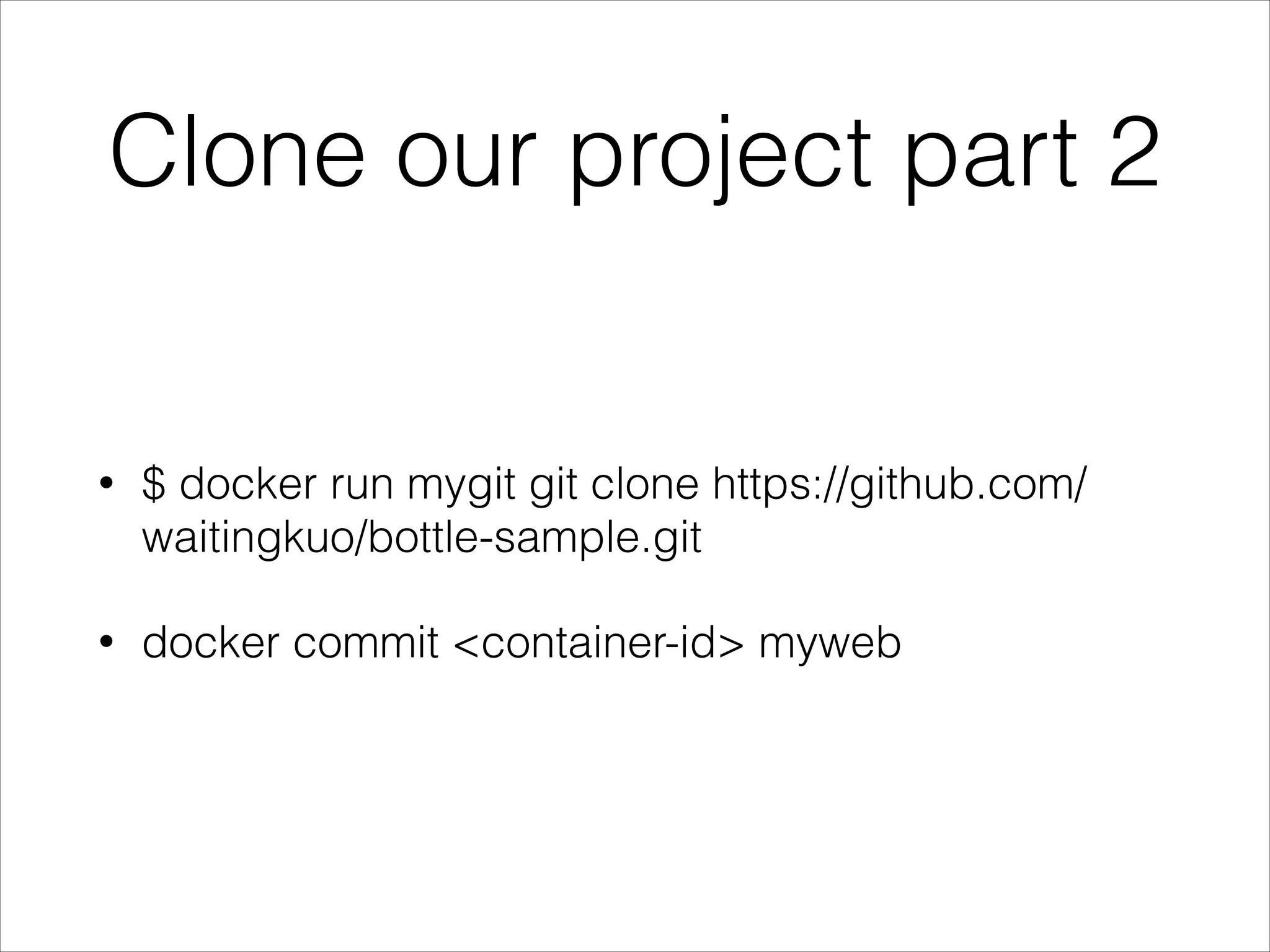
Clone our project part 2

•

$ docker run mygit git clone https://github.com/
waitingkuo/bottle-sample.git

•

docker commit <container-id> myweb
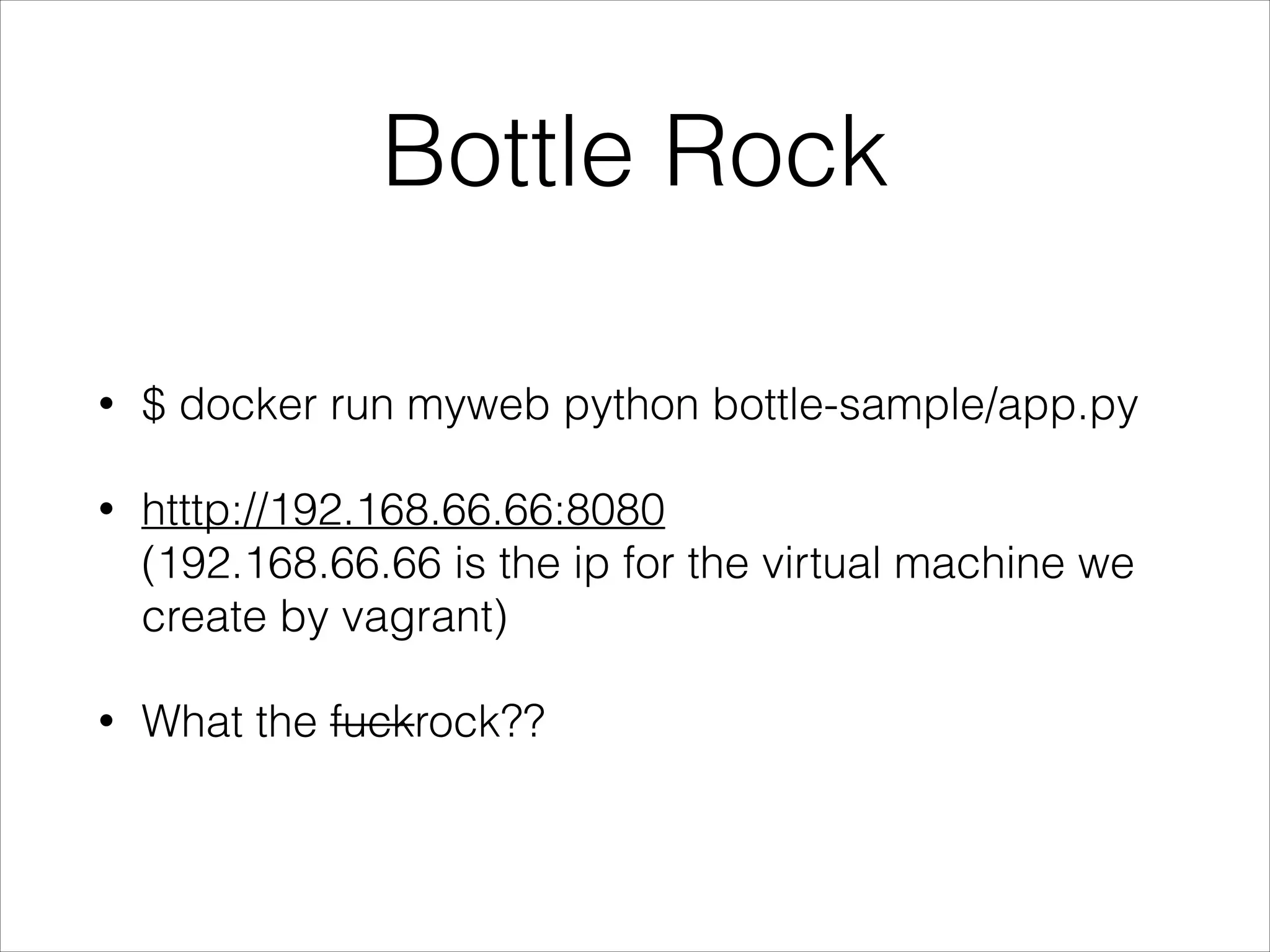
Bottle Rock
•

$ docker run myweb python bottle-sample/app.py

•

htttp://192.168.66.66:8080

(192.168.66.66 is the ip for the virtual machine we
create by vagrant)

•

What the fuckrock??
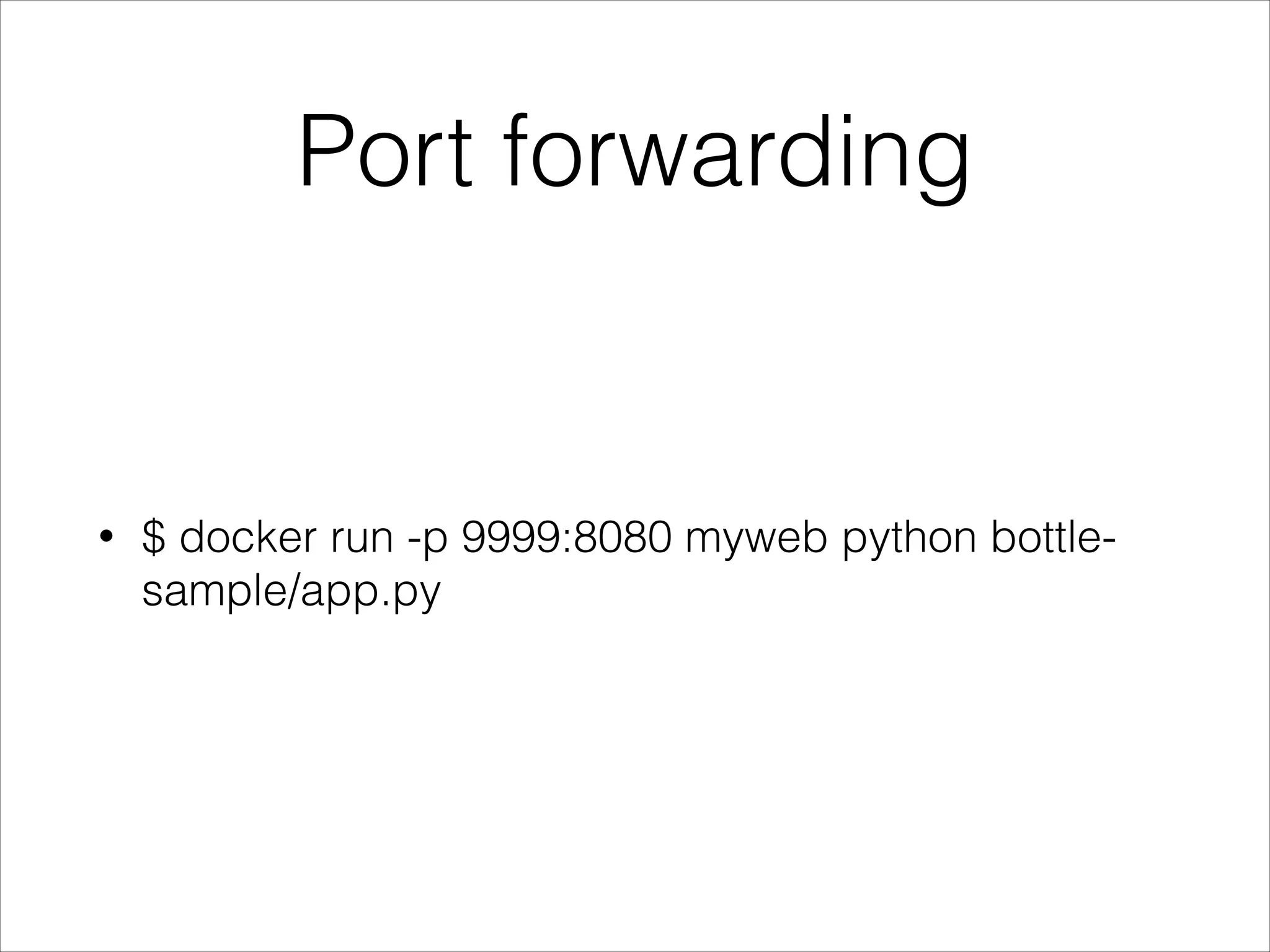
Port forwarding

•

$ docker run -p 9999:8080 myweb python bottlesample/app.py
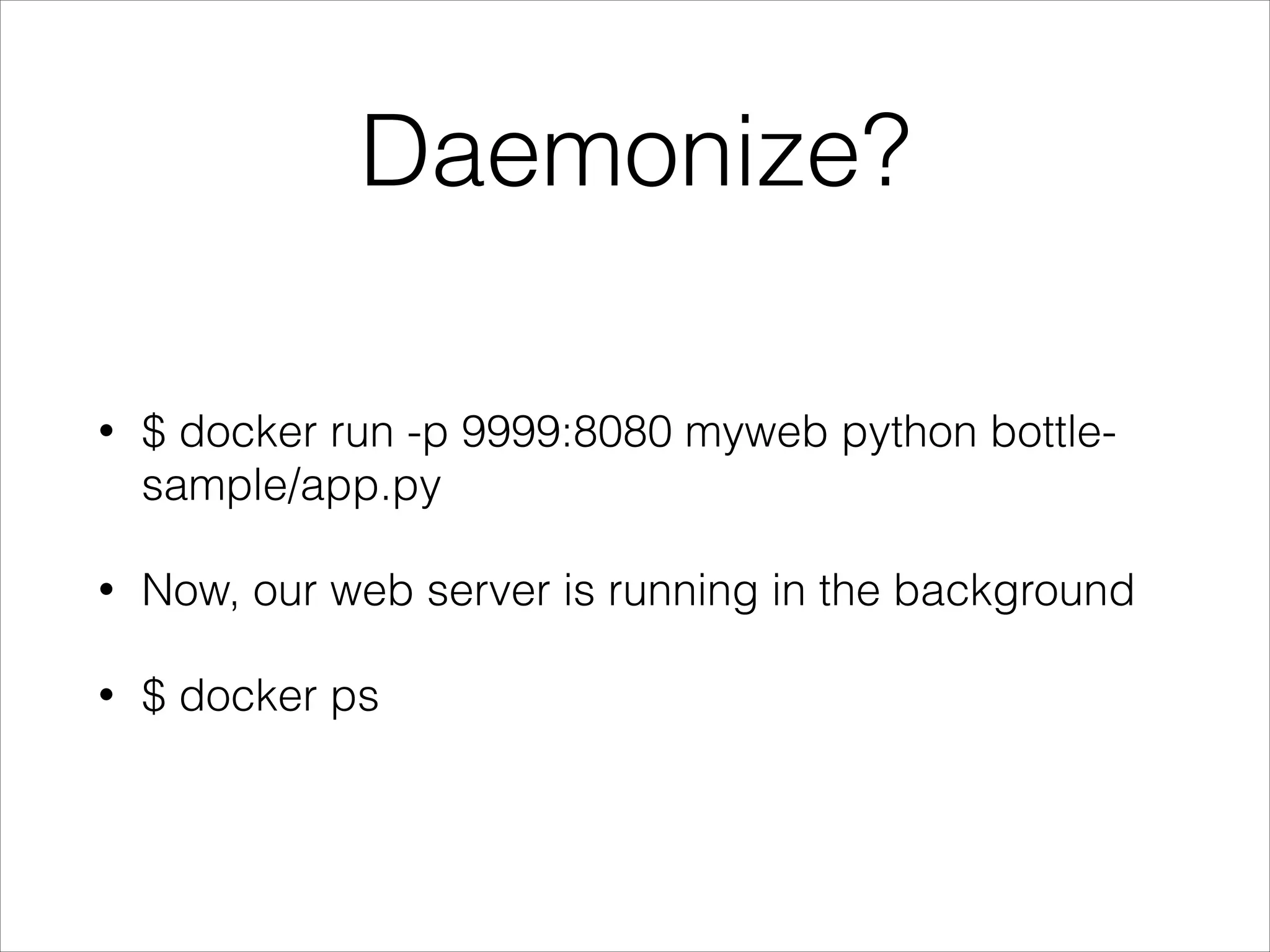
Daemonize?
•

$ docker run -p 9999:8080 myweb python bottlesample/app.py

•

Now, our web server is running in the background

•

$ docker ps
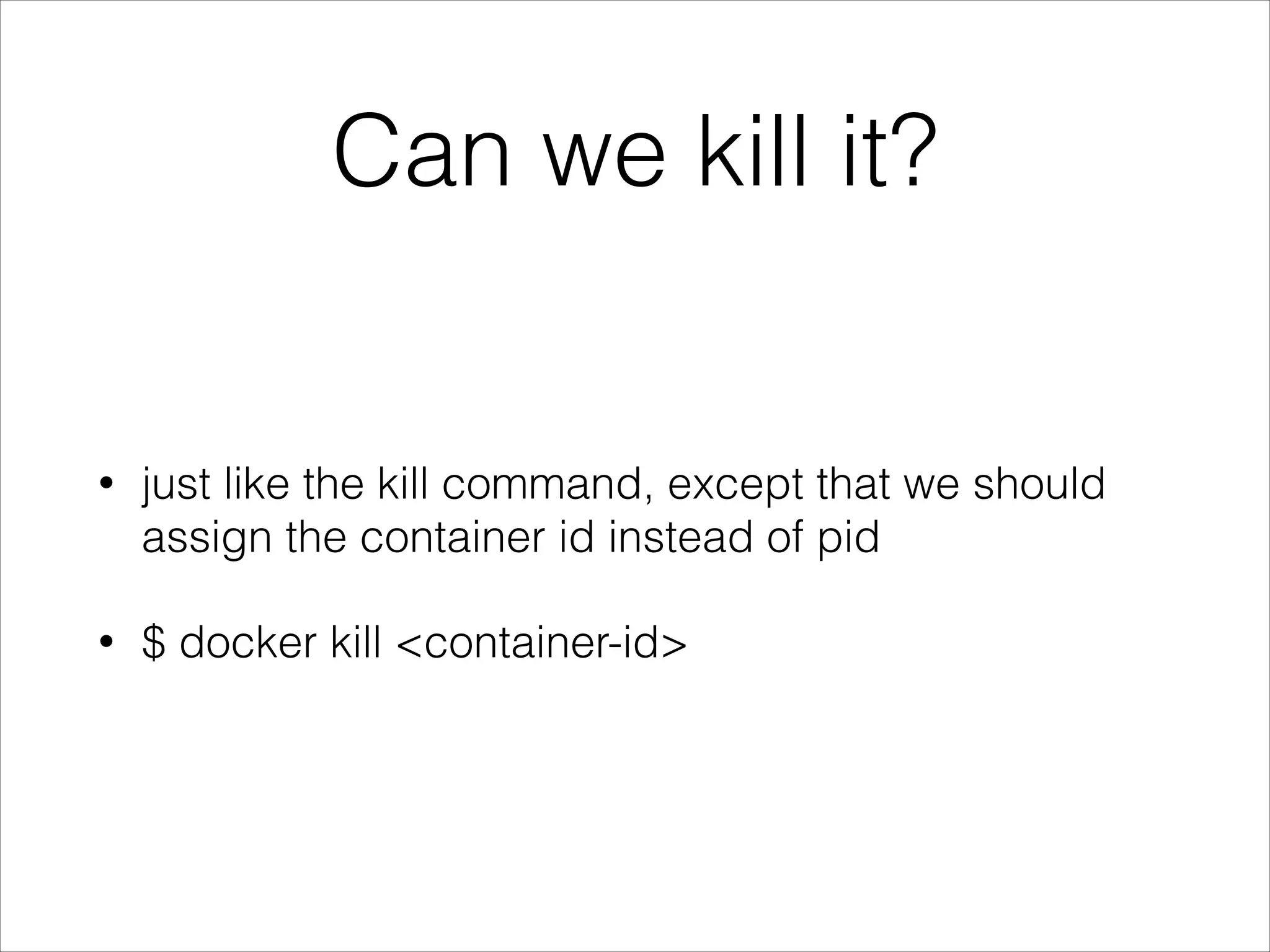
Can we kill it?

•

just like the kill command, except that we should
assign the container id instead of pid

•

$ docker kill <container-id>
Dockerfile

•

Tutorial: https://www.docker.io/learn/dockerfile/
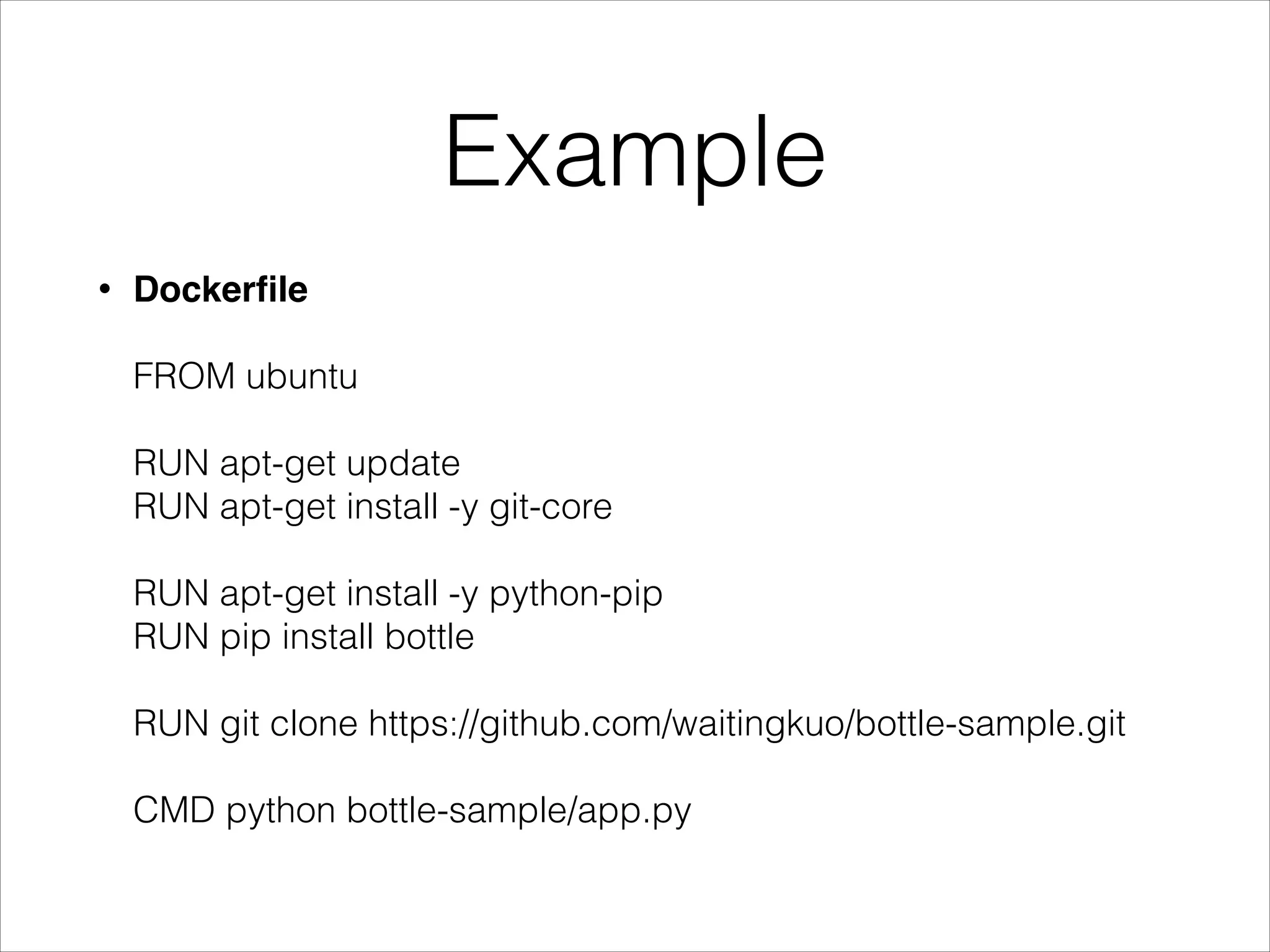
Example
Dockerfile


•


FROM ubuntu 


RUN apt-get update 

RUN apt-get install -y git-core 


RUN apt-get install -y python-pip 

RUN pip install bottle 


RUN git clone https://github.com/waitingkuo/bottle-sample.git 


CMD python bottle-sample/app.py
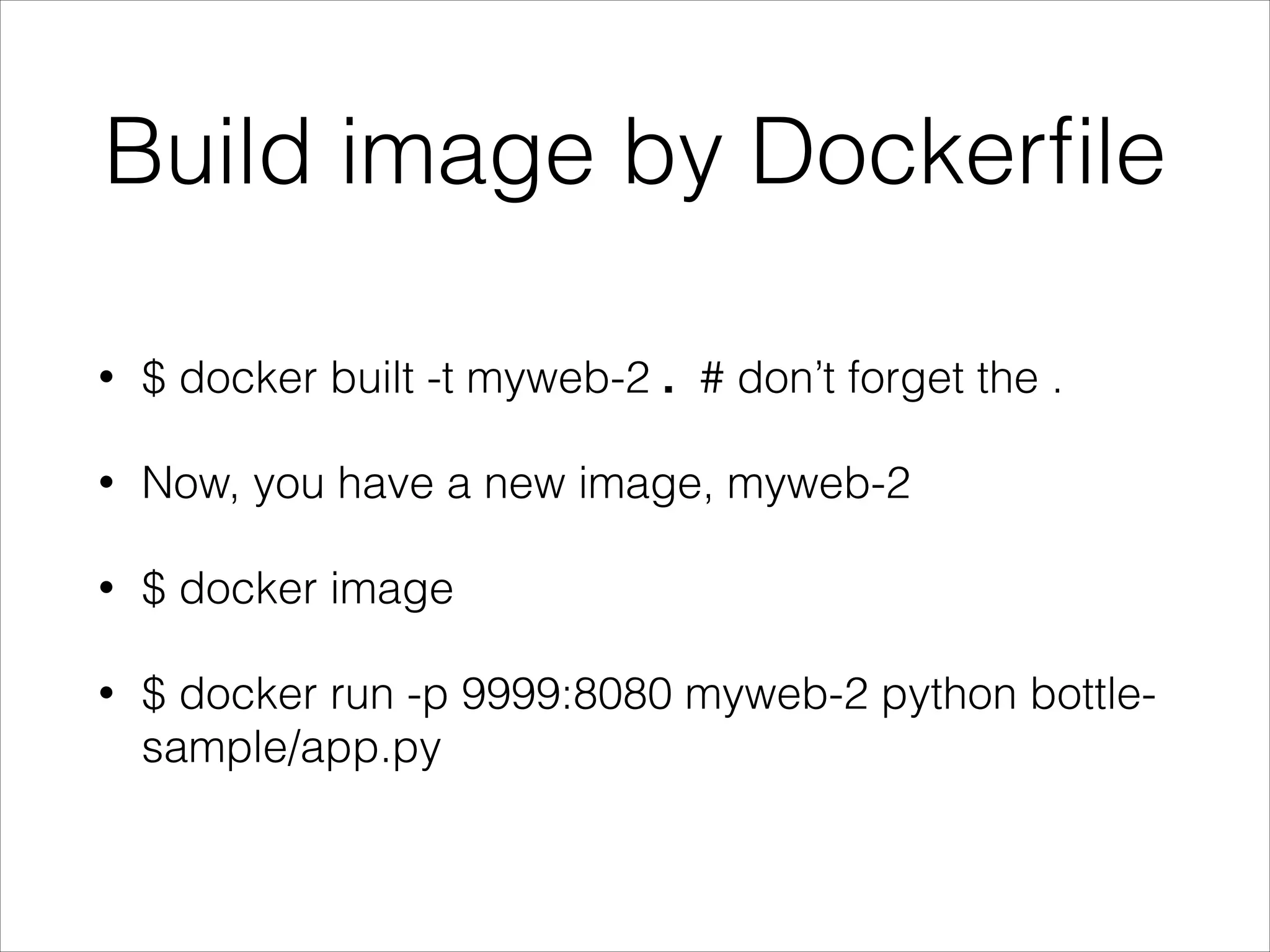
Build image by Dockerfile
•

$ docker built -t myweb-2 . # don’t forget the .

•

Now, you have a new image, myweb-2

•

$ docker image

•

$ docker run -p 9999:8080 myweb-2 python bottlesample/app.py
Think about GitHub

•

We have already had docker commit

•

Can I push my image to something like GitHub?
Docker Index
•

https://index.docker.io/

•

The place to find Docker container images

•

Can automatically create Docker Image from your
project on Github, and keep them in sync
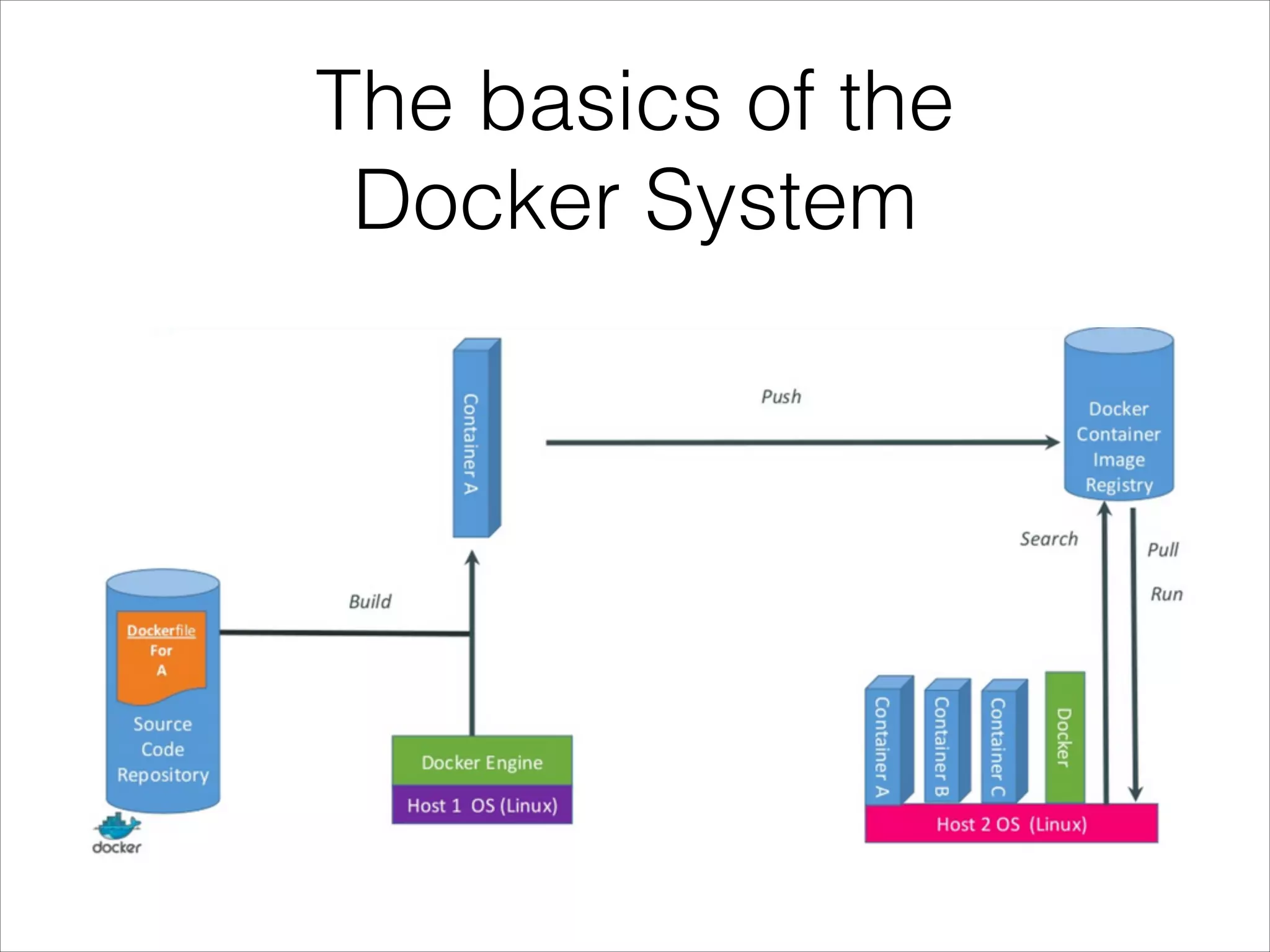
The basics of the 

Docker System
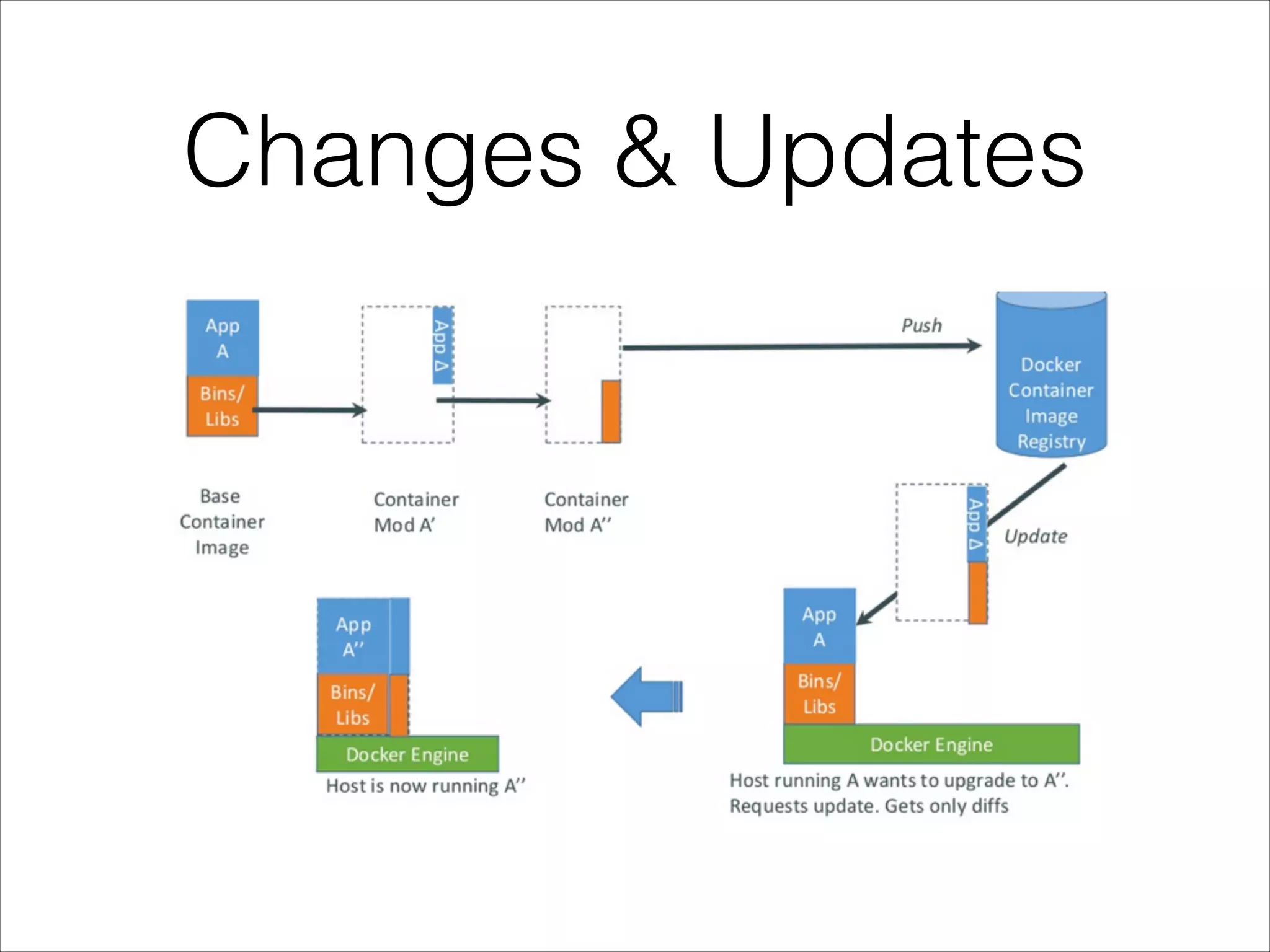
Changes & Updates
Example Deploy Mongodb
•

https://index.docker.io/u/waitingkuo/mongodb/

•

The Dockfile is hosted on Github

https://github.com/waitingkuo/dockerfiles/blob/
master/dockerfiles/mongodb/Dockerfile

•

$ docker run -d -p 27017:27017 -p 28017:28017
waitingkuo/mongodb

•

Mongodb is running

http://192.168.66.66:28017/
Ecosystem - WebUI
•

dockerui

https://github.com/crosbymichael/dockerui

•

Shipyard

https://github.com/shipyard/shipyard
Ecosystem - PaaS
•

deis

https://github.com/opdemand/deis

•

dokku

https://github.com/progrium/dokku

•

flynn

https://flynn.io/
Ecosystem - CI
•

drone

https://github.com/drone/drone

•

StriderCD

http://stridercd.com/
Thank you!

Introduction to docker