Learning to Achieve
Do I Just Google That?
Teaching Search and Research Skills
in the primary school
Malcolm Wilson
ICT Curriculum Development Officer
Falkirk Council Education Services
Learning Intention
• Developing an understanding of the skills and
knowledge to make more effective use of online
search tools
• Developing an awareness of resources available to
help support learners in defining a task, developing
information seeking strategies, and synthesising and
presenting information
Success Criteria
• I can identify steps a learner can take to make more
effective use of online search tools
• I can select from resources available online to help
my learners in defining a task, developing
information seeking strategies, and synthesising and
presenting information
Content
• Guided overview of a range of online tools which will
help guide learners to make more effective use of
online tools, to support pupils in being discerning in
the information they find, and to support pupils in
organising and presenting found information
So what’s the issue?
• Pupils given a research task might think to
themselves, “I’ll just Google that.”
• Google is only one of many search engines
• Only fraction of facilities used by many users
• Users can have difficulty finding the information
specific to the task
• Resources now available to help in developing pupil
skills in searching more effectively
– How do pupils know it is appropriate for the task?
– How do they evaluate what is suitable?
– How do they present it
– How do they correctly attribute source
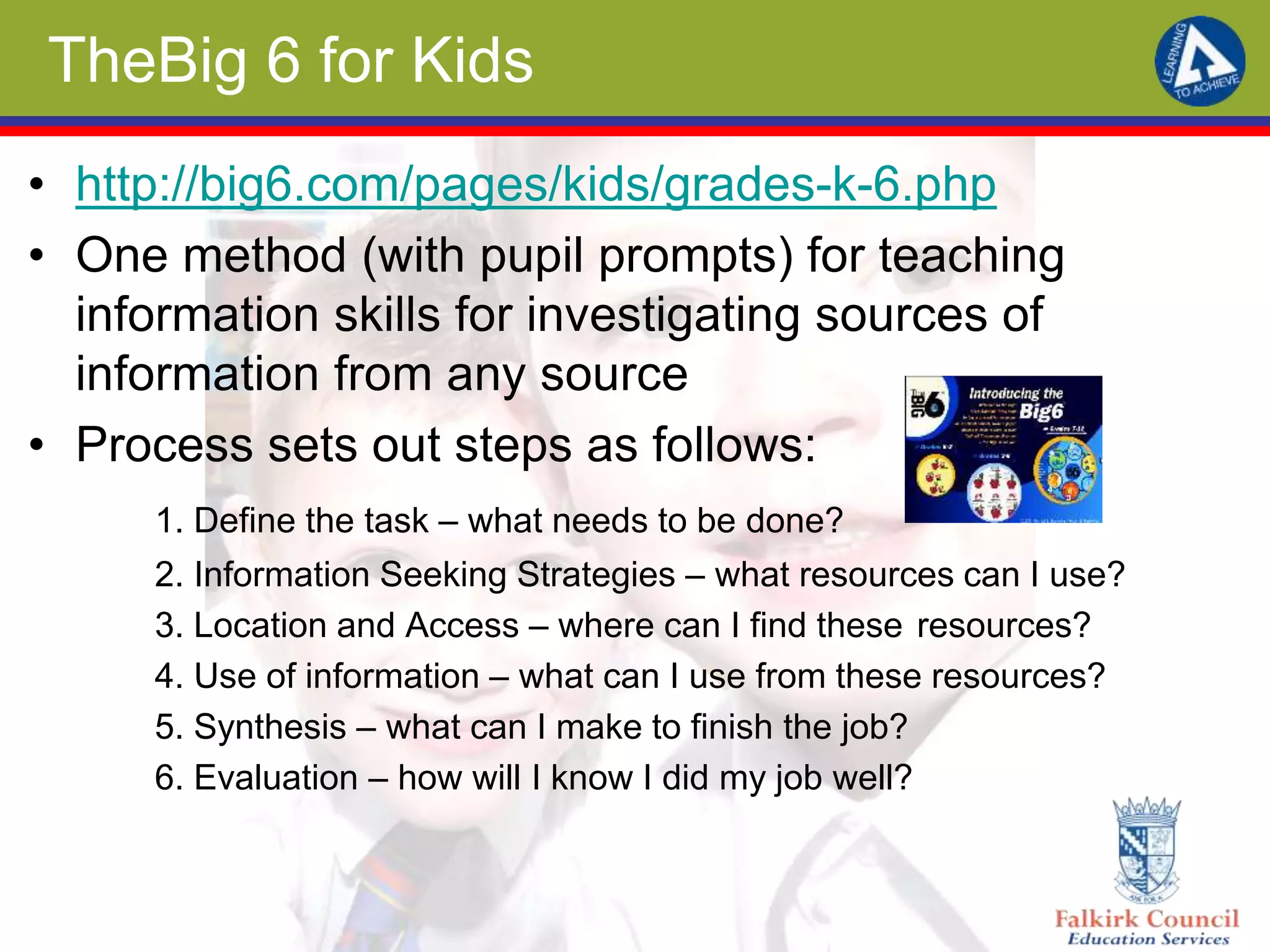
TheBig 6 for Kids
• http://big6.com/pages/kids/grades-k-6.php
• One method (with pupil prompts) for teaching
information skills for investigating sources of
information from any source
• Process sets out steps as follows:
1. Define the task – what needs to be done?
2. Information Seeking Strategies – what resources can I use?
3. Location and Access – where can I find these resources?
4. Use of information – what can I use from these resources?
5. Synthesis – what can I make to finish the job?
6. Evaluation – how will I know I did my job well?
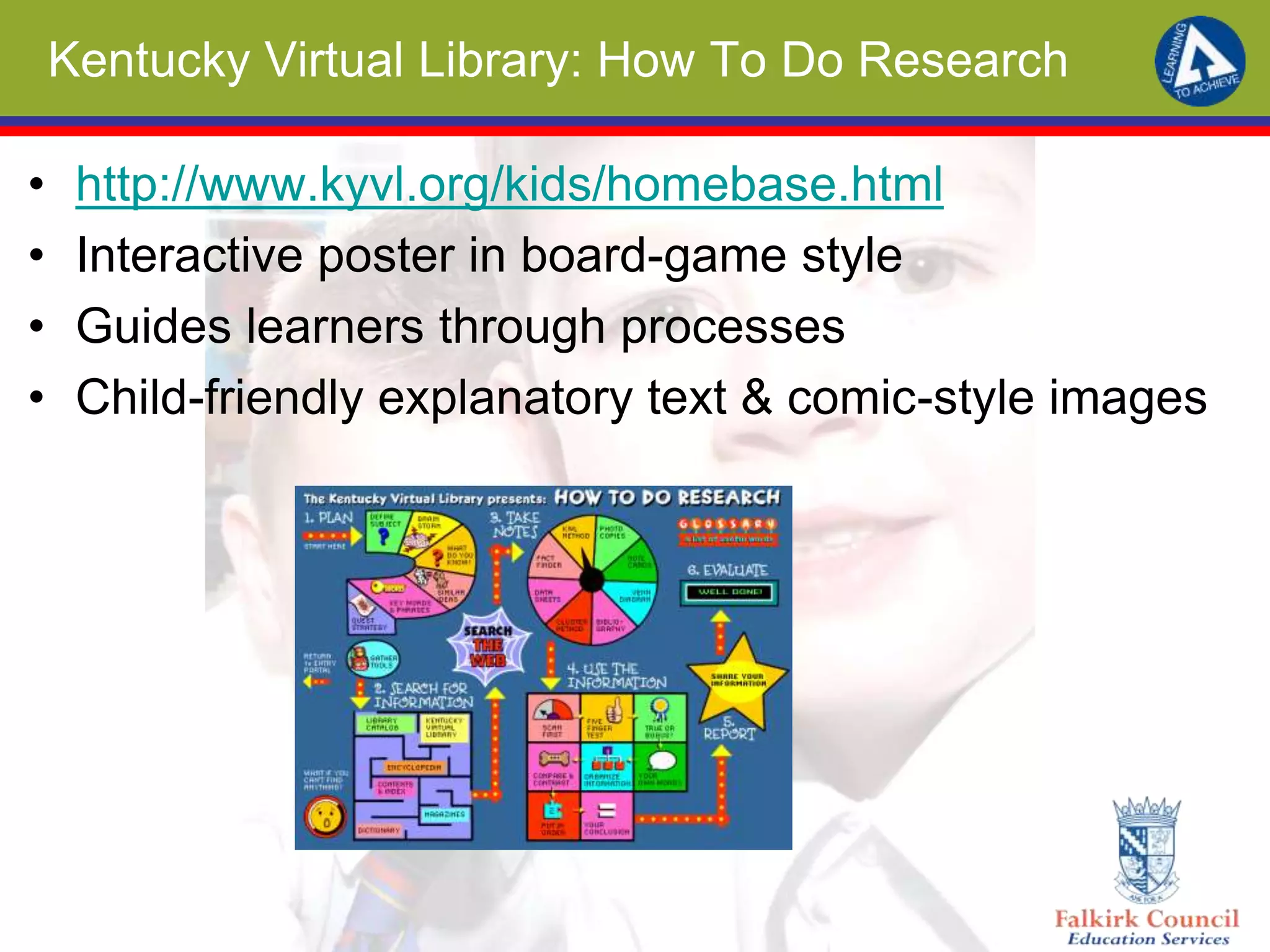
Kentucky Virtual Library: How To Do Research
• http://www.kyvl.org/kids/homebase.html
• Interactive poster in board-game style
• Guides learners through processes
• Child-friendly explanatory text & comic-style images
Common Sense Media Searching Resources
Hosts of age-specific & context related search tools &
advice as part of wider digital citizenship, e-safety &
digital literacy resource bank
Smart Online Search Tips (short video with tips)
https://www.commonsensemedia.org/videos/smart-online-search-tips
Kids’ Guide to Google Search:
https://www.commonsensemedia.org/blog/the-kids-guide-to-google-search
Responsible Search Strategies for Kids
https://www.commonsensemedia.org/blog/responsible-search-strategies-for-kids
A-B-C Searching (early level) lesson materials:
https://www.commonsensemedia.org/educators/lesson/a-b-c-searching-k-2
Choosing a Search Site (second level)
https://www.commonsensemedia.org/educators/lesson/choosing-search-site-4-5
Sites for Supporting Learners Search
• Help pupils find strategies to evaluate credibility of sites
• Finding Dulcinea (aimed at older pupils) comprehensive guides to
evaluating websites
• http://goo.gl/djHtQs
• Ergo – Teaching Research Skills from the State Library of Victoria,
Australia, is a guide for pupils to finding the information they need for a
school assignment
• http://goo.gl/eBfKtC
• All about Explorers – a site with spoof information connected with
webquests for pupils to help them be discerning in information they find
• http://allaboutexplorers.com/
• Save the Tree Octopus – spoof site designed to show pupils that no
matter how a site looks it an contain completely fictitious information
• http://zapatopi.net/treeoctopus/
Tips for teaching How to Research
• Kathleen Morris has provided a post detailing ten
steps to teaching better searching
• http://goo.gl/MSZTF
• Google Search Education – a series of lesson plans
divided into steps of researching for pupils (each at
different difficulty levels)
• http://www.google.com/insidesearch/searcheducatio
n/lessons.html
Google-Specific Resources
• Posters for display in learning areas
• http://goo.gl/dyQgde
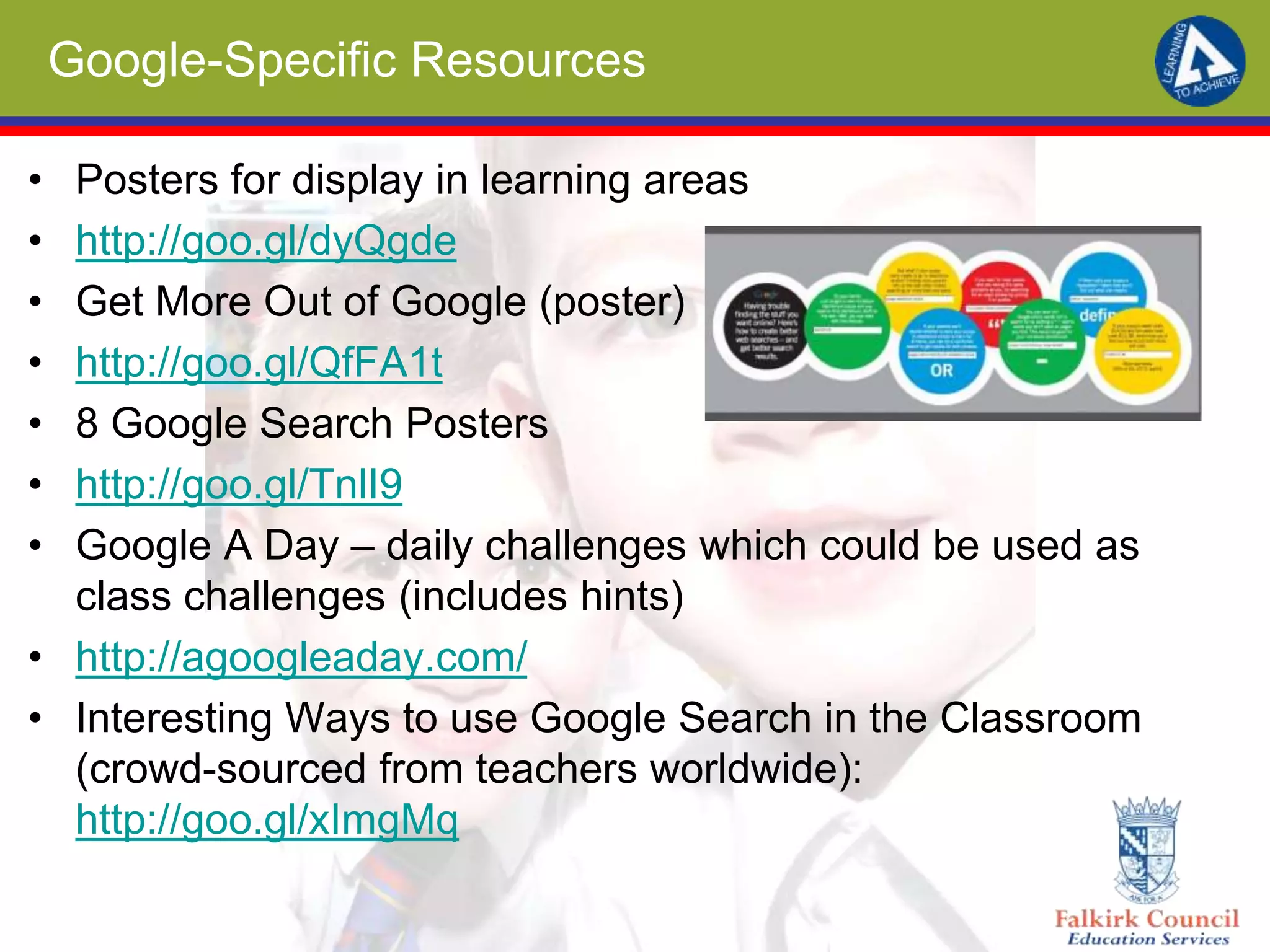
• Get More Out of Google (poster)
• http://goo.gl/QfFA1t
• 8 Google Search Posters
• http://goo.gl/TnlI9
• Google A Day – daily challenges which could be used as
class challenges (includes hints)
• http://agoogleaday.com/
• Interesting Ways to use Google Search in the Classroom
(crowd-sourced from teachers worldwide):
http://goo.gl/xImgMq
Collated Resources
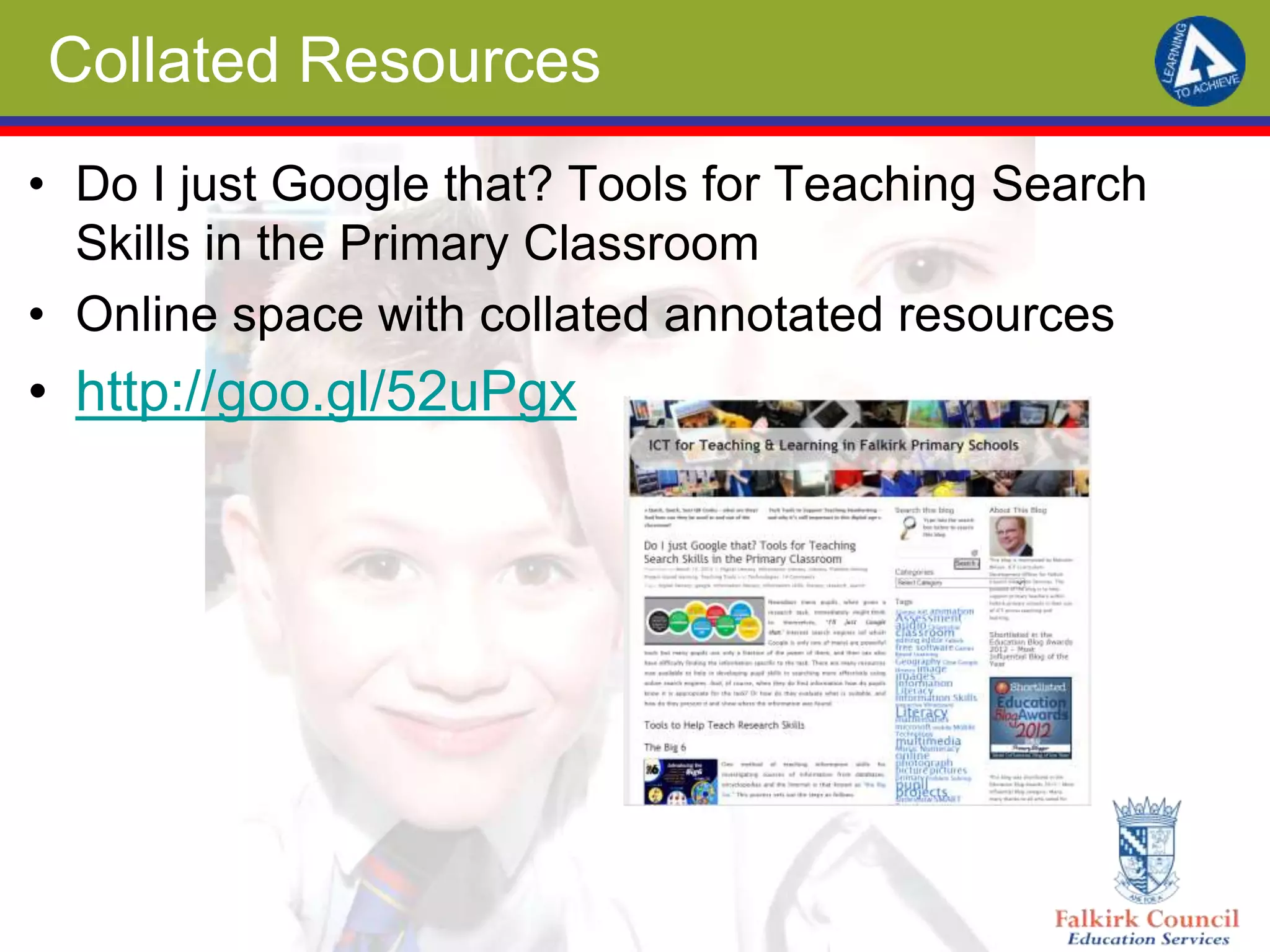
• Do I just Google that? Tools for Teaching Search
Skills in the Primary Classroom
• Online space with collated annotated resources
• http://goo.gl/52uPgx

Do I just Google that? Teaching search and research skills in the primary school

  • 1.
    Learning to Achieve DoI Just Google That? Teaching Search and Research Skills in the primary school Malcolm Wilson ICT Curriculum Development Officer Falkirk Council Education Services
  • 2.
    Learning Intention • Developingan understanding of the skills and knowledge to make more effective use of online search tools • Developing an awareness of resources available to help support learners in defining a task, developing information seeking strategies, and synthesising and presenting information
  • 3.
    Success Criteria • Ican identify steps a learner can take to make more effective use of online search tools • I can select from resources available online to help my learners in defining a task, developing information seeking strategies, and synthesising and presenting information
  • 4.
    Content • Guided overviewof a range of online tools which will help guide learners to make more effective use of online tools, to support pupils in being discerning in the information they find, and to support pupils in organising and presenting found information
  • 5.
    So what’s theissue? • Pupils given a research task might think to themselves, “I’ll just Google that.” • Google is only one of many search engines • Only fraction of facilities used by many users • Users can have difficulty finding the information specific to the task • Resources now available to help in developing pupil skills in searching more effectively – How do pupils know it is appropriate for the task? – How do they evaluate what is suitable? – How do they present it – How do they correctly attribute source
  • 6.
    TheBig 6 forKids • http://big6.com/pages/kids/grades-k-6.php • One method (with pupil prompts) for teaching information skills for investigating sources of information from any source • Process sets out steps as follows: 1. Define the task – what needs to be done? 2. Information Seeking Strategies – what resources can I use? 3. Location and Access – where can I find these resources? 4. Use of information – what can I use from these resources? 5. Synthesis – what can I make to finish the job? 6. Evaluation – how will I know I did my job well?
  • 7.
    Kentucky Virtual Library:How To Do Research • http://www.kyvl.org/kids/homebase.html • Interactive poster in board-game style • Guides learners through processes • Child-friendly explanatory text & comic-style images
  • 8.
    Common Sense MediaSearching Resources Hosts of age-specific & context related search tools & advice as part of wider digital citizenship, e-safety & digital literacy resource bank Smart Online Search Tips (short video with tips) https://www.commonsensemedia.org/videos/smart-online-search-tips Kids’ Guide to Google Search: https://www.commonsensemedia.org/blog/the-kids-guide-to-google-search Responsible Search Strategies for Kids https://www.commonsensemedia.org/blog/responsible-search-strategies-for-kids A-B-C Searching (early level) lesson materials: https://www.commonsensemedia.org/educators/lesson/a-b-c-searching-k-2 Choosing a Search Site (second level) https://www.commonsensemedia.org/educators/lesson/choosing-search-site-4-5
  • 9.
    Sites for SupportingLearners Search • Help pupils find strategies to evaluate credibility of sites • Finding Dulcinea (aimed at older pupils) comprehensive guides to evaluating websites • http://goo.gl/djHtQs • Ergo – Teaching Research Skills from the State Library of Victoria, Australia, is a guide for pupils to finding the information they need for a school assignment • http://goo.gl/eBfKtC • All about Explorers – a site with spoof information connected with webquests for pupils to help them be discerning in information they find • http://allaboutexplorers.com/ • Save the Tree Octopus – spoof site designed to show pupils that no matter how a site looks it an contain completely fictitious information • http://zapatopi.net/treeoctopus/
  • 10.
    Tips for teachingHow to Research • Kathleen Morris has provided a post detailing ten steps to teaching better searching • http://goo.gl/MSZTF • Google Search Education – a series of lesson plans divided into steps of researching for pupils (each at different difficulty levels) • http://www.google.com/insidesearch/searcheducatio n/lessons.html
  • 11.
    Google-Specific Resources • Postersfor display in learning areas • http://goo.gl/dyQgde • Get More Out of Google (poster) • http://goo.gl/QfFA1t • 8 Google Search Posters • http://goo.gl/TnlI9 • Google A Day – daily challenges which could be used as class challenges (includes hints) • http://agoogleaday.com/ • Interesting Ways to use Google Search in the Classroom (crowd-sourced from teachers worldwide): http://goo.gl/xImgMq
  • 12.
    Collated Resources • DoI just Google that? Tools for Teaching Search Skills in the Primary Classroom • Online space with collated annotated resources • http://goo.gl/52uPgx