Diversity and Inclusion Workshop -
Networking
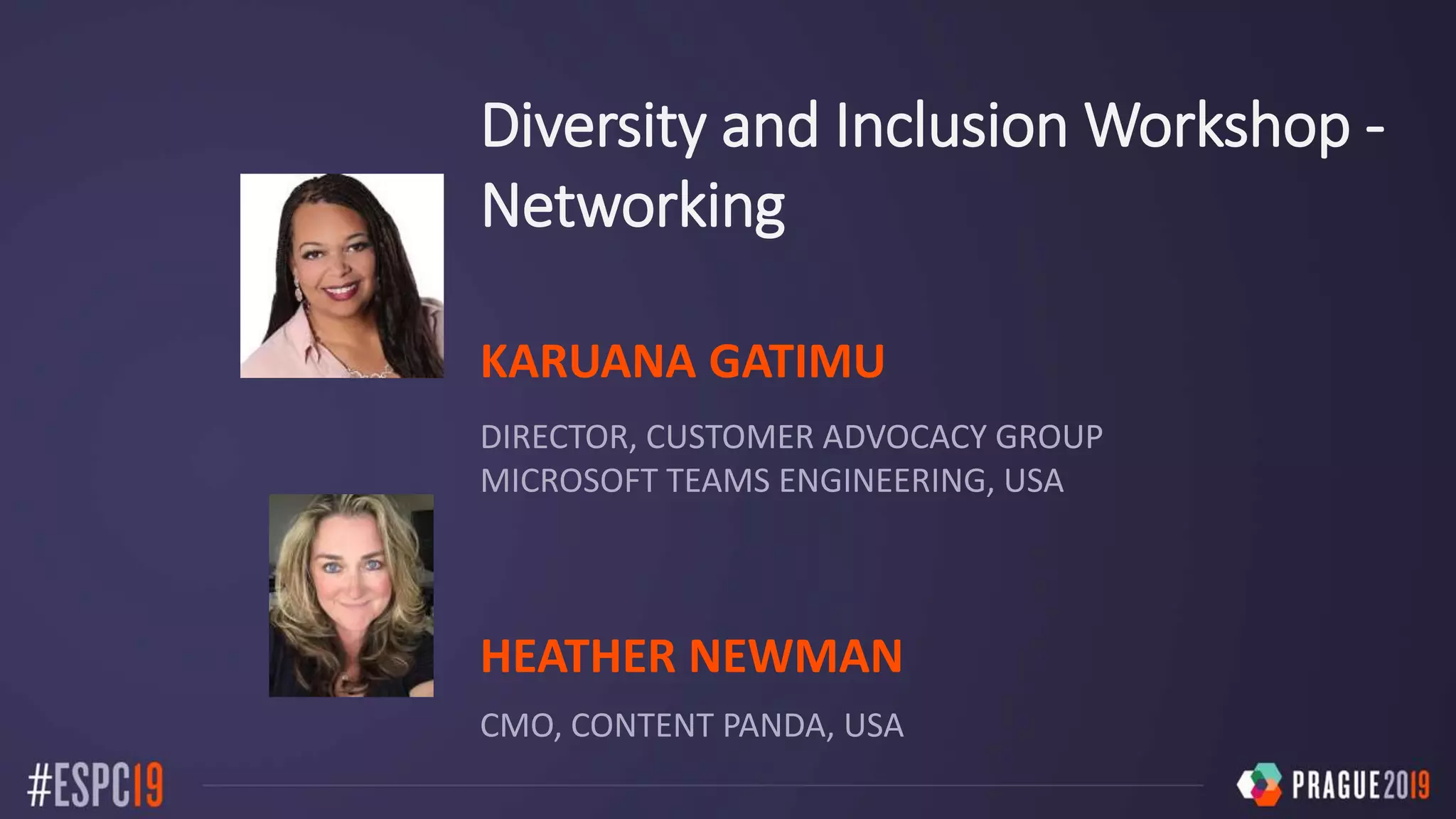
KARUANA GATIMU
DIRECTOR, CUSTOMER ADVOCACY GROUP
MICROSOFT TEAMS ENGINEERING, USA
HEATHER NEWMAN
CMO, CONTENT PANDA, USA
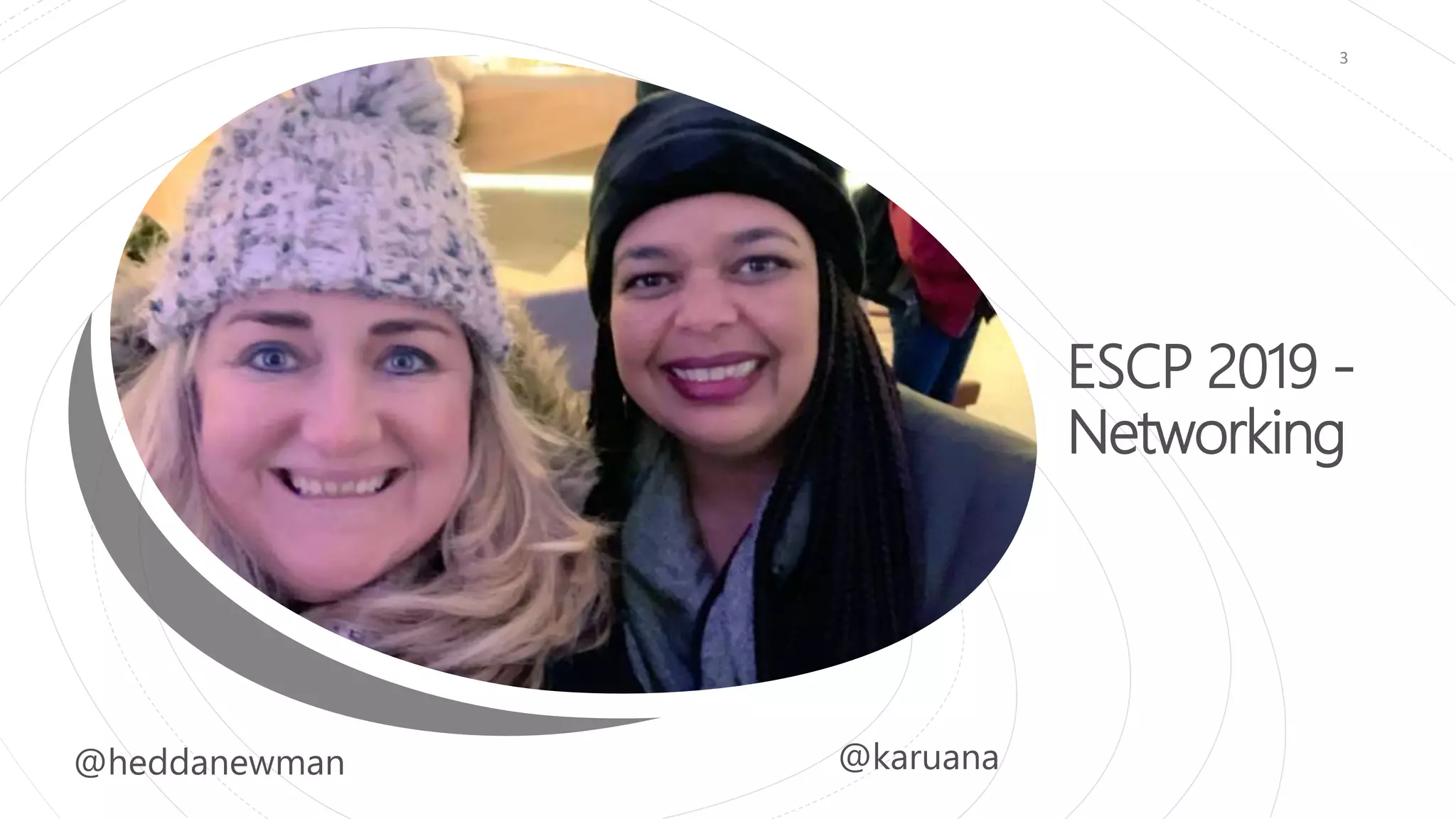
ESCP 2019 -
Networking
3
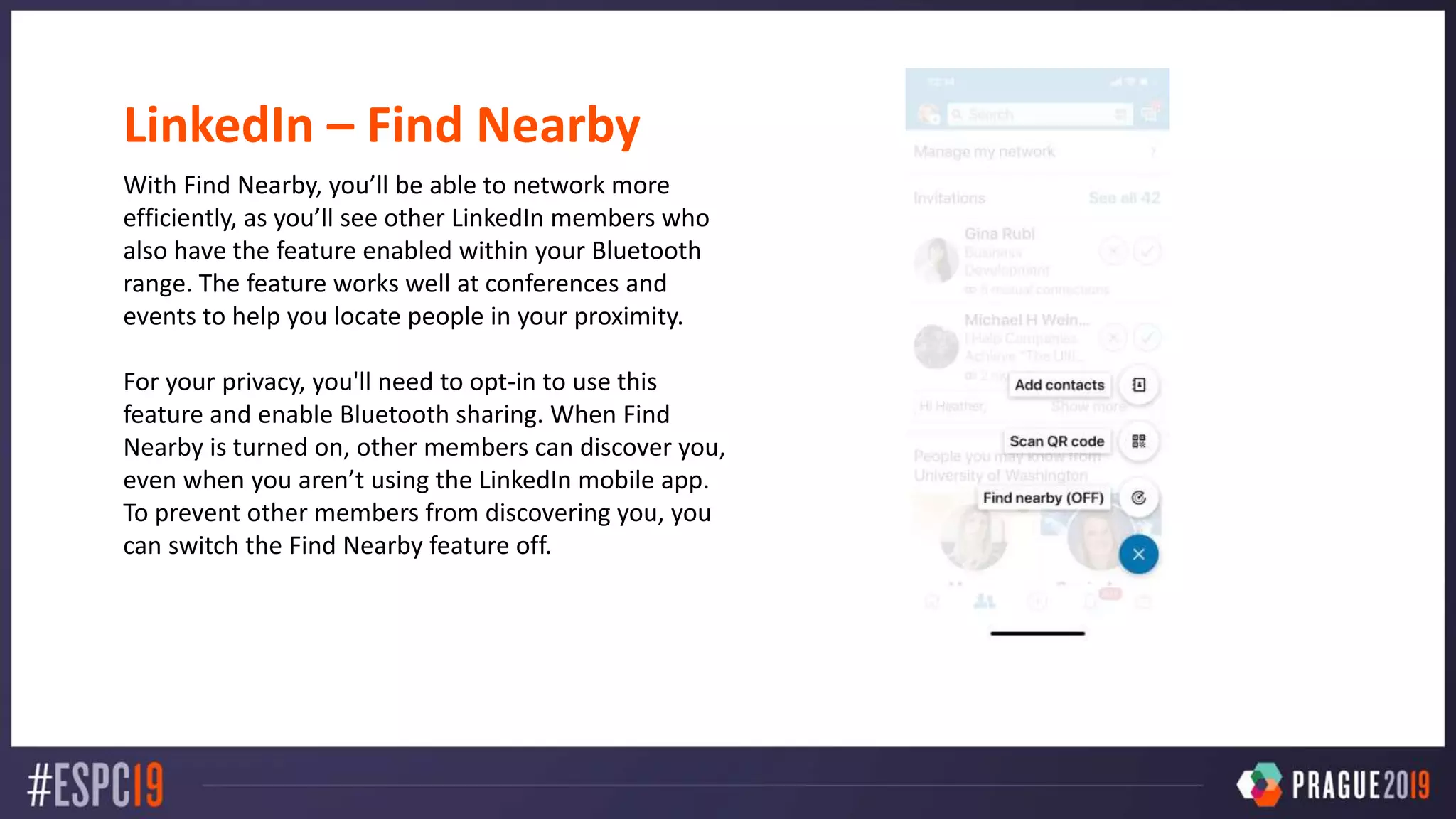
LinkedIn – Find Nearby
With Find Nearby, you’ll be able to network more
efficiently, as you’ll see other LinkedIn members who
also have the feature enabled within your Bluetooth
range. The feature works well at conferences and
events to help you locate people in your proximity.
For your privacy, you'll need to opt-in to use this
feature and enable Bluetooth sharing. When Find
Nearby is turned on, other members can discover you,
even when you aren’t using the LinkedIn mobile app.
To prevent other members from discovering you, you
can switch the Find Nearby feature off.
There is no “right” way to
network, there are many ways to
grow your community, reach
and connections that are
comfortable for you.
5
Connecting, learning, communicating and growing your reach
both inside and outside of your community.
6
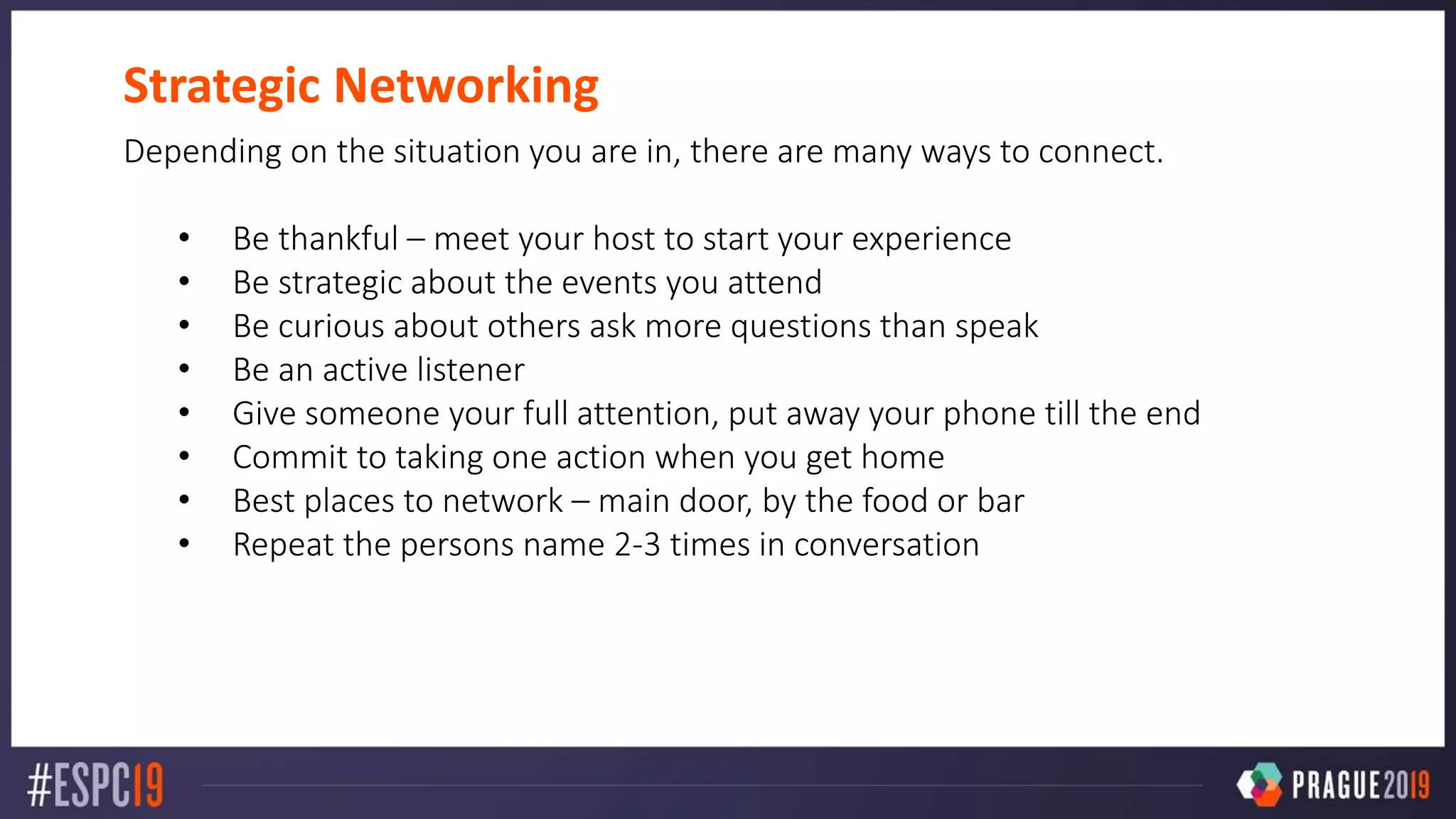
Strategic Networking
Depending on the situation you are in, there are many ways to connect.
• Be thankful – meet your host to start your experience
• Be strategic about the events you attend
• Be curious about others ask more questions than speak
• Be an active listener
• Give someone your full attention, put away your phone till the end
• Commit to taking one action when you get home
• Best places to network – main door, by the food or bar
• Repeat the persons name 2-3 times in conversation
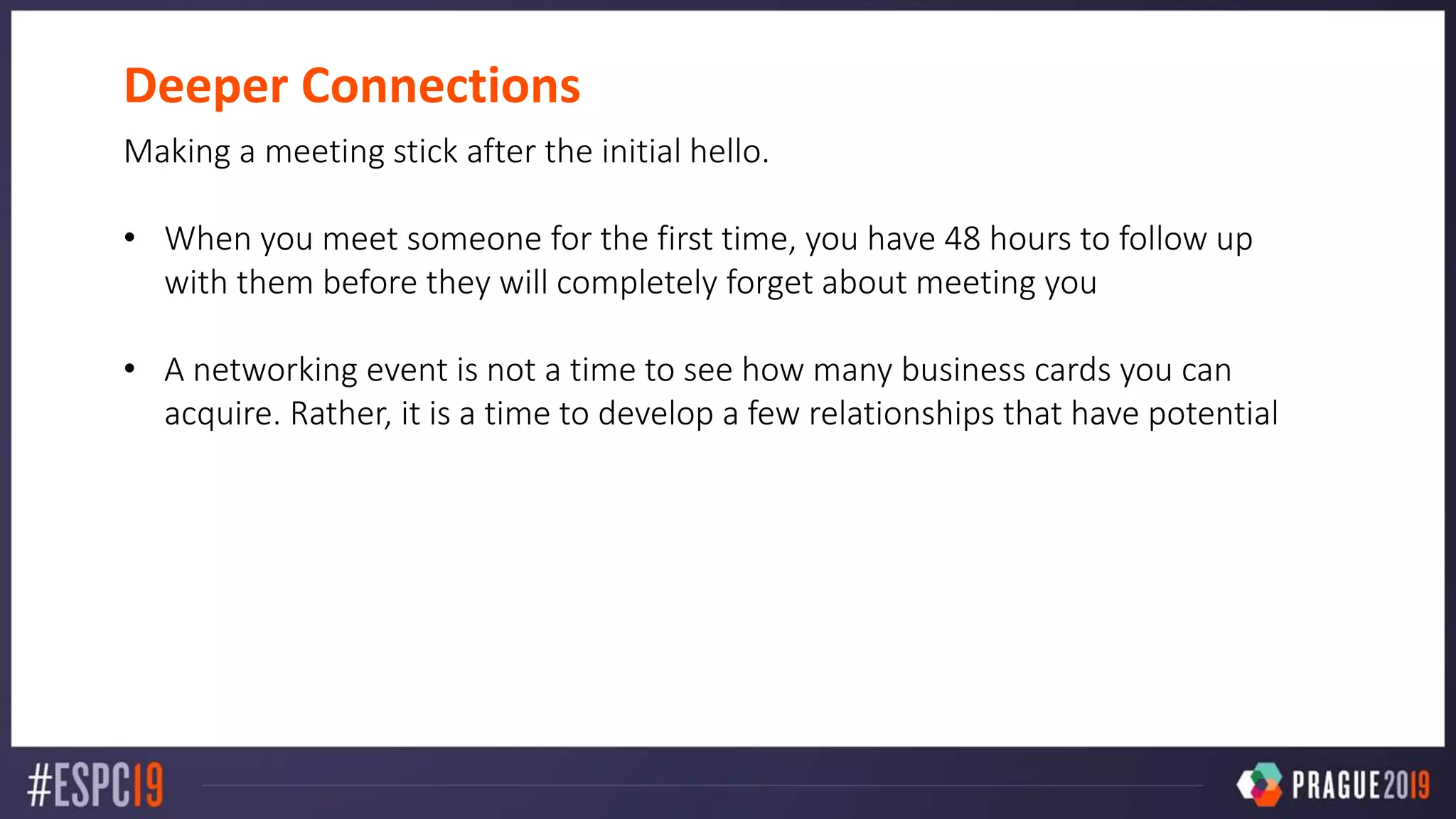
Deeper Connections
Making a meeting stick after the initial hello.
• When you meet someone for the first time, you have 48 hours to follow up
with them before they will completely forget about meeting you
• A networking event is not a time to see how many business cards you can
acquire. Rather, it is a time to develop a few relationships that have potential
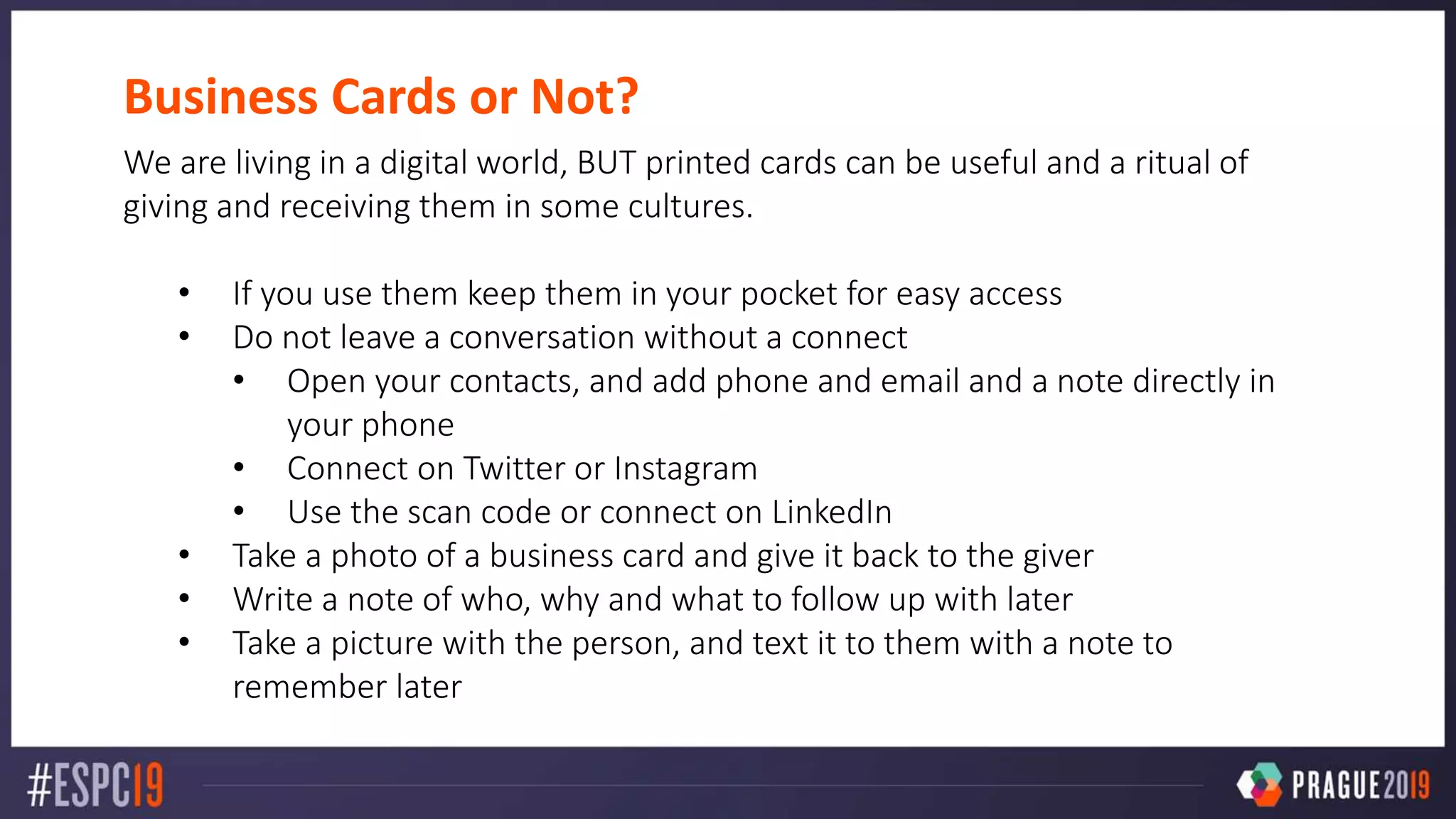
Business Cards or Not?
We are living in a digital world, BUT printed cards can be useful and a ritual of
giving and receiving them in some cultures.
• If you use them keep them in your pocket for easy access
• Do not leave a conversation without a connect
• Open your contacts, and add phone and email and a note directly in
your phone
• Connect on Twitter or Instagram
• Use the scan code or connect on LinkedIn
• Take a photo of a business card and give it back to the giver
• Write a note of who, why and what to follow up with later
• Take a picture with the person, and text it to them with a note to
remember later
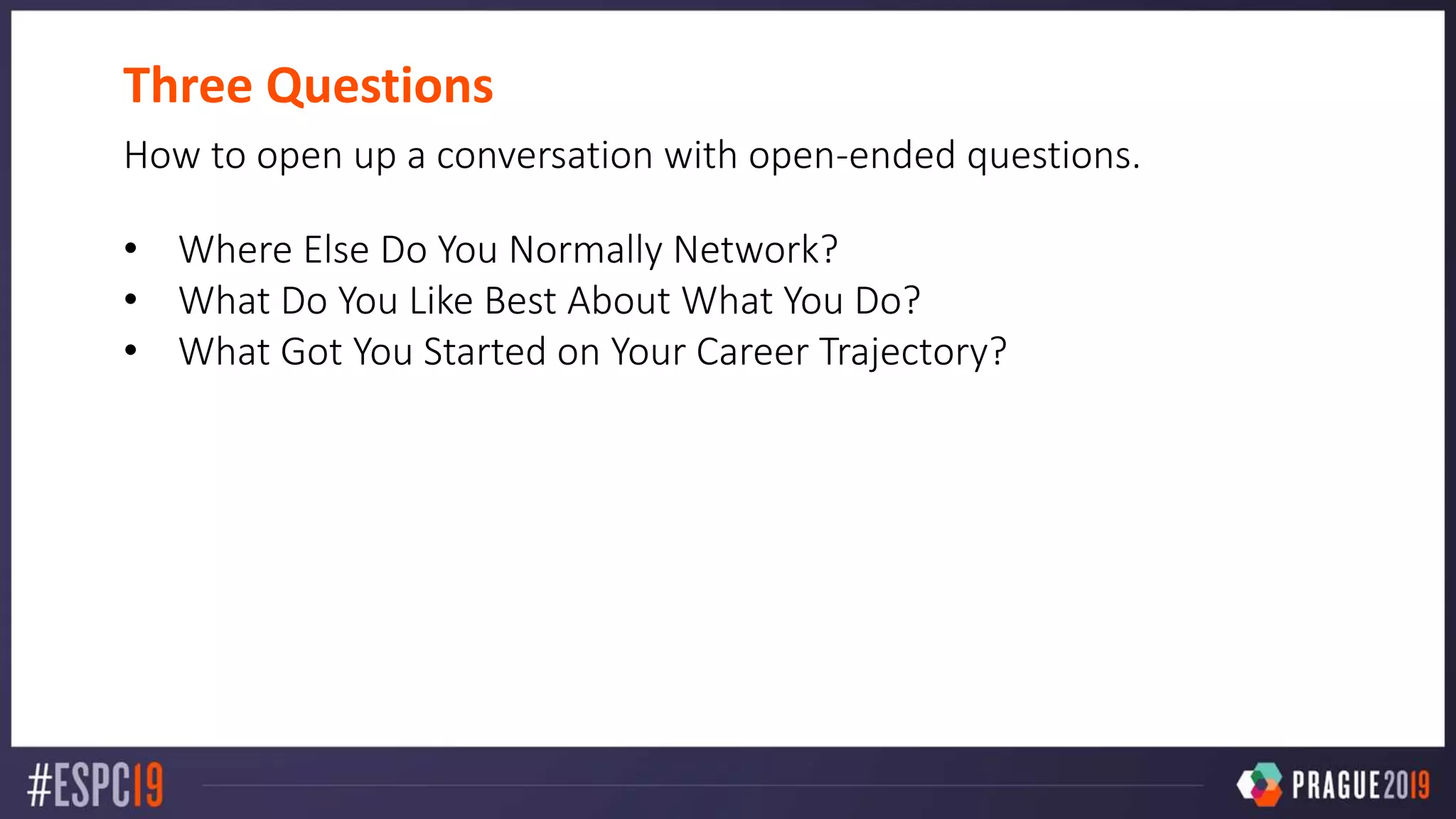
Three Questions
How to open up a conversation with open-ended questions.
• Where Else Do You Normally Network?
• What Do You Like Best About What You Do?
• What Got You Started on Your Career Trajectory?
Networking for Introverts
Everyone is different in how they approach networking and introverts handle
siuations differently than others.
• Balance the need for recharging with navigating in-person networking events
and social media
• The recipe is different for everyone
• Filter out noise, bring a friend, use social media to take a first step
See Sonia Cuff’s Microsoft Ignite Session: Networking for Introverts
https://myignite.techcommunity.microsoft.com/sessions/81710?source=sessions
Networking Tips
With a little preparation and planning you can learn to network at your speed
and with confidence.
• Toastmasters is a great organization to help with public speaking
• Concentrate on a few great conversations over quantity
• Follow-up quickly offering value or answers to someone that would like
your services or product
• Leverage your natural strengths, you don’t have to fake being an extrovert
to network well.
• Authenticity is everything
Diversity & Inclusion Networking Workshop - Heather Newman and Karuana Gatimu ESPC 2019

Diversity & Inclusion Networking Workshop - Heather Newman and Karuana Gatimu ESPC 2019

  • 2.
    Diversity and InclusionWorkshop - Networking KARUANA GATIMU DIRECTOR, CUSTOMER ADVOCACY GROUP MICROSOFT TEAMS ENGINEERING, USA HEATHER NEWMAN CMO, CONTENT PANDA, USA
  • 3.
  • 4.
    LinkedIn – FindNearby With Find Nearby, you’ll be able to network more efficiently, as you’ll see other LinkedIn members who also have the feature enabled within your Bluetooth range. The feature works well at conferences and events to help you locate people in your proximity. For your privacy, you'll need to opt-in to use this feature and enable Bluetooth sharing. When Find Nearby is turned on, other members can discover you, even when you aren’t using the LinkedIn mobile app. To prevent other members from discovering you, you can switch the Find Nearby feature off.
  • 5.
    There is no“right” way to network, there are many ways to grow your community, reach and connections that are comfortable for you. 5
  • 6.
    Connecting, learning, communicatingand growing your reach both inside and outside of your community. 6
  • 7.
    Strategic Networking Depending onthe situation you are in, there are many ways to connect. • Be thankful – meet your host to start your experience • Be strategic about the events you attend • Be curious about others ask more questions than speak • Be an active listener • Give someone your full attention, put away your phone till the end • Commit to taking one action when you get home • Best places to network – main door, by the food or bar • Repeat the persons name 2-3 times in conversation
  • 8.
    Deeper Connections Making ameeting stick after the initial hello. • When you meet someone for the first time, you have 48 hours to follow up with them before they will completely forget about meeting you • A networking event is not a time to see how many business cards you can acquire. Rather, it is a time to develop a few relationships that have potential
  • 9.
    Business Cards orNot? We are living in a digital world, BUT printed cards can be useful and a ritual of giving and receiving them in some cultures. • If you use them keep them in your pocket for easy access • Do not leave a conversation without a connect • Open your contacts, and add phone and email and a note directly in your phone • Connect on Twitter or Instagram • Use the scan code or connect on LinkedIn • Take a photo of a business card and give it back to the giver • Write a note of who, why and what to follow up with later • Take a picture with the person, and text it to them with a note to remember later
  • 10.
    Three Questions How toopen up a conversation with open-ended questions. • Where Else Do You Normally Network? • What Do You Like Best About What You Do? • What Got You Started on Your Career Trajectory?
  • 11.
    Networking for Introverts Everyoneis different in how they approach networking and introverts handle siuations differently than others. • Balance the need for recharging with navigating in-person networking events and social media • The recipe is different for everyone • Filter out noise, bring a friend, use social media to take a first step See Sonia Cuff’s Microsoft Ignite Session: Networking for Introverts https://myignite.techcommunity.microsoft.com/sessions/81710?source=sessions
  • 12.
    Networking Tips With alittle preparation and planning you can learn to network at your speed and with confidence. • Toastmasters is a great organization to help with public speaking • Concentrate on a few great conversations over quantity • Follow-up quickly offering value or answers to someone that would like your services or product • Leverage your natural strengths, you don’t have to fake being an extrovert to network well. • Authenticity is everything

Editor's Notes

  • #2 This is the Pre-Title Screen. Please do not place any content on this screen.
  • #3 To add your image, first delete the place holder image as shown in the white box. Then insert your picture and scale it to be bigger than the size of the white box shown. Finally, right click on your image and select ‘Send to back’ – your image should now be framed correctly.
  • #5 To add your image, first delete the place holder image as shown in the white box. Then insert your picture and scale it to be bigger than the size of the white box shown. Finally, right click on your image and select ‘Send to back’ – your image should now be framed correctly.
  • #8 To add your image, first delete the place holder image as shown in the white box. Then insert your picture and scale it to be bigger than the size of the white box shown. Finally, right click on your image and select ‘Send to back’ – your image should now be framed correctly.
  • #9 To add your image, first delete the place holder image as shown in the white box. Then insert your picture and scale it to be bigger than the size of the white box shown. Finally, right click on your image and select ‘Send to back’ – your image should now be framed correctly.
  • #10 Legitmacy, Always available, not everyone has a Smartphone, culturally appropriate, marketing/brand
  • #11 To add your image, first delete the place holder image as shown in the white box. Then insert your picture and scale it to be bigger than the size of the white box shown. Finally, right click on your image and select ‘Send to back’ – your image should now be framed correctly.
  • #12 To add your image, first delete the place holder image as shown in the white box. Then insert your picture and scale it to be bigger than the size of the white box shown. Finally, right click on your image and select ‘Send to back’ – your image should now be framed correctly.
  • #13 To add your image, first delete the place holder image as shown in the white box. Then insert your picture and scale it to be bigger than the size of the white box shown. Finally, right click on your image and select ‘Send to back’ – your image should now be framed correctly.
  • #14 To add your image, first delete the place holder image as shown in the white box. Then insert your picture and scale it to be bigger than the size of the white box shown. Finally, right click on your image and select ‘Send to back’ – your image should now be framed correctly.